





How to Add Bots to Custom Games In Dead by Daylight
How to Add Bots to Custom Games in Dead by Daylight
Custom games in Dead by Daylight are a great way to practice your strategies and enjoy the game at your own pace. One of the most useful features is the ability to add bots to fill out your game roster. This guide will walk you through the simple steps needed to add bots to your custom games, whether you’re playing as a killer or survivor.
Getting Started with Custom Games
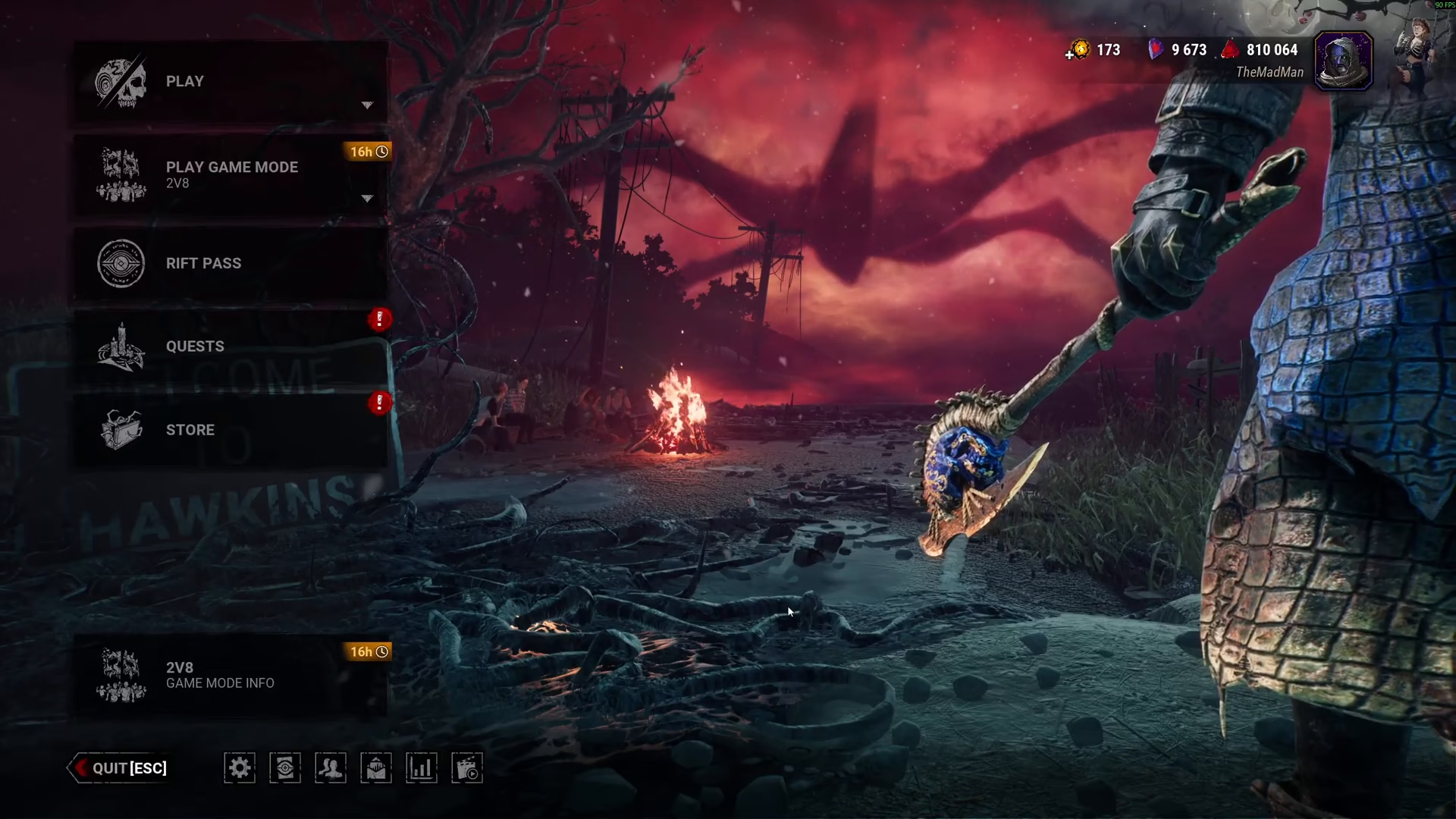
To begin adding bots to your custom game, navigate to the main menu and click on Play. From there, select Custom from the available options.
Adding Bots as the Killer
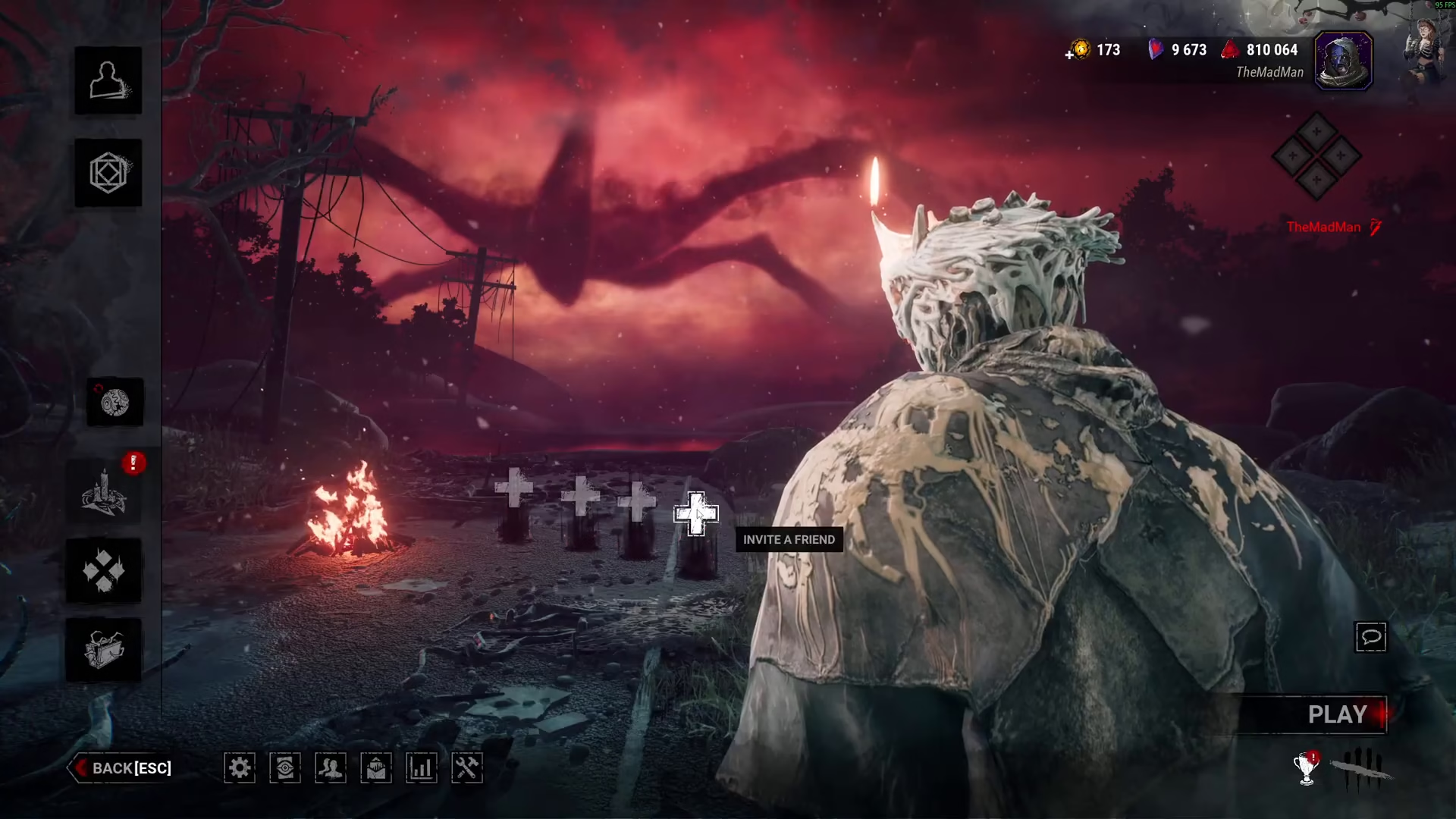
When you start a custom game, you will always begin as the killer. Once you enter the setup screen, you’ll be greeted with 4 plus icons. These icons allow you to add players to fill the survivor slots.
For each plus icon, you have two options: you can add a friend, or you can click on it and add a bot instead. You can repeat this process as many times as you’d like until you’ve filled out your entire roster with the combination of friends and bots that suits your needs.
Limitations When Playing as Survivor
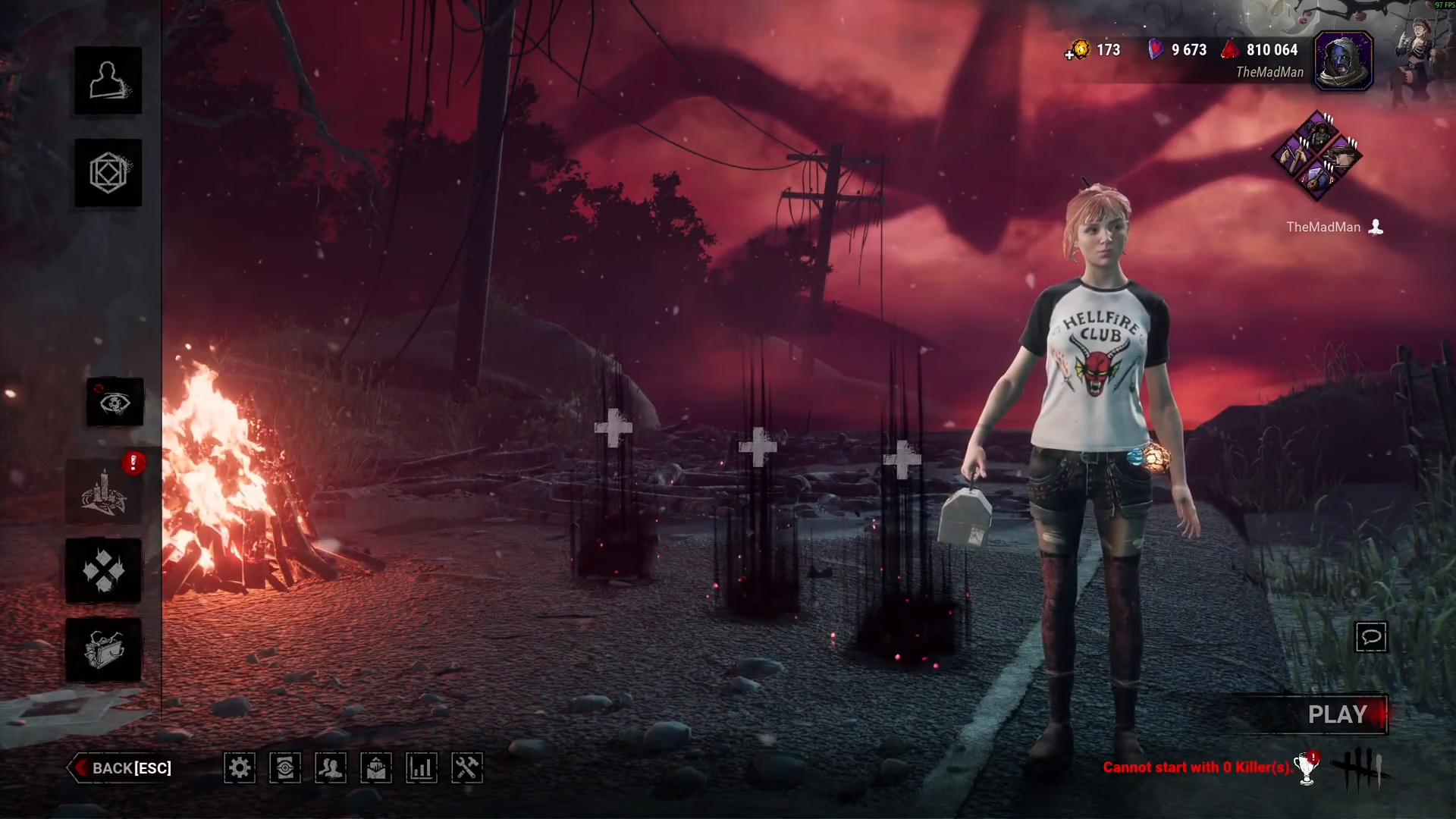
It’s important to note a current limitation in Dead by Daylight’s custom game system. If you switch to play as a survivor instead of the killer, there is currently no way to add a bot that plays as the killer. You can only add survivor bots and must play as the killer yourself.
Summary
Adding bots to custom games in Dead by Daylight is straightforward when playing as the killer. Simply navigate to Play > Custom, and use the plus icons to add bots to fill out your survivor roster. Remember that this feature is currently only available when you’re playing as the killer, not as a survivor.
— Want to Support? —
If you would like to help us continue making these guides – please consider joining our patreon here – https://www.patreon.com/c/JaviHeals
Alternatively – you can join our discord here – https://discord.gg/zD7Gjt6MHF

