





How to Add Friends In Dead by Daylight
How to Add Friends In Dead by Daylight
Adding friends to your Dead by Daylight lobbies is essential for enjoying multiplayer matches together. Whether you’re playing standard Survivor mode or participating in special game modes like 2v8, the process is straightforward once you know where to look. This guide will walk you through both methods so you can start gaming with your friends in no time.
Adding Friends in Standard Survivor Mode
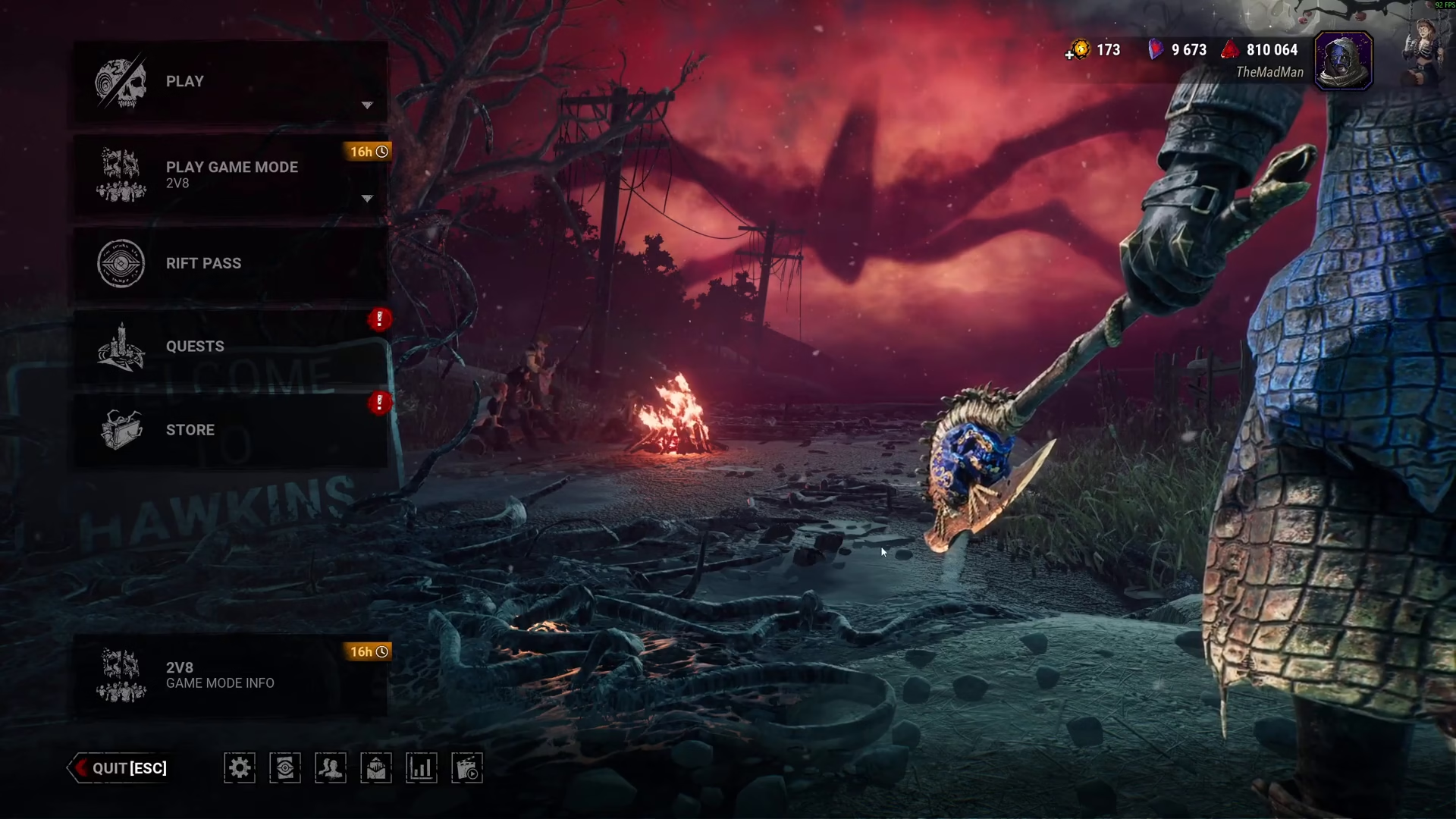
To add friends during regular Survivor gameplay, start by navigating to the Play menu. From there, select Survivor to access the lobby screen.
Once you’re in the Survivor lobby, you’ll notice three plus icons displayed on the screen. Click on any of these plus icons to open your friends list.
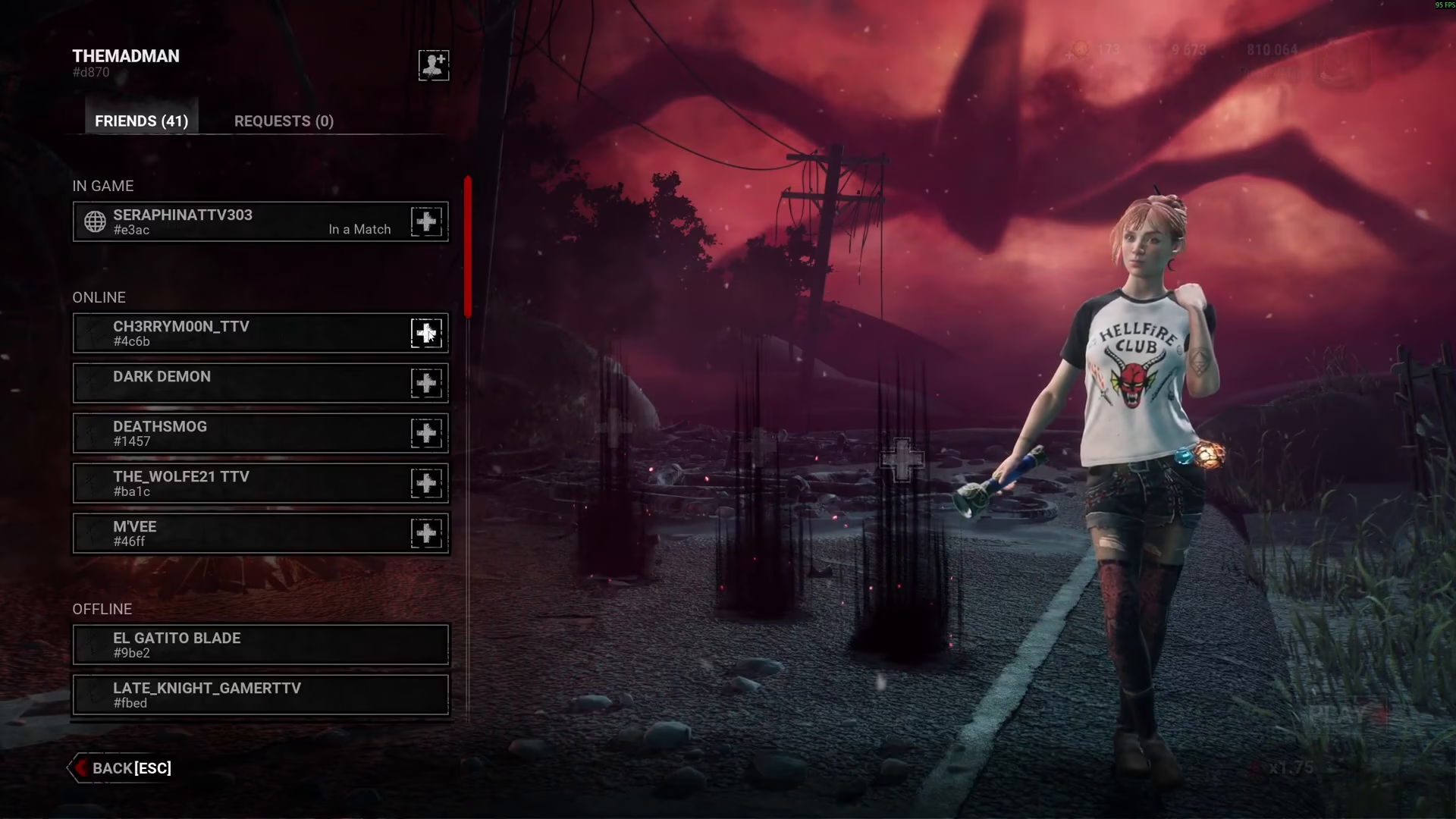
After your friends list appears, locate and click the plus icon next to your friend’s name to send them a lobby invitation.
Adding Friends in Special Game Modes (2v8)
Dead by Daylight regularly features unique limited-time game modes, with 2v8 being a particularly popular option that rotates periodically.
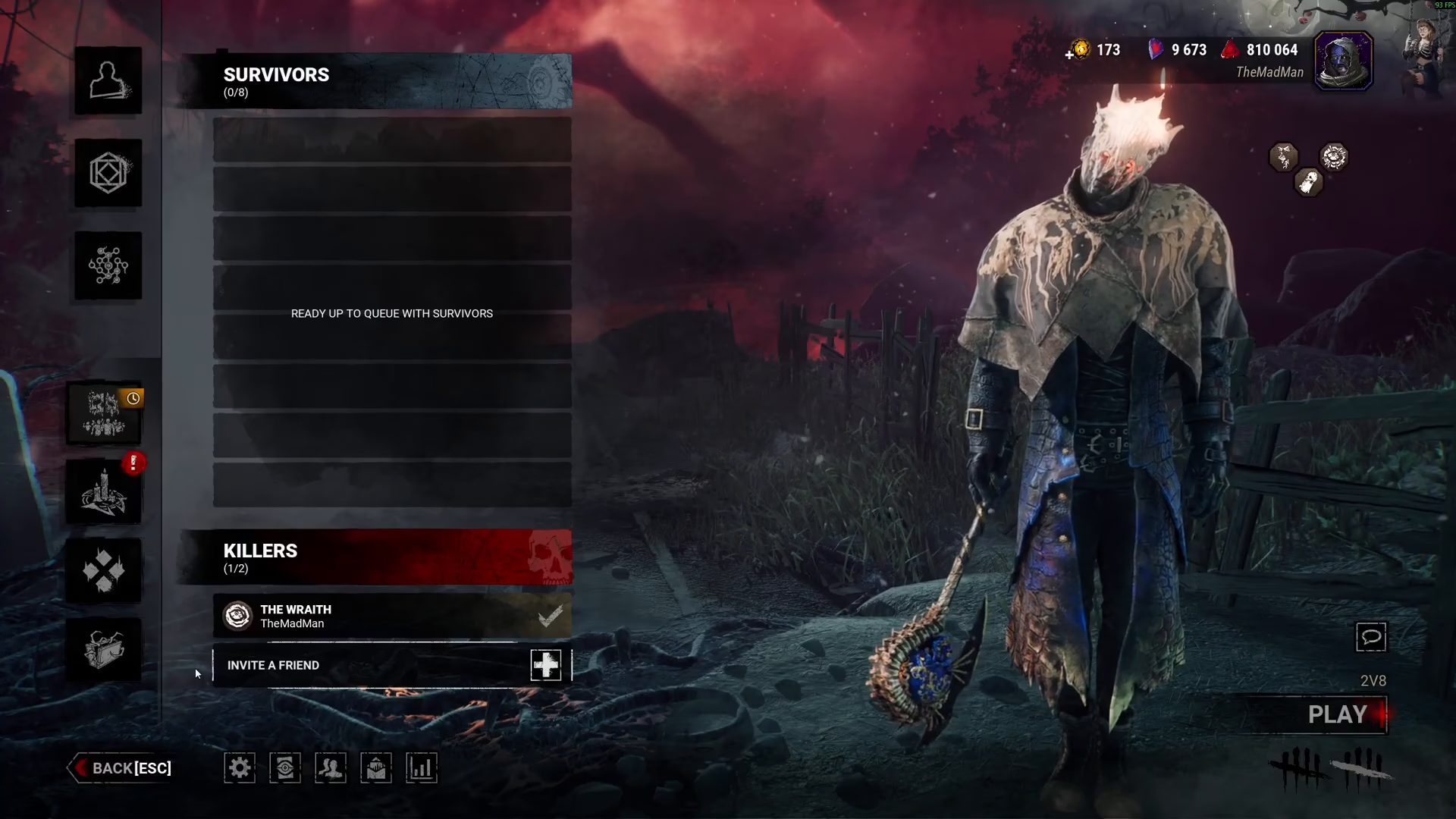
The process for adding friends in these special modes is nearly identical to standard play, with one key difference: you can invite both Killers and Survivors to your lobby. This makes 2v8 matches especially versatile for group play.
To add friends in 2v8 mode, navigate to your tabs and locate the “Invite Friend” option. Click the plus button next to this option to access your friends list.
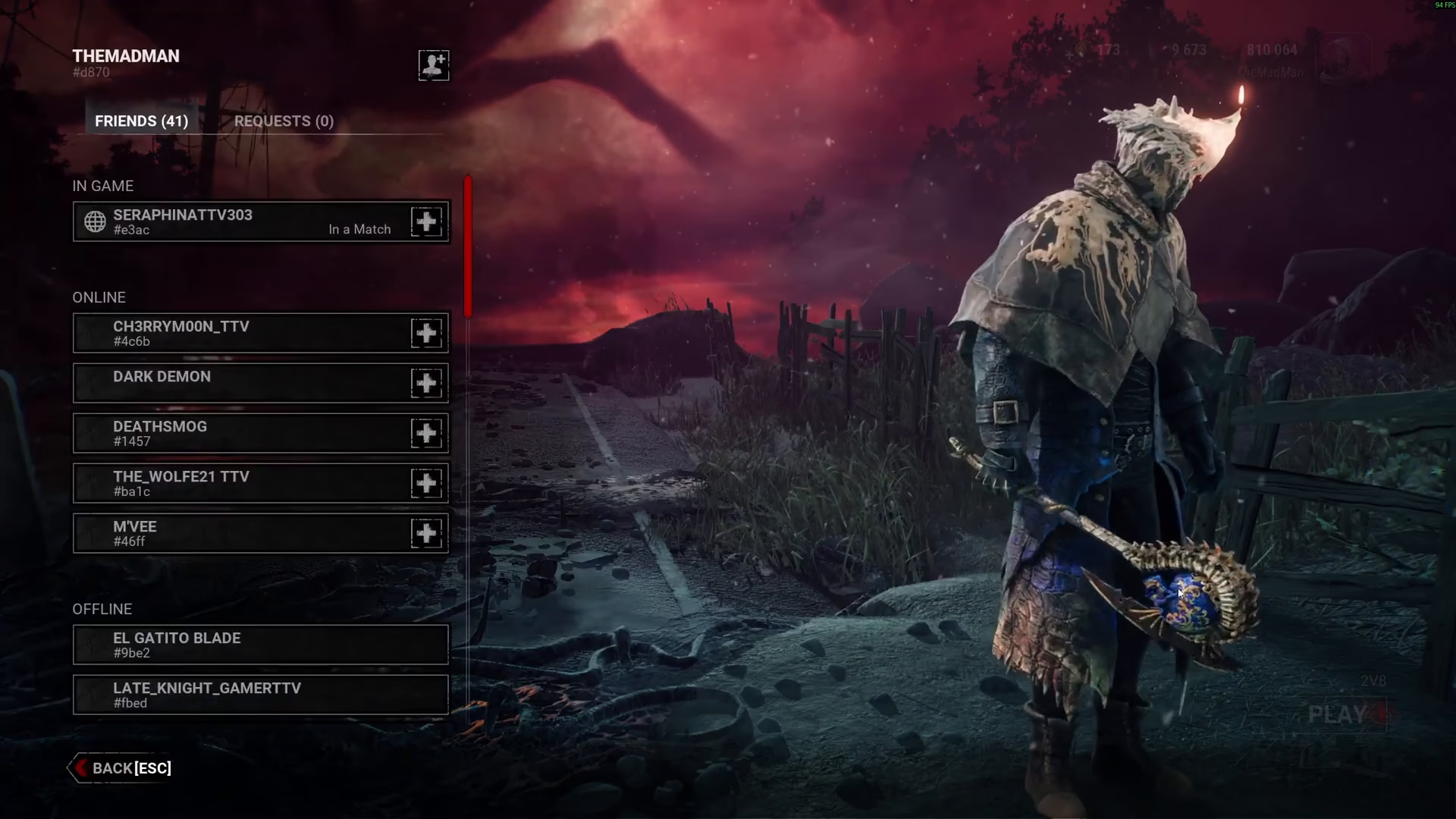
Your friends list will now be displayed. Click the plus button next to any friend’s name to invite them to your 2v8 lobby, whether they’ll be playing as a Killer or Survivor.
Summary
Adding friends in Dead by Daylight is easy once you know the steps. In standard Survivor mode, use the three plus icons in the lobby. For special game modes like 2v8, access the “Invite Friend” tab and click the plus button. Both methods open your friends list, where you can quickly send invitations to get your group together for an exciting match.
— Want to Support? —
If you would like to help us continue making these guides – please consider joining our patreon here – https://www.patreon.com/c/JaviHeals
Alternatively – you can join our discord here – https://discord.gg/zD7Gjt6MHF

