





How To Add Cross-Platform Friends In Phasmophobia
How To Add Cross-Platform Friends In Phasmophobia
Phasmophobia is a great cooperative ghost-hunting game, but cross-platform friend management works differently than on single-platform games. If you’re trying to team up with friends on different platforms—like PS5 or Xbox—you’ll need to use a different method than the traditional friends list. This guide walks you through the exact steps to play with cross-platform players in Phasmophobia.
Understanding Cross-Platform Limitations
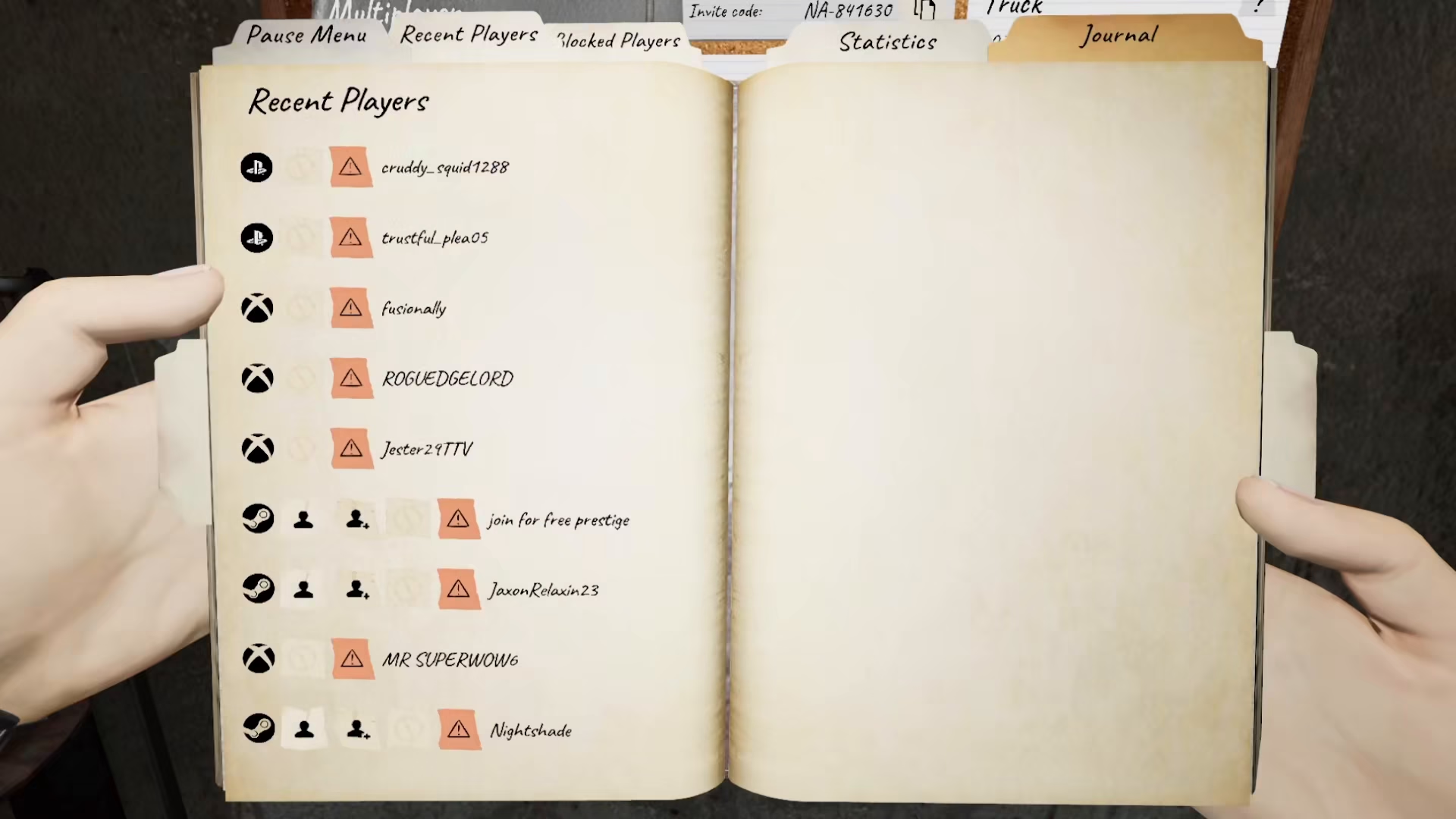
Unlike many modern games, you cannot directly add cross-platform friends to your Phasmophobia friends list. This means if your friend is playing on PS5 or Xbox while you’re on PC (or any other platform combination), the standard friends list feature won’t work for connecting you.
How To Play With Cross-Platform Friends
Option 1: Private Lobby Invite Code
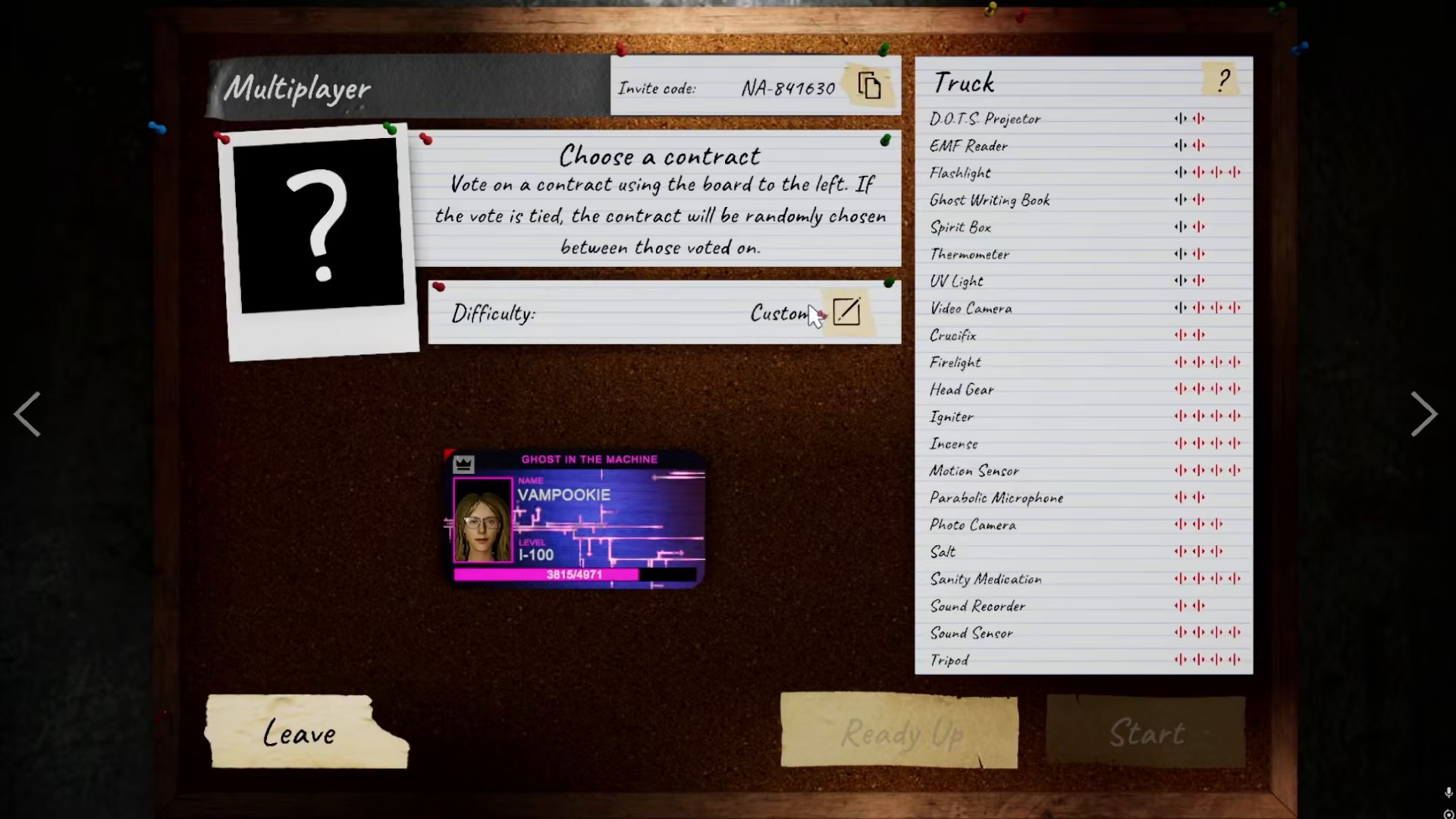
The most reliable way to play with cross-platform friends is to create a private lobby and share the invite code. Here’s how it works:
Create a private lobby in Phasmophobia
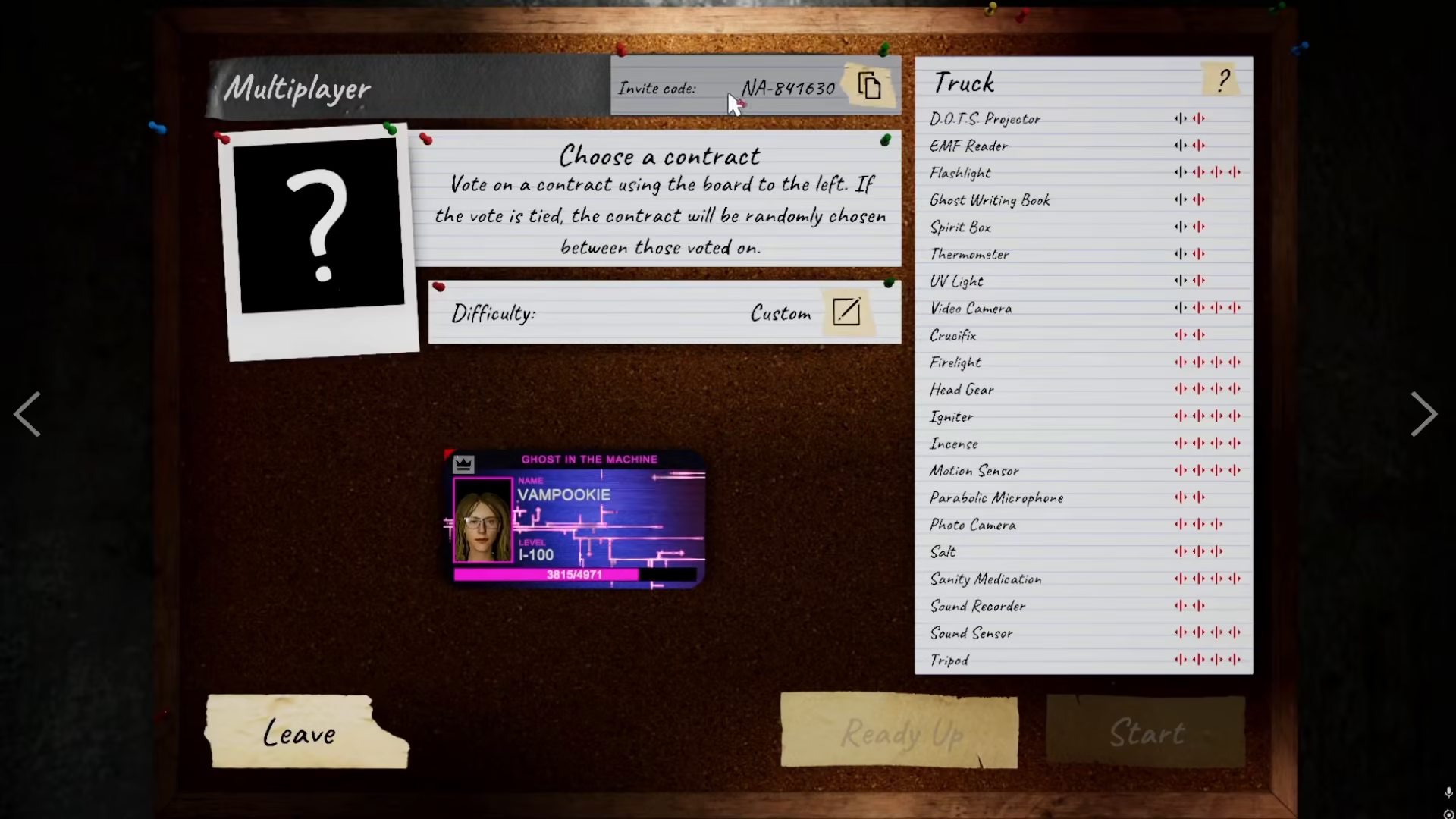
Generate the invite code for that lobby
Share the invite code with your cross-platform friend through Discord, messaging, or any communication platform
Your friend can then enter the code to join your private lobby
Option 2: Public Lobby
Alternatively, you can create a public lobby and have your cross-platform friend join using your player name. While this is simpler in theory, it’s less reliable since they’ll need to search for your specific name among potentially many players. The private lobby method with an invite code is the recommended approach for guaranteed connection.
Important Notes
Remember that the in-game friends list in Phasmophobia only allows you to add friends from the same platform. You cannot use this feature for cross-platform connections. The lobby-based system is the intended workaround for playing with players on different platforms.
Summary
Adding cross-platform friends in Phasmophobia requires using lobby invite codes or public lobbies rather than the traditional friends list. Create a private lobby, share the invite code with your friend on another platform, and they can join from there. This is the only way to ensure smooth cross-platform gameplay in Phasmophobia.
Want to Support?
If you would like to help us continue making these guides – please consider joining our patreon here – https://www.patreon.com/c/JaviHeals
Alternatively – you can join our discord here – https://discord.gg/zD7Gjt6MHF



