





How To Add Friends In Phasmophobia
How To Add Friends In Phasmophobia
Adding friends in Phasmophobia is a straightforward process that can be done directly within the game. Whether you want to add Steam players you’ve recently encountered or invite friends through lobby codes, this guide will walk you through every method available.
Adding Friends Through Recent Players
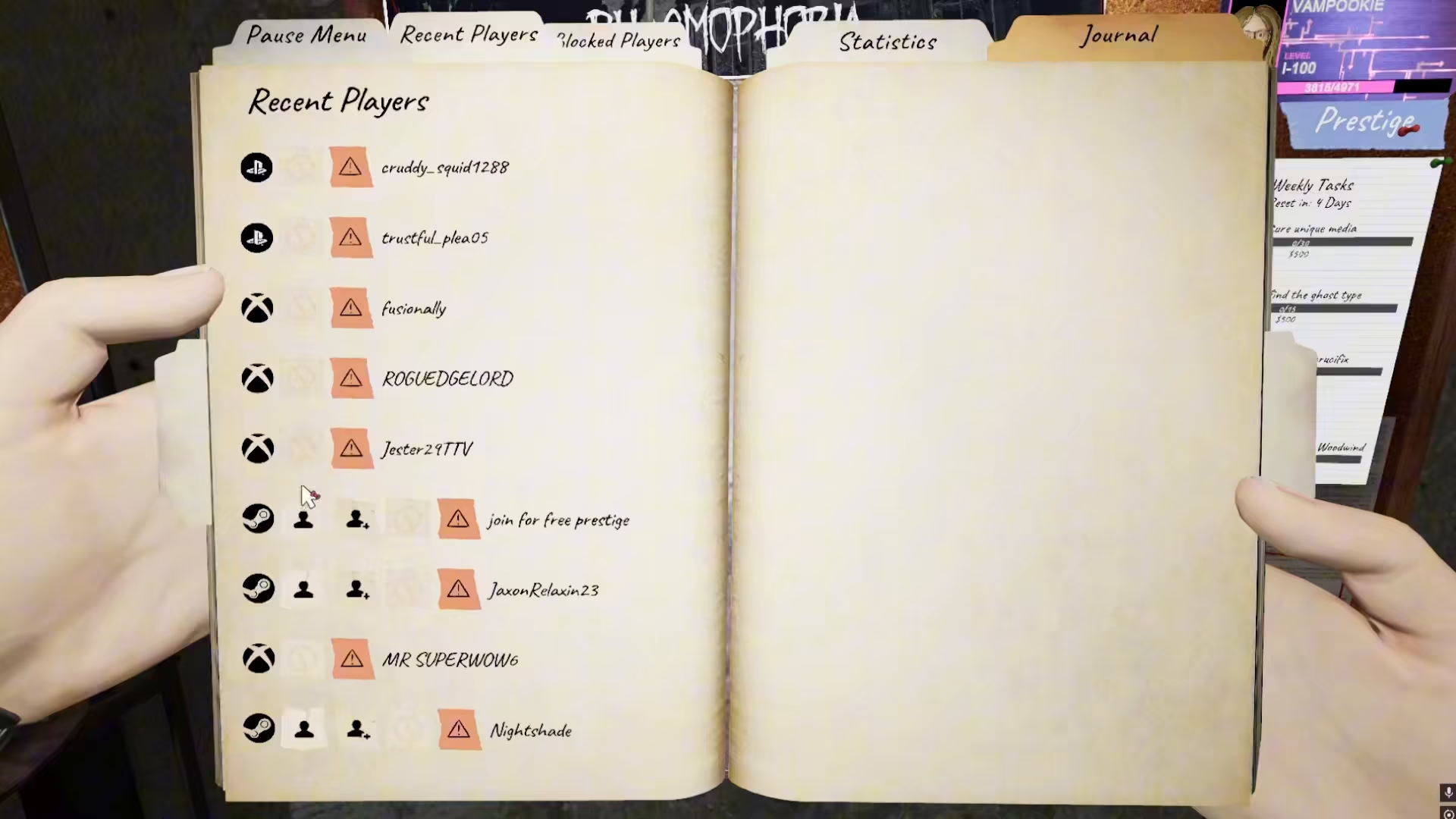
The easiest way to add friends in Phasmophobia is through the Recent Players feature. Start by navigating to your settings menu.
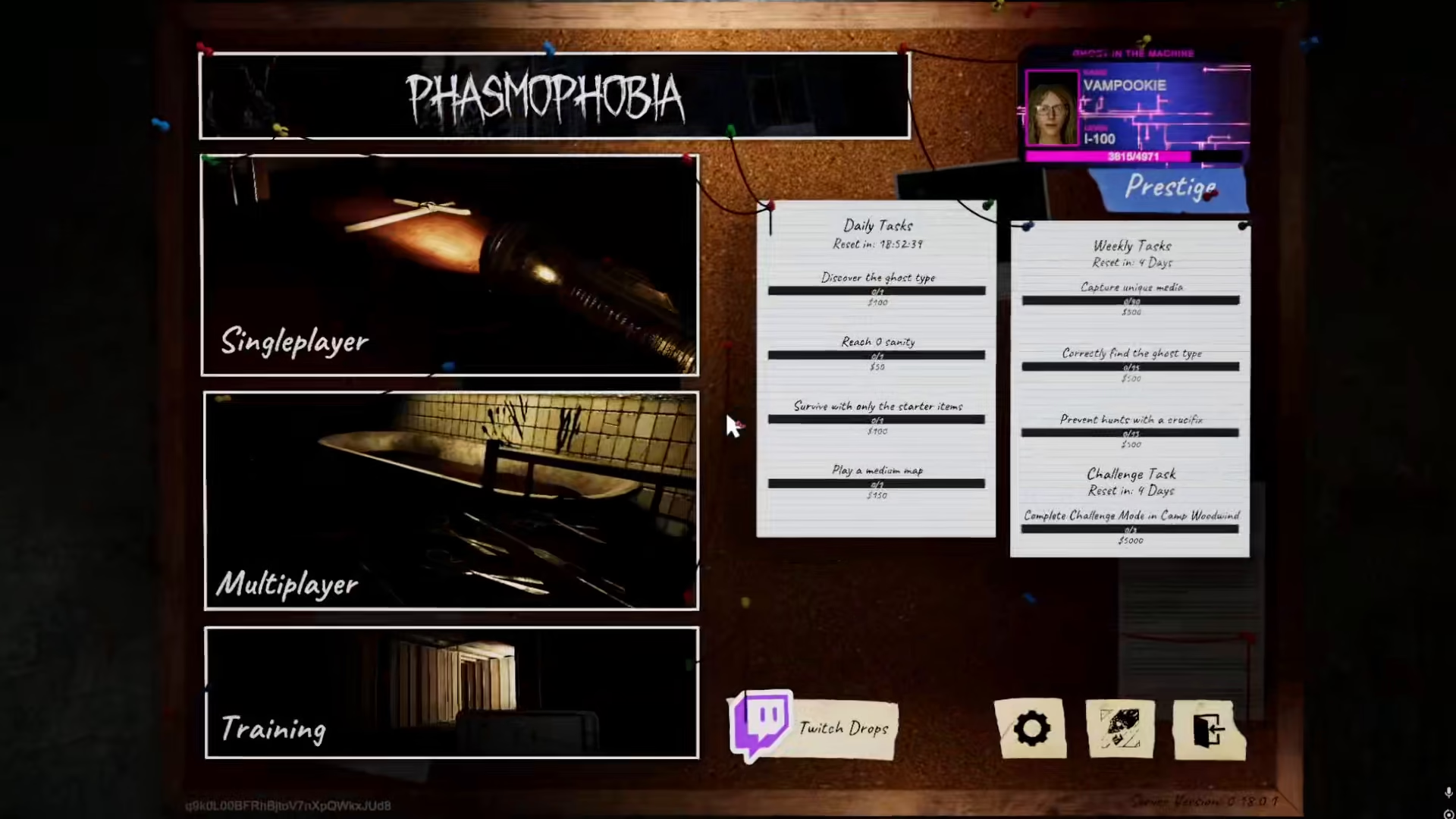
Once you’re in the settings, look for the “Recent Players” option. This menu displays all the Steam players you’ve recently played with during your ghost hunts.
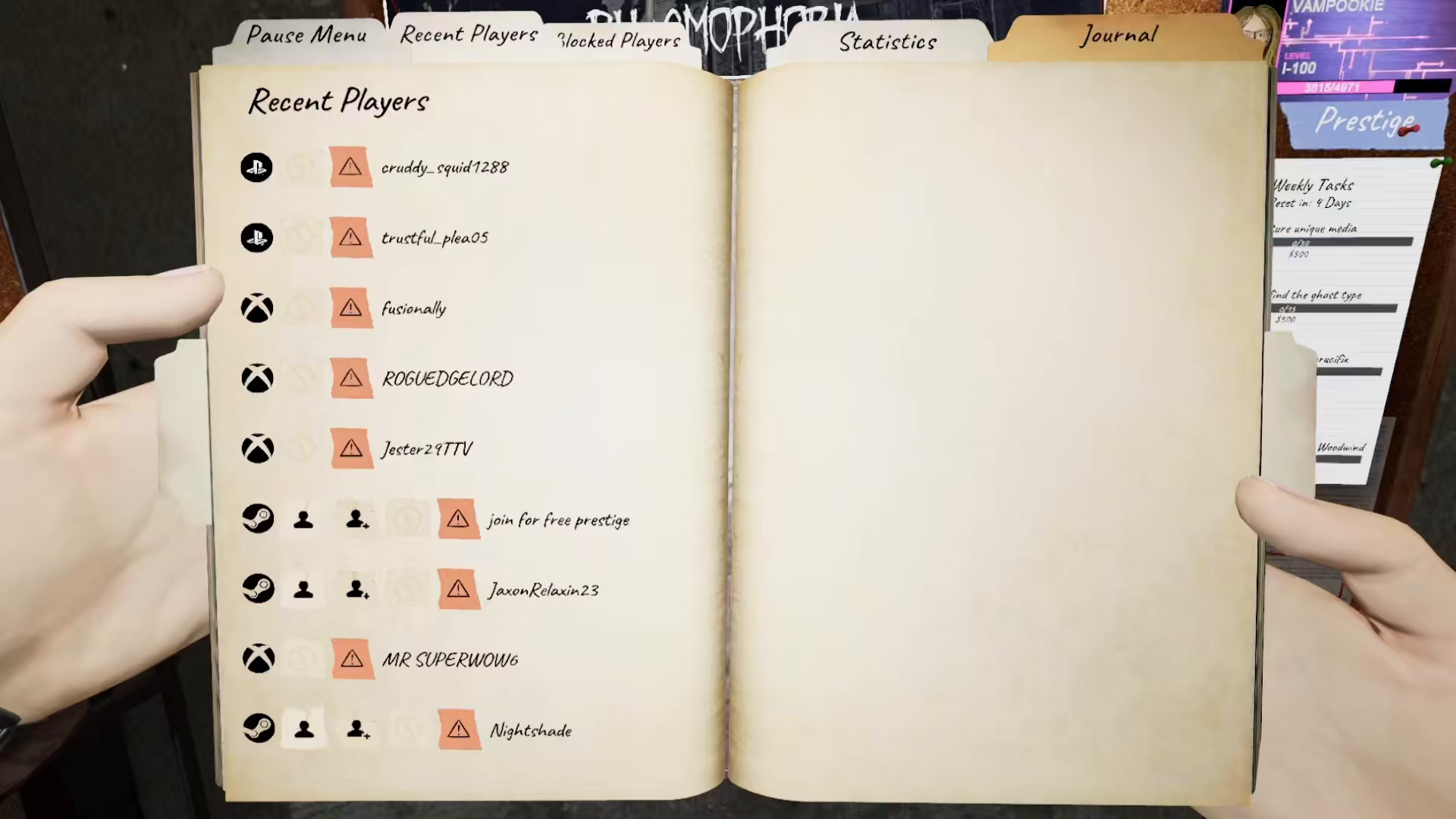
From this menu, you can add Steam players directly. Simply select the player you want to add and confirm the friend request.
Adding Friends Through Steam
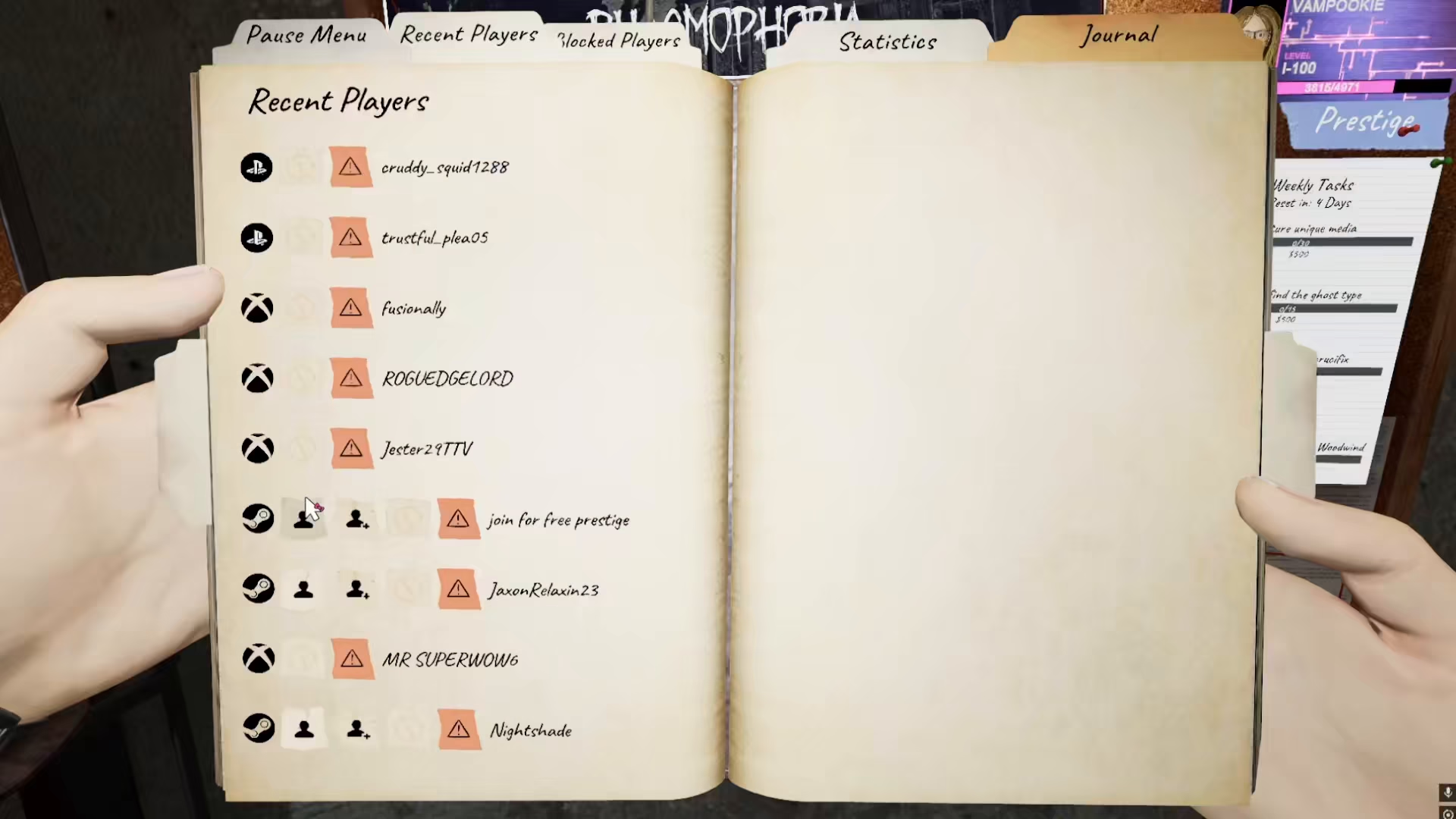
Another convenient method is to add friends directly through Steam. When you add someone as a friend on Steam, they will automatically be available to invite in Phasmophobia as well. This synchronization makes it easy to manage your friends list across both platforms.
Adding Friends Using Lobby Codes
If you want to team up with a friend for a specific ghost hunt, you can use the Multiplayer lobby system. Navigate to the Multiplayer section of the game.
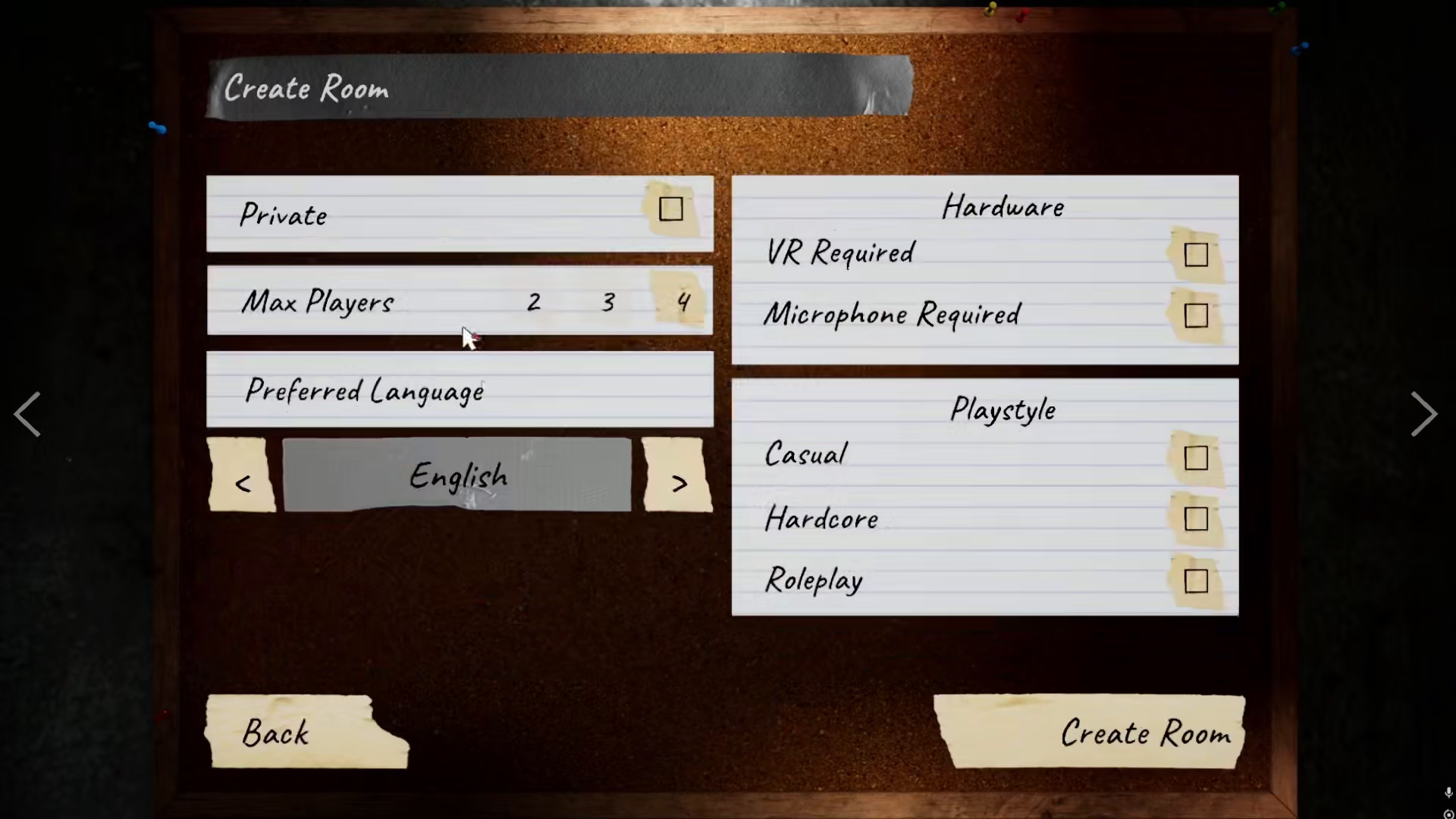
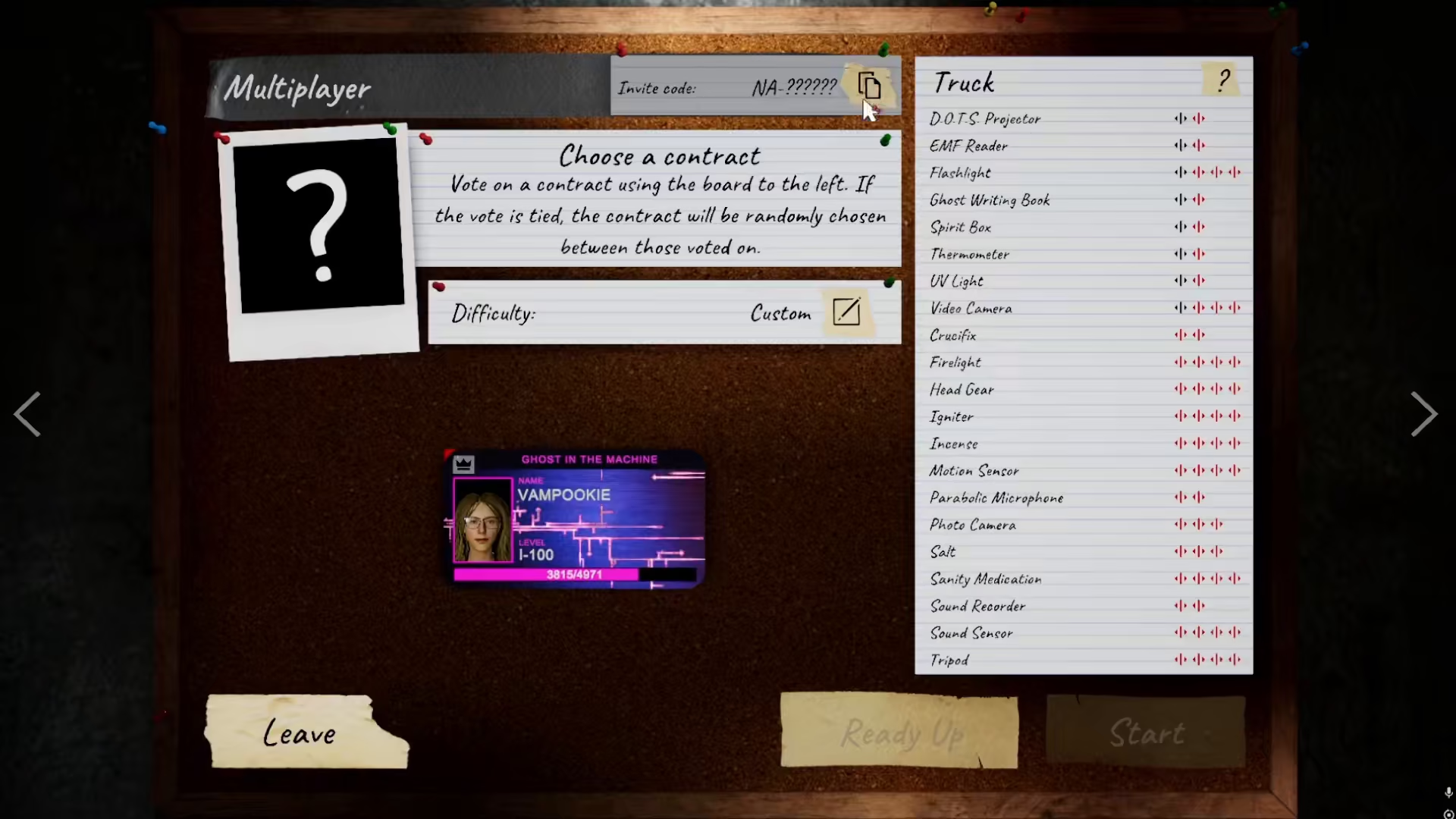
Create a new lobby in this menu. Once your lobby is set up, you’ll receive a unique lobby code that you can share with your friend.
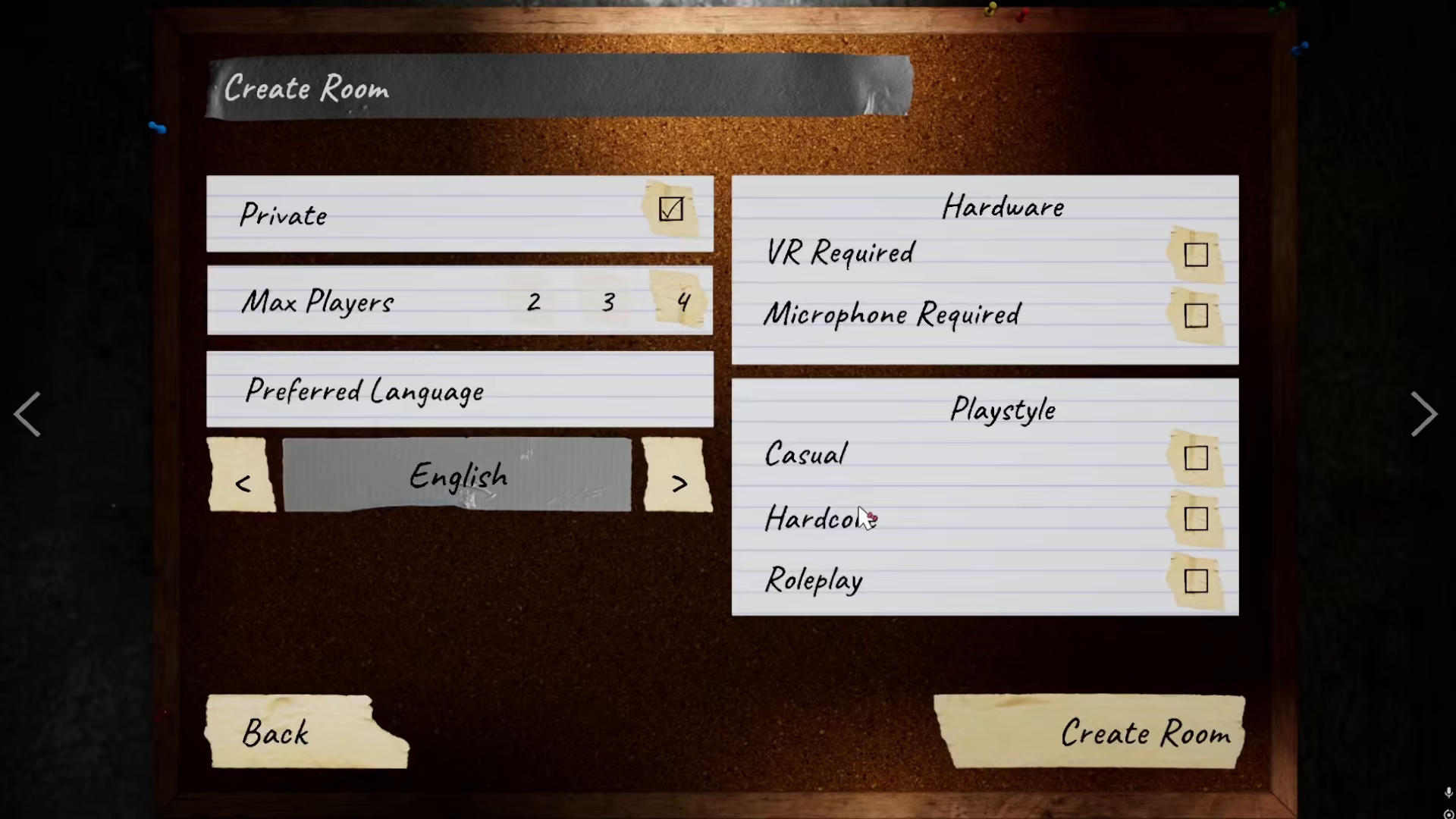
Your friend can join using this lobby code. After they’ve joined your lobby, you can add them as a friend directly from the settings menu within the game.
Summary
Adding friends in Phasmophobia is simple and can be accomplished in multiple ways. Whether you choose to add recent players through the in-game settings, sync friends from your Steam account, or use lobby codes to meet new players and add them later, you’ll have no trouble building your ghost-hunting team. Pick the method that works best for you and start playing with friends today!
— Want to Support? —
If you would like to help us continue making these guides – please consider joining our patreon here – https://www.patreon.com/c/JaviHeals
Alternatively – you can join our discord here – https://discord.gg/zD7Gjt6MHF



