







How to Buy your Previous Loadout in Wardogs
How to Buy Your Previous Loadout in Wardogs
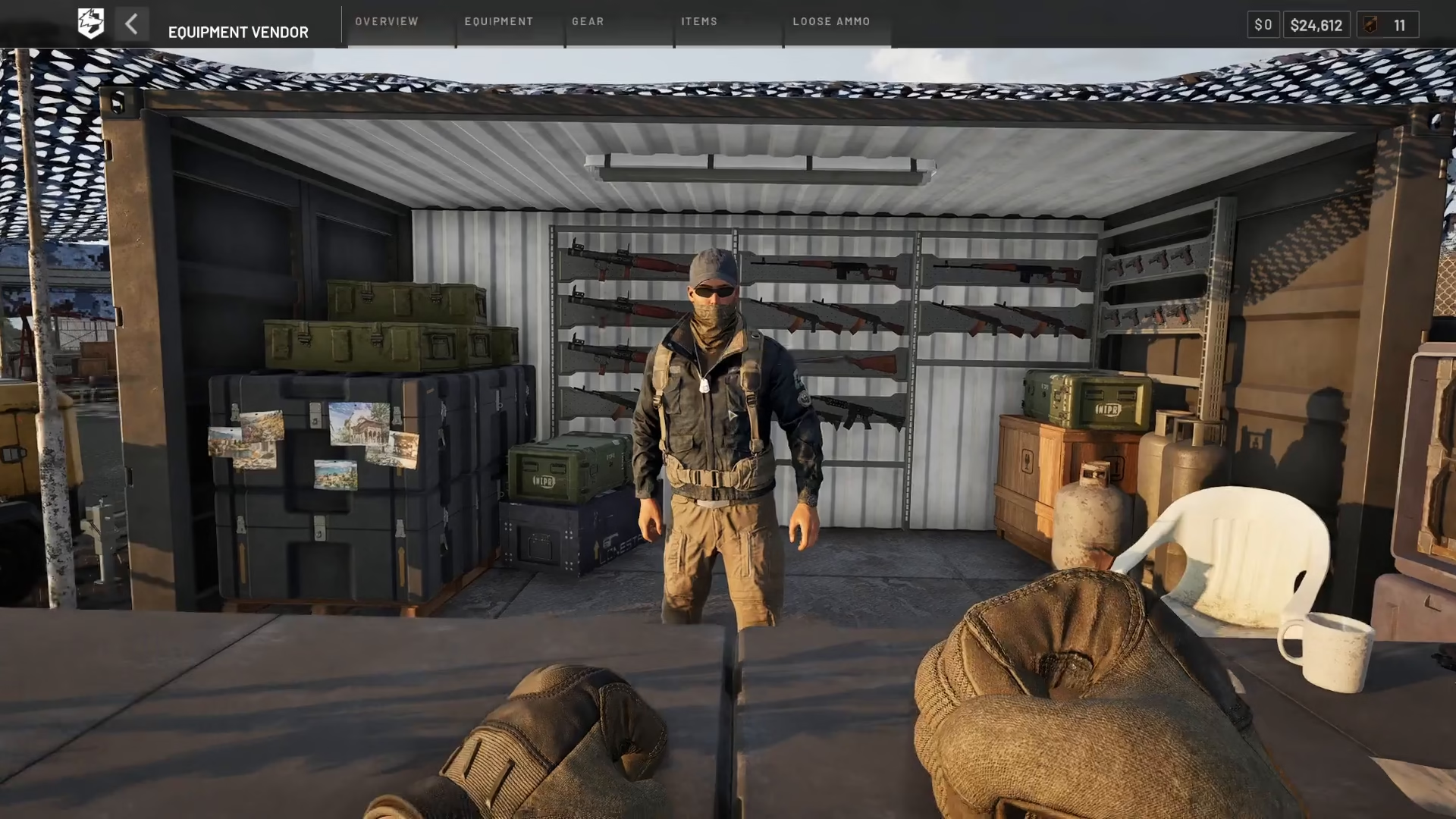
In Wardogs, it’s easy to forget what equipment you had when you died in combat. Fortunately, the game makes it simple to repurchase your exact previous loadout with just a few clicks. This guide walks you through the process step-by-step, so you can quickly get back in the action with your gear restored.
Locating the Re-buy Option
The re-buy feature is located in the bottom left-hand corner of your screen. While it may seem obvious once you know where to look, many players initially miss this interface element during gameplay.
How to Purchase Your Last Loadout
To repurchase your previous loadout in Wardogs, follow these steps:
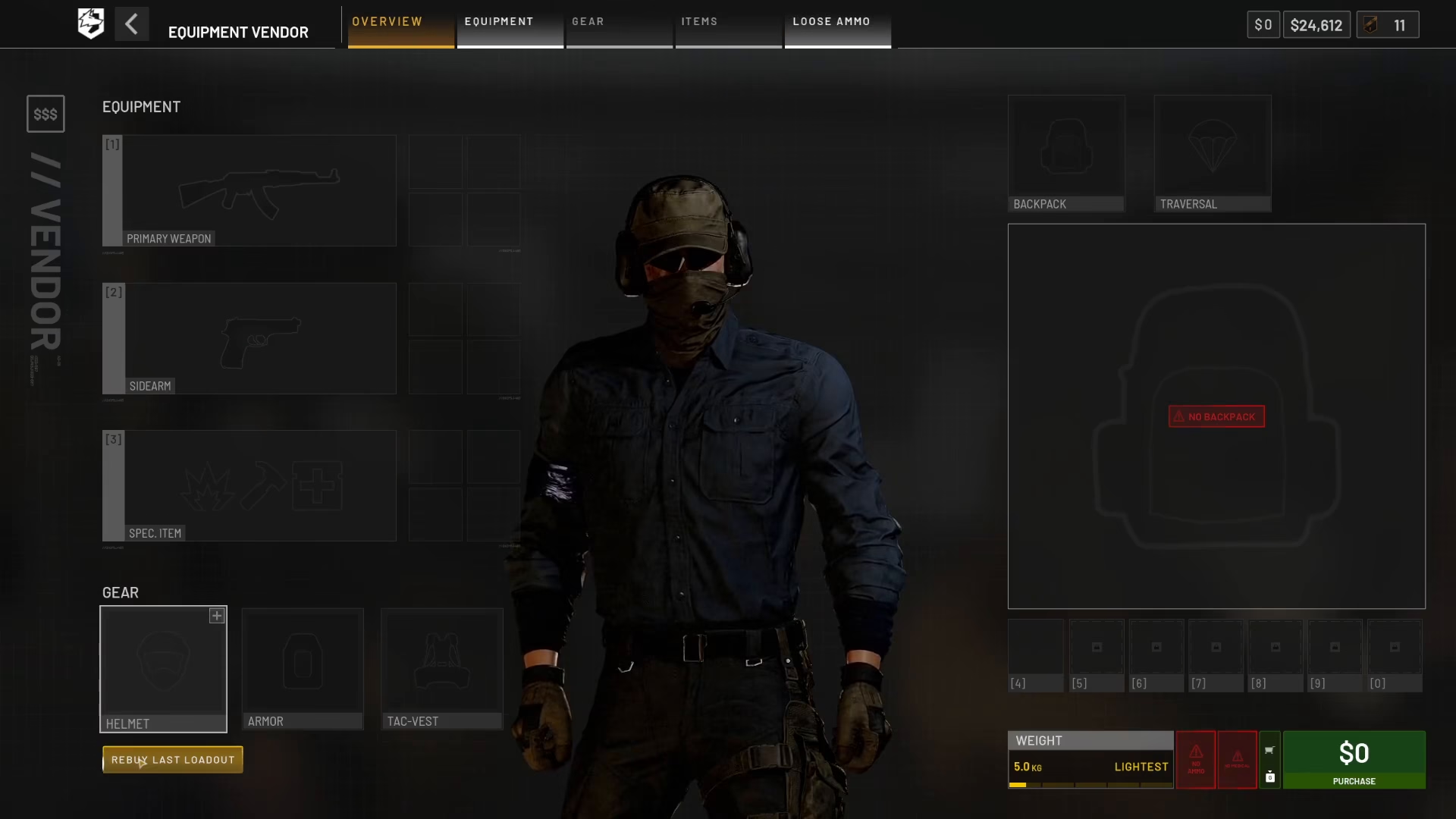
Step 1: Click “Re-buy Last Loadout”
Click the “Re-buy Last Loadout” button located in the bottom left-hand corner of your screen.
Step 2: Select Your Equipment
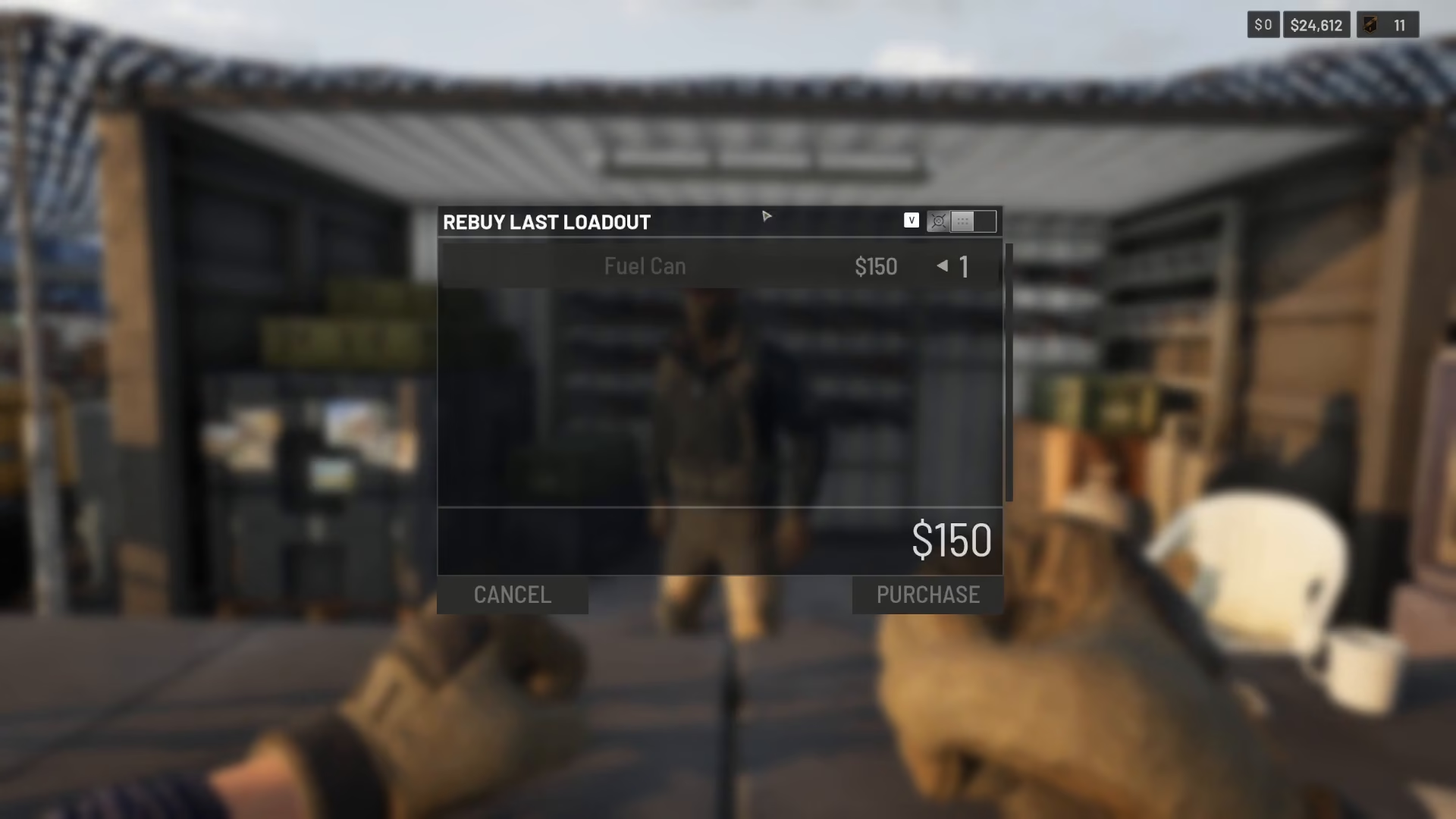
After clicking the button, the game displays a list of your previous loadout. In this example, a fuel can was the item available for purchase. Click on the item you wish to restore.
Step 3: Complete the Purchase
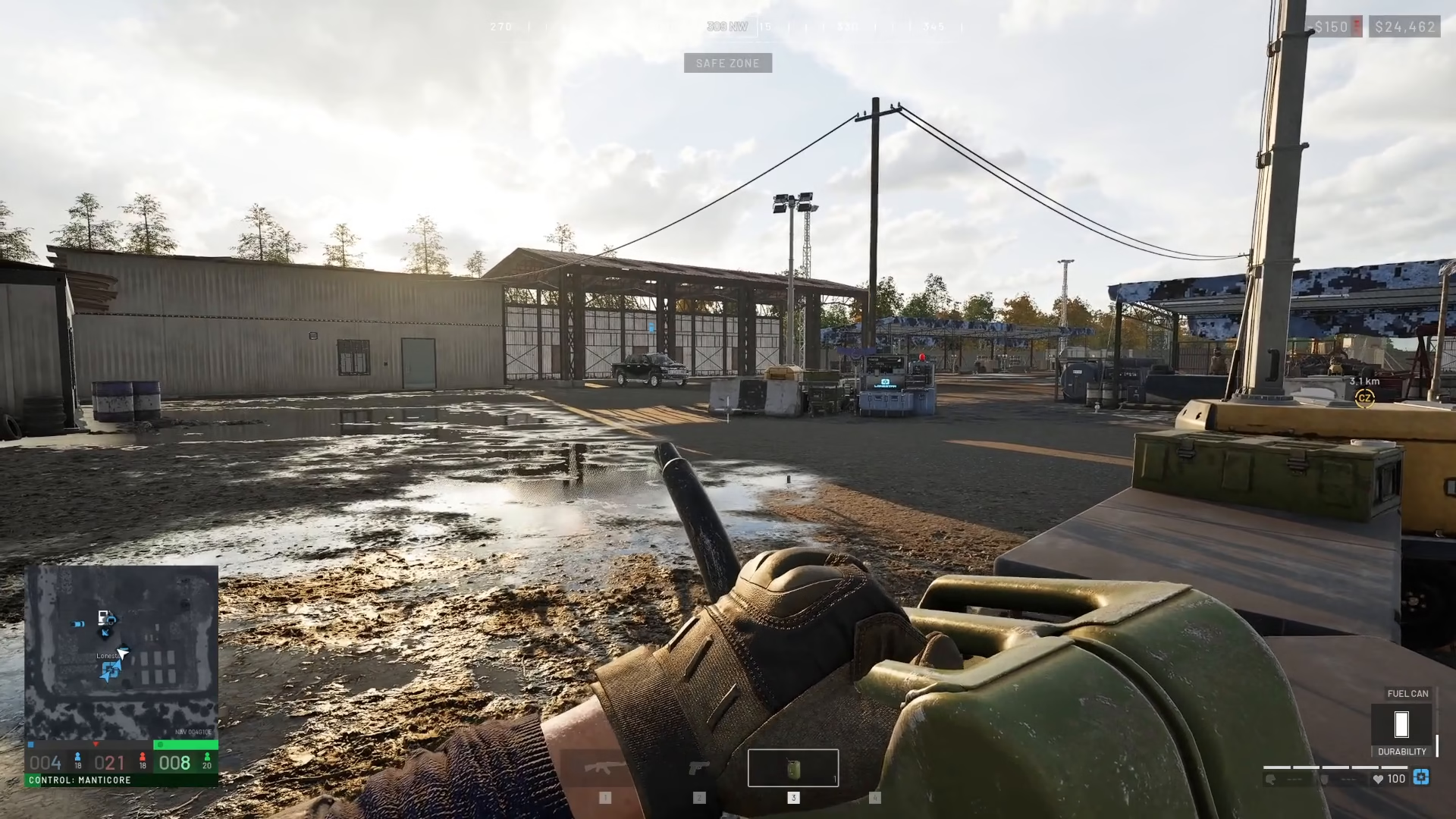
Click the purchase button to confirm your selection. Once confirmed, your previous loadout will be restored to your inventory.
Summary
Buying your previous loadout in Wardogs is a straightforward process that takes just seconds. Simply locate the “Re-buy Last Loadout” button in the bottom left corner of your screen, select the items from your previous loadout, and complete the purchase. This feature helps you quickly return to combat with the exact gear you had before your last death.
— Want to Support? —
If you would like to help us continue making these guides – please consider joining our patreon here – https://www.patreon.com/c/JaviHeals
Alternatively – you can join our discord here – https://discord.gg/zD7Gjt6MHF



