





How To Capture A City in Civ 6
How to Capture a City in Civilization 6
Capturing enemy cities is one of the core mechanics in Civilization 6. Whether you’re planning a military expansion or defending your territory, understanding how city capture works is essential. This guide will walk you through the simple but important steps needed to successfully take over an enemy settlement.
Basic City Capture Mechanics
The fundamental rule for capturing a city in Civilization 6 is straightforward: you need to reduce the city’s health to zero. Once a city’s health reaches zero, it becomes vulnerable to occupation and will fall under your control.
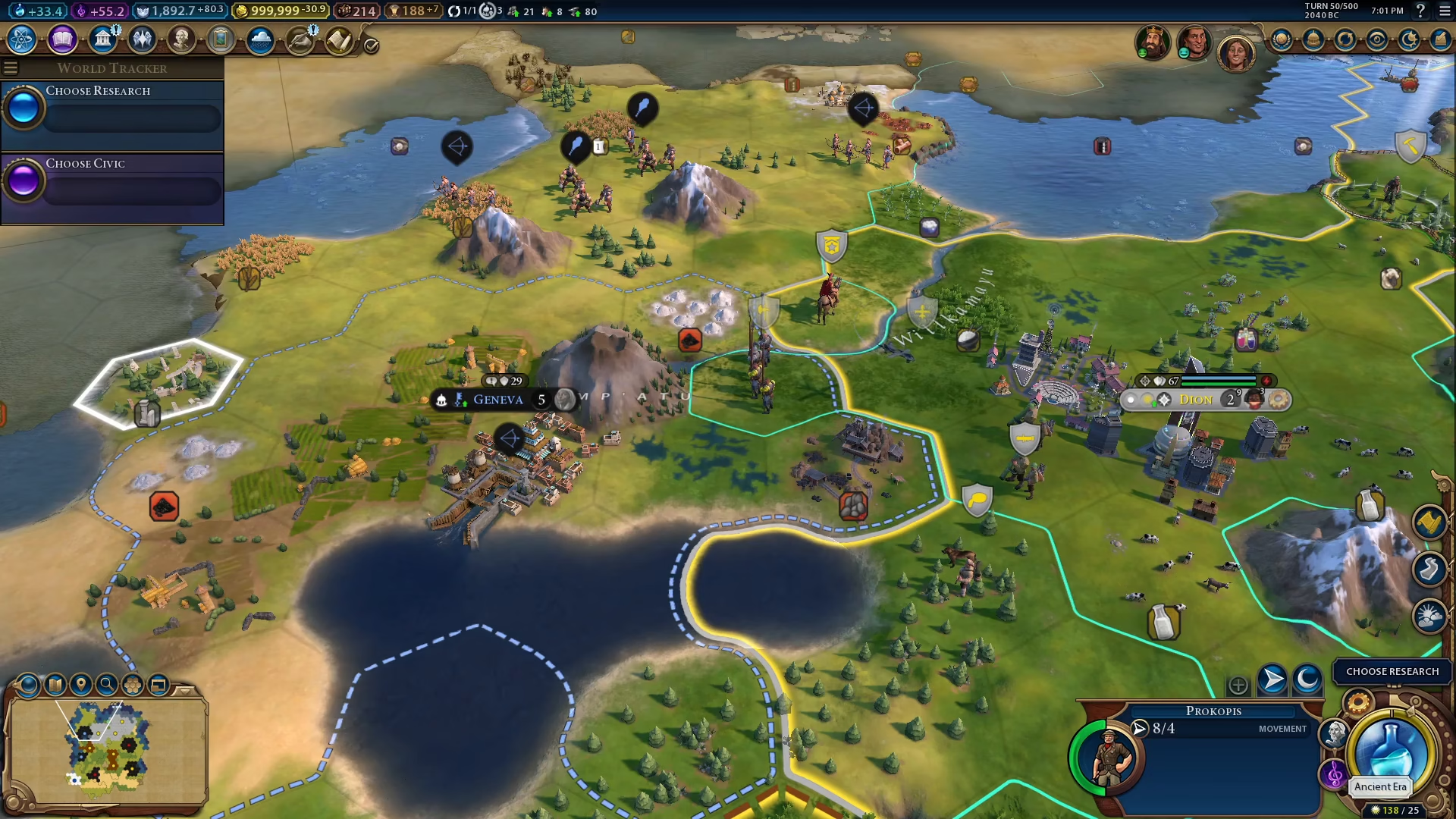
Step-by-Step City Capture Process
1. Initiate an Attack
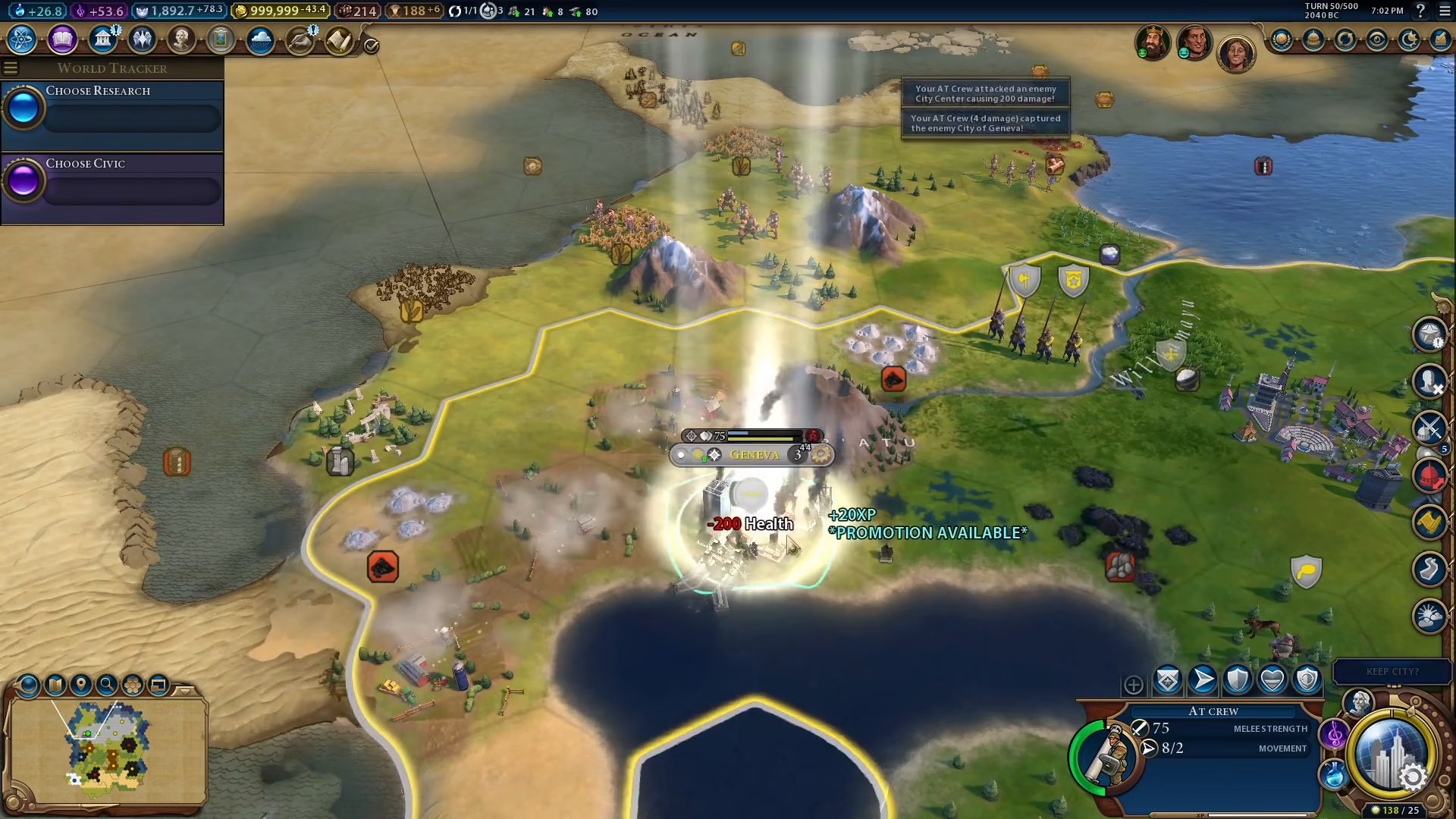
Begin by positioning your military units near the enemy city you wish to capture. In this example, we’ll be capturing the city of Geneva. Select your attacking unit and target the enemy settlement.
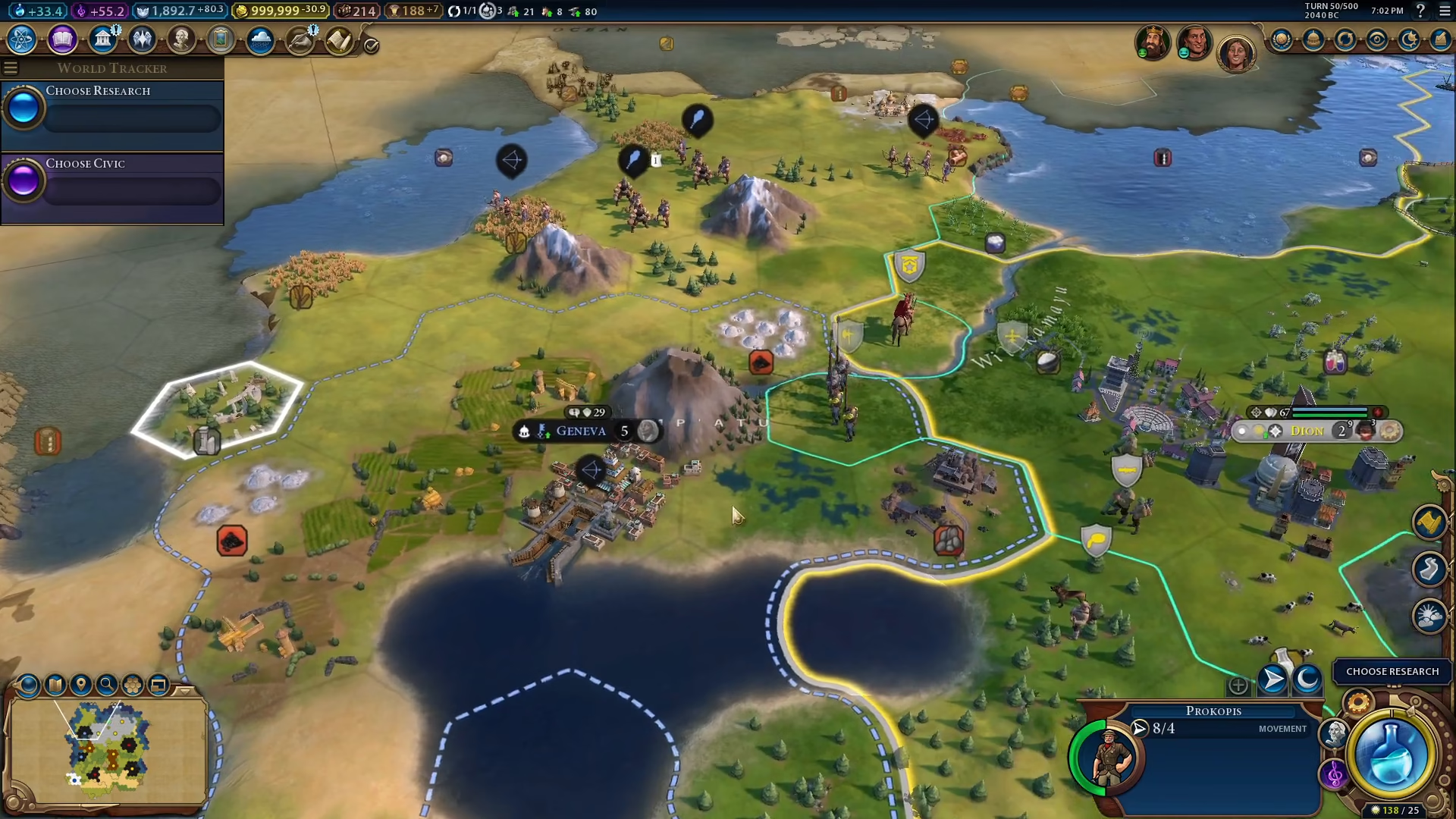
2. Declare War and Ring the Attack
If you haven’t already declared war on the enemy civilization, you’ll need to do so before attacking their cities. Once war is declared, continuously ring attacks on Geneva and other enemy cities to reduce their health.
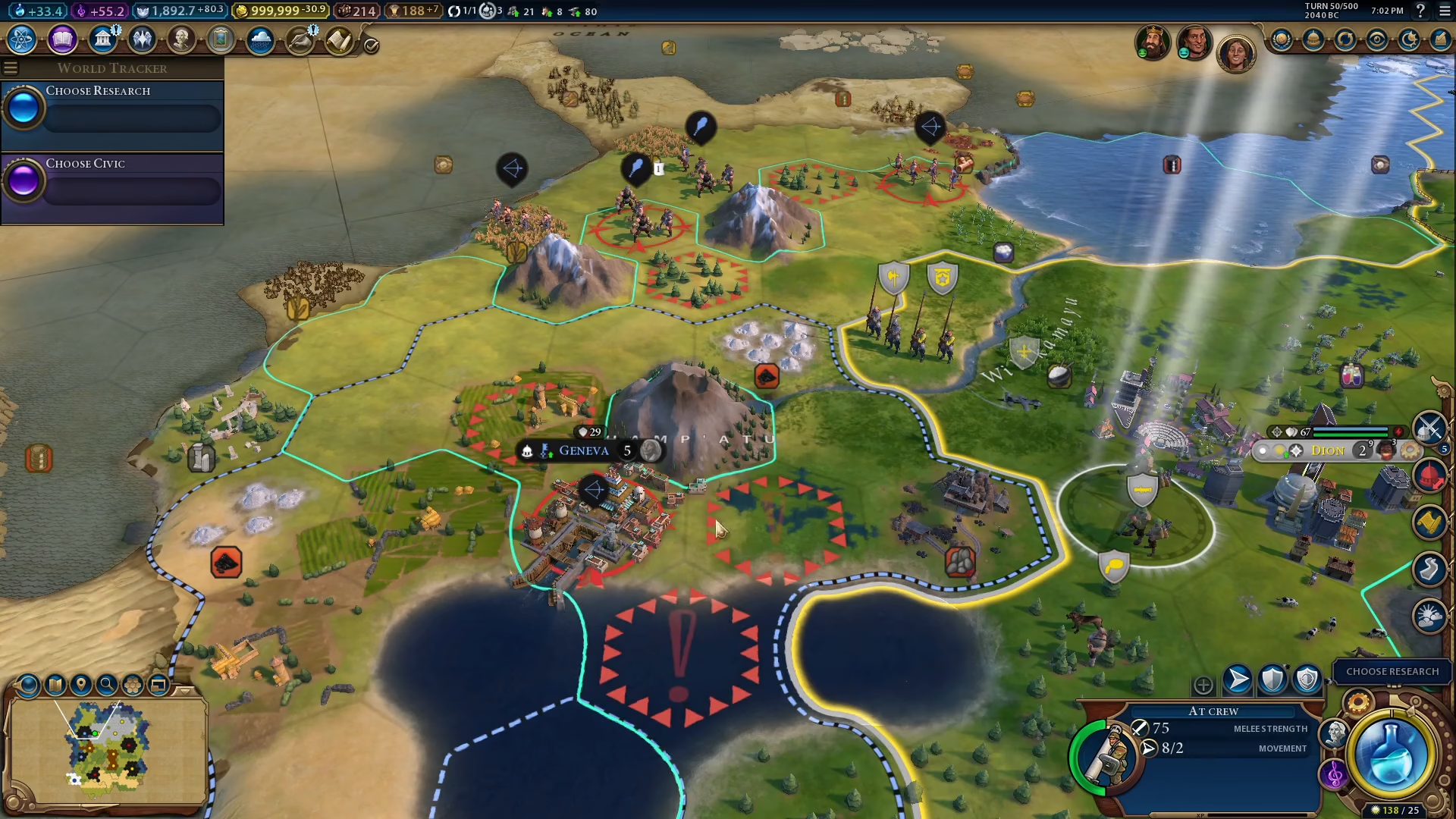
3. Occupy the City
Once the city’s health has been reduced to zero through sustained attacks, move one of your military units into the city to occupy it. This final action completes the capture, and the city becomes yours.
Summary
Capturing a city in Civilization 6 is a simple three-step process: reduce the city’s health to zero through military attacks, and then occupy it with one of your units. That’s all there is to it! With this knowledge, you’re ready to expand your empire through military conquest. Remember to manage your military resources wisely and consider the diplomatic consequences of your actions.
Want to Support?
If you would like to help us continue making these guides – please consider joining our patreon here – https://www.patreon.com/c/JaviHeals
Alternatively – you can join our discord here – https://discord.gg/zD7Gjt6MHF