How To Connect To Twitch In Phasmophobia
How To Connect To Twitch In Phasmophobia
Ready to unlock exclusive Twitch drops and rewards in Phasmophobia? Connecting your Twitch account to the game is quick and easy. This guide will walk you through the simple process of linking your accounts and discovering the cool cosmetic rewards available through Twitch integration.
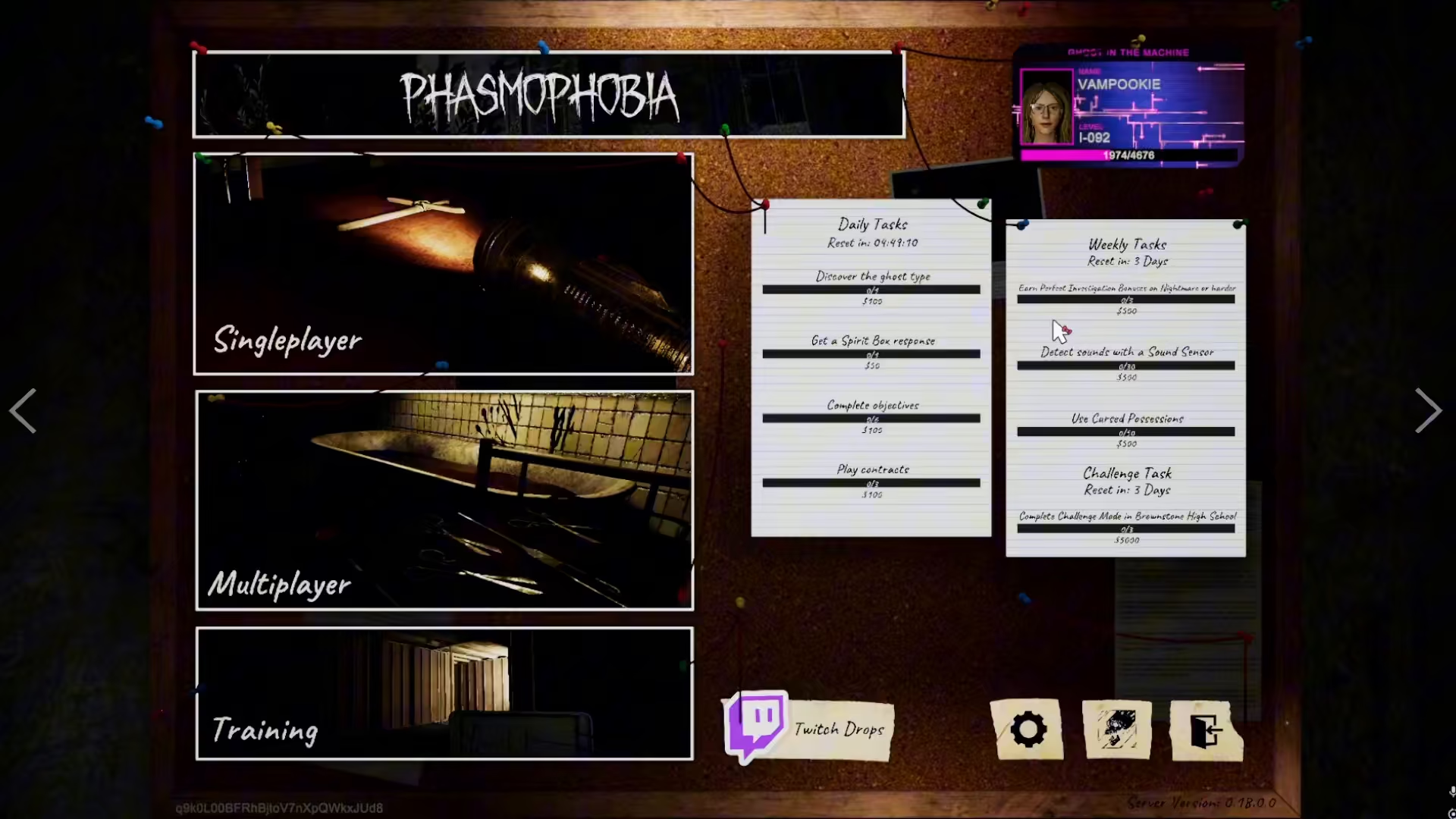
Accessing the Twitch Drops Menu
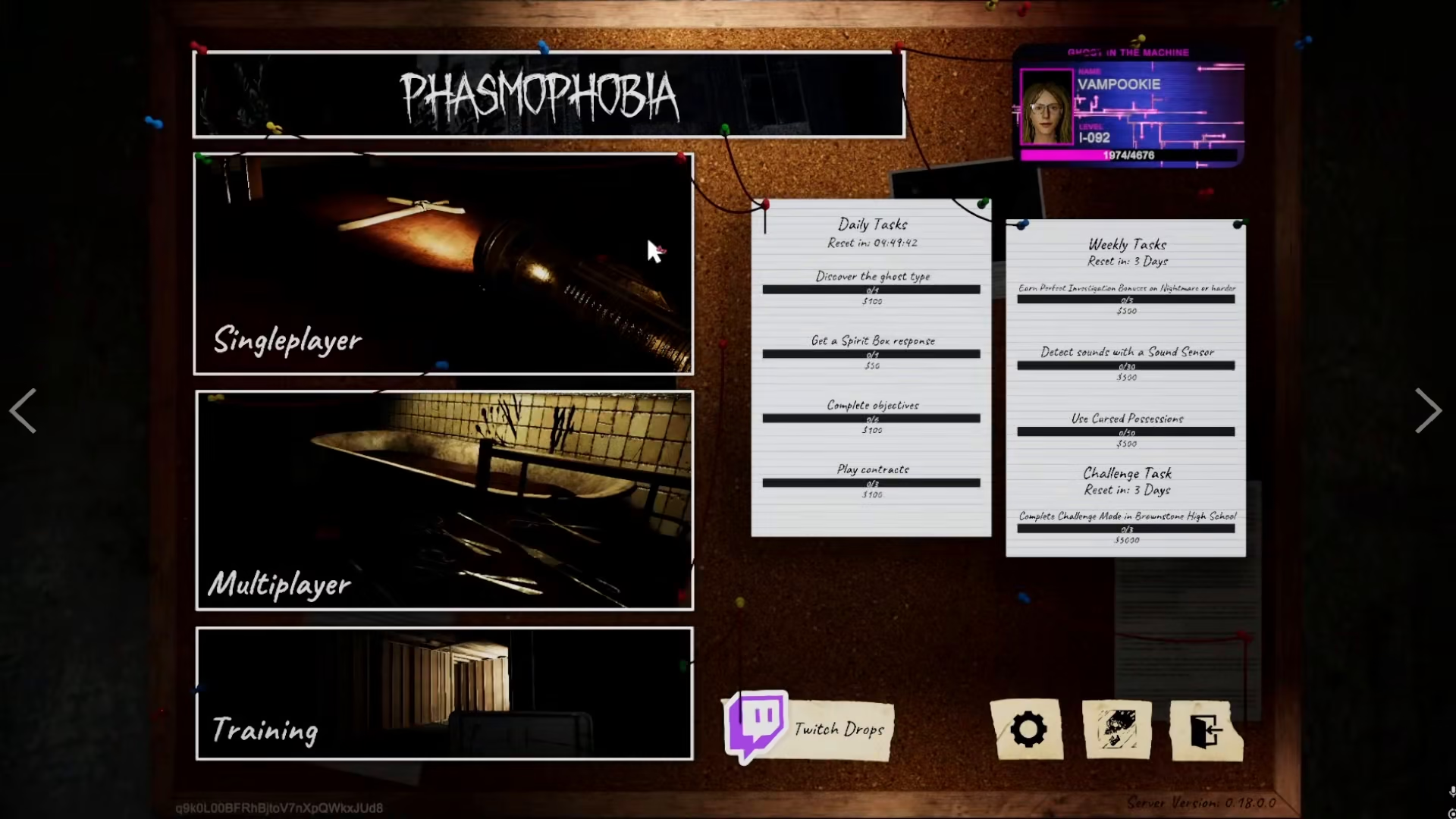
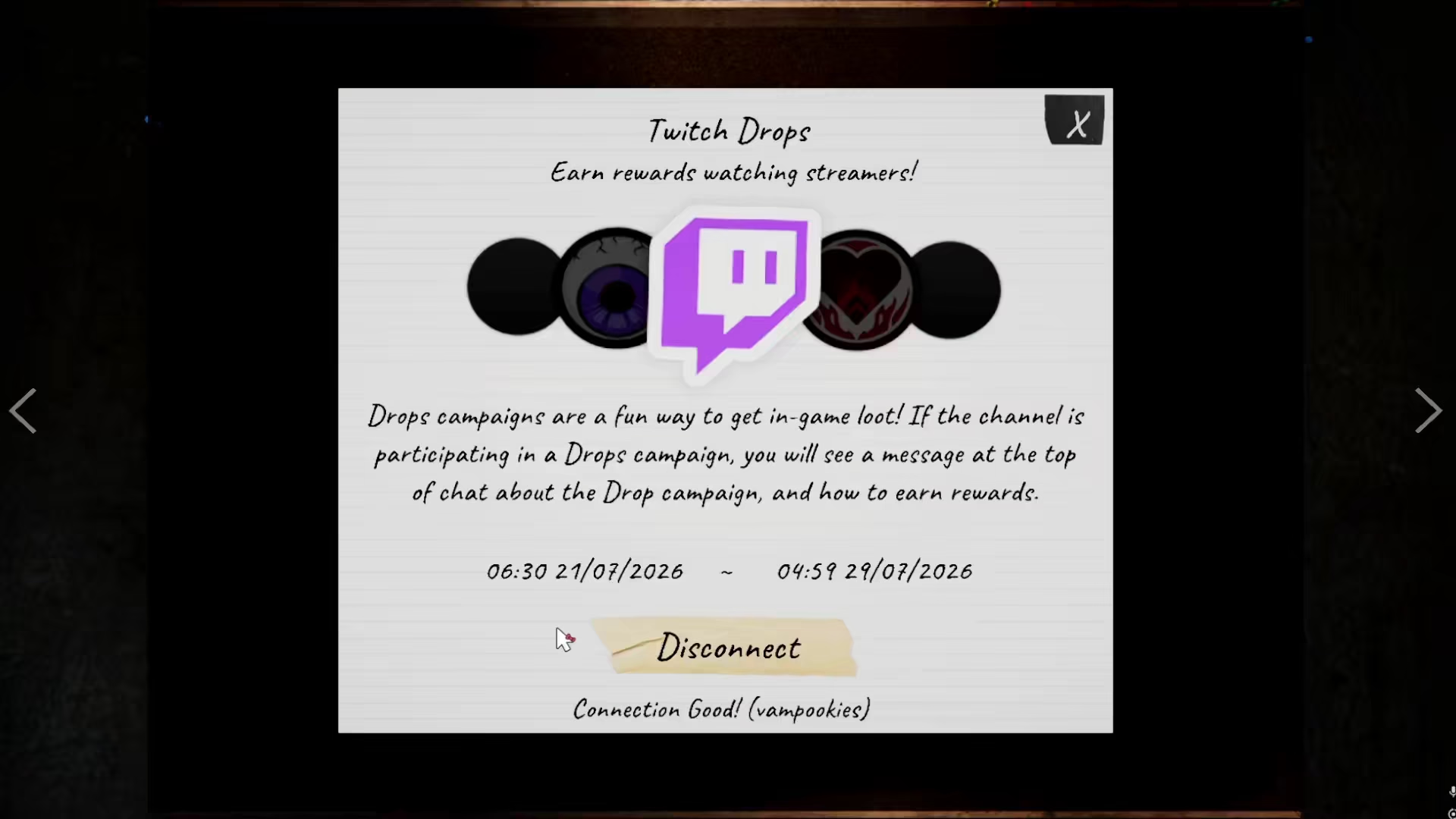
To get started, open the main menu in Phasmophobia. Look for the Twitch drops option, which will be clearly displayed in your menu.
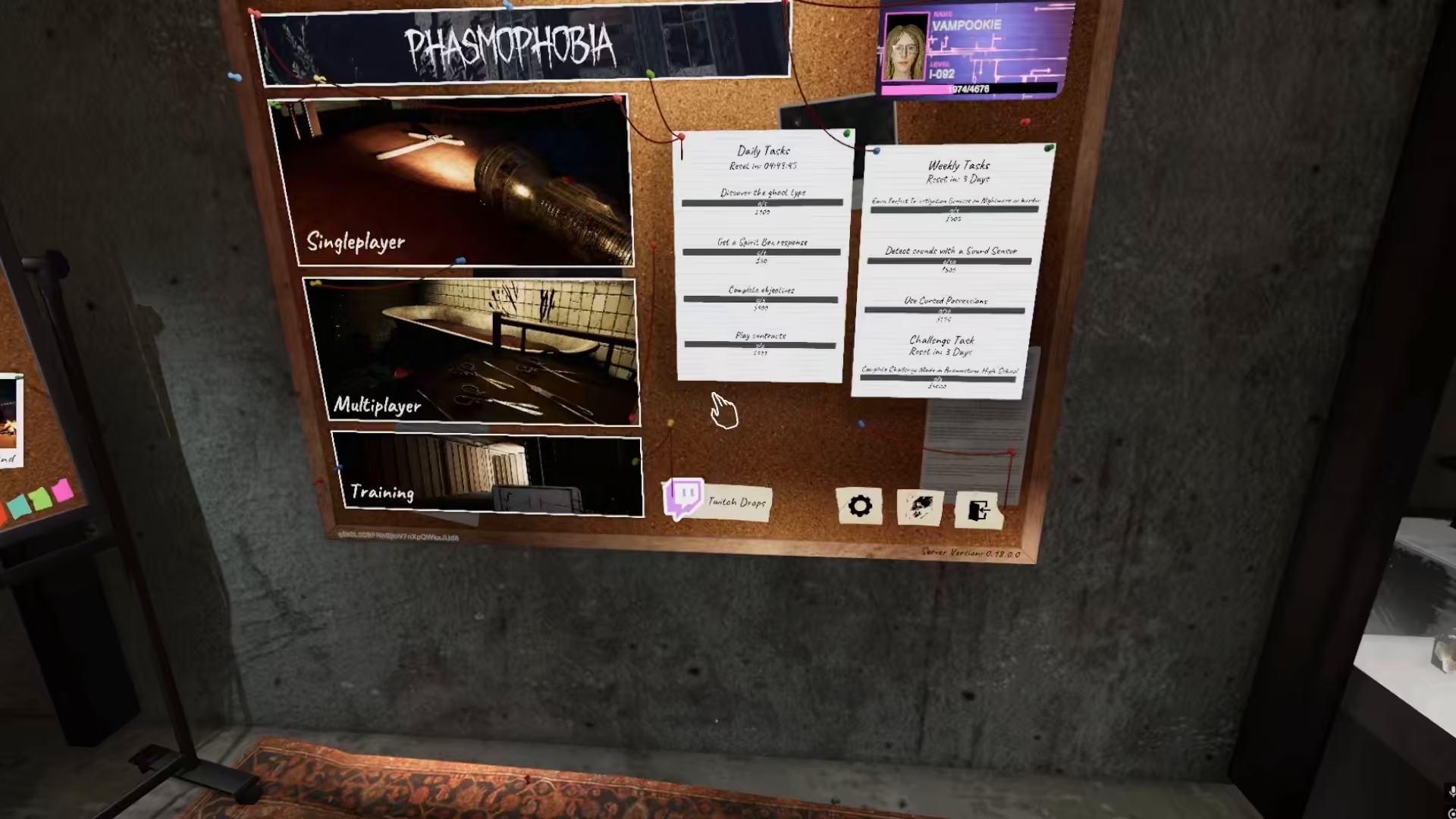
Once you’ve located the option, click on it to proceed to the connection screen.
Connecting Your Twitch Account
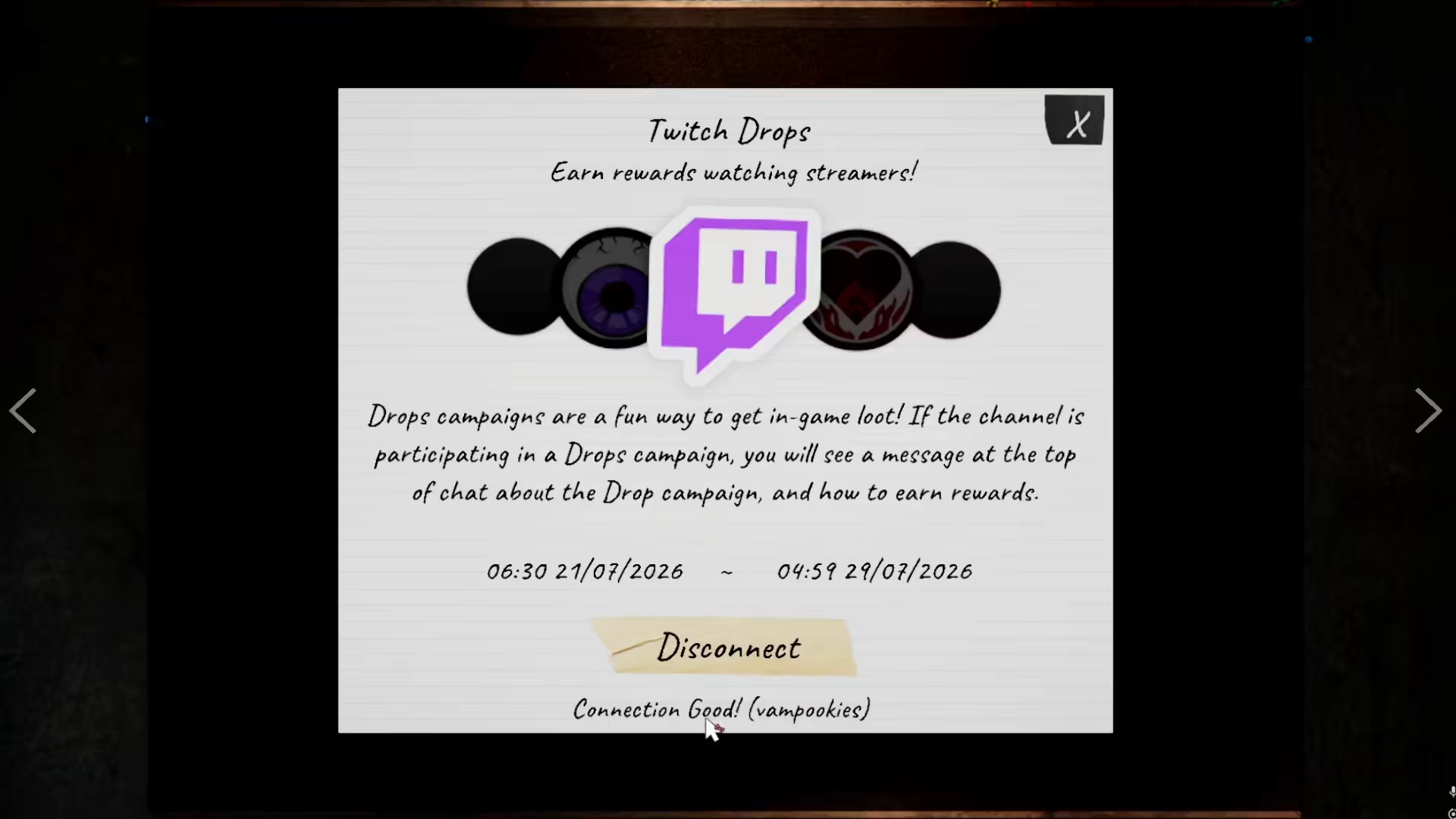
When you access the Twitch drops menu, you’ll see a “Connect” option available. Click this button to initiate the connection process between your Twitch account and Phasmophobia.
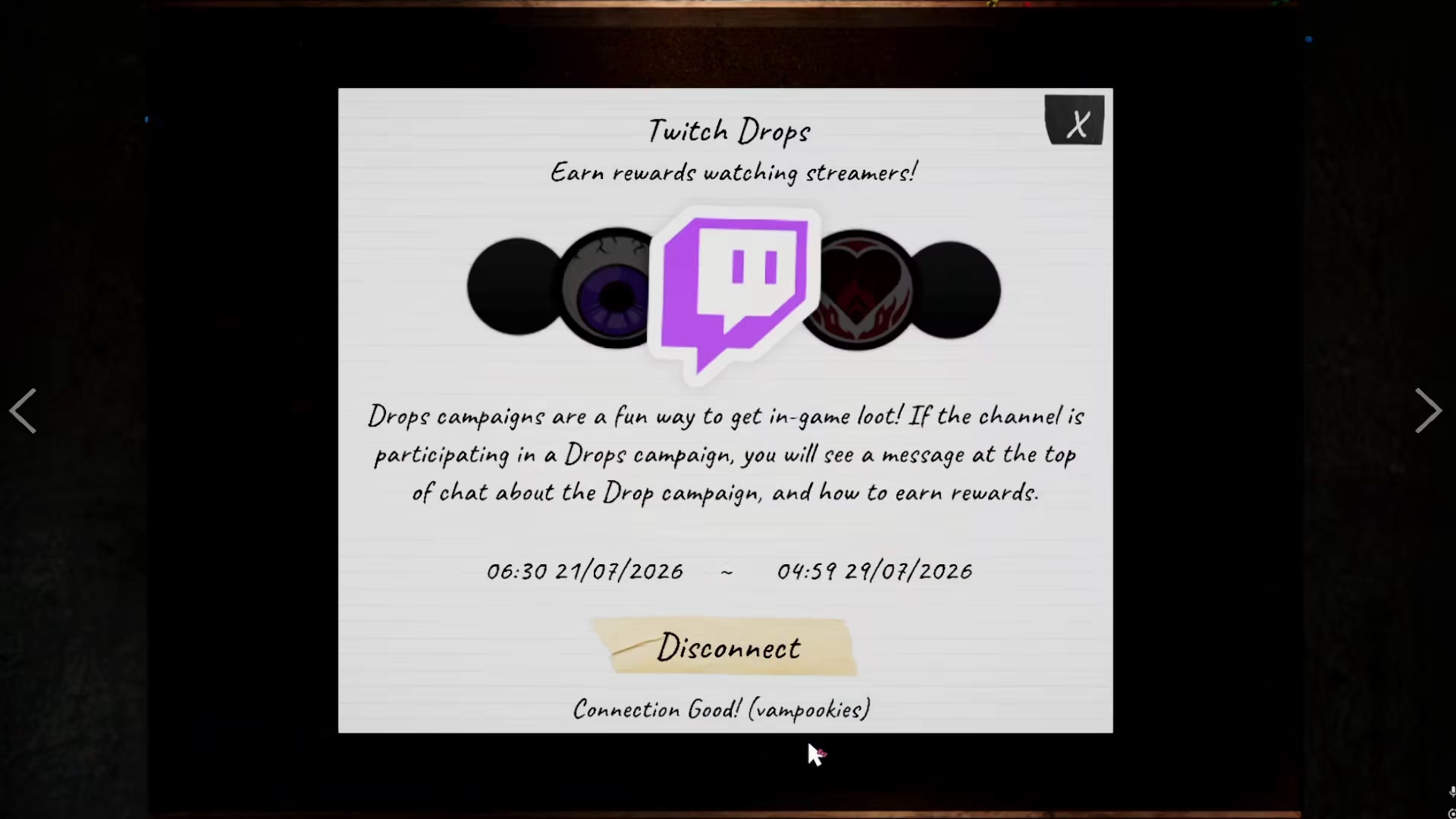
After successfully connecting, your Twitch username will appear in the interface, confirming that your account is linked. This allows the game to track your eligibility for Twitch drops rewards.
Available Twitch Drops Rewards
Connecting your Twitch account unlocks access to a variety of cosmetic rewards available through Twitch drops. These rewards include:
Nameplate and ID Plates
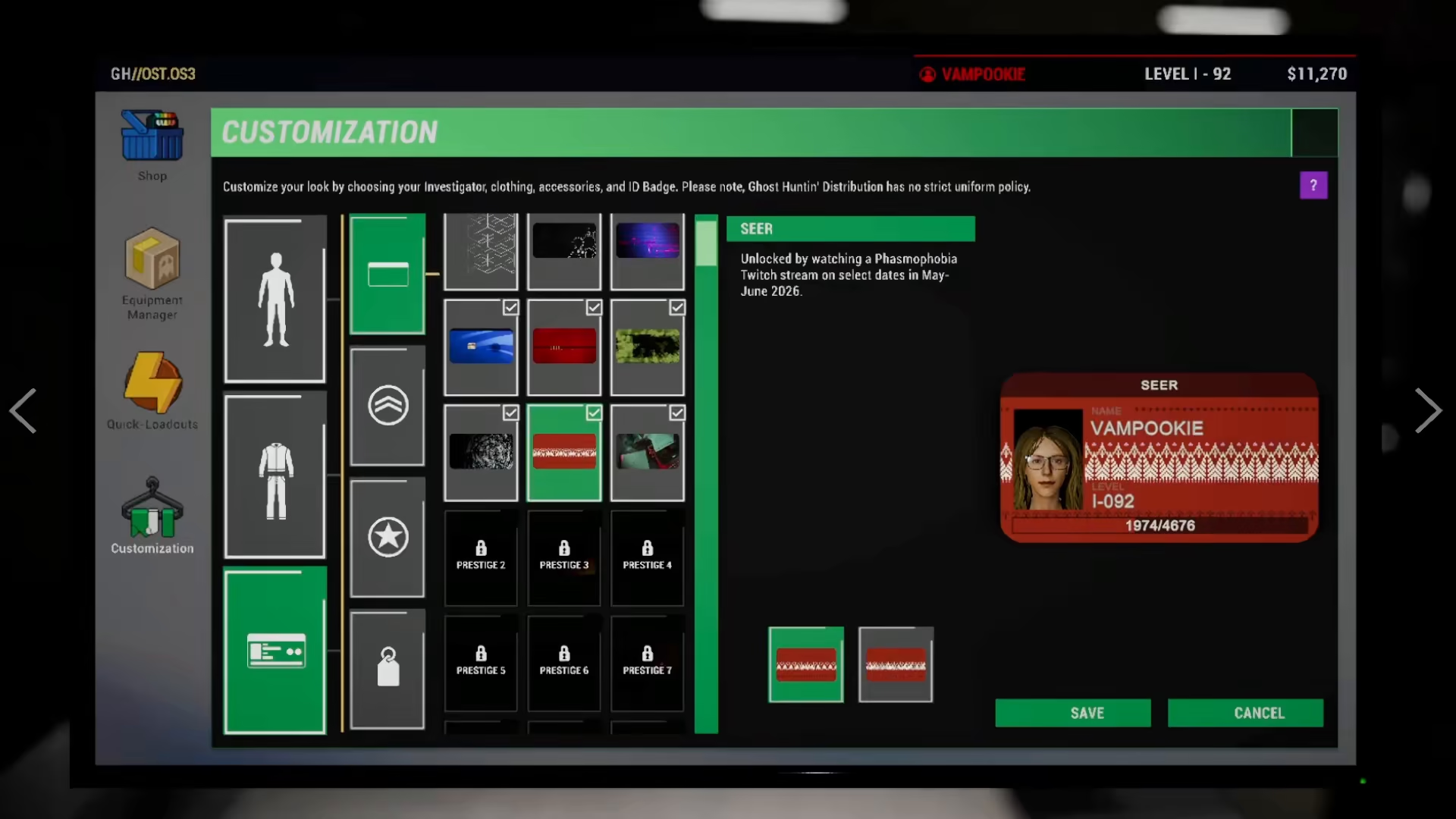
One of the primary rewards you can earn are nameplate and ID plate cosmetics. The game offers multiple options for these items, including both standard and animated versions to personalize your in-game appearance.
Badges and Additional Cosmetics
Beyond nameplates, you’ll have access to numerous badges and other cosmetic items that can enhance your profile and character customization.
Viewing Your Earned Rewards
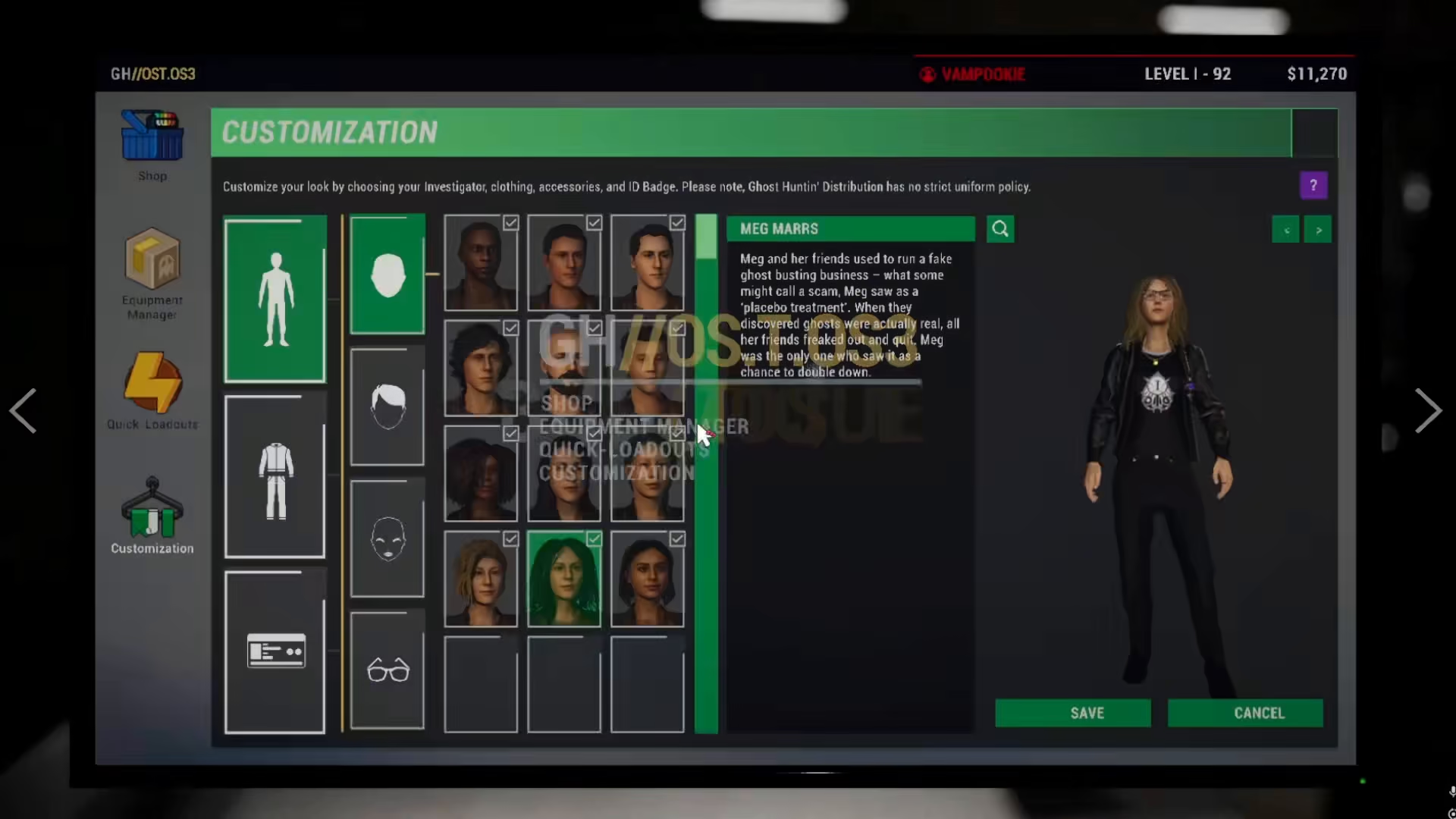
To see the cosmetics you’ve unlocked through Twitch drops, navigate to the customization section of the game. Here, you can browse all available rewards you’ve earned.
Animated vs. Non-Animated Variants
Many cosmetic items come in two versions: an animated variant and a non-animated variant. This gives you flexibility in choosing which version best suits your personal style.
Summary
Connecting your Twitch account to Phasmophobia is a straightforward process that takes just a few clicks. Simply access the menu, locate the Twitch drops option, and click connect. Once linked, you’ll gain access to exclusive cosmetic rewards including animated nameplates, ID plates, badges, and more. Visit your customization menu to view and equip the items you’ve earned through Twitch drops. Enjoy your new cosmetics and happy ghost hunting!
— Want to Support? —
If you would like to help us continue making these guides – please consider joining our patreon here – https://www.patreon.com/c/JaviHeals
Alternatively – you can join our discord here – https://discord.gg/zD7Gjt6MHF