How To Crouch In Phasmophobia
How To Crouch In Phasmophobia
Crouching is an essential movement mechanic in Phasmophobia that allows you to move stealthily and navigate tight spaces. This guide will walk you through the simple steps to crouch in the game, as well as how to customize your crouch controls to suit your preferences.
Default Crouch Controls
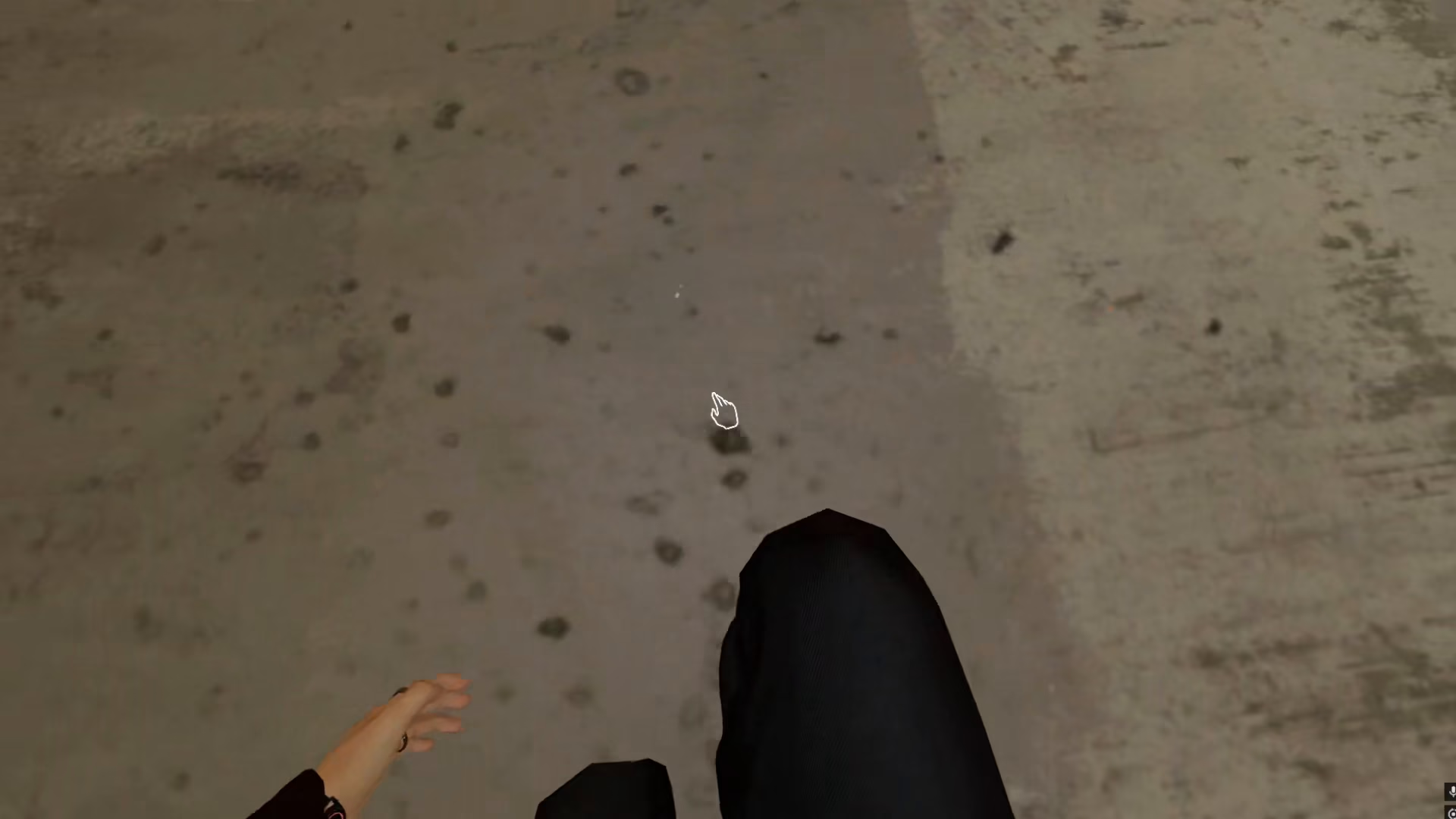
By default, you can crouch in Phasmophobia by pressing the C key on your keyboard. This straightforward control allows you to lower your character’s profile and move more quietly through haunted locations.
Customizing Your Crouch Controls
If you find the default C key binding uncomfortable or awkward, you have the option to change it to a key that feels more natural to you. Many players prefer using Control (Ctrl) since this key is commonly used for crouching in other games.
How to Rebind Your Crouch Key
To customize your crouch control:
Open your Options menu
Navigate to Controls
Find the crouch binding (currently set to C)
Change it to your preferred key — for example, Control (Ctrl)
This customization is especially useful if you’re used to using Control to crouch in other games, as it creates a consistent experience across your gaming library.
Summary
Crouching in Phasmophobia is simple: press C by default, or rebind it to Control (or any other key you prefer) through the Options > Controls menu. Customizing your controls to match your muscle memory from other games can significantly improve your comfort and performance while exploring haunted locations.
Want to Support?
If you would like to help us continue making these guides – please consider joining our patreon here – https://www.patreon.com/c/JaviHeals
Alternatively – you can join our discord here – https://discord.gg/zD7Gjt6MHF