







How To Connect With Discord In Among Us
How To Connect Discord With Among Us
Want to link your Discord account with Among Us? This guide will walk you through the simple steps to connect your Discord with Among Us on both mobile and PC platforms. While the process differs slightly between Steam and mobile, we’ll cover everything you need to know to get your accounts synced up.
Overview of Discord Integration
Connecting your Discord account to Among Us allows for better social integration across platforms. Whether you’re playing on mobile or PC, linking these accounts helps streamline your gaming experience.
How to Connect Discord on Mobile
To connect your Discord with Among Us on mobile, follow these steps:
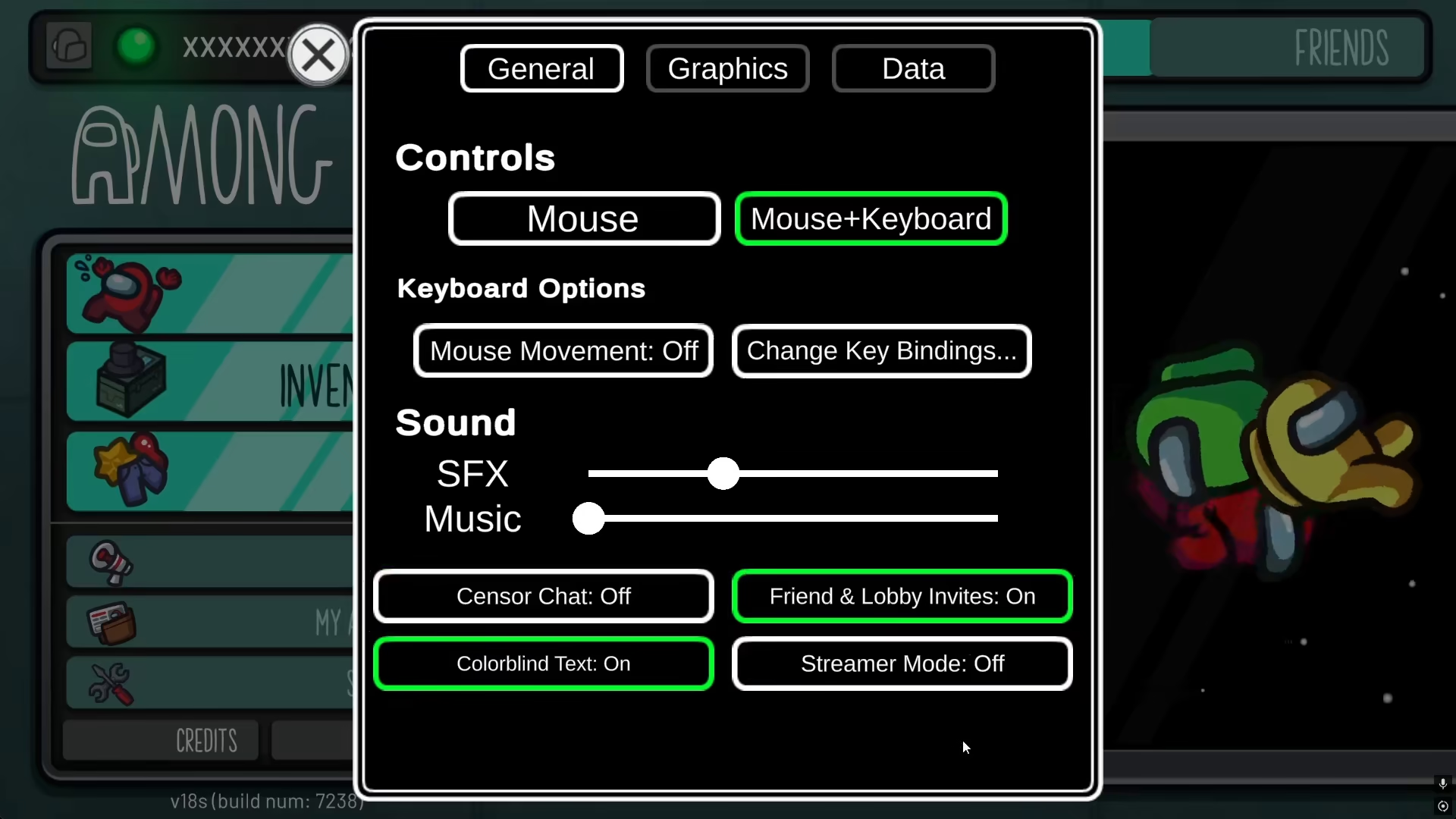
Step 1: Open Settings
Launch Among Us and navigate to your settings menu.
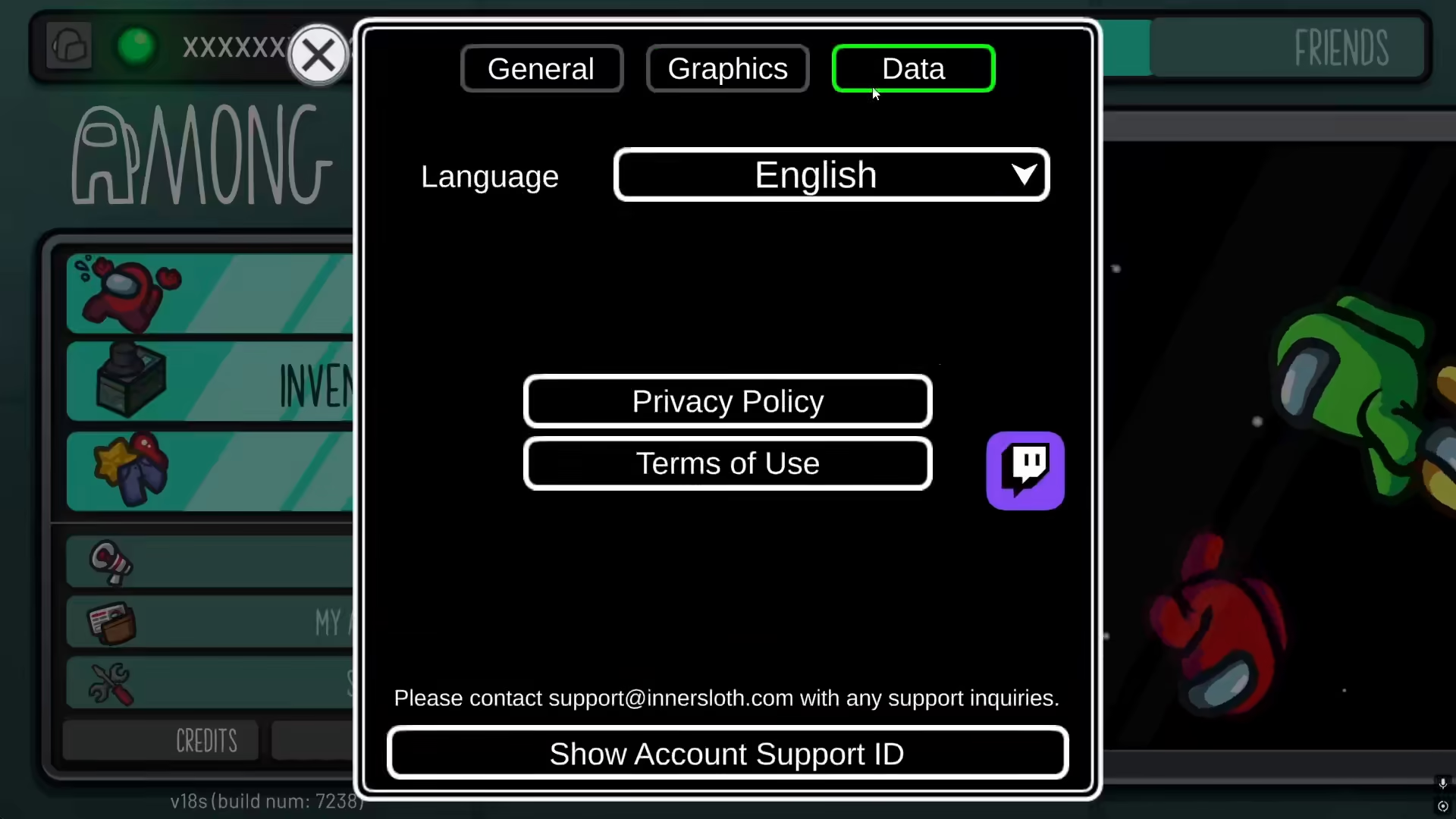
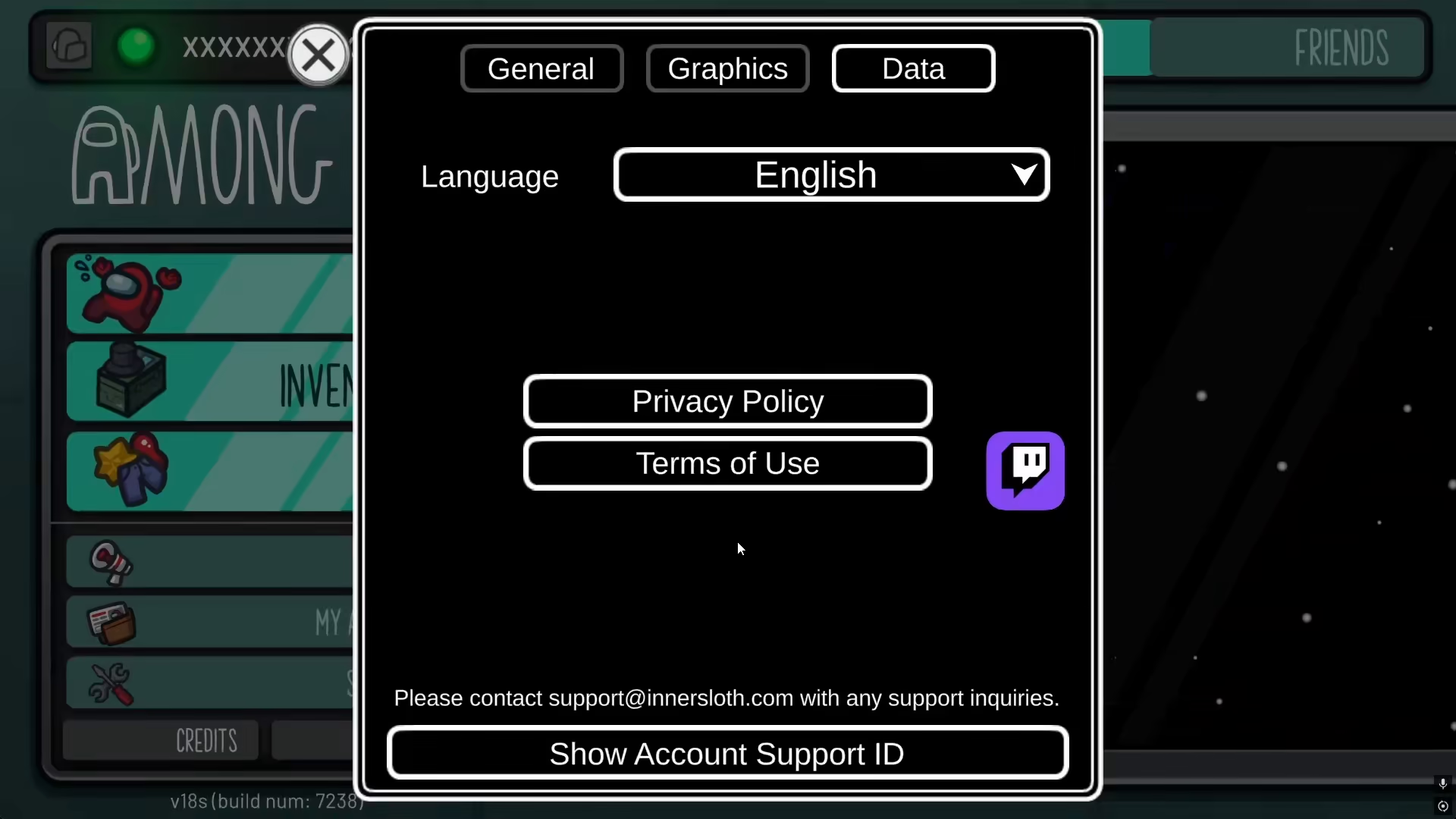
Step 2: Access the Data Section
Within the settings menu, look for and select the “Data” option. This is where you’ll find integration options for third-party services.
Step 3: Find the Discord Option
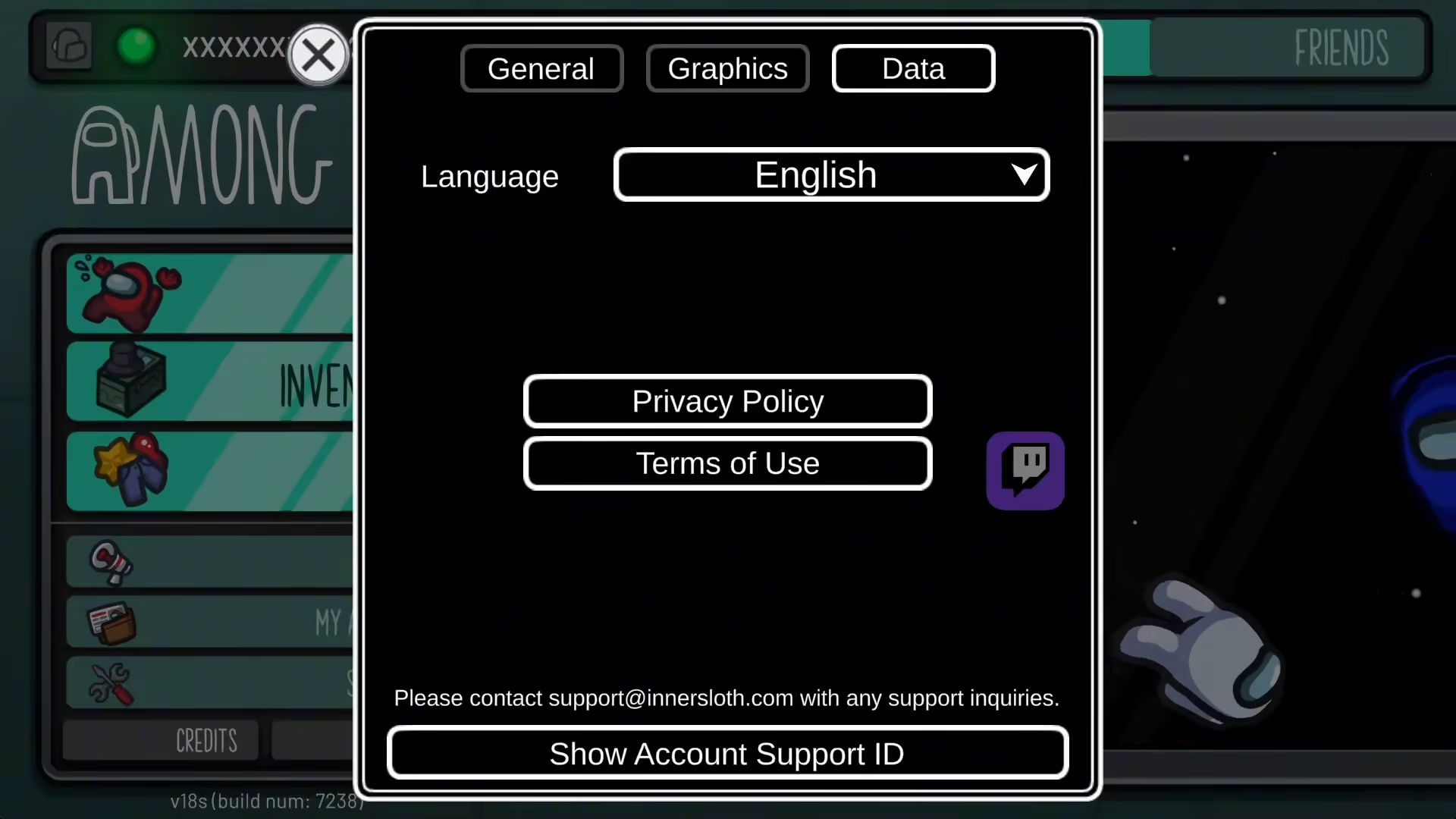
In the Data menu, you’ll see various integration icons. You’ll notice a Twitch icon displayed here, and right alongside it, you’ll find the Discord option. Simply click on the Discord icon to begin the connection process.
Step 4: Connect Your Discord Account
Click on the Discord option and follow the prompts to authorize the connection between your Discord account and Among Us.
Discord Integration on Steam and PC
If you’re playing Among Us on Steam via PC, the Discord connection process works differently. On PC Steam, you cannot manually connect Discord through the in-game settings like you can on mobile. However, Discord will automatically show that you’re online playing Among Us through Discord’s overlay feature. This happens automatically without requiring any manual setup on your part.
Summary
Connecting Discord with Among Us is straightforward on mobile devices—simply navigate to Settings > Data and select the Discord option to authorize the connection. On PC Steam, manual connection isn’t necessary since Discord’s overlay automatically displays your Among Us gameplay status. Now you can enjoy seamless integration between your Discord and Among Us accounts across your devices!
Want to Support?
If you would like to help us continue making these guides – please consider joining our patreon here – https://www.patreon.com/c/JaviHeals
Alternatively – you can join our discord here – https://discord.gg/zD7Gjt6MHF



