





How To Delete Items in Valheim
How To Delete Items in Valheim
One of the common frustrations in Valheim is dealing with unwanted items that accumulate in your base. Unlike many other games, simply dropping items on the floor won’t make them disappear. If you’ve been wondering how to permanently delete items in Valheim, the solution is straightforward but requires understanding one key mechanic: workbench range.
Understanding Workbench Range
The critical factor in deleting items in Valheim is your workbench. Items will not despawn if they are within the range of an active workbench. This mechanic can be annoying, but it’s an important part of the game’s design that prevents items from disappearing unexpectedly while you’re working in your base.
How to Delete Items
Step 1: Move Away from Your Workbench
To successfully delete items, you must first leave the range of your workbench. This means traveling away from your base into an area where the workbench no longer has any effect on dropped items.
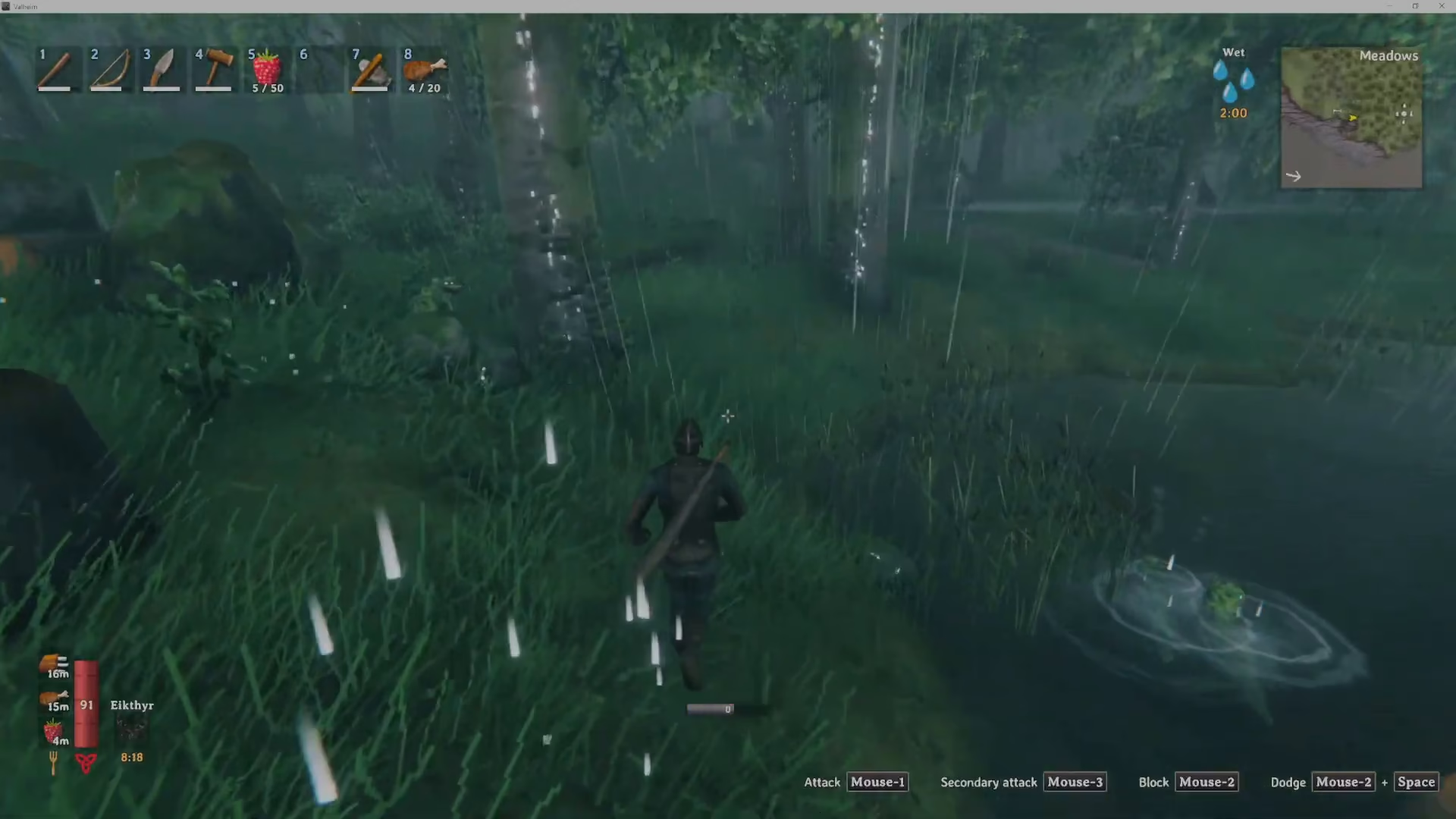
Step 2: Drop the Unwanted Items
Once you’re safely outside your workbench’s range, simply drop all the items you no longer want. You can do this by dropping them from your inventory into the world.
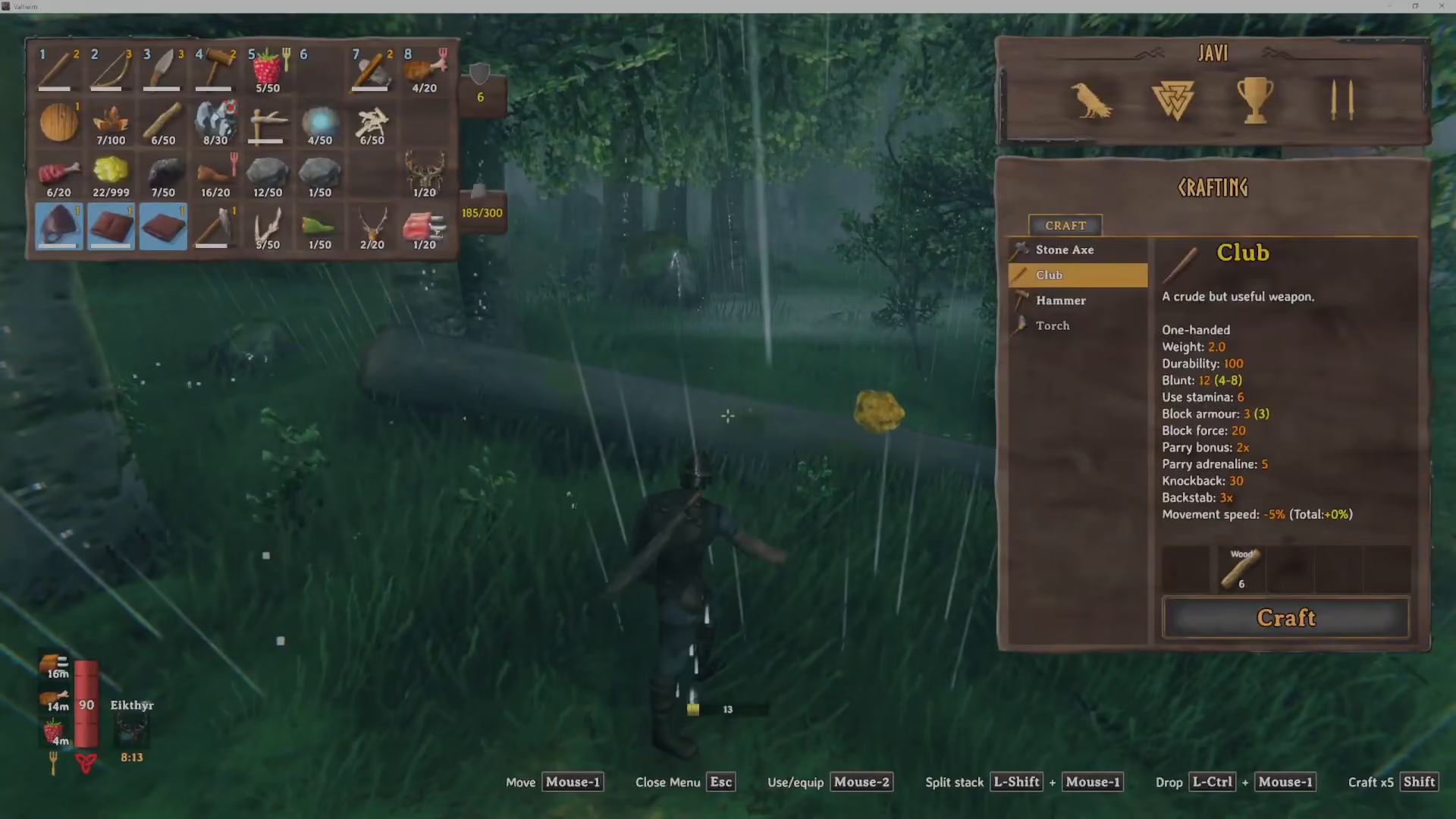
The items will then despawn and be permanently deleted from your game world.
Summary
Deleting items in Valheim is a simple process once you understand the workbench mechanic. Remember: items only despawn when they are outside the range of your workbench. While this requirement can feel inconvenient, it’s part of Valheim’s design to protect your base from accidental item loss. Travel into the woods or any area away from your base, drop your unwanted items, and they’ll be gone for good.
Want to Support?
If you would like to help us continue making these guides – please consider joining our patreon here – https://www.patreon.com/c/JaviHeals
Alternatively – you can join our discord here – https://discord.gg/zD7Gjt6MHF



