





How To Edit The Skill Tree in Arc Raiders
How To Edit The Skill Tree in Arc Raiders
Learning how to manage your skill tree is essential for progression in Arc Raiders. This guide will walk you through accessing your skill tree, allocating skill points, and resetting your abilities whenever needed. Whether you’re just starting out or looking to optimize your character build, we’ll cover everything you need to know.
Accessing Your Skill Tree
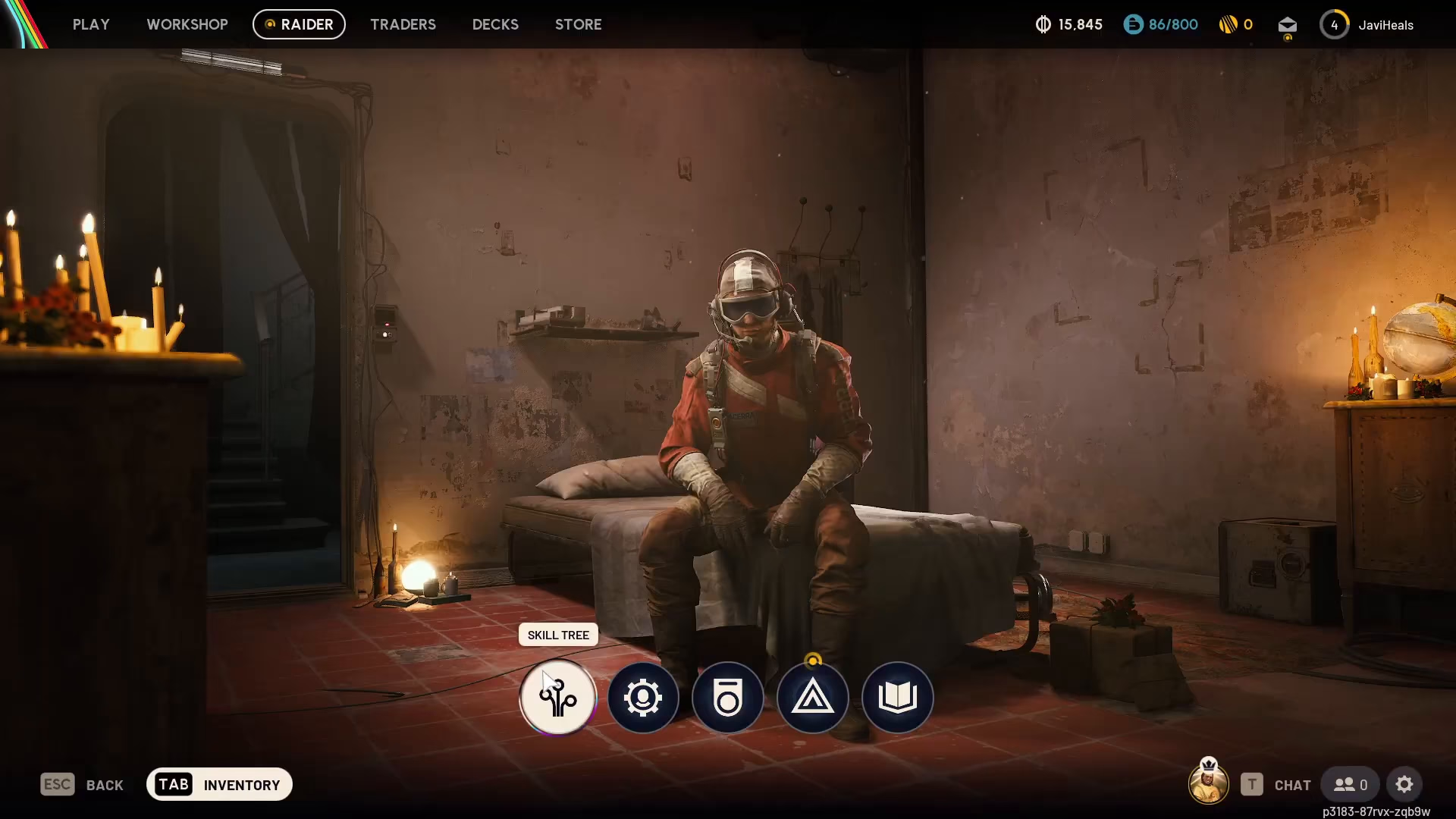
To begin editing your skill tree in Arc Raiders, navigate to the radar menu at the top of your screen. From there, select the skill tree option to open your character’s skill management interface.
Allocating Skill Points
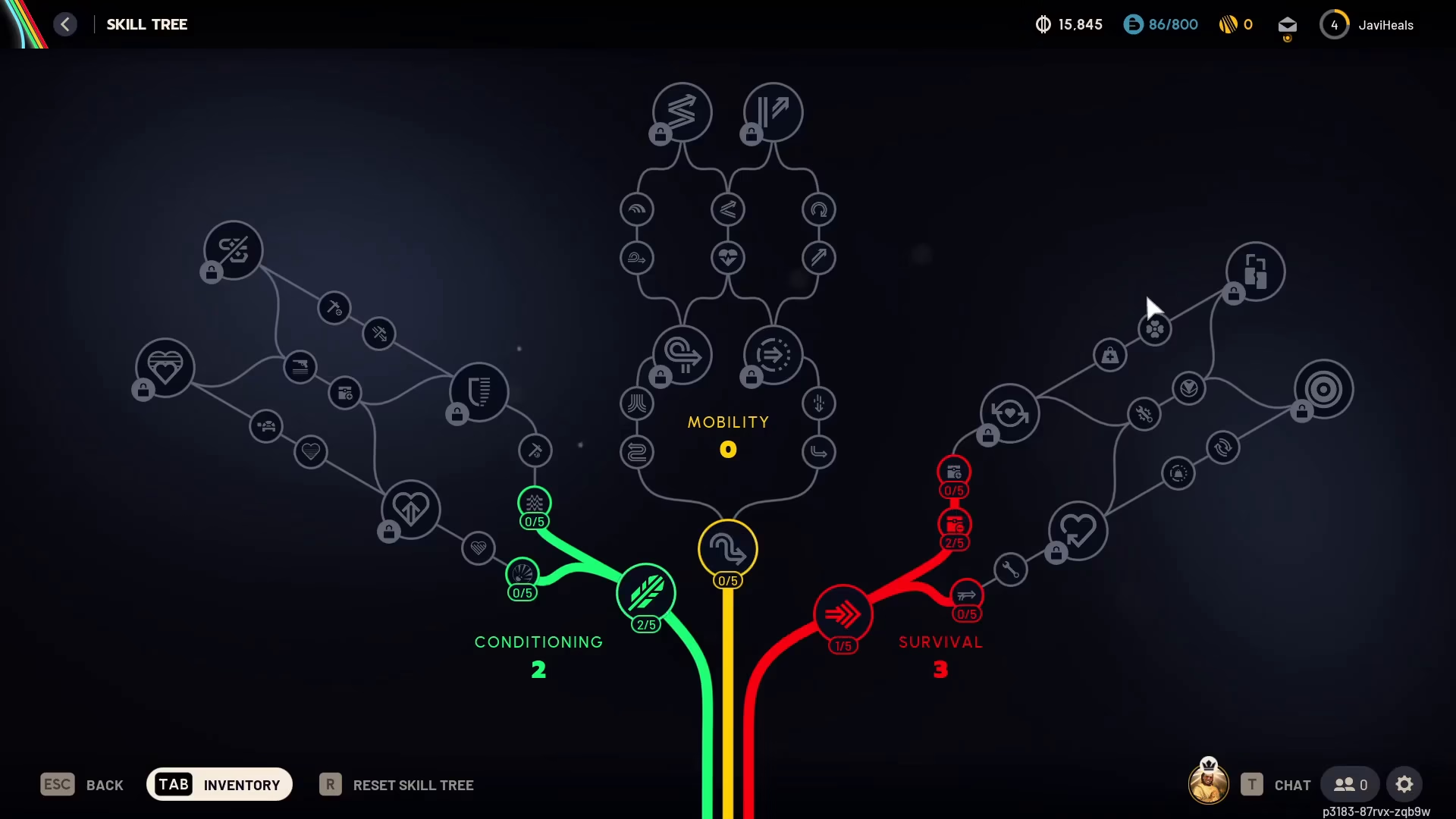
Once you’re in the skill tree menu, you can allocate skill points whenever you have them available. Your current level and available skill points are displayed at the top of the interface. For example, at level 4, you may not have any skill points available yet. When you do earn skill points, simply place them into the skill point nodes of your choice to unlock new abilities and enhance your character’s capabilities.
Resetting Your Skill Tree
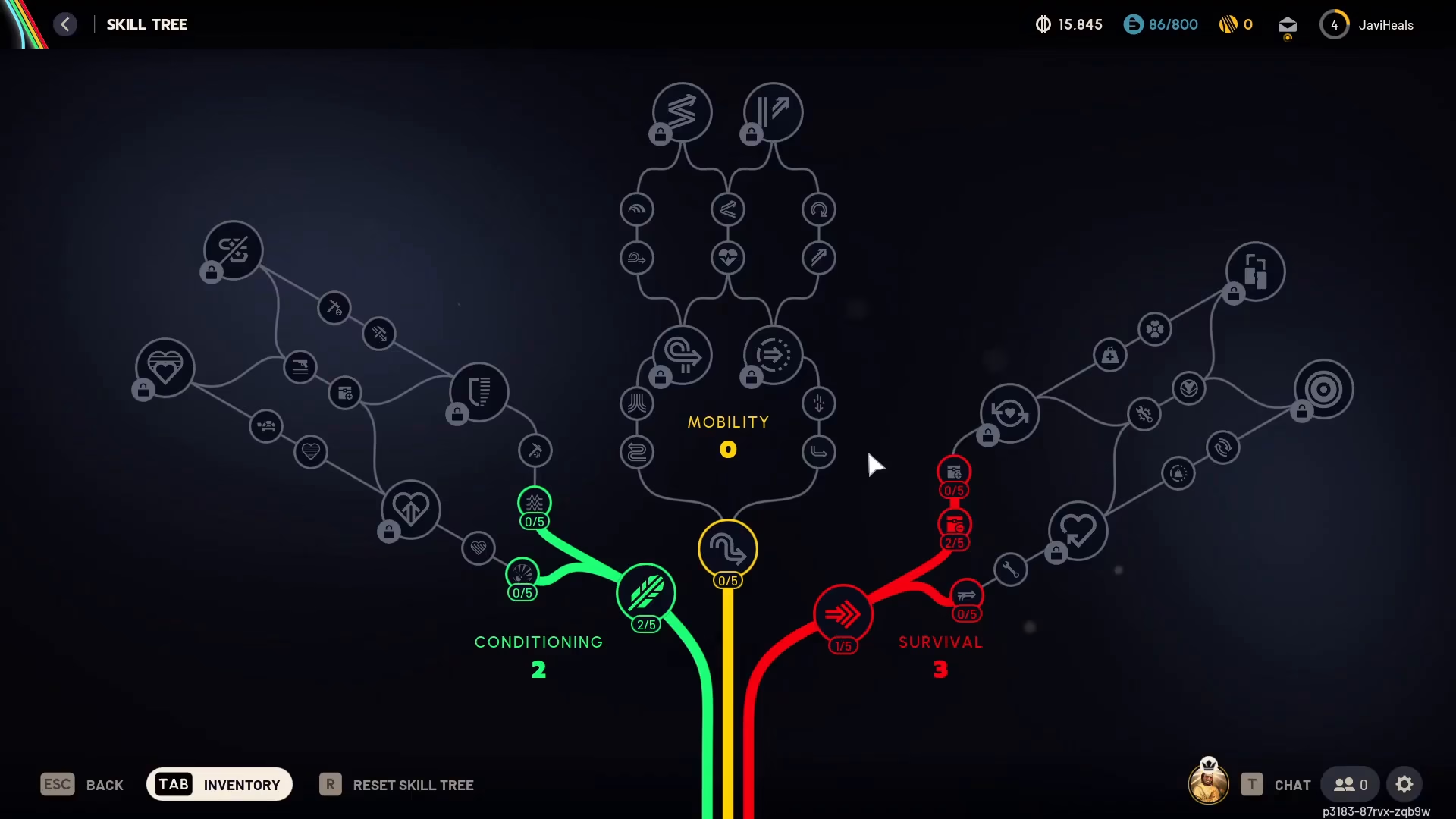
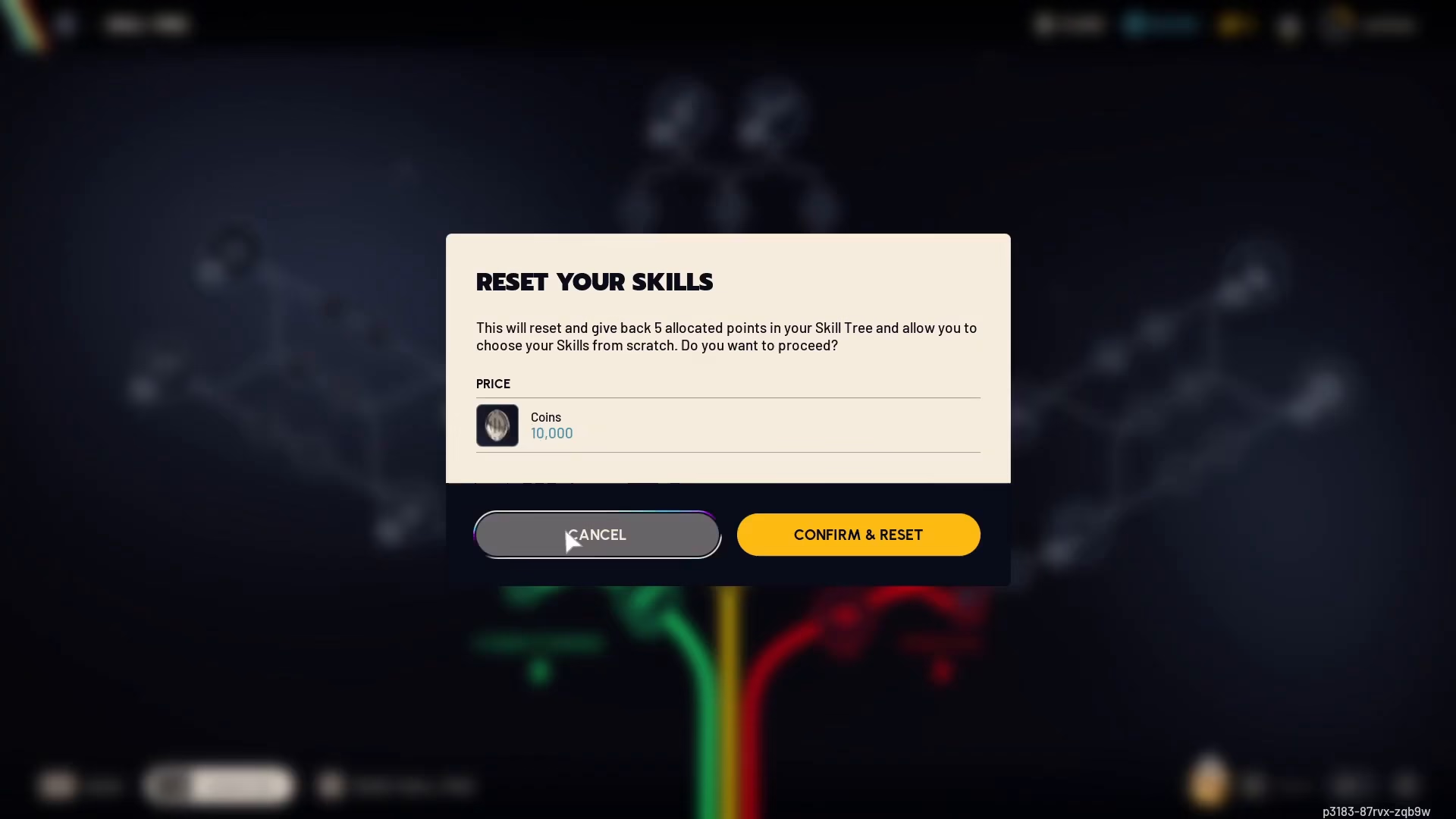
If you need to redistribute your skill points or try a different build, you can reset your entire skill tree. Look for the “Reset Skill Tree” option in the menu—it may appear grayed out visually, but it is still functional and clickable.
How Reset Works
When you confirm the reset, the system will cost you a certain amount of in-game currency (Mac Quins) as shown in the interface. The reset will refund all allocated skill points—typically five points—allowing you to choose them from scratch and experiment with different character builds. Keep in mind that the cost may increase with each subsequent reset, though this scales based on your usage.
Summary
Editing your skill tree in Arc Raiders is straightforward. Simply access the radar menu, select skill tree, allocate points to the nodes you want, and use the reset function if you need to reorganize your abilities. This flexible system allows you to experiment with different builds and optimize your character as you progress through the game.
— Want to Support? —
If you would like to help us continue making these guides – please consider joining our patreon here – https://www.patreon.com/c/JaviHeals
Alternatively – you can join our discord here – https://discord.gg/zD7Gjt6MHF

