How To End A Game In Phasmophobia
How To End A Game In Phasmophobia
Learning how to properly end a game in Phasmophobia is essential for maintaining your progress and keeping your collected items. Whether you’ve completed your investigation or simply need to return to the main menu, this guide will walk you through the straightforward process.
Returning to Your Van
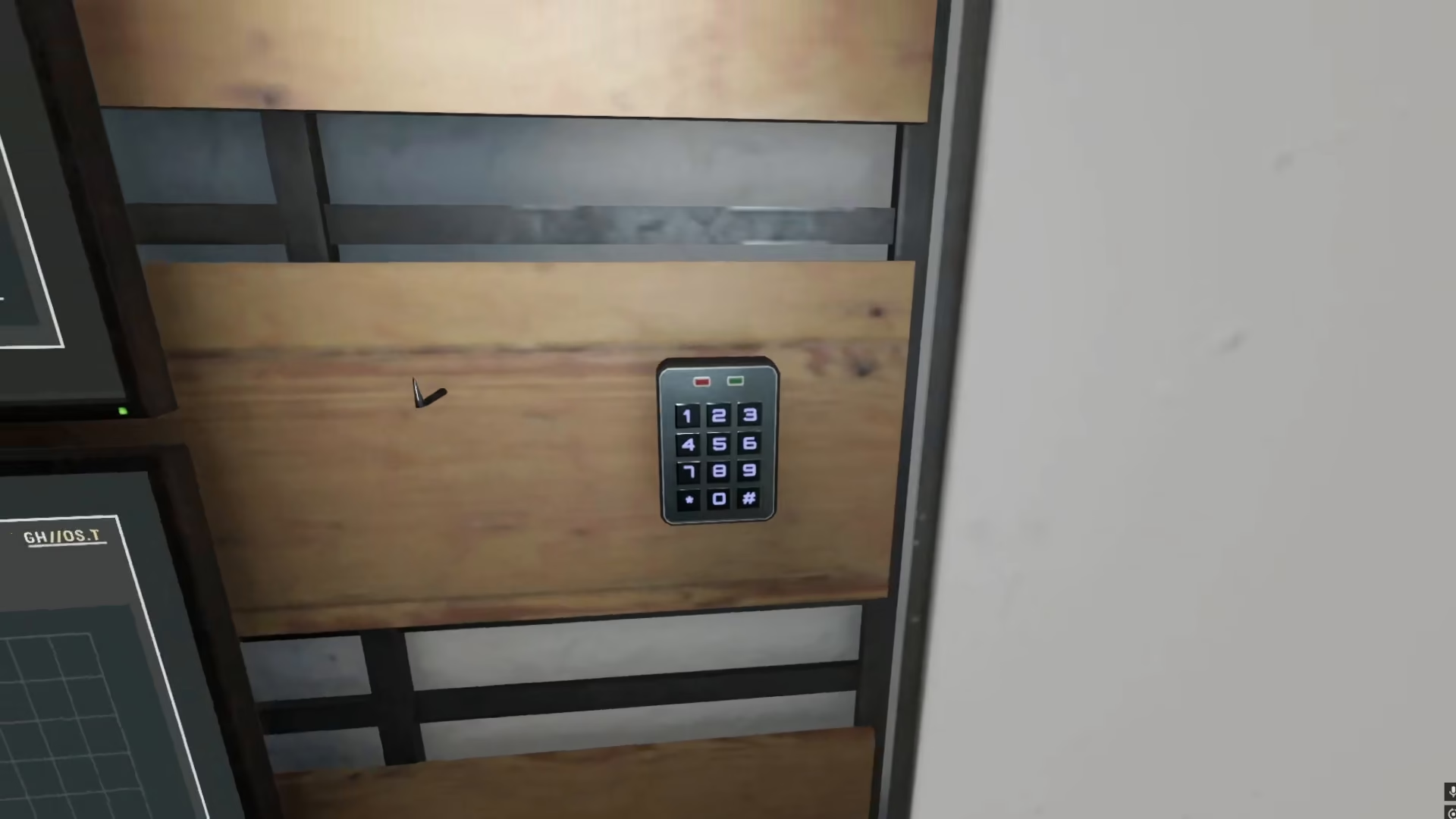
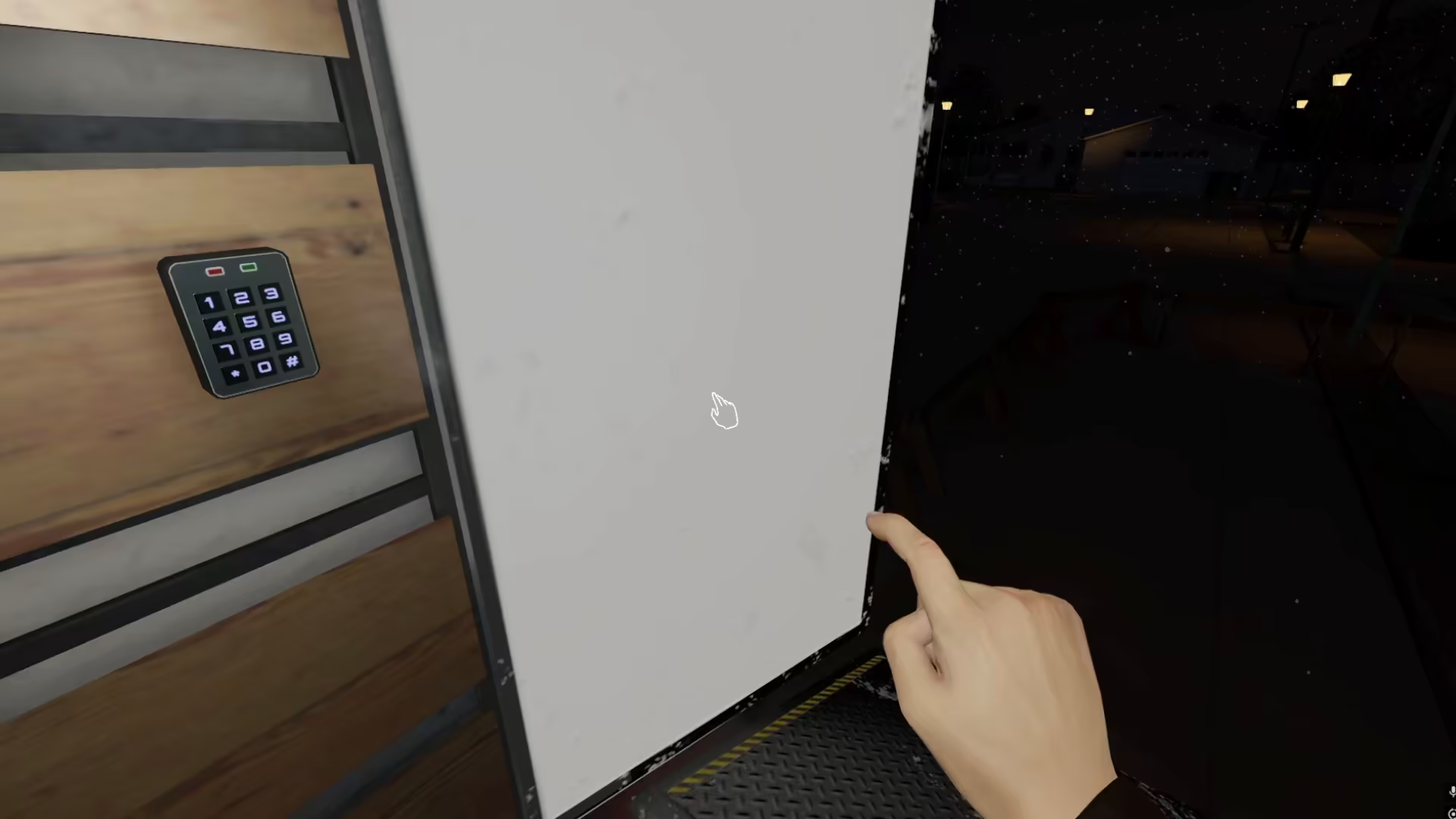
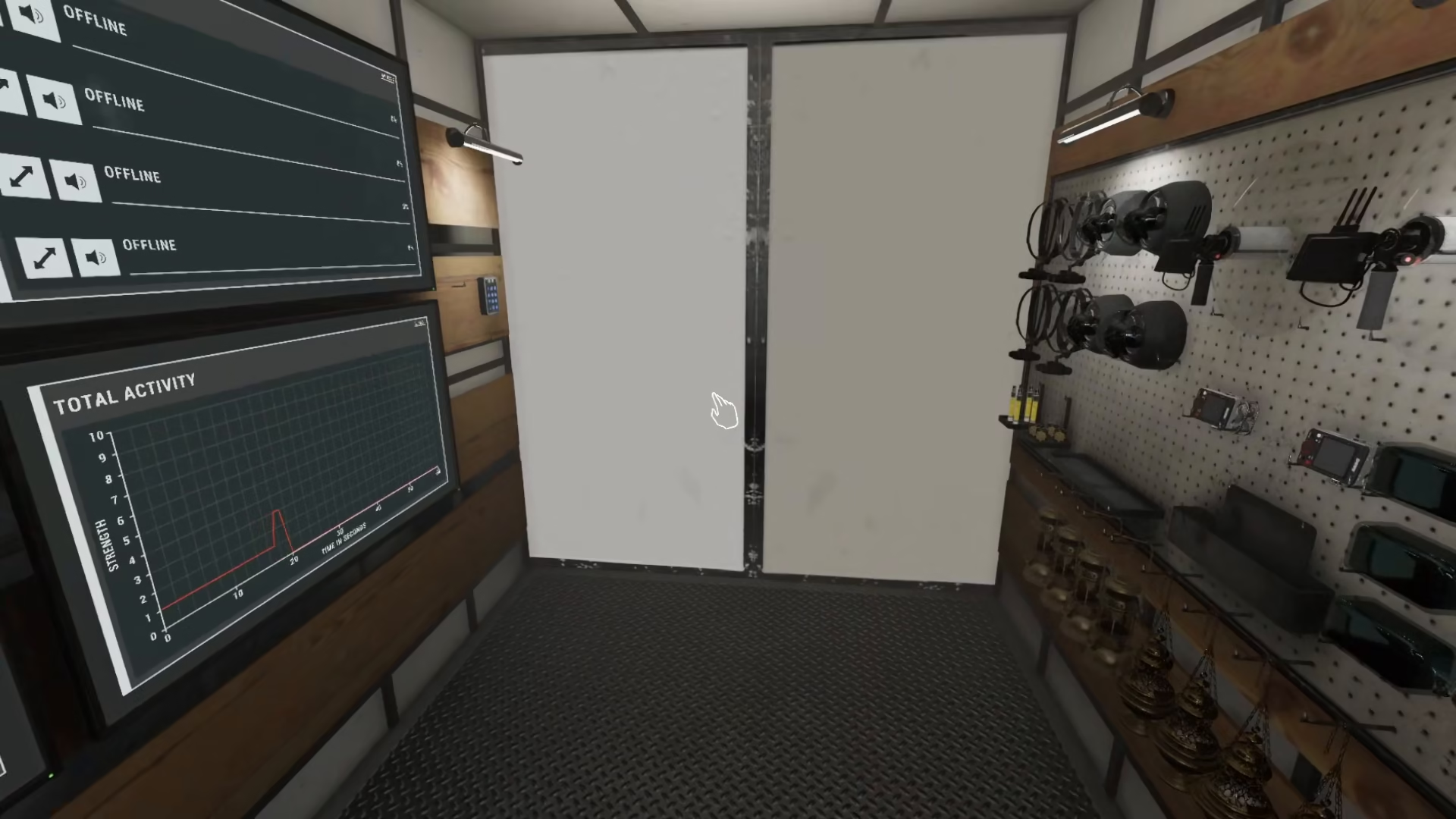
The first step to ending your game is to make your way back to your van. This is where you’ll find the option to conclude your current game session. The van serves as your base of operations and command center throughout your investigation.
Selecting the Ghost You Found
Once you’re back at the van, you’ll see a menu with an option and meter that allows you to choose the ghost that you have identified during your investigation. Simply click on the ghost you have found from the available options.
Returning to the Main Menu
After selecting your ghost choice, the game will automatically take you back to your main menu. This action preserves all the items you’ve collected during your session, ensuring you don’t lose any progress or equipment.
Inviting Other Players
From the main menu, you now have the option to invite other people to join your game. This makes it easy to start a new session with friends or continue playing cooperatively without losing your previous game data.
Summary
Ending a game in Phasmophobia is simple: return to your van, select the ghost you identified, and you’ll be taken back to the main menu with all your items intact. From there, you can easily invite other players or start a fresh investigation. This method ensures you never lose progress and can seamlessly transition between game sessions.
— Want to Support? —
If you would like to help us continue making these guides – please consider joining our patreon here – https://www.patreon.com/c/JaviHeals
Alternatively – you can join our discord here – https://discord.gg/zD7Gjt6MHF