How to Equip Different Arrow Types in 7 Days to Die
How to Equip Different Arrow Types in 7 Days to Die
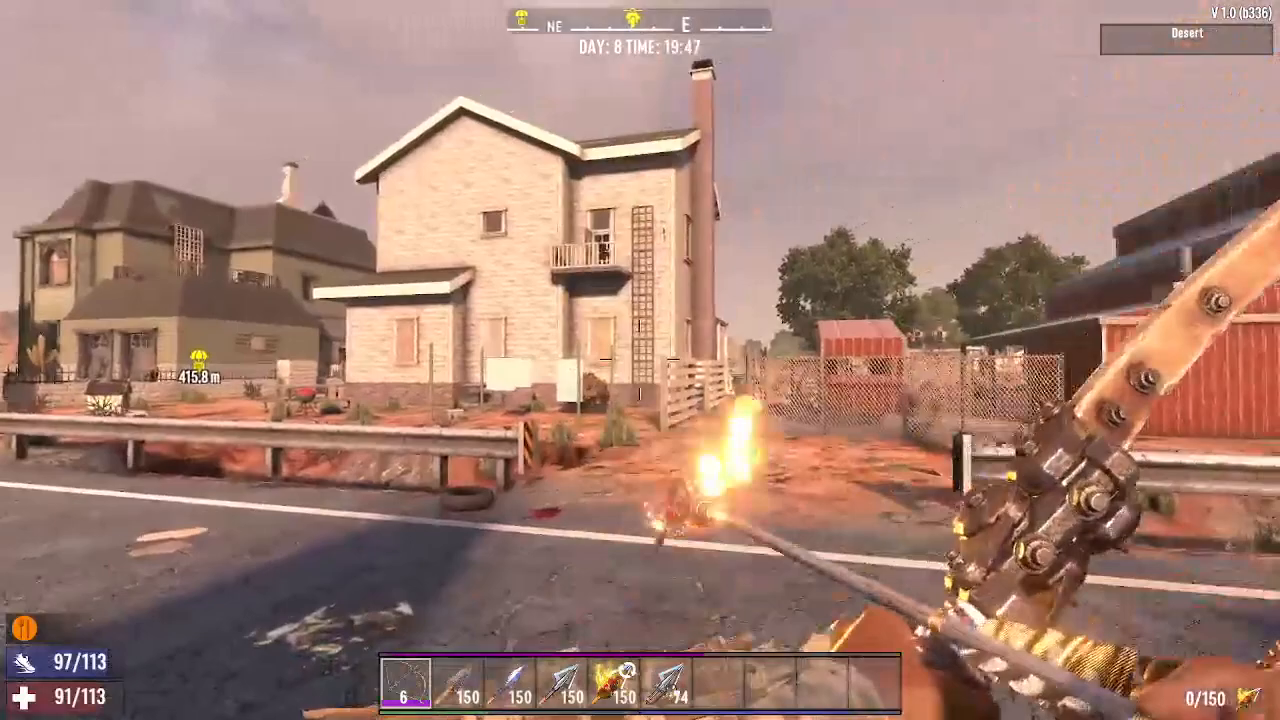
Managing your ammunition efficiently is crucial in 7 Days to Die. Whether you’re dealing with zombies at range or need to switch tactics quickly, knowing how to swap between different arrow types is an essential skill. This guide walks you through the simple process of equipping stone arrows, steel arrows, exploding arrows, flaming arrows, and iron arrows on your bow or crossbow.
Switching Arrow Types: The Basics
Equipping different arrow types in 7 Days to Die is straightforward and works the same way whether you’re using a bow or a crossbow. The key is using the R button to cycle through your available ammunition.
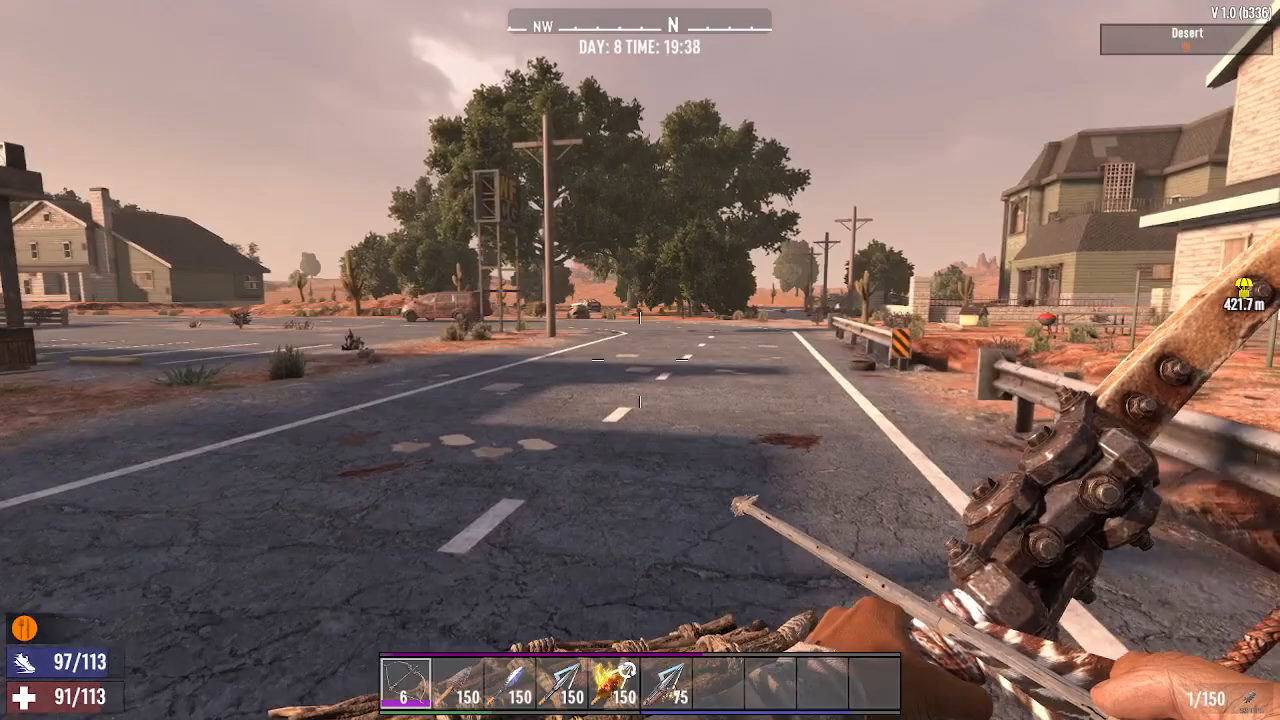
Start by holding down the R key. A menu will appear showing all the arrow types you currently have in your inventory. Your currently equipped arrows will be displayed prominently.
Available Arrow Types
7 Days to Die offers several arrow varieties, each suited for different combat situations:
Stone Arrows: Your basic ammunition option
Steel Arrows: Improved standard arrows
Exploding Arrows: Deal area damage and are perfect for taking down groups
Flaming Arrows: Ignite enemies and objects
Iron Arrows: Another upgraded standard option
How to Switch Between Arrow Types
Once you have the arrow selection menu open by holding R, switching between types is easy:
Hold down the R key to bring up the arrow type menu
Move your mouse cursor over the arrow type you want to equip
Press R while hovering over your desired arrow type
The swap is instant—your weapon is now loaded with the new ammunition
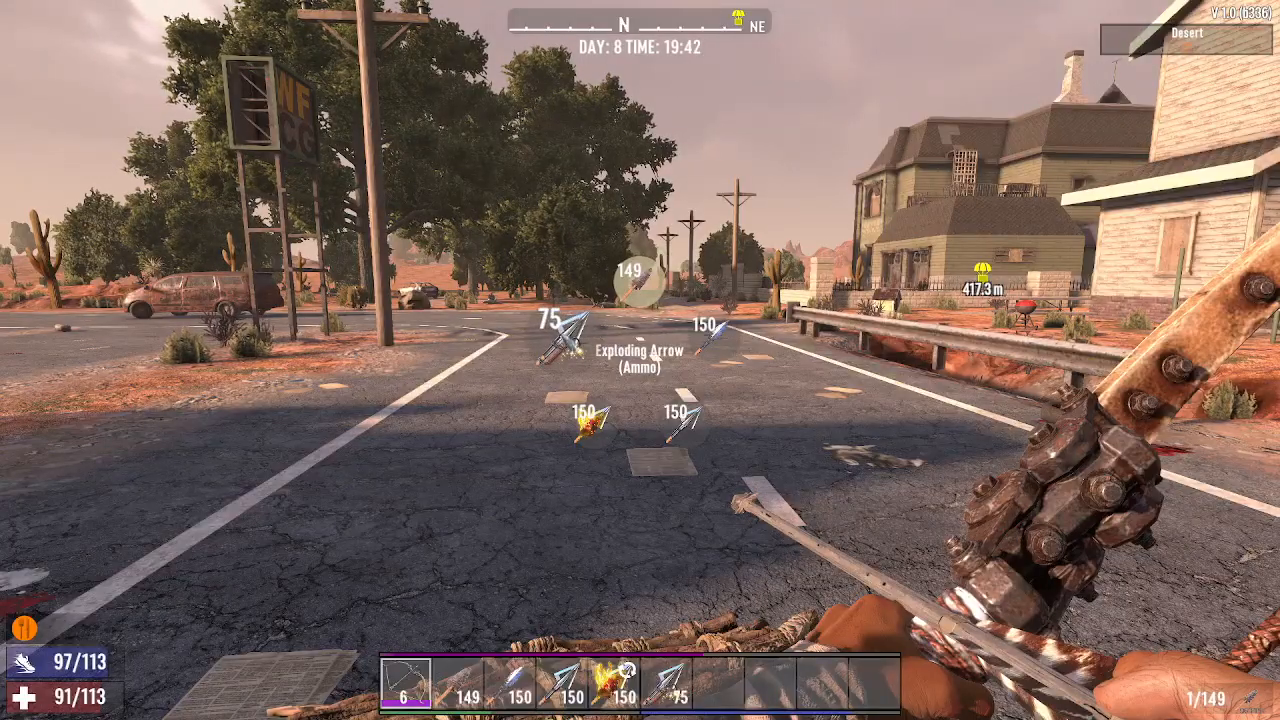
For example, if you’re currently using stone arrows and want to switch to exploding arrows, simply hover over “Exploding” in the menu and press R. Your crossbow or bow will immediately be equipped with exploding arrows.
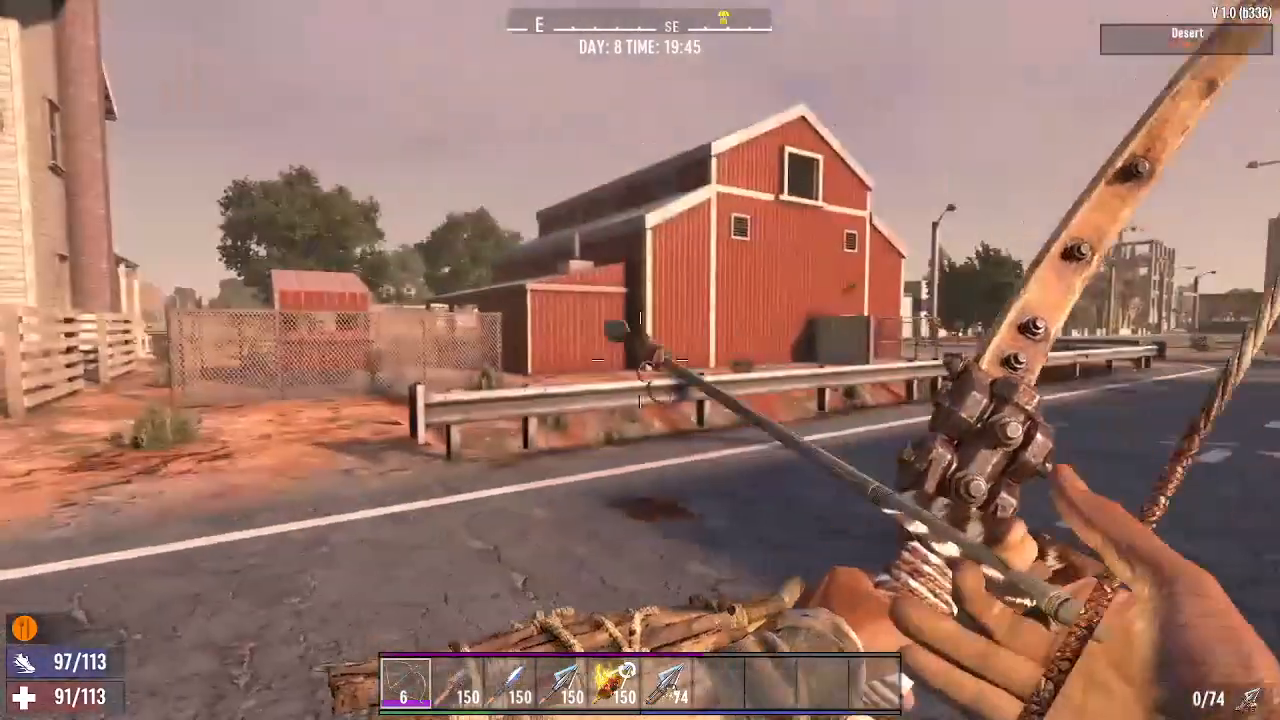
The same process applies when switching to flaming arrows, steel arrows, or iron arrows. Simply repeat the steps above for whichever arrow type you need.
Conclusion
Switching between arrow types in 7 Days to Die is incredibly simple once you know the mechanic. Just hold R, hover over your desired arrow type, and press R again. This quick and intuitive system lets you adapt your strategy on the fly, whether you need the explosive power of dynamite arrows or the raw damage of steel arrows. Master this technique and you’ll be ready for any combat situation the game throws at you.
Want to Support?
If you would like to help us continue making these guides – please consider joining our patreon here – https://www.patreon.com/c/JaviHeals
Alternatively – you can join our discord here – https://discord.gg/zD7Gjt6MHF