






How To Extract in ARC Raiders
How To Extract in ARC Raiders
Extracting from a mission in ARC Raiders is essential once you’ve collected enough loot. This guide walks you through the complete extraction process, from locating extraction points on the map to safely calling the elevator and departing. Follow these steps to ensure you escape successfully and secure your rewards.
Understanding Extraction Points
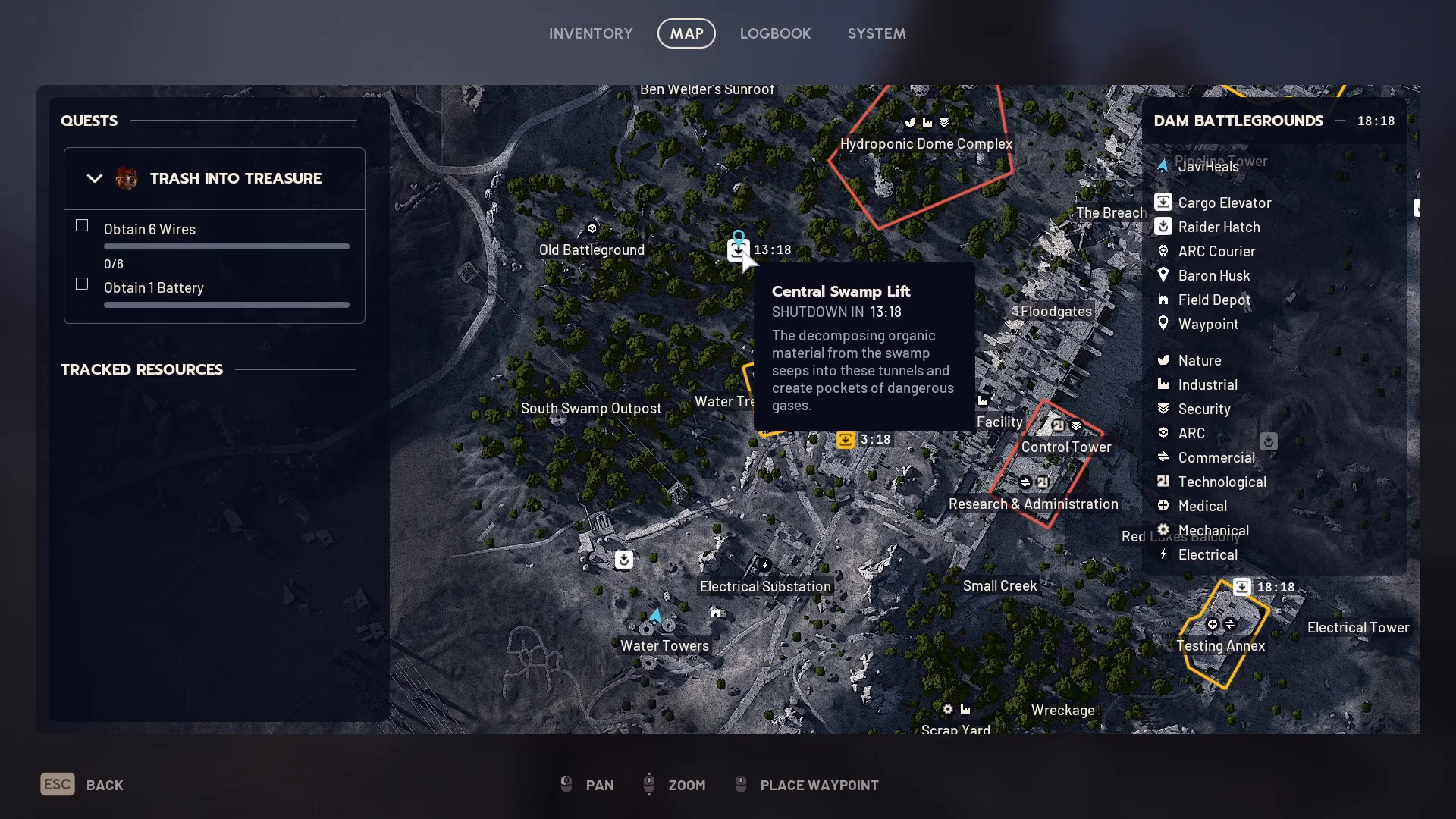
When you open the map during a mission, you’ll see several extraction points scattered across the level. Each extraction point displays an active timer that indicates how long that particular point will remain available. For example, one extraction point might shut down in 8 minutes, another in 13 minutes, and another in 18 minutes. Plan your route accordingly to reach an extraction point before its timer expires.
To mark your destination, simply use the middle mouse button on the map while hovering over your chosen extraction point. This will place a waypoint that guides you to the location.
Moving Quickly to the Extraction Point
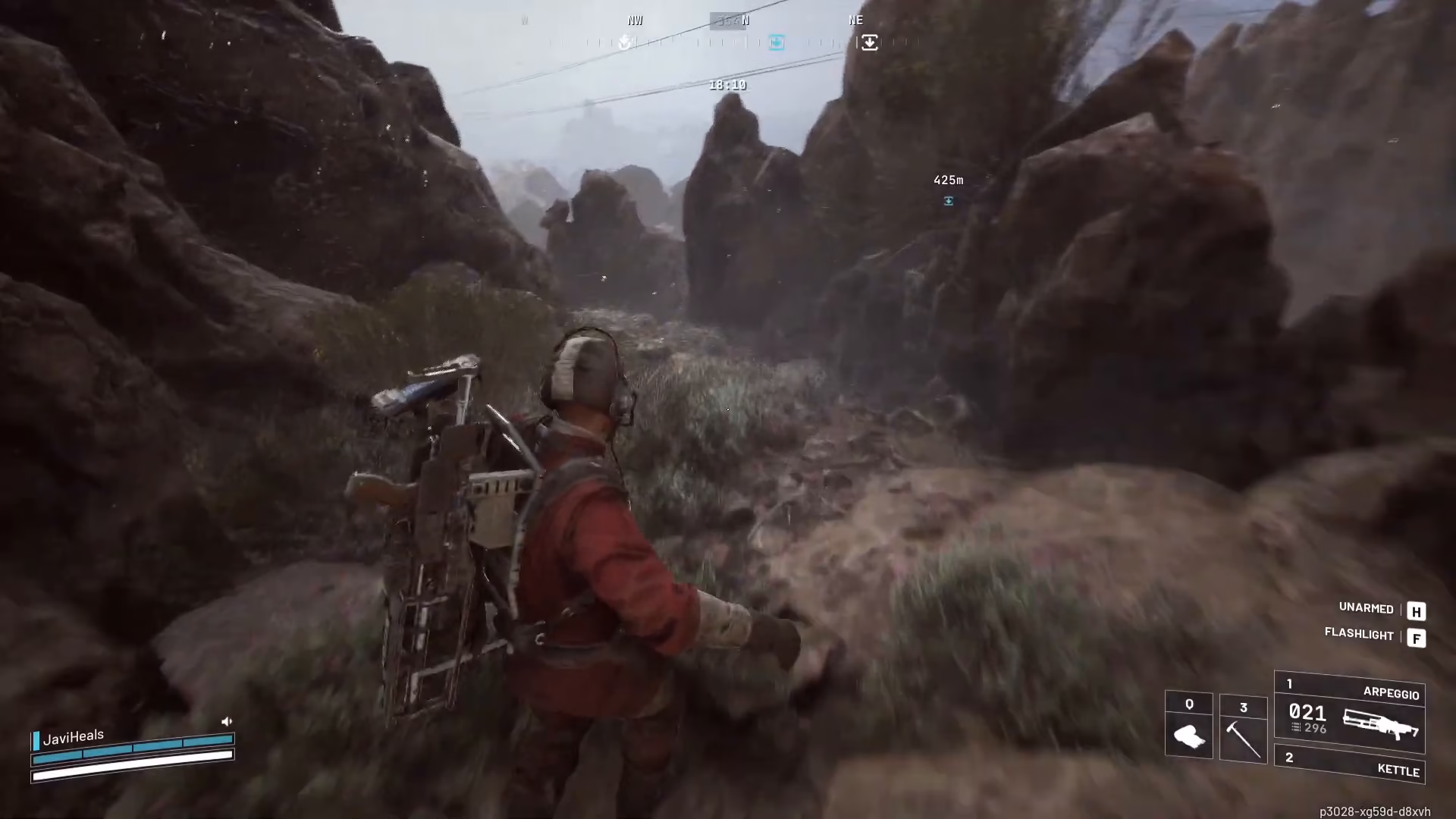
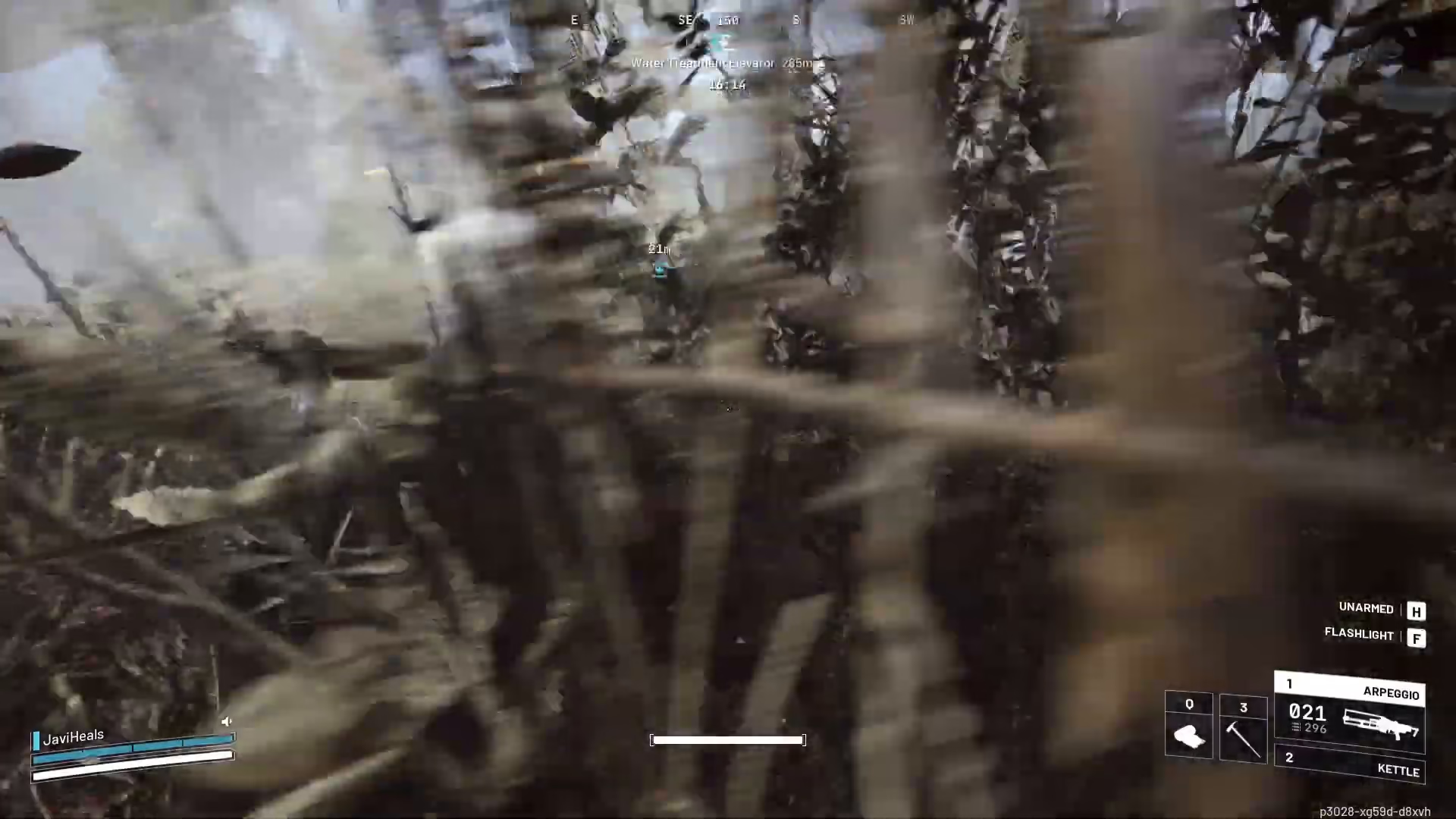
Speed is crucial when heading toward extraction. To maximize your movement speed, holster your weapon by using the designated key bind. You’ll see “unarmed” appear on the right-hand side of your screen once your weapon is stowed. Running unarmed is noticeably faster than running with your weapon equipped, giving you a tactical advantage when racing against the timer.
Reaching the Extraction Zone
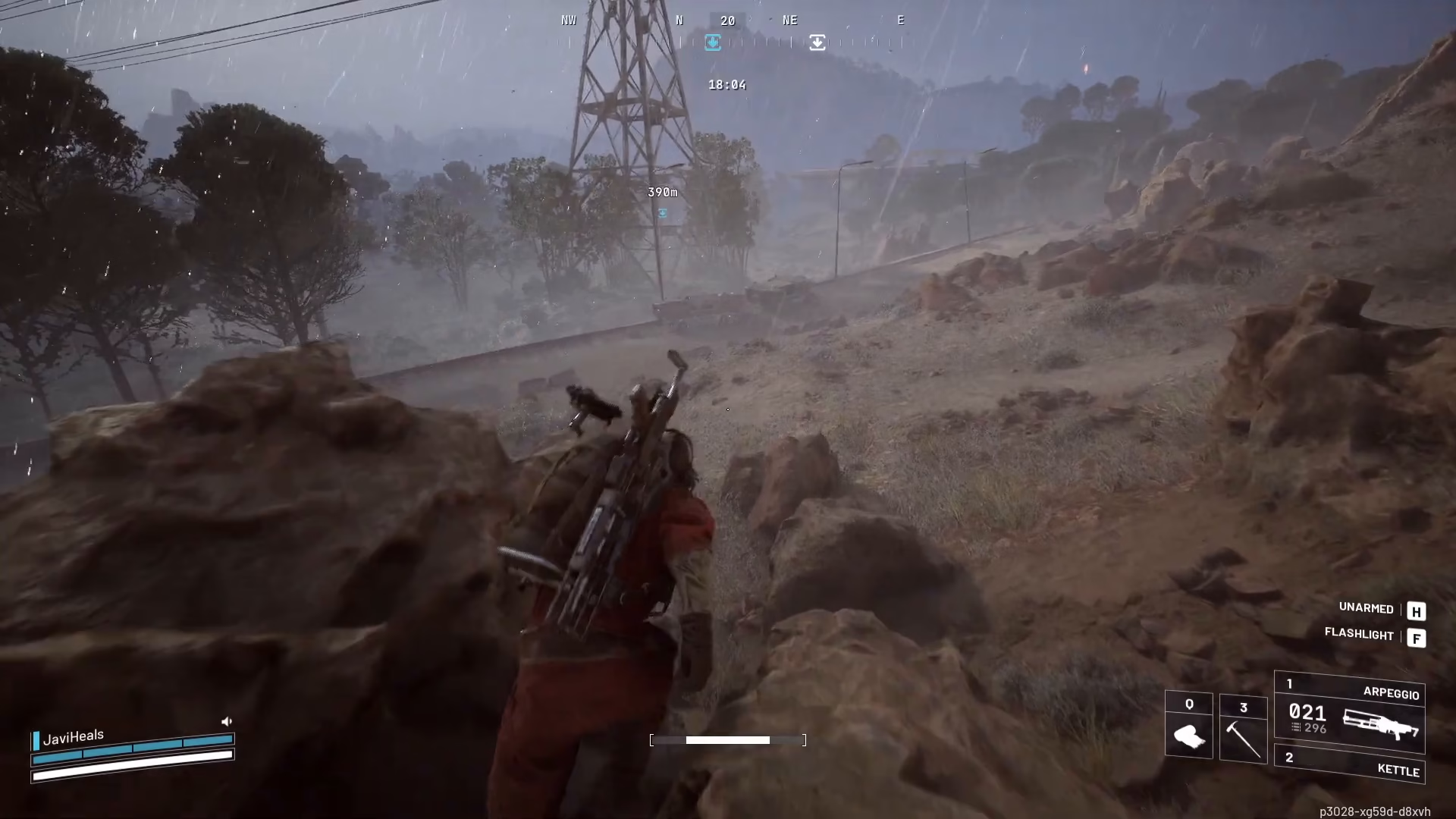
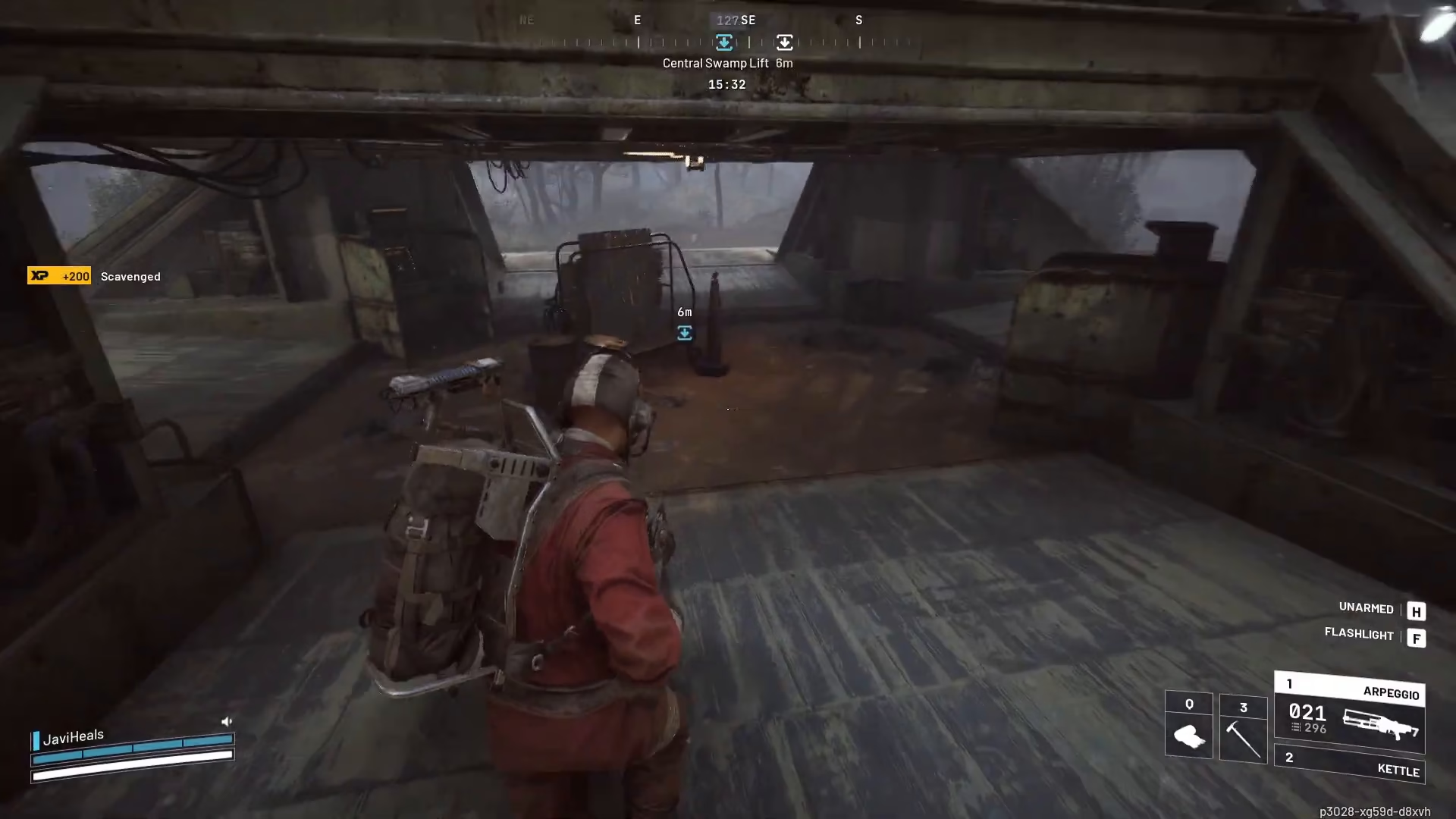
Navigate toward your waypoint until you arrive at the extraction point. Be aware that nearby players and robots may be present in the area. Exercise caution as you approach, since the next steps involve calling attention to your location.
Calling the Elevator
Once you’ve reached the extraction point, locate the control panel. Interact with it to call the elevator. Be prepared for significant noise—calling the elevator is quite loud and will alert any nearby enemies. The sound may draw the attention of both players and AI opponents in your vicinity.
Waiting for the Elevator Safely
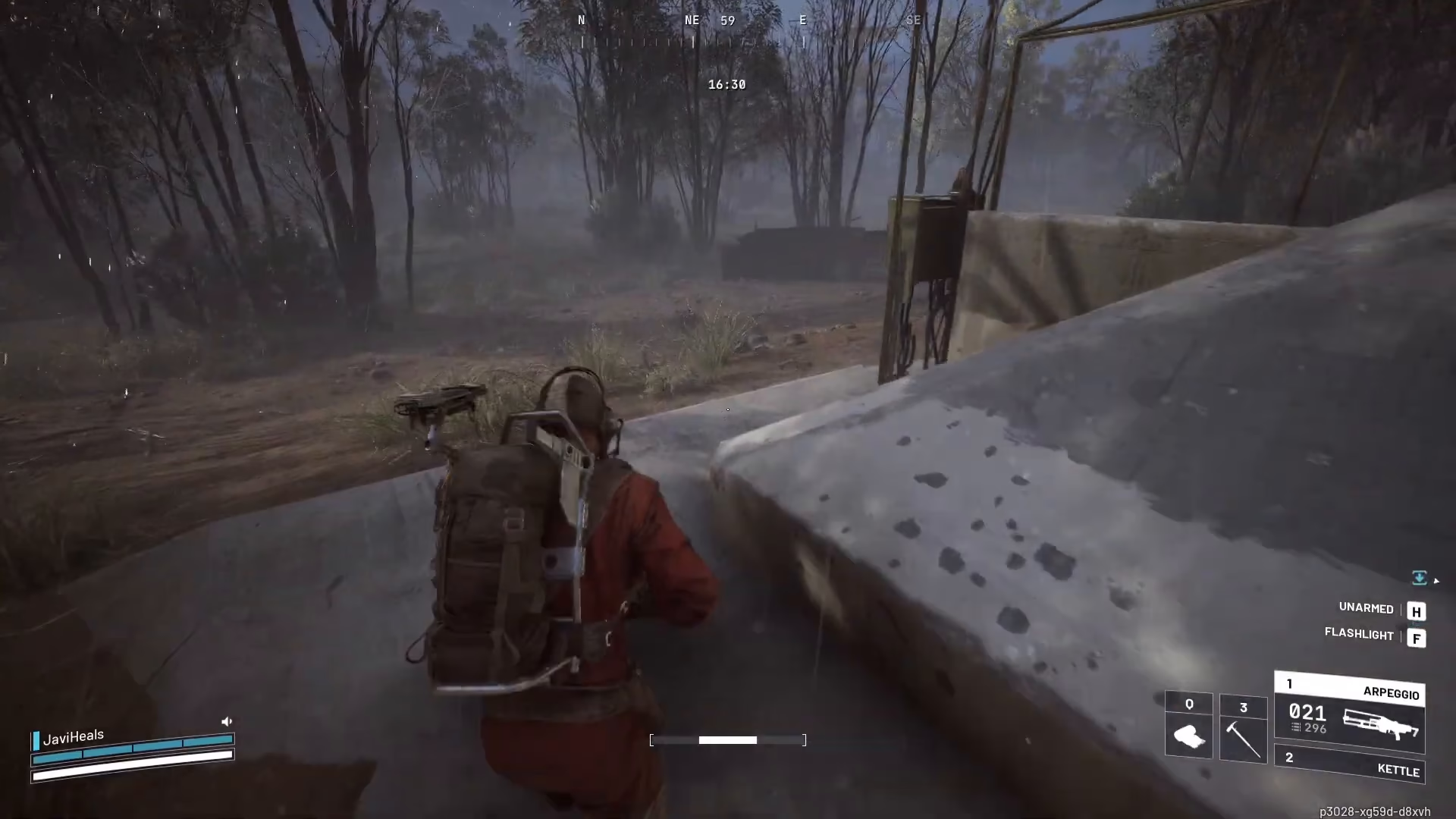
After calling the elevator, find cover immediately. Crouch and hide in nearby bushes or other concealment to avoid detection while you wait. The elevator takes approximately 90 seconds to arrive at your location. During this waiting period, monitor the map for any hostile activity. You’ll know the elevator has arrived when the large metal doors at the extraction point open.
Boarding and Departing
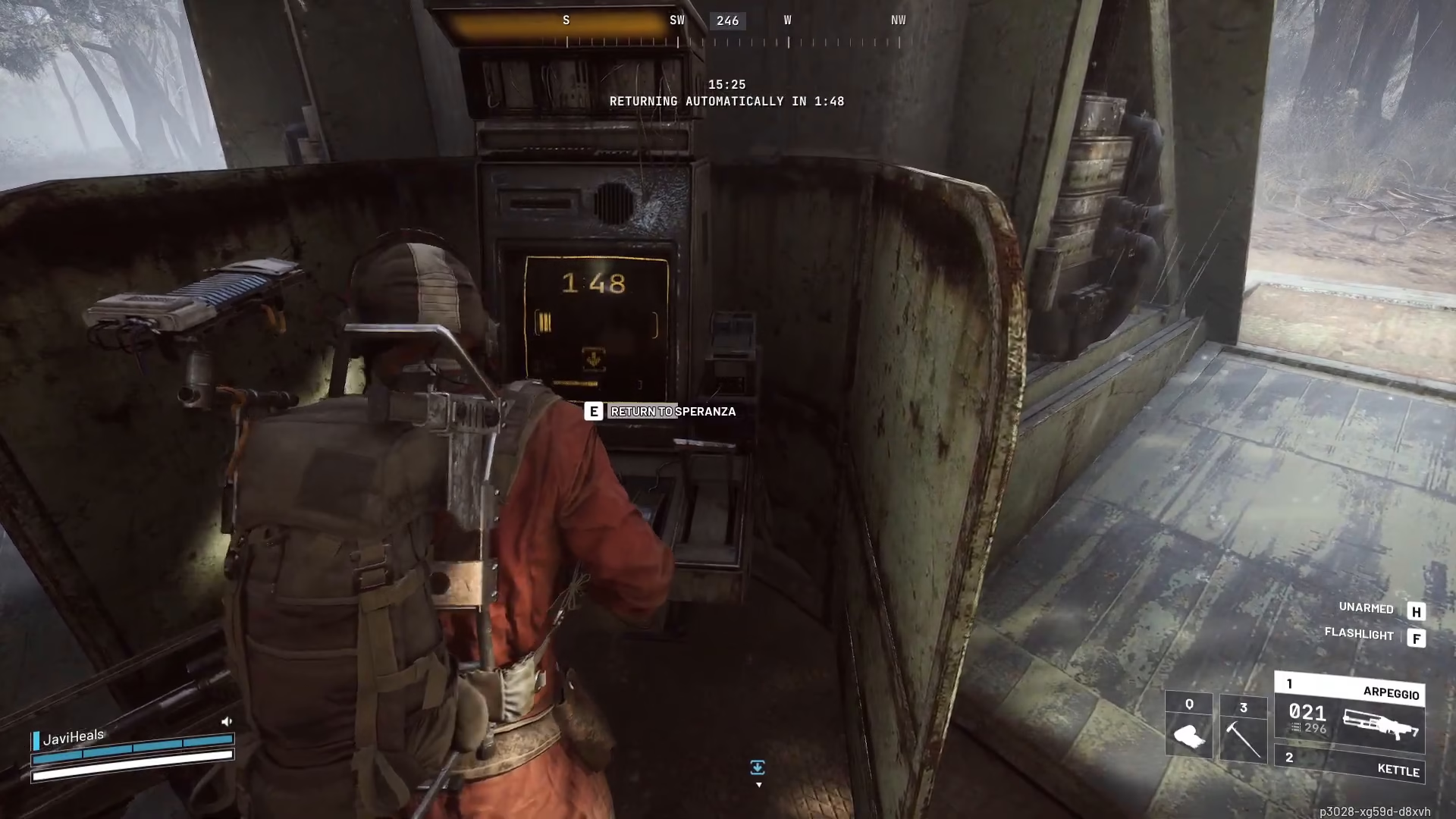
Once the hatch opens and the elevator has fully arrived, move into the elevator and interact with the return prompt. You should see an option to “Return to Sparanza” or a similar destination. Select this option to begin your extraction sequence. The doors will close shortly after you’ve initiated the return sequence, securing you safely inside the elevator.
Congratulations! Once the doors close, you have successfully extracted from the mission. Your loot is now secure, and you’ve completed the extraction process.
Summary
Extracting in ARC Raiders involves five main steps: identify extraction points on your map, place a waypoint to your chosen point, move quickly by running unarmed, call the elevator from the control panel, hide and wait approximately 90 seconds for arrival, then board and initiate your return to base. Remember to stay alert for enemies and use cover while waiting for the elevator. With this knowledge, you’ll be able to extract consistently and secure your hard-earned loot.
Want to Support?
If you would like to help us continue making these guides – please consider joining our patreon here – https://www.patreon.com/c/JaviHeals
Alternatively – you can join our discord here – https://discord.gg/zD7Gjt6MHF

