







How To Fully Log Into In Among Us
How To Fully Log Into Among Us
Getting properly logged into your Among Us account is essential for saving your progress, unlocking cosmetics, and enjoying a personalized gaming experience. This guide walks you through the complete login process step-by-step, ensuring you have full access to all your account features.
Accessing Your Account Settings
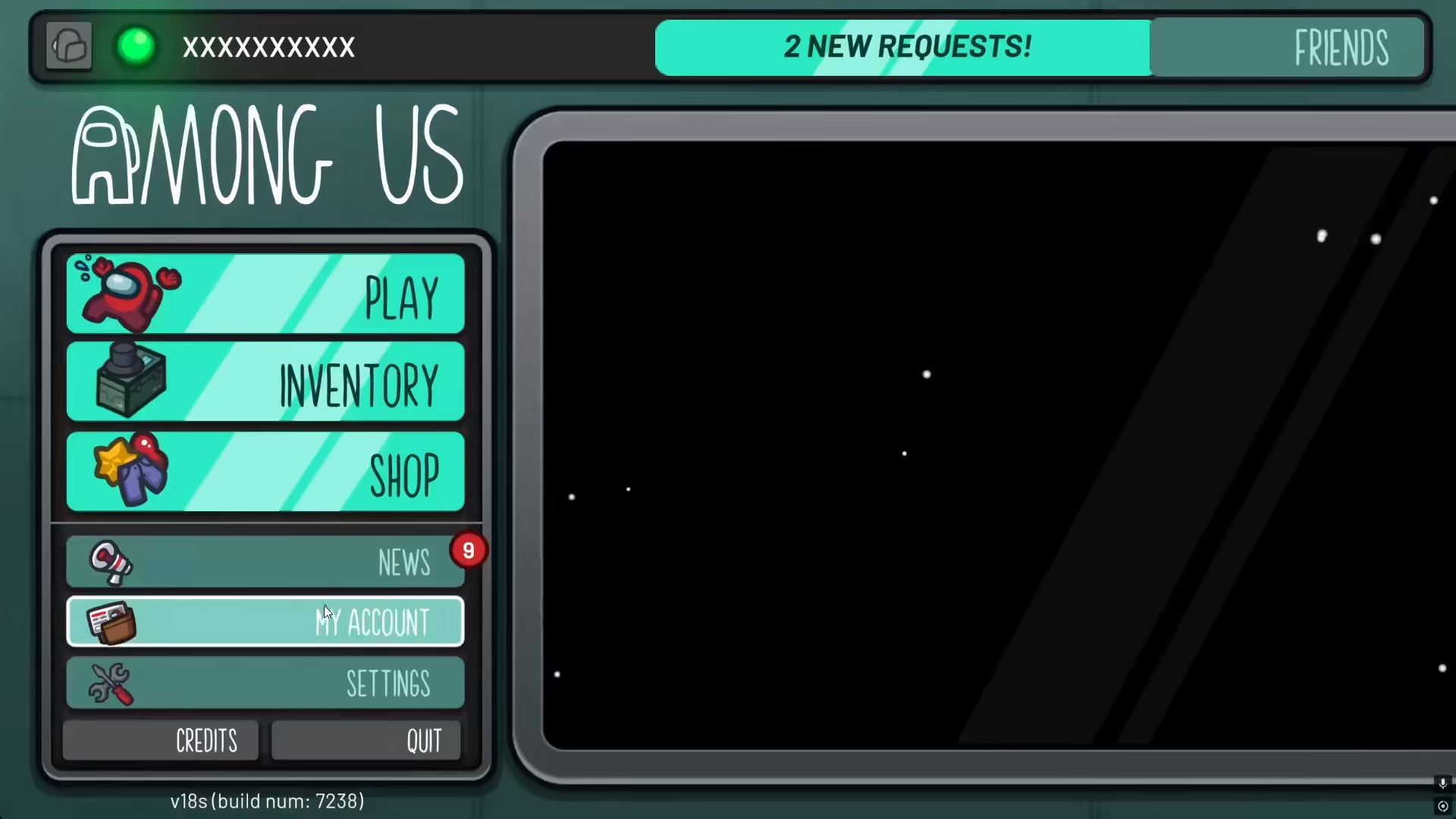
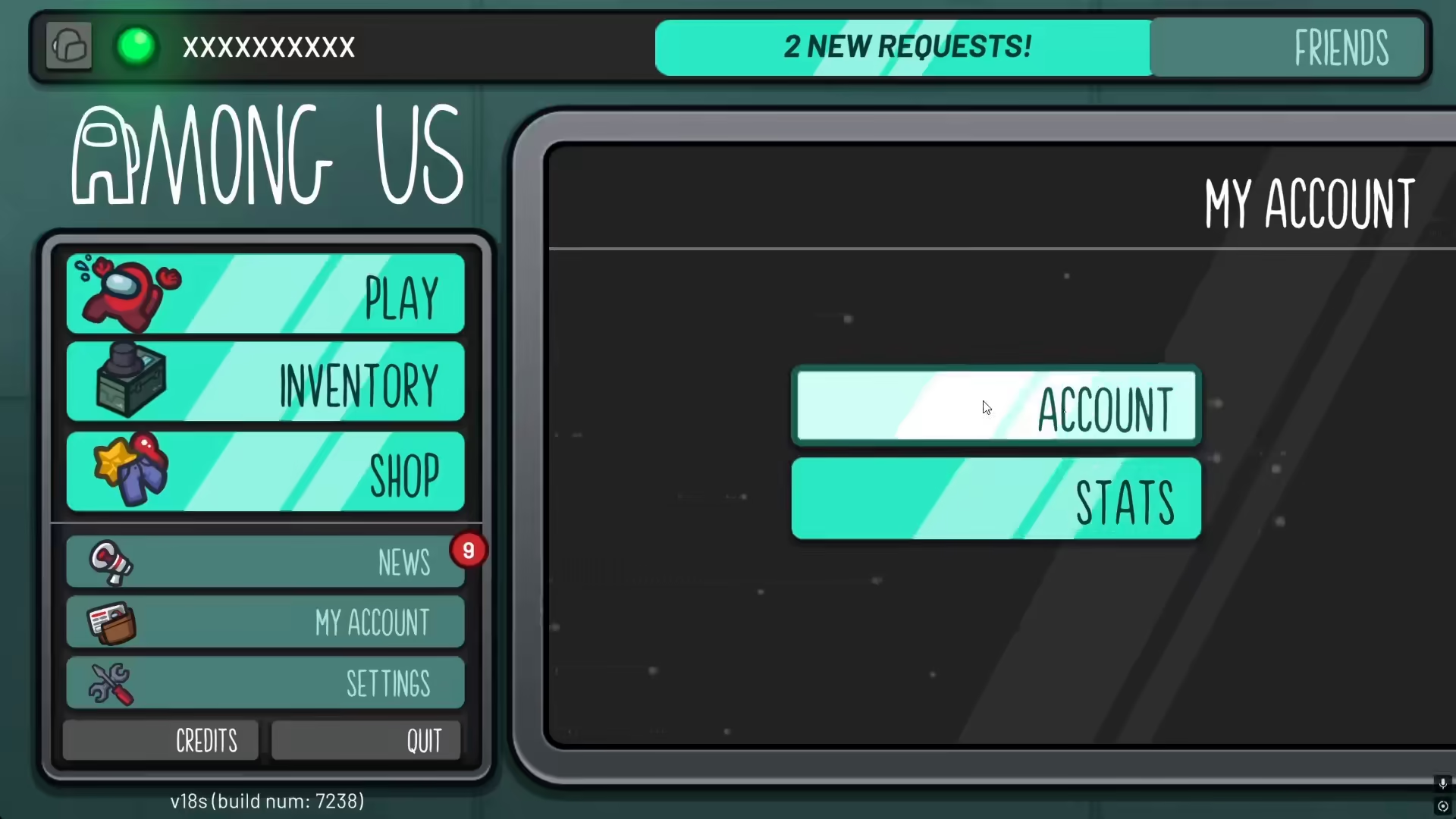
To begin the login process, you’ll need to navigate to your account section. Start by opening the game and locating the “My Account” option in the main menu.
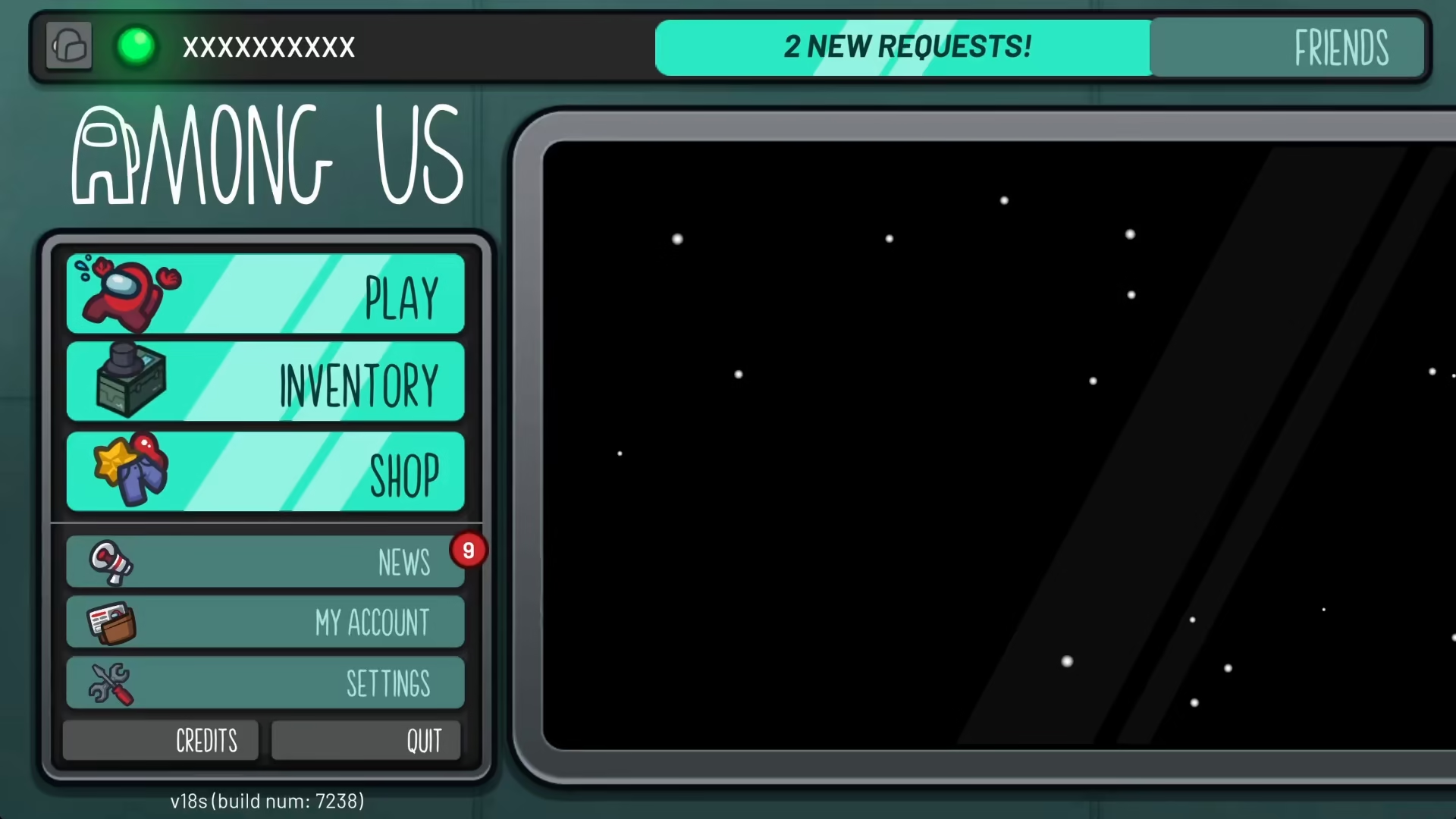
Viewing Your Account Options
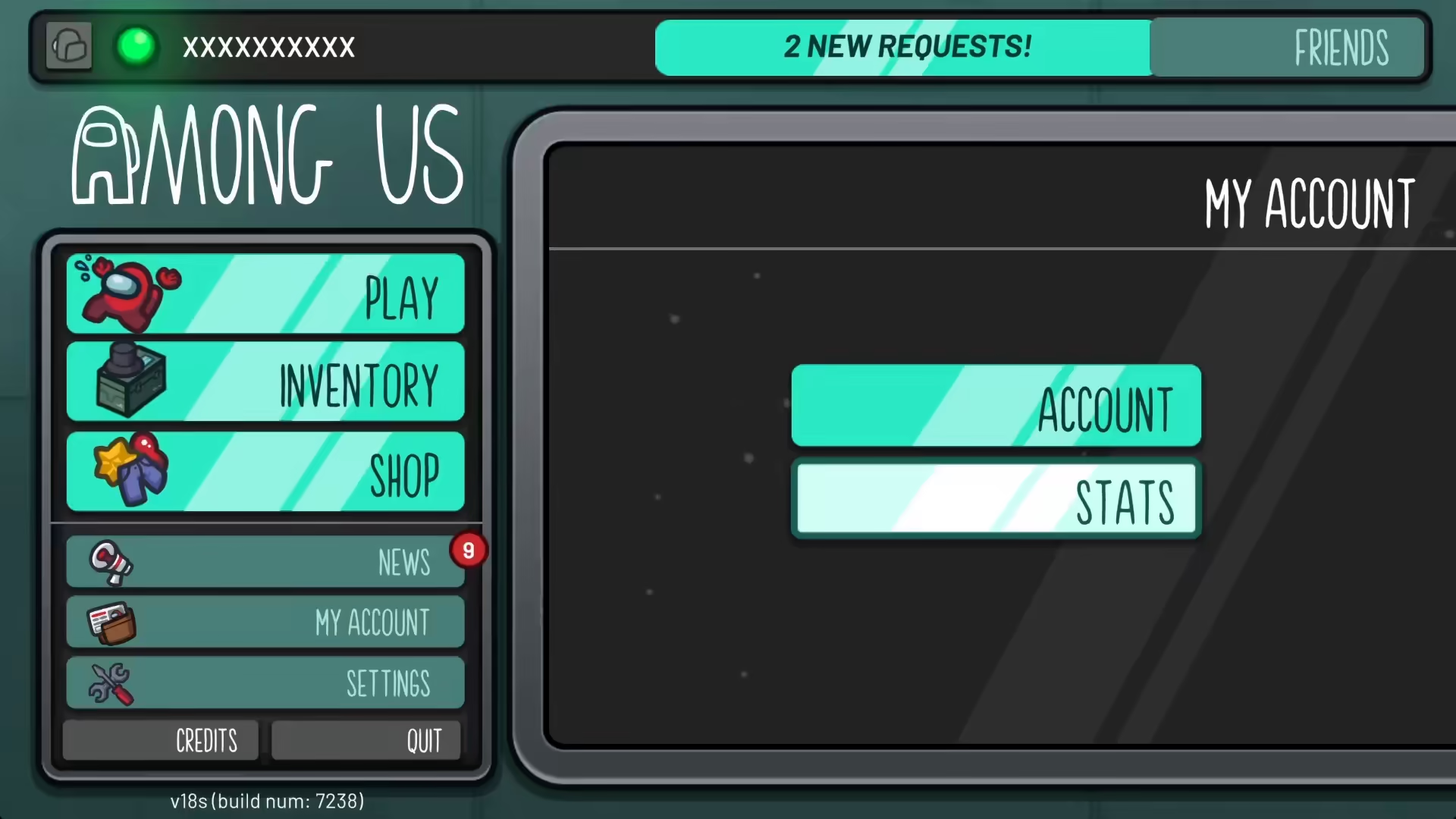
Once you’ve clicked on “My Account,” you’ll be presented with two distinct options: one for your accounts and stats. Select the account option to proceed with the login process.
Understanding the Account Menu
The account menu contains the sign-in option you need to fully authenticate your Among Us account. Look for the “Sign In to Account” option within this menu.
Completing the Sign-In Process
After selecting the sign-in option, the system will generate a unique ID and provide you with all the necessary credentials to fully authenticate your account. This unique ID is crucial for account recovery and security purposes.
Summary
Logging into your Among Us account is straightforward when you follow these steps. By navigating to My Account, selecting the account option, and completing the sign-in process, you’ll receive your unique ID and gain full access to all your account features. This ensures your progress, cosmetics, and account data are properly saved and secured.
— Want to Support? —
If you would like to help us continue making these guides – please consider joining our patreon here – https://www.patreon.com/c/JaviHeals
Alternatively – you can join our discord here – https://discord.gg/zD7Gjt6MHF



