






How to Get a Clan Tag in Wardogs
How to Get a Clan Tag in War Dogs
Setting up a clan tag in War Dogs is a quick and easy process that takes just a few steps. This guide will walk you through navigating the game’s settings menu and customizing your clan tag to represent your gaming identity.
Accessing the Settings Menu
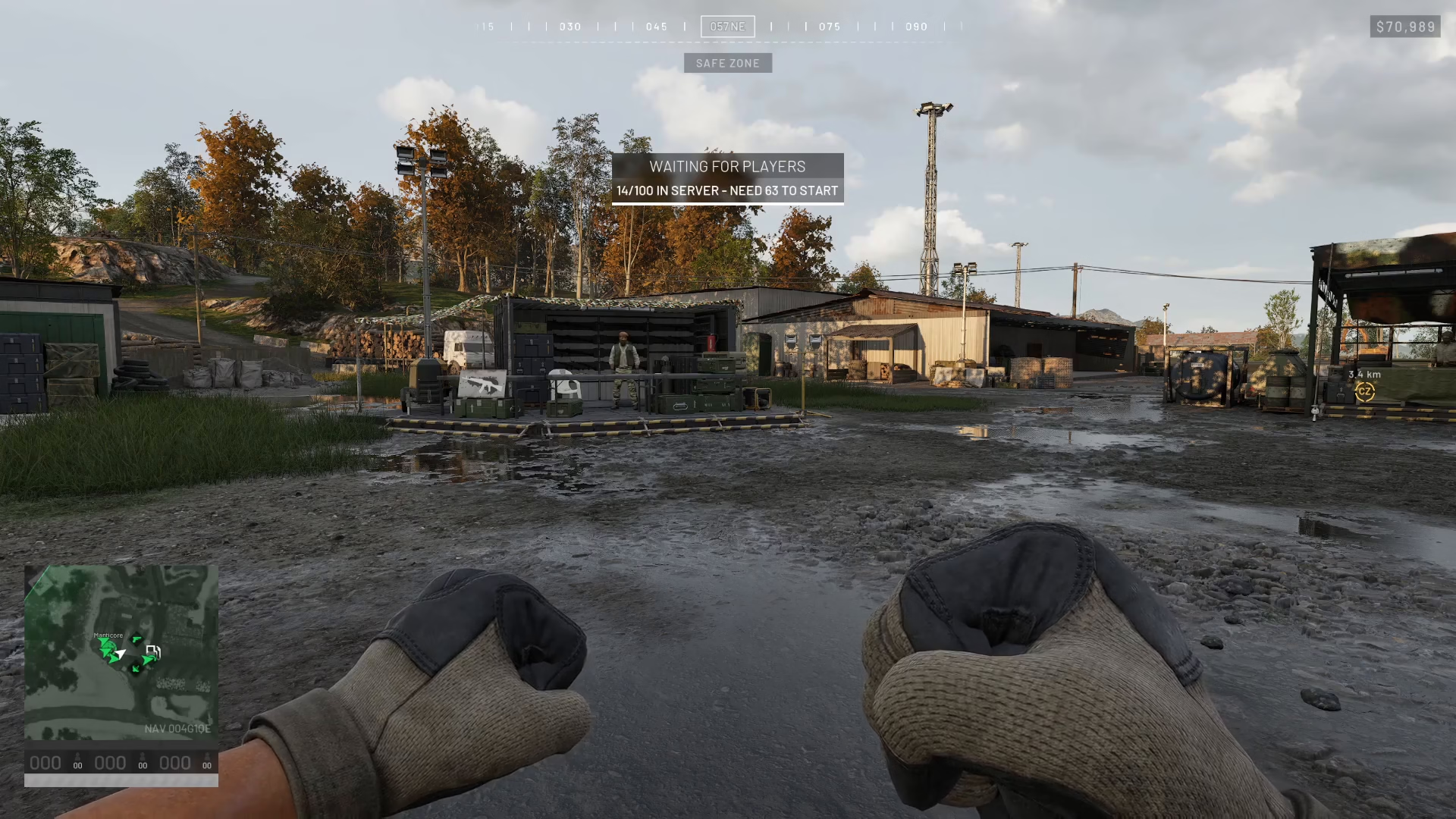
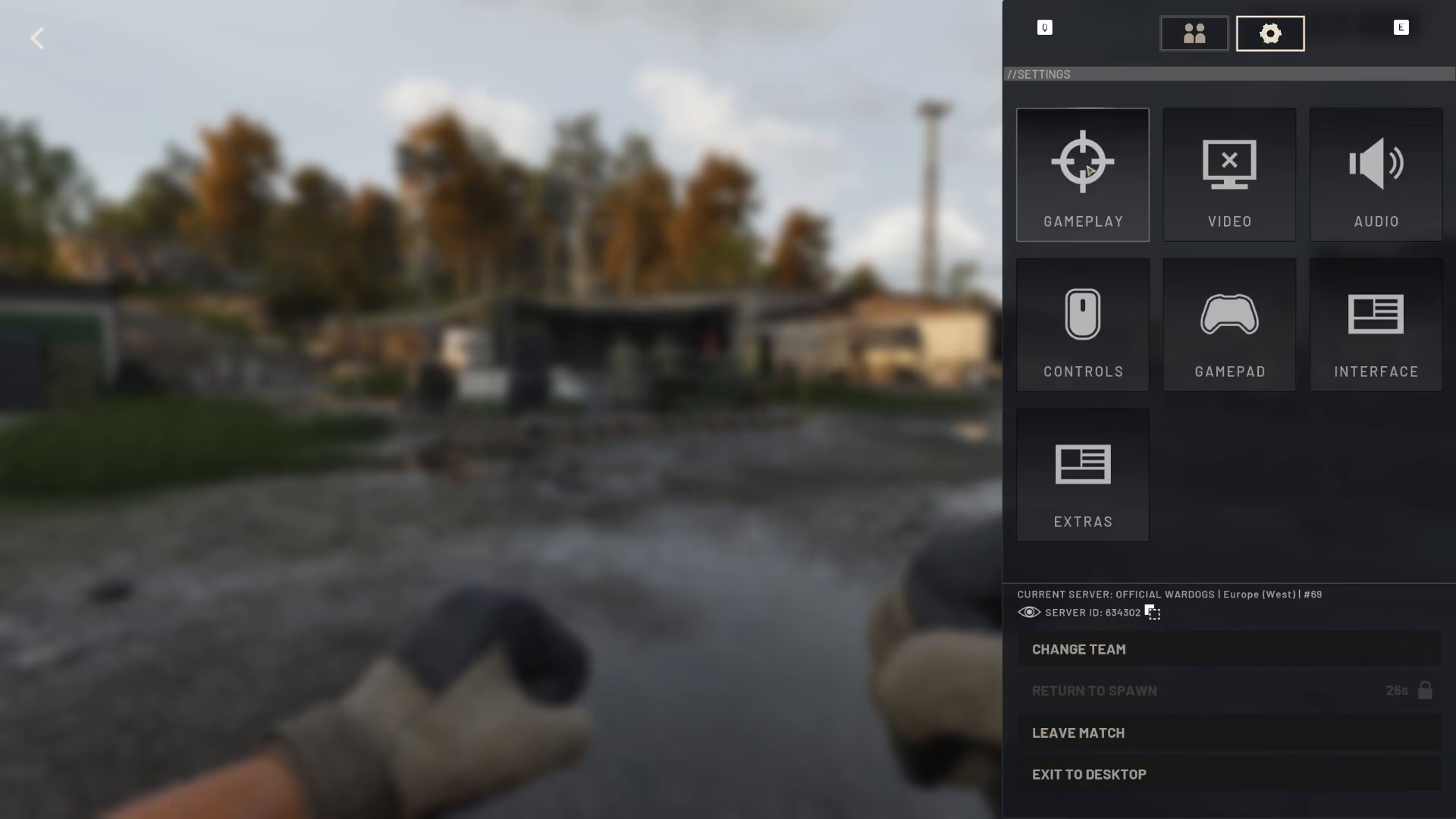
Begin by opening the main menu in War Dogs. From here, look for the settings icon—this is represented by a cog symbol.
Navigating to Gameplay Settings
Once you’ve clicked on the cog icon, you’ll be taken to the settings panel. Select the “Gameplay” option from the available menu choices.
Finding the Clan Tag Option
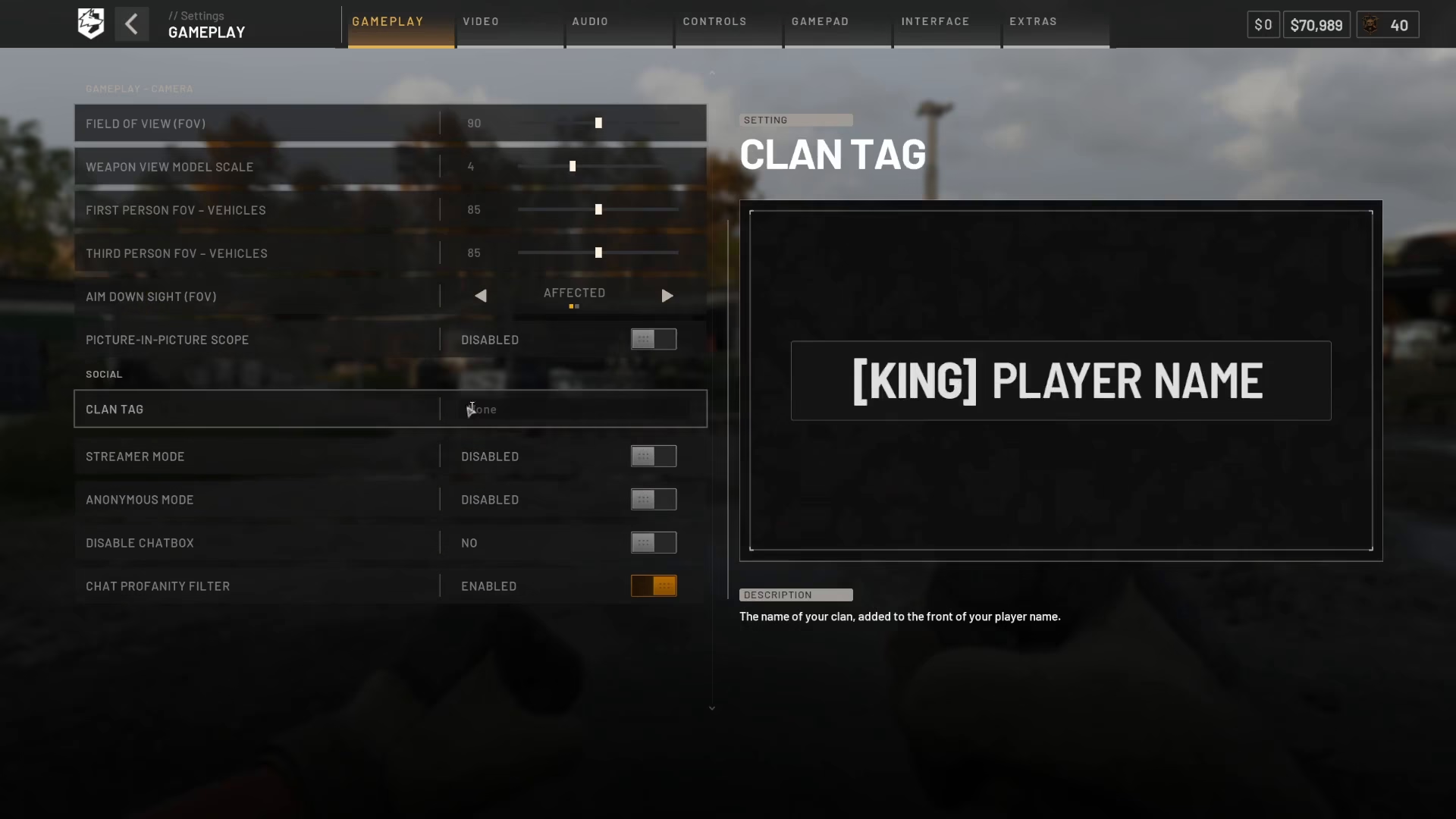
Within the Gameplay settings, look at the left-hand side of the screen. You’ll find the “Clan Tag” option listed there, ready for customization.
Entering Your Clan Tag
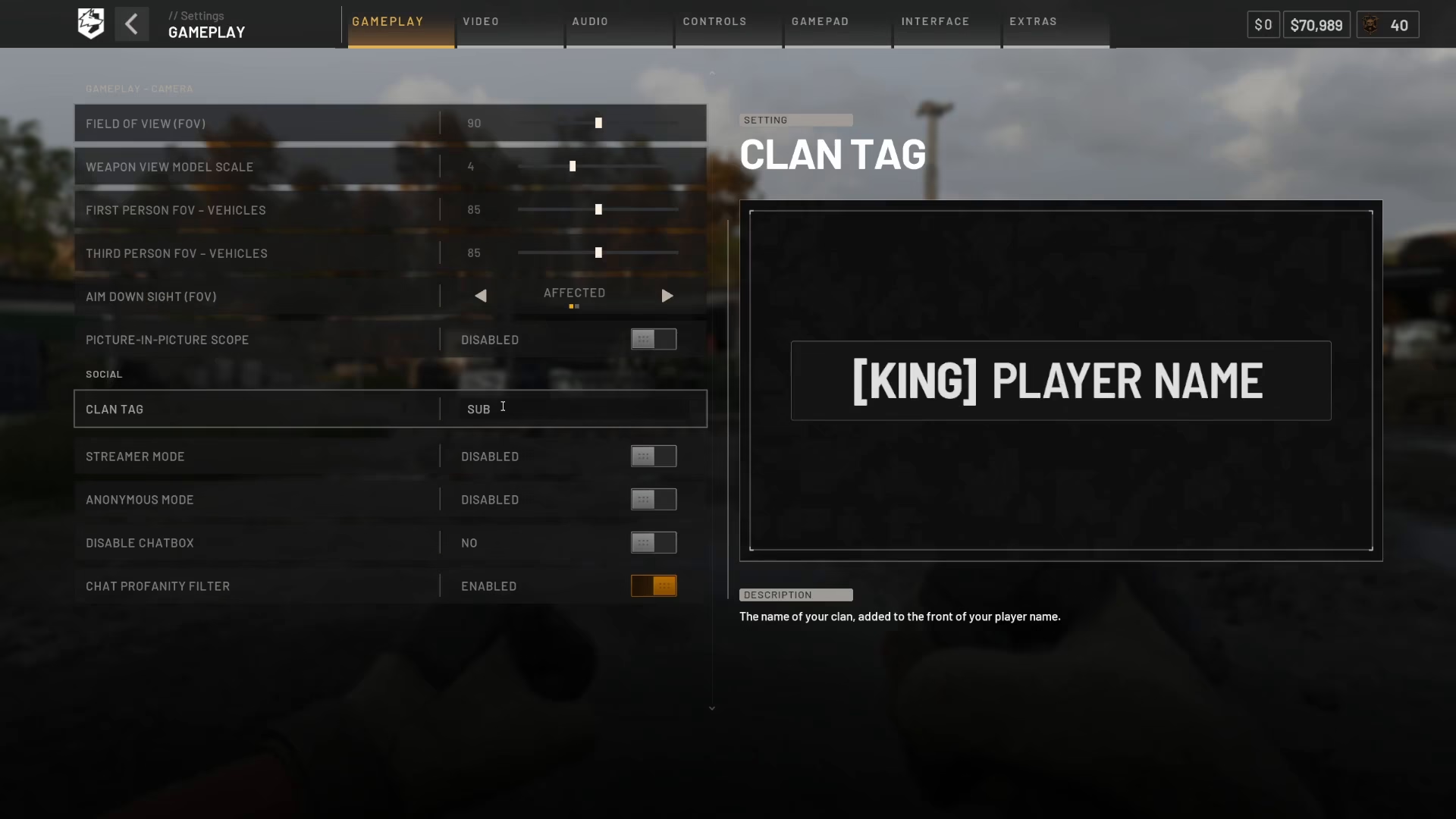
Click on the clan tag field and enter your desired clan tag. You can use any text you prefer—for example, you might enter something like “Subscribe” to encourage others to follow your channel or gaming presence.
Applying Your Changes
After entering your clan tag text, press Enter to confirm your input. Then click the “Apply” button to save your changes. Your clan tag is now officially set and will appear in your War Dogs profile.
Summary
Congratulations! You’ve successfully set up a clan tag in War Dogs. The process is straightforward: access the menu, navigate to Settings > Cog > Gameplay, locate the Clan Tag option on the left side, enter your preferred text, and apply the changes. Your clan tag will now be visible to other players and represent your gaming identity in War Dogs.
— Want to Support? —
If you would like to help us continue making these guides – please consider joining our patreon here – https://www.patreon.com/c/JaviHeals
Alternatively – you can join our discord here – https://discord.gg/zD7Gjt6MHF


