





How to Get & Use a Large Hammer in Wardogs
How to Get & Use a Large Hammer in Wardogs
The large hammer is one of the most versatile building tools in Wardogs, allowing you to construct advanced defensive and operational structures at your forward operating base (FOB). This guide will walk you through the requirements to unlock it, where to purchase it, and all the buildings you can construct with it.
Requirements to Unlock the Large Hammer
Before you can use a large hammer in Wardogs, you need to reach a specific progression level. Navigate to your progression menu and check your support level. You’ll need to achieve Support Level 8 to unlock access to the large hammer.
How to Purchase the Large Hammer
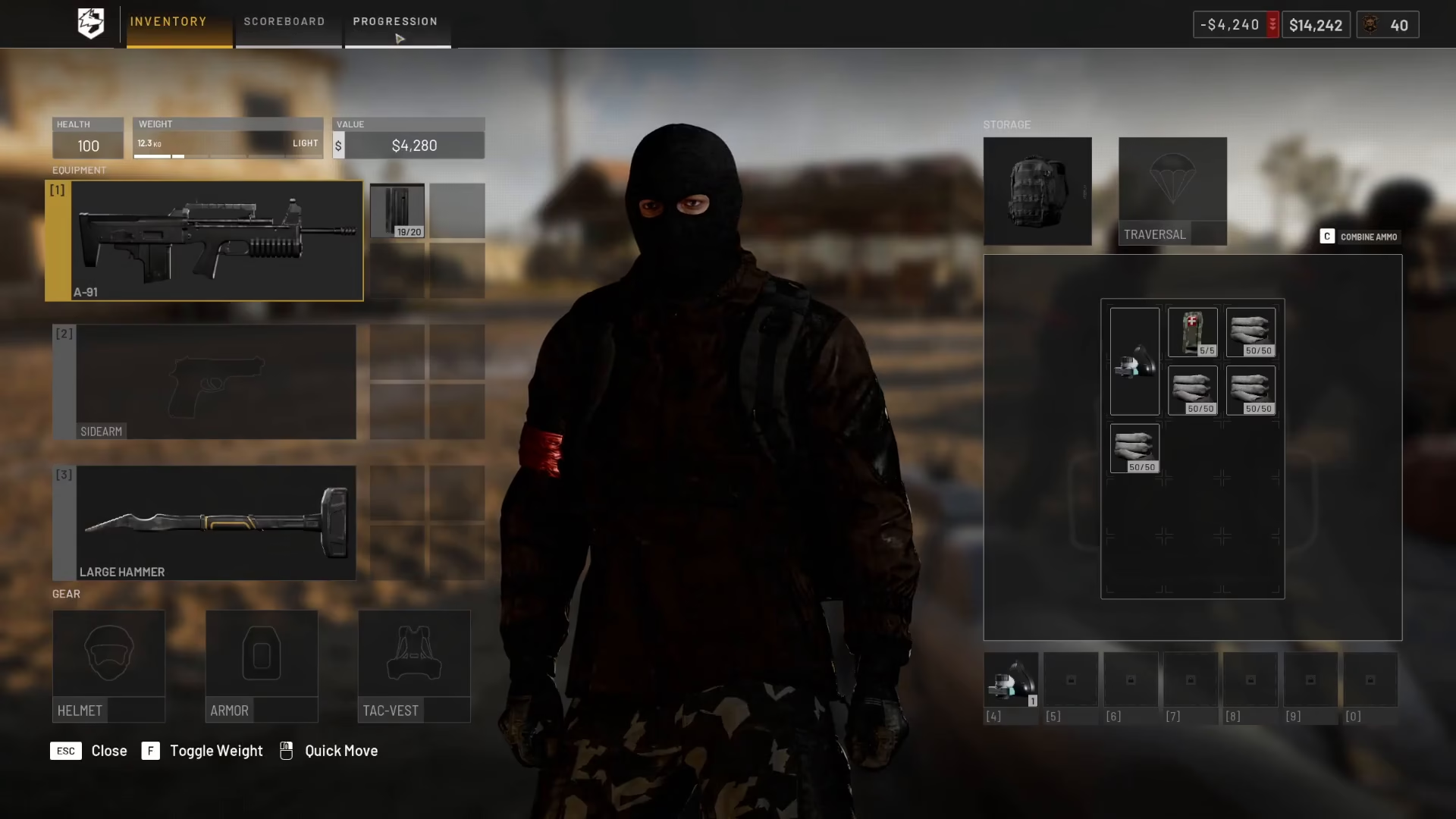
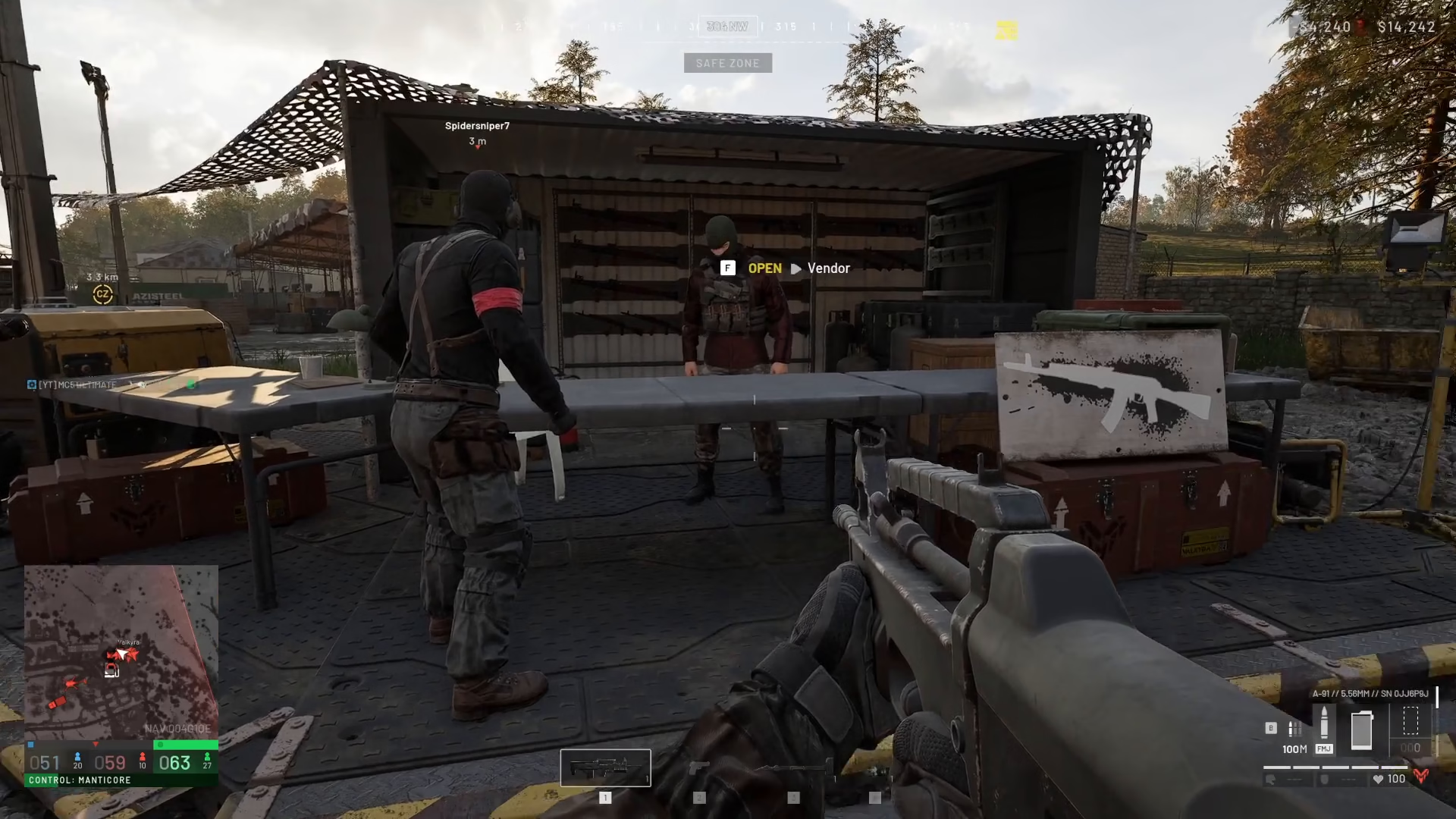
Once you’ve reached Support Level 8, head to the gun vendor to complete your purchase. The large hammer is located in the Items and Building section of the vendor’s inventory.
The unlock cost is 75,000 currency, but once unlocked, each individual large hammer costs only 2,400 currency to buy.
How to Use the Large Hammer
Once you have the large hammer in your inventory and you’re at your FOB, equip it and hold down right-click to open the building menu. This displays the main page of available structures you can build.
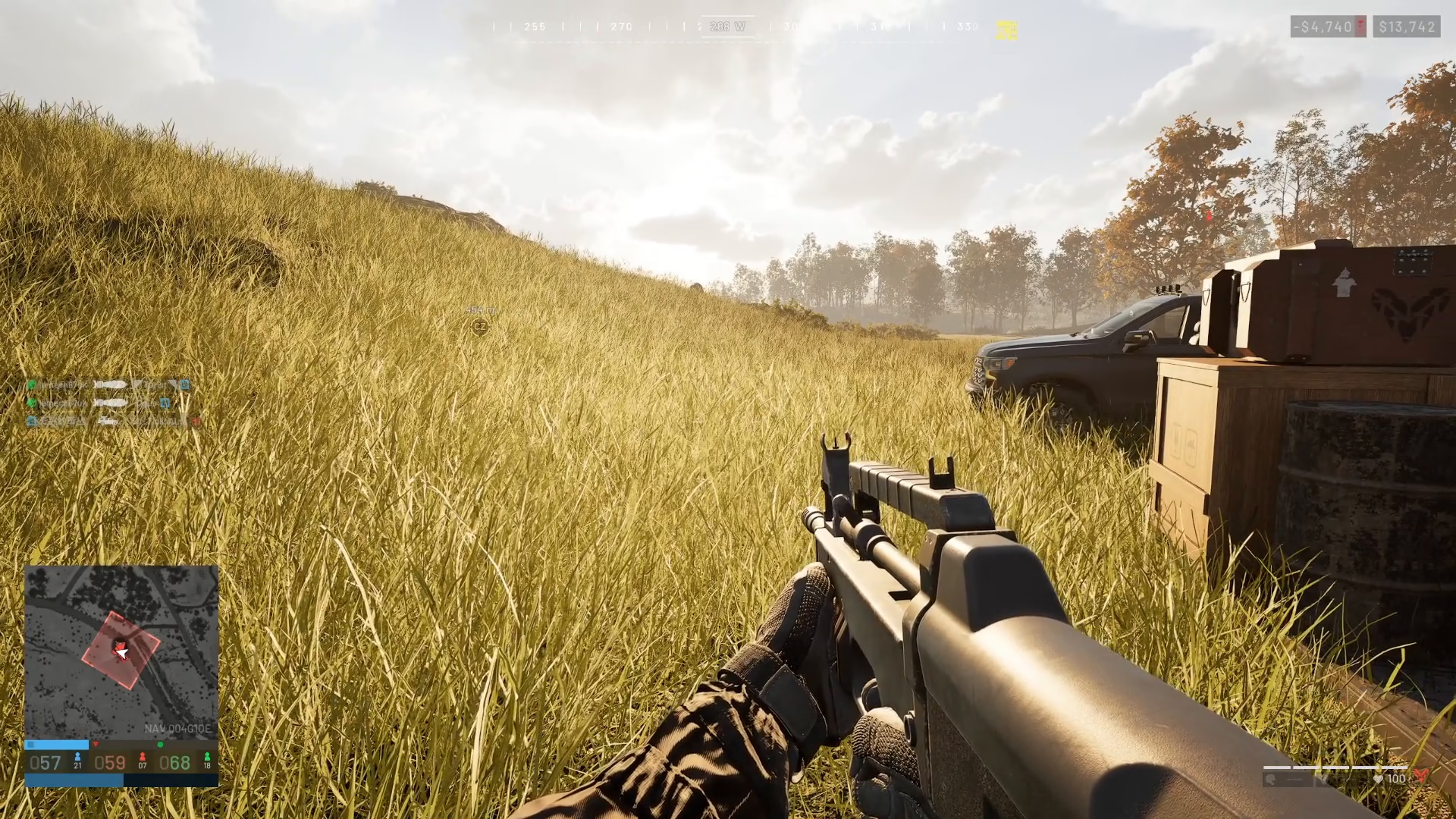
To cycle through different building options, press the F key. This is a key difference from the small and medium hammers—the large hammer offers significantly more construction options.
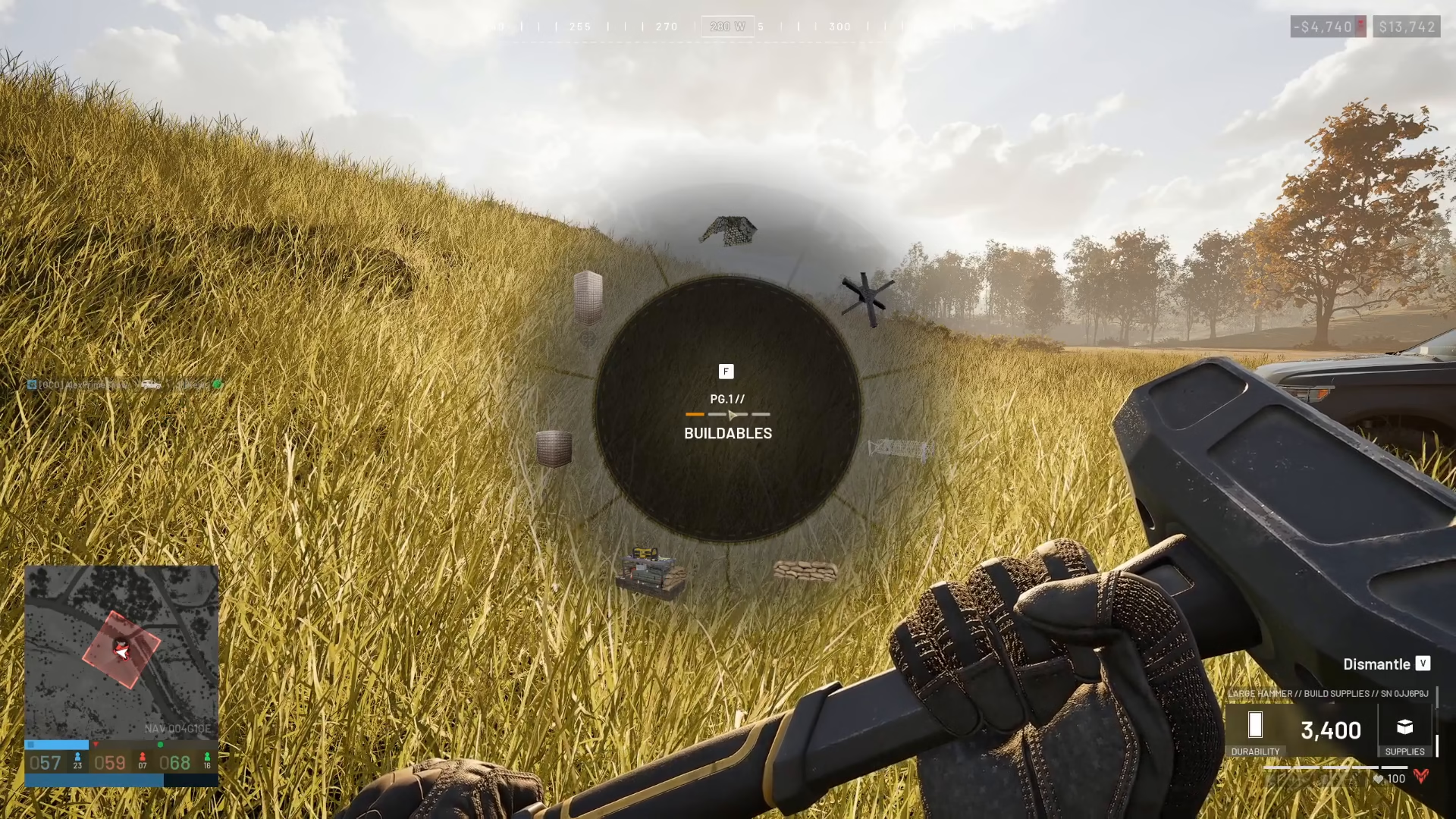
Complete List of Large Hammer Buildings
The large hammer unlocks the following structures for construction:
Indirect Fire Shelter
Recon Tower
Bunker
Bremer Walls
Refueling Stations
Repair Stations
Drill Rig
Stingray
Loudspeaker
Mortars
Vanguard
Talon 9K SAMs
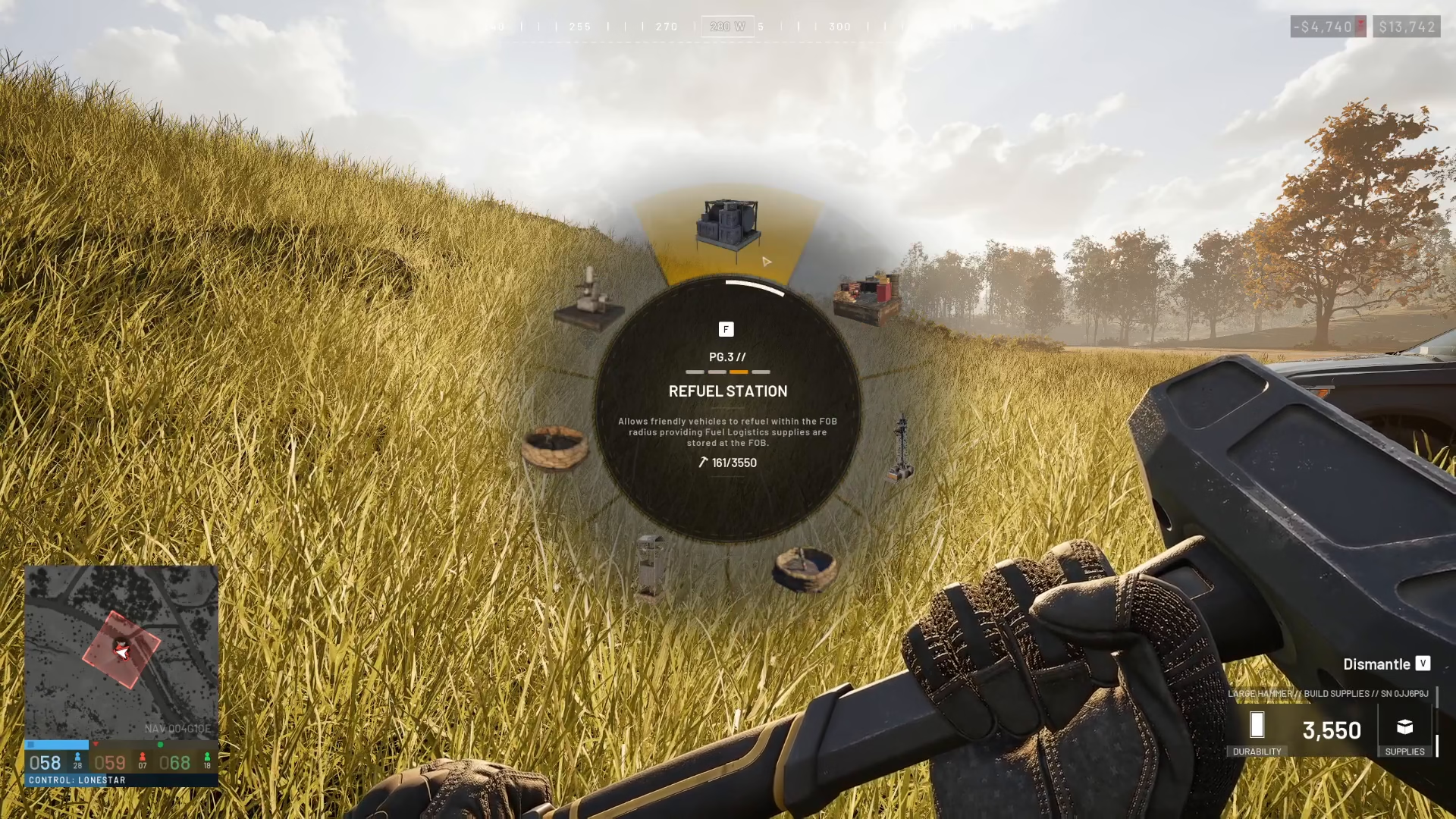
Building with the Large Hammer
To place a structure, select your desired building using the F key to navigate the menu, then left-click to deploy it. Your character will construct the building with the large hammer.
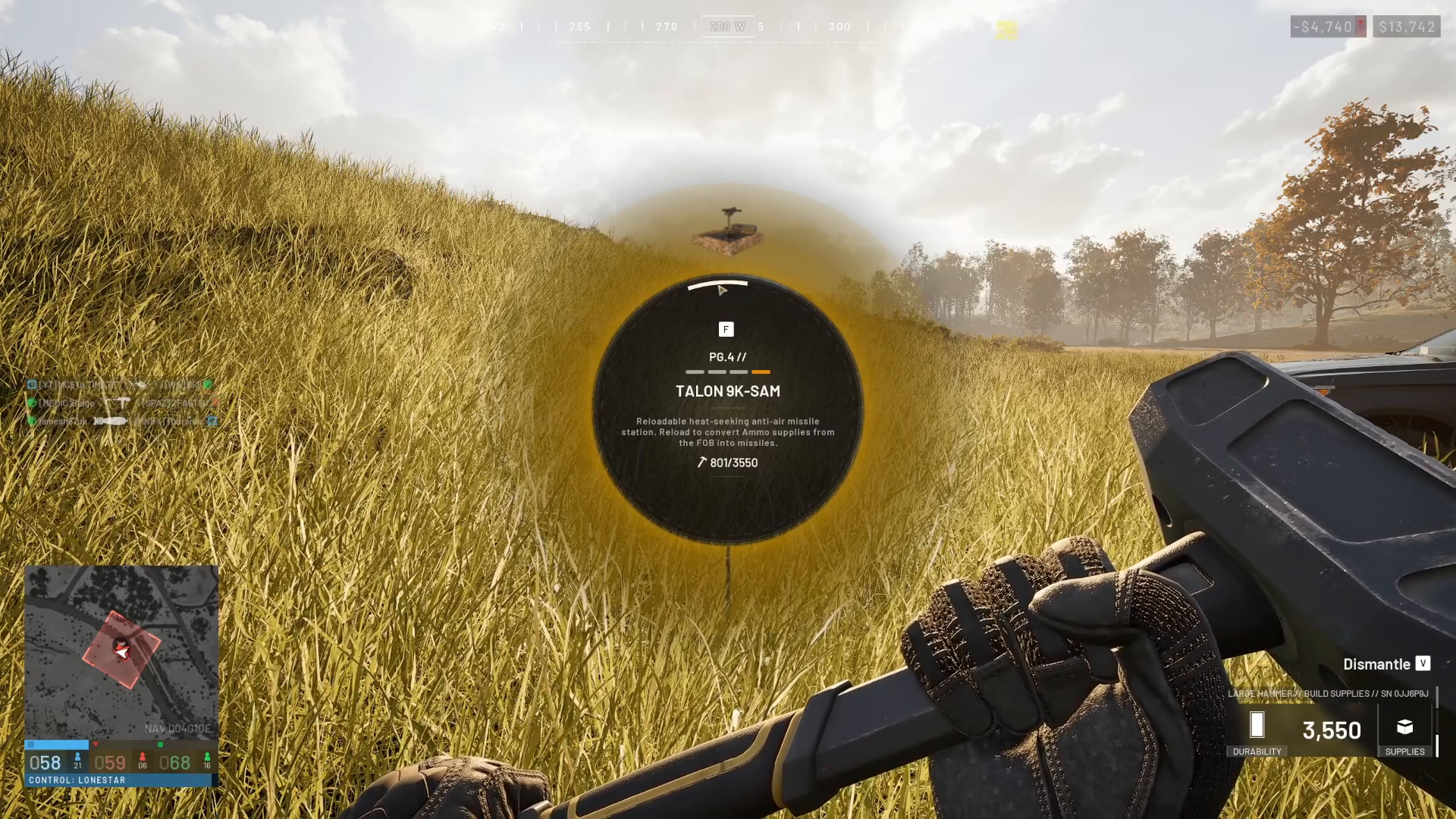
Summary
The large hammer is a powerful tool for FOB development in Wardogs. By reaching Support Level 8 and purchasing it from the gun vendor for 2,400 currency, you’ll gain access to 12 unique advanced structures. Use the right-click hold and F key combination to navigate between building options and left-click to deploy. With these structures at your disposal, you can significantly enhance your base’s defensive and operational capabilities.
— Want to Support? —
If you would like to help us continue making these guides – please consider joining our patreon here – https://www.patreon.com/c/JaviHeals
Alternatively – you can join our discord here – https://discord.gg/zD7Gjt6MHF


