How To Haul In Rimworld
How To Haul In Rimworld
Hauling is one of the essential mechanics in Rimworld that keeps your colony organized and efficient. Whether you’re dealing with slate chunks, food, corpses, or valuable resources, understanding how to properly designate and manage hauling tasks will help your colonists work more effectively. In this guide, we’ll walk you through all the methods to haul items in Rimworld and optimize your hauling workflow.
Basic Hauling Methods
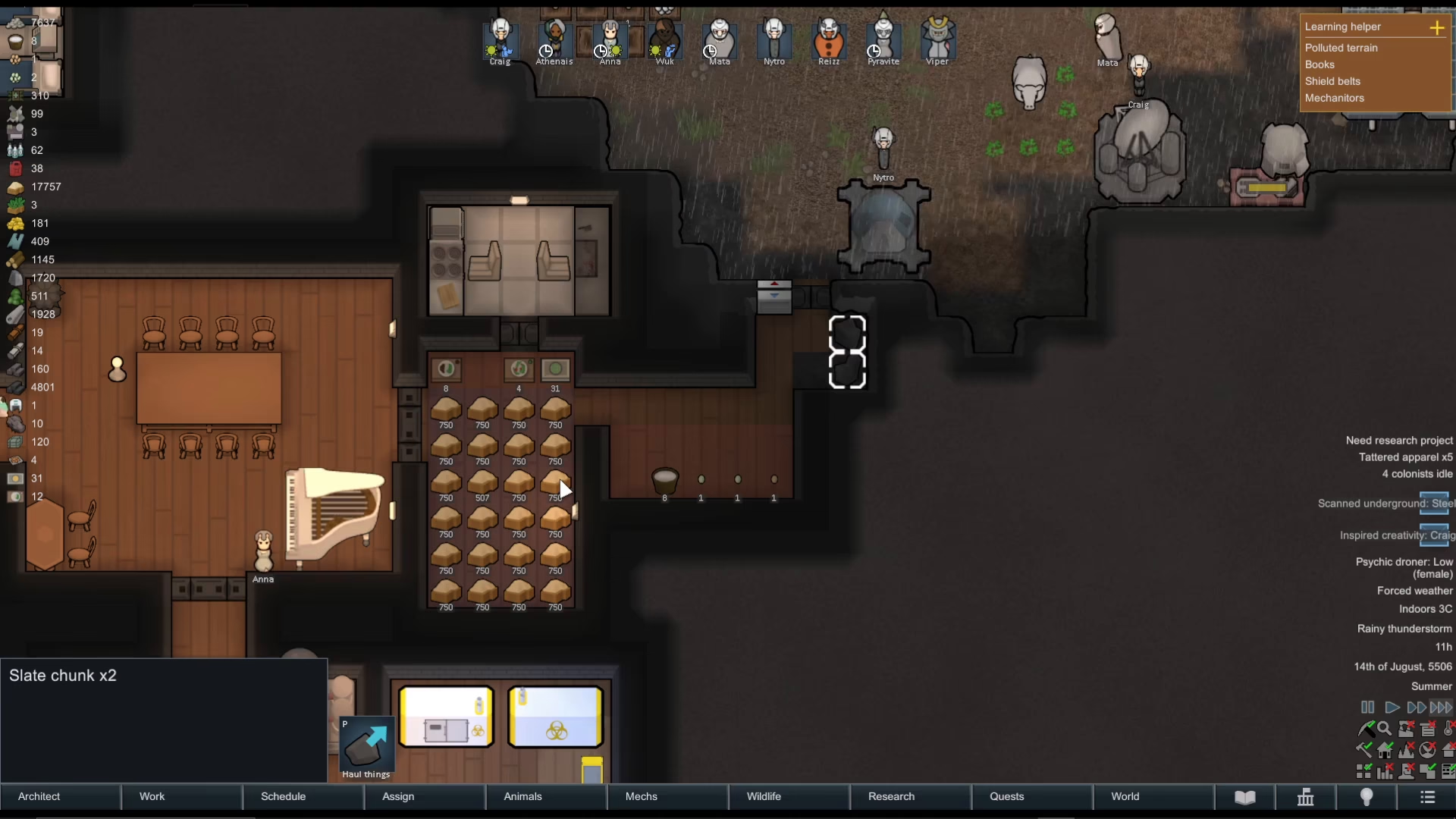
To initiate a hauling task in Rimworld, you have several options. You can click directly on an item, or drag your cursor over multiple items at once to select them all. Once selected, simply press P on your keyboard to designate them for hauling. Alternatively, you can click the dedicated hauling button in the interface.
Understanding Haulable Items
Not all items in Rimworld require manual designation for hauling. Some items are always haulable by default, including food and corpses. However, items like rock chunks and other debris fall into a different category—they must be specifically designated with a blue arrow to be hauled away.
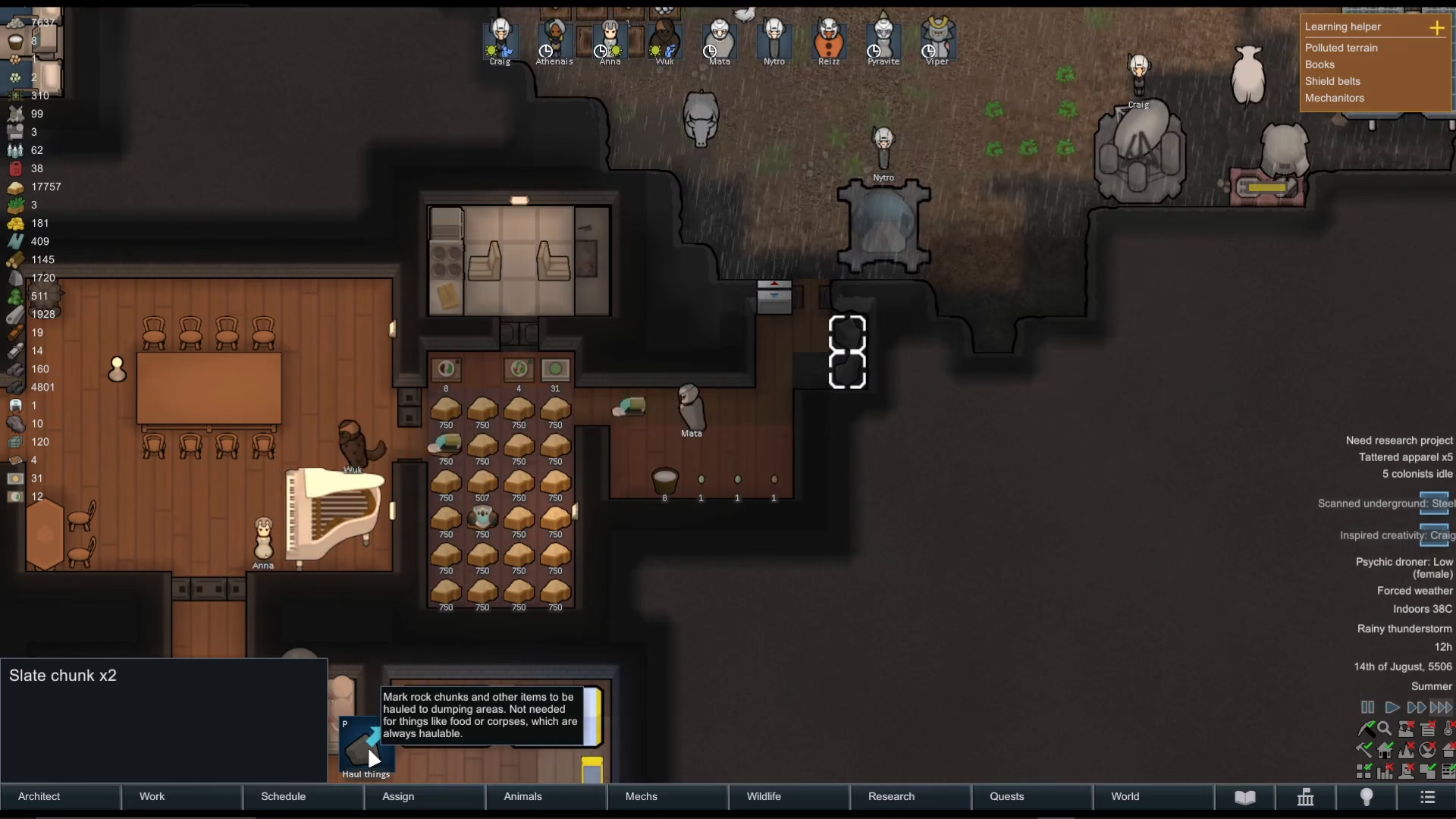
The hauling designation essentially marks items as unwanted or needing to be moved to dumping areas. Once you’ve designated these items, your colonists will automatically transport them to the nearest appropriate stockpile, provided you’ve set up storage areas on your map.
Setting Up Stockpiles
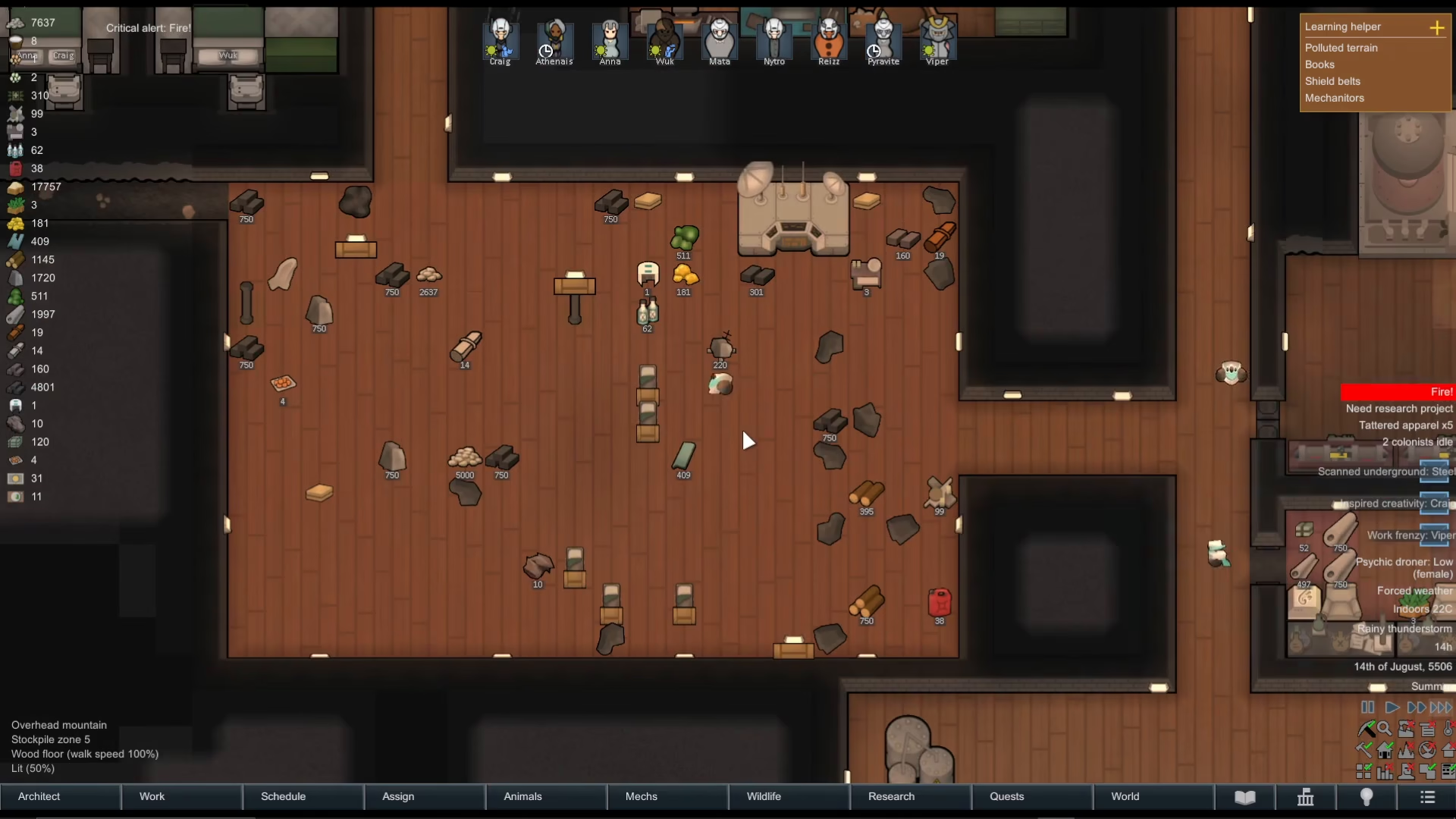
For the hauling system to work efficiently, you need to have stockpiles configured to accept the items you’re trying to haul. When a stockpile is properly set up for an item type, your colonists will automatically move designated items into that stockpile without any additional input.
Configuring the Work Tab
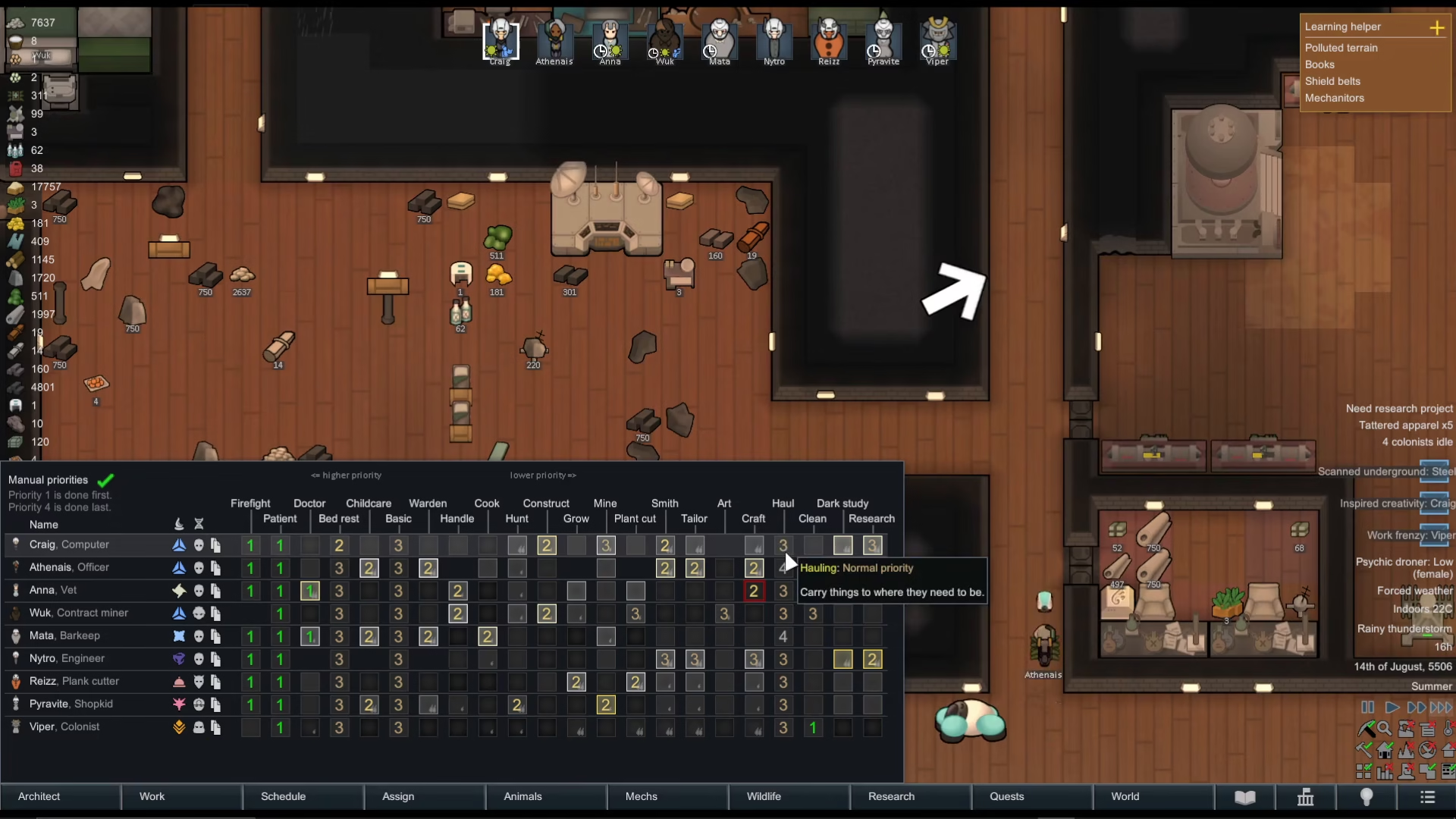
An important step many new players miss is setting hauling priorities in the Work tab. You must have your colonists set to perform hauling work, otherwise they will completely ignore your hauling designations. Navigate to the Work tab and ensure your colonists have hauling enabled as a priority—if it’s not set at all, hauling simply won’t happen.
Allowing and Prioritizing Specific Items
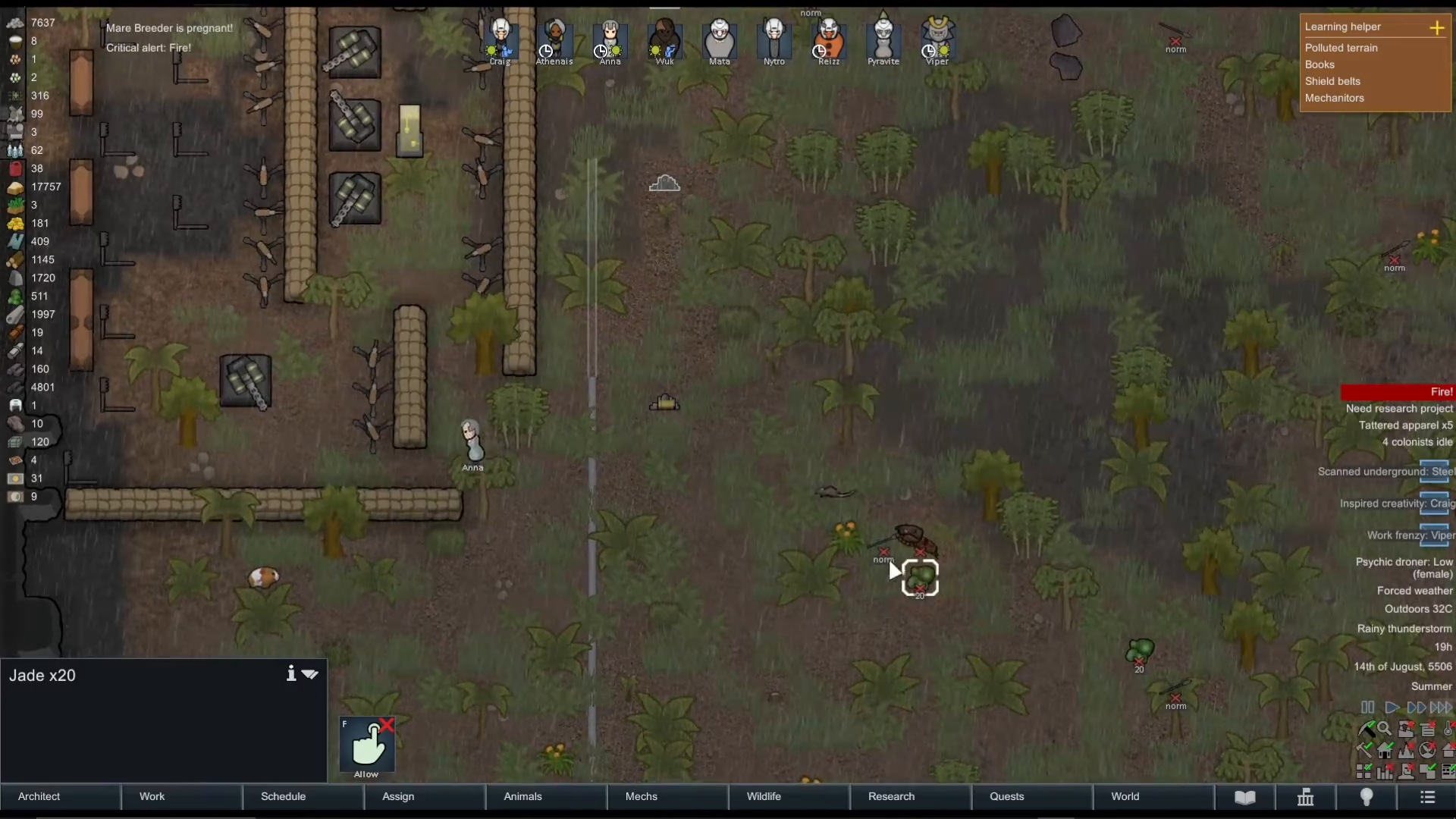
For items that are naturally haulable (like jade or other resources), you may need to first allow them. Click on the item to bring up its options and select “allow.” Once allowed, your colonists will recognize it as a valid item to haul.
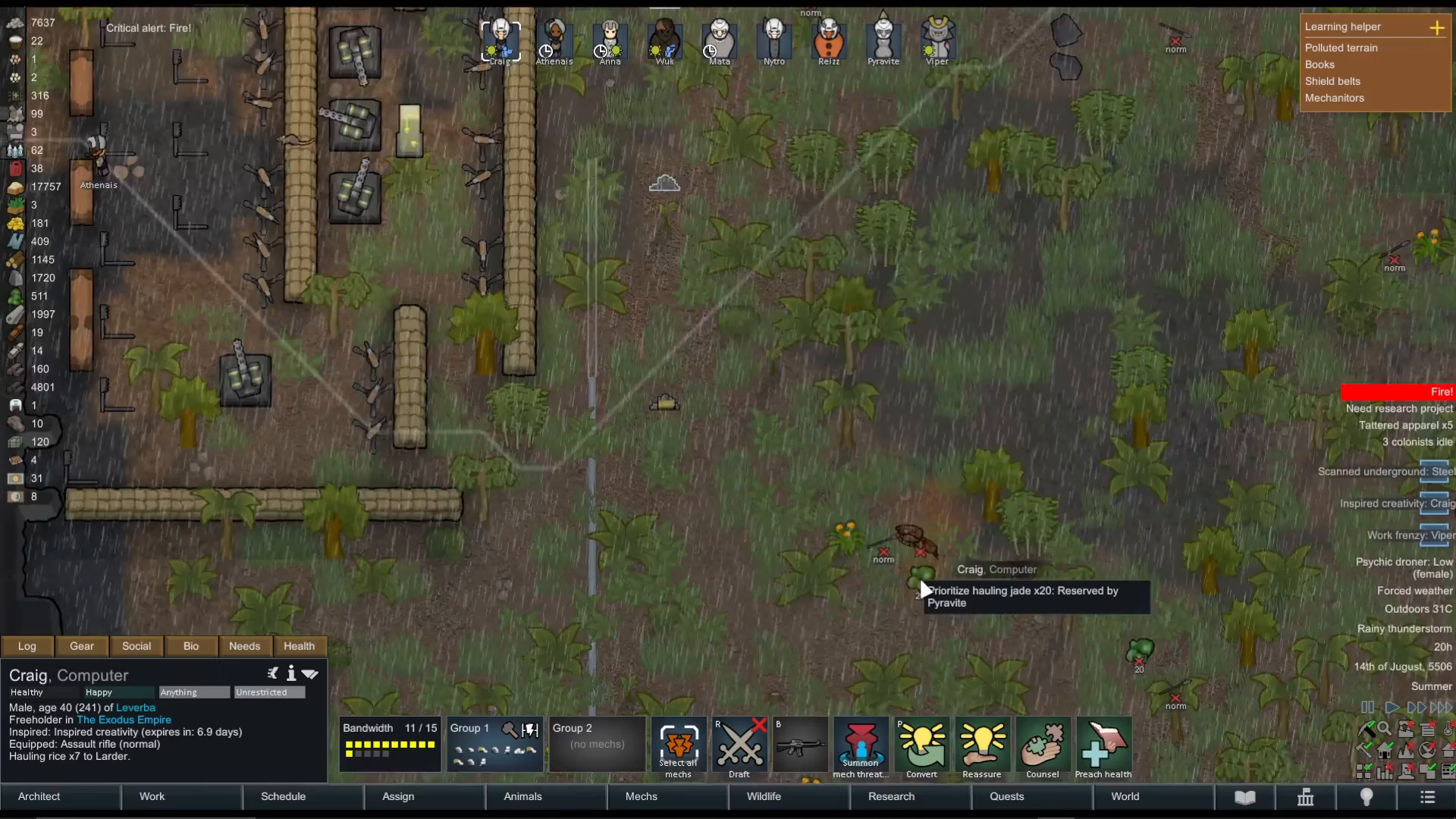
If you want a colonist to prioritize hauling a specific item immediately, right-click on the item and select “prioritize hauling.” This will cause your selected colonist to stop whatever they’re doing and transport that item to the nearest or highest-priority stockpile available.
Automatic Reservation
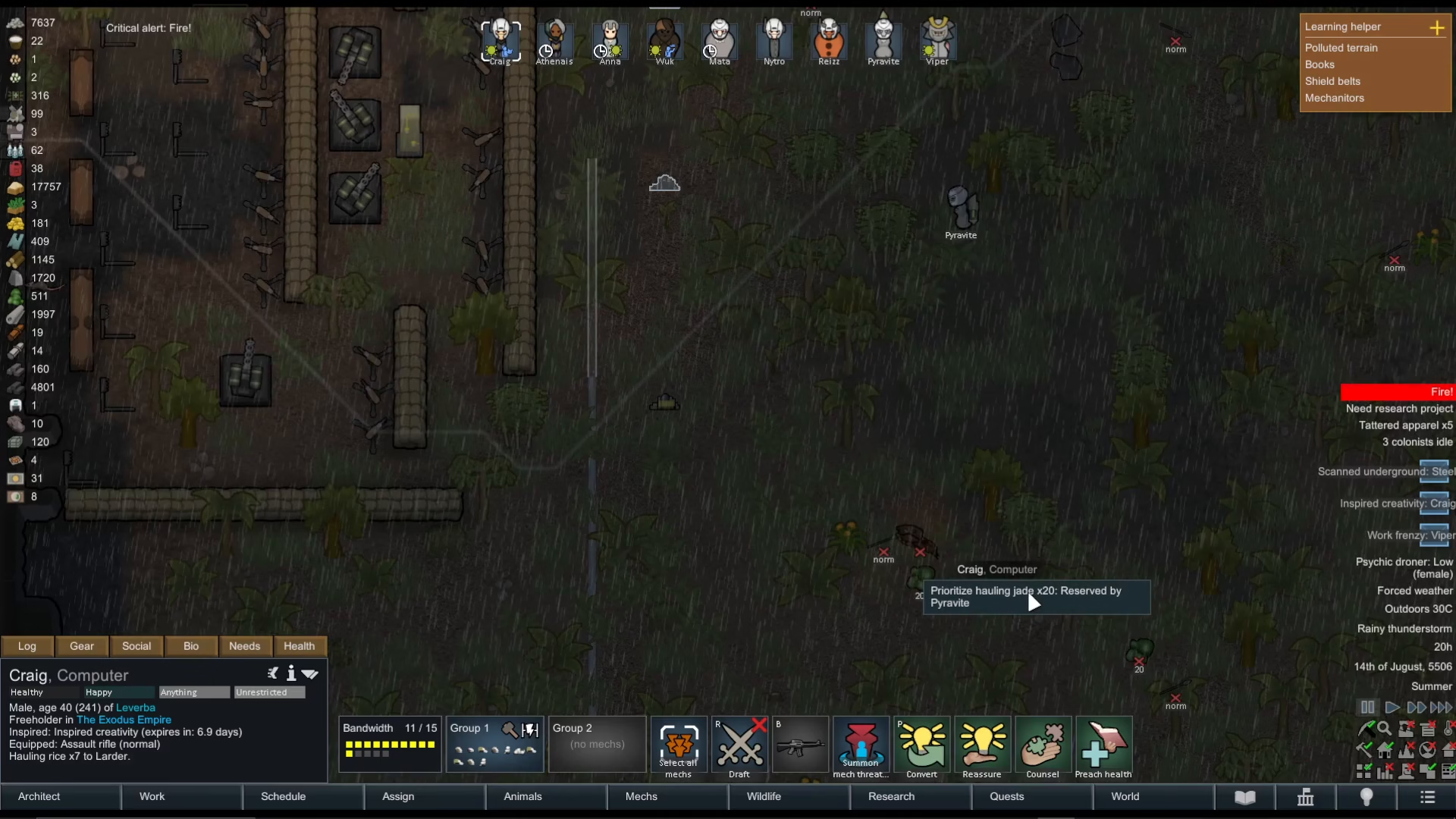
Once an item is allowed and recognized as haulable, you’ll notice that colonists automatically reserve items. You may see text like “reserved by [colonist name]” appear on an item, which simply means that colonist has already claimed the task of hauling it and is in the process of moving it.
Key Differences: Manual vs. Automatic Hauling
Here’s the crucial distinction to remember:
Slate chunks and junk items: These require manual designation. Click on them and press P to mark them for hauling.
All other items: Once allowed, your colonists will automatically haul them without additional input. You can right-click to prioritize if needed, but it’s not required.
Summary
Hauling in Rimworld is a straightforward system once you understand its mechanics. For rock chunks and debris, use the P key to designate them for hauling. For other items, allow them in their item settings, and your colonists will handle the rest automatically. Don’t forget to configure your Work tab and set up appropriate stockpiles. With these steps in place, your colony will stay clean and organized, and your colonists will work efficiently to keep resources where you need them.
Want to Support?
If you would like to help us continue making these guides – please consider joining our patreon here – https://www.patreon.com/c/JaviHeals
Alternatively – you can join our discord here – https://discord.gg/zD7Gjt6MHF