





How To Insert Card Into Atm In Phasmophobia
How To Insert Card Into ATM In Phasmophobia
In this guide, we’ll walk you through the process of inserting an ATM card into the ATM machine in Phasmophobia. This is a straightforward task once you know the correct code and steps to follow. Let’s get started!
Finding the ATM Card and Code
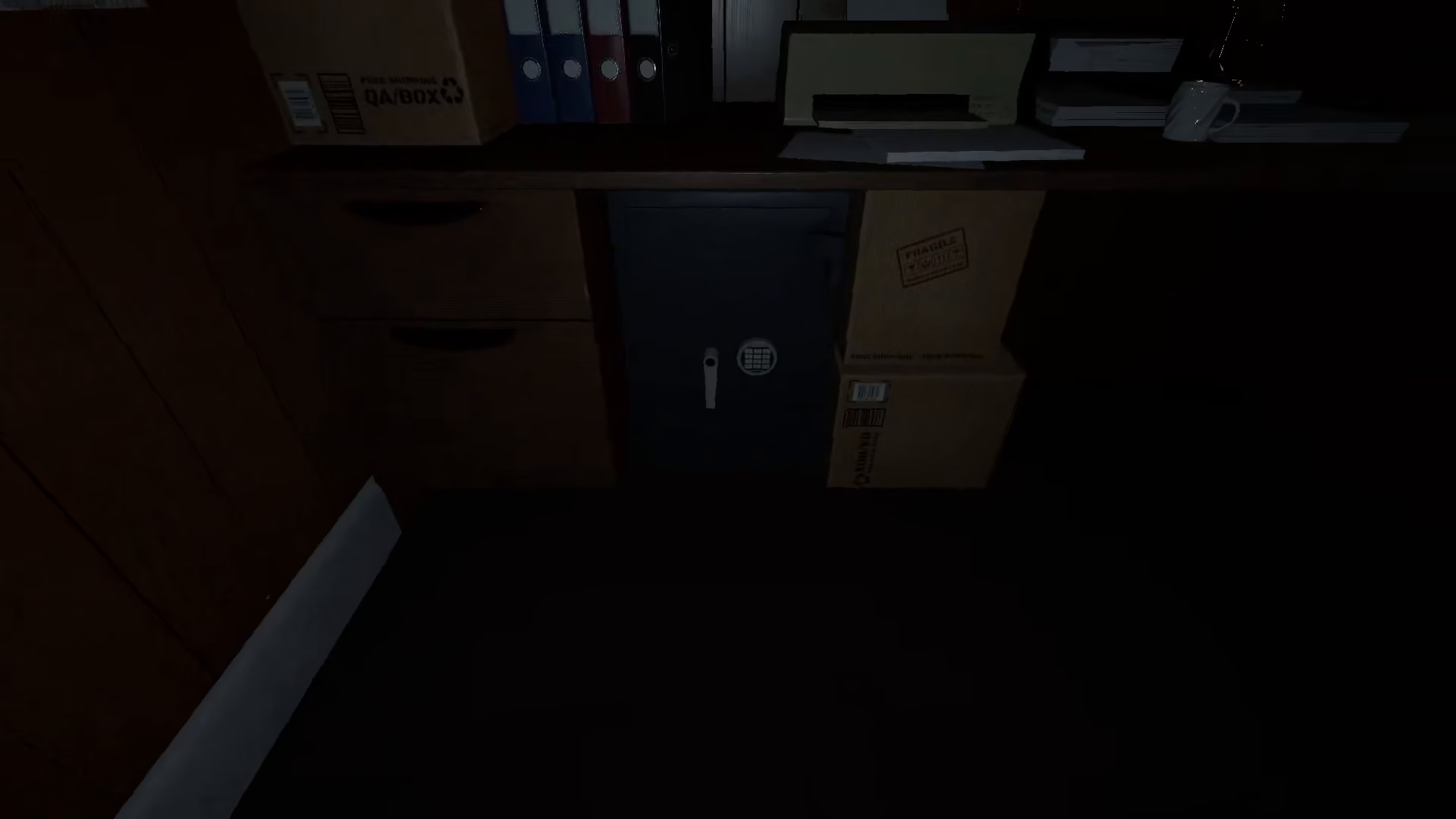
The first step is to locate the ATM card within the machine. Once you’ve found it, you’ll need to remember the access code for the ATM machine. The code for this machine is always 415.
Inserting the Card Into the ATM
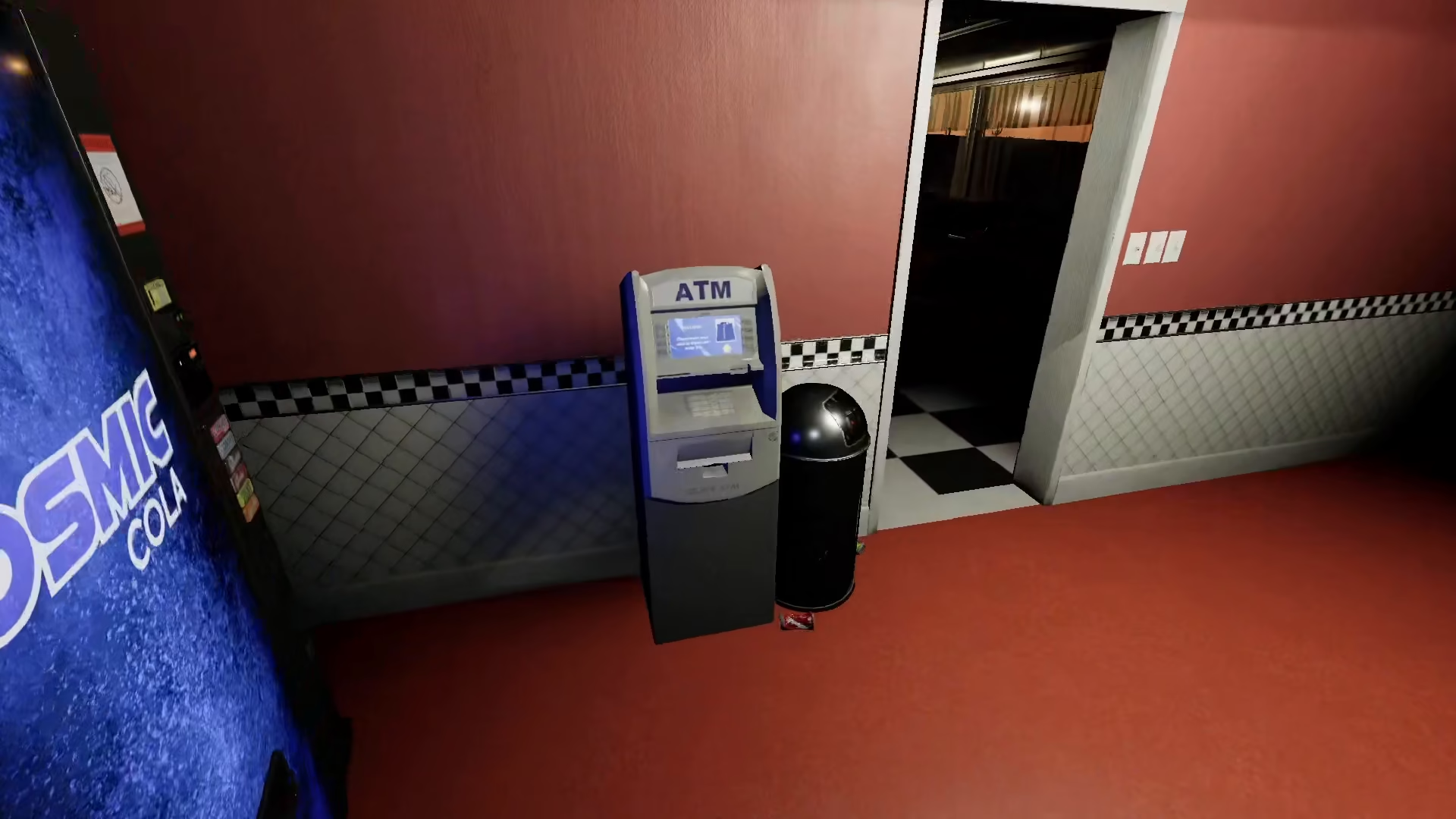
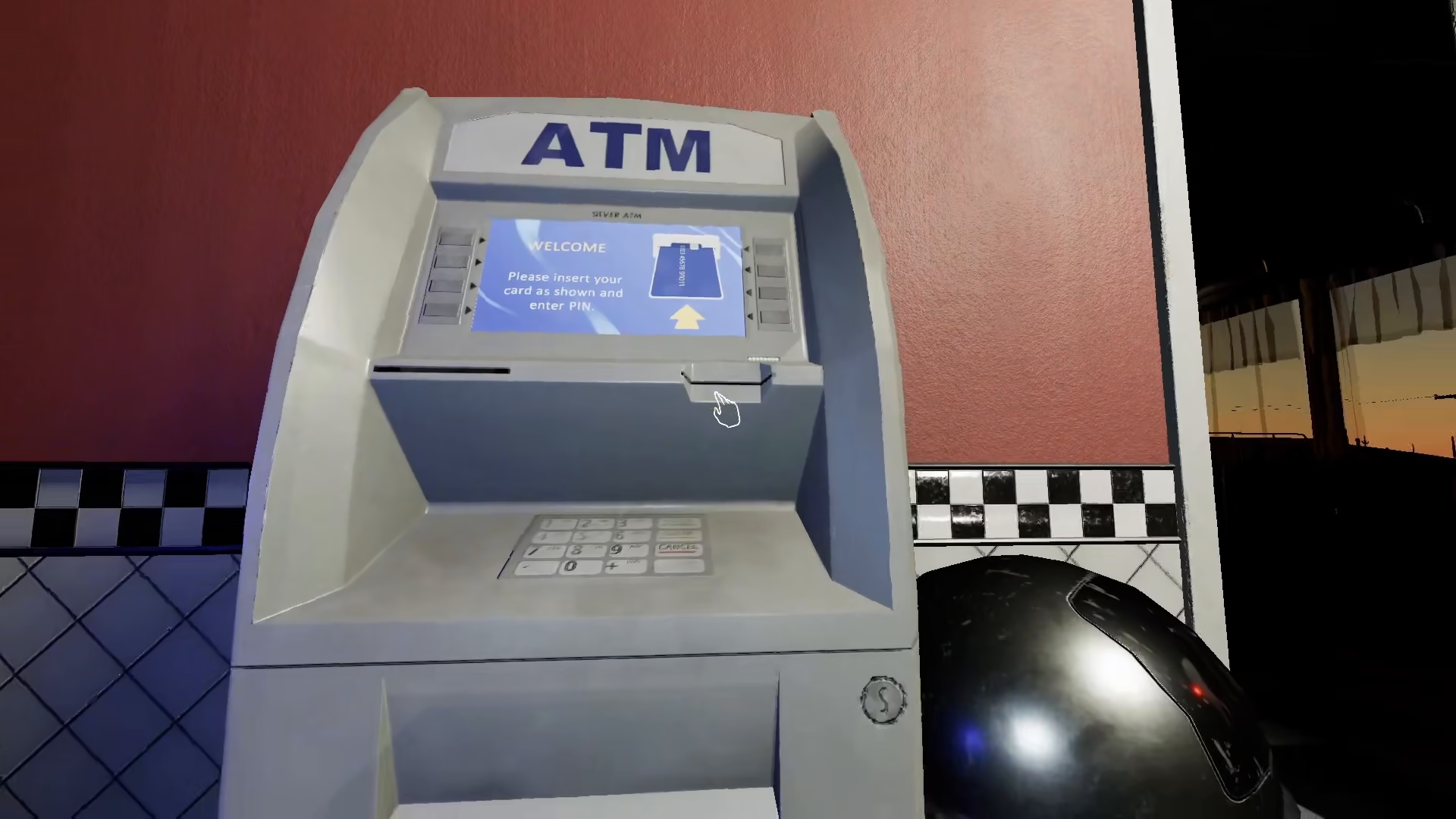
After you’ve obtained the ATM card, navigate to the ATM machine location. This is the crucial part: you must keep the E-Lect on for this to work properly. Once the E-Lect is active, take the ATM card and insert it into the machine at the designated slot.
After inserting the card correctly, the machine will activate and dispense money for you. That’s all there is to it—no additional steps are required beyond taking the card from its original location and inserting it into the ATM.
Quick Tips
Remember that while the code may seem tricky to find, it’s always 415 for this machine. The key to success is ensuring that the E-Lect remains on throughout the entire process. Once you’ve mastered this simple procedure, you’ll be able to use the ATM machine with ease in future Phasmophobia gameplay sessions.
Summary
Inserting a card into the ATM in Phasmophobia is a simple three-step process: find the ATM card, keep the E-Lect activated, and insert the card into the machine using the code 415. With this knowledge, you’ll have no trouble completing this task during your ghost-hunting adventures.
— Want to Support? —
If you would like to help us continue making these guides – please consider joining our patreon here – https://www.patreon.com/c/JaviHeals
Alternatively – you can join our discord here – https://discord.gg/zD7Gjt6MHF


