





How To Put A Camera On A Tripod In Phasmophobia
How To Put A Camera On A Tripod In Phasmophobia
Learning how to properly set up equipment is essential in Phasmophobia. This guide walks you through the straightforward process of placing a camera on a tripod, along with some helpful tips about known issues you might encounter.
Basic Tripod Setup
To place a camera on a tripod in Phasmophobia, start by picking up a tripod. Once you have it in your hands, press G to drop it on the ground at your desired location.
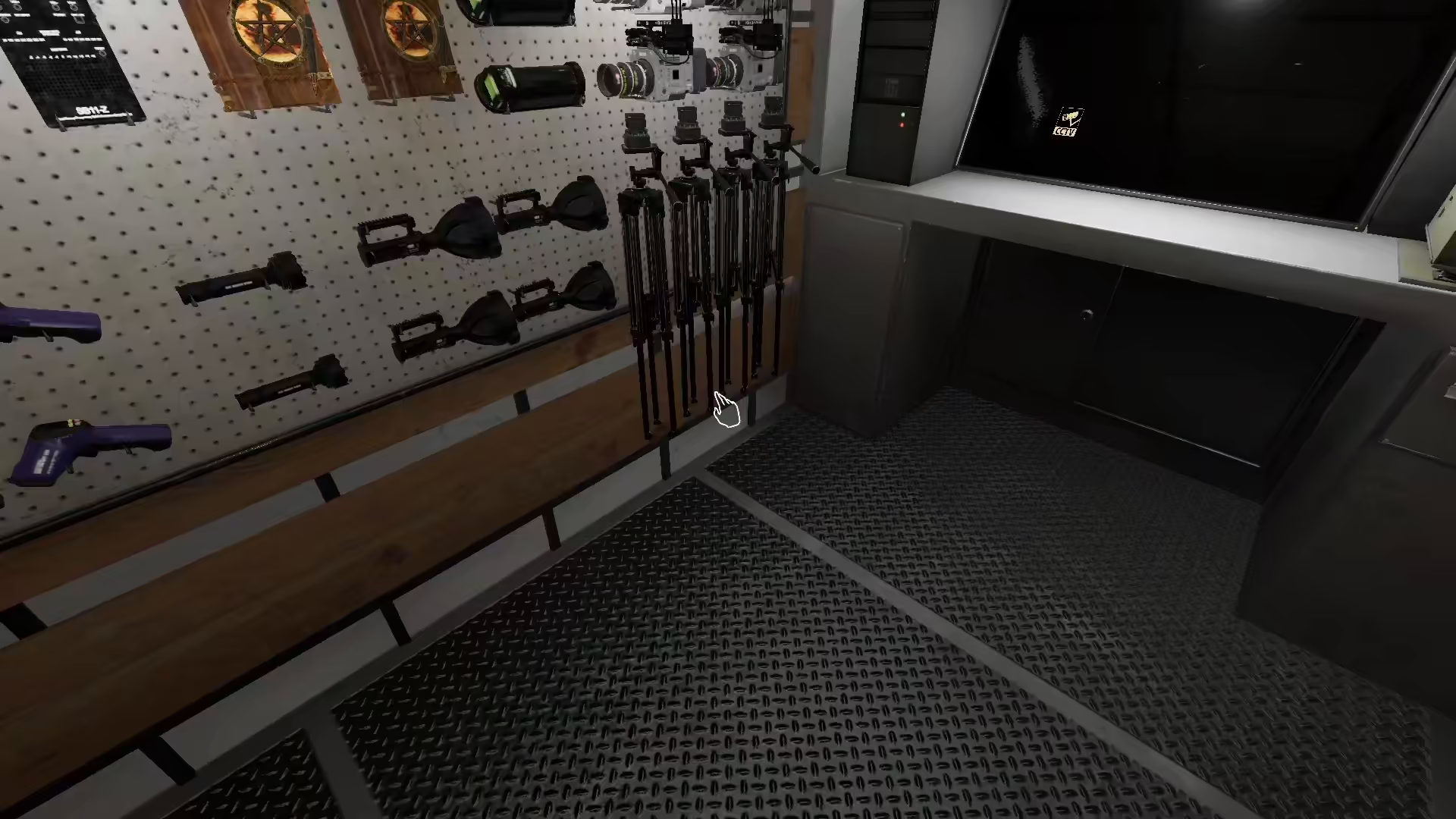
After dropping the tripod, pick up your camera. This same process applies to literally every item that can be placed on a tripod.
Placing Cameras On The Tripod
Video Camera Placement
If you have a video camera, hold F on the tripod to place the video camera on top of it.
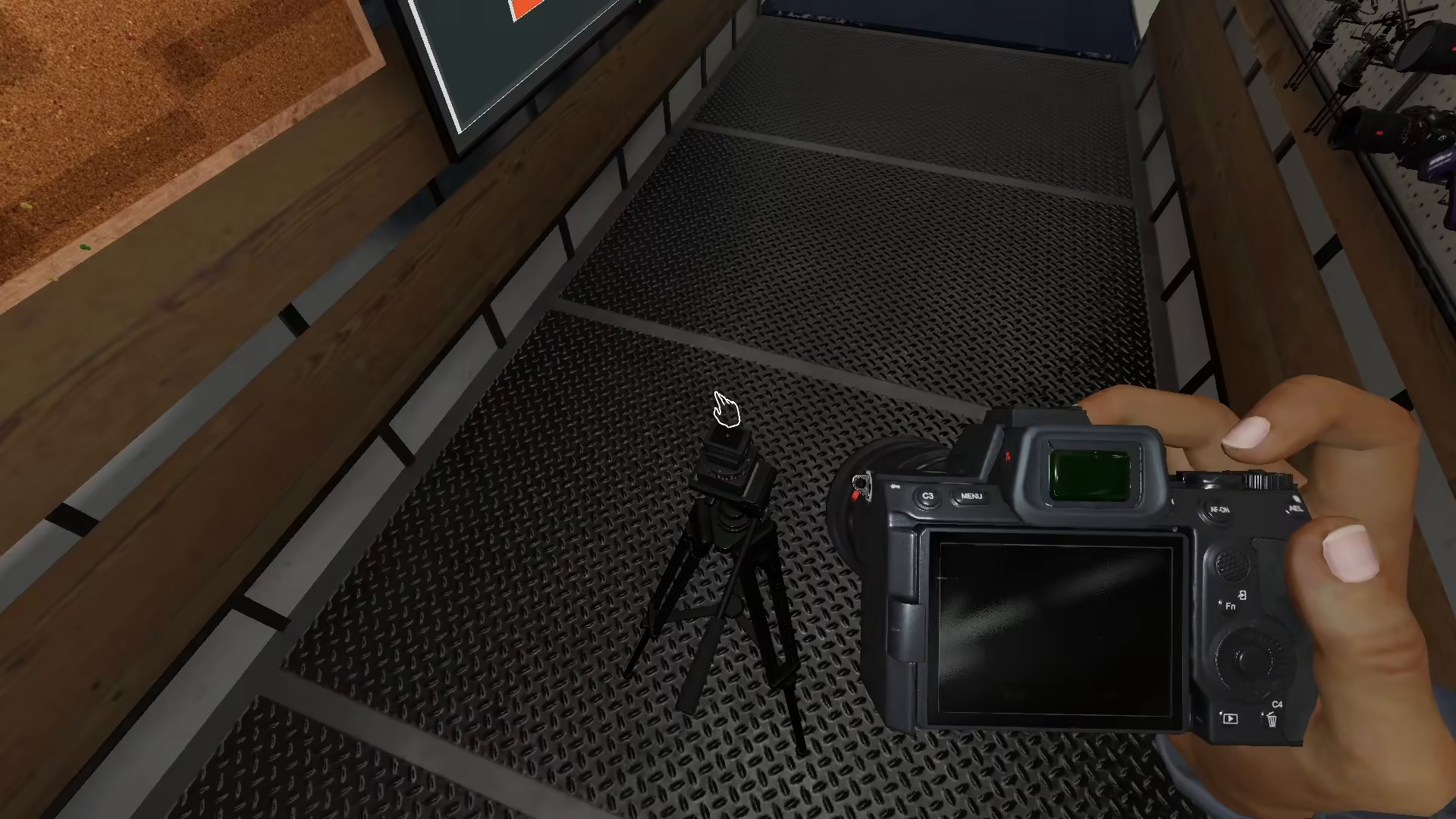
Standard Camera Placement
For a normal camera, the process is similar—pick up the camera after dropping your tripod and interact with the tripod to mount it.
Known Issues and Limitations
Be aware that there may be some bugs or recent updates affecting camera placement on tripods. Some players report that placing a camera on the tripod doesn’t always work as expected. Additionally, if you have a Tier 3 camera, you may experience issues placing it on the tripod, even though this was possible in previous updates. The video camera placement appears to be the most reliable option at this time.
Summary
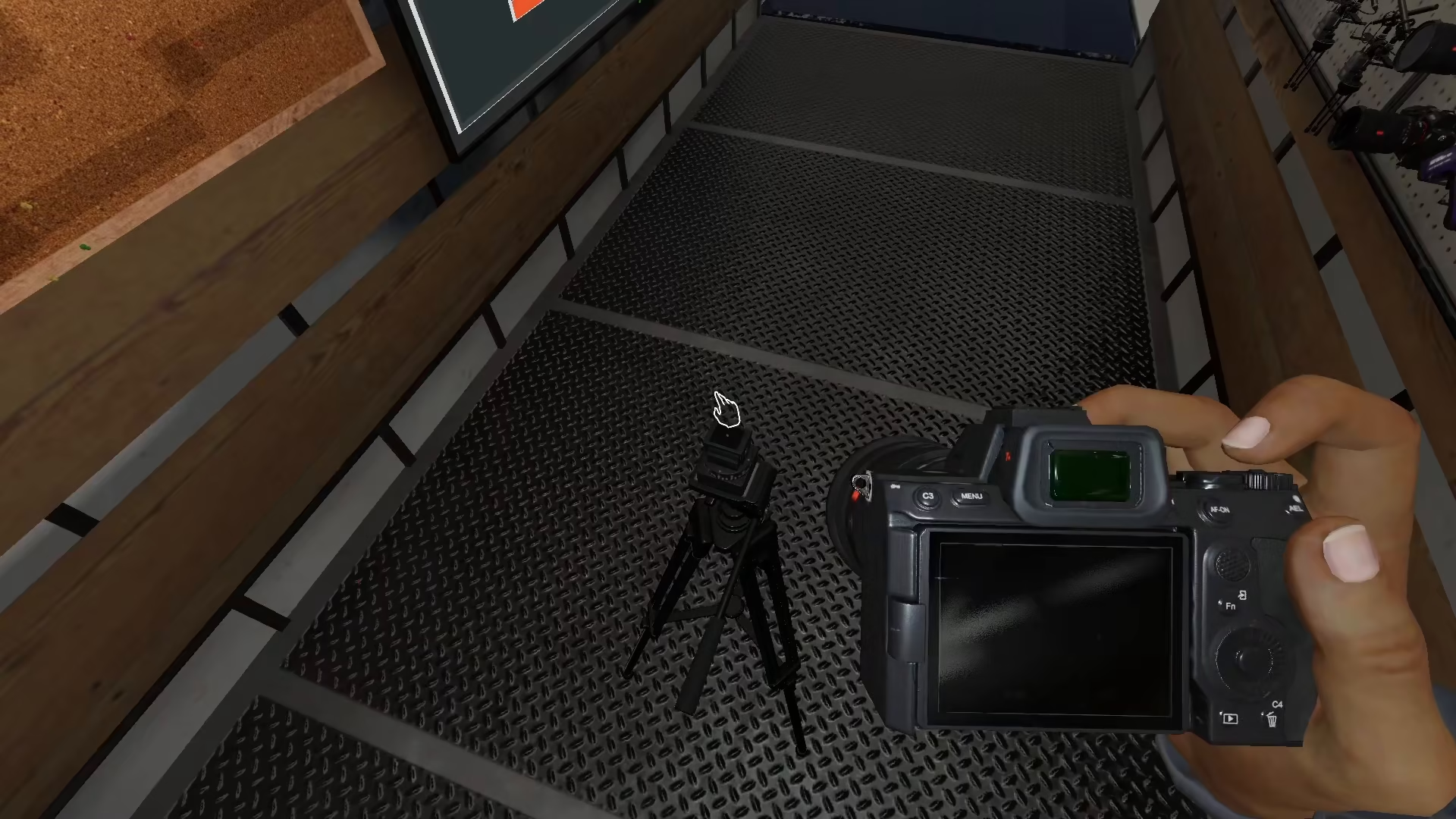
Setting up a camera on a tripod in Phasmophobia is a quick process: drop your tripod with G, then hold F on the tripod with your camera in hand to mount it. While there are some reported bugs with standard and Tier 3 cameras, the video camera placement method is generally reliable and works well for your investigation needs.
Want to Support?
If you would like to help us continue making these guides – please consider joining our patreon here – https://www.patreon.com/c/JaviHeals
Alternatively – you can join our discord here – https://discord.gg/zD7Gjt6MHF


