





How To Join A Lobby In Phasmophobia
How To Join A Lobby In Phasmophobia
Phasmophobia’s multiplayer feature allows you to team up with other players to investigate haunted locations together. This guide walks you through the simple process of finding and joining a multiplayer lobby so you can start your ghost-hunting adventure with friends or other players.
Accessing the Multiplayer Lobby Screen
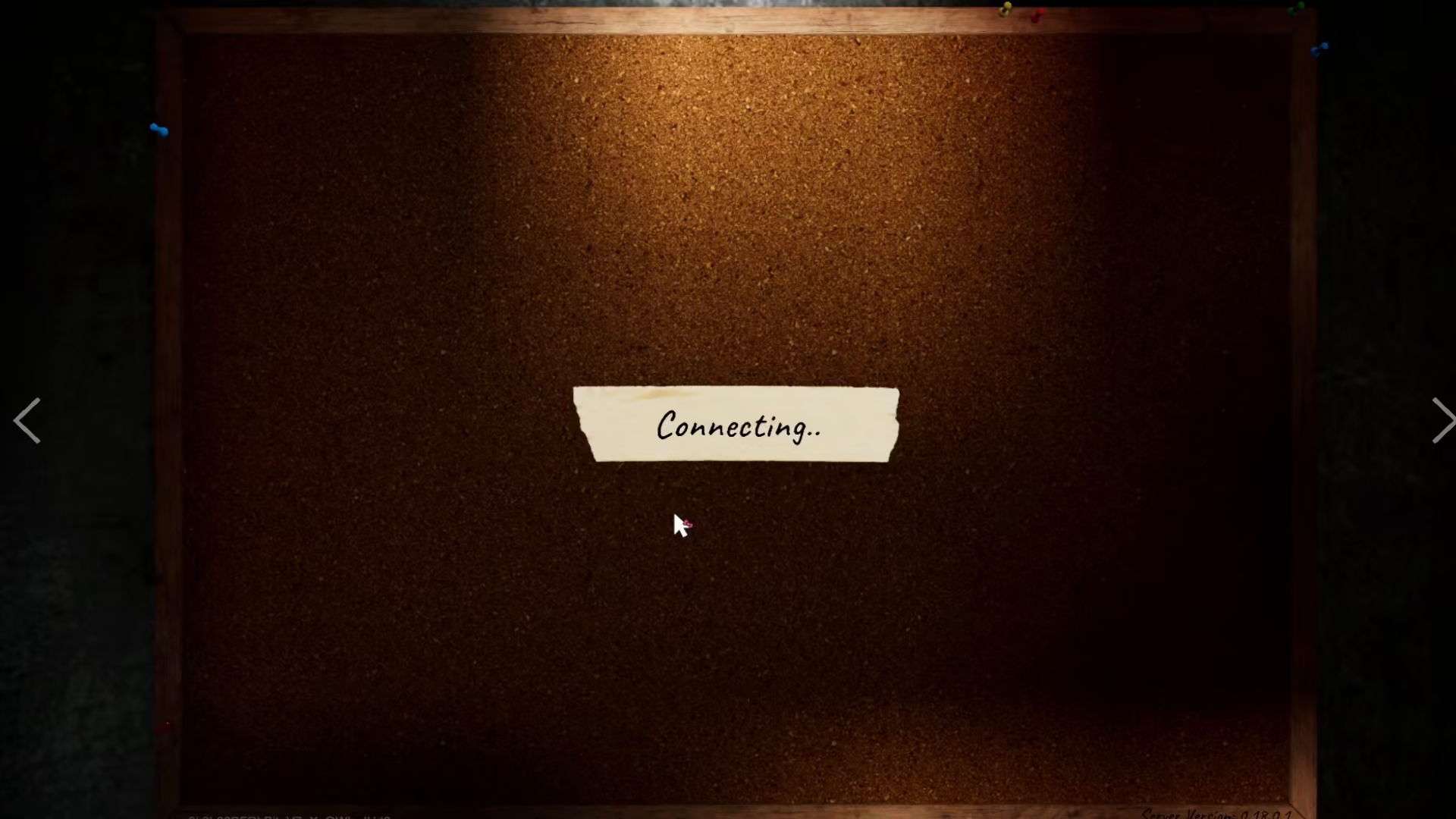
When you first connect to the multiplayer feature in Phasmophobia, a lobby selection screen will appear on your display. This screen shows a list of available lobbies across different servers, allowing you to browse and select which game session you’d like to join.
Finding Lobbies on Your Server
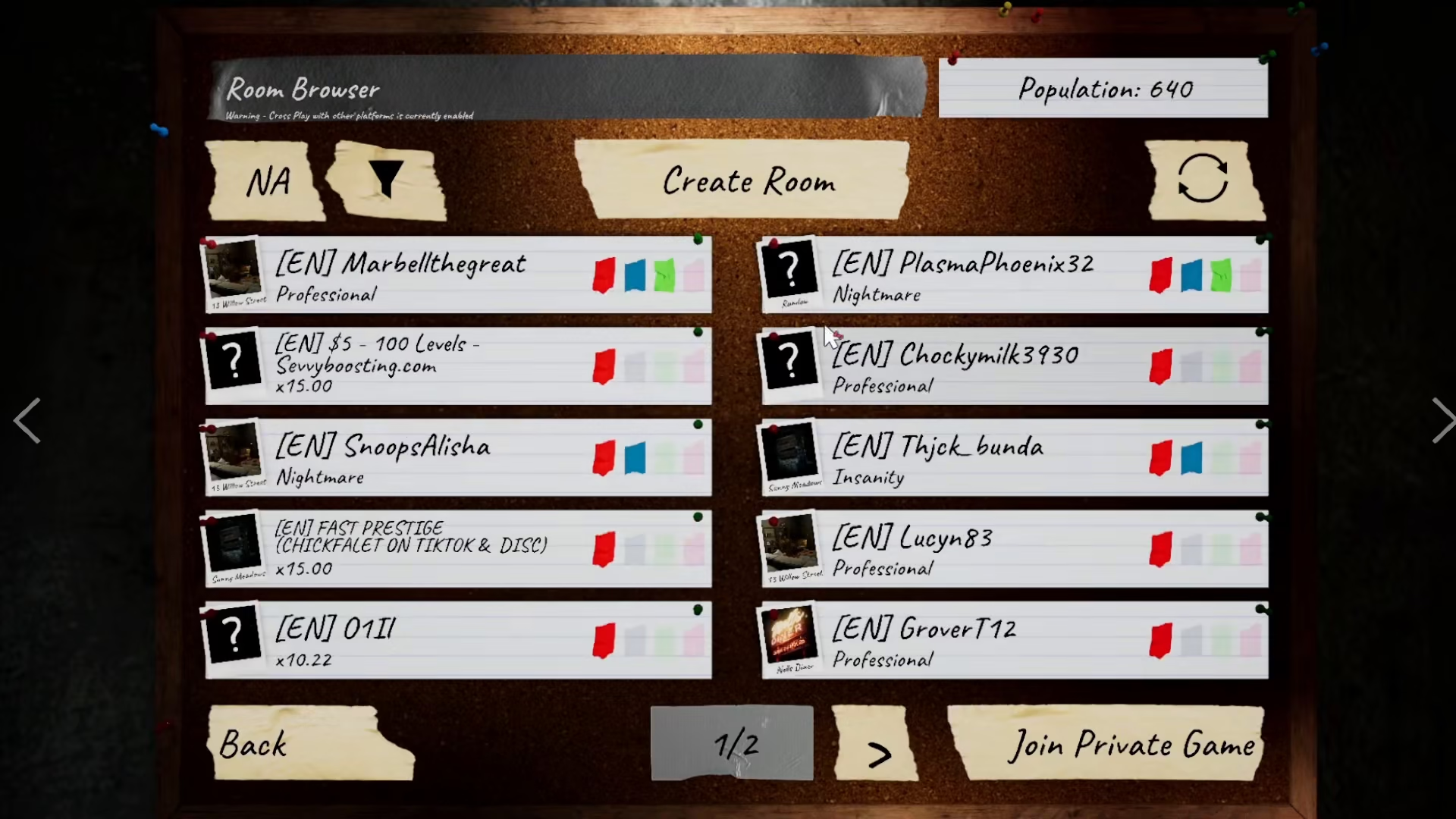
The lobby browser displays multiple available lobbies organized by server region. For example, if you’re on the NA (North America) server, you’ll see numerous lobbies hosted by other players. Each lobby represents an active or waiting game session that you can join.
Joining a Lobby
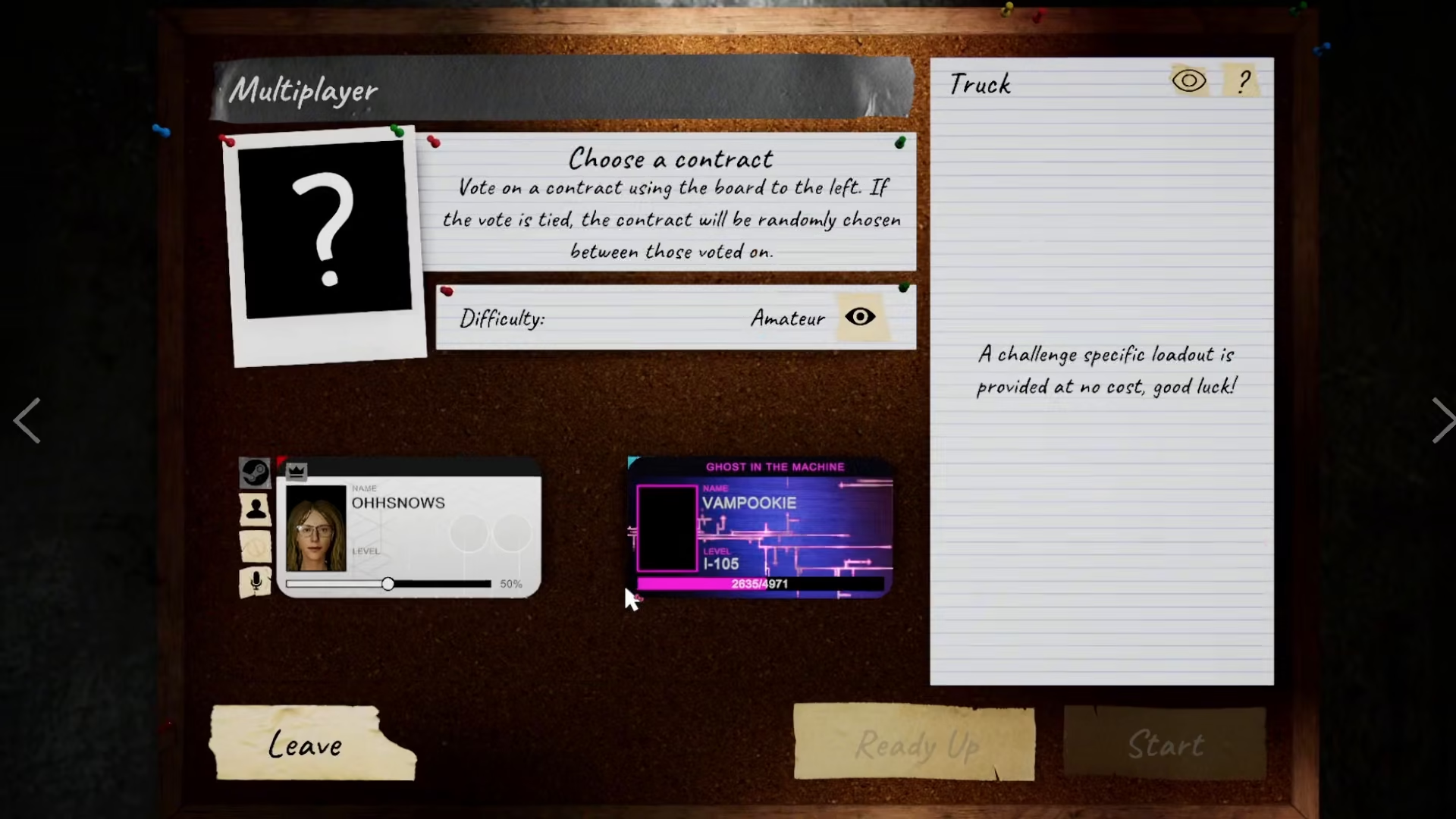
To join a lobby, simply click on any of the listed lobbies that interests you. Once you click on a lobby, you’ll be automatically added to that player’s session and can begin playing together.
Summary
Joining a multiplayer lobby in Phasmophobia is straightforward: connect to the multiplayer feature, browse the available lobbies on your preferred server, and click on any lobby to join. You’ll instantly become part of that gaming session and can start investigating with other players.
— Want to Support? —
If you would like to help us continue making these guides – please consider joining our patreon here – https://www.patreon.com/c/JaviHeals
Alternatively – you can join our discord here – https://discord.gg/zD7Gjt6MHF



