





How To Keep Video Camera On In Phasmophobia
How To Keep Video Camera On In Phasmophobia
Setting up a video camera in Phasmophobia is essential for gathering evidence and monitoring ghost activity from your base of operations. This guide walks you through the simple process of mounting a camera on a tripod and accessing its feed remotely so you can keep tabs on your investigation at all times.
Setting Up Your Video Camera
Mount the Camera on a Tripod
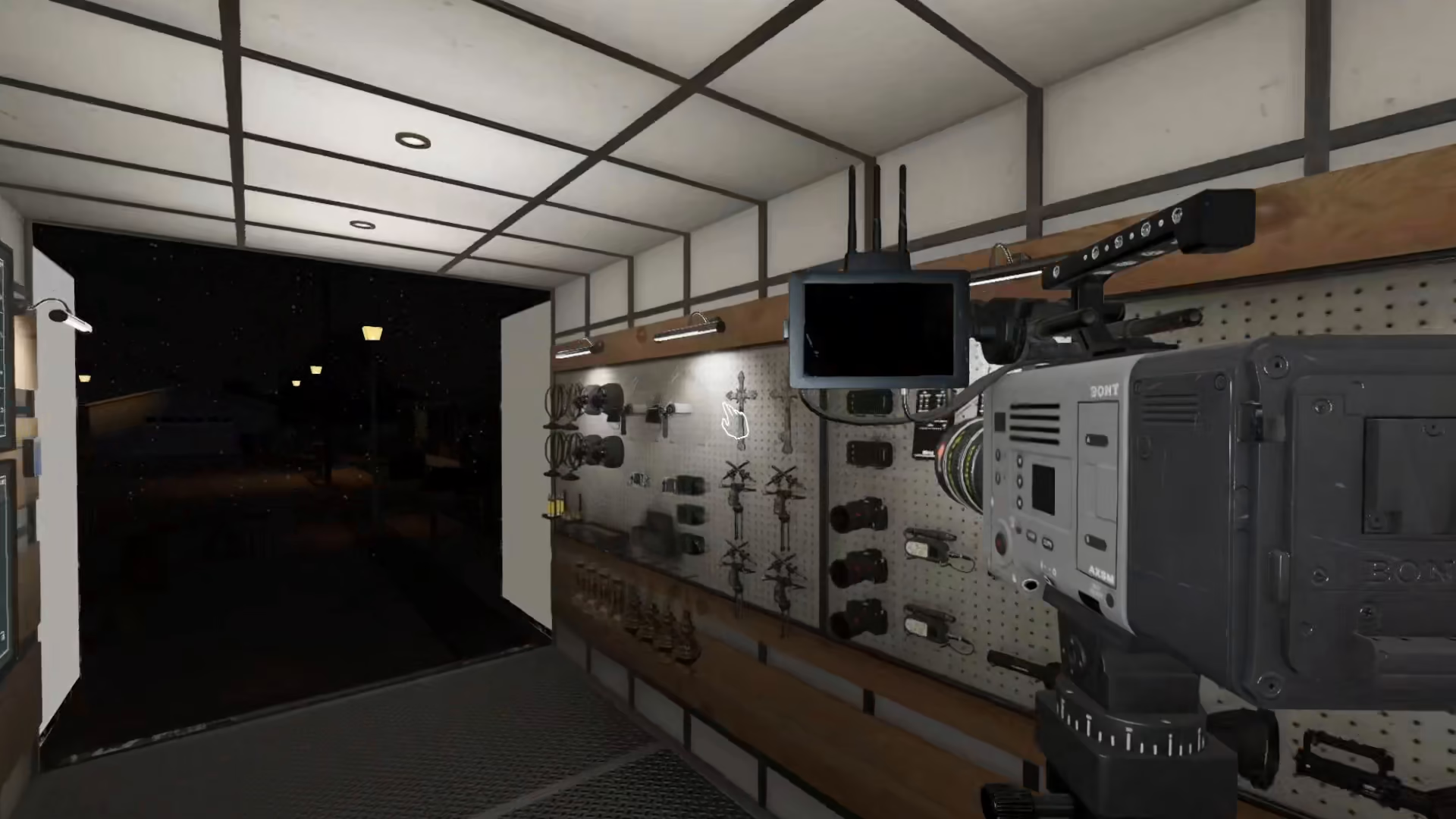
To begin, you’ll need a tripod stand. Pick up your video camera and press F to mount it onto the tripod. This secures the camera in place so it won’t move or fall over during your investigation.
Position Your Camera
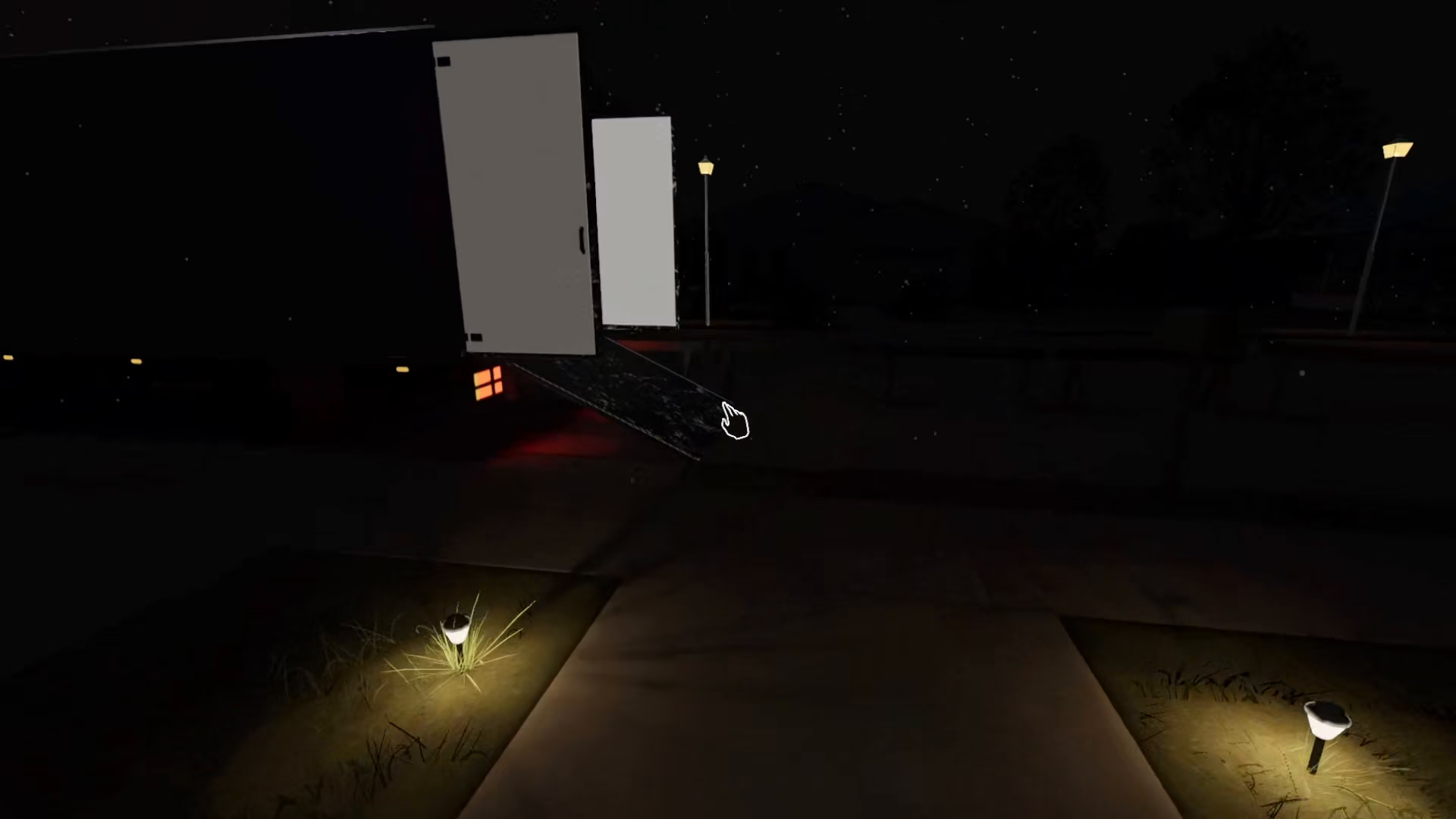
Once the camera is mounted on the tripod, you can place it wherever you need. Most players find the entrance to be an ideal location for monitoring activity and detecting when ghosts appear. Move your tripod to your desired position.
Prepare Your Investigation Area
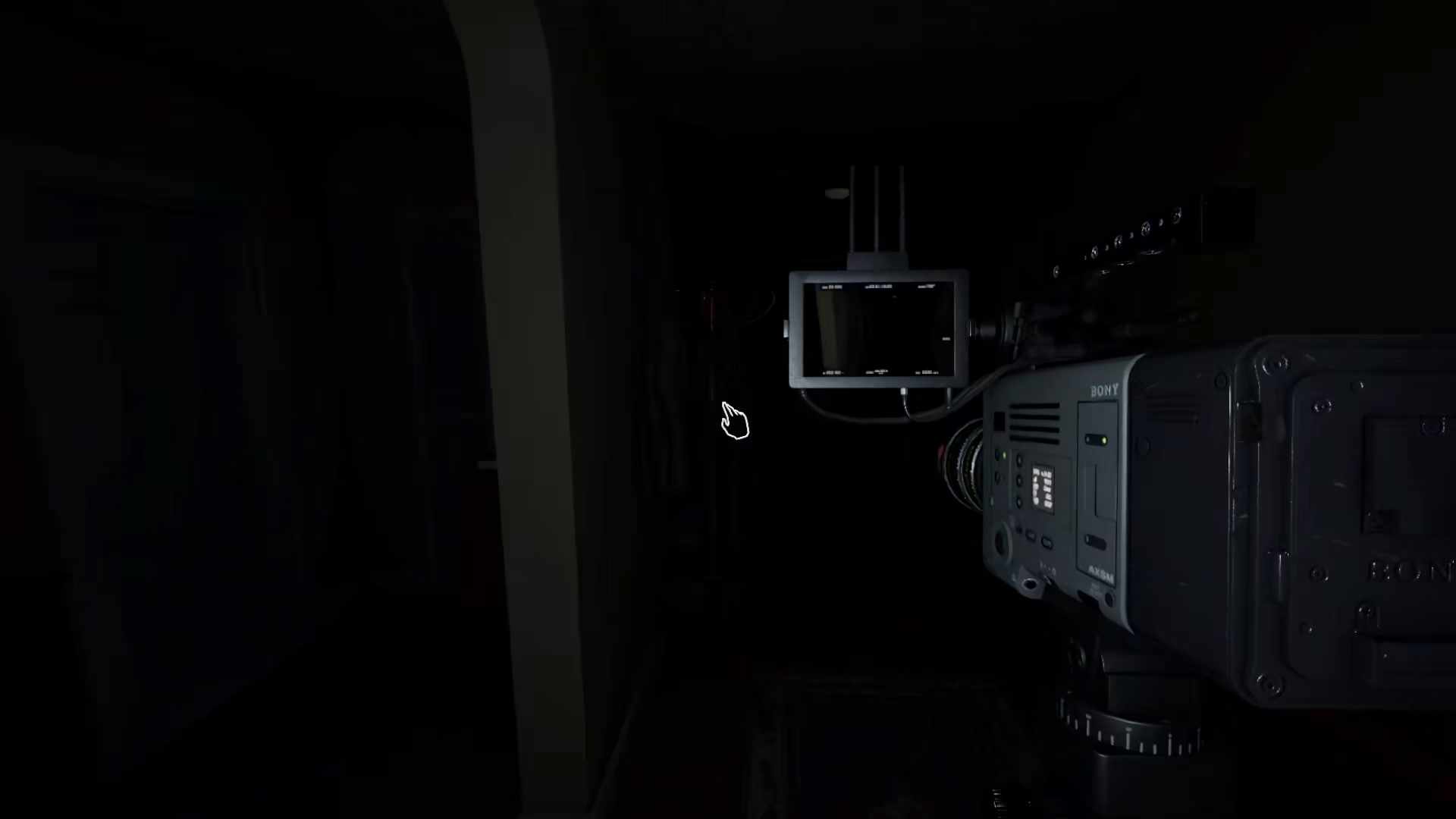
Before you leave to investigate, turn on all the lights in the area. This helps ensure better visibility when you review the camera feed later, making it easier to spot important details and ghost evidence.
Monitoring Your Camera Feed
Access the Camera from Your Ship
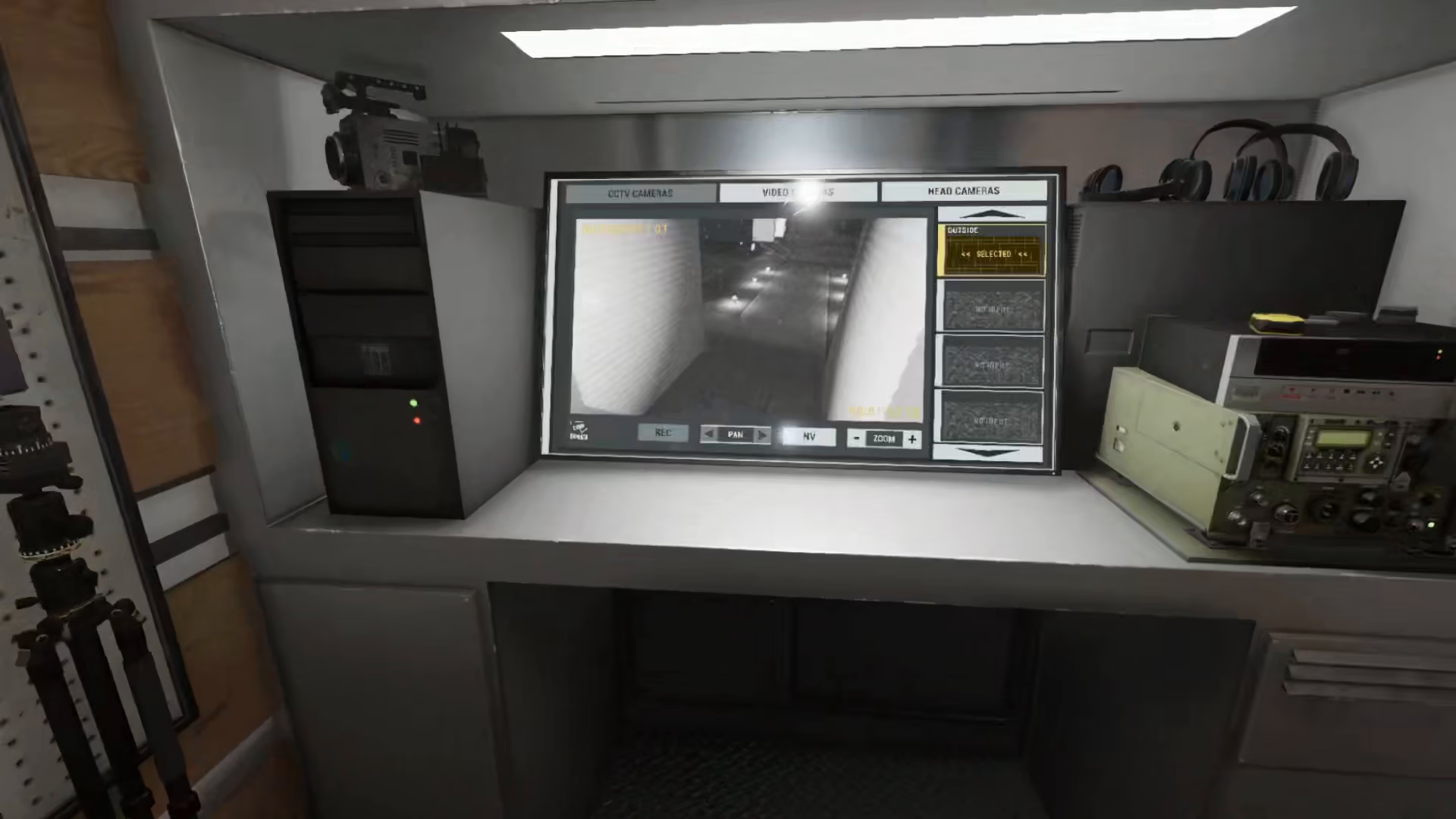
Return to your ship—this is where you’ll monitor all your cameras and manage your equipment in Phasmophobia. From the safety of your base, you have full control over your investigation tools.
View Your Camera Feed
Click on the Video Camera option in your ship’s interface. You’ll see the live feed from the camera you set up, allowing you to watch for ghost activity in real-time without being physically present at the location.
Camera Controls and Features
Switch to Black and White Mode
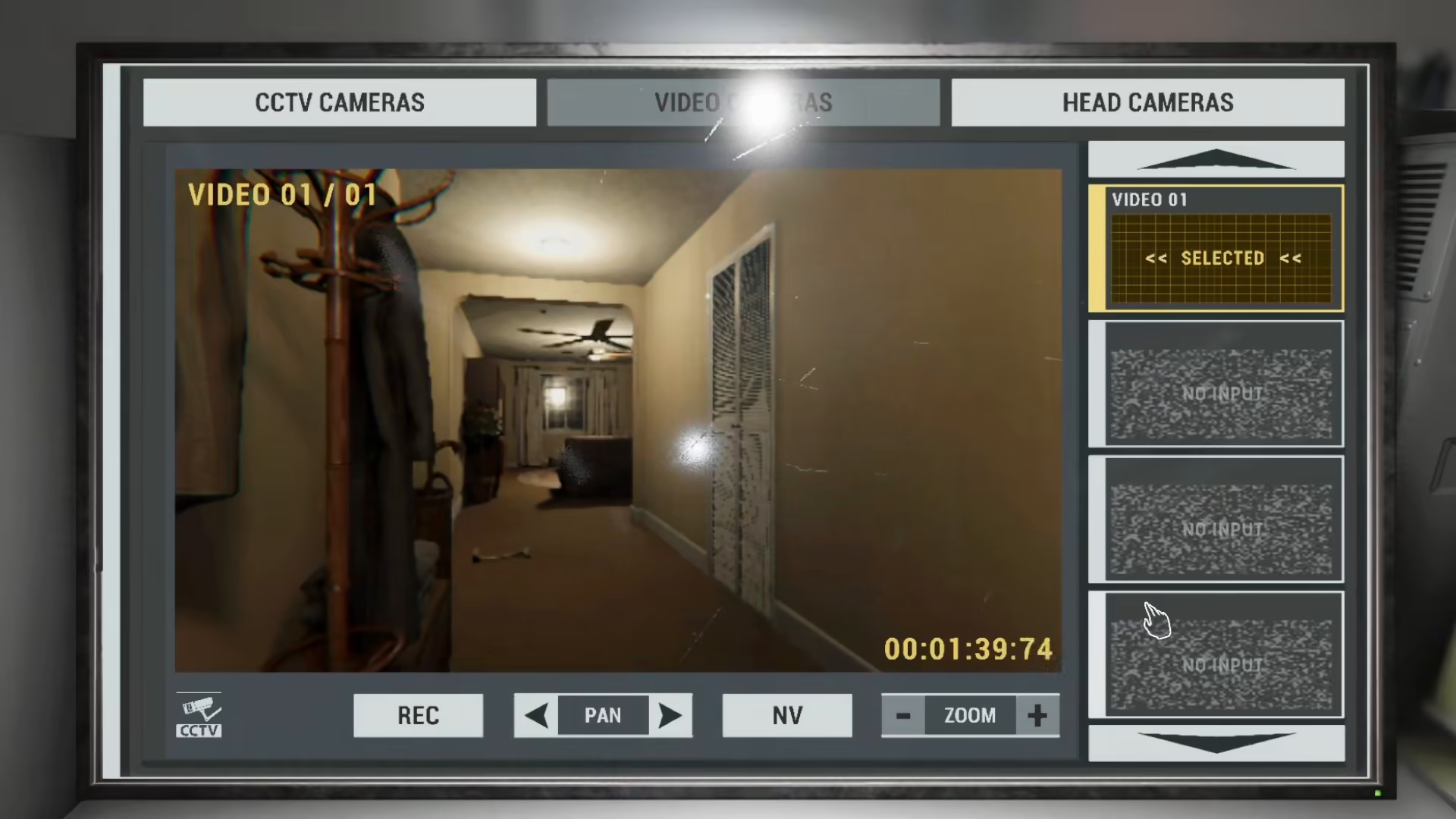
The camera interface allows you to change the display to black and white. This viewing mode is particularly useful for spotting ghost auras and other spectral evidence that may be more visible in grayscale.
Recording and Camera Movement
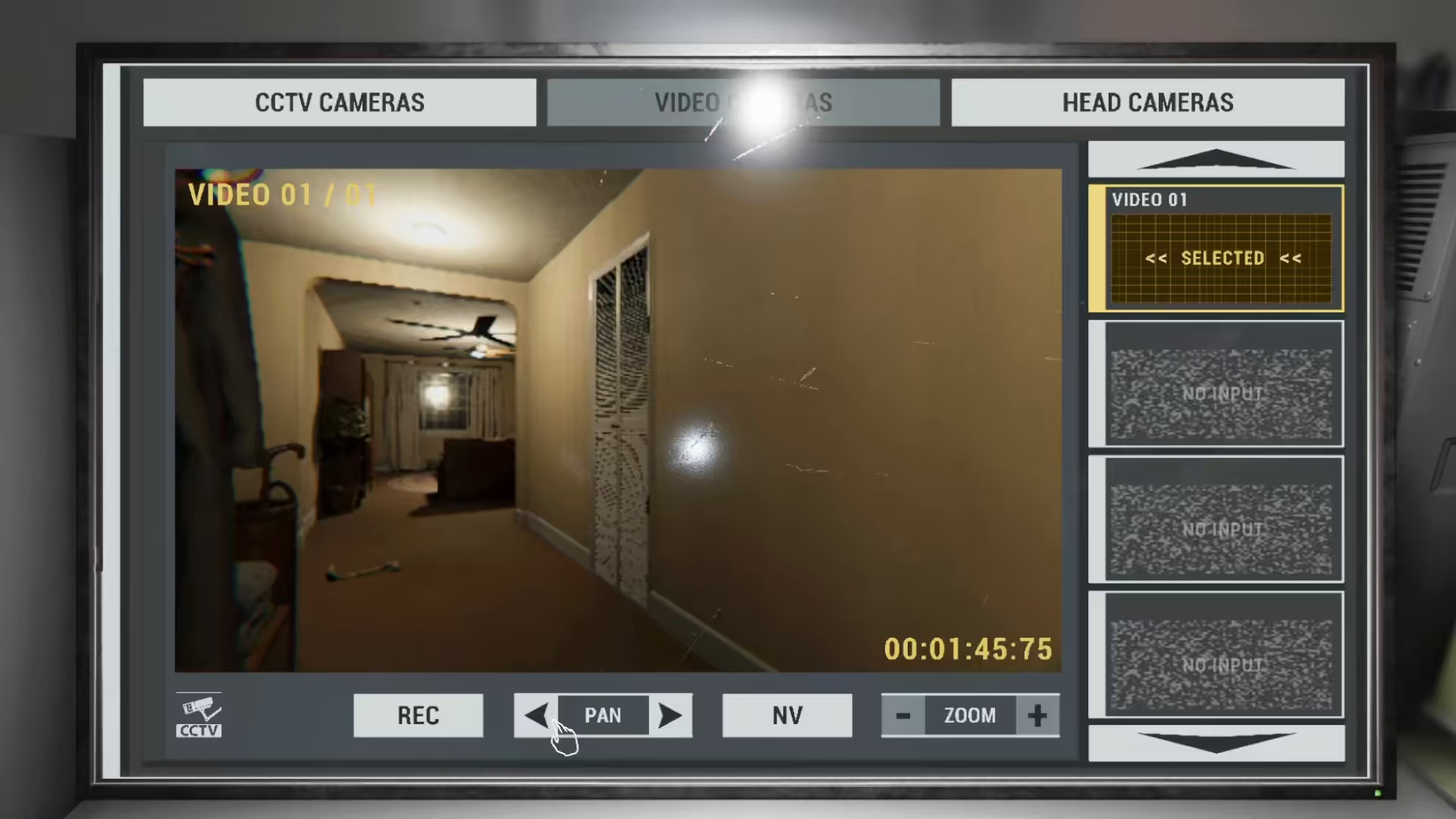
From your ship’s camera feed, you can start and stop video recordings to capture evidence. You can also adjust the camera’s angle and direction remotely, giving you flexibility in monitoring different areas of the investigation site.
Summary
Keeping your video camera on in Phasmophobia is straightforward: mount it on a tripod using the F key, position it in a strategic location like the entrance, and then monitor its feed from your ship. Use the black and white viewing mode to better detect ghost activity, and remember that you can record footage and adjust the camera remotely. This setup gives you a significant advantage in gathering evidence and staying safe during your paranormal investigations.
Want to Support?
If you would like to help us continue making these guides – please consider joining our patreon here – https://www.patreon.com/c/JaviHeals
Alternatively – you can join our discord here – https://discord.gg/zD7Gjt6MHF



