





How To Link Bloonsaccounts In Bloons TD6
How To Link Bloons Accounts In Bloons TD6
Linking multiple Bloons accounts in Bloons TD6 allows you to connect different sign-in providers to a single game profile. This guide walks you through the simple process of connecting your accounts, whether you’re using Steam, Twitch, or other supported providers.
Accessing Account Settings
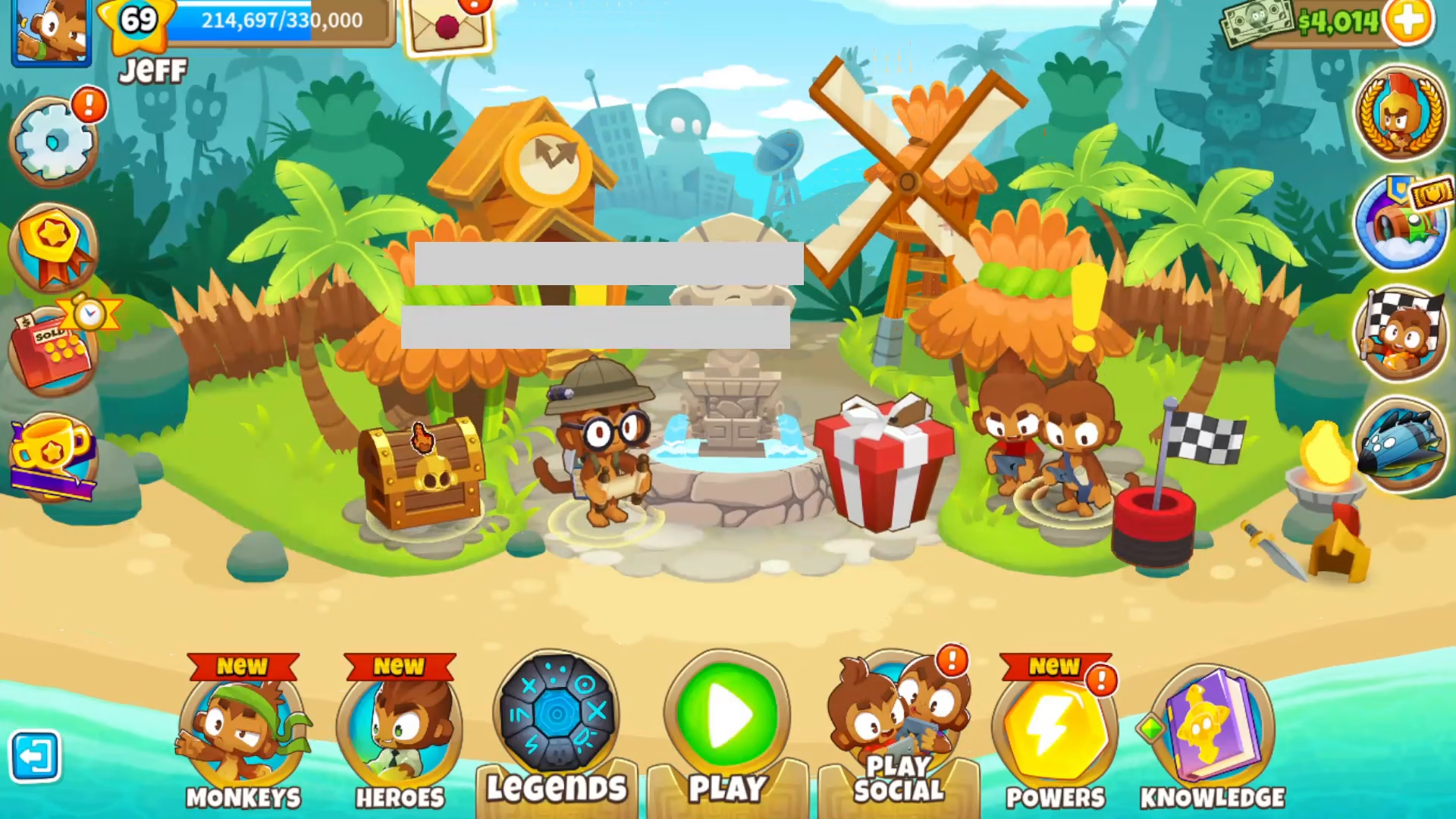
To begin linking your Bloons accounts, start by locating the gear icon on the left side of your screen. Click on this settings icon to open the main menu.
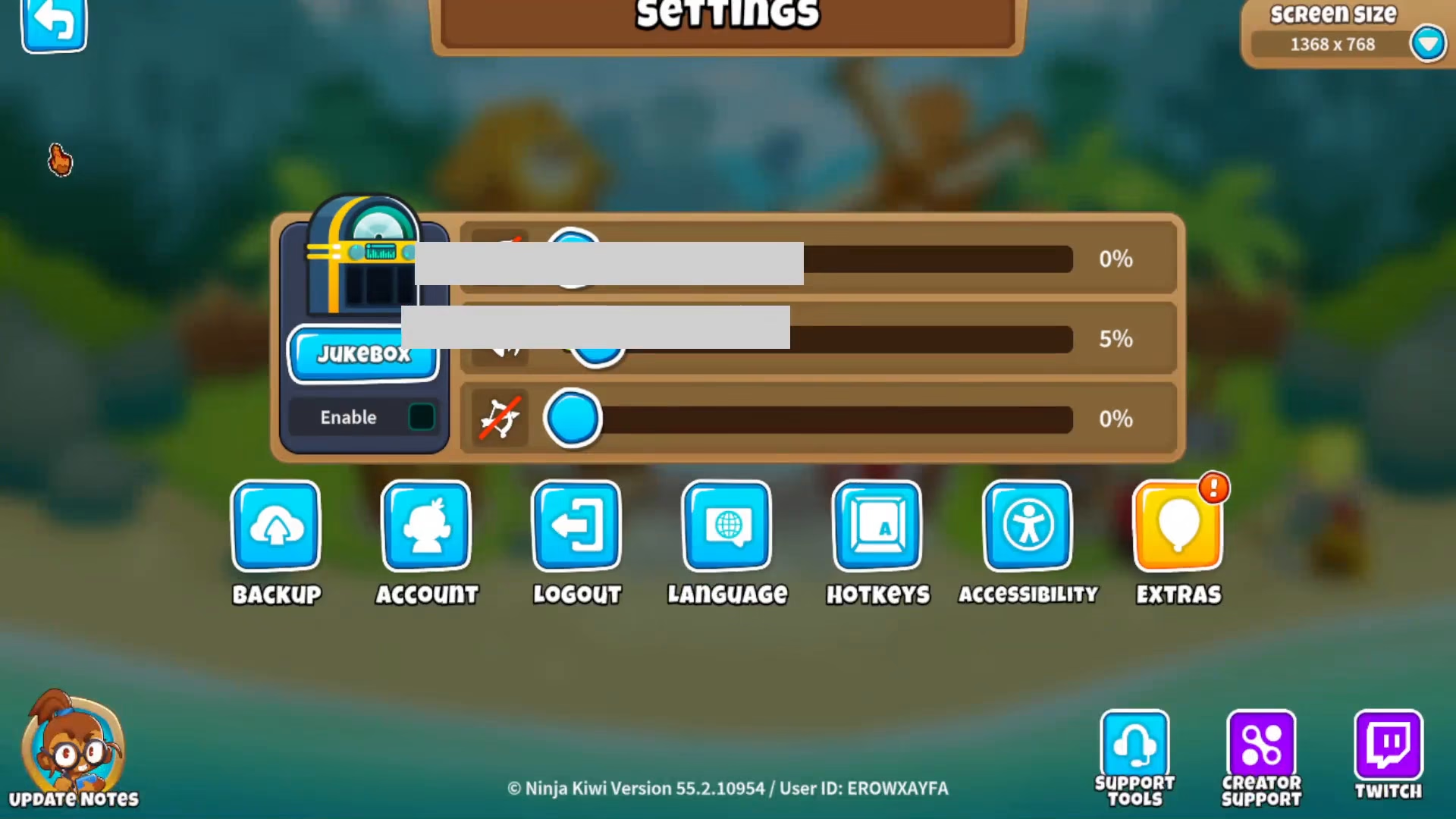
Once the settings menu opens, navigate to the Account option. This is where you’ll manage all your connected sign-in providers.
Understanding Your Sign-In Providers
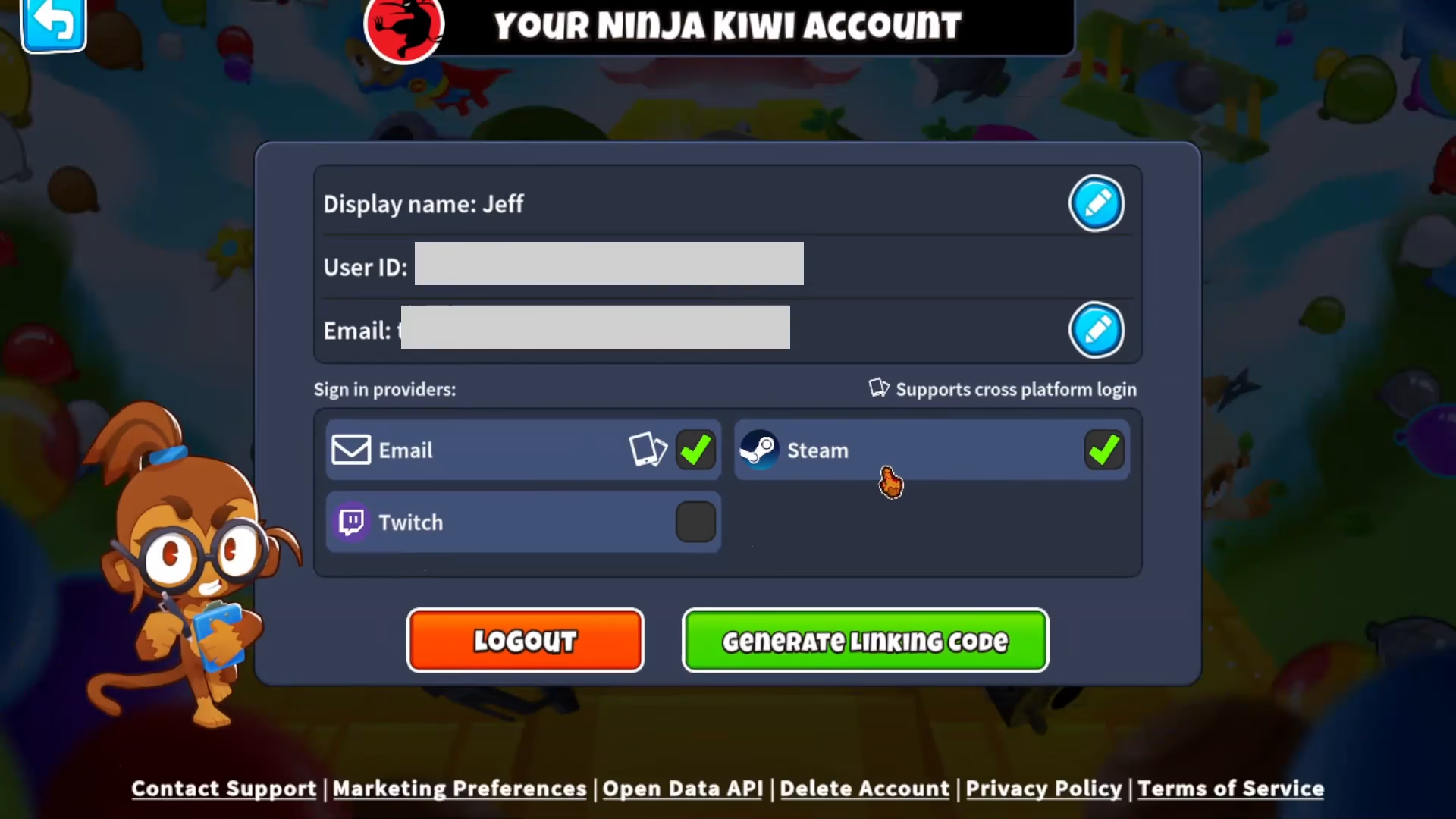
In the Account section, you’ll see a list of different sign-in providers available to you. These providers allow you to access your Bloons TD6 account through various platforms. For example, you may already be signed in with Steam and a Ninja Kiwi account, as shown in the interface.
Connecting Additional Providers
To link an additional account, simply click on one of the available providers you wish to connect. Popular options include Twitch, which allows seamless integration with your streaming account.
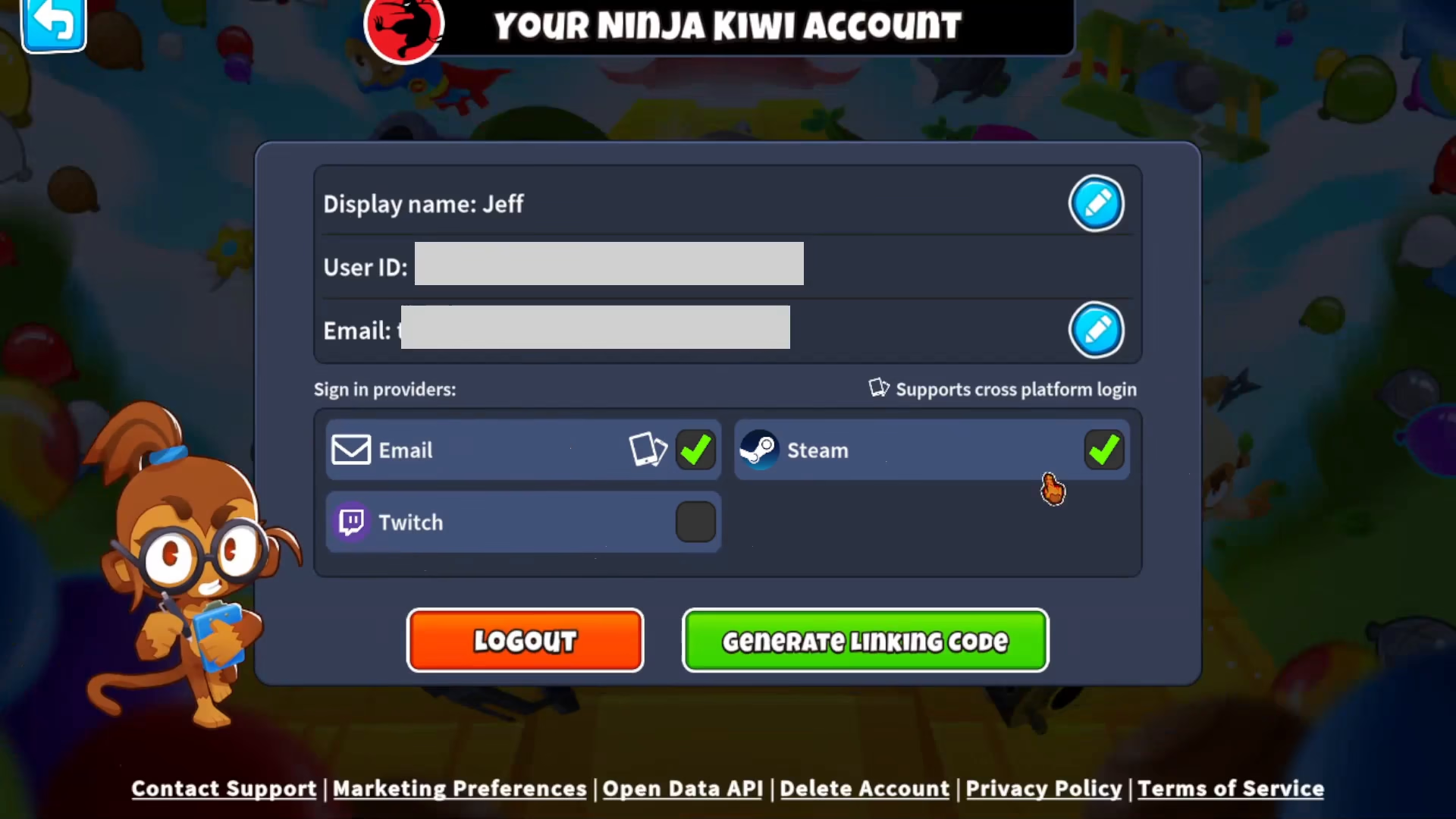
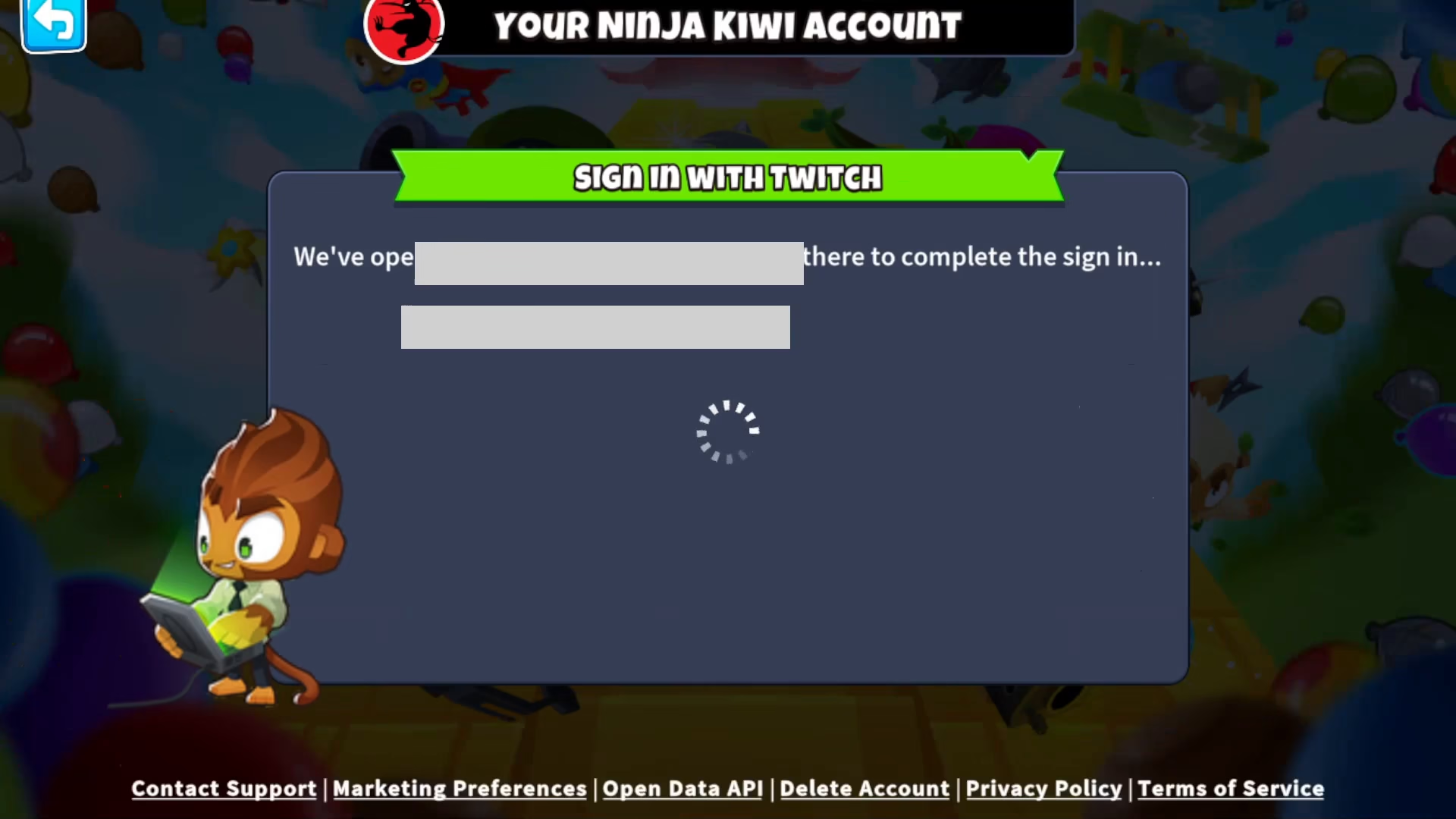
When you click on a provider, your browser will automatically open a login session for that service. For Twitch, you’ll be directed to the Twitch login page where you can enter your credentials.
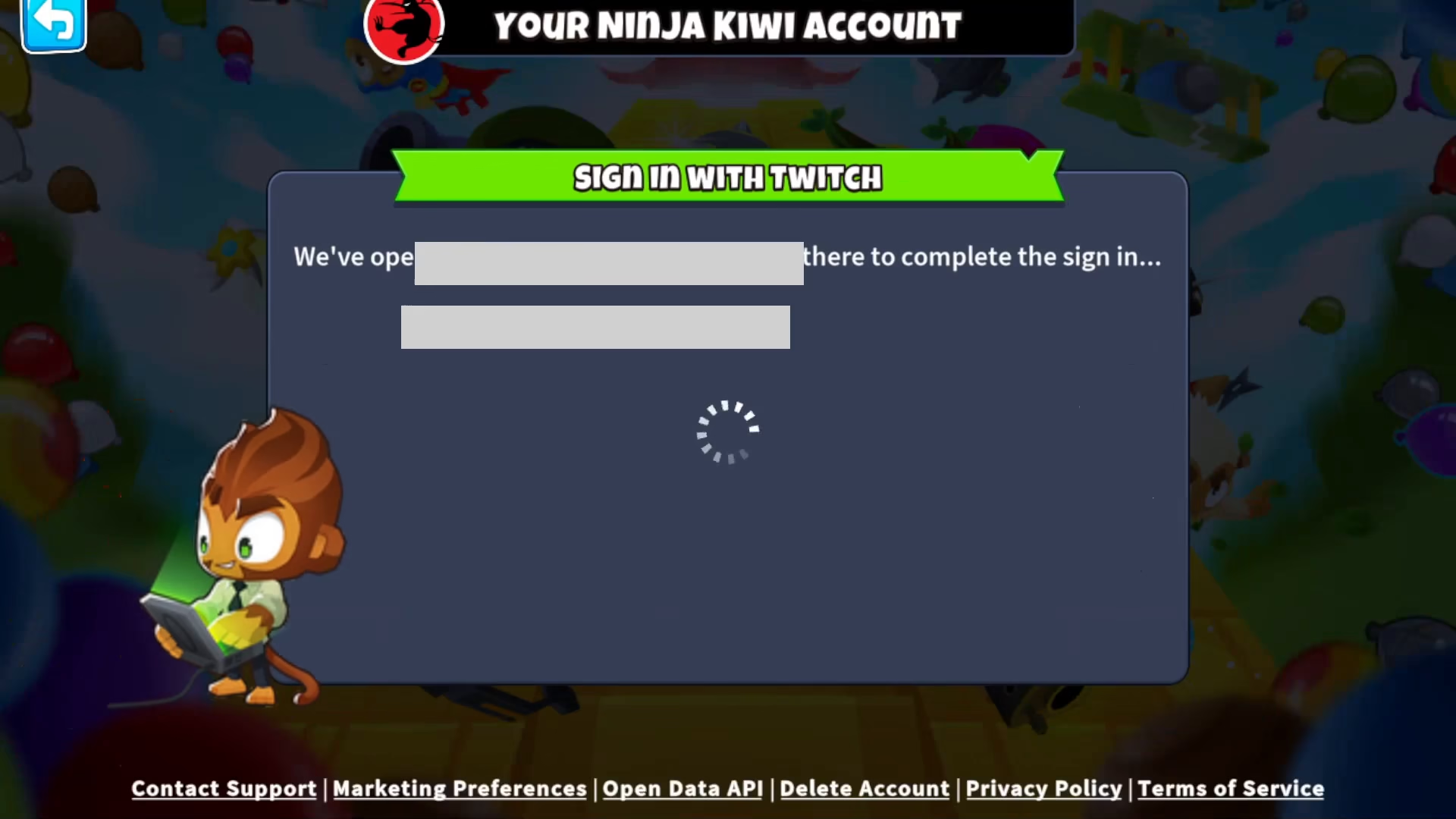
Simply log in with your account information, and the connection will be established automatically. Your new provider will now be linked to your Bloons TD6 profile.
Summary
Linking Bloons accounts in Bloons TD6 is a straightforward process that takes just a few clicks. By visiting your Account settings through the gear icon and selecting your desired sign-in providers, you can easily connect multiple platforms to your game profile. This flexibility allows you to access your account from different services while maintaining a single unified progress profile.
— Want to Support? —
If you would like to help us continue making these guides – please consider joining our patreon here – https://www.patreon.com/c/JaviHeals
Alternatively – you can join our discord here – https://discord.gg/zD7Gjt6MHF



