





How to Modify Weapons in Escape From Tarkov
How to Modify Weapons in Escape From Tarkov
Welcome to this quick guide on weapon modification in Escape From Tarkov. Whether you’re new to the game or looking to optimize your loadouts, modifying your weapons is an essential skill. This tutorial will walk you through the simple steps needed to access and customize your weapons effectively.
Basic Weapon Modification Steps
To modify weapons in Kalmaw, the process is straightforward and user-friendly. Start by right-clicking on the weapon you want to modify.
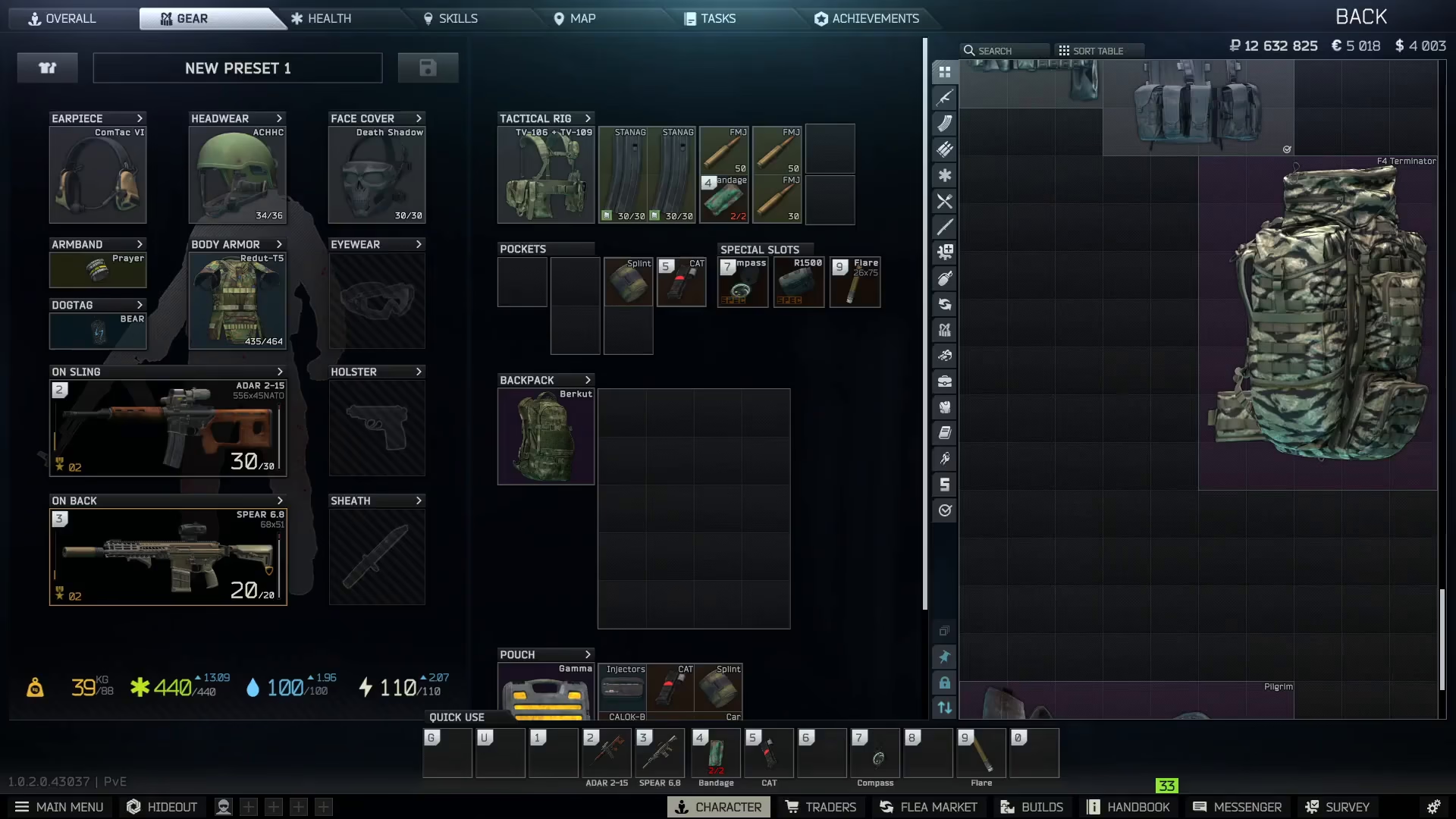
Once you’ve right-clicked, a context menu will appear. From this menu, you’ll need to look for and select the “Adding,” “Build,” or “Modding” option. This action will open the weapon modification interface, allowing you to customize various components and attachments on your weapon with ease.
Summary
Modifying weapons in Escape From Tarkov is a simple three-step process: right-click your weapon, select the modding option from the menu, and begin customizing your loadout. Mastering this basic skill will help you create more effective weapon configurations tailored to your playstyle.
Want to Support?
If you would like to help us continue making these guides – please consider joining our patreon here – https://www.patreon.com/c/JaviHeals
Alternatively – you can join our discord here – https://discord.gg/zD7Gjt6MHF


