





How to Modify Zoom in Escape from Tarkov
How to Modify Zoom in Escape from Tarkov
Mastering your zoom settings in Escape from Tarkov is essential for effective aiming and target acquisition. This guide walks you through customizing your zoom keybindings to match your playstyle and improve your combat efficiency.
Accessing Your Zoom Settings
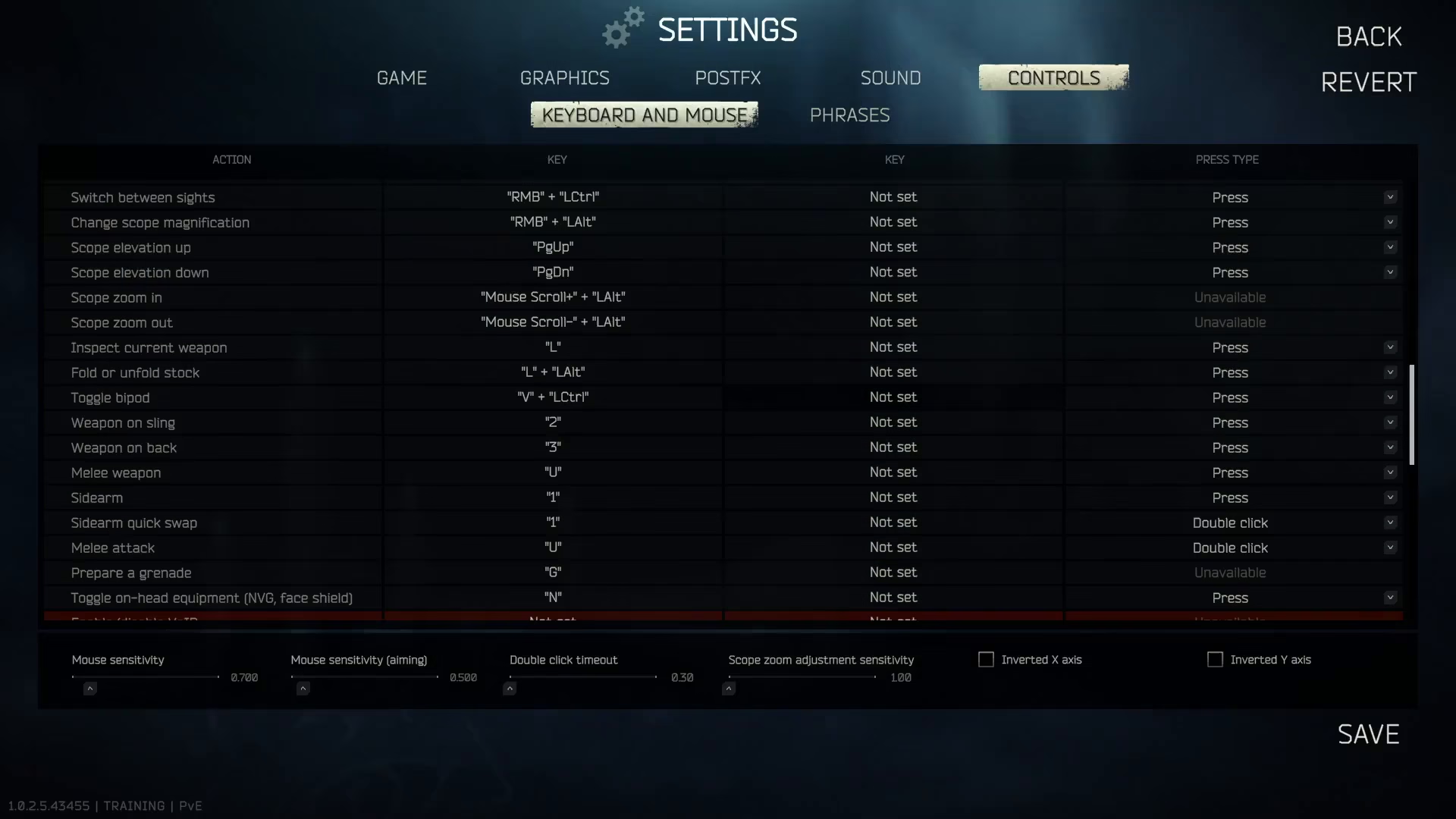
To begin modifying your zoom controls, navigate to your settings menu and locate the key bindings section. This is where you’ll find all the zoom-related configurations for your scope and variable magnification controls.
Understanding Variable Zoom Configuration
The variable zoom system in Escape from Tarkov uses a combination of mouse controls to provide flexible magnification adjustment. In the default configuration, scoping and zoom in for variable zoom is bound to left-hold and scrolling. This allows you to smoothly transition between different magnification levels while aiming.
Switching Between Magnification Levels
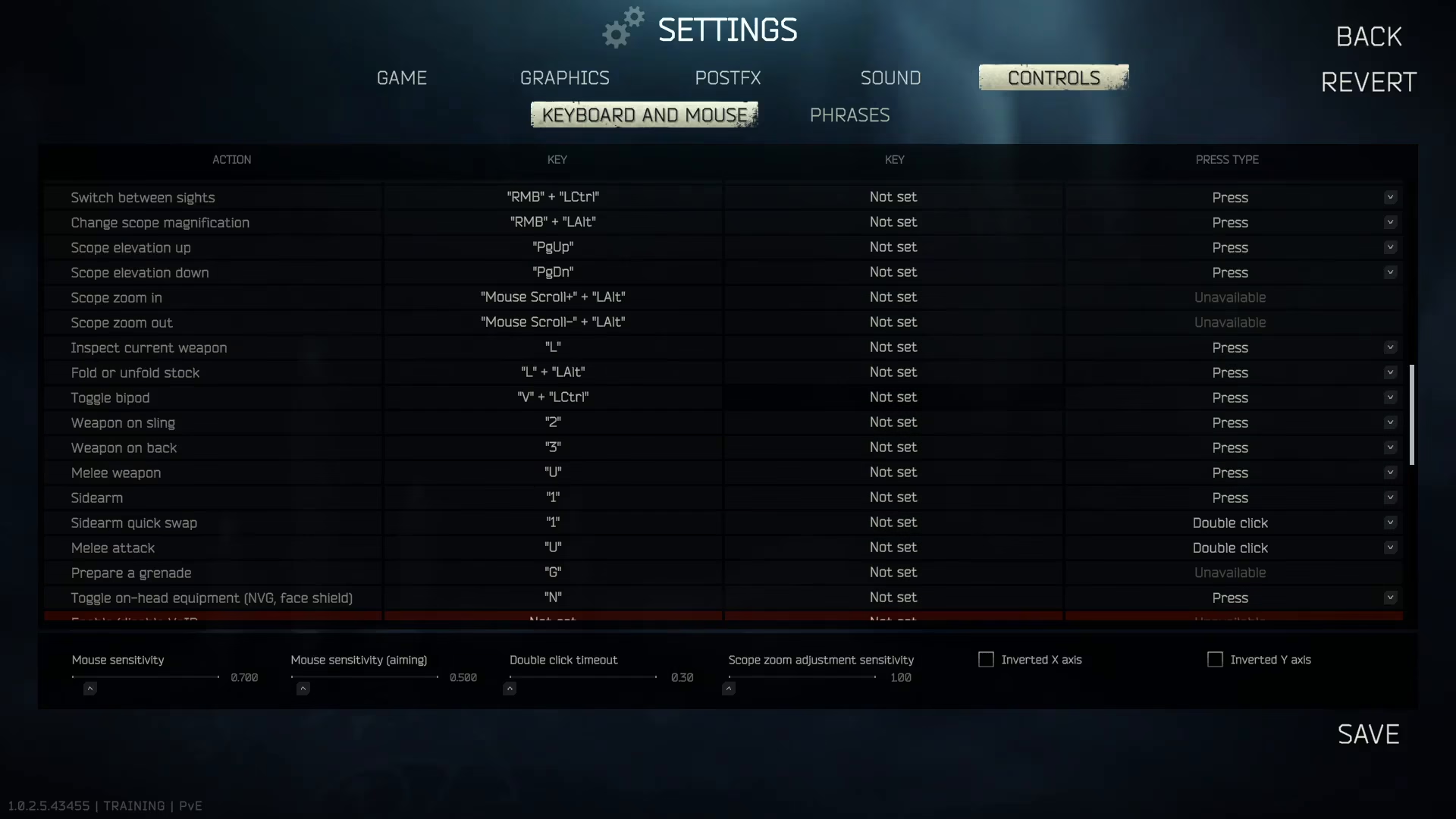
You can switch between magnification levels using the right mouse button combined with left-hold. This dual-button approach gives you precise control over your scope magnification without interrupting your aim. For example, you can zoom in and out seamlessly during active engagement.
Practical Zoom Controls in Action
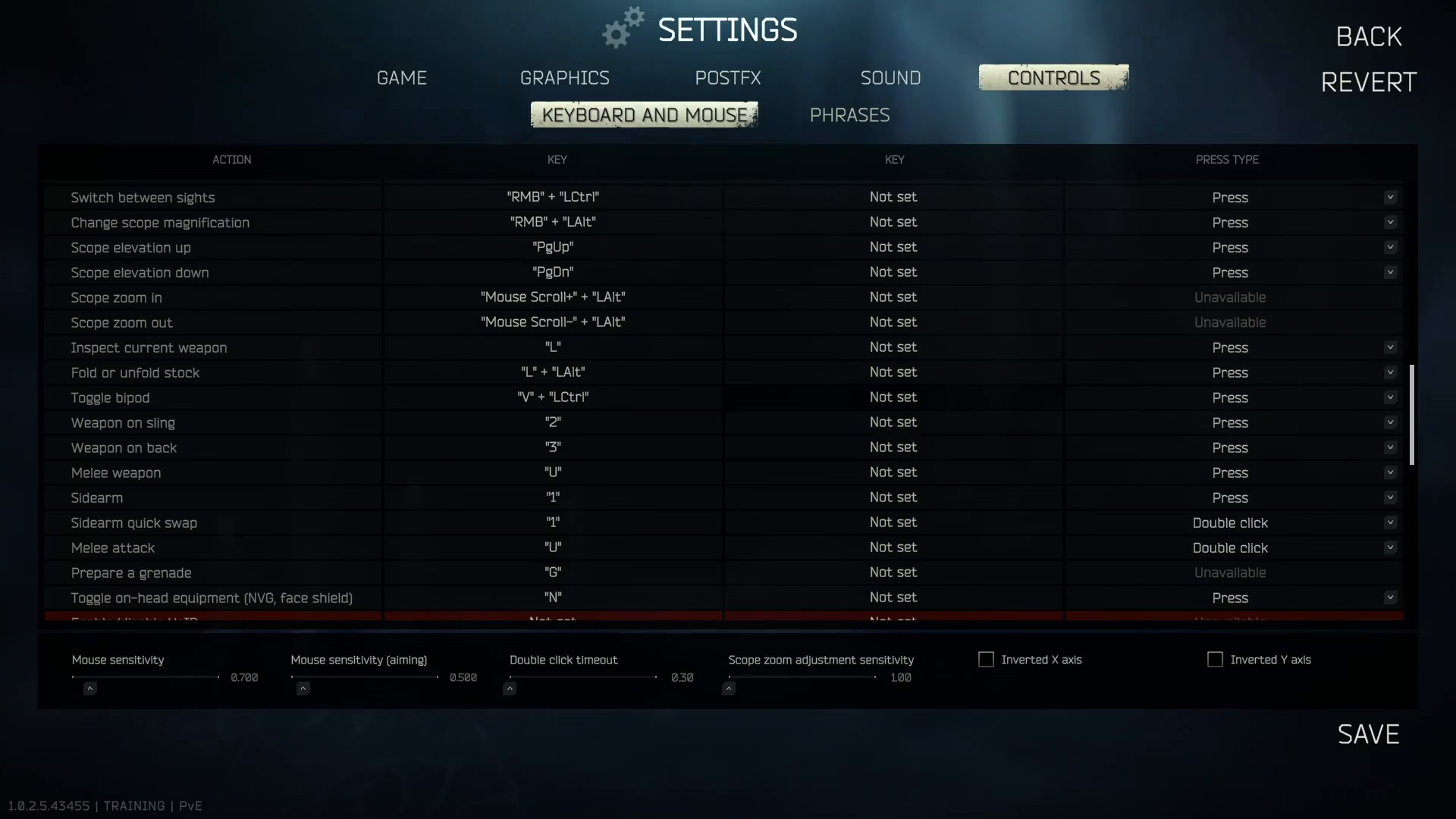
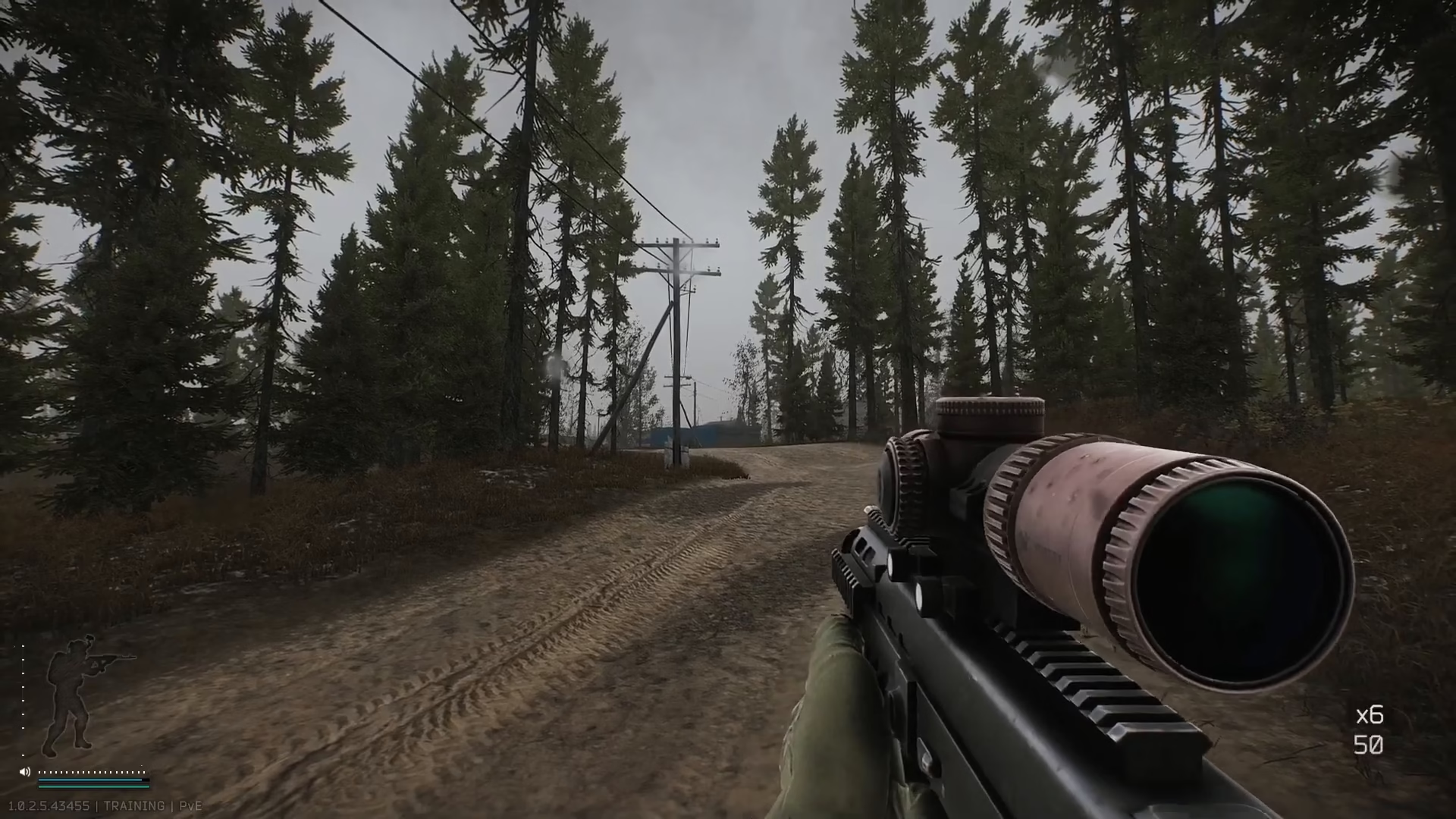
Once your settings are configured, you’ll be able to zoom in and out fluidly during combat. The variable zoom feature allows you to adjust your magnification from 1x to 6x zoom, giving you versatility across different engagement distances. Additionally, you can enable mouse bonus settings to enhance your aiming precision.
Conclusion
Customizing your zoom settings in Escape from Tarkov takes just a few minutes but can significantly impact your gameplay performance. By understanding your key bindings and magnification options, you’ll be better equipped to handle various combat scenarios with confidence and precision.
— Want to Support? —
If you would like to help us continue making these guides – please consider joining our patreon here – https://www.patreon.com/c/JaviHeals
Alternatively – you can join our discord here – https://discord.gg/zD7Gjt6MHF


