





How To Move Buildings In Age of Empires 4
How To Move Buildings In Age of Empires 4
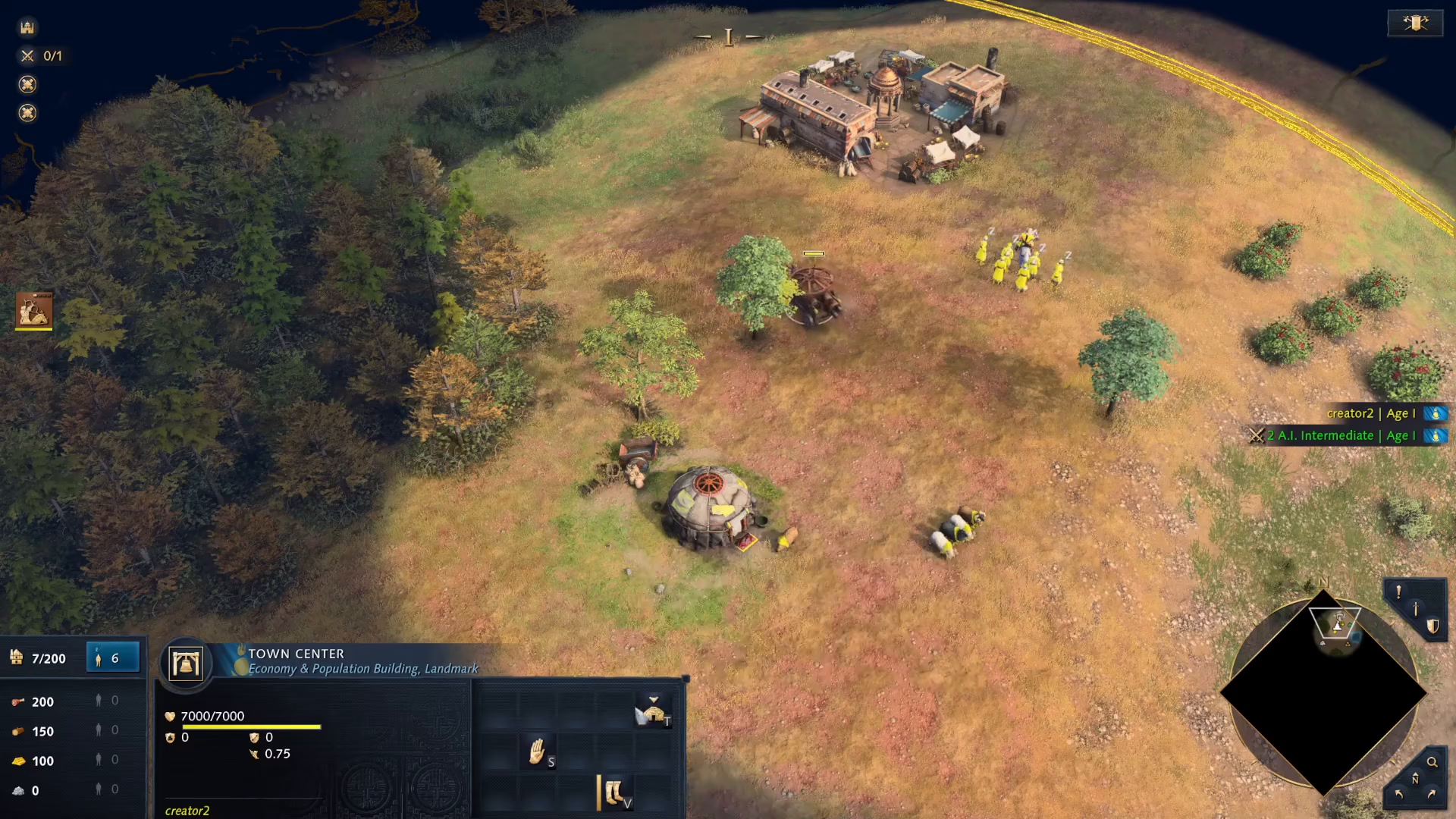
In Age of Empires 4, most factions cannot relocate buildings once they’re placed. However, the Mongols have a unique advantage that allows you to pack up and move buildings to new locations. This guide will walk you through the simple process of moving Mongol buildings on the map.
Understanding Building Movement in Age of Empires 4
Normally, you cannot move buildings in Age of Empires 4 regardless of which faction you’re playing. This is a core game mechanic that applies to all civilizations — with one major exception: the Mongols.
How to Move Mongol Buildings
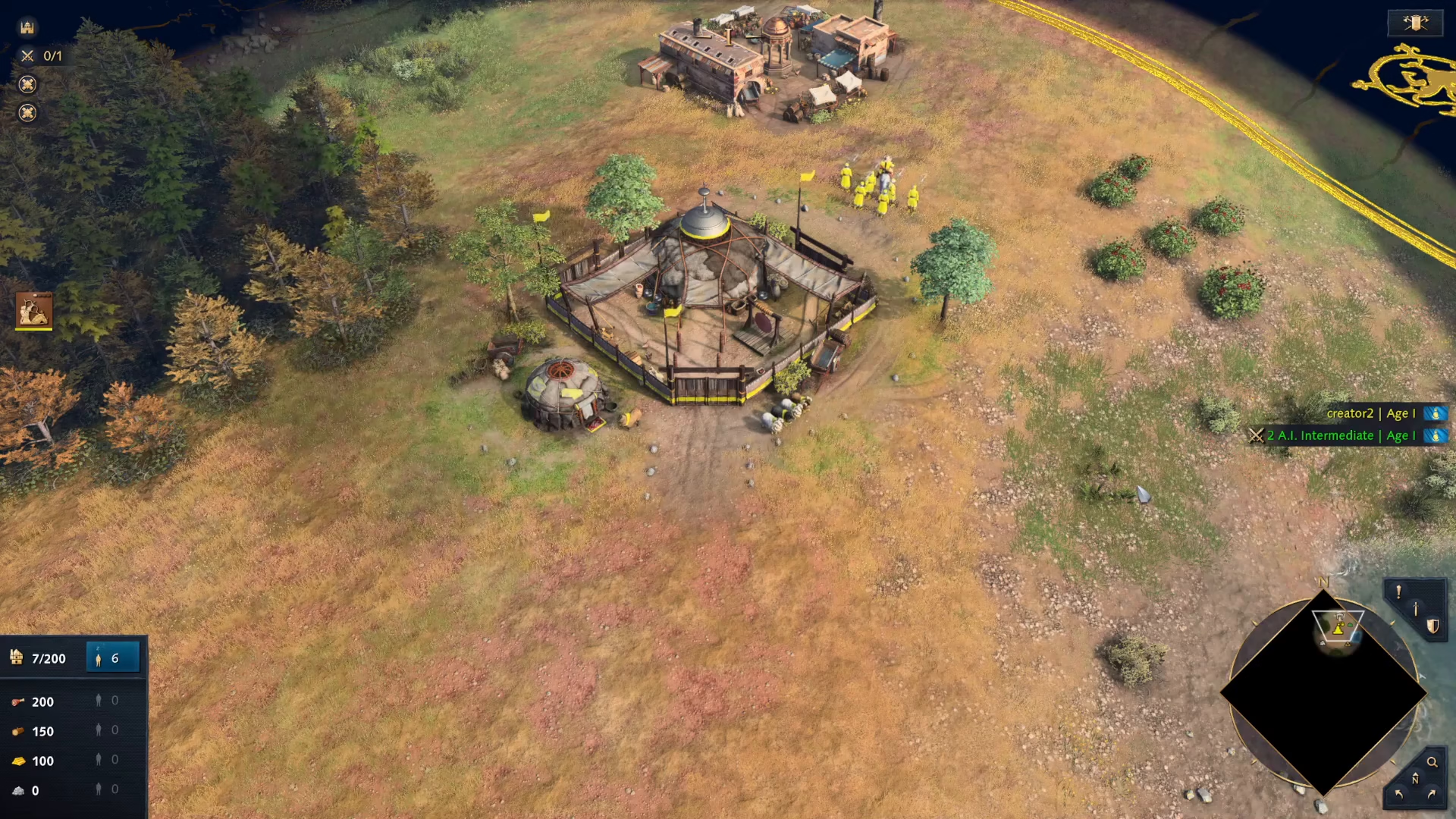
Step 1: Select Your Building
Start by clicking on any Mongol building you wish to relocate. This works on every Mongol building in your settlement.
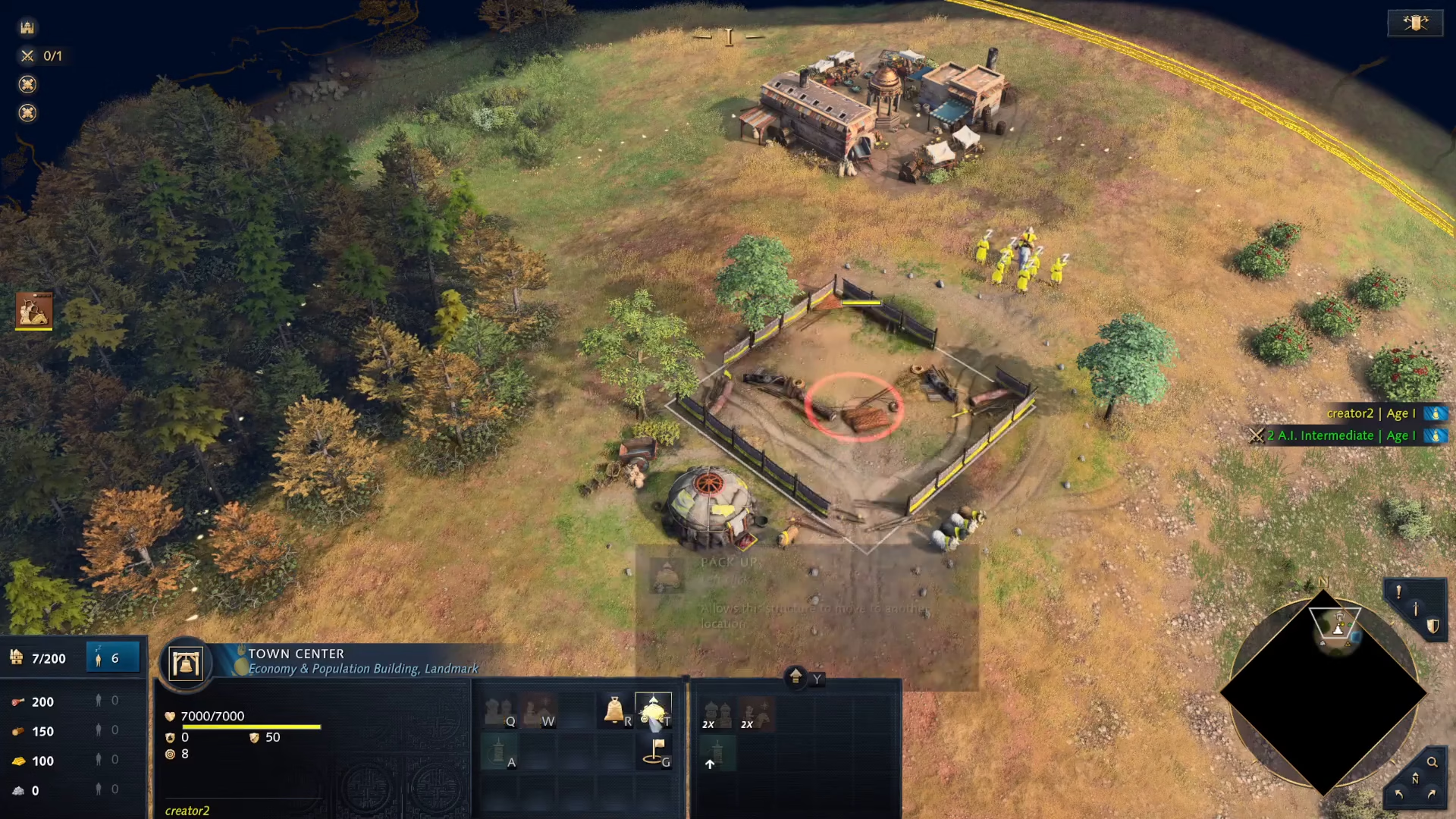
Step 2: Pack Up the Building
Once you’ve selected the building, click on the “Pack Up” option. This will prepare the building for relocation.
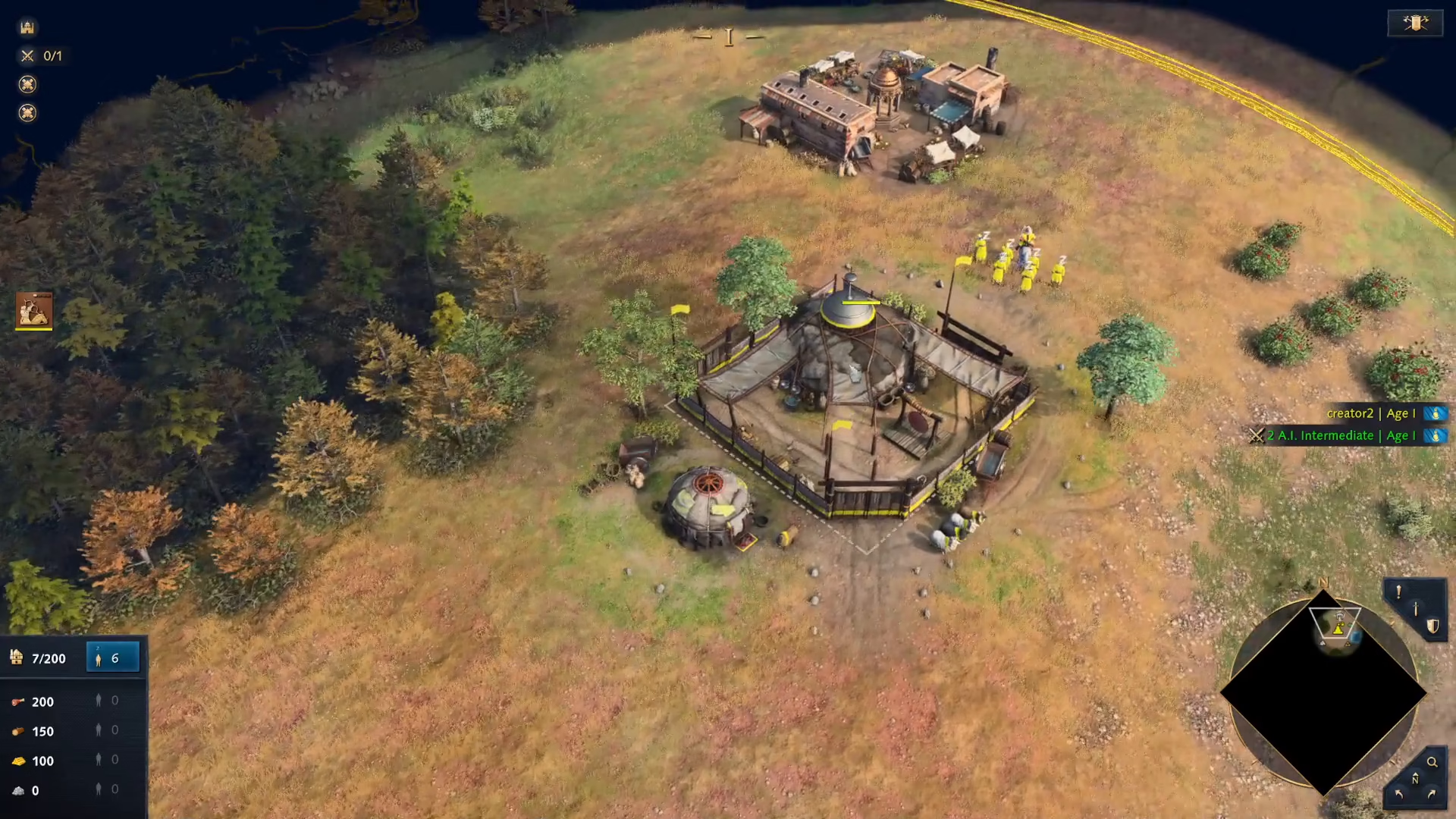
Step 3: Move the Building
After packing up, you can now move the building to a new location on the map. Simply drag it or navigate it to your desired position.
Step 4: Unpack the Building
Once you’ve positioned the building where you want it, click on “Unpack” and then select the area where you’d like to place it. The building will then be relocated and become operational at its new location.
Summary
Moving buildings in Age of Empires 4 is a Mongol-exclusive feature that gives this faction significant strategic flexibility. The process is straightforward: select any Mongol building, click Pack Up, move it to your desired location, and click Unpack to place it. This ability applies to every Mongol building, making base repositioning and tactical adjustments much easier than with other civilizations.
— Want to Support? —
If you would like to help us continue making these guides – please consider joining our patreon here – https://www.patreon.com/c/JaviHeals
Alternatively – you can join our discord here – https://discord.gg/zD7Gjt6MHF