






How To Pause Age Of Empires 4 In Age of Empires 4
How to Pause in Age of Empires 4
Age of Empires 4 offers a straightforward pause mechanic for players who need to take a break during gameplay. This guide covers the basic pause controls and explains what changed from previous versions of the game.
Basic Pause Controls
To pause Age of Empires 4, simply press either the Escape key or the F10 key on your keyboard. Either option will instantly freeze the game and bring up the pause menu.
Important Changes from Age of Empires 2
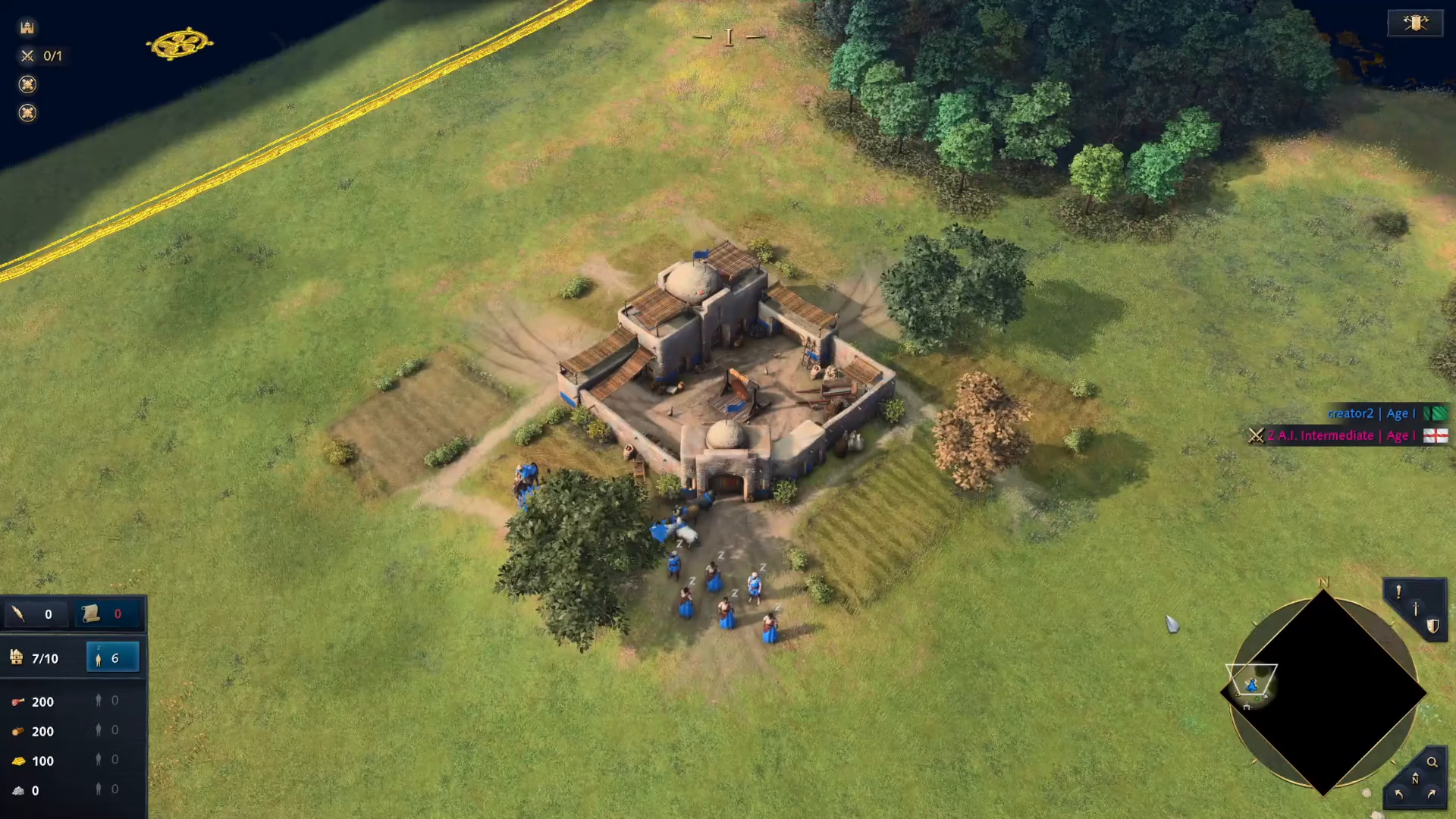
If you’re a veteran player coming from Age of Empires 2, be aware of a significant change: Age of Empires 4 has removed the “Pause and Issue Orders” feature that was available in the previous game. This means you cannot issue commands to your units while the game is paused.
What You Can Do While Paused
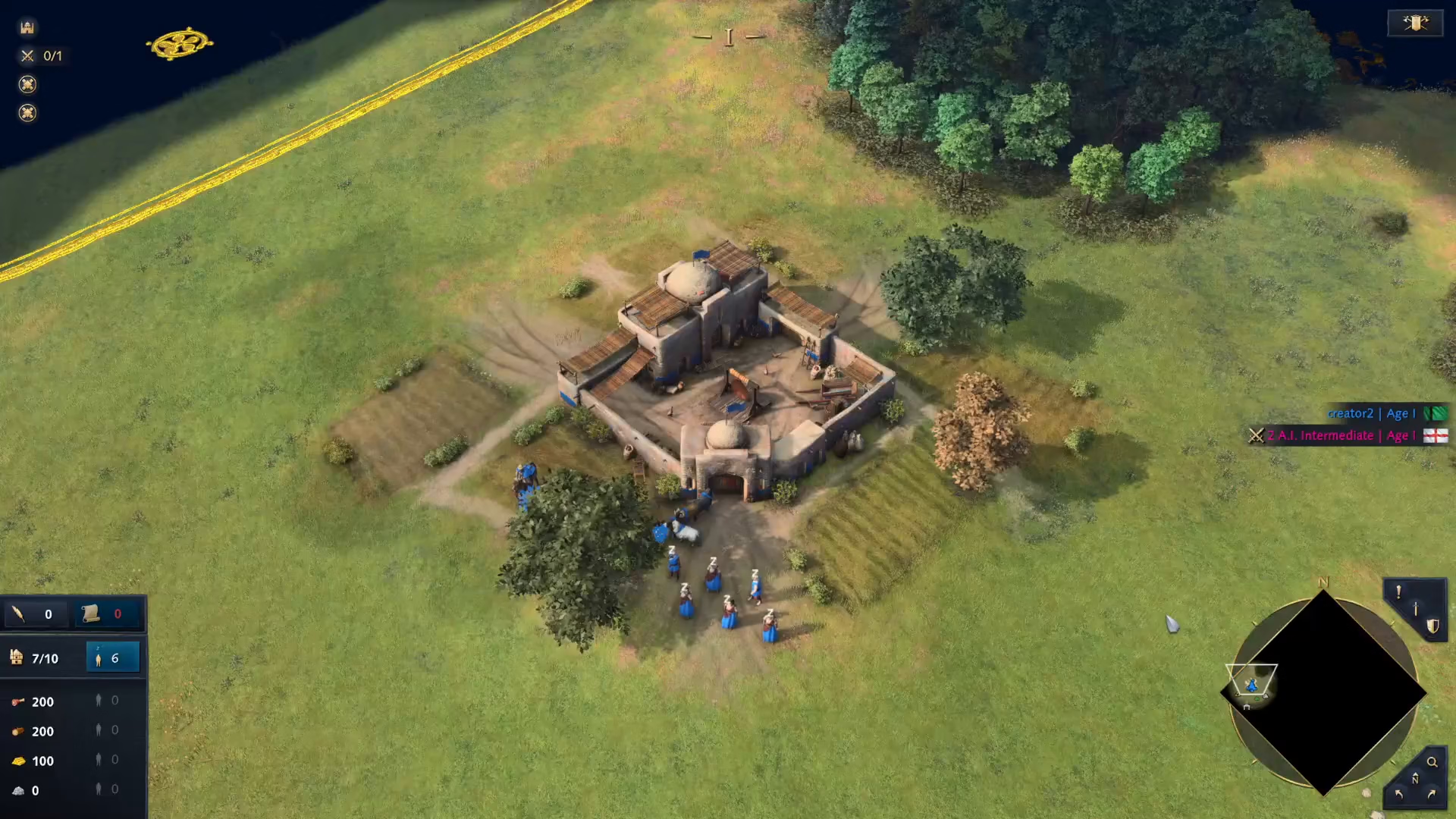
When you pause Age of Empires 4 using Escape or F10, the game will freeze completely. However, you will not be able to issue any commands or orders to your units during this paused state. The pause function is designed purely for stopping gameplay, not for tactical planning or unit management.
Summary
Pausing in Age of Empires 4 is simple—just press Escape or F10. Remember that unlike Age of Empires 2, you cannot issue orders while paused. Use the pause feature when you need to step away from the game, but plan your strategy before hitting pause.
— Want to Support? —
If you would like to help us continue making these guides – please consider joining our patreon here – https://www.patreon.com/c/JaviHeals
Alternatively – you can join our discord here – https://discord.gg/zD7Gjt6MHF