How To Move Stuff Into Stock Pile Rimworld
How To Move Stuff Into Stock Pile Rimworld
Managing resources efficiently is essential to your colony’s success in Rimworld. One of the most important mechanics is organizing your items into designated stockpiles. This guide will walk you through the process of moving items into specific stockpiles and configuring them to your exact needs, whether you’re storing cloth, chunks, or any other resource.
Setting Up Your First Stockpile
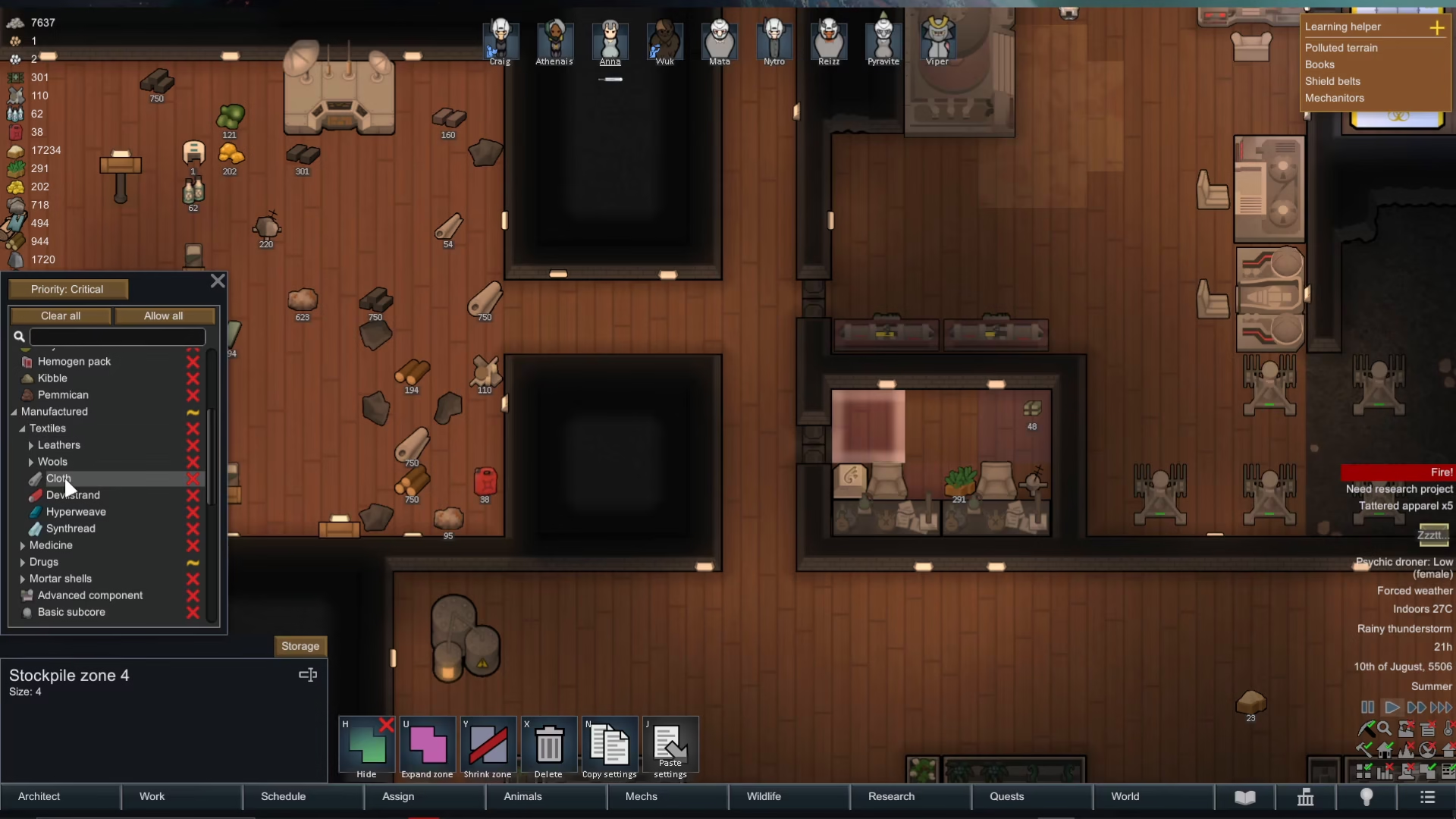
To begin, identify the stockpile you want to use. For this example, we’ll use “Stockpile 4.” Click on the stockpile to select it, then click on the “Storage” tab.
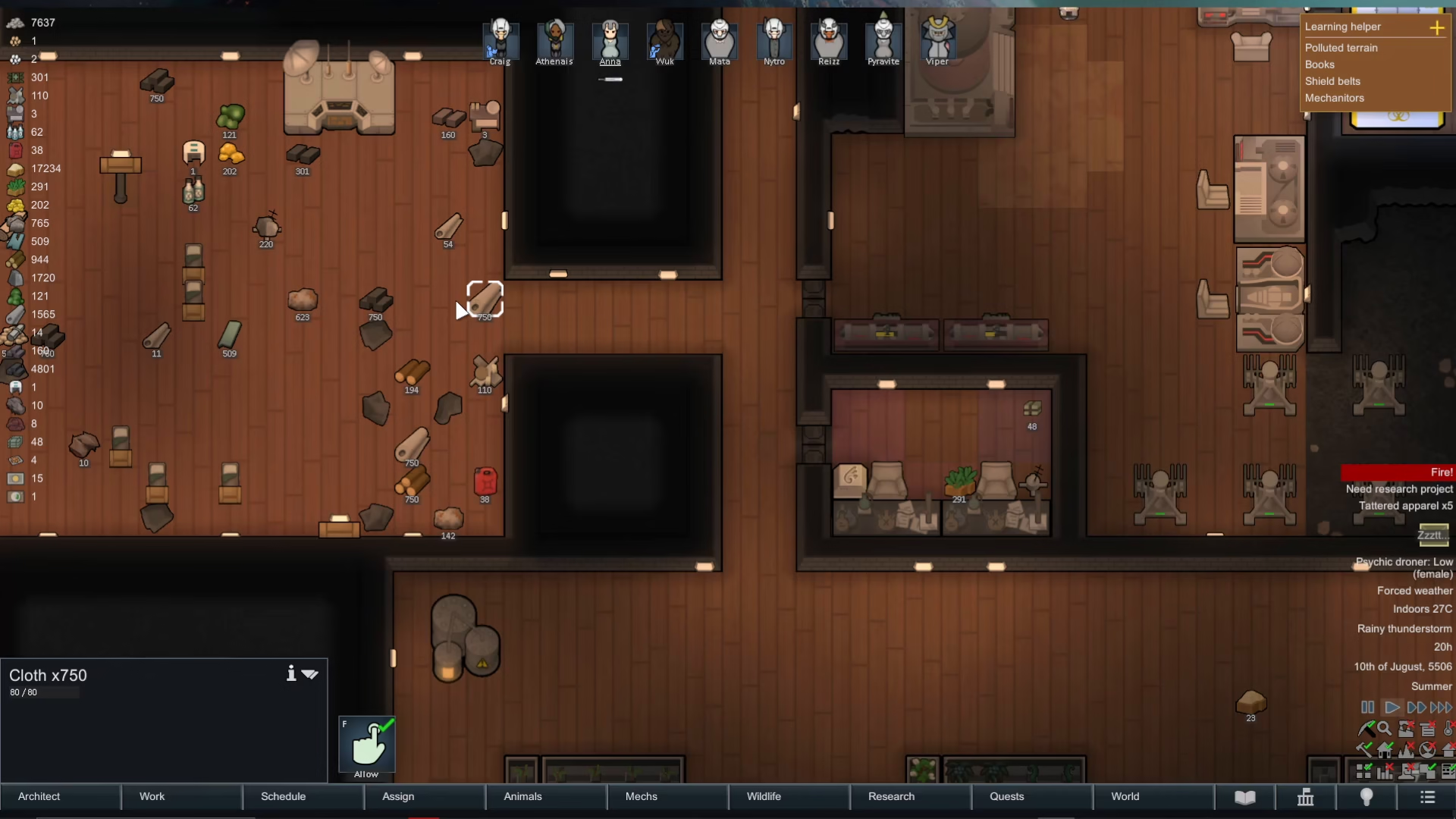
Once you’re in the storage settings, you’ll notice the priority level for this stockpile. By default, it may be set to a specific priority level.
Understanding Stockpile Priority Levels
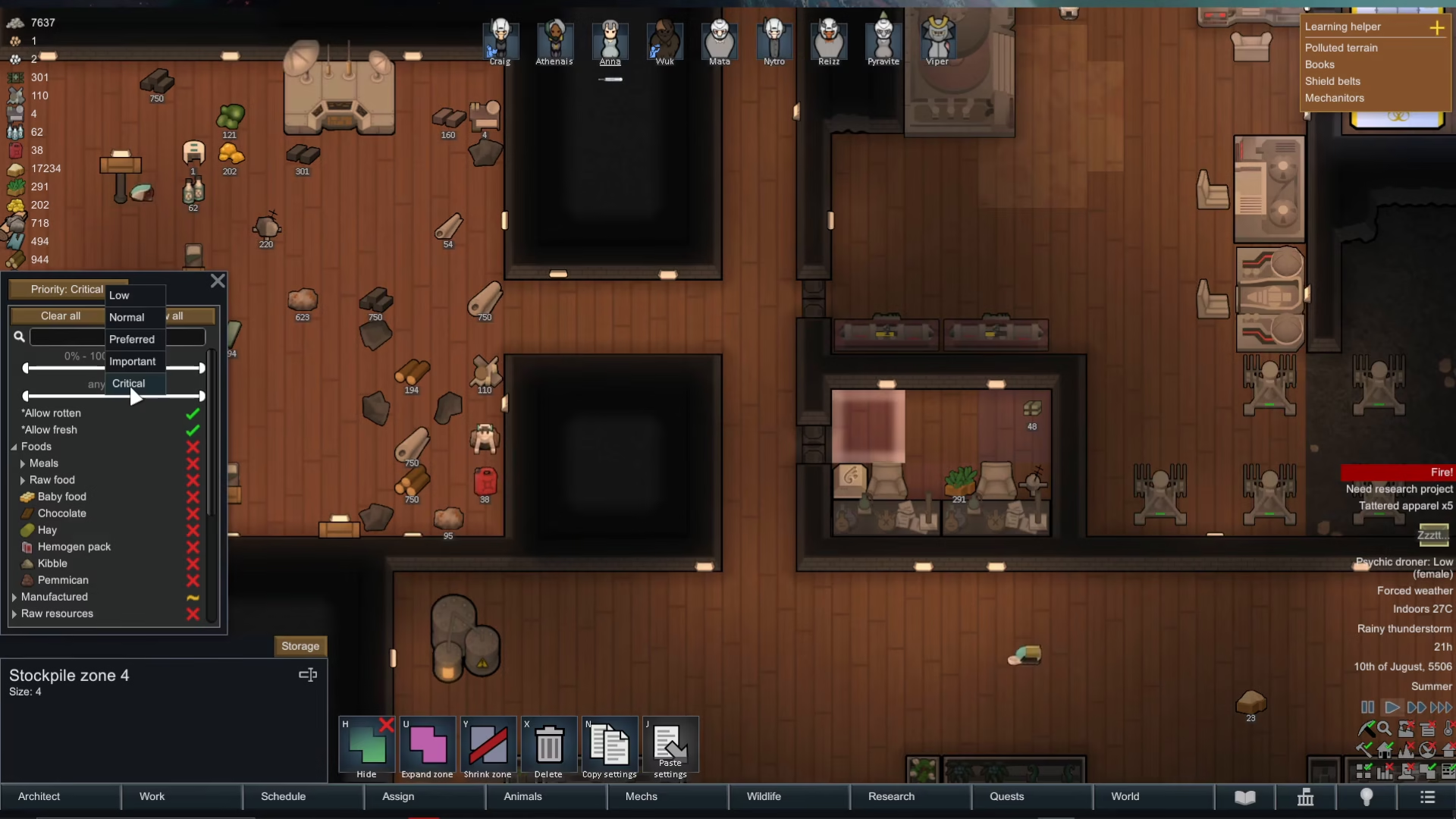
Click on the priority dropdown to see all available options: Low, Normal, Preferred, Important, and Critical.
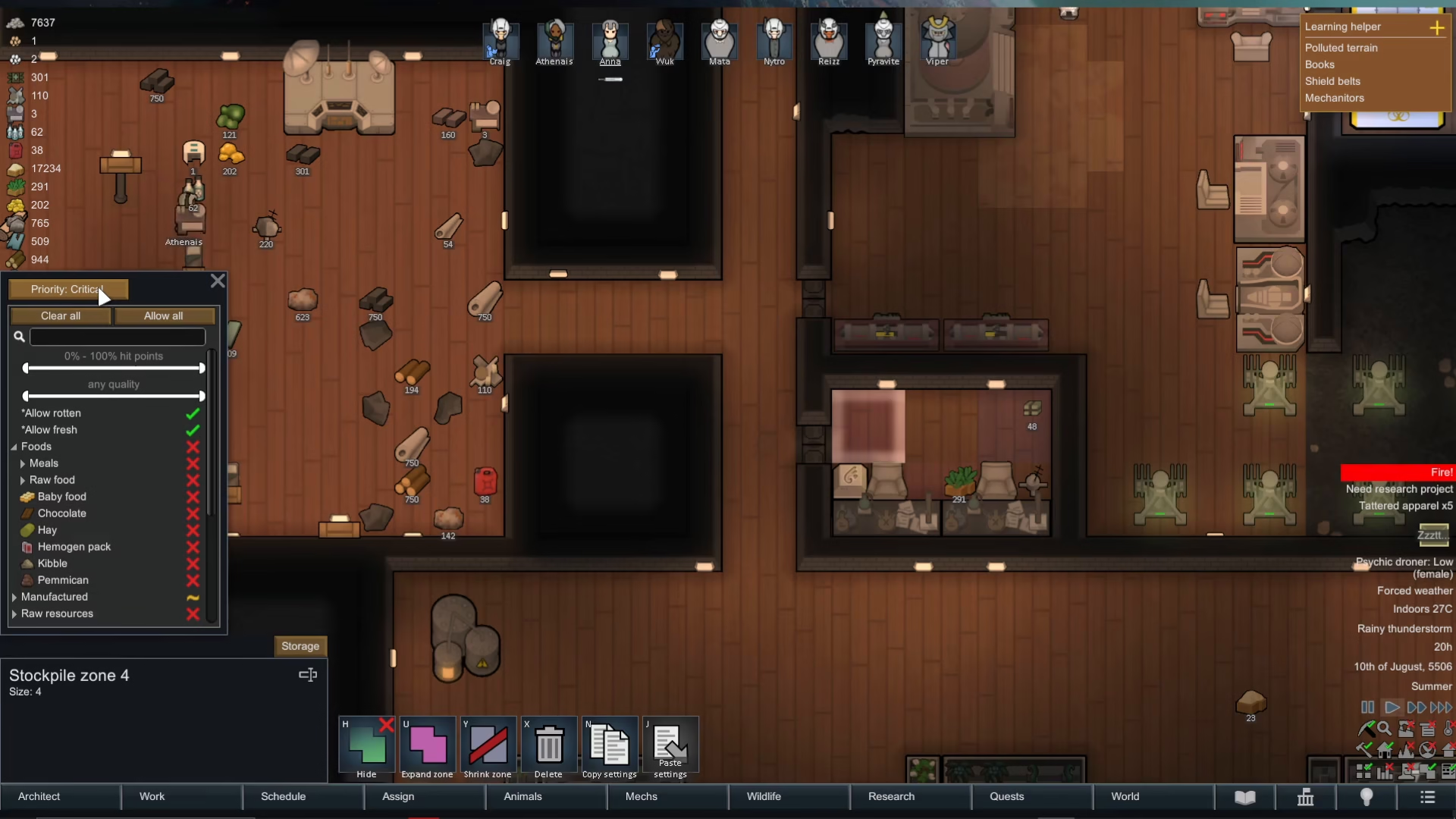
The priority you select determines how urgently your colonists will haul items to this stockpile. Selecting “Critical” means items specified for this stockpile will be top priority—your colonists will haul them here before items designated for lower-priority stockpiles.
Selecting Item Categories
To specify which items go into your stockpile, navigate through the item categories. In this example, we’ll add cloth to Stockpile 4. Click on “Manufactured,” then “Textiles,” and you’ll see cloth listed as an option.
Check the box next to “Cloth” to enable it for this stockpile. This setting works regardless of whether the cloth is already in another stockpile or scattered across your map.
Watching Your Colonists Work
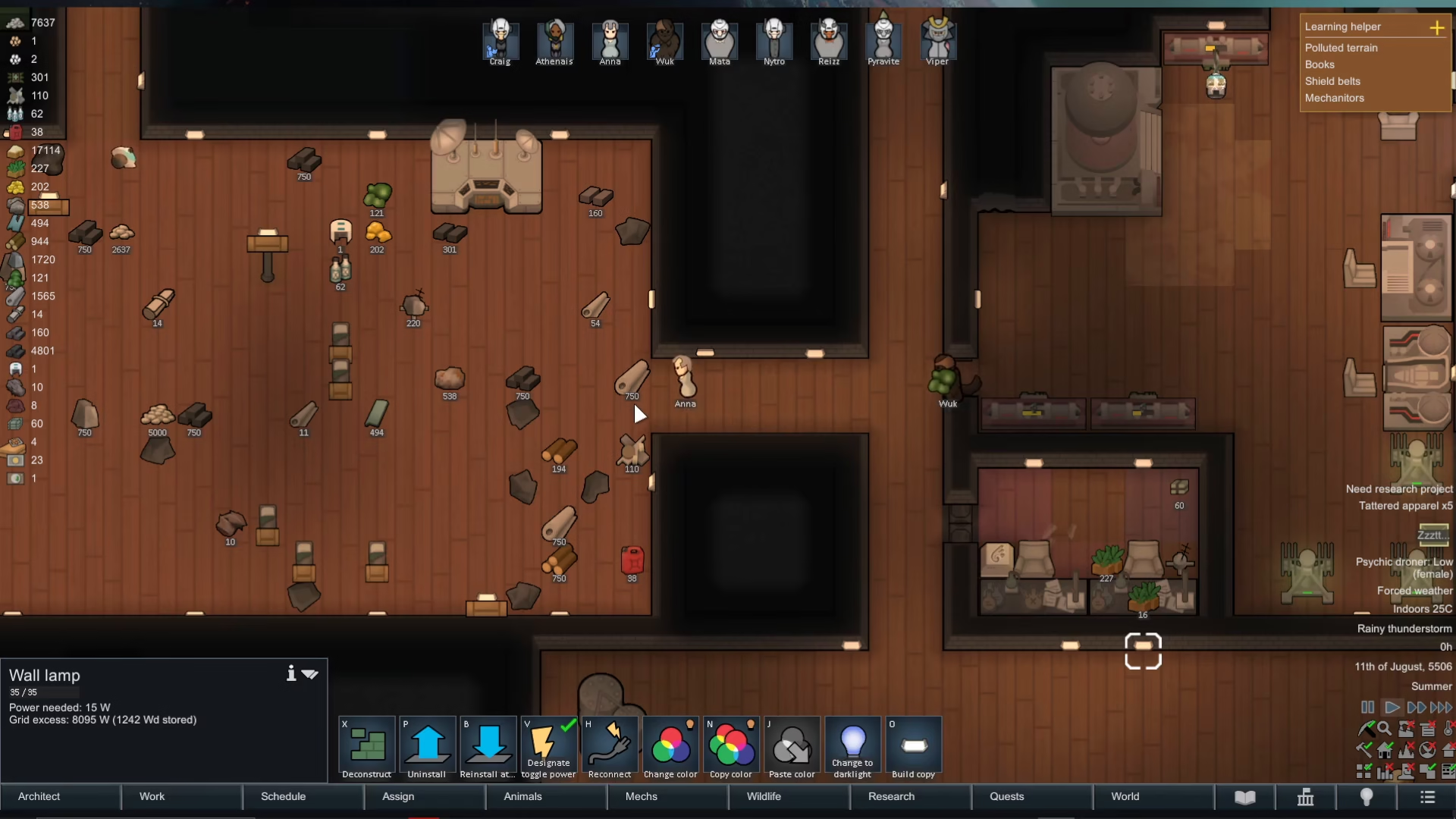
After you’ve configured your stockpile, speed up the game to see your colonists begin hauling items. One of your colonists will automatically start moving cloth into Stockpile 4.
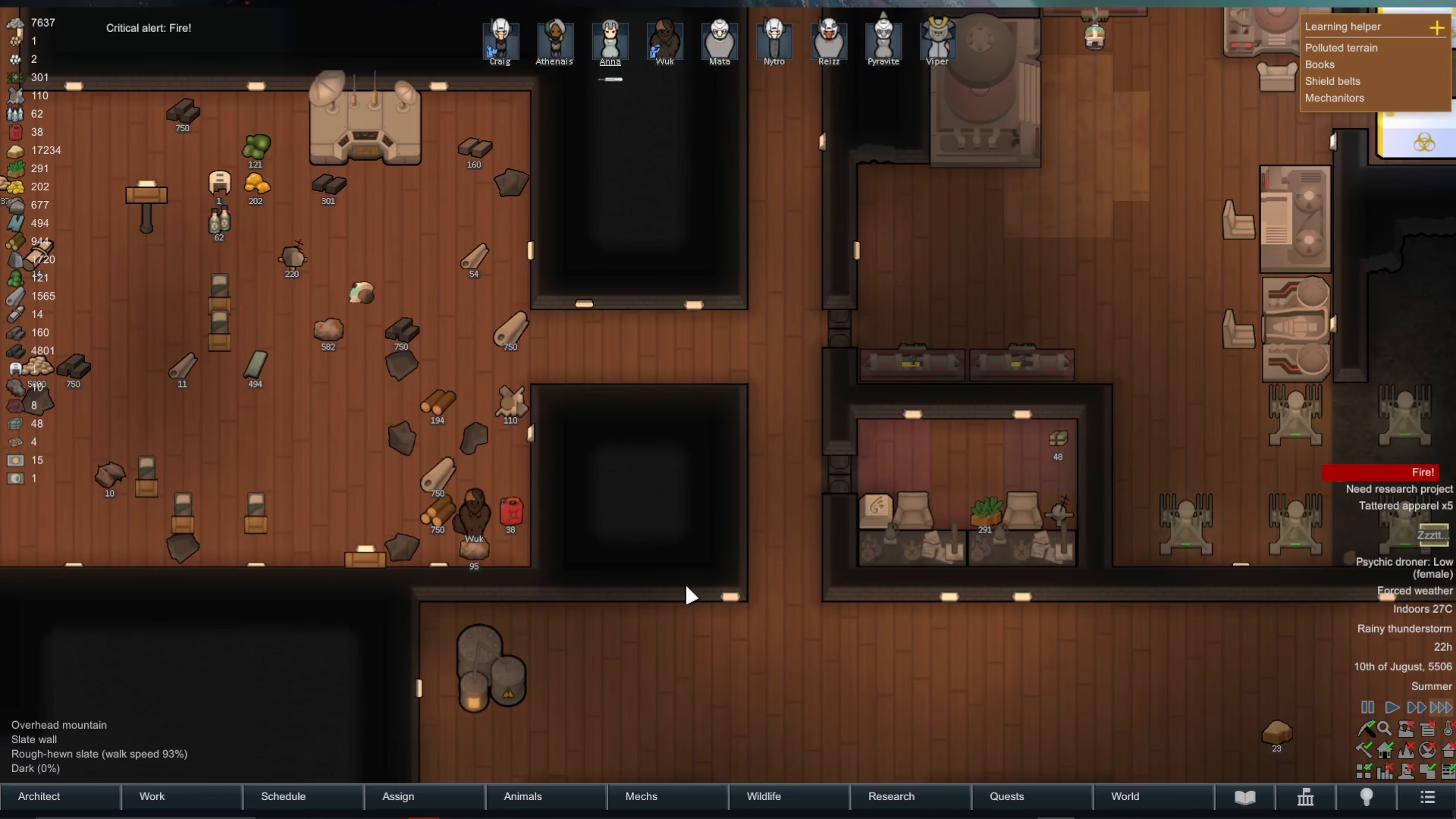
Keep in mind that hauling speed depends on your colonists’ hauling priority. If hauling is set to a low priority in their work schedule, it may take considerably longer for items to be moved. Other tasks, such as repairs or combat during raids, will also interrupt hauling work.
Handling Items Outside Stockpiles
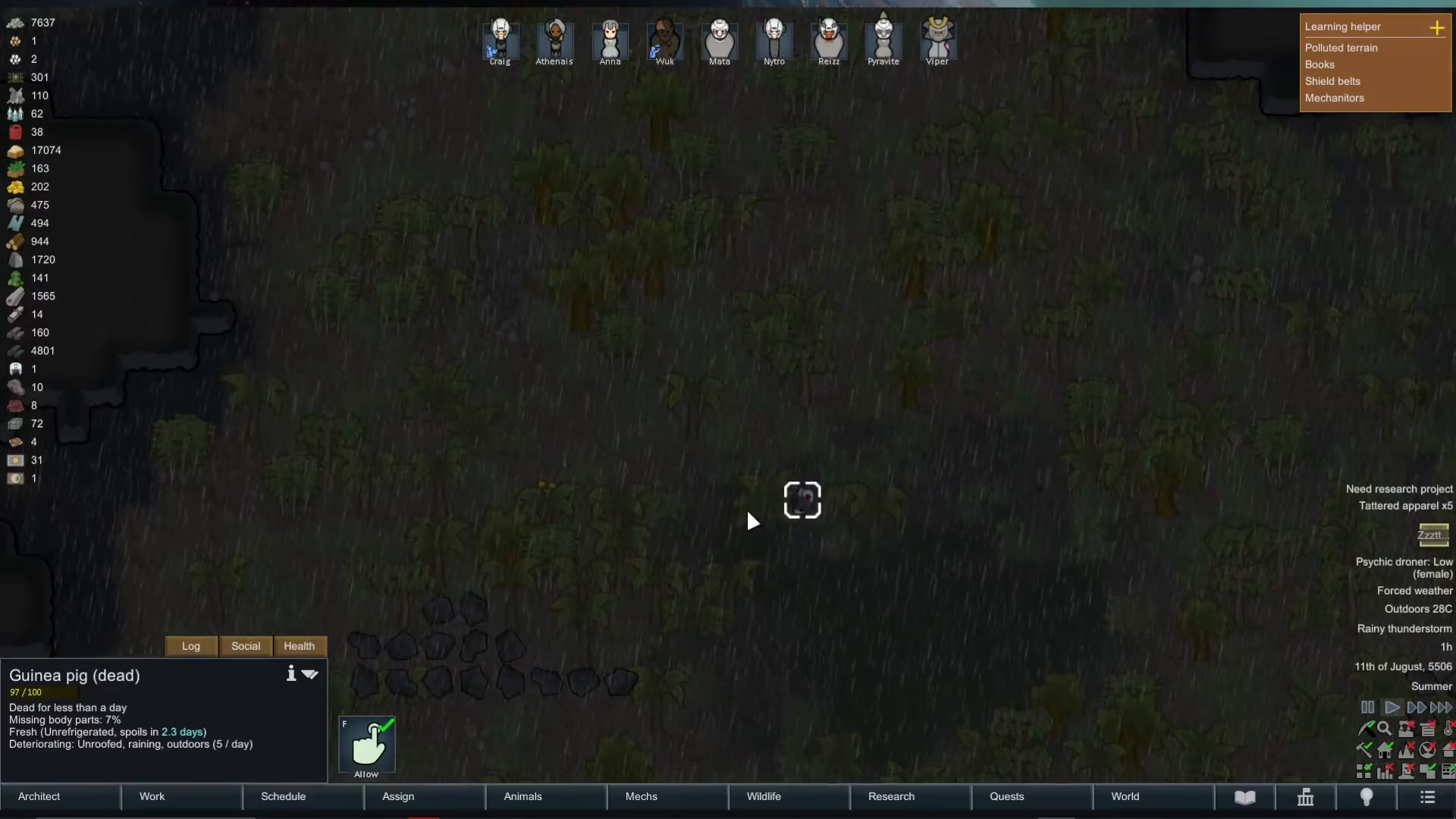
For items found in the wild—such as body parts or resources scattered on the map—you may need to explicitly allow hauling. Click on the item and ensure the “Allow” option is enabled so colonists can pick it up and transport it to your stockpile.
Managing Chunk Items
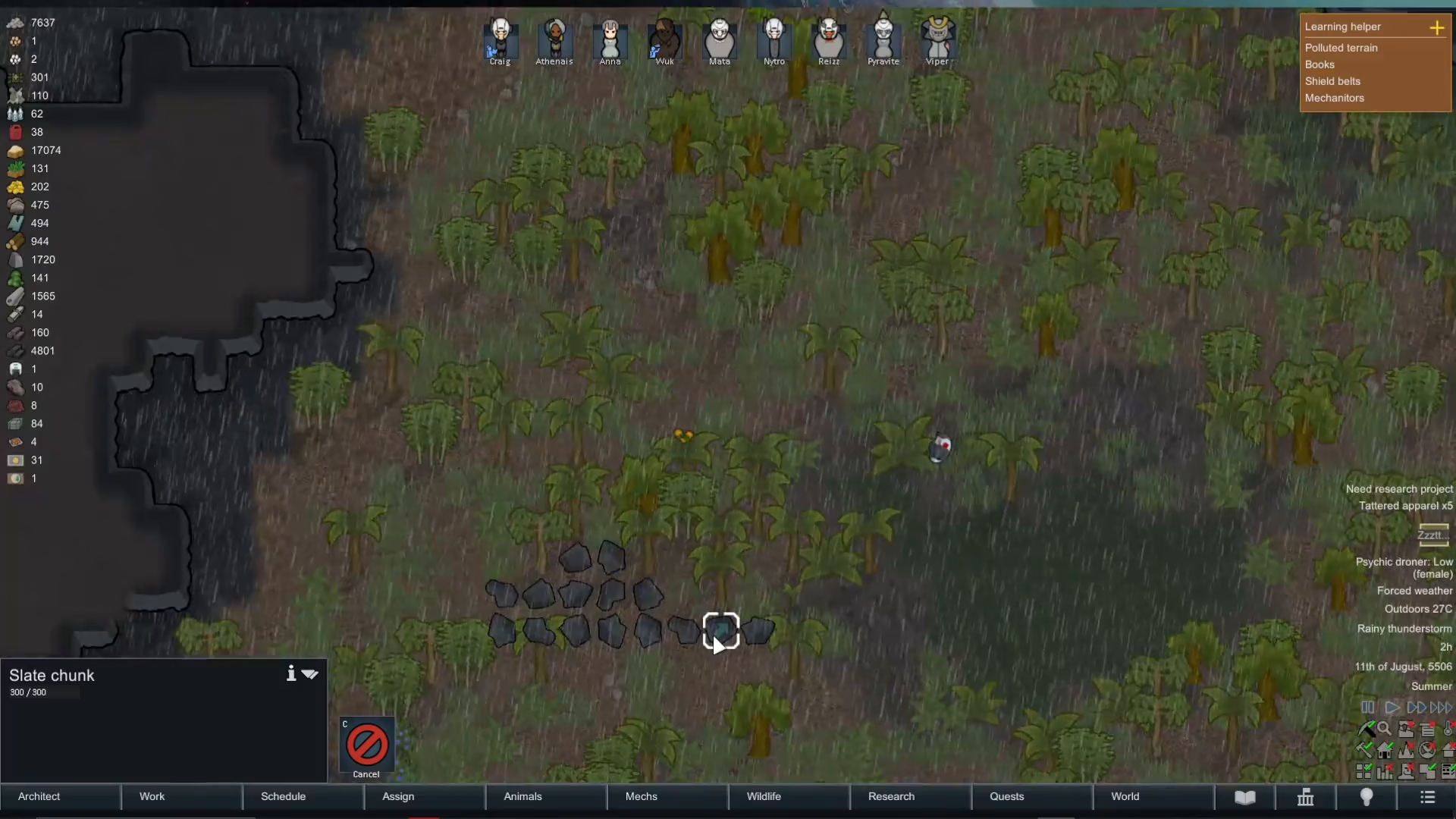
Chunk items, such as slate or stone chunks, require special handling. Simply checking the stockpile storage settings is not enough. You must manually select the chunk and press the “P” key to initiate hauling, which will place a blue arrow on the item.
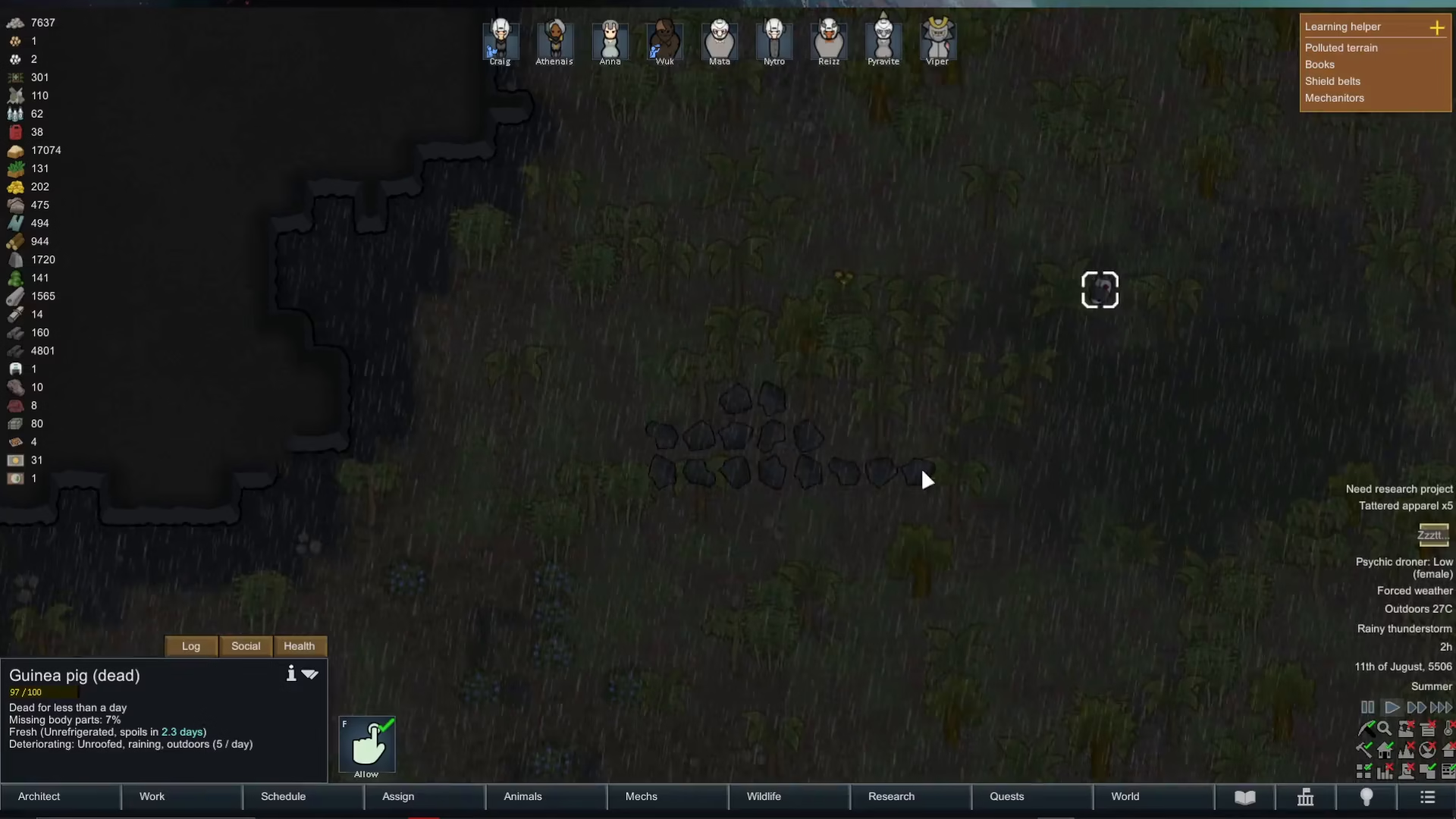
Once you’ve marked a chunk with the haul command, your colonists will transport it to any allowed stockpile. Without this manual intervention, chunks will remain where they are, even if you’ve configured your stockpile to accept them.
Summary
Moving items into designated stockpiles in Rimworld is straightforward once you understand the system. Select your stockpile, configure its priority level, choose which item categories to accept, and your colonists will automatically begin hauling. Remember that chunk items require a manual haul command, and that colonist priorities will affect how quickly items are moved. With organized stockpiles, your colony will run much more efficiently.
Want to Support?
If you would like to help us continue making these guides – please consider joining our patreon here – https://www.patreon.com/c/JaviHeals
Alternatively – you can join our discord here – https://discord.gg/zD7Gjt6MHF