





How To Open Door In Phasmophobia
How To Open Doors in Phasmophobia
Opening doors in Phasmophobia might seem straightforward, but there’s a specific mechanic you need to understand to interact with them successfully. This guide will walk you through the door-opening mechanics and explain the directional requirements that apply to every door in the game.
Basic Door Opening Mechanics
To open any door in Phasmophobia, you need to hold down your left mouse key. This applies to all interactive doors throughout the game, including cupboards and entrance gates.
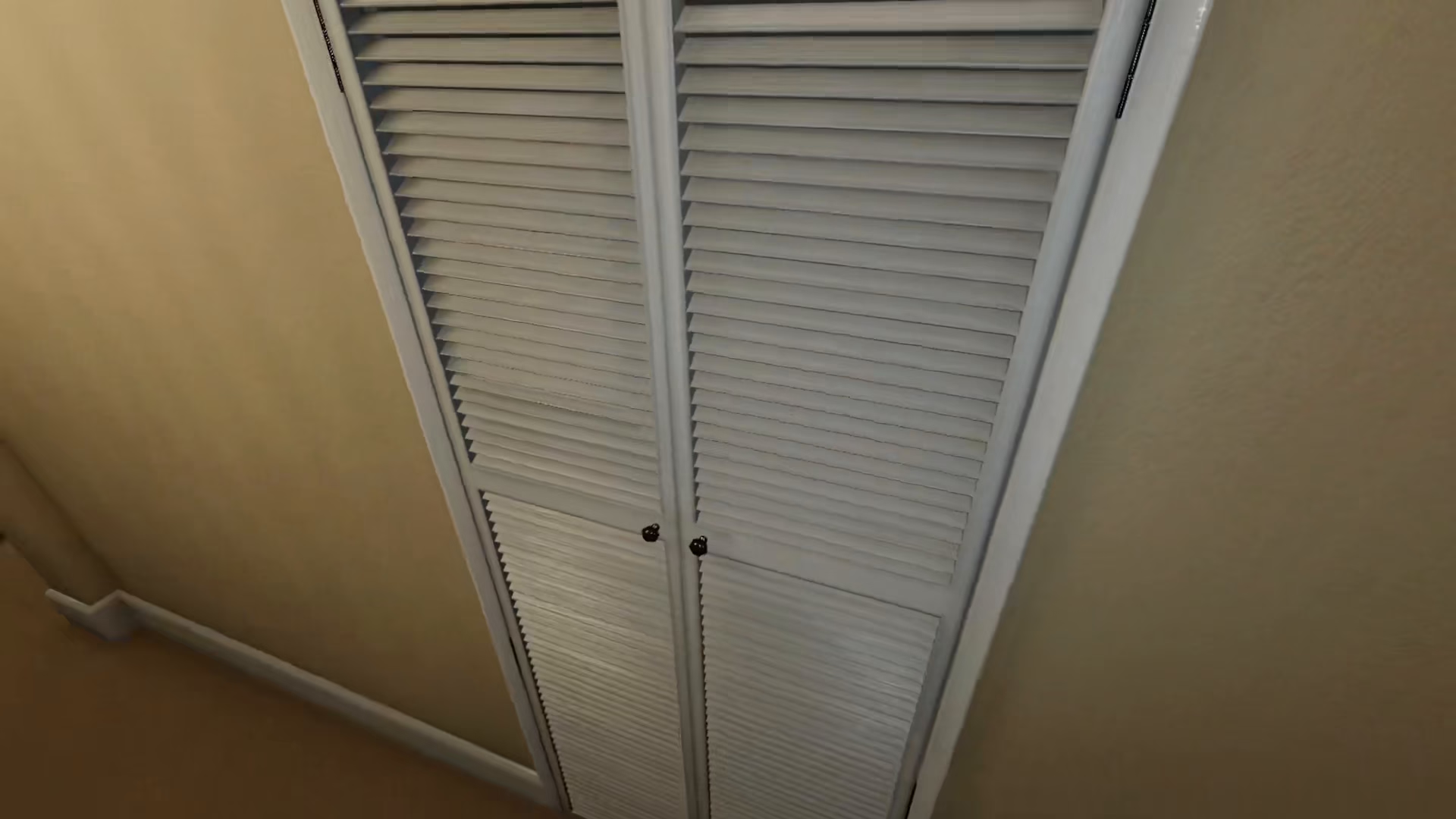
Understanding Directional Door Opening
Directional Constraints
The crucial thing to understand about doors in Phasmophobia is that they only open in one direction. You cannot open a door towards any side you choose — the door will only open in its designated direction.
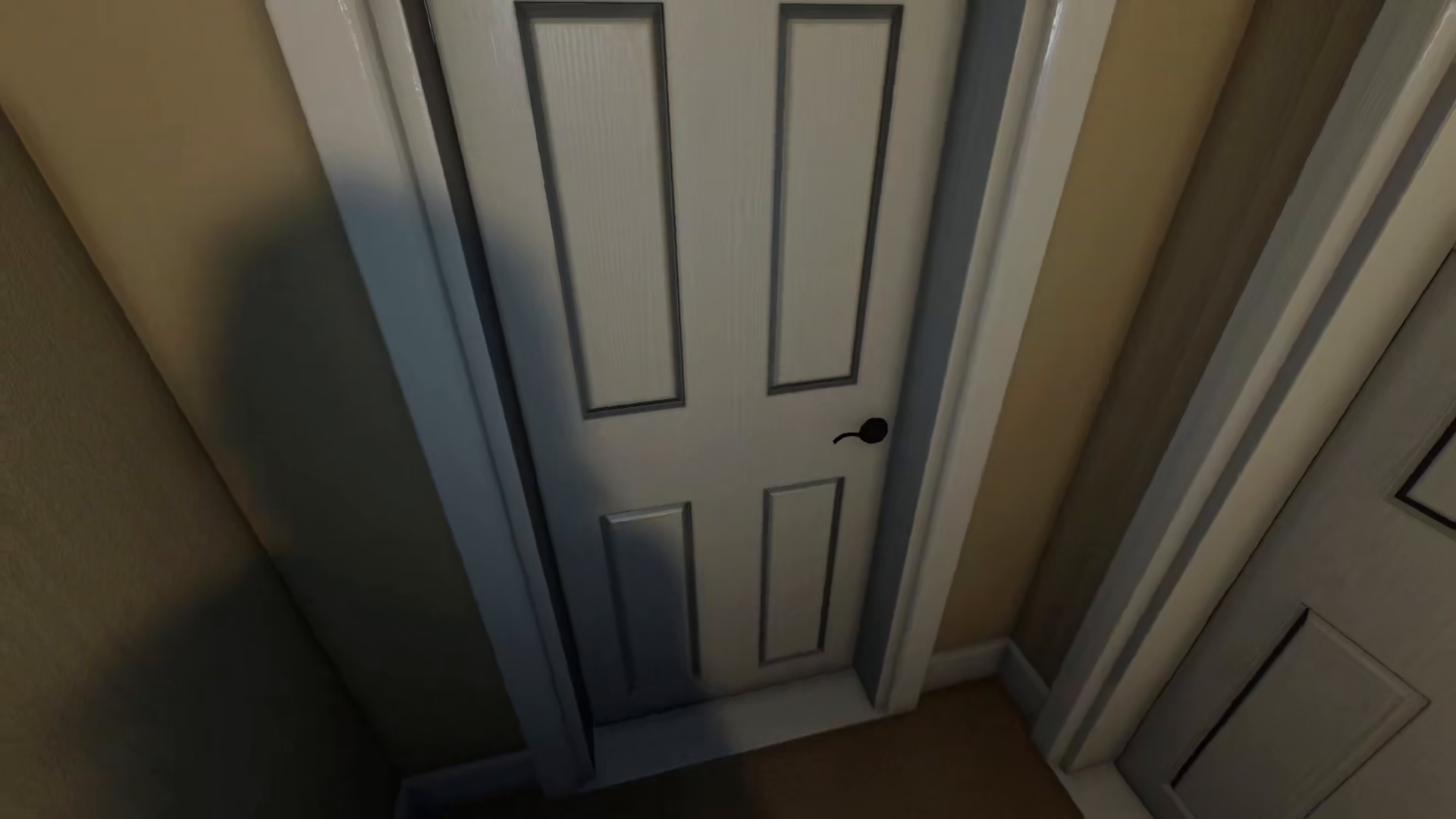
For example, if a door is designed to open towards one side, attempting to open it towards the opposite side will fail. The game will not allow the door to open in that direction.
How This Applies to Every Door
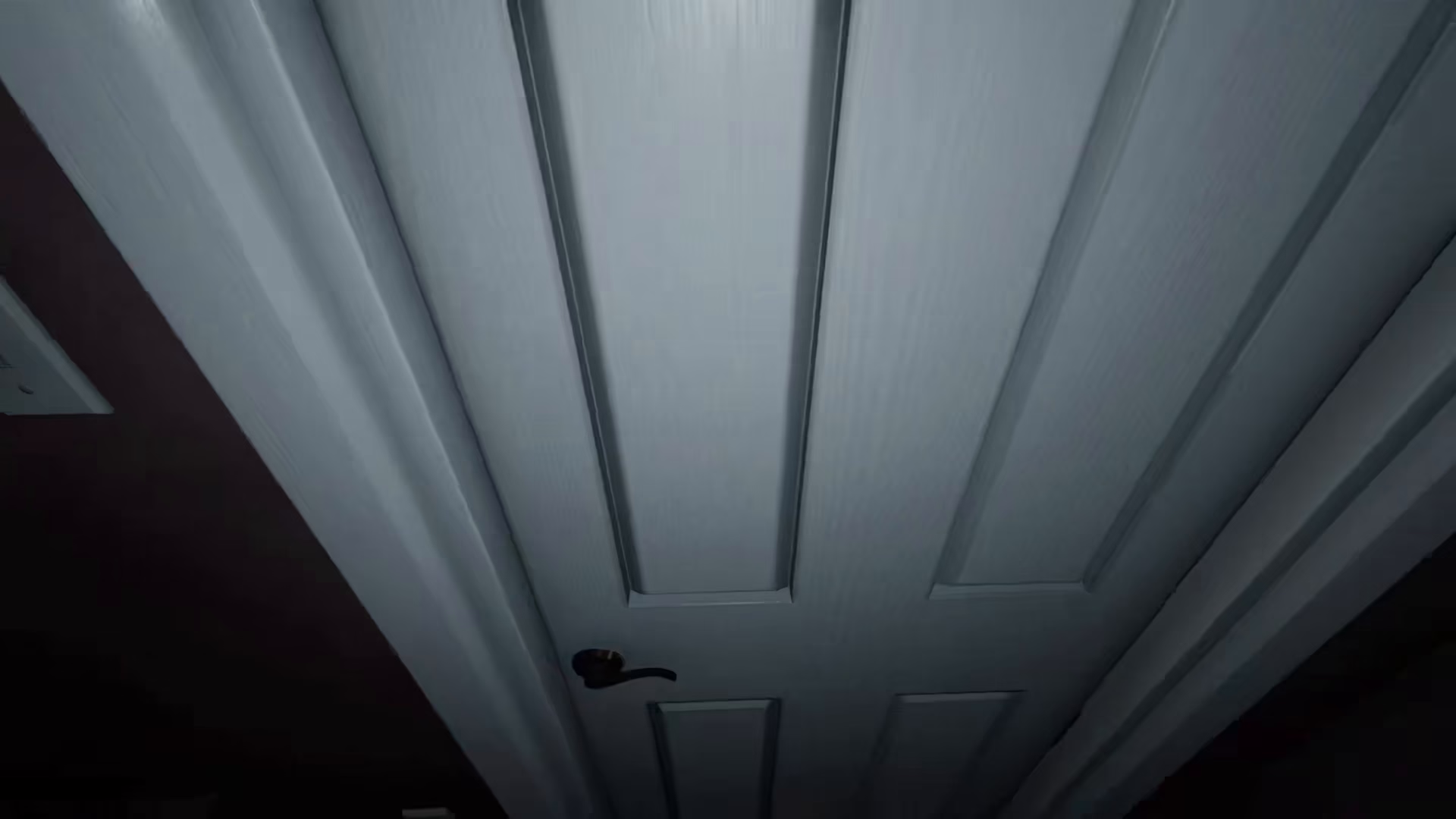
This directional mechanic applies to literally every door in the house, regardless of its location or size. Whether you’re dealing with an interior door or the entrance gate, the same rule holds true.
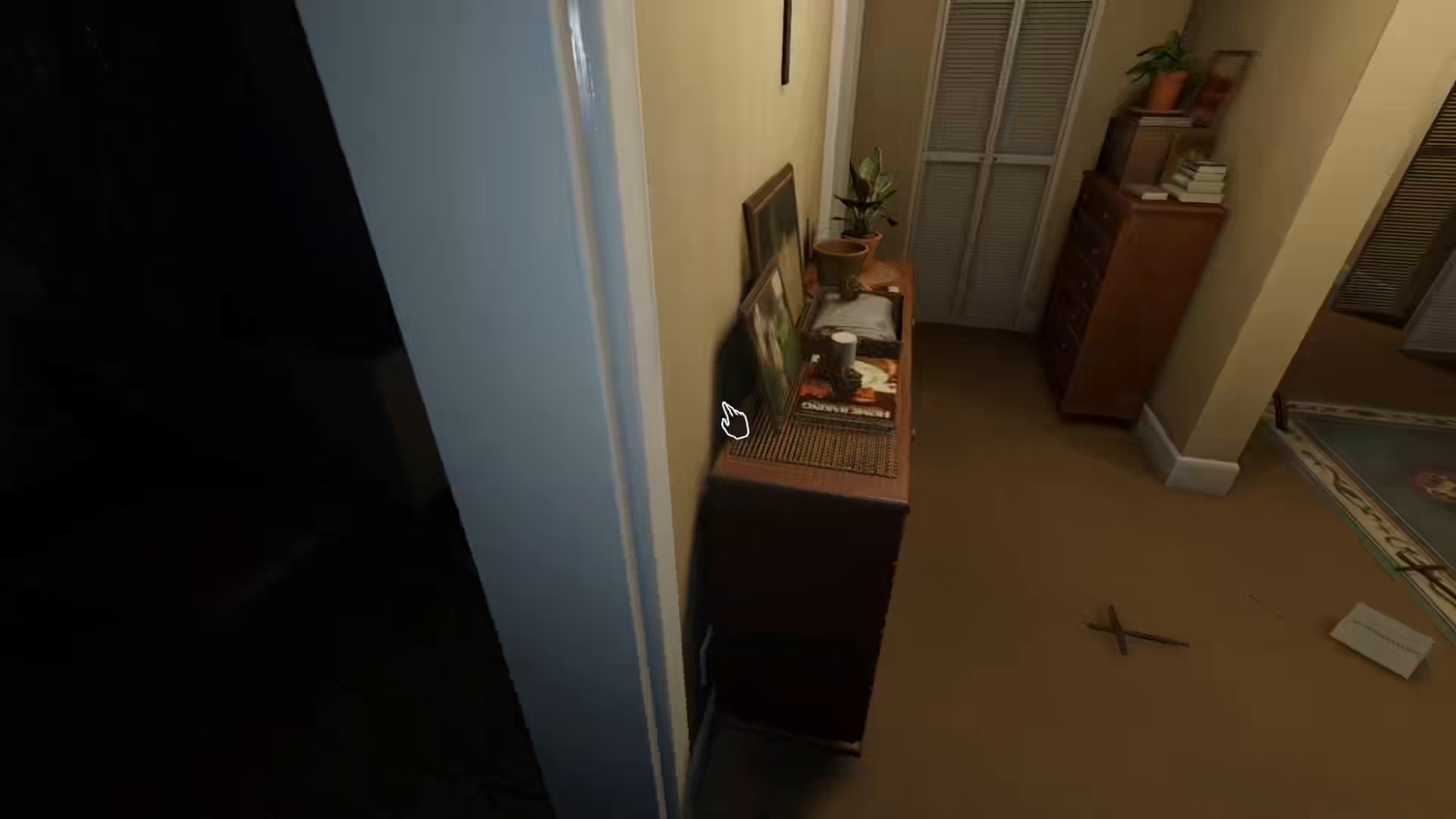
Example: The Entrance Gate
Take the entrance gate as an example. If you approach it and try to open the gate towards you, it will not open. However, if you open it towards the other side, the door will open successfully.
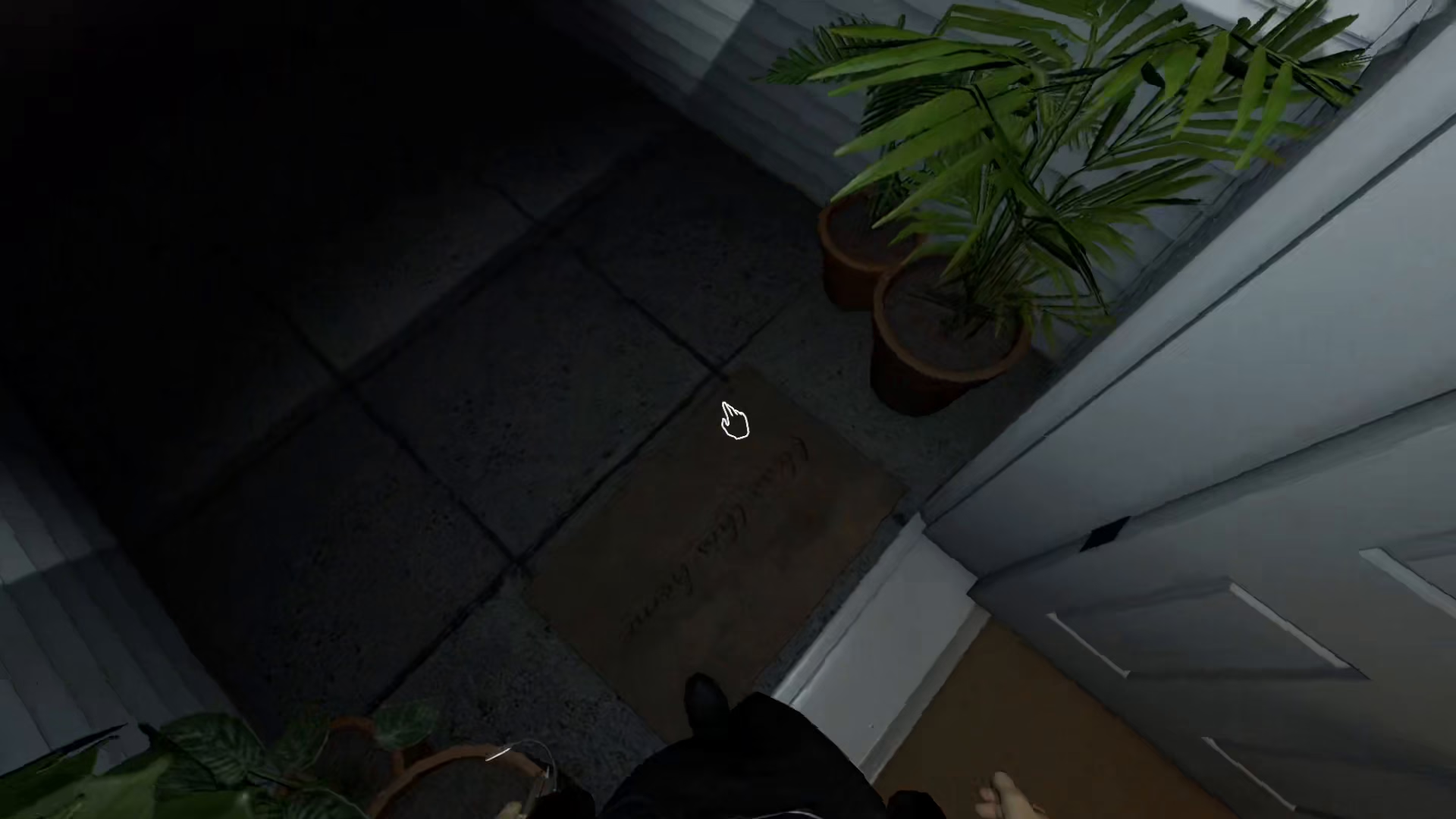
This same principle applies to every single door throughout the game, so always pay attention to the door’s orientation before attempting to open it.
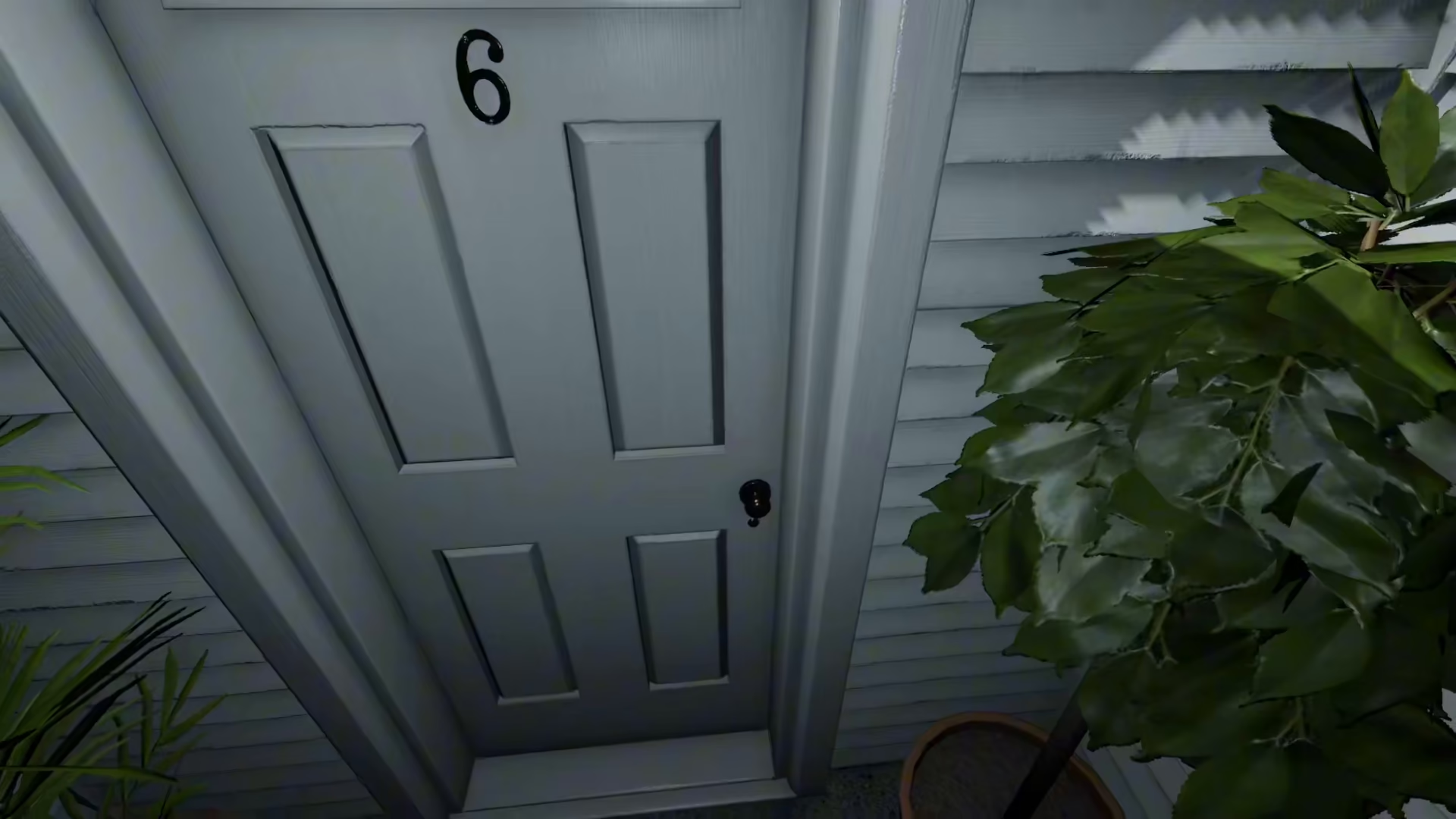
Summary
Opening doors in Phasmophobia is simple once you understand the mechanics: hold your left mouse key to interact with any door, but remember that each door only opens in one specific direction. Understanding and respecting these directional constraints will help you navigate the game smoothly and efficiently.
Want to Support?
If you would like to help us continue making these guides – please consider joining our patreon here – https://www.patreon.com/c/JaviHeals
Alternatively – you can join our discord here – https://discord.gg/zD7Gjt6MHF



