





How To Open Journal In Phasmophobia
How to Open Journal in Phasmophobia
The journal is one of the most essential tools in Phasmophobia, providing you with crucial information about ghosts, evidence, and objectives. Whether you’re in the lobby preparing for a mission or already in-game investigating, knowing how to quickly access your journal is vital for success. This guide will walk you through the simple process of opening the journal on PC.
Opening the Journal
To open your journal in Phasmophobia, simply press the J key on your keyboard. This works both in the lobby and during active gameplay, giving you instant access to all the information you need at any time.
What You’ll Find in the Journal
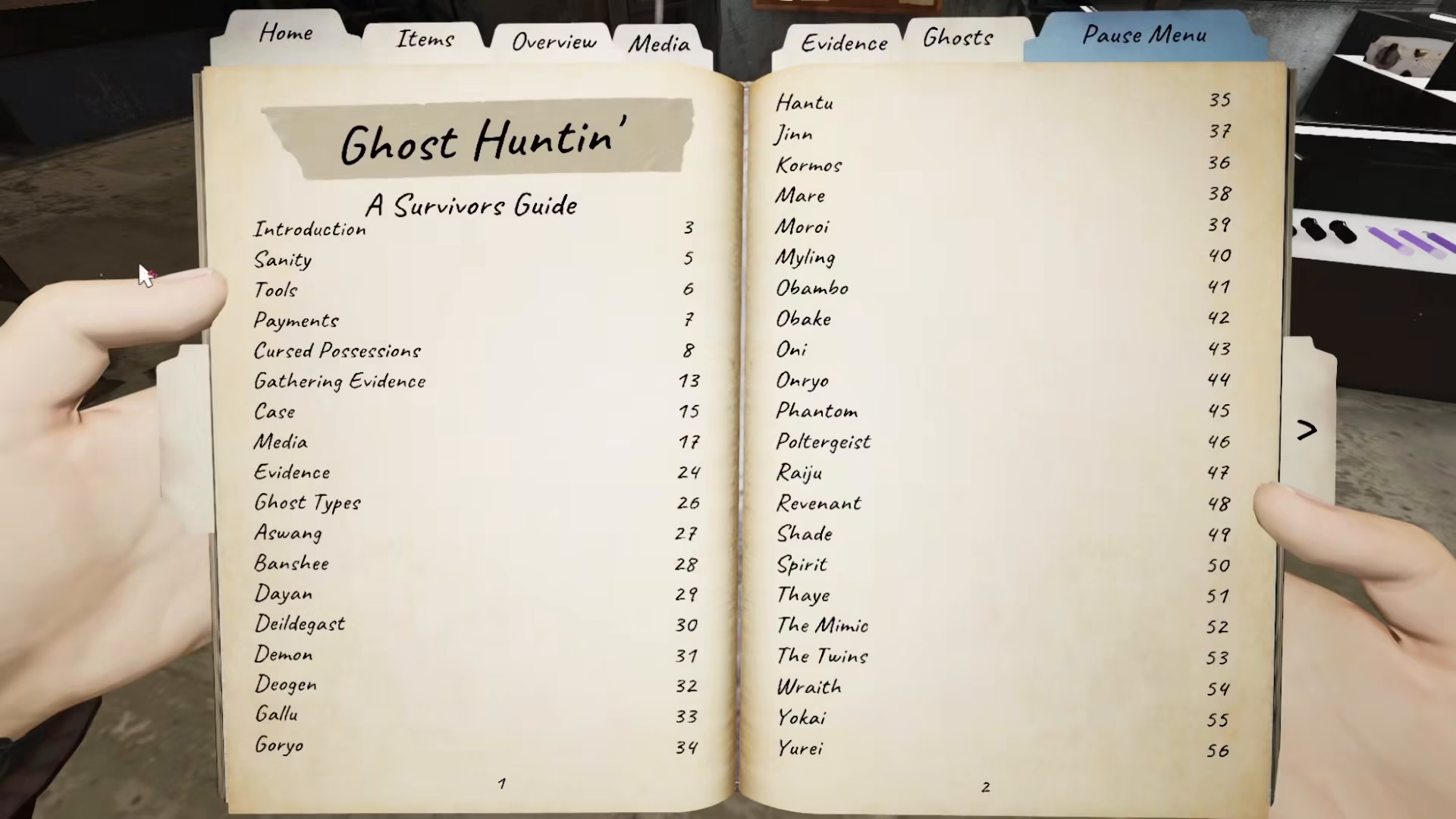
Once you’ve opened the journal, you’ll have access to several important sections:
Ghost Information
The journal displays the name of the ghost you’re investigating, along with all relevant details about its behavior and characteristics.
Ghost Responses
You can review how different ghosts respond to various stimuli and interactions, helping you identify which ghost you’re dealing with.
Objectives
All your current objectives are listed in the journal, keeping you on track with your mission goals.
Evidence Section
The evidence portion of the journal tracks all the evidence types you’ve discovered, which is crucial for ghost identification.
Ghost Database
The journal also includes a comprehensive database of every ghost in the game, complete with all the information you need to know about their behavior, weaknesses, and identification methods.
PC Players Only
This tutorial is specifically for PC players. If you’re playing on PC, simply press J on your keyboard to open the journal whenever you need it.
Summary
Opening the journal in Phasmophobia is straightforward—just press the J key. Whether you’re in the lobby or mid-investigation, your journal is always just one keystroke away. Use it frequently to reference ghost information, track evidence, manage objectives, and improve your investigation success rate.
— Want to Support? —
If you would like to help us continue making these guides – please consider joining our patreon here – https://www.patreon.com/c/JaviHeals
Alternatively – you can join our discord here – https://discord.gg/zD7Gjt6MHF



