





How To Place Notebook In Phasmophobia
How To Place Notebook In Phasmophobia
Placing a notebook in Phasmophobia is a simple but essential skill for documenting ghost evidence during your investigations. This guide walks you through the process step-by-step so you can effectively position your ghost writing book in the haunted location.
Locating the Ghost Area
The first step is to identify where the ghost is located in your investigation area. Navigate to the room where the paranormal activity is occurring. This is the ideal placement zone for your notebook, as it increases the chances of the ghost writing in it and providing you with valuable evidence.
Placing the Notebook
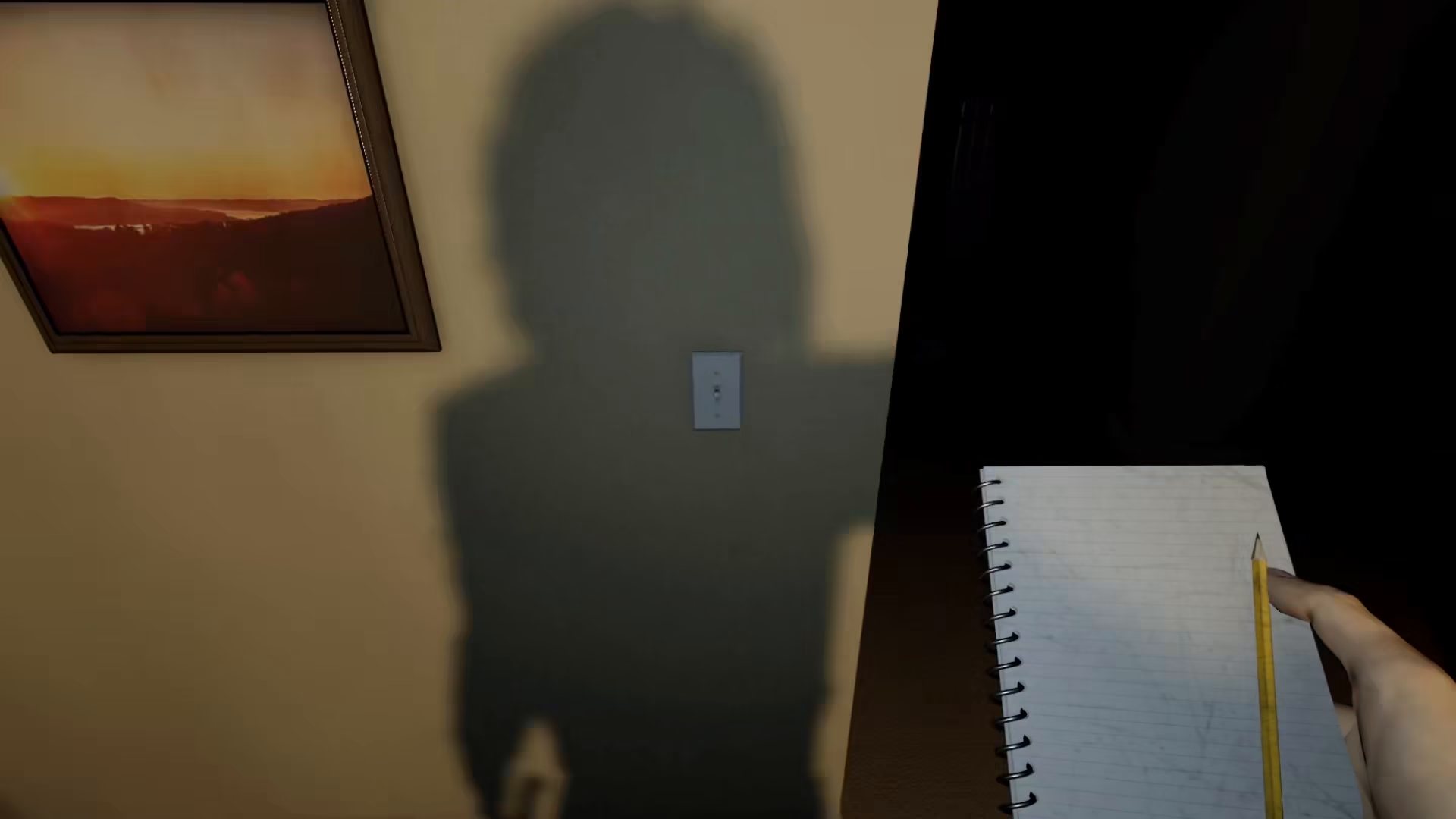
Once you’re in the ghost’s location, position yourself where you want to place the ghost writing book. Press the F key on your keyboard to place the notebook on the ground or nearby surface.
Understanding the Placement Range
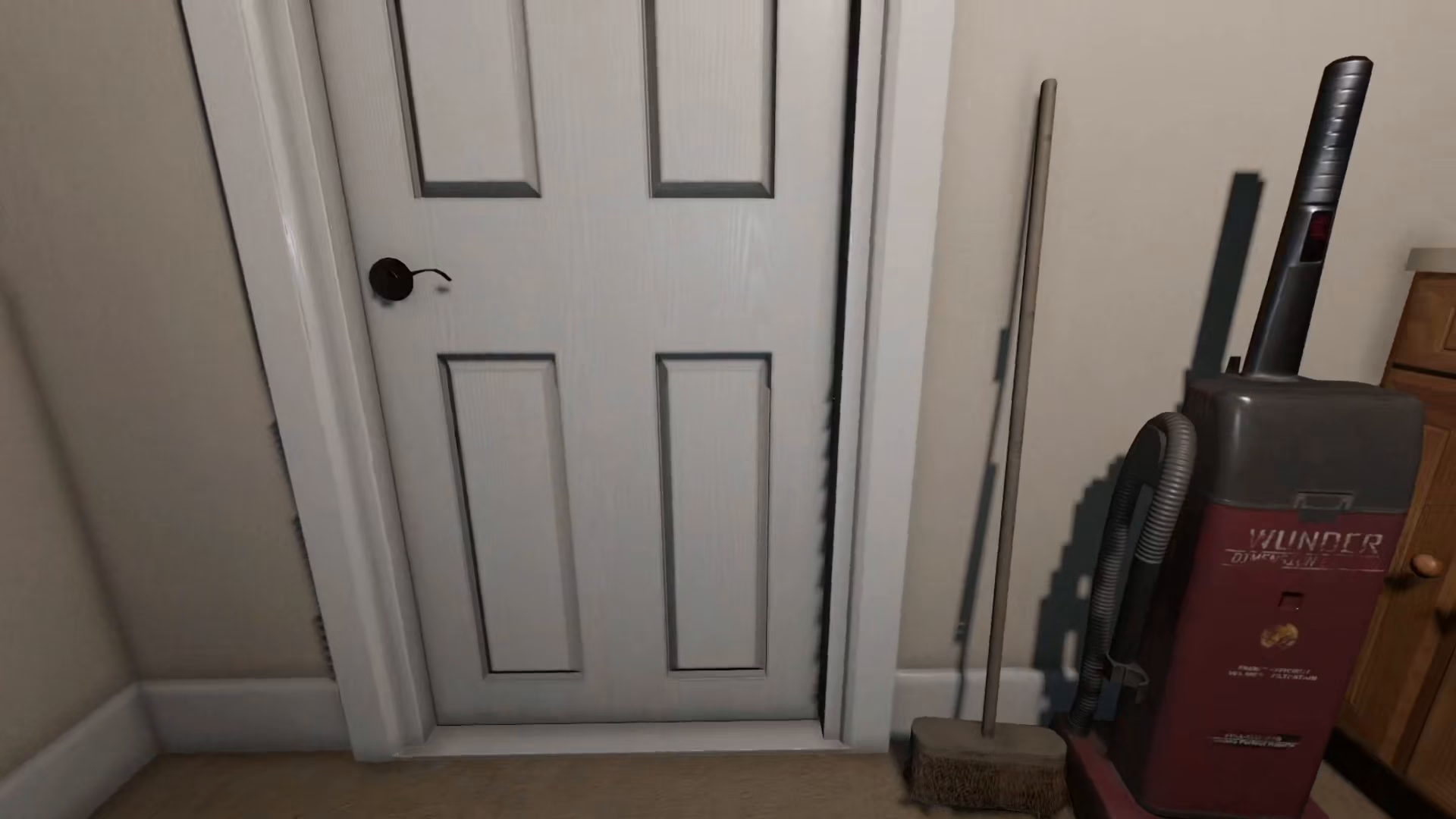
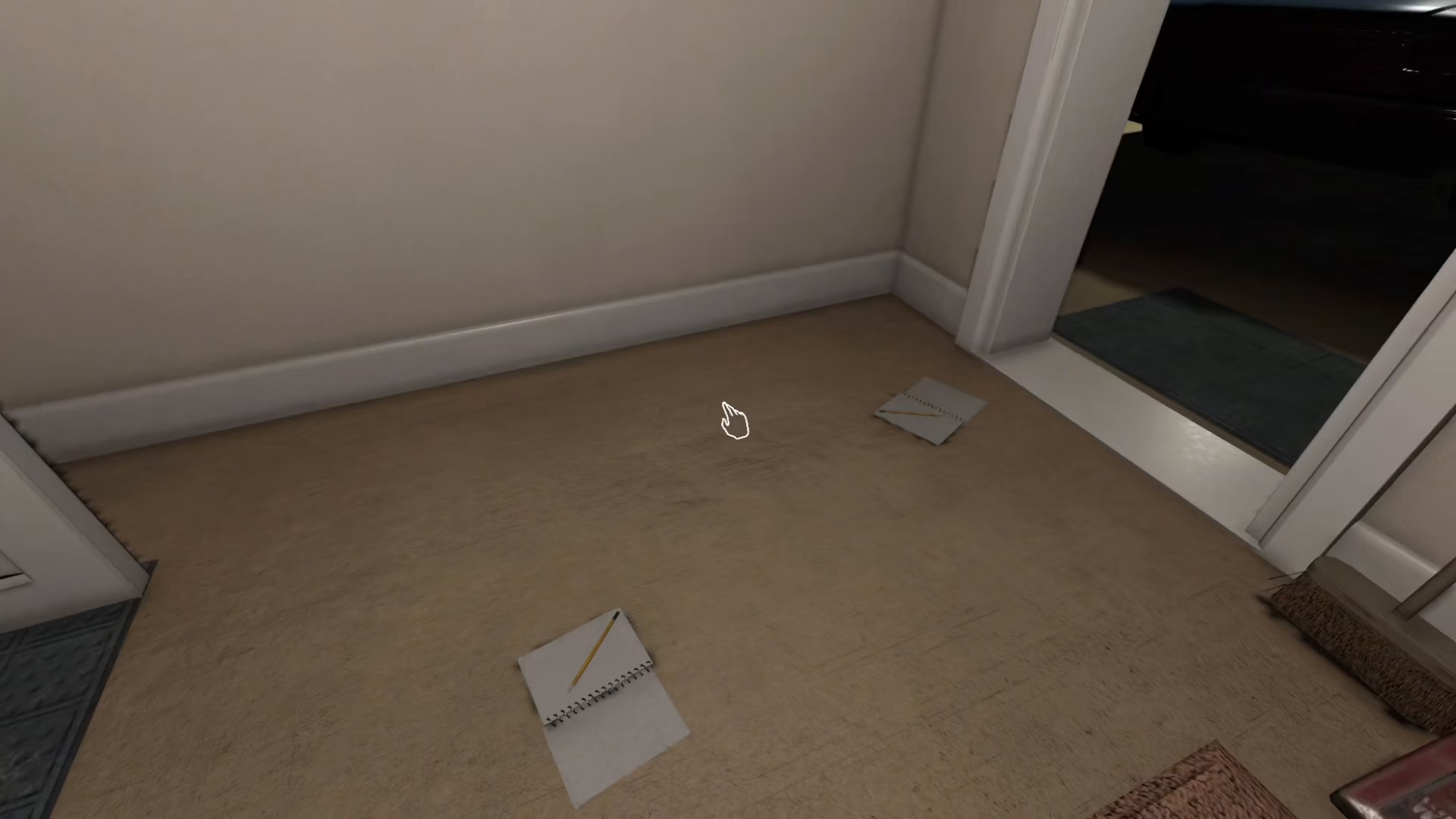
It’s important to note that the notebook has a specific placement range. When you approach the placed book to pick it up, you’ll notice a very tiny line appears around it. This visual indicator shows you the interaction range and helps you understand how to open and access the notebook in Phasmophobia.
Summary
Placing a notebook in Phasmophobia is straightforward: navigate to the ghost’s location, press F to place the notebook, and use the visual range indicator (the tiny line around the book) to understand the interaction area. With your notebook positioned correctly, you’re ready to collect ghost writing evidence for a successful investigation.
Want to Support?
If you would like to help us continue making these guides – please consider joining our patreon here – https://www.patreon.com/c/JaviHeals
Alternatively – you can join our discord here – https://discord.gg/zD7Gjt6MHF



