How To Remove Fences In Farming Simulator 25
How to Remove Fences in Farming Simulator 25
In this guide, we’ll walk you through the simple process of removing and destroying fences in Farming Simulator 25. Whether you’re restructuring your farm or clearing unwanted barriers, demolishing fences is a straightforward task once you know where to find the demolition mode. Follow these easy steps to get started.
Accessing Build Mode
The first step to removing fences is to enter build mode. You have two options to do this:
Method 1: Through the Options Menu
Navigate to your options menu and look for the store section. From there, select construction to access the build menu.
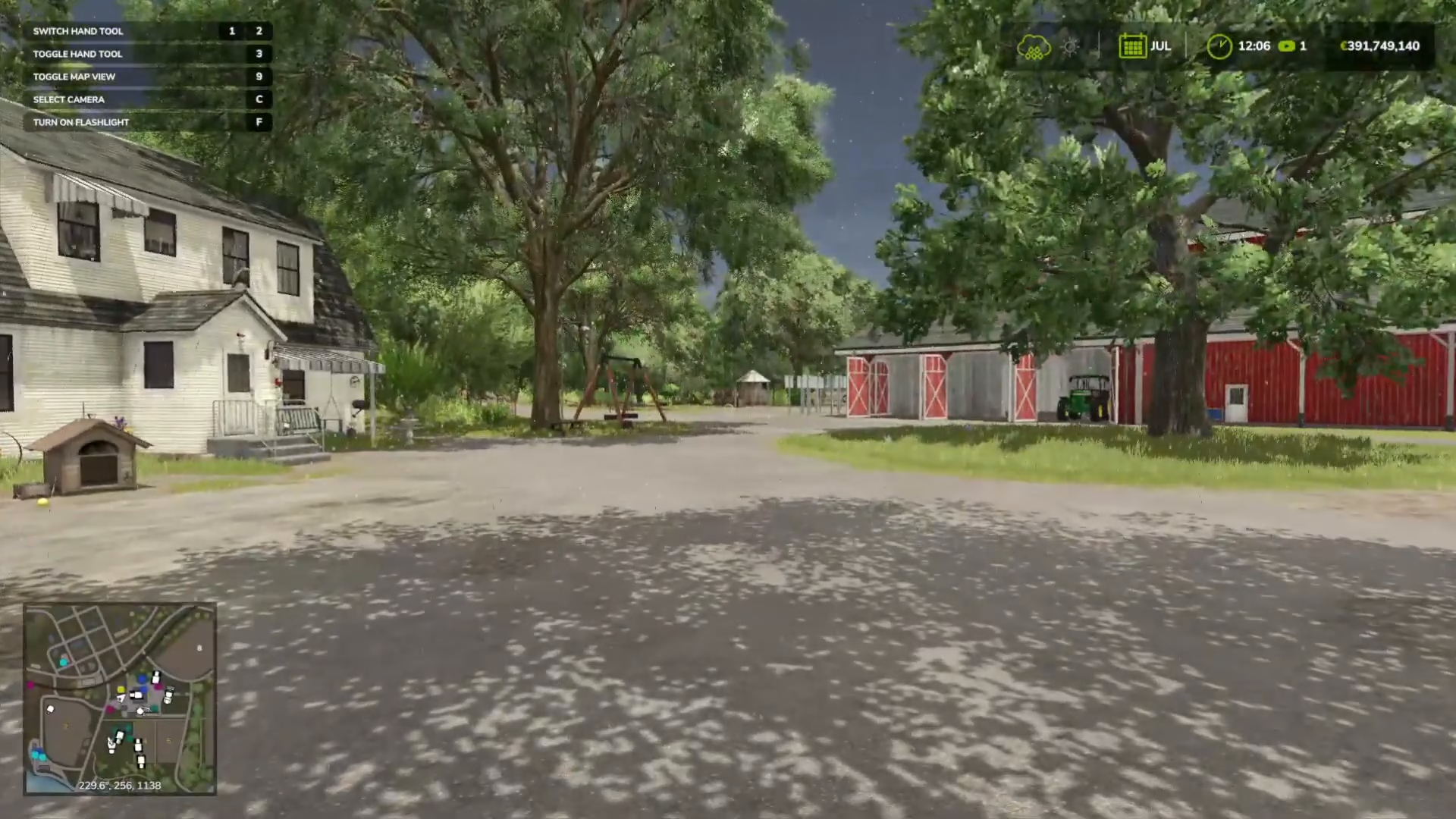
Method 2: Using the Keyboard Shortcut
On PC, you can quickly enter the build menu by pressing Shift + P. This is the fastest way to access your building and demolition tools.
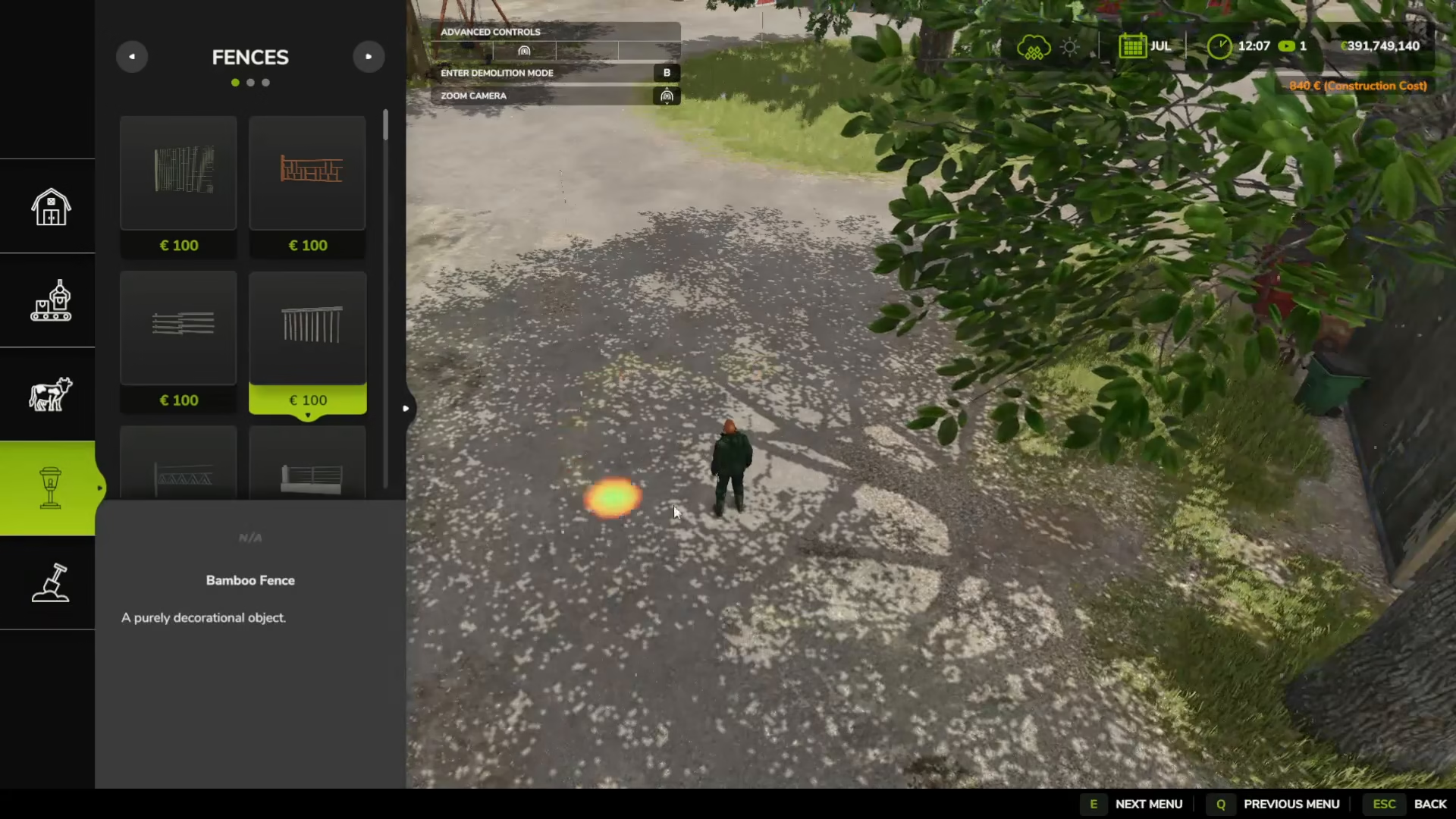
Entering Demolition Mode
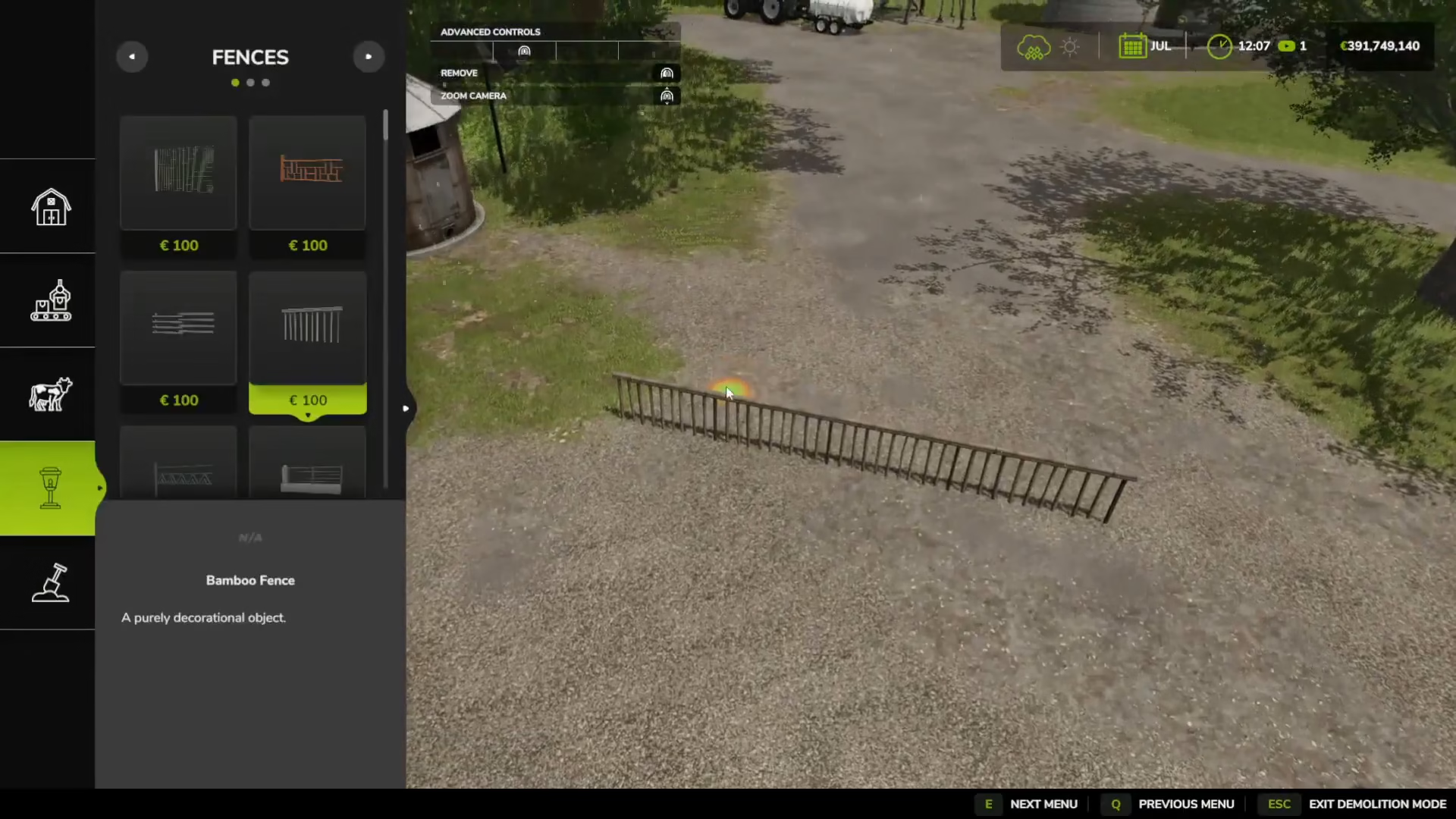
Once you’re in the build menu, look at the top of the screen. You’ll see an option that says “Enter Demolition Mode”. You don’t need to be specifically on the fences category to destroy fences—demolition mode works across all structures.
Press B to activate demolition mode.
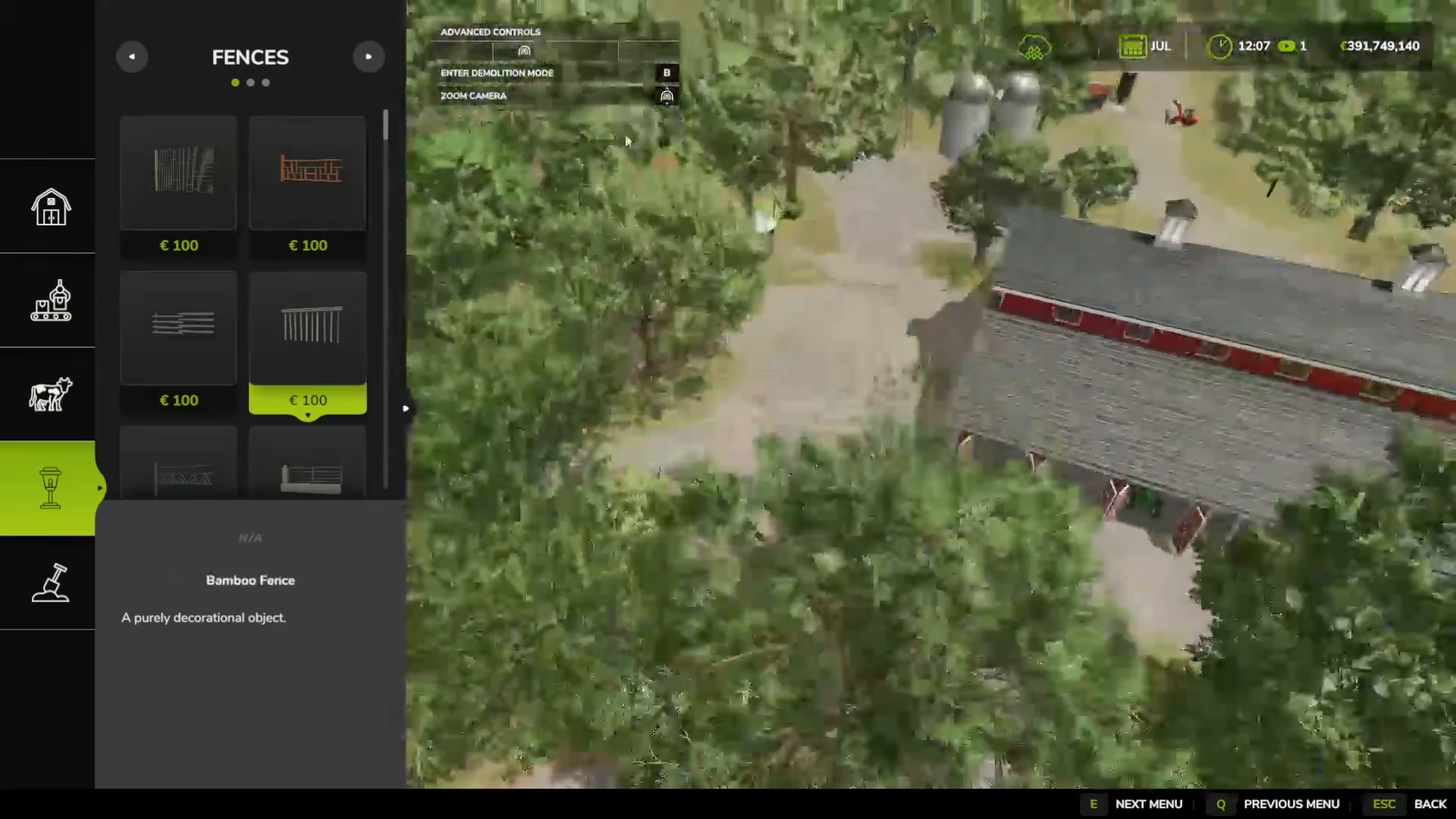
Removing the Fences
With demolition mode active, simply hover your cursor over any fence you want to remove. Once the fence is highlighted, click on it to delete it instantly. The fence will be removed from your farm immediately.
Summary
Removing fences in Farming Simulator 25 is quick and easy. Simply enter build mode using either the menu or the Shift + P shortcut, activate demolition mode by pressing B, and click on any fence to delete it. This gives you complete flexibility in redesigning your farm layout whenever you need to.
— Want to Support? —
If you would like to help us continue making these guides – please consider joining our patreon here – https://www.patreon.com/c/JaviHeals
Alternatively – you can join our discord here – https://discord.gg/zD7Gjt6MHF