





How To See Without Flashlight In Phasmophobia
How To See Without Flashlight In Phasmophobia
Navigating dark environments in Phasmophobia can be challenging, especially when you want to conserve flashlight battery or explore without the beam. Fortunately, there are two effective methods to see clearly without relying on your flashlight. This guide will walk you through both techniques so you can explore haunted locations with confidence.
Method 1: Using In-Game Lighting
The most straightforward way to see without your flashlight is to use the existing lighting in the house. Once you enter a location, locate the breaker box and turn it on.
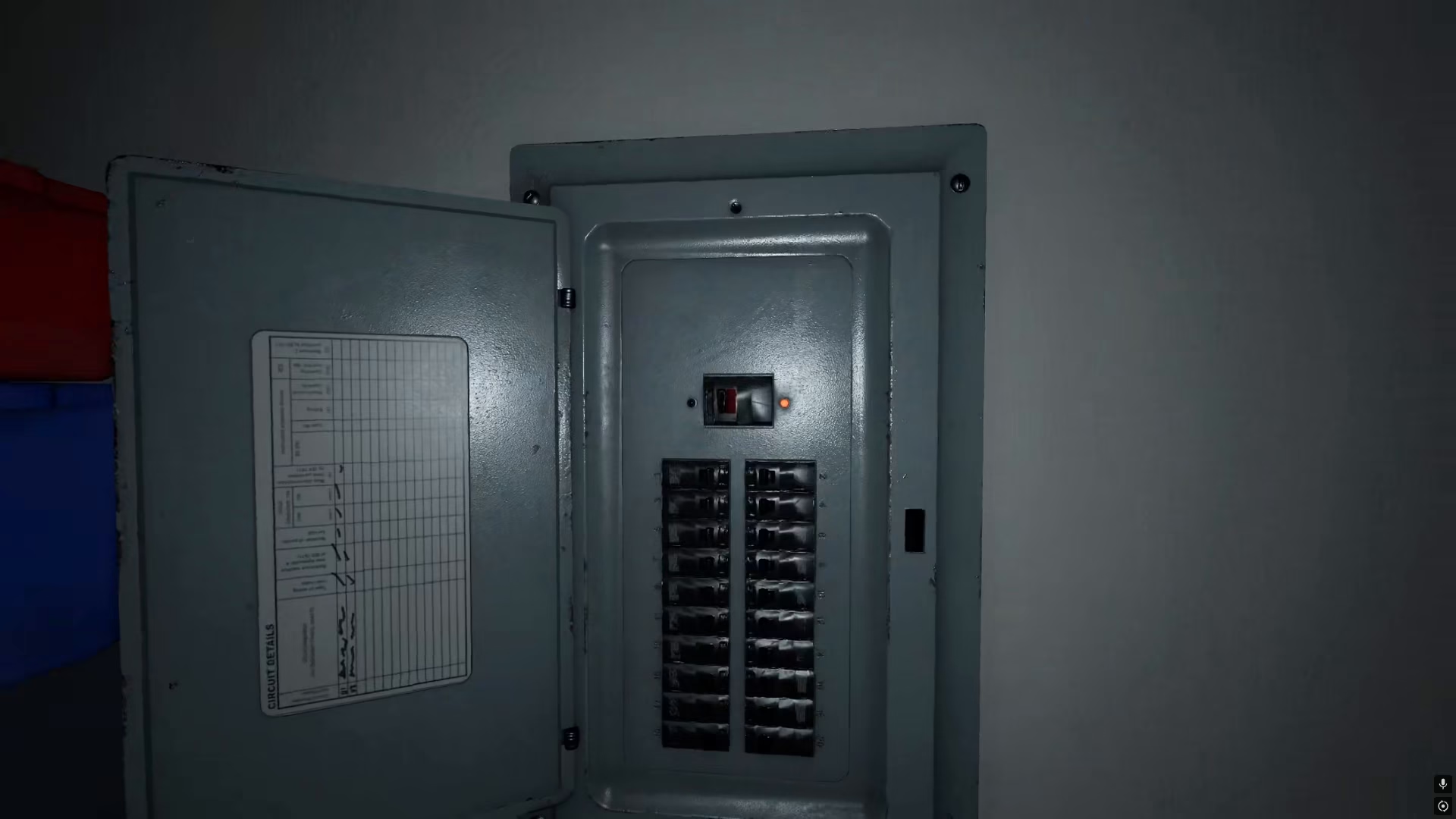
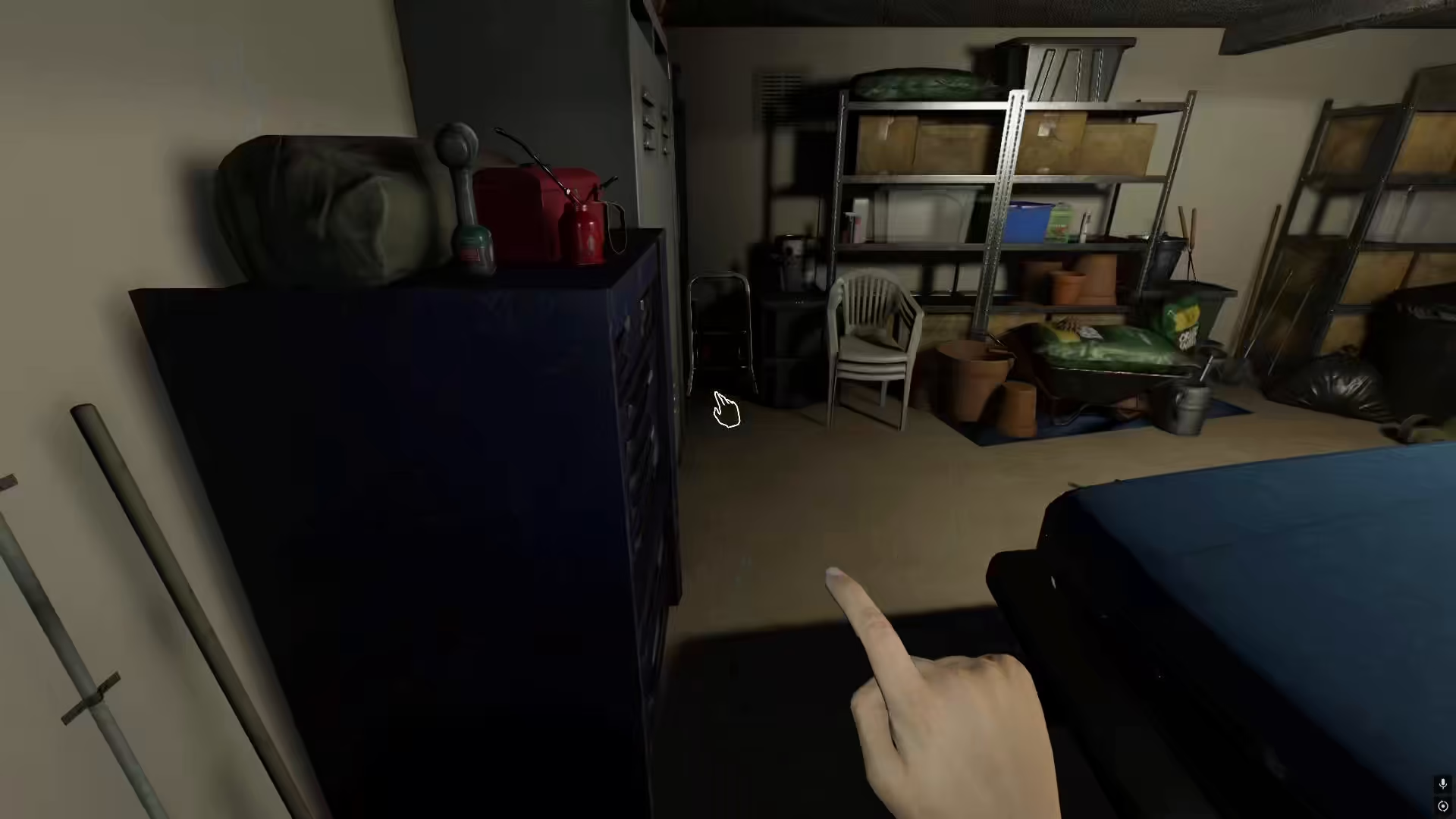
After activating the breaker, you can then turn on the lights throughout the house. This will illuminate the interior and make it much easier to navigate and investigate without relying on your flashlight battery.
Method 2: Adjusting Brightness Settings
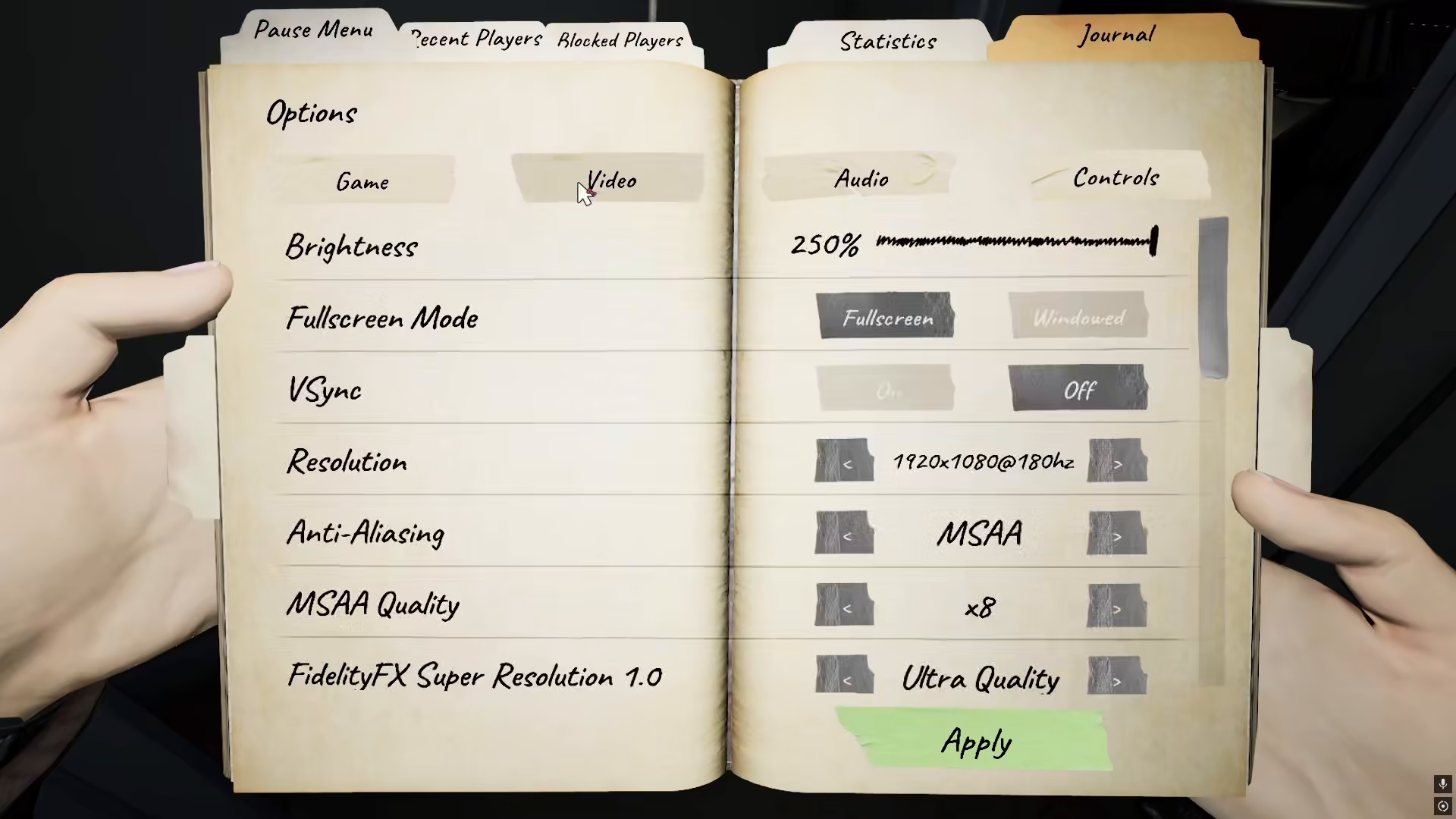
If you want even better visibility, there’s a settings adjustment that functions as a helpful optimization. Navigate to your game options and select the video settings menu.
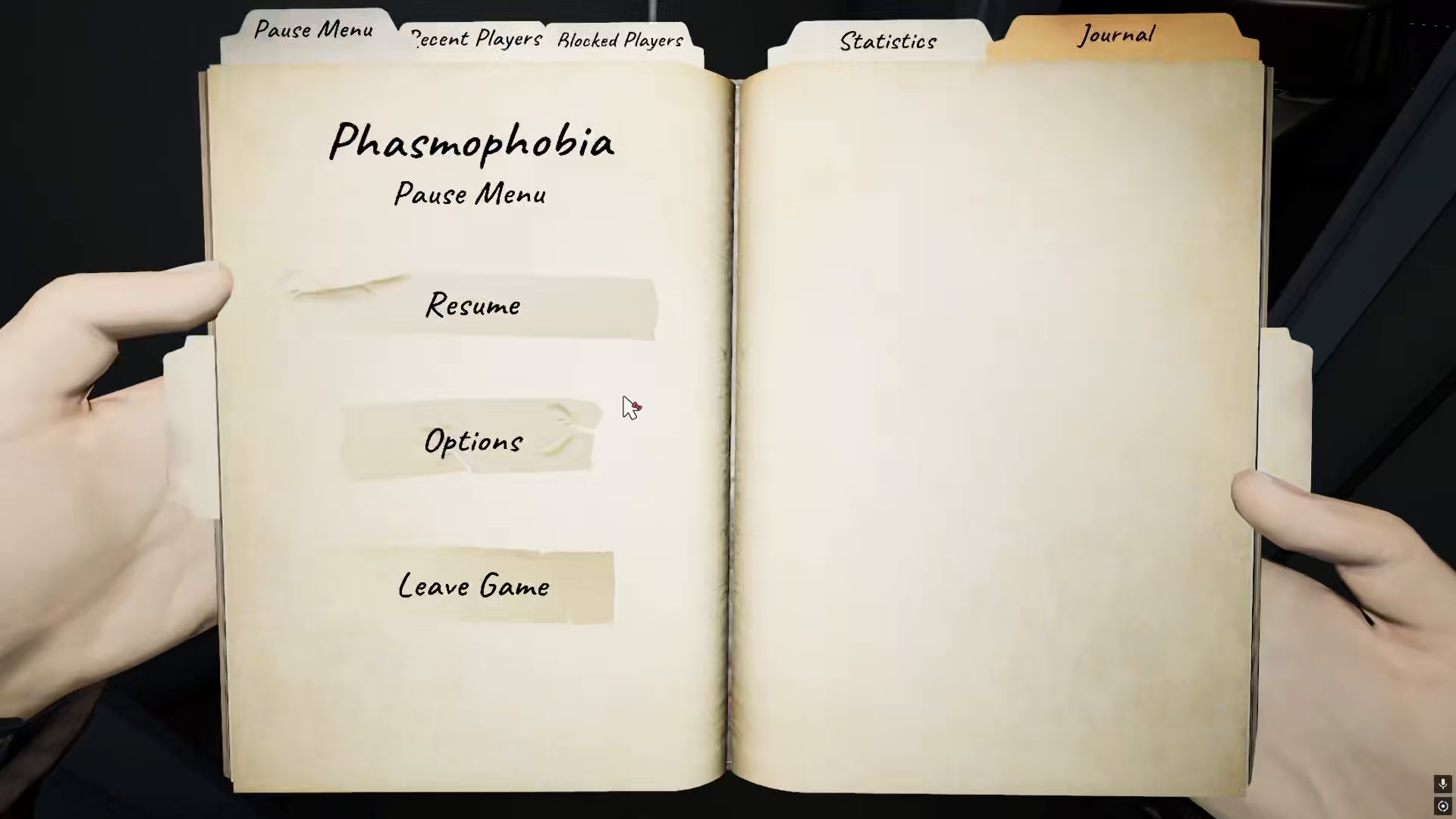
Within the video settings, locate the brightness option. You can increase your brightness significantly—many players find that setting brightness to 250% allows them to see virtually everything in the game with excellent clarity, even in darker areas.
Brightness Setting Details
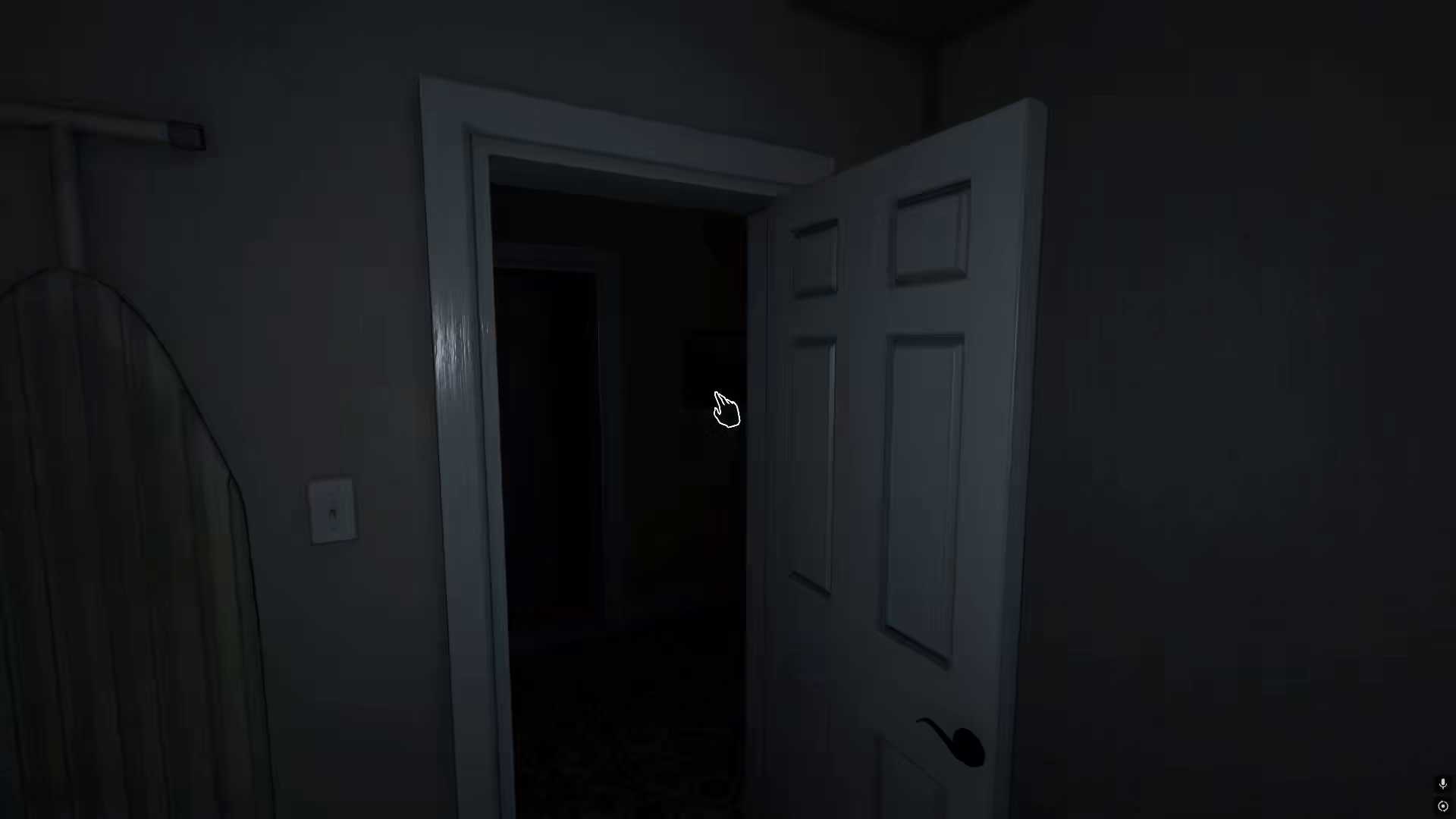
The brightness slider in Phasmophobia is highly customizable. At 250% brightness, the game environment becomes much less dark, providing excellent visibility for exploration and ghost hunting without constant flashlight use. This setting significantly reduces the need to rely on your flashlight, helping you preserve battery for critical moments.
Conclusion
You now have two effective strategies to see without your flashlight in Phasmophobia. Whether you choose to use the in-game lighting system by activating the breaker and lights, or you adjust your brightness settings to 250% for maximum visibility, you’ll find it much easier to navigate haunted locations. These methods will help you explore more effectively and manage your resources wisely during your investigations.
— Want to Support? —
If you would like to help us continue making these guides – please consider joining our patreon here – https://www.patreon.com/c/JaviHeals
Alternatively – you can join our discord here – https://discord.gg/zD7Gjt6MHF


