How To Sell Buildings & Tools In Farming Simulator 25
How To Sell Buildings & Tools In Farming Simulator 25
Selling buildings and tools in Farming Simulator 25 is a straightforward process that every player should master. Whether you’re clearing space on your farm or recouping some money from unwanted structures, this guide will walk you through the exact steps needed to sell your buildings and tools efficiently.
Accessing Build Mode
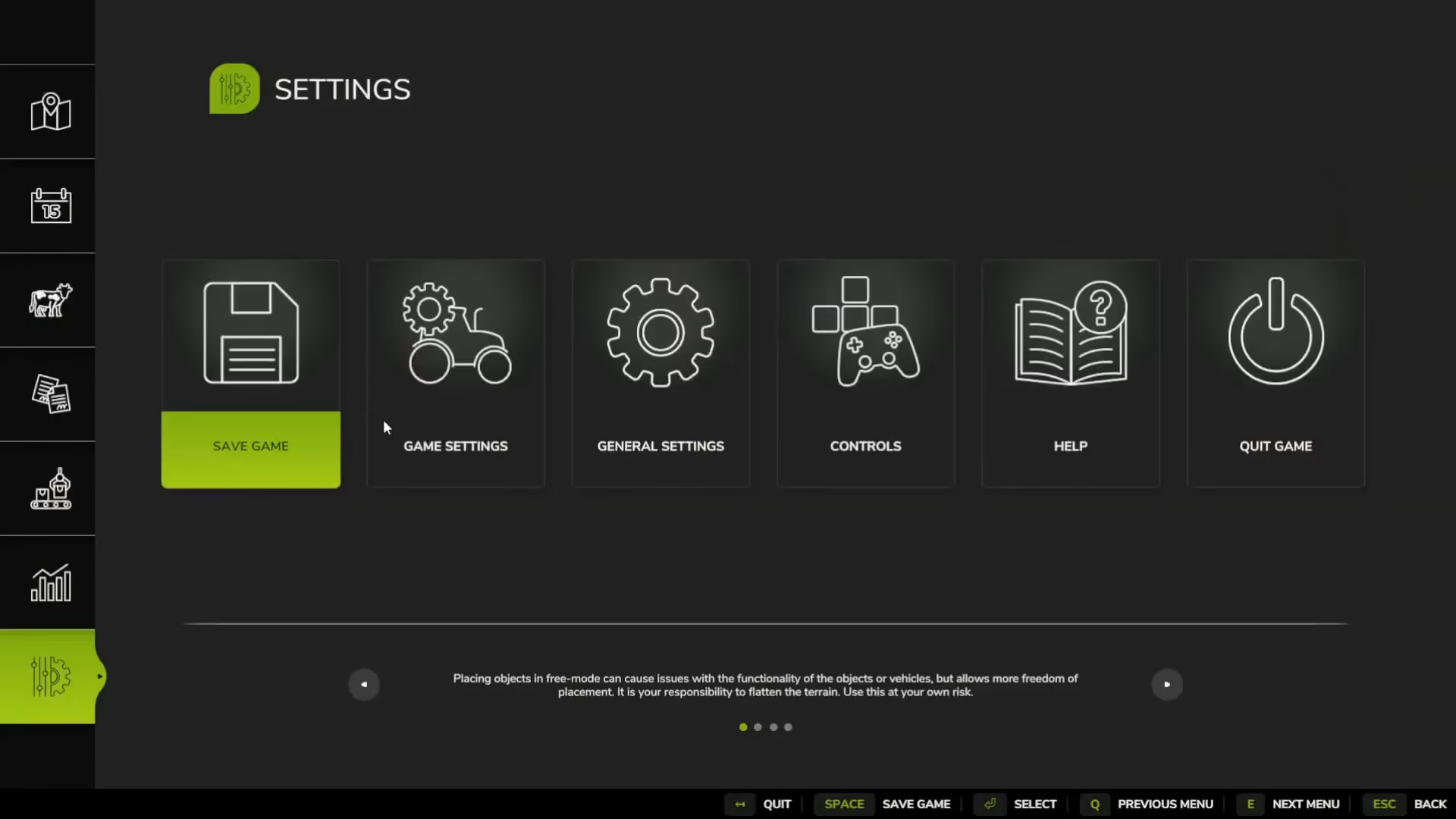
The first step to selling any building or tool in Farming Simulator 25 is entering build mode. To do this, open your controls and options menu, then navigate to the construction section. Here you’ll find the build mode control setting. In the default configuration, this is set to Left Shift + P. Once you’ve located your build mode keybind, press it to enter build mode and transform your view to show your farm from an overhead perspective, making it easier to select and manage structures.
Selling Your Buildings
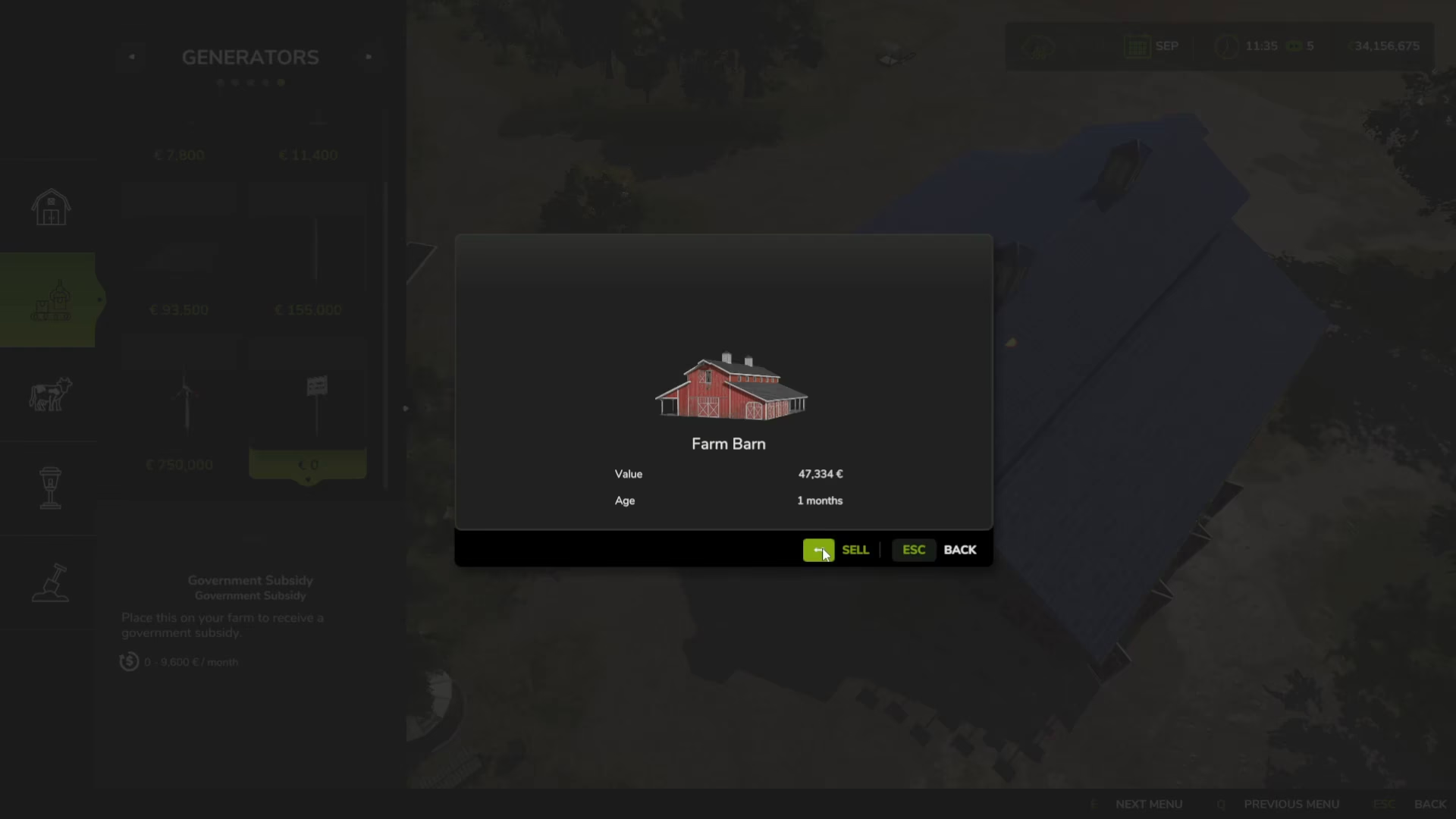
Once you’re in build mode, selling buildings is remarkably simple. Click on the building or tool you wish to sell—for example, your barn. A menu will appear with a sell option. Select sell, and the game will prompt you to confirm the transaction, displaying the sale price. For instance, a barn might sell for 47,000. Confirm the sale, and the building will be removed from your farm while the money is added to your account balance.
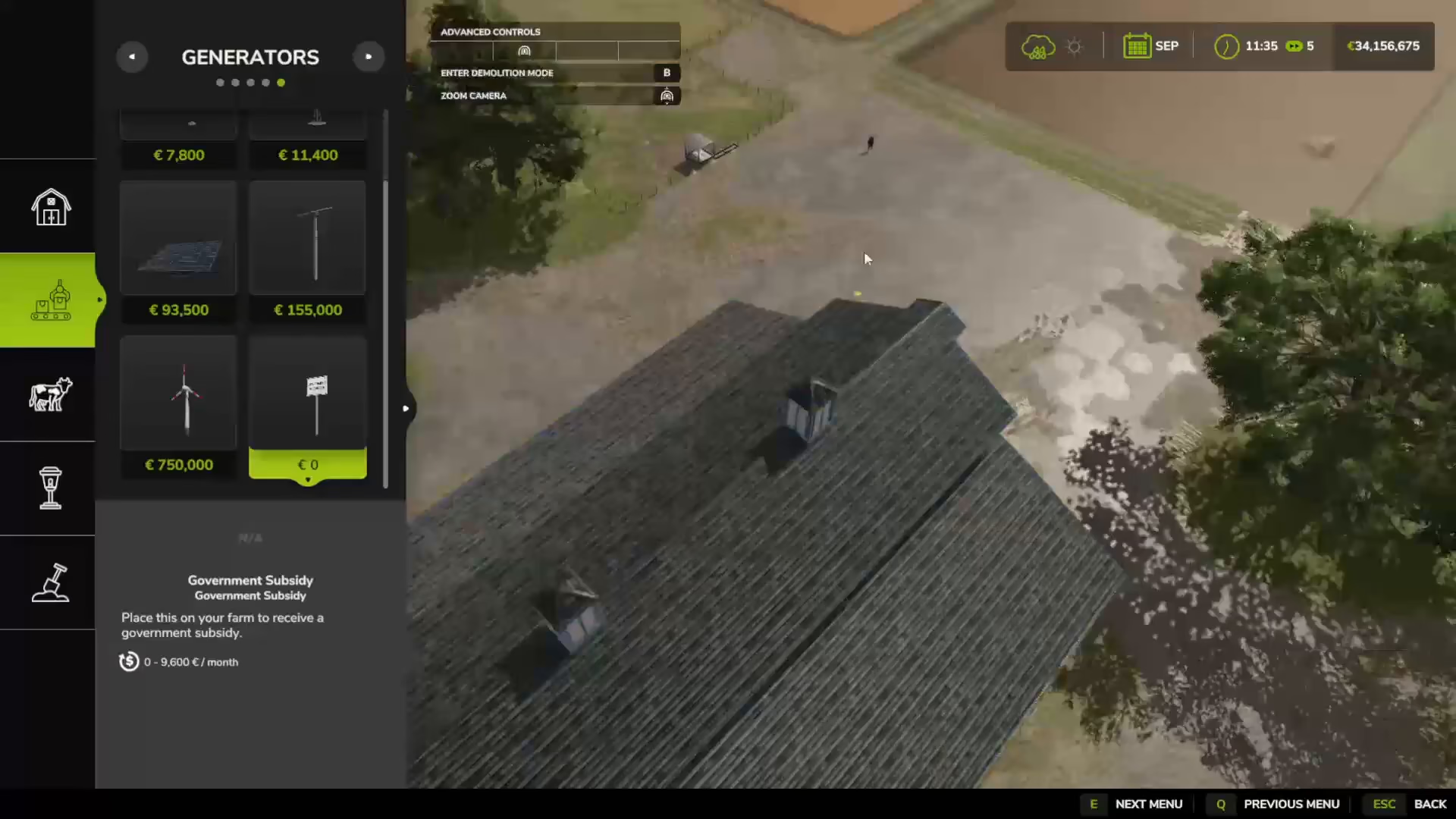
This process works for any building or tool you’ve placed on your farm, making it an essential skill for farm management and financial planning.
Using Demolition Mode
If you prefer to remove items without receiving payment, Farming Simulator 25 also offers a demolition mode. While in build mode, look for the demolition mode option at the top of your screen and press B to activate it. In demolition mode, you can delete items from your farm without selling them. This is useful if you simply want to clear space without the transaction process. When you’re finished demolishing, press Escape to exit demolition mode and return to normal build mode or standard gameplay.
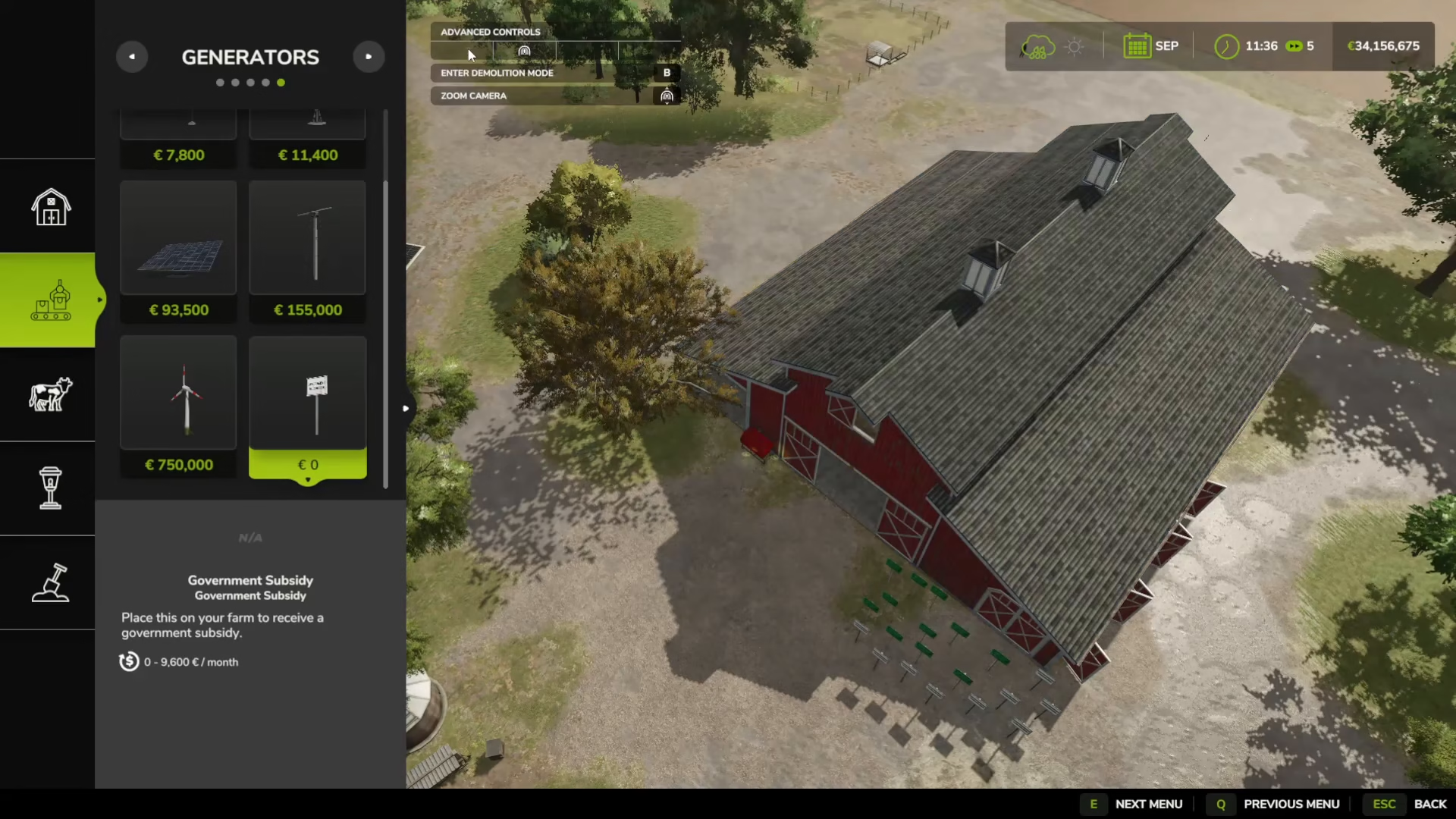
Selling vs. Demolishing
When deciding whether to sell or demolish, consider your financial situation. Selling buildings and tools returns a portion of your initial investment, making it the preferred option when you want to recover funds. Demolition, on the other hand, removes the item without compensation and should only be used when you’re certain you don’t need the money from that structure.
Summary
Selling buildings and tools in Farming Simulator 25 is an easy process: enter build mode using Left Shift + P, click on the item you want to sell, select the sell option, and confirm your transaction. For items you simply want to remove, use demolition mode by pressing B instead. With these tools at your disposal, you can efficiently manage your farm layout and finances throughout your gameplay.
— Want to Support? —
If you would like to help us continue making these guides – please consider joining our patreon here – https://www.patreon.com/c/JaviHeals
Alternatively – you can join our discord here – https://discord.gg/zD7Gjt6MHF