







How To Sign Into To Use Free Chat In Among Us
How To Sign Into and Use Free Chat In Among Us
This guide walks you through the process of signing into your Among Us account so you can access and use the free chat feature in the game. Follow these simple steps to enable chat functionality and enhance your multiplayer experience.
Accessing Your Account
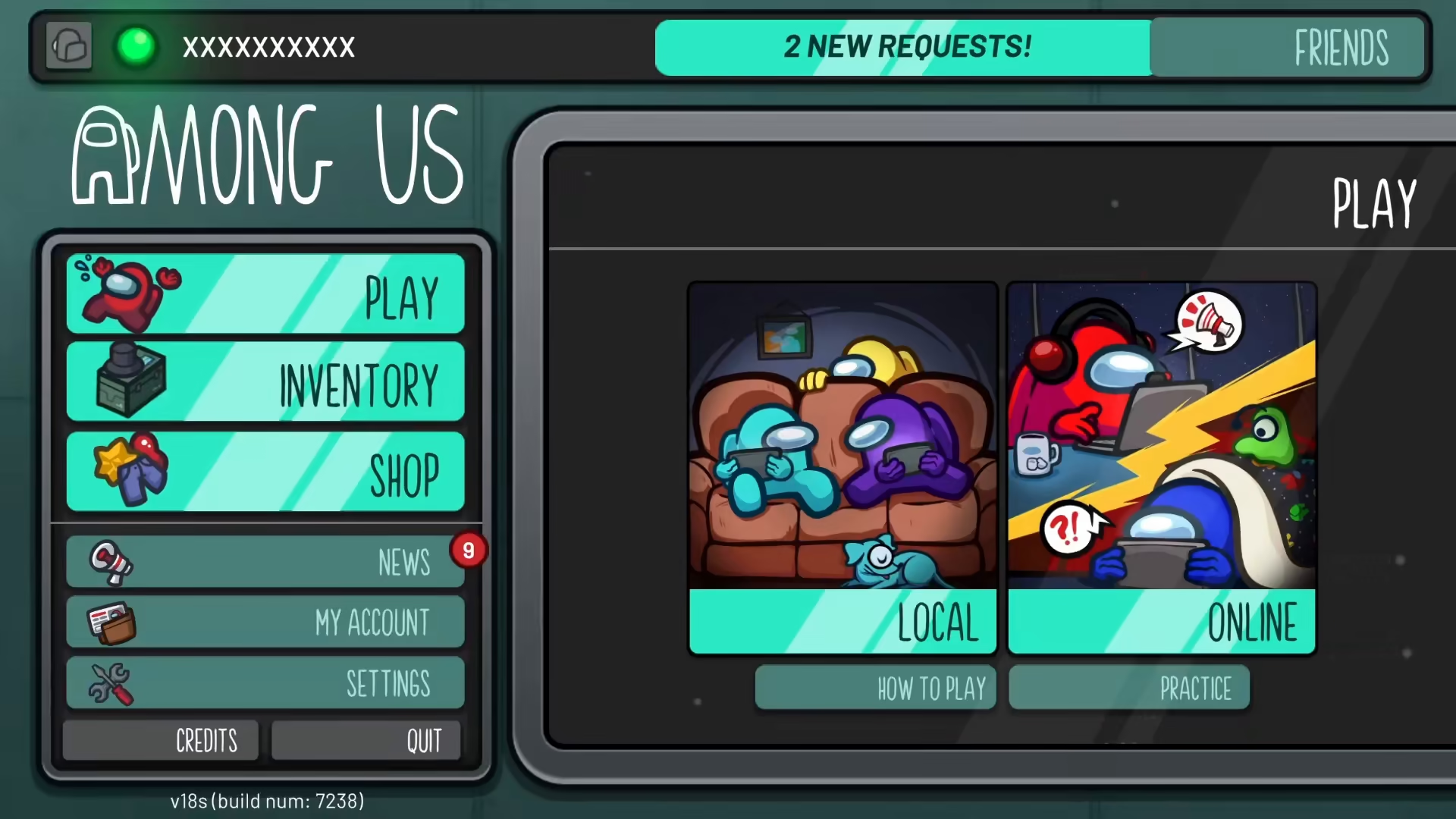
To begin using free chat in Among Us, you need to access your account settings. Look for the “My Account” option in the main menu and click on it to proceed.
Navigating to Account Settings
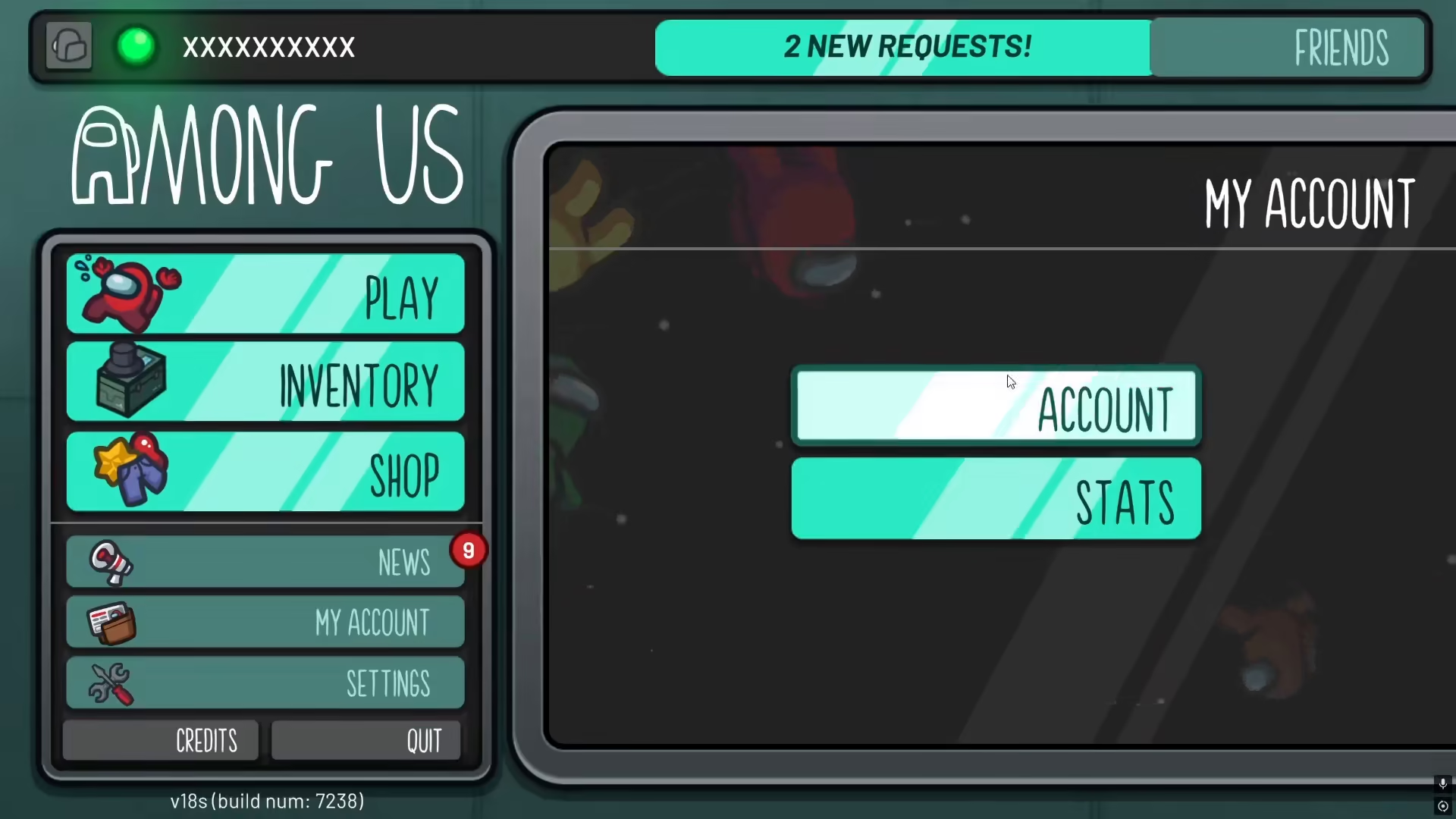
Once you click on “My Account,” you’ll be presented with two options: Account and Stats. Select the “Account” option to continue with the sign-in process.
Signing In and Account Requirements
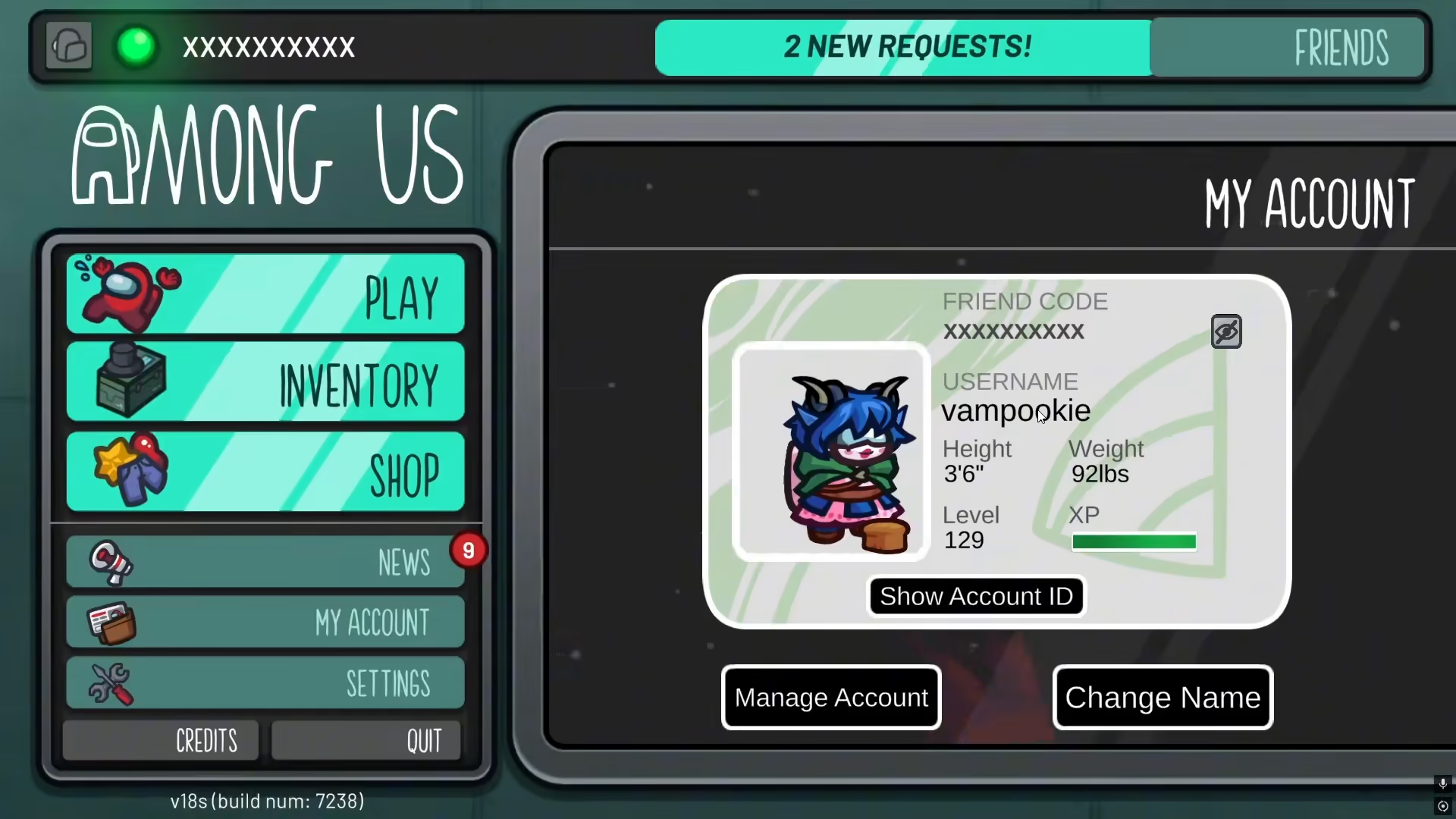
In the Account section, you’ll see written instructions prompting you to sign into your account. To use the free chat feature, you must create an account with an age requirement of 13 years or older. This is a mandatory requirement set by Among Us to access chat functionality in the game.
Summary
By following these steps—navigating to My Account, selecting the Account option, and creating or signing into an account that meets the minimum age requirement of 13 years—you’ll successfully unlock free chat in Among Us. You can now communicate with other players during your games.
— Want to Support? —
If you would like to help us continue making these guides – please consider joining our patreon here – https://www.patreon.com/c/JaviHeals
Alternatively – you can join our discord here – https://discord.gg/zD7Gjt6MHF



