





How To Talk Without Push To Talk In Phasmophobia
How To Talk Without Push To Talk In Phasmophobia
Want to communicate with your team in Phasmophobia without constantly pressing a push-to-talk button? This guide shows you how to enable voice activation mode, allowing your microphone to stay active throughout your ghost hunting sessions. Follow these simple steps to streamline your gameplay experience.
Enabling Voice Activation Mode
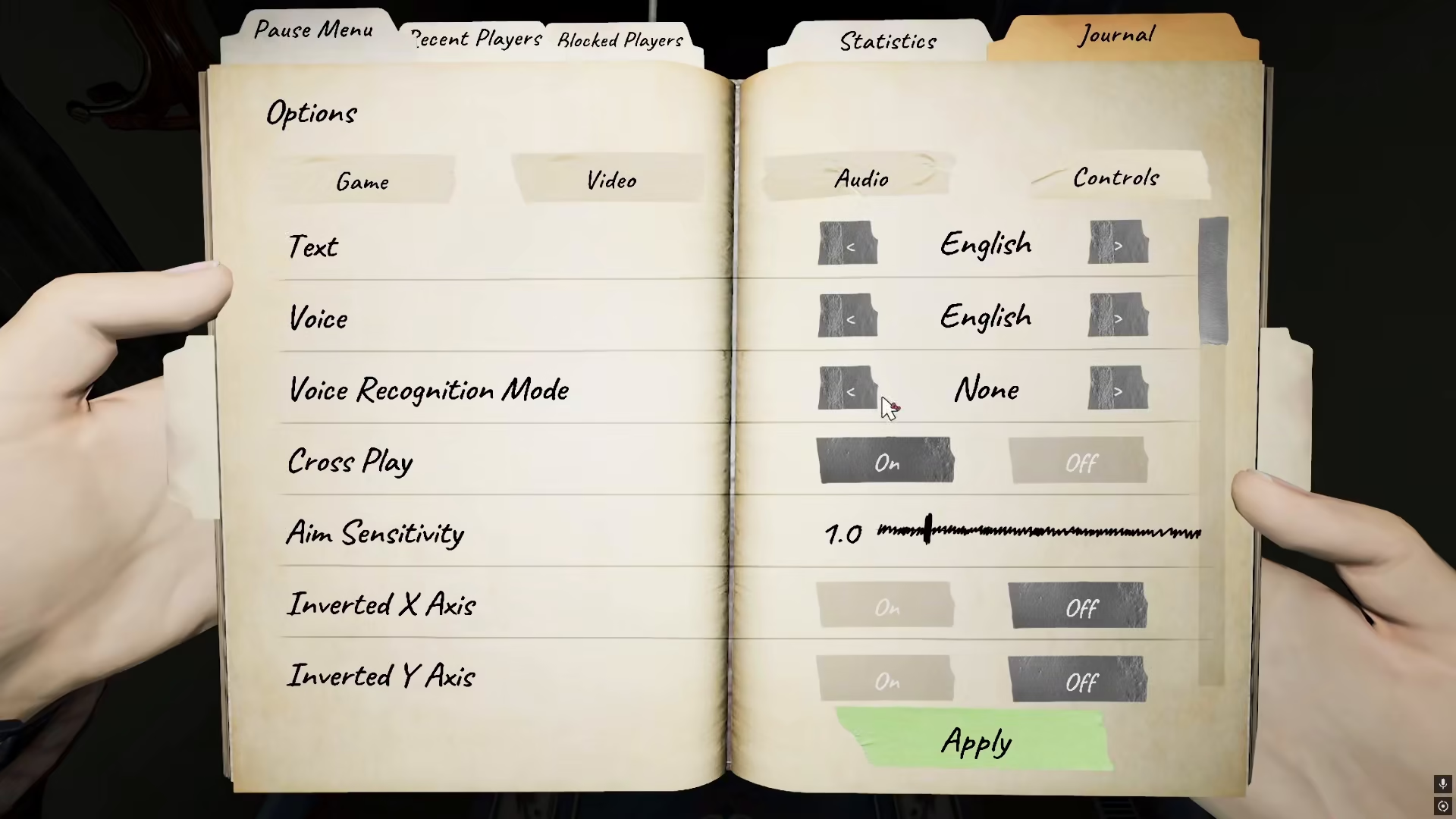
To use your microphone without push-to-talk in Phasmophobia, you need to access your game settings. Navigate to the Settings menu from the main screen.
Locating the Audio Settings
Once you’re in the Settings menu, select the Audio option. This section contains all voice and sound-related configurations for your game.
Setting Voice Input Mode to Voice Activation
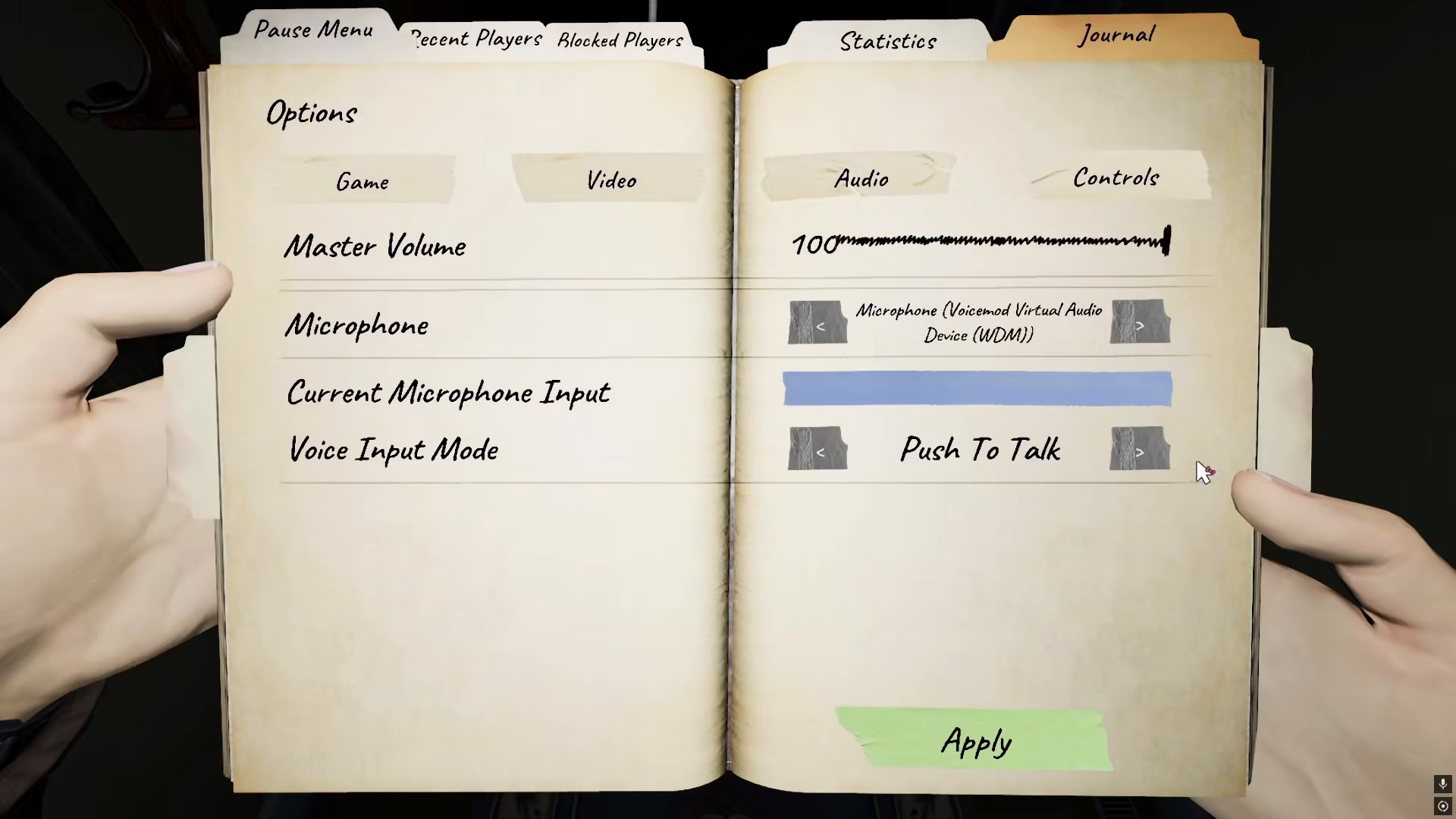
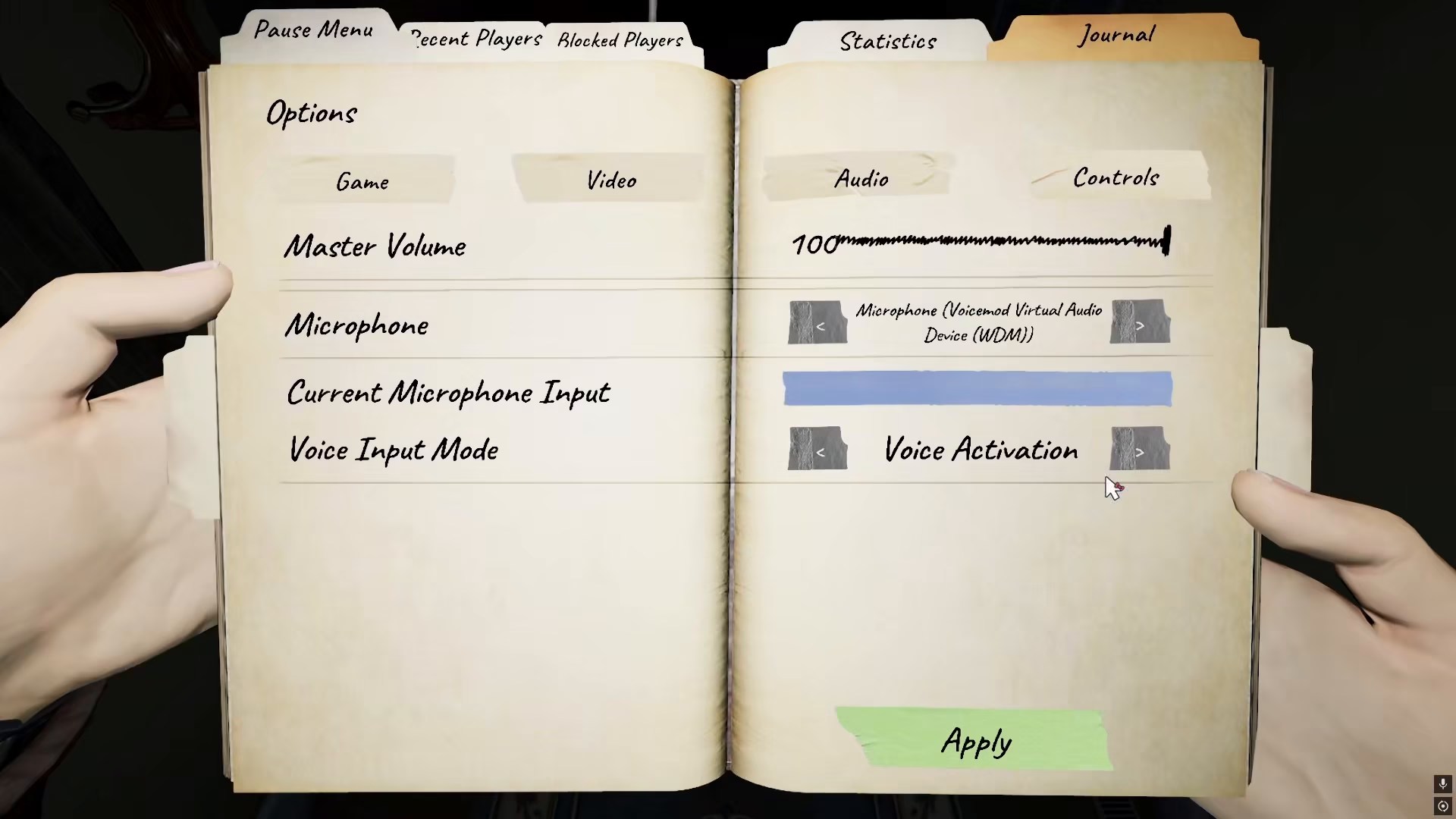
In the Audio settings, locate the Voice Input Mode option. Change this setting from Push To Talk to Voice Activation. This is the critical step that enables hands-free microphone usage throughout Phasmophobia.
How Voice Activation Works
Once Voice Activation is enabled, your microphone will remain active at all times while you’re playing. This means you won’t need to hold down any buttons to communicate with your team. Simply speak naturally, and your voice will be transmitted to other players in your session.
Using the Spirit Box with Voice Activation
One of the key advantages of Voice Activation mode is its functionality with the Spirit Box. You can ask questions directly to the spirits without worrying about timing a push-to-talk button. Your microphone will capture everything you say, allowing for more fluid ghost-hunting sessions.
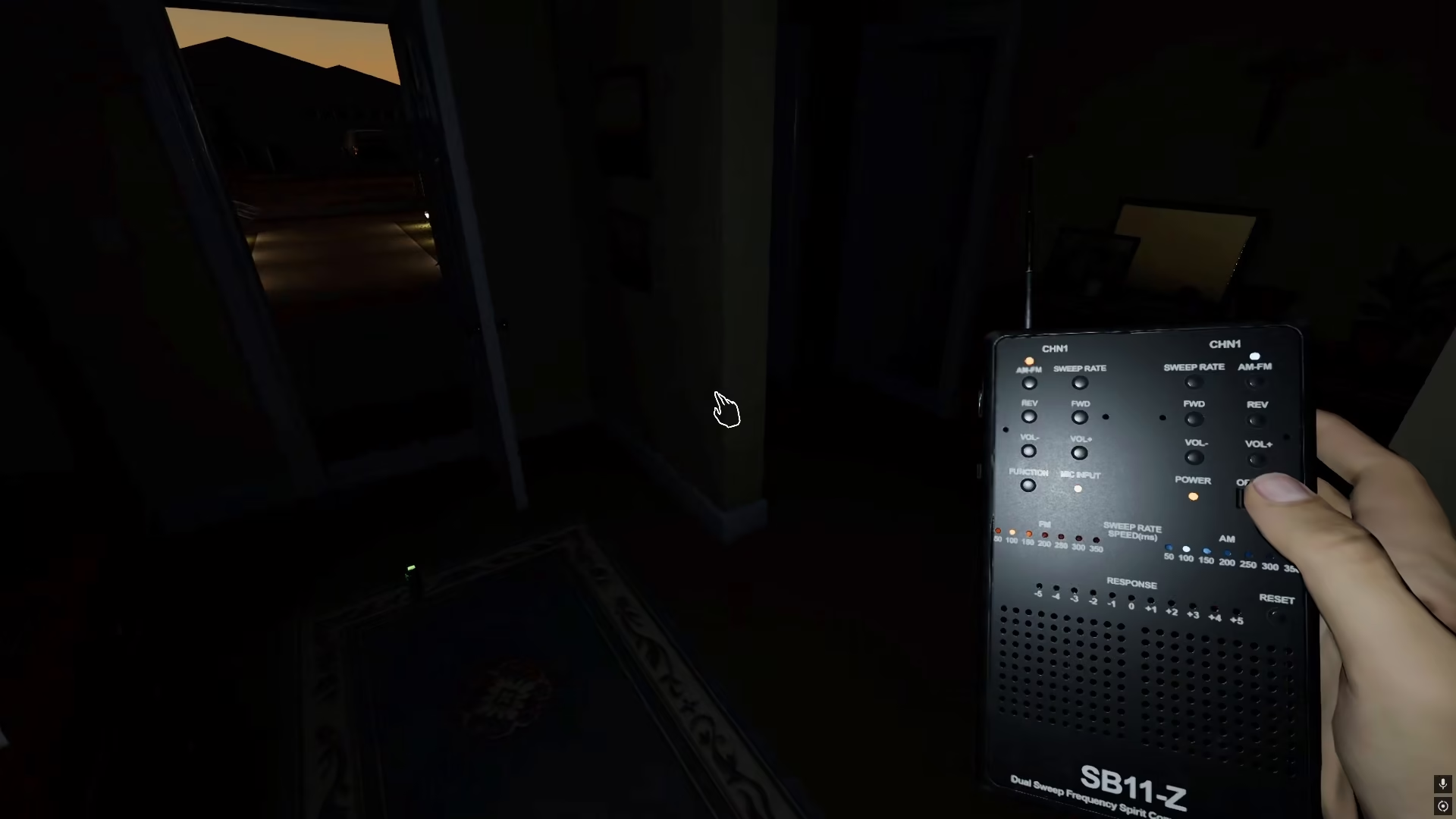
Controlling Your Microphone
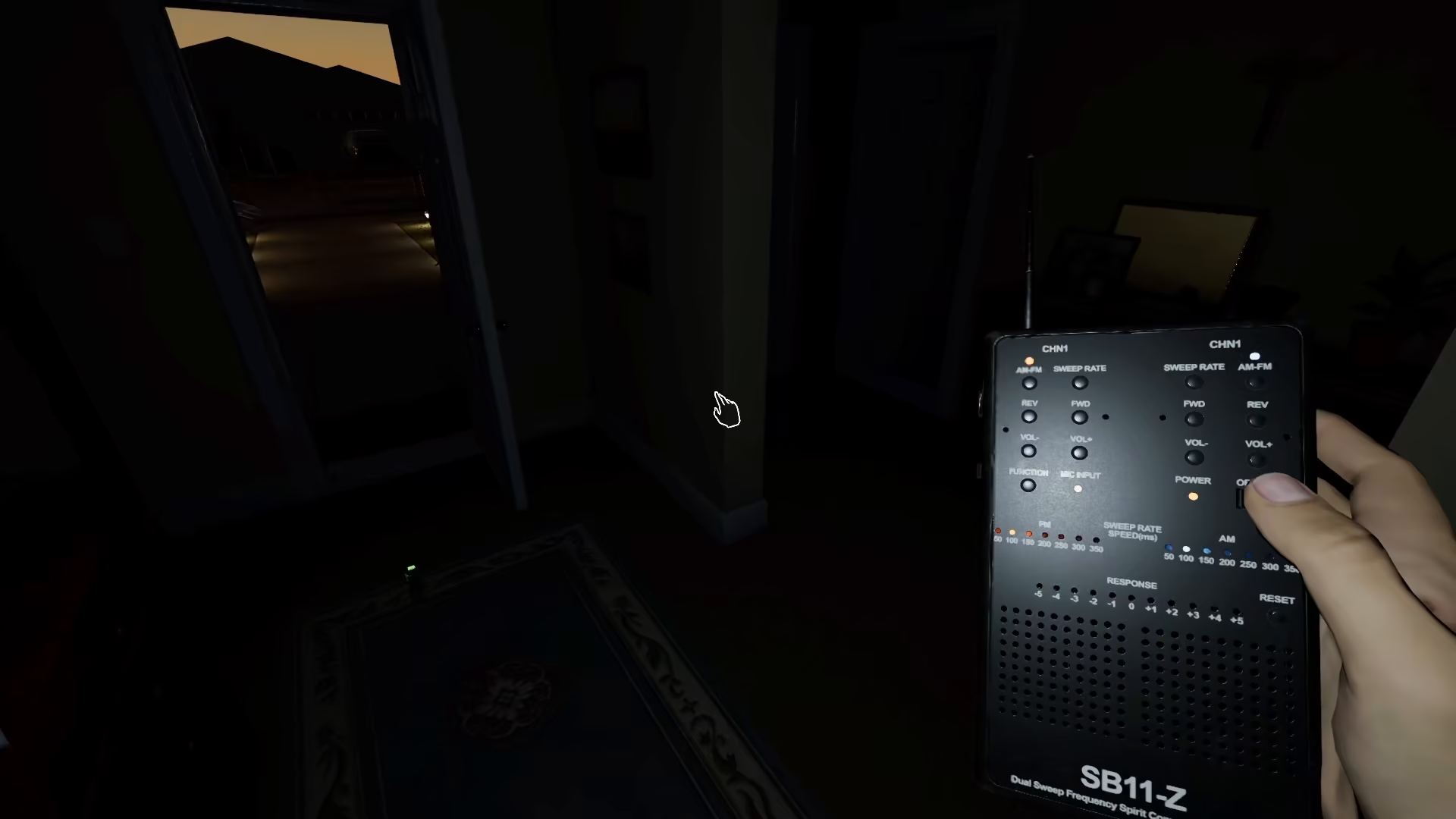
With Voice Activation enabled, your microphone will stay on continuously unless you manually disable it using your microphone button. This gives you full control over when your voice is being transmitted, without the need to press and hold a key every time you want to speak.
Summary
Removing push-to-talk from Phasmophobia is straightforward: access your Settings, go to Audio, and change your Voice Input Mode to Voice Activation. This simple adjustment transforms your gameplay by keeping your microphone active throughout your ghost-hunting adventures, making communication with teammates seamless and natural.
— Want to Support? —
If you would like to help us continue making these guides – please consider joining our patreon here – https://www.patreon.com/c/JaviHeals
Alternatively – you can join our discord here – https://discord.gg/zD7Gjt6MHF


