





How To Teleport Dogmeat To You In Fallout 4
How To Teleport Dogmeat To You In Fallout 4
Need your canine companion back by your side immediately? This guide walks you through the console command method to teleport Dogmeat directly to your location in Fallout 4. Whether your faithful friend has gotten stuck or wandered too far, these simple commands will have them at your feet in seconds.
Opening the Console
The first step is to access Fallout 4’s developer console. Press the tilde key (~), which is located directly below the Escape key on your keyboard. The console window will open, ready for input.
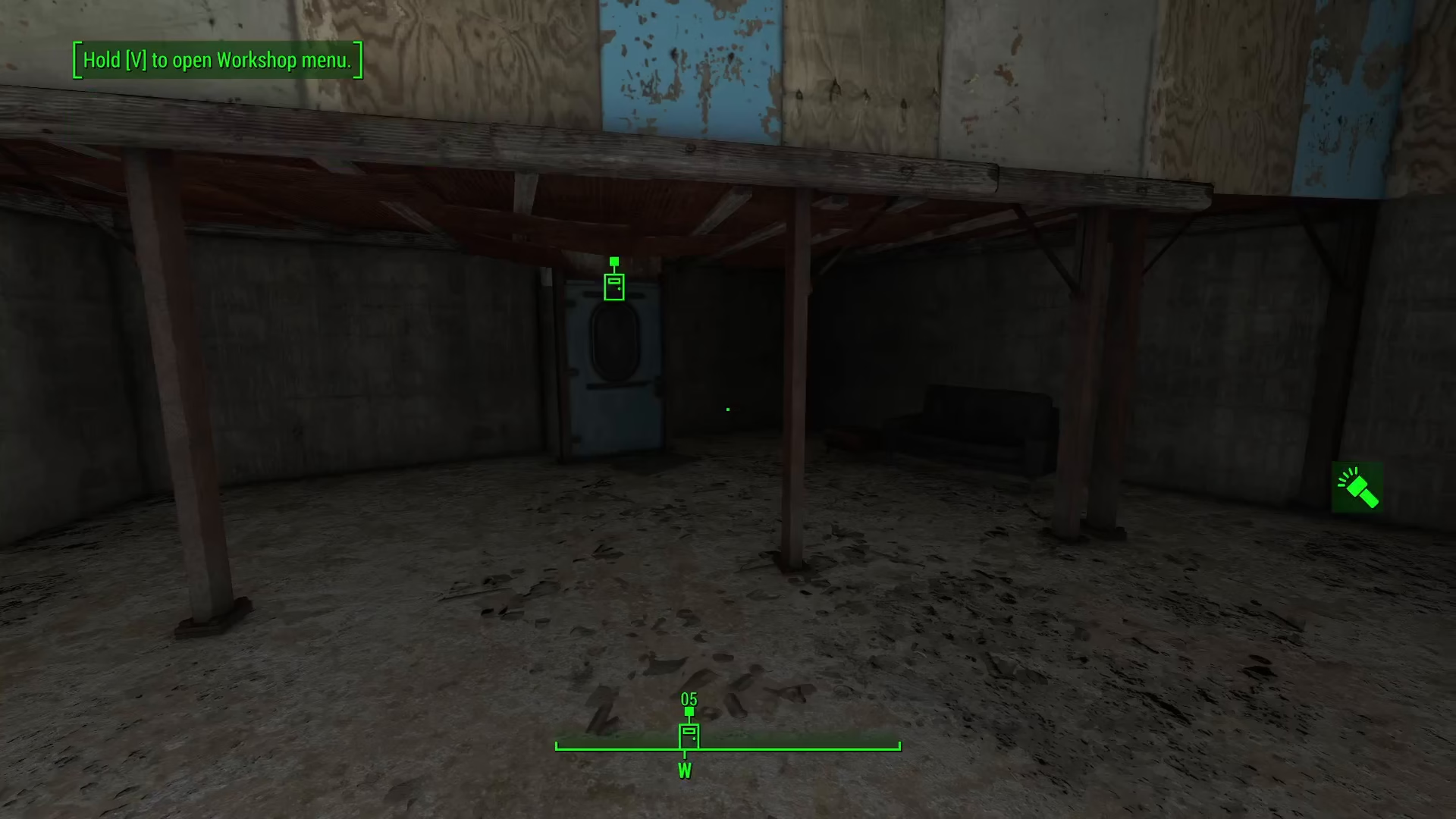
Selecting Dogmeat with PRID
In the console, type the following command to select Dogmeat:
PRID 0000D162
This command uses Dogmeat’s specific reference ID (0000D162) to target him. Once you execute this command, Dogmeat will be selected for the next action.
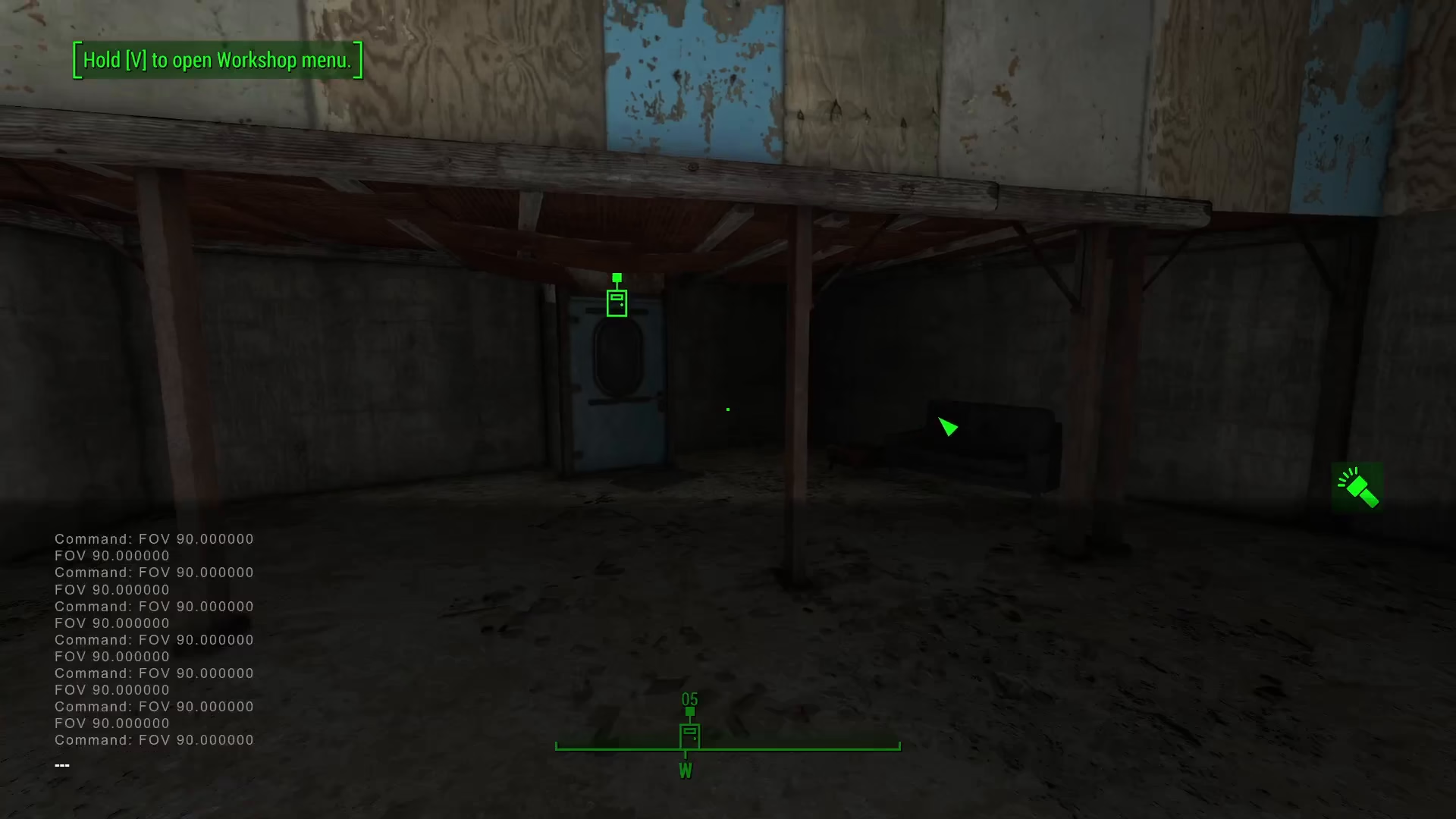
Teleporting Dogmeat to Your Location
With Dogmeat selected, now execute the teleportation command:
moveto player
This command will instantly move Dogmeat to your current location. You should immediately see your companion appear right next to you, ready to continue your adventure.
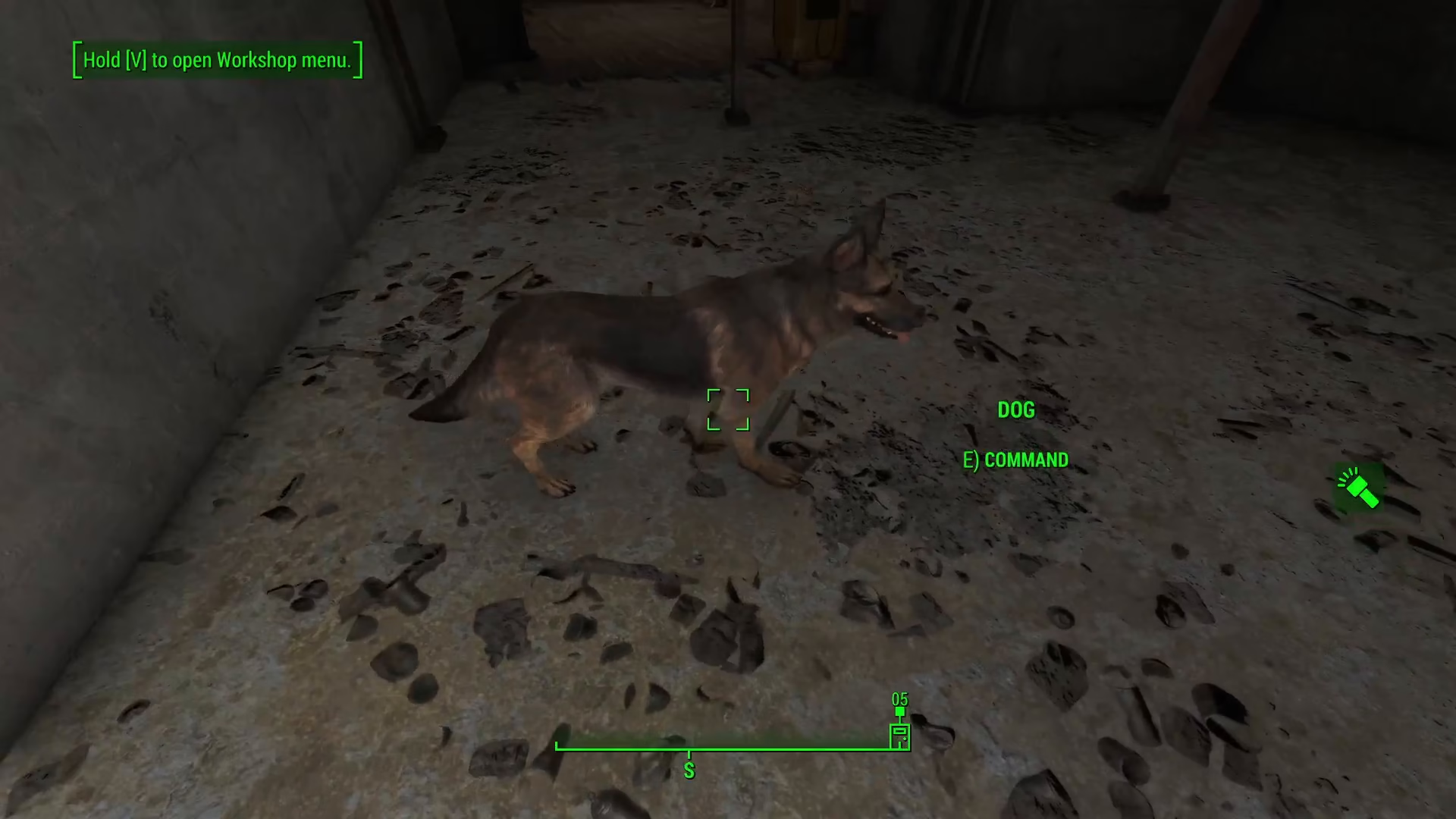
Summary
Teleporting Dogmeat in Fallout 4 is a quick two-step console process. Open the console with the tilde key, use PRID 0000D162 to select Dogmeat, then use moveto player to bring him to you instantly. This method is useful whenever your companion gets stuck or lost during your journey through the Commonwealth.
Want to Support?
If you would like to help us continue making these guides – please consider joining our patreon here – https://www.patreon.com/c/JaviHeals
Alternatively – you can join our discord here – https://discord.gg/zD7Gjt6MHF