





How To Train Staff In Prison Architect
How To Train Staff In Prison Architect
Staff training is an essential part of managing an effective prison in Prison Architect. By completing various training programs, you can improve your guards’ capabilities and unlock specialized certifications. This guide will walk you through the process of setting up and running staff training programs from start to finish.
Accessing Staff Programs
To begin training your staff, navigate to the Reports section in the bottom right corner of your screen.
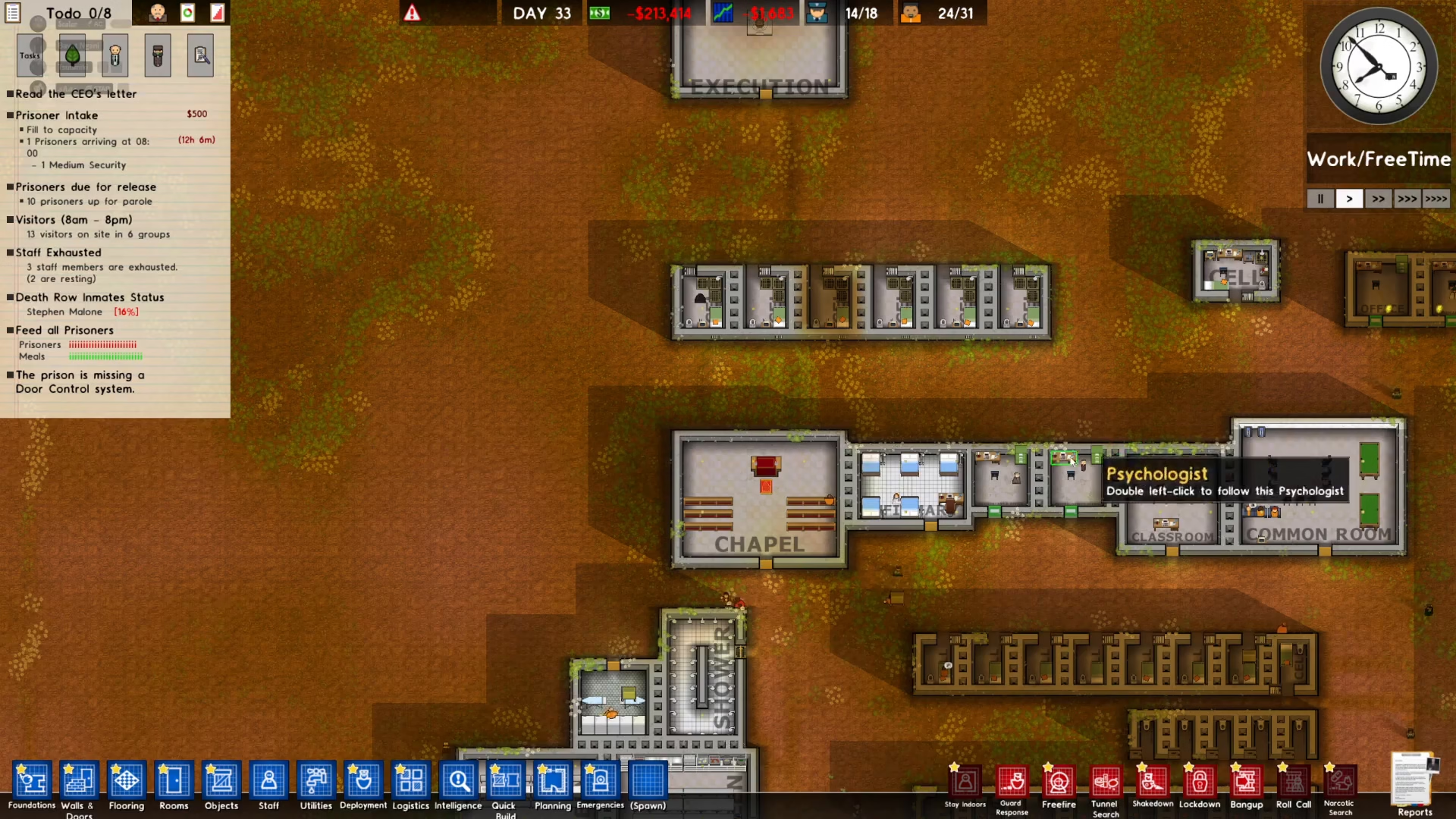
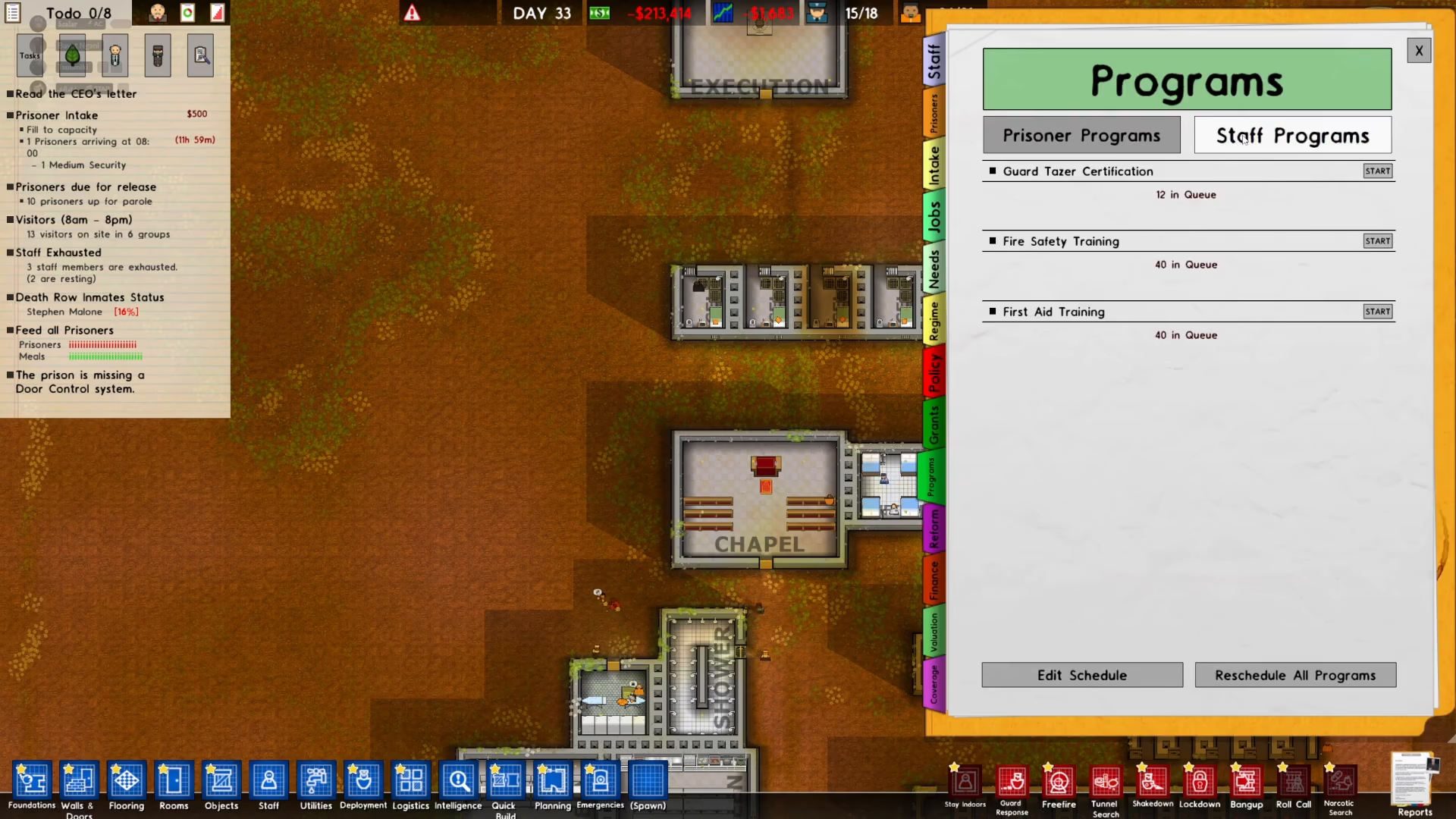
Once you’ve opened the Reports menu, click on Staff Programs. This will display all the available training programs you can conduct for your staff members.
Understanding Program Requirements
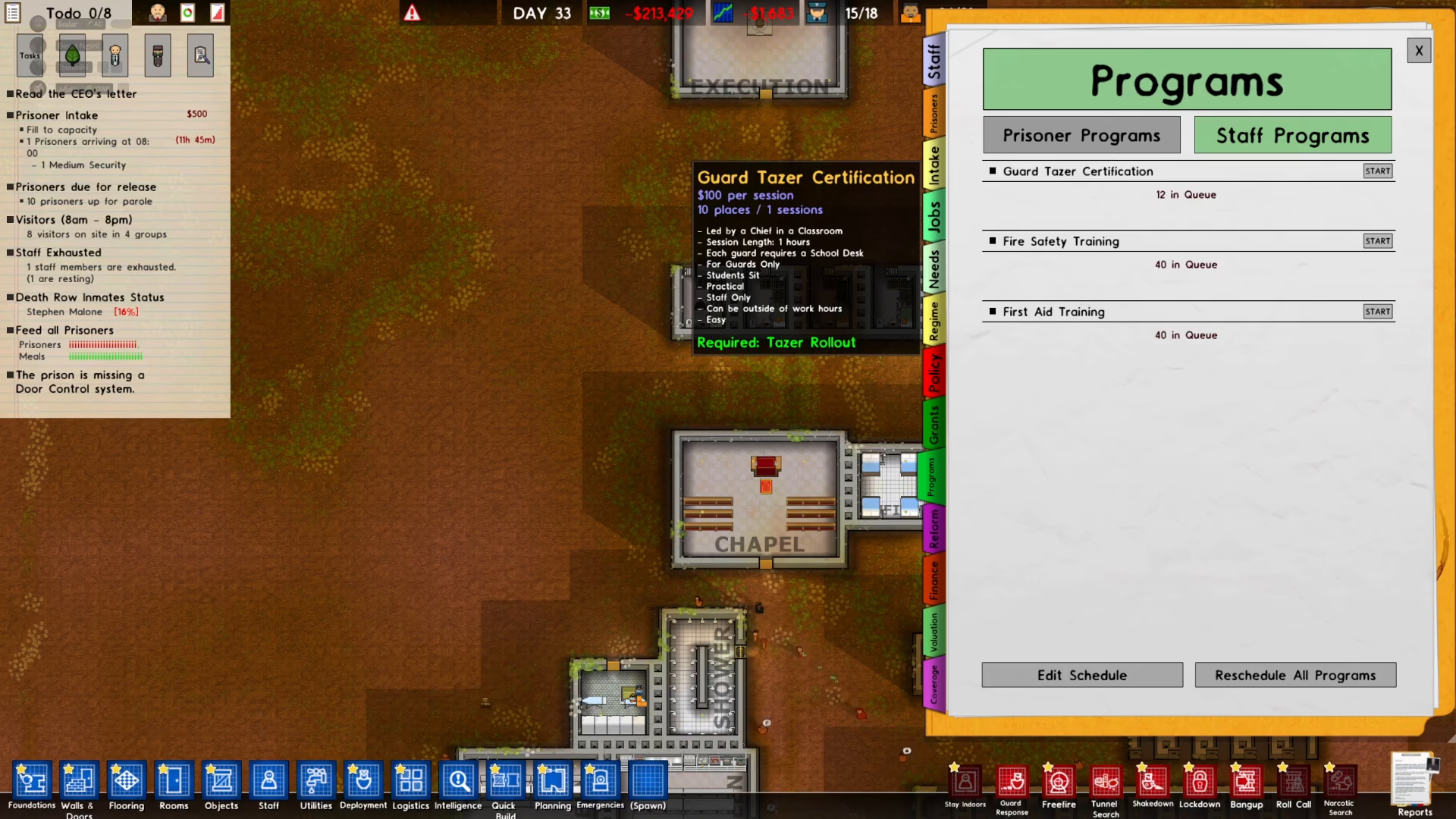
The Staff Programs interface shows you various training options available for different staff types. Each program has specific requirements that must be met before training can begin. For example, the Guard Taser Certification program is designed for guards and practical staff only.
Checking Training Prerequisites
Before starting any training program, examine the left side of the Staff Programs window to see what facilities and staff positions are required. For Guard Taser Certification, you need:
A Classroom
A Chief
Creating a Training Classroom
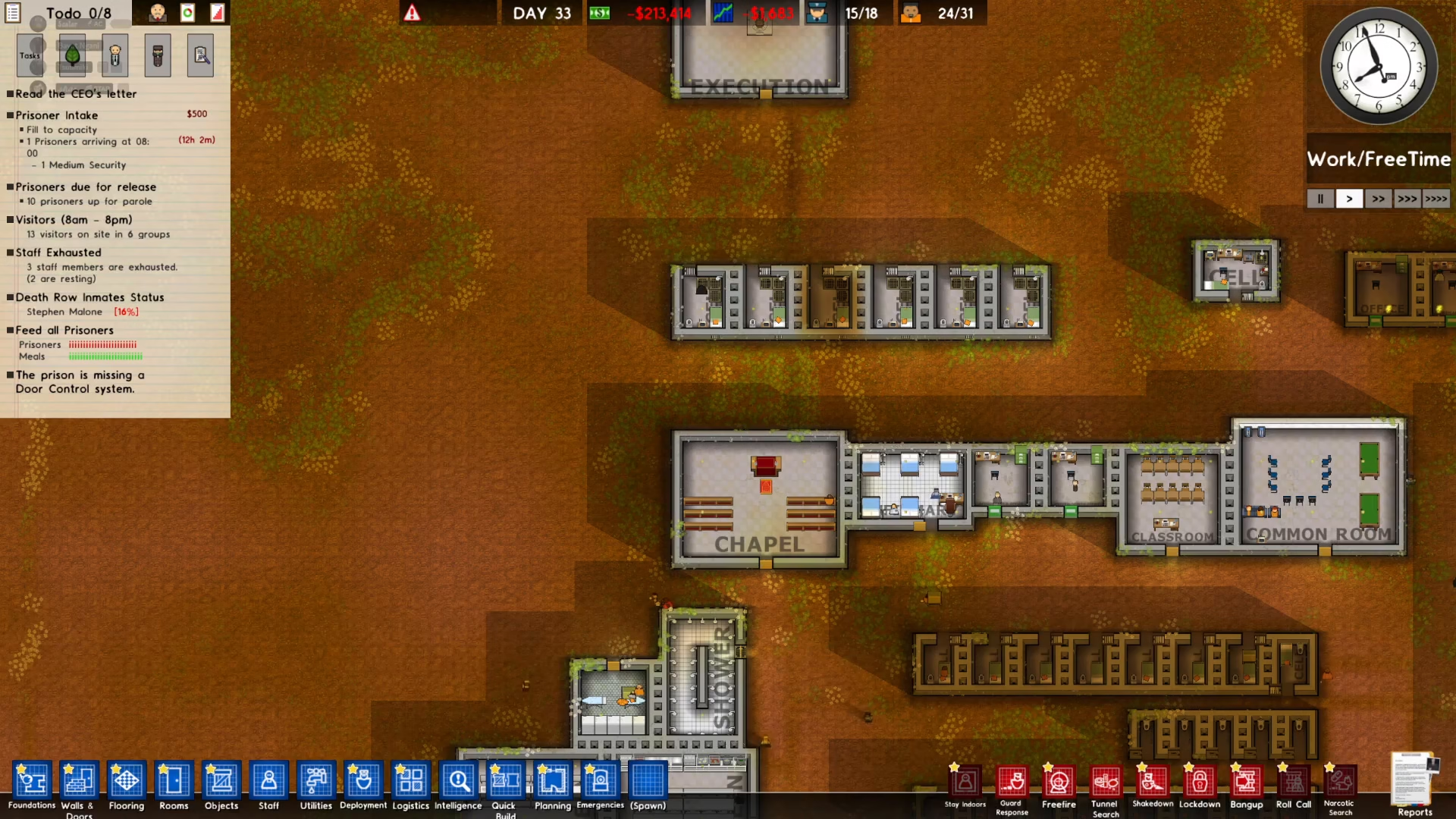
If you don’t already have a classroom, you’ll need to build one. The easiest way to do this is by using the Quick Build feature. Click on Quick Build and select Classroom from the menu.
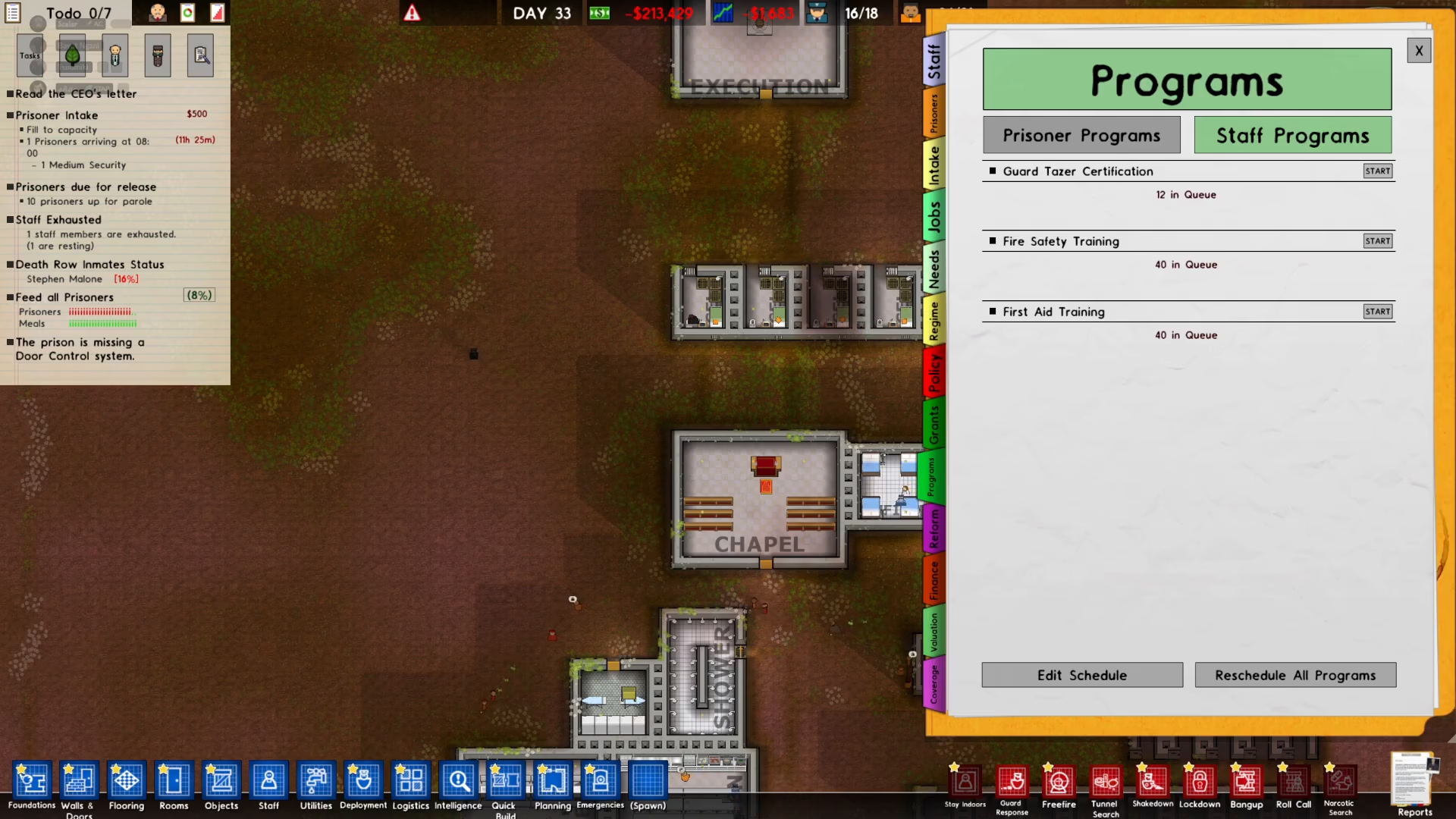
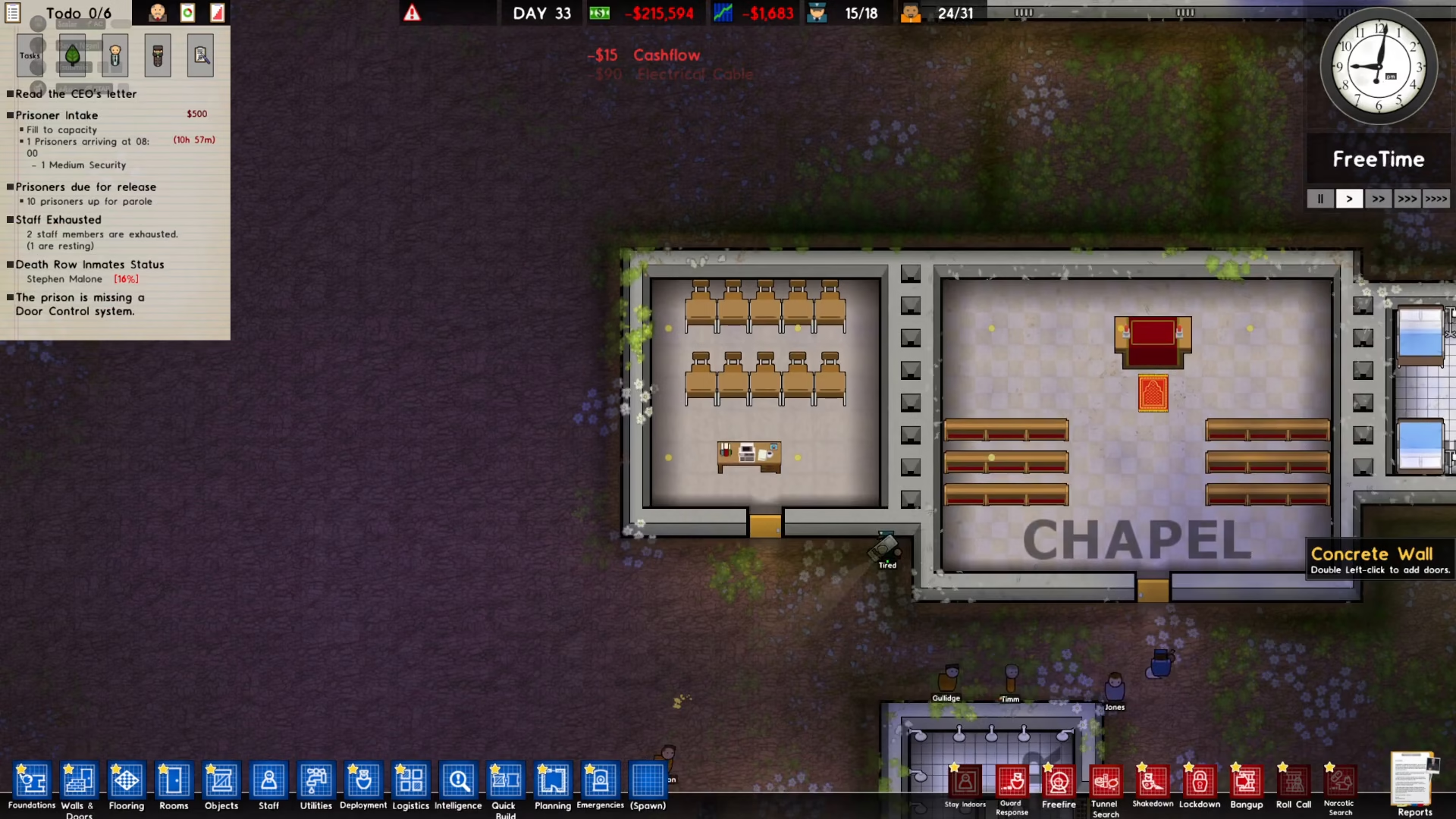
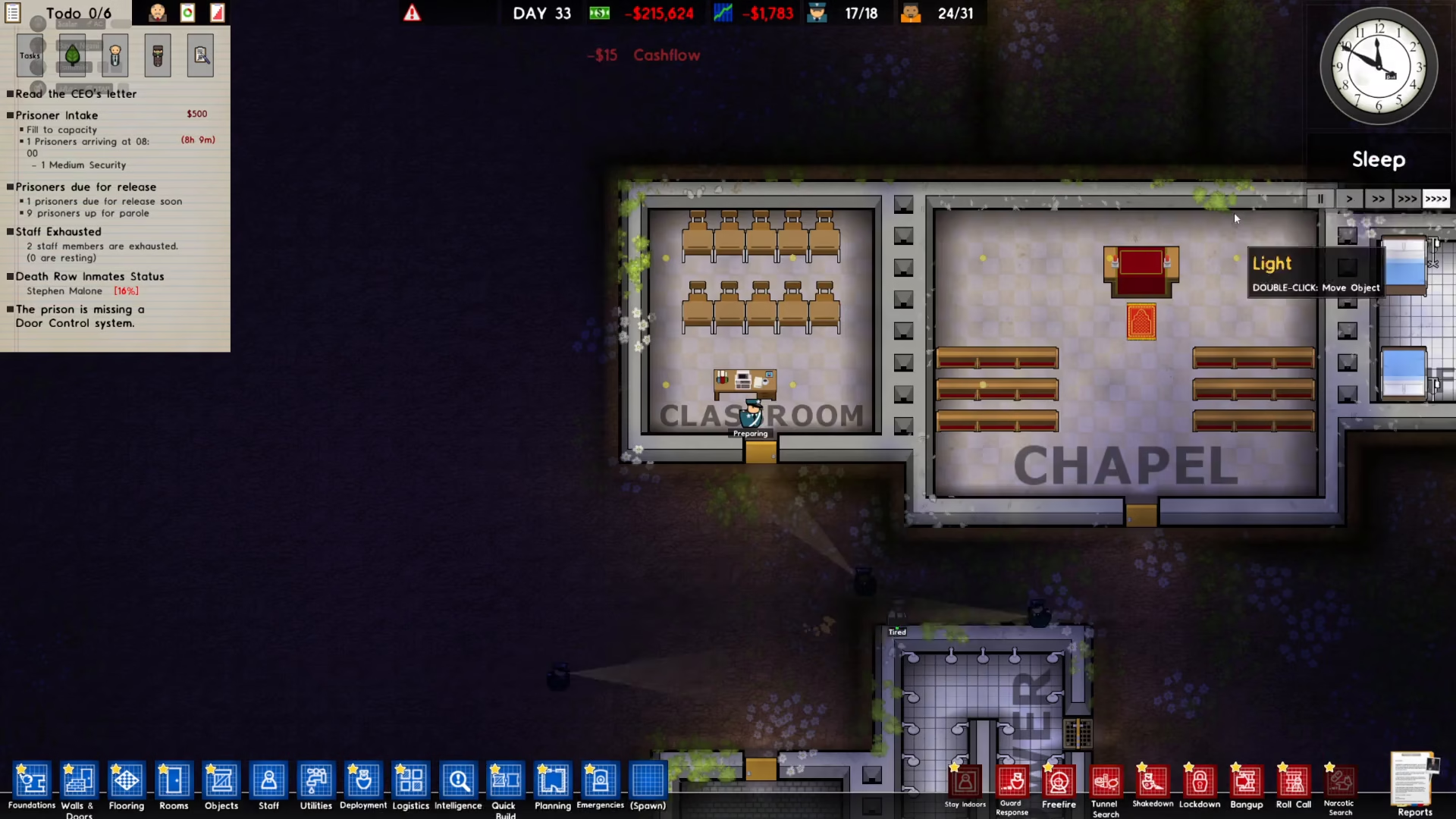
Place the classroom in a convenient location near other facilities. In this example, the classroom is positioned next to the chapel.
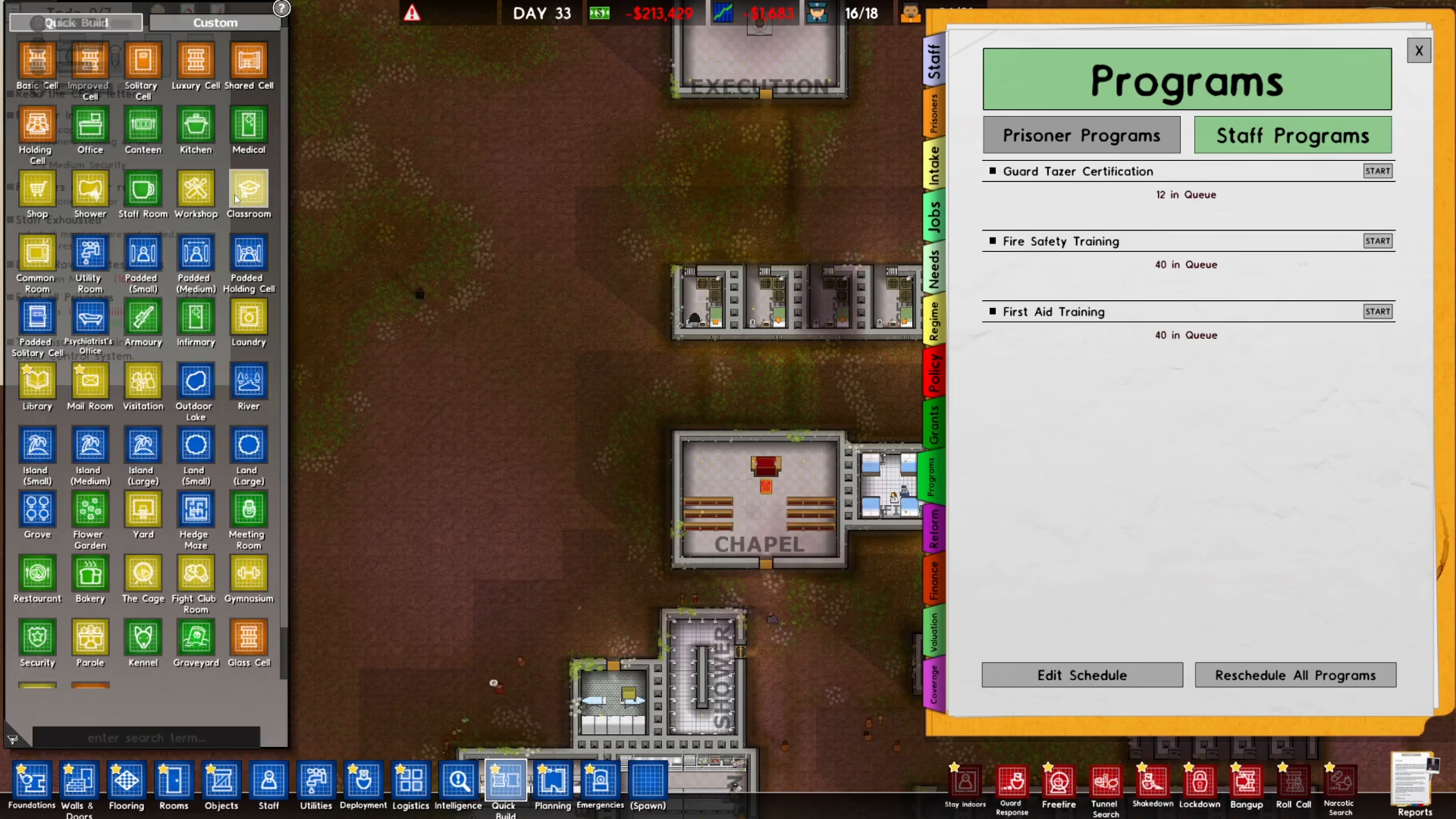
After placing the classroom, make sure to connect the necessary utilities to power it.
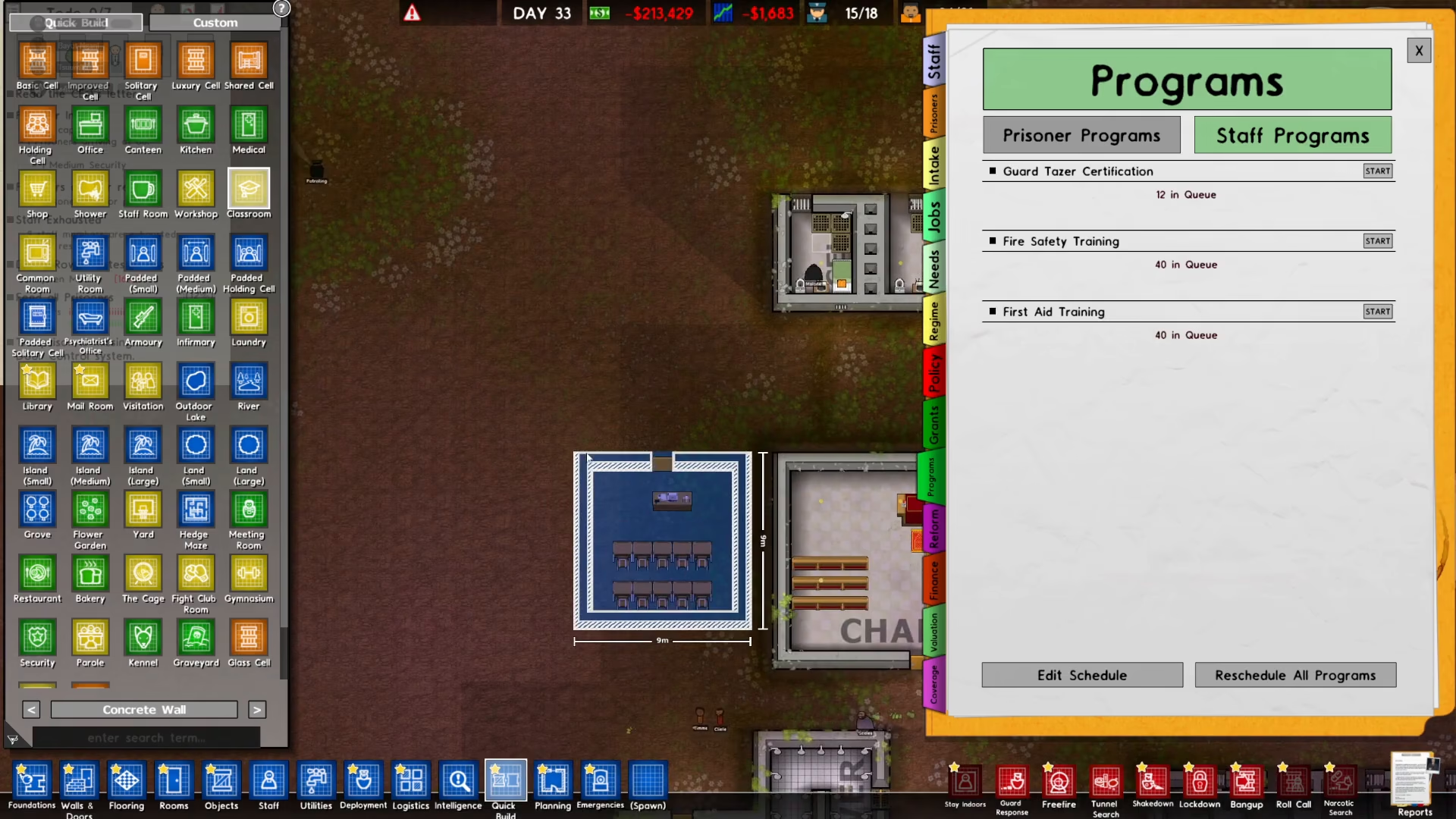
Setting Classroom Access Restrictions
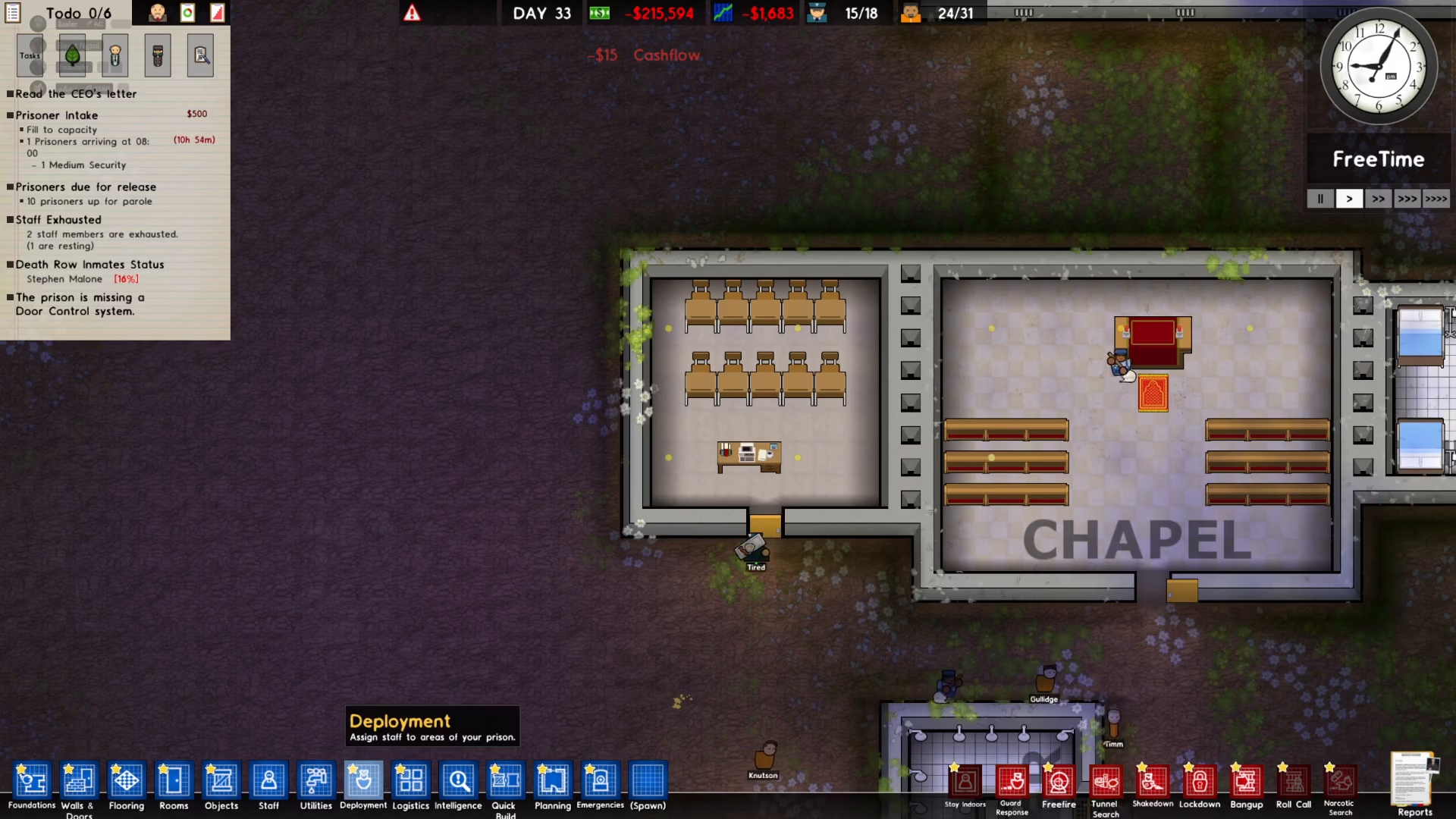
Training programs often require that the classroom be accessible only to staff members. To set this restriction, click on Employment in the bottom left corner of your screen.
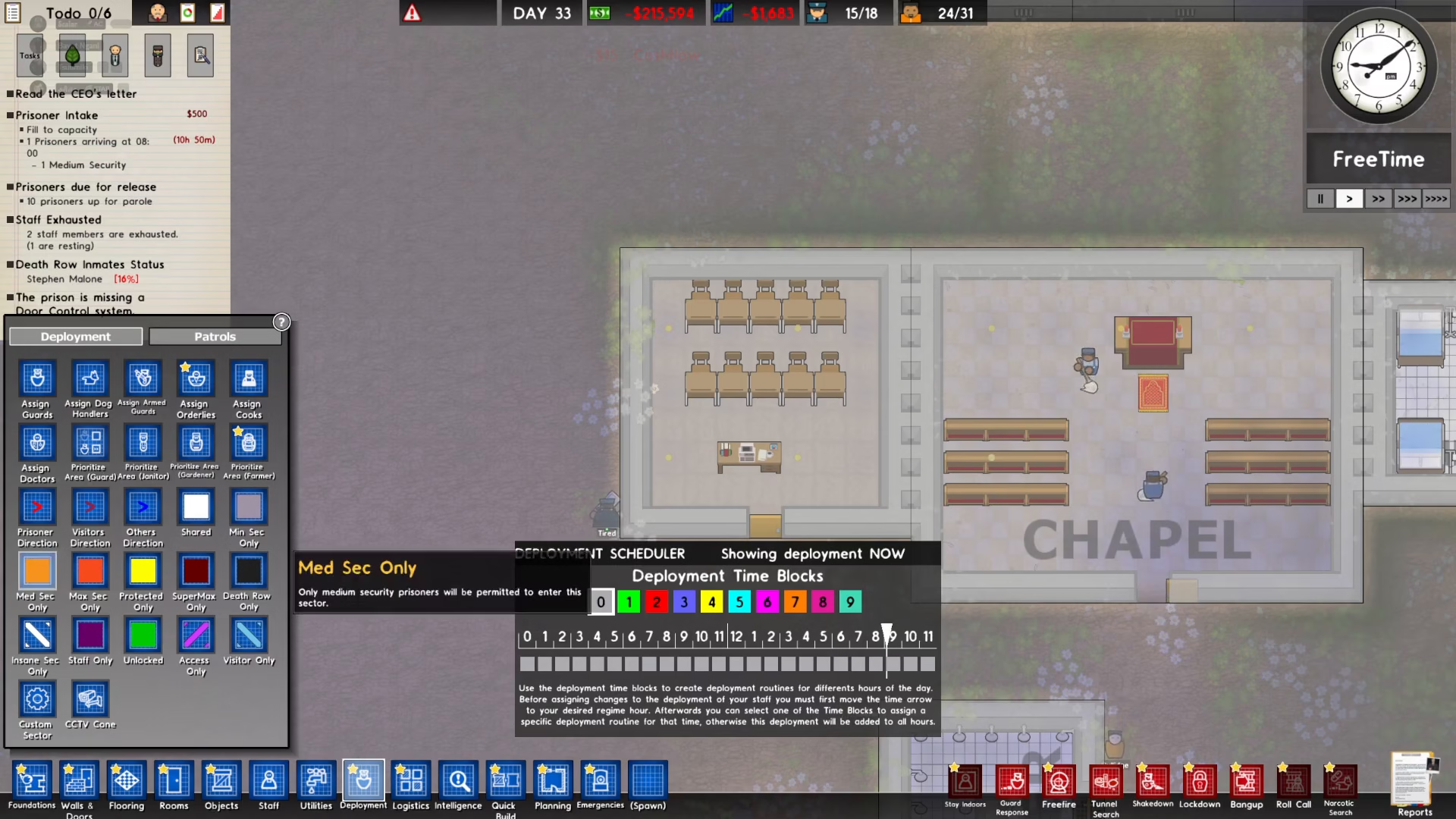
Select the Staff Only option from the Employment menu.
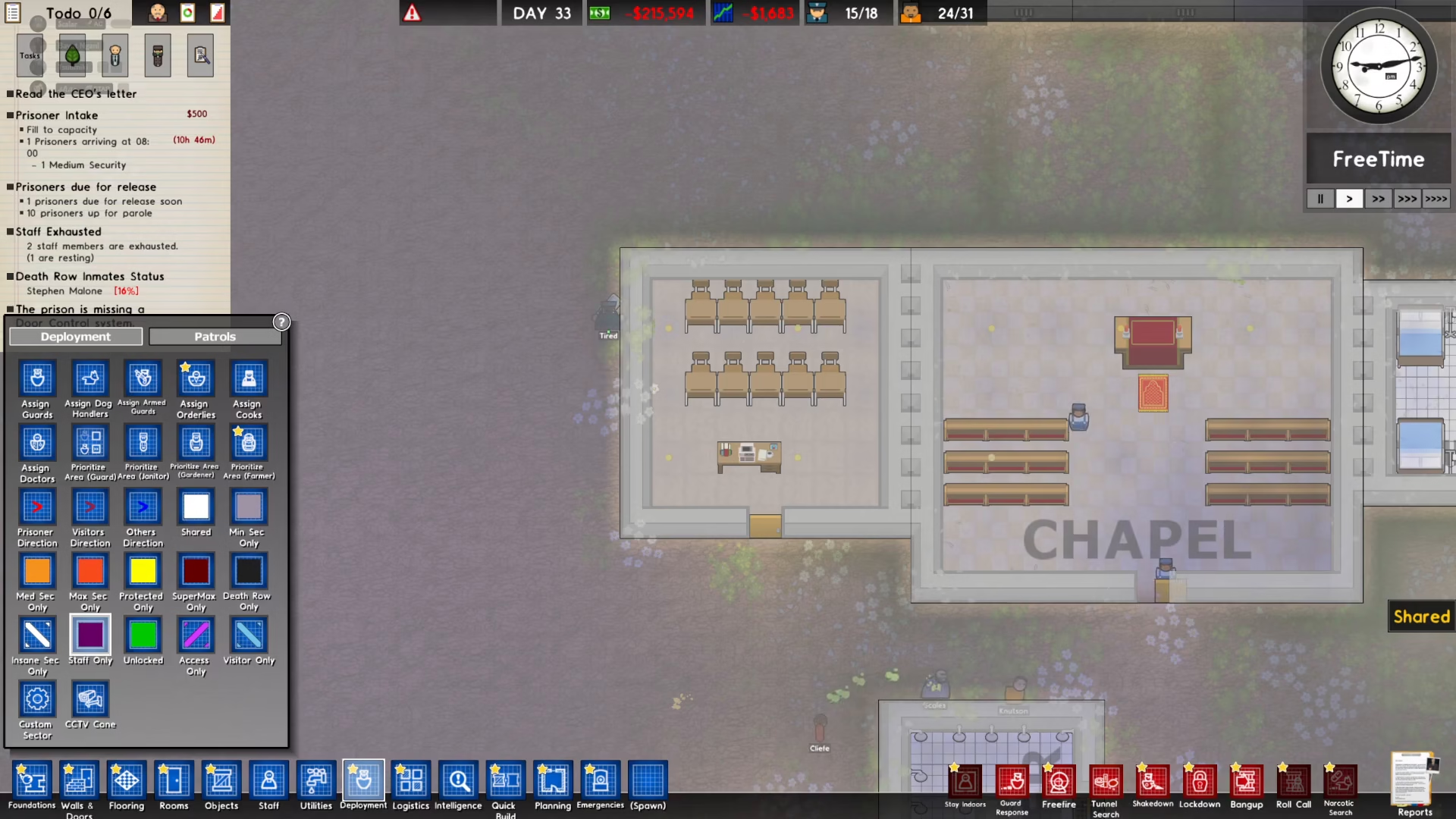
Then click on your newly created classroom to apply the Staff Only restriction to it.
The classroom will now be designated as staff only, ensuring that prisoners cannot access the training facility.
Starting the Training Program
With your classroom set up and configured, return to the Reports menu and open Staff Programs again.
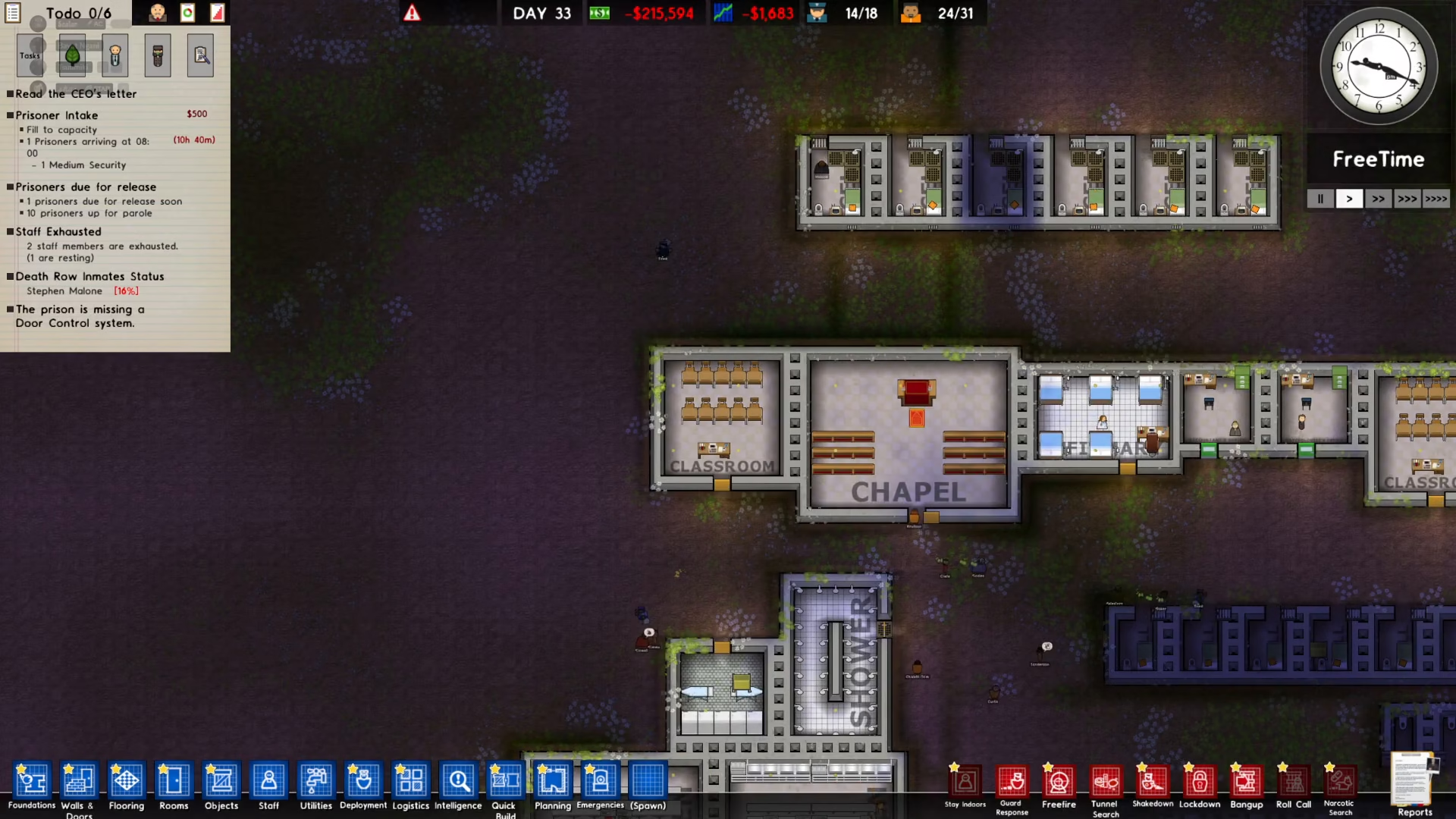
Select the training program you want to run—in this case, Guard Taser Certification—and click Start.
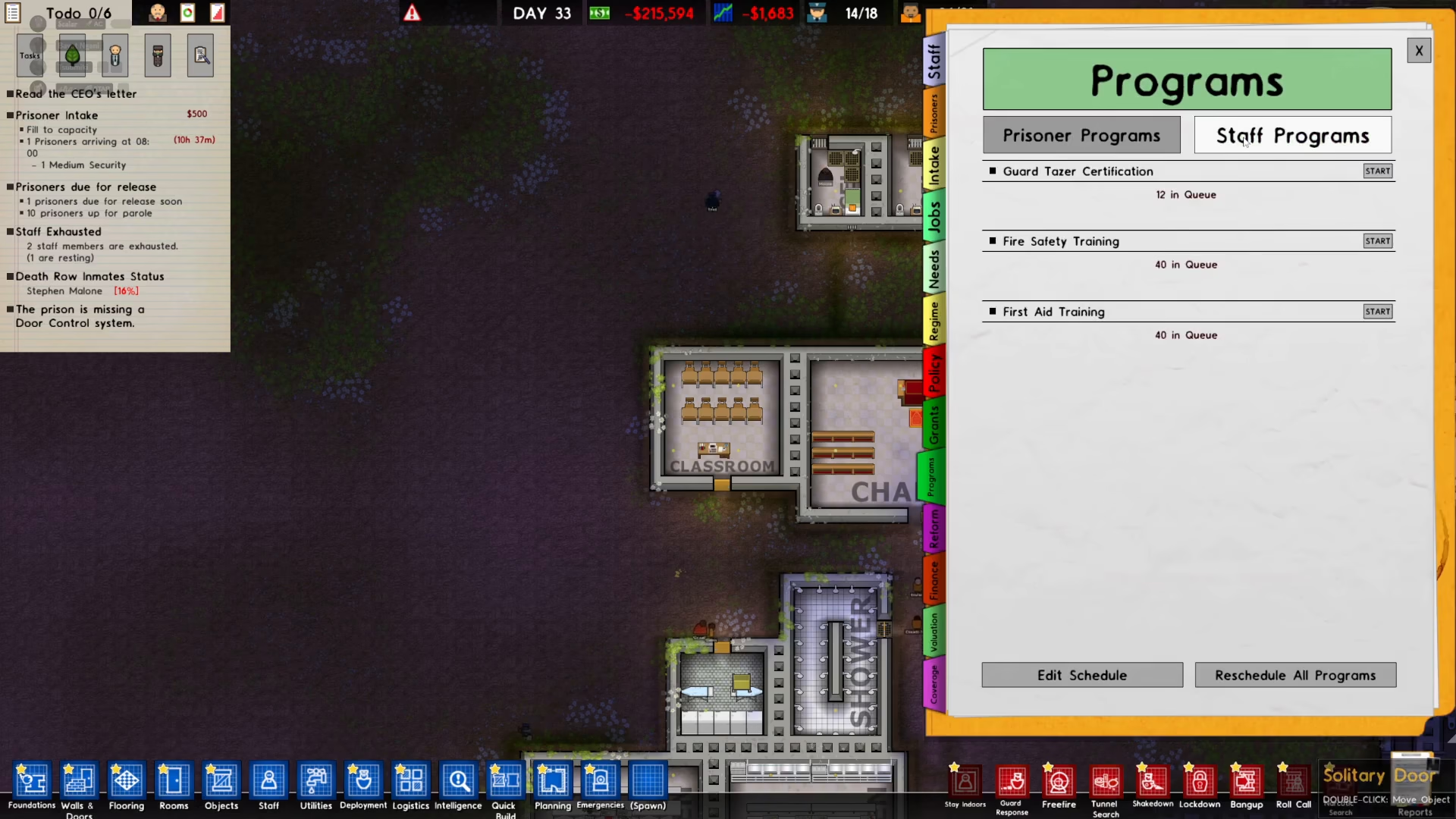
A schedule window will appear showing the planned training session. The default schedule can be adjusted if needed, but you can also keep it as is.
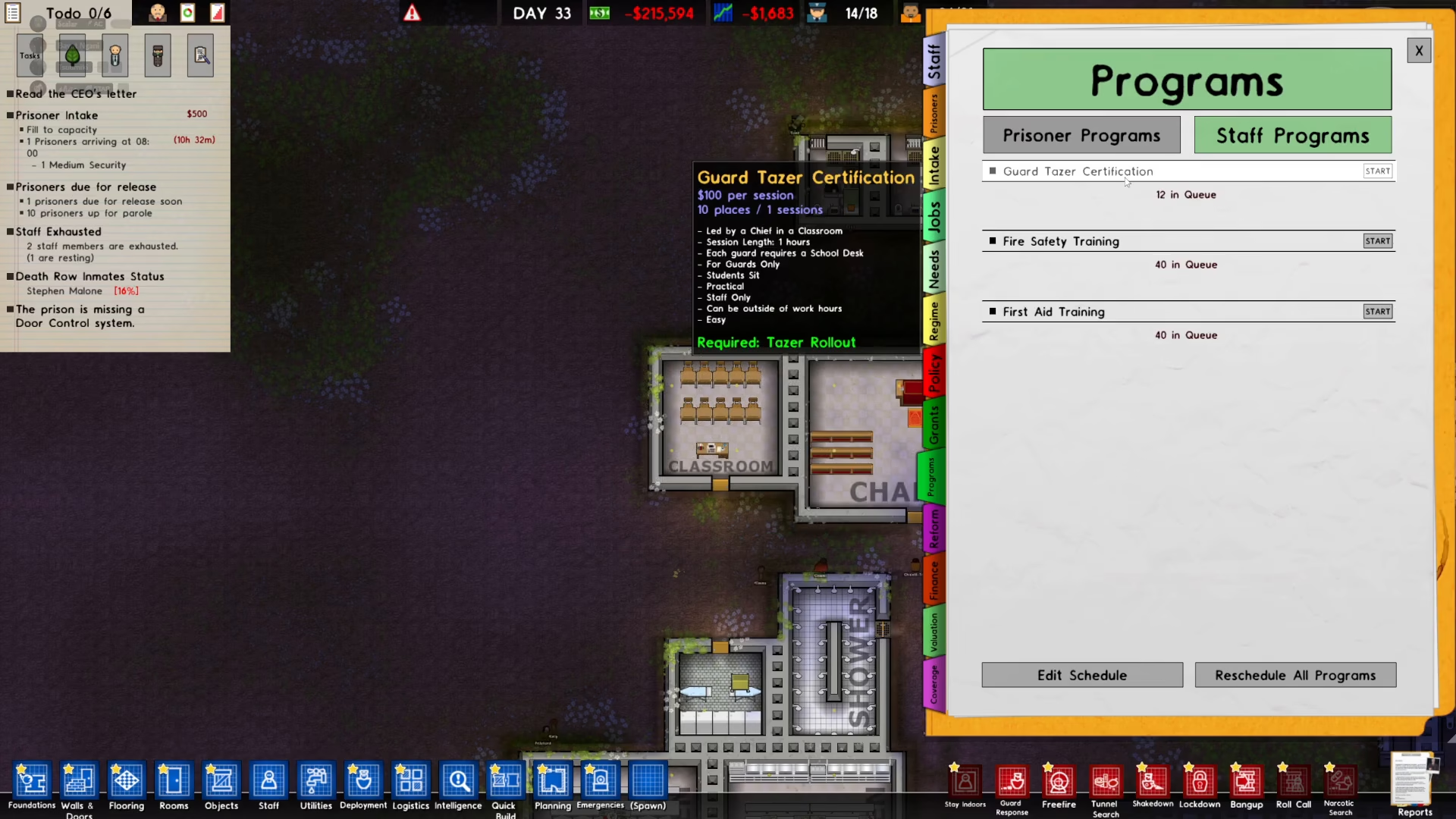
Waiting for Training to Complete
The training program will run according to the schedule you set. In the default configuration, training typically begins at 12 AM (midnight). Simply wait for the scheduled time to arrive, and your staff members will begin their training session.
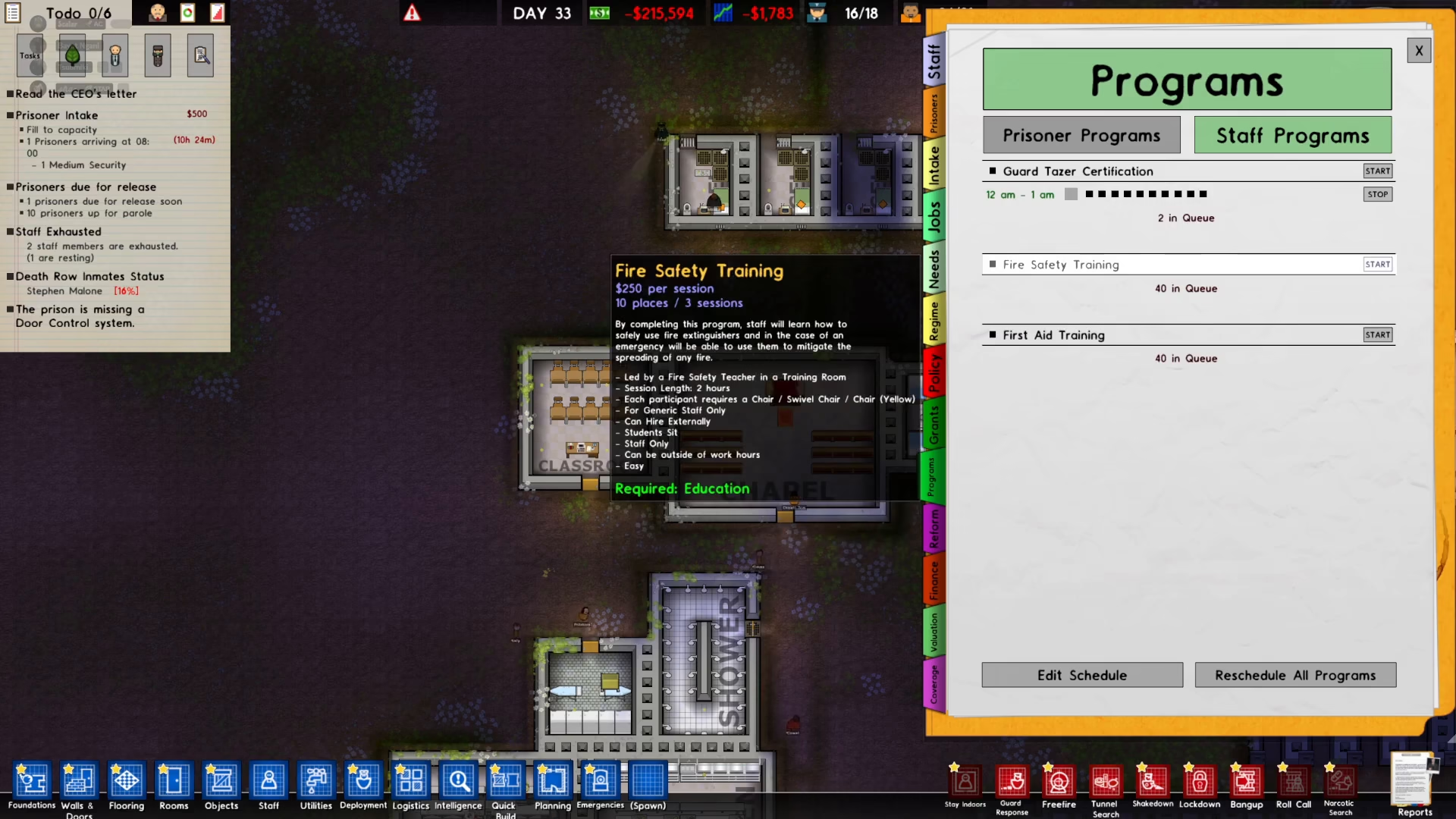
Once the training begins, you’ll see the staff training in action within your classroom.
Summary
Training staff in Prison Architect is a straightforward process that significantly enhances your prison’s operational efficiency. By following these steps—accessing Staff Programs, creating a dedicated classroom, setting proper access restrictions, and starting the training program—you can ensure your guards receive the certifications they need. With proper training in place, your staff will be better equipped to handle the challenges of prison management.
— Want to Support? —
If you would like to help us continue making these guides – please consider joining our patreon here – https://www.patreon.com/c/JaviHeals
Alternatively – you can join our discord here – https://discord.gg/zD7Gjt6MHF



