





How To Turn Off Car Alarm In Phasmophobia
How To Turn Off Car Alarm In Phasmophobia
If you’ve been playing Phasmophobia and encountered a guard alarm going off during your investigation, you’re not alone. This situation can happen unexpectedly in the game, especially when dealing with ghost activity. Fortunately, there’s a straightforward solution to disable the guard alarm. This guide will walk you through the exact steps needed to turn off the car alarm and get back to your ghost hunting.
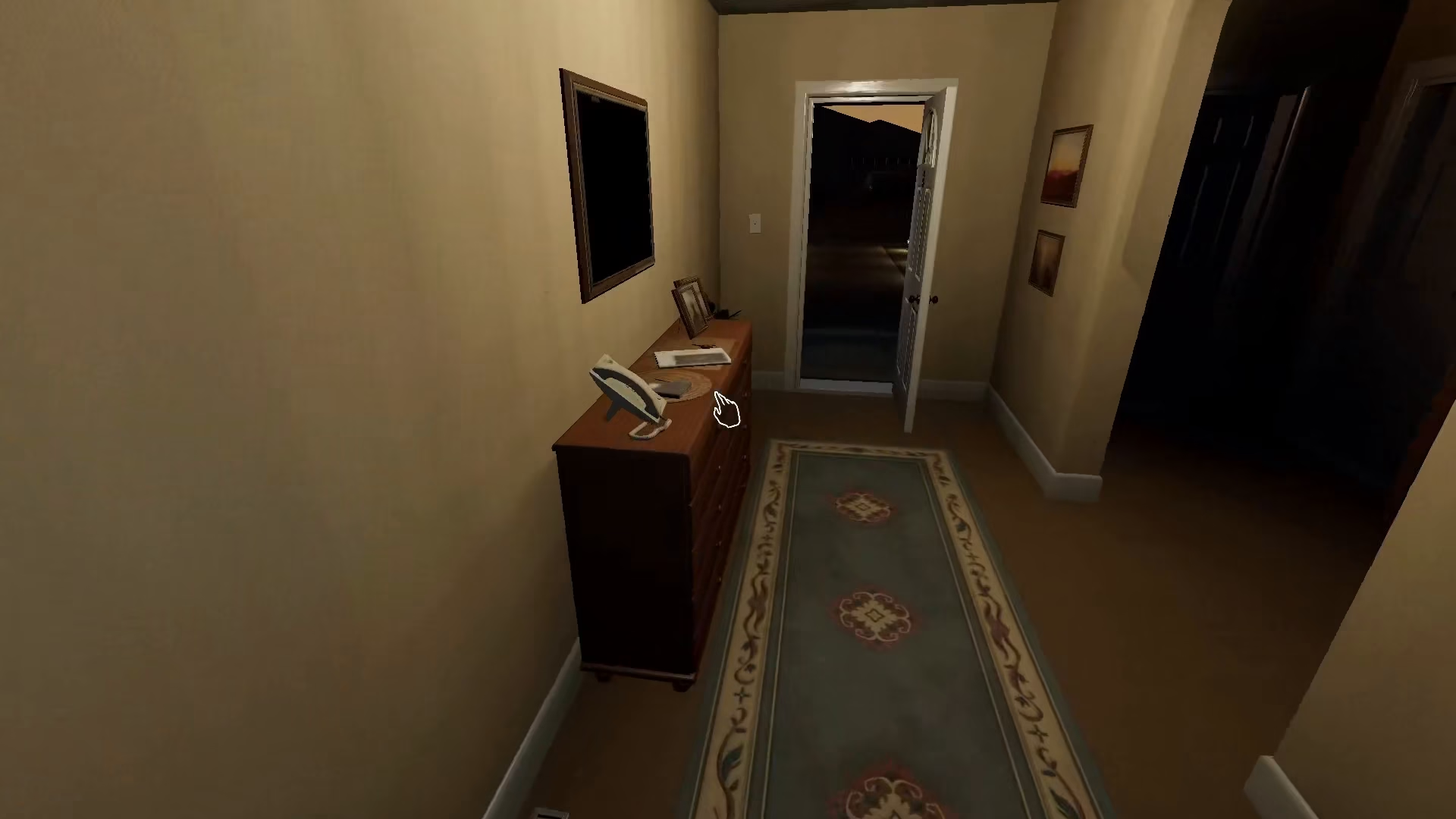
Finding the Guard Alarm Key
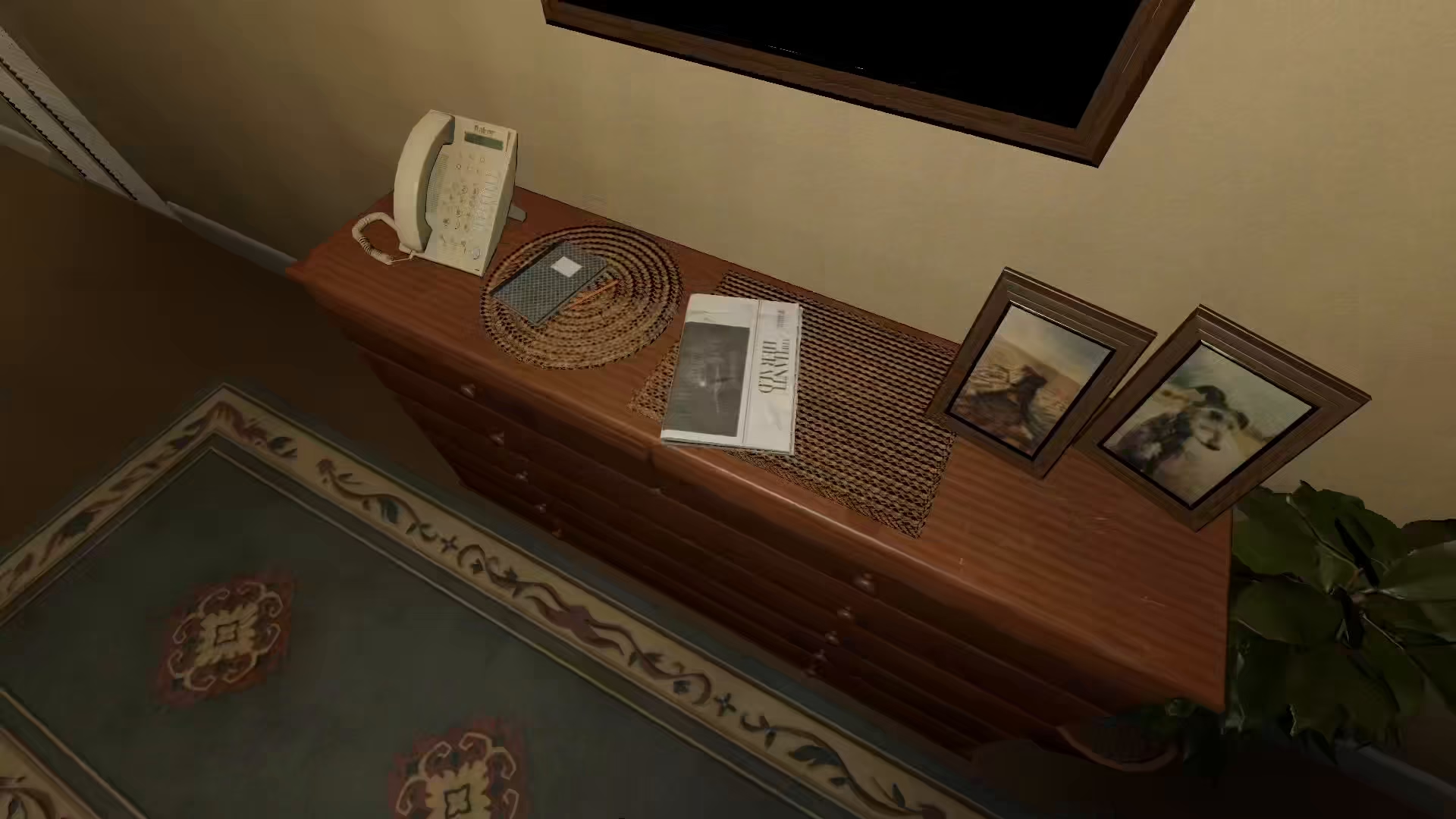
The first step to disabling the guard alarm is locating the key that controls it. On the Danglewood map, you’ll find a key that you need to pick up. This key is essential for accessing the alarm control mechanism.
Accessing the Garage Area
Once you have the key in your inventory, make your way to the Garage area of the map. This is where the guard alarm control panel is located.
Disabling the Guard Alarm
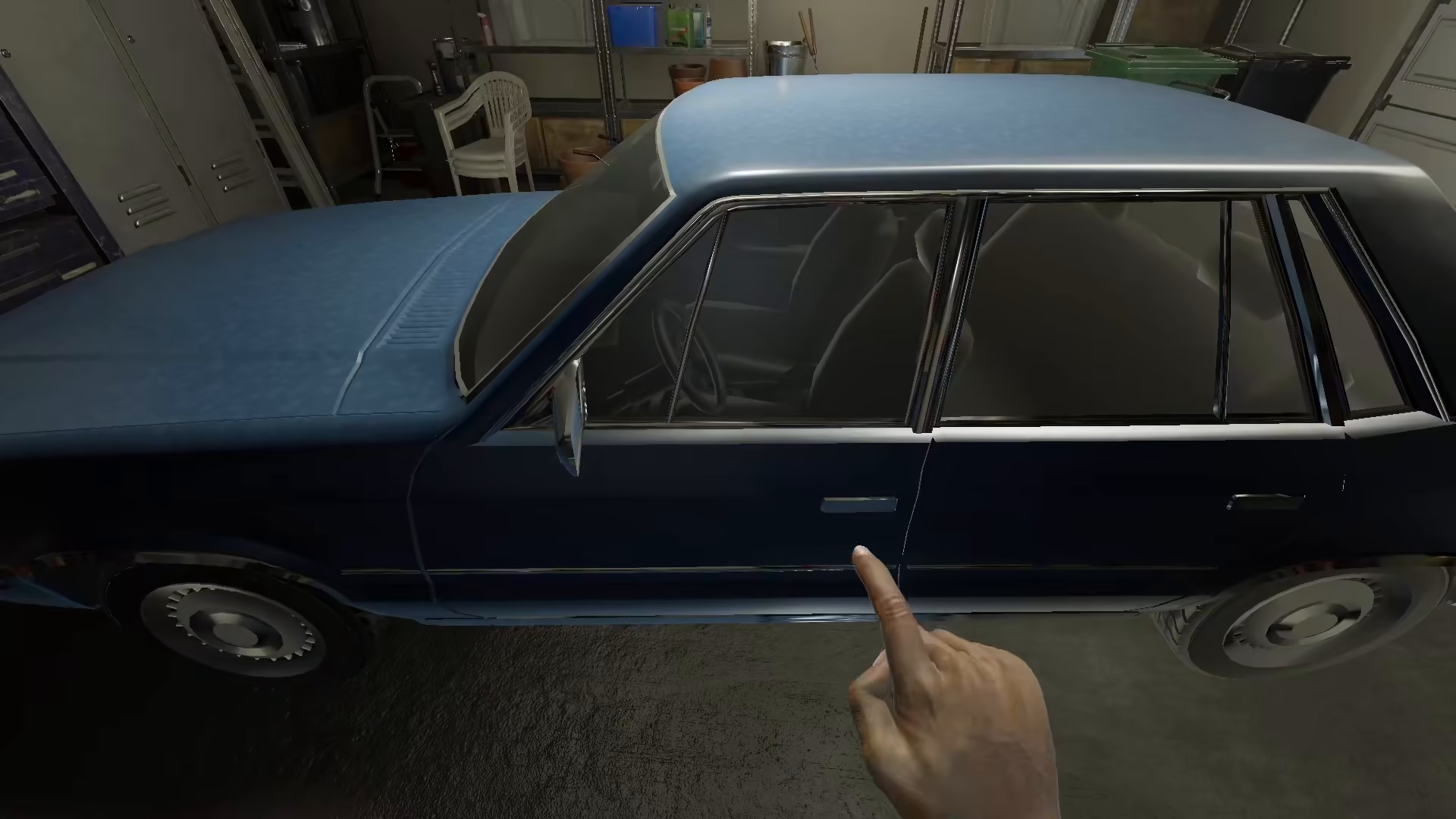
Head to the guard door in the Garage area. Right-click on the guard door with the key in your possession. This action will trigger a specific animation sequence.
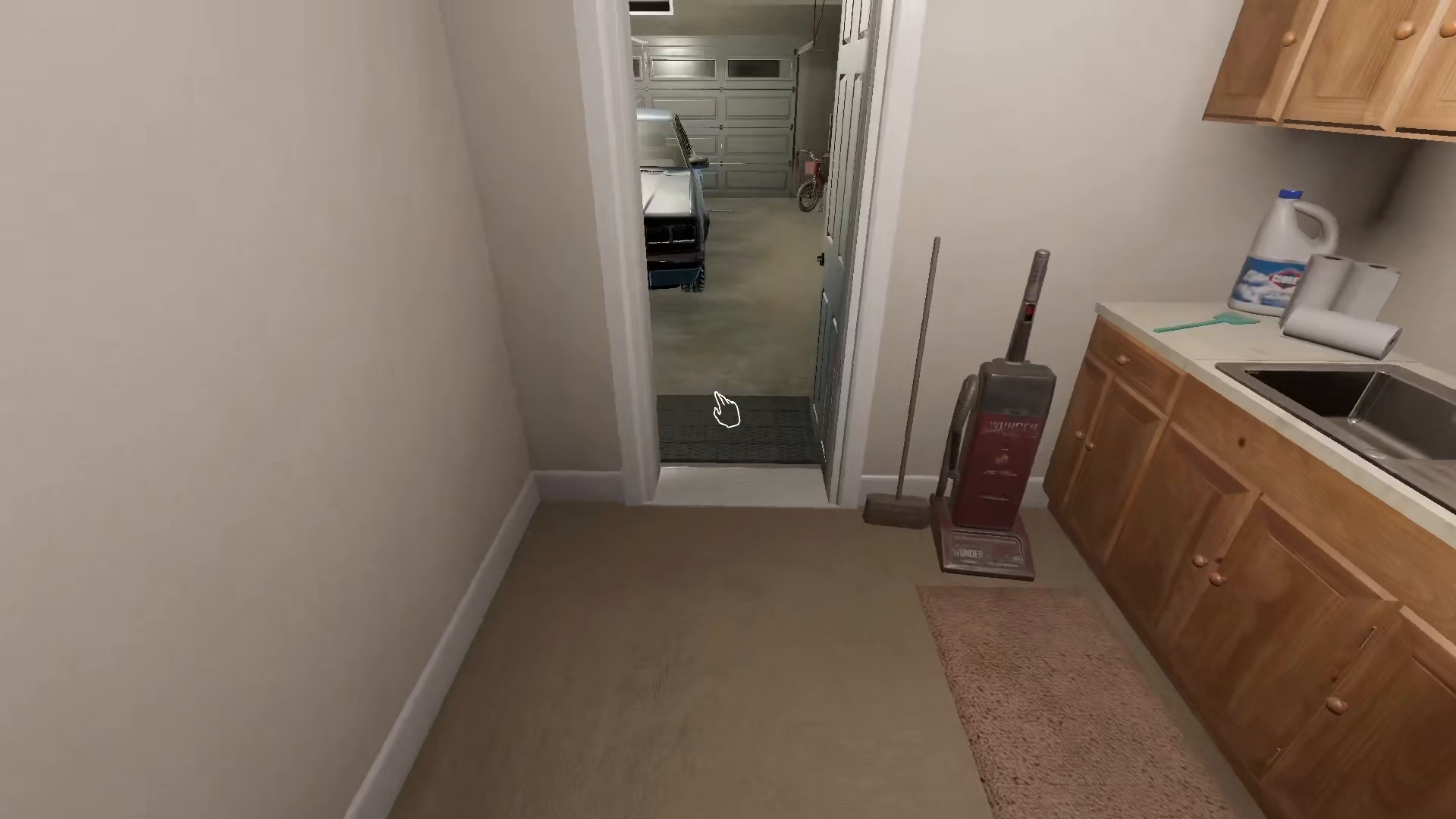
After you click on the door, your character will perform an animation. Once this animation completes, the guard alarm will turn off completely, and you can continue your investigation without the noise disruption.
Summary
Turning off the guard alarm in Phasmophobia is a simple three-step process: find the key on the Danglewood map, navigate to the Garage area, and right-click on the guard door to disable it. With this knowledge, you’ll no longer be stuck dealing with blaring alarms during your ghost-hunting sessions.
— Want to Support? —
If you would like to help us continue making these guides – please consider joining our patreon here – https://www.patreon.com/c/JaviHeals
Alternatively – you can join our discord here – https://discord.gg/zD7Gjt6MHF


