





How To Turn On Night Vision Goggles In Phasmophobia
How To Turn On Night Vision Goggles In Phasmophobia
Night vision goggles are an essential tool in Phasmophobia for navigating dark environments during ghost hunts. This guide will walk you through the simple process of activating night vision goggles in the game, so you can explore haunted locations with improved visibility.
Understanding Night Vision Equipment
Phasmophobia offers several lighting options for players, including headlights and night vision goggles. The night vision goggles are the Tier 3 equipment option for vision enhancement. Unlike standard headlights that simply illuminate your surroundings, night vision goggles work differently by overlaying a green-tinted view of the environment, allowing you to see clearly in complete darkness.
How To Activate Night Vision Goggles
Activating night vision goggles in Phasmophobia is straightforward and requires just one simple action. To turn on your night vision goggles, simply hold the T key on your keyboard.
What To Expect When Activated
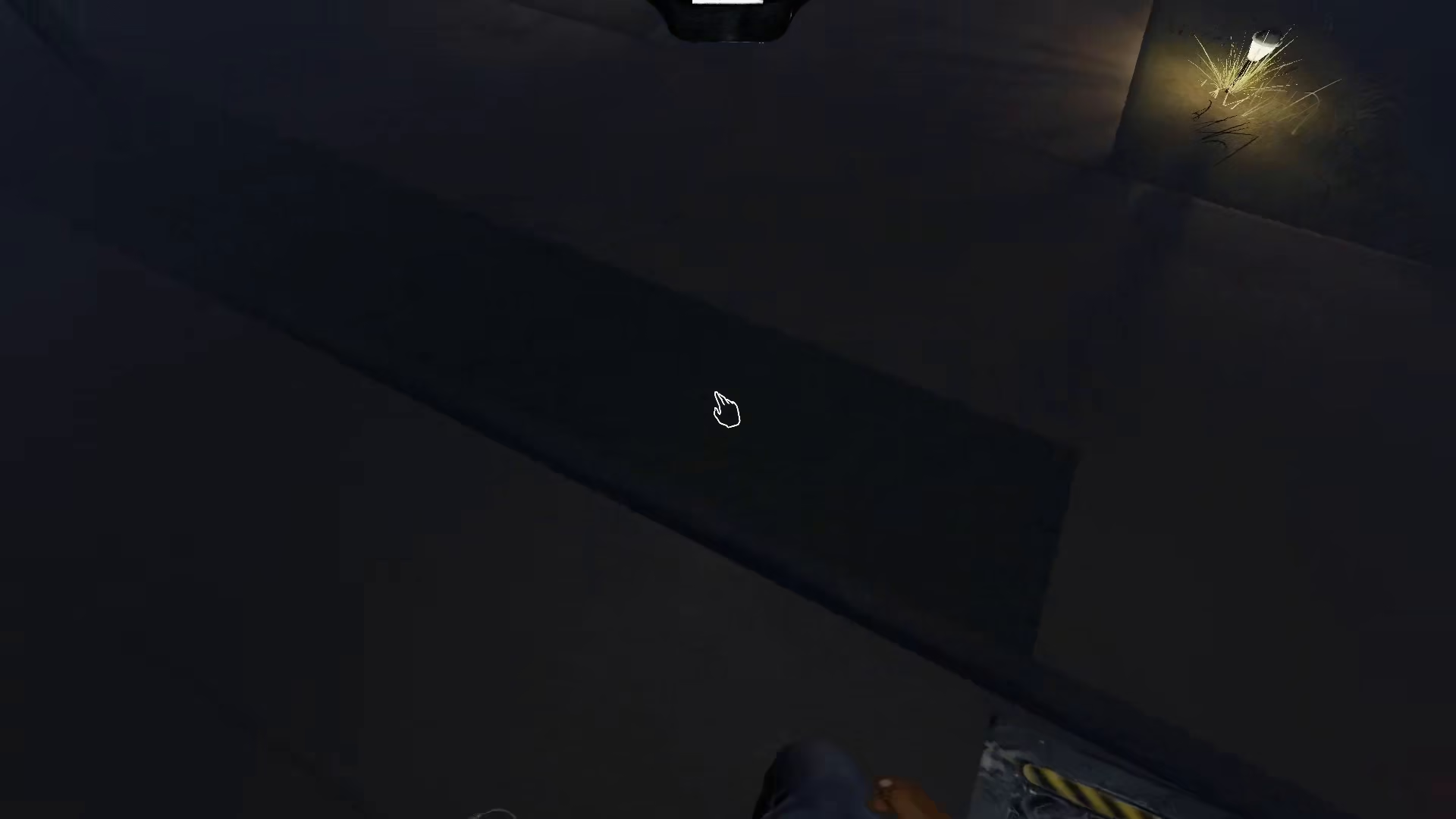
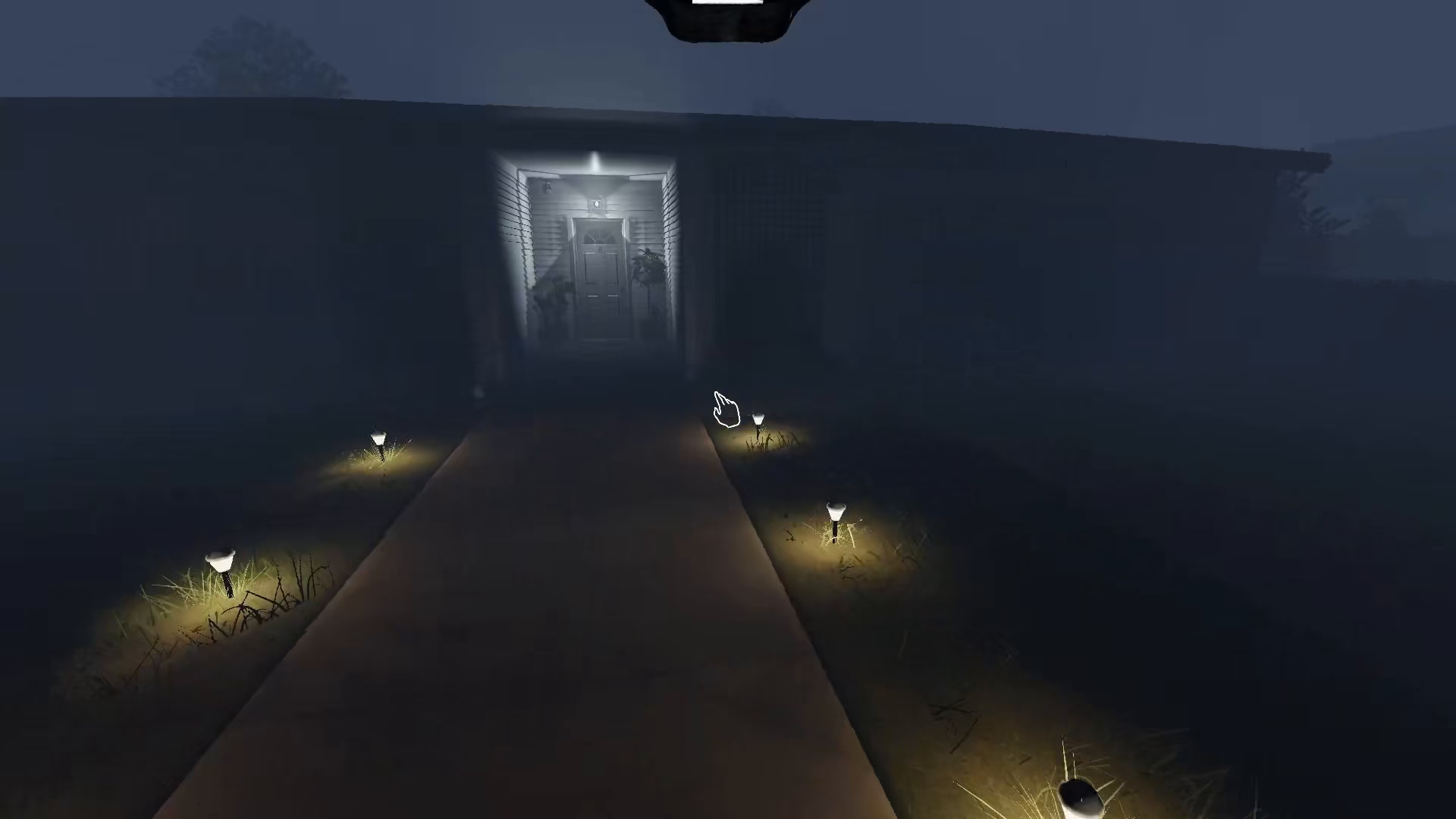
Once you’ve pressed and held the T key, your night vision goggles will activate and place themselves over your eyes. The visual effect is distinctive and immediately noticeable—everything in your field of view will take on a very greenish color, characteristic of night vision technology. This green tint allows you to see through darkness and identify objects, equipment, and ghost activity much more clearly than you would with regular visibility.
Summary
Turning on night vision goggles in Phasmophobia is easy: simply hold down the T key on your keyboard. The goggles will activate and provide a green-tinted view of your surroundings, making it much easier to navigate dark areas during your ghost-hunting investigations. This Tier 3 equipment is invaluable for thorough exploration of haunted locations.
— Want to Support? —
If you would like to help us continue making these guides – please consider joining our patreon here – https://www.patreon.com/c/JaviHeals
Alternatively – you can join our discord here – https://discord.gg/zD7Gjt6MHF


