How To Turn On Flashlight In Phasmophobia
“`html
How To Turn On Flashlight In Phasmophobia
Learning how to use your flashlight in Phasmophobia is one of the most essential skills for ghost hunting. This quick guide will show you the simple controls needed to toggle your flashlight on and off, whether you’re using a mouse or keyboard.
Turning On Your Flashlight
Activating your flashlight in Phasmophobia is straightforward. First, pick up any flashlight from your equipment. Once you have it in your hands, simply right-click your mouse button and the flashlight will turn on immediately.
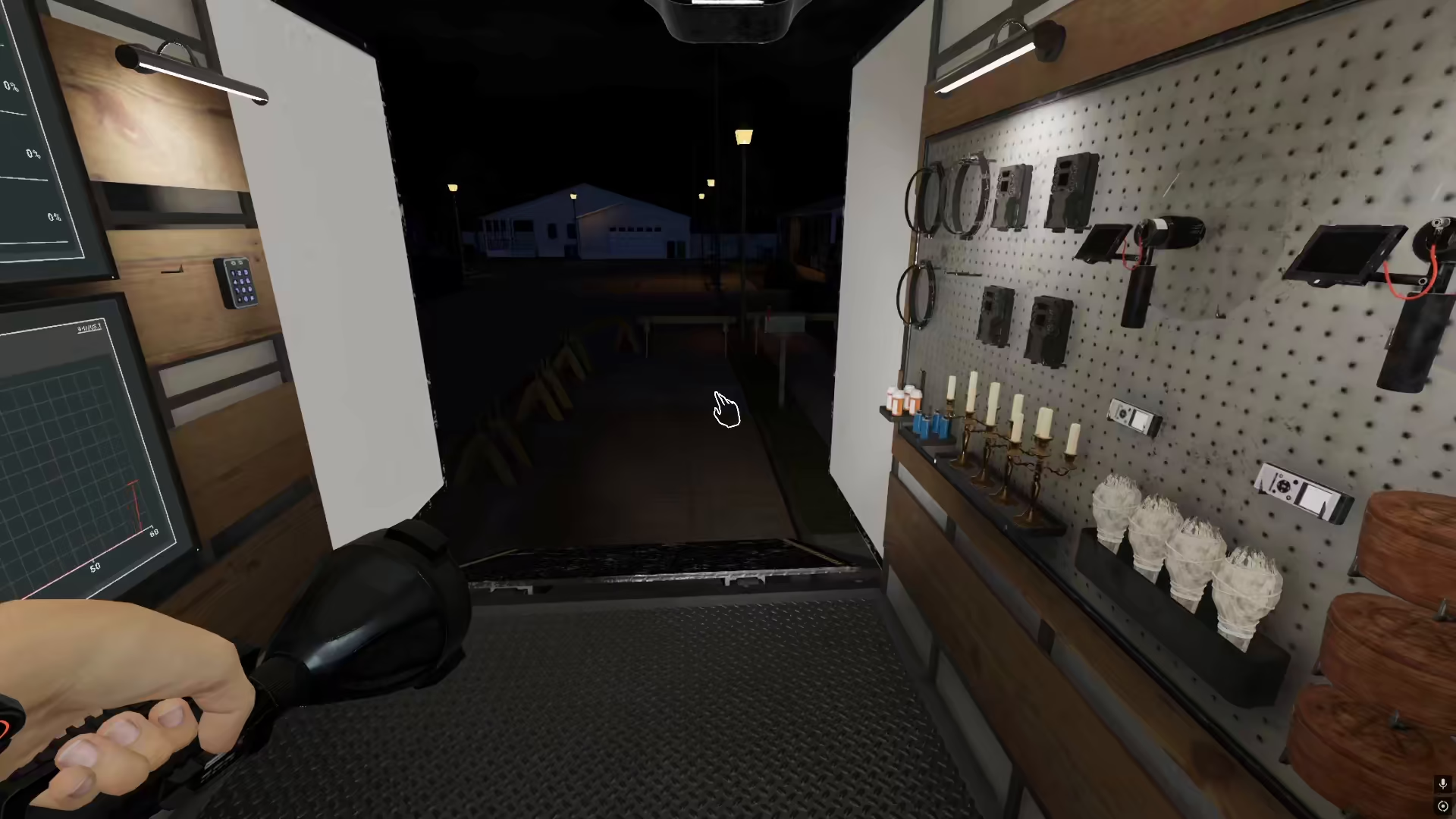
If you need to turn the flashlight off, just right-click again and it will deactivate. This toggle mechanic makes it easy to conserve battery and manage your lighting as you explore haunted locations.
Keyboard Alternative Control
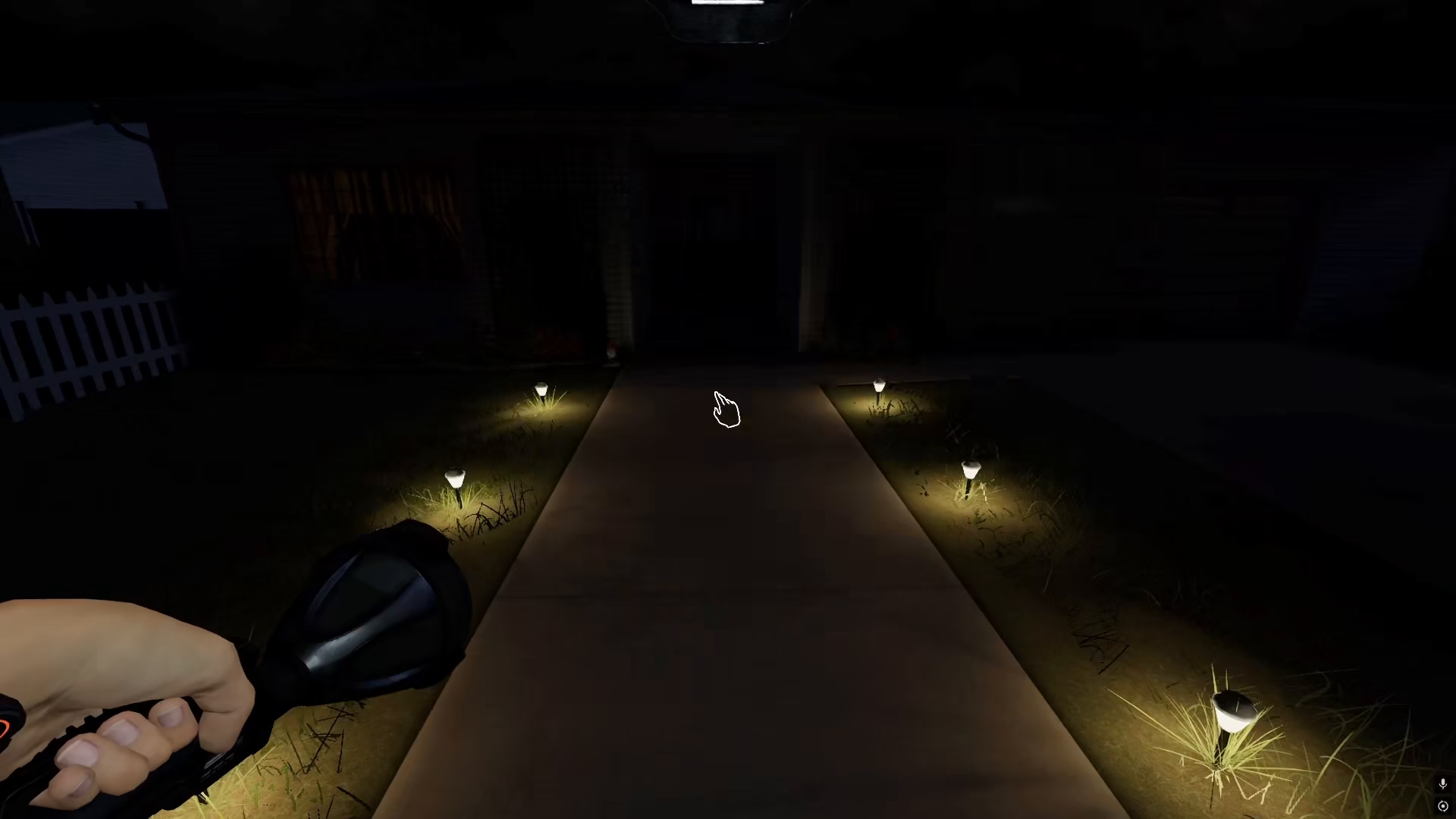
If you don’t have access to a mouse or prefer keyboard controls, you can use the D key on your keyboard to toggle the flashlight on and off. Simply press D once to turn it on, and press D again to turn it off.
Summary
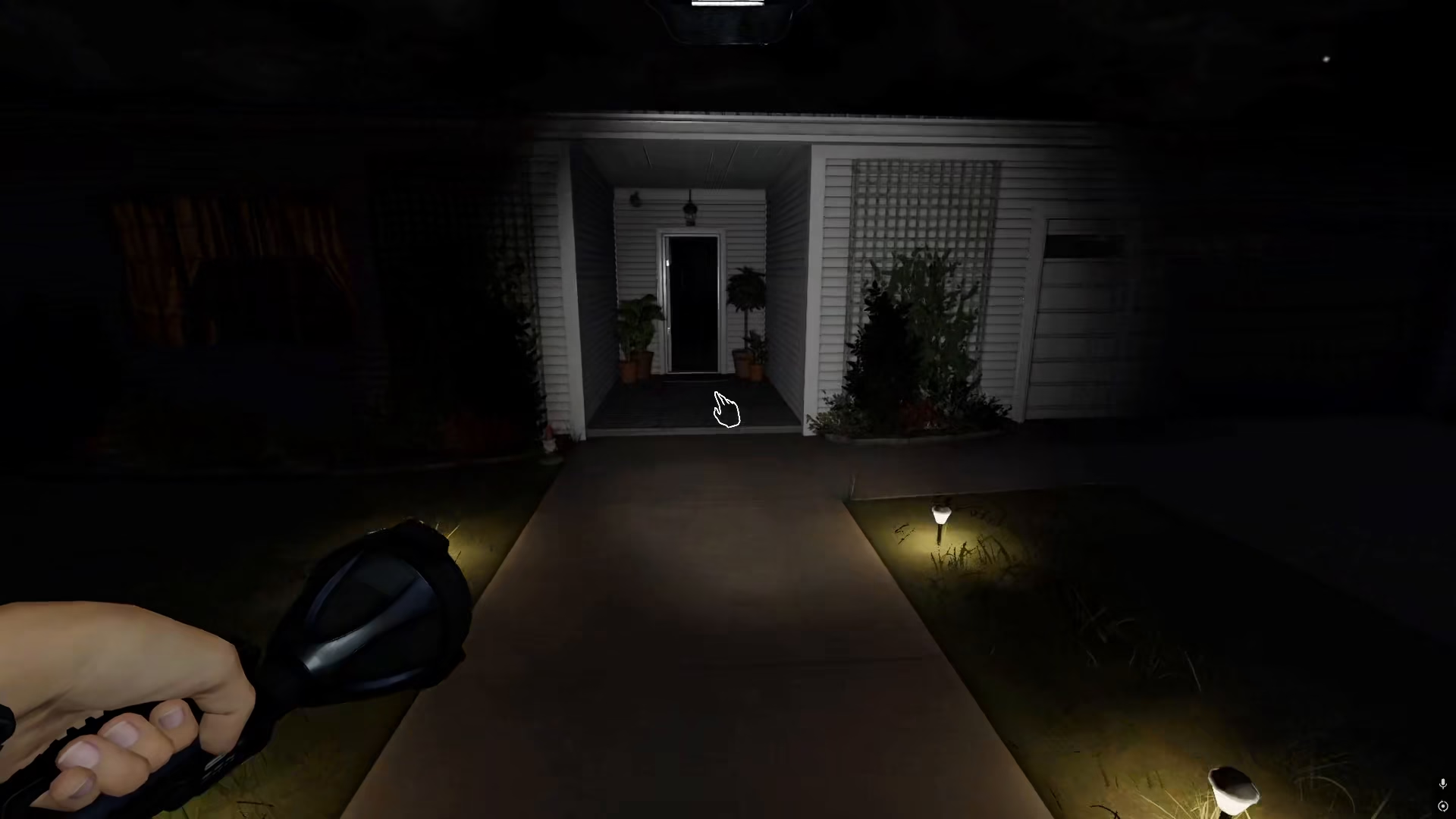
Turning on a flashlight in Phasmophobia is easy once you know the controls. Whether you choose to use your right mouse button or the D key on your keyboard, you’ll be able to quickly illuminate dark areas and spot ghostly activity. Practice using both control methods to find what works best for your playstyle.
— Want to Support? —
If you would like to help us continue making these guides – please consider joining our patreon here – https://www.patreon.com/c/JaviHeals
Alternatively – you can join our discord here – https://discord.gg/zD7Gjt6MHF
“`