





How To Turn On Shoulder Flashlight In Phasmophobia
How To Turn On Shoulder Flashlight In Phasmophobia
Learn the essential keyboard controls for managing multiple flashlights in Phasmophobia. Whether you’re using a headlight or standard flashlight, this guide will show you how to equip and toggle your shoulder-mounted light source while keeping another flashlight in your hand.
Understanding Dual Flashlight Setup
In Phasmophobia, you can carry two flashlights simultaneously. When you pick up two flashlights, one will automatically be placed on your shoulder, while the other remains in your hand. This dual-light setup is useful for exploring haunted locations and maintaining better visibility in dark areas.
The good news is that whether you’re using a headlight or a standard flashlight, all control methods work the same way. This consistency makes it easy to switch between different light sources without having to relearn the controls.
How to Control Your Shoulder Flashlight
Turning On the Shoulder Light
To toggle your shoulder-mounted flashlight on and off, simply press the T key on your keyboard. This will activate or deactivate the light positioned on your shoulder.
Controlling Your Hand-Held Flashlight
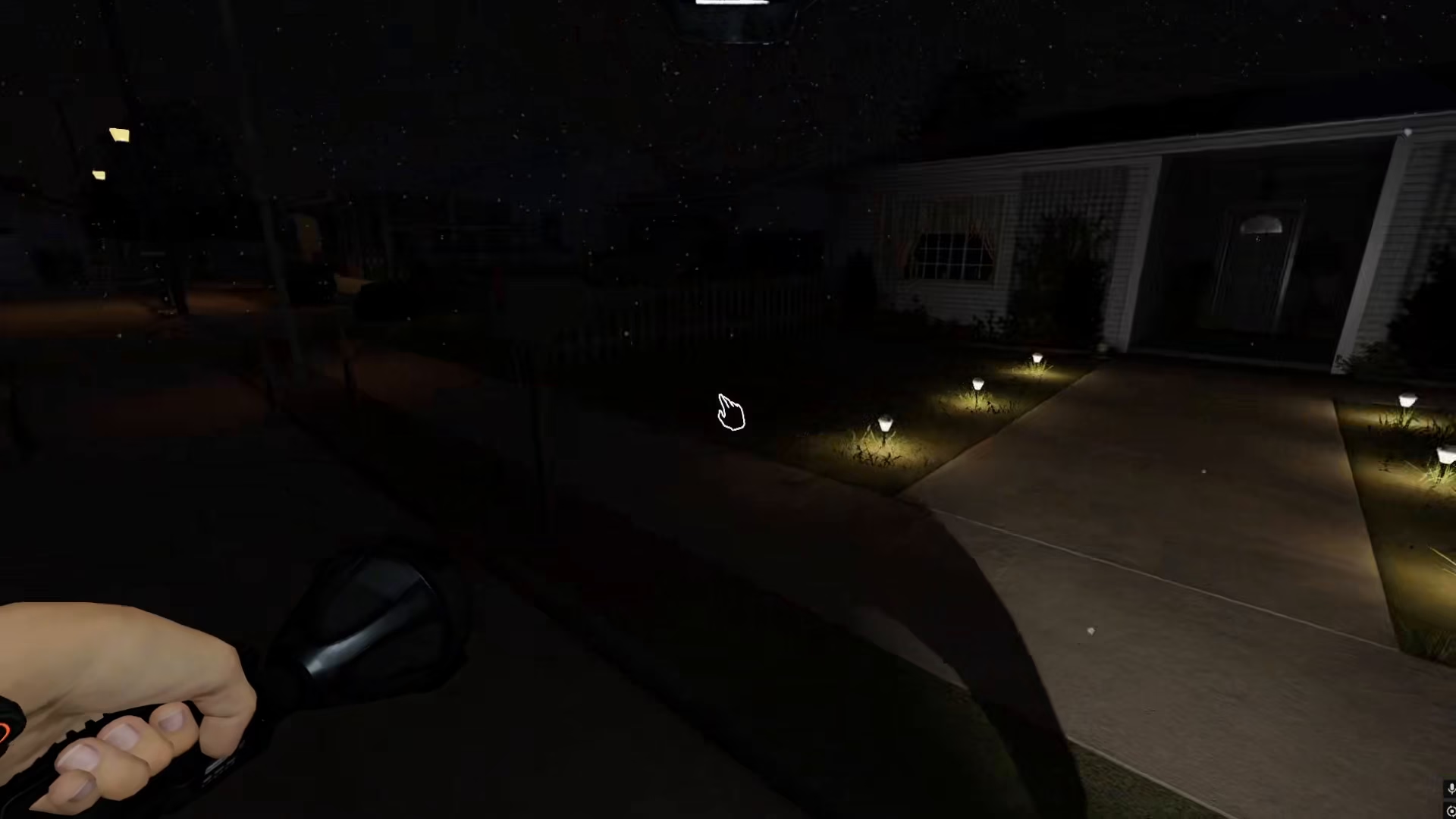
When you have one flashlight on your shoulder and another in your hand, the controls differ between the two lights. To turn on or off the flashlight in your hand, press the right mouse button. This gives you independent control over both light sources.
Quick Control Reference
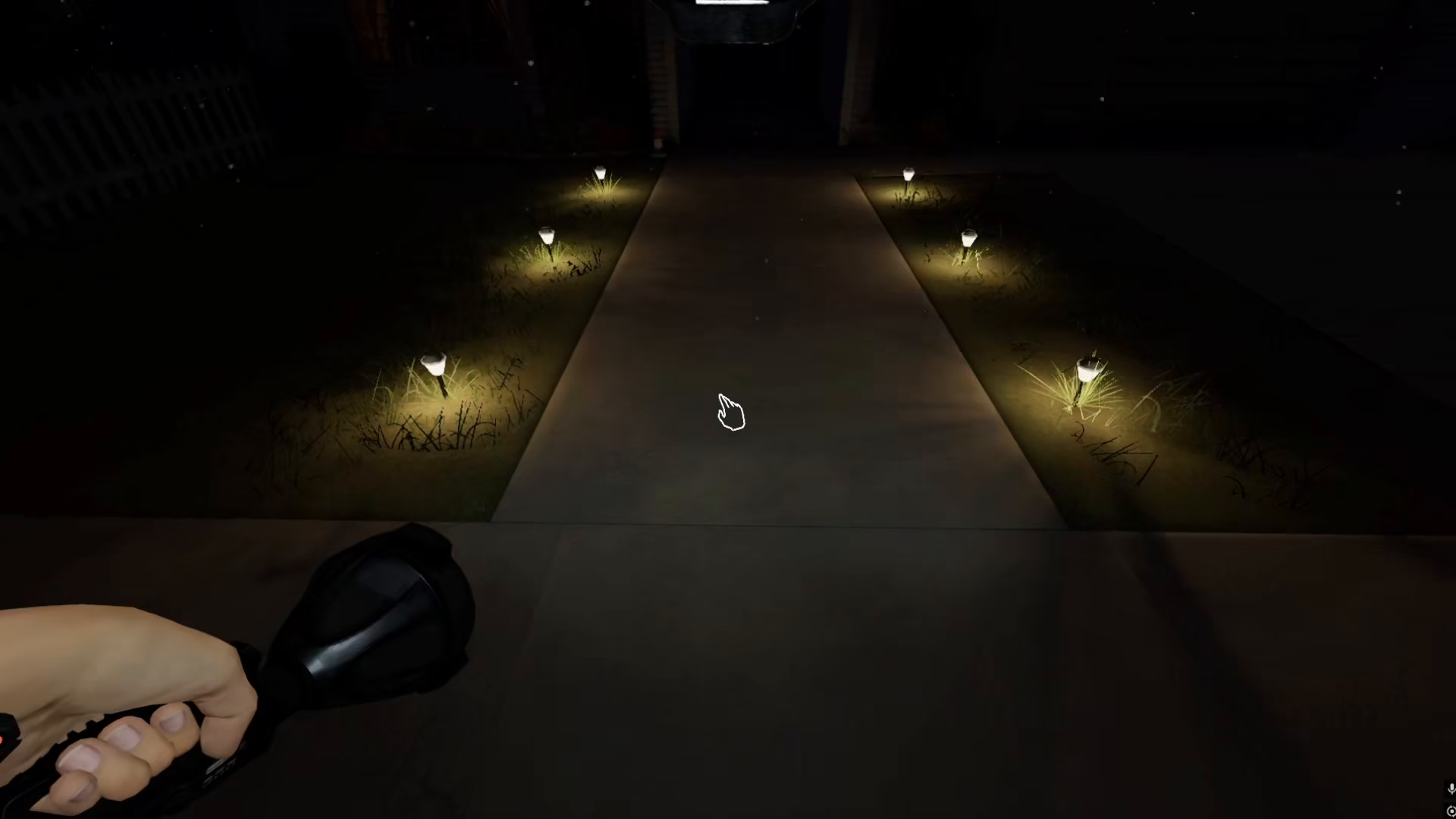
Here’s a quick summary of the controls when operating dual flashlights in Phasmophobia:
Shoulder Flashlight: Press T to toggle on/off
Hand-Held Flashlight: Press right mouse button to toggle on/off
Remember that the shoulder flashlight will remain active as long as you keep pressing T, allowing you to maintain consistent overhead lighting while you manipulate your hand-held light independently.
Summary
Mastering dual flashlight controls is essential for efficient ghost hunting in Phasmophobia. By using the T key for your shoulder light and the right mouse button for your hand-held light, you’ll have complete control over your lighting setup. Whether you’re investigating dark hallways or searching for paranormal activity, this two-light system will give you the visibility you need to succeed.
Want to Support?
If you would like to help us continue making these guides – please consider joining our patreon here – https://www.patreon.com/c/JaviHeals
Alternatively – you can join our discord here – https://discord.gg/zD7Gjt6MHF


