





How to Unlock Baal_Thamut In Vampire Survivors
How to Unlock Baal_Thamut in Vampire Survivors
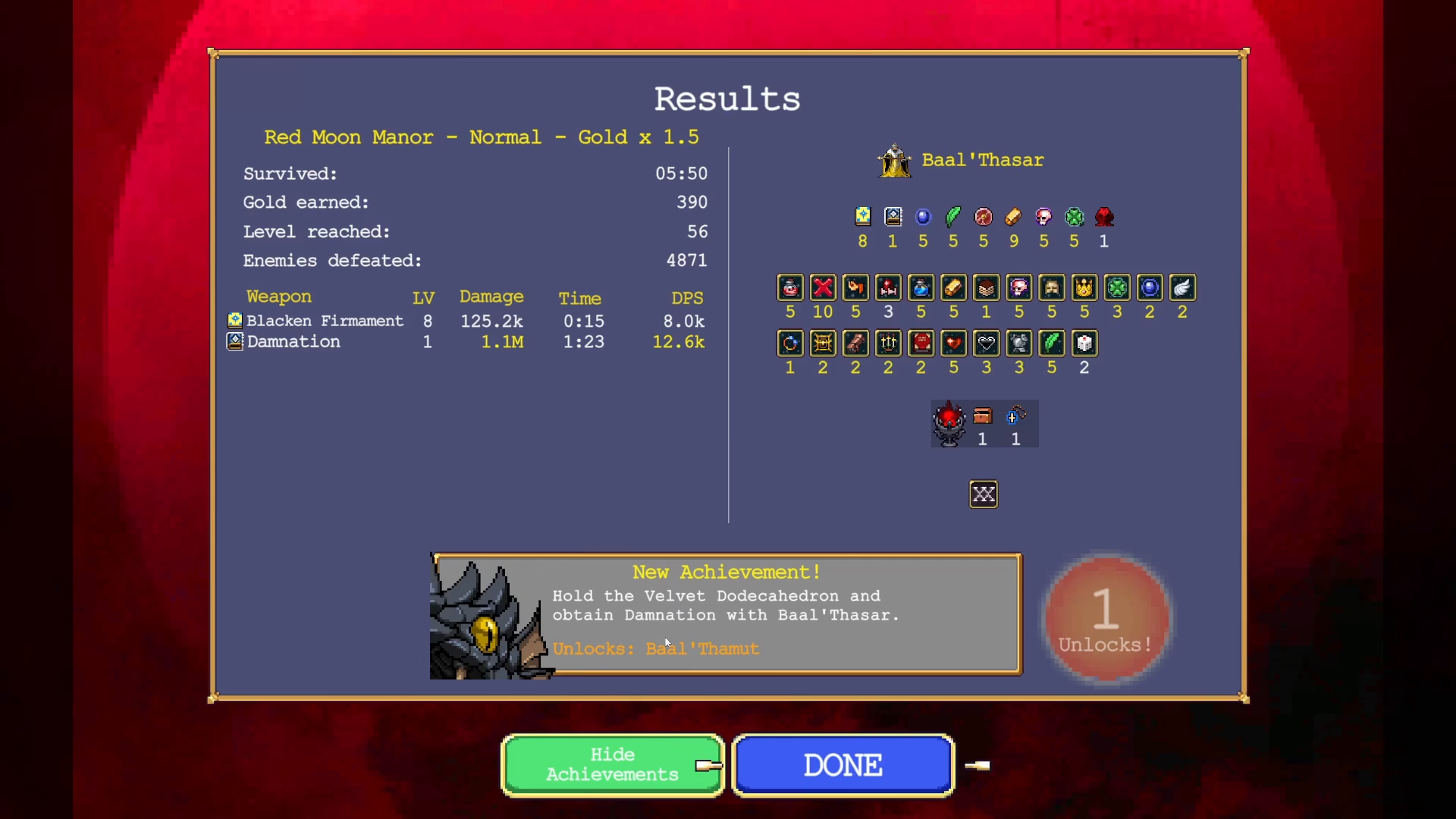
Baal_Thamut is a powerful character in Vampire Survivors that requires completing a specific evolution chain to unlock. This guide walks you through each step needed to transform into Baal_Thamut and add this character to your roster.
Step 1: Evolve Bialthazar’s Weapon
To start the process of unlocking Baal_Thamut, you need to evolve Bialthazar’s weapon. Begin by obtaining the Toronus Box and leveling it up to maximum level. Simultaneously, upgrade the weapon itself to max level as well. Once both are maxed out, collect a Tertugest to trigger the evolution into Damnation.
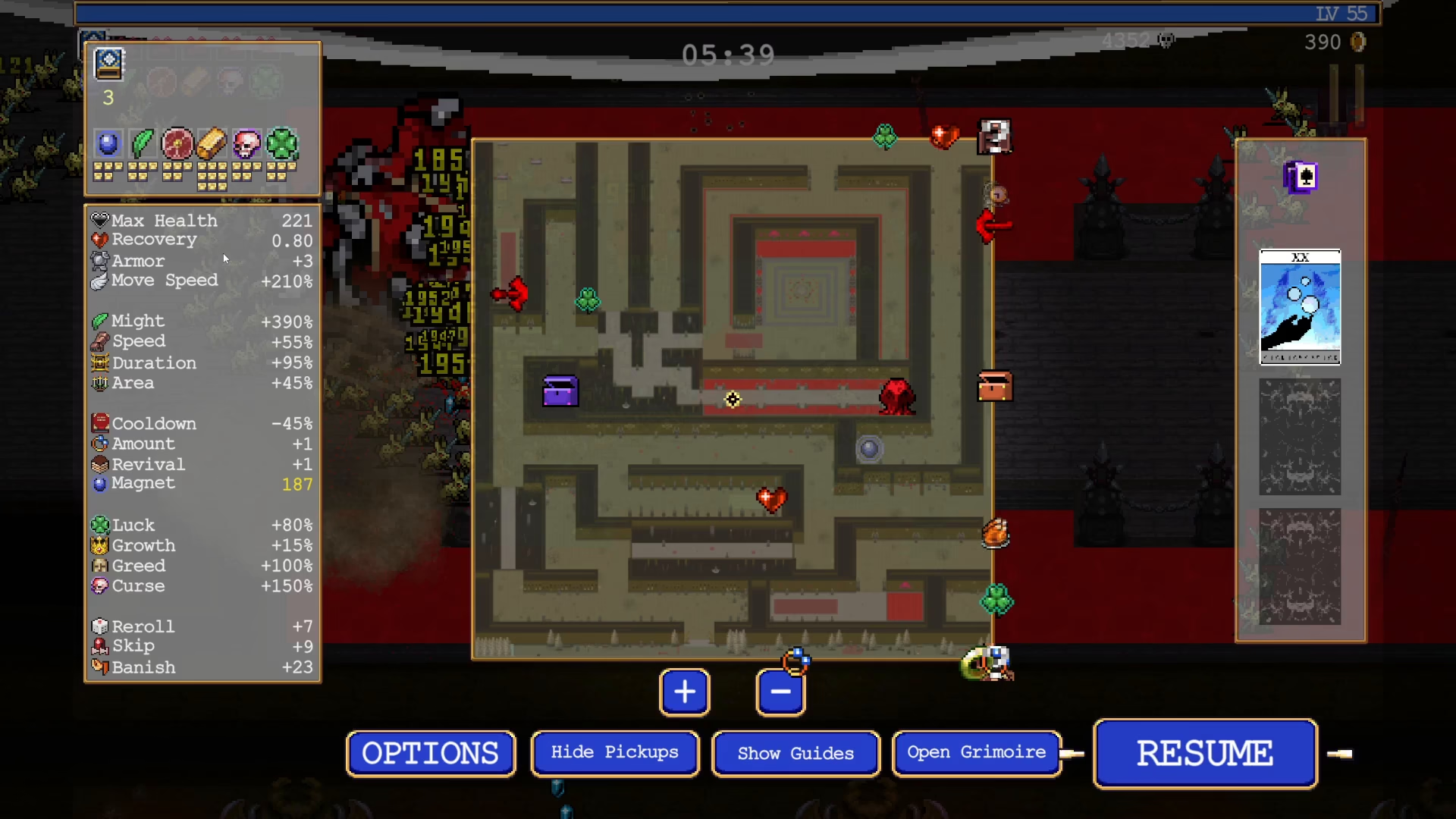
Step 2: Obtain Velvet Dota Kihedrin
After successfully acquiring Damnation, your next objective is to locate and obtain the Velvet Dota Kihedrin. This item has a specific location on the map—keep an eye out for it during gameplay. Once you collect this item, you will transform into Baal_Thamut.
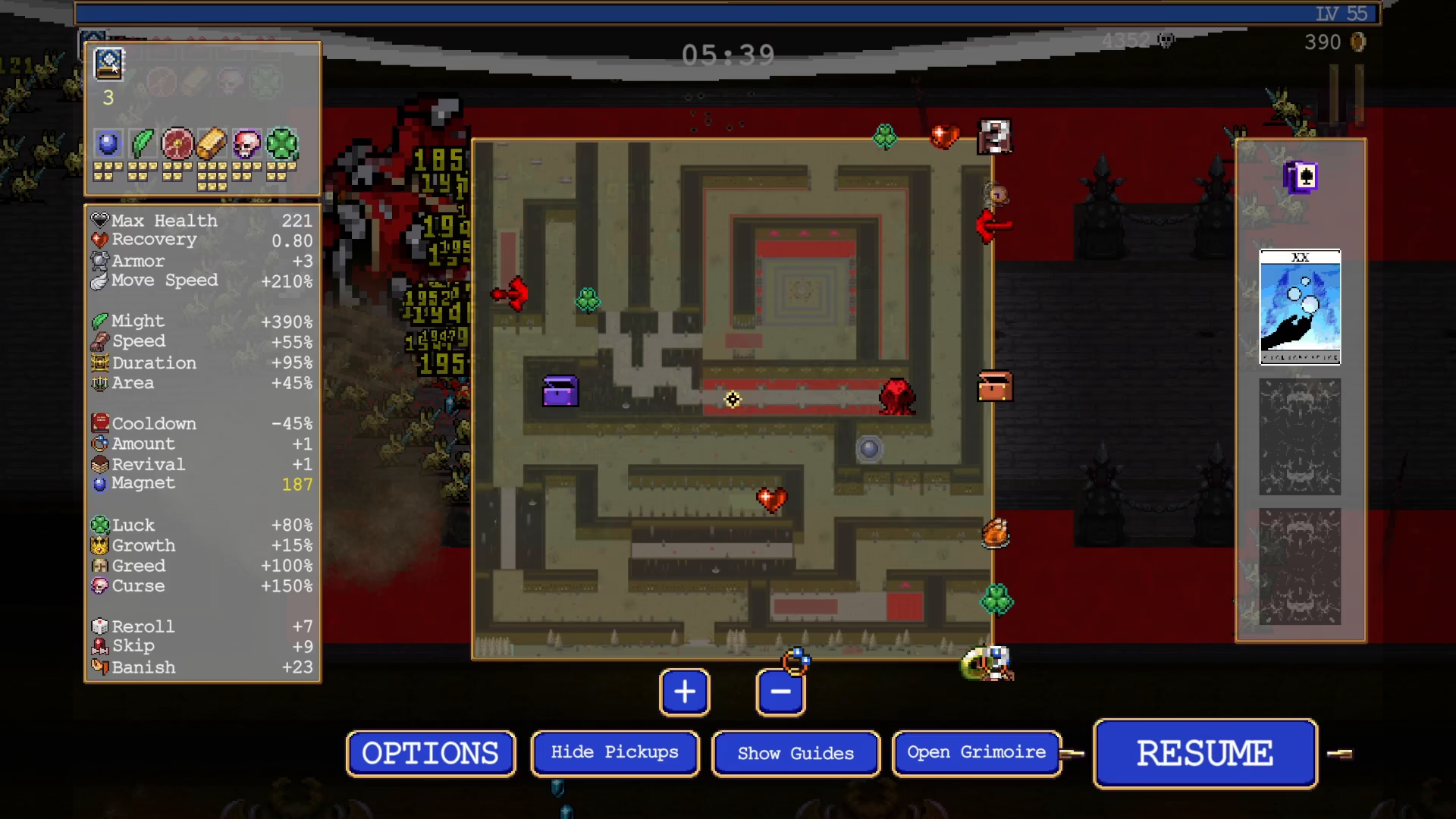
Step 3: Transform into Baal_Thamut
With the Velvet Dota Kihedrin in your possession, the transformation into Baal_Thamut will occur automatically. This is the key moment where you achieve the character form needed for the final unlock step.
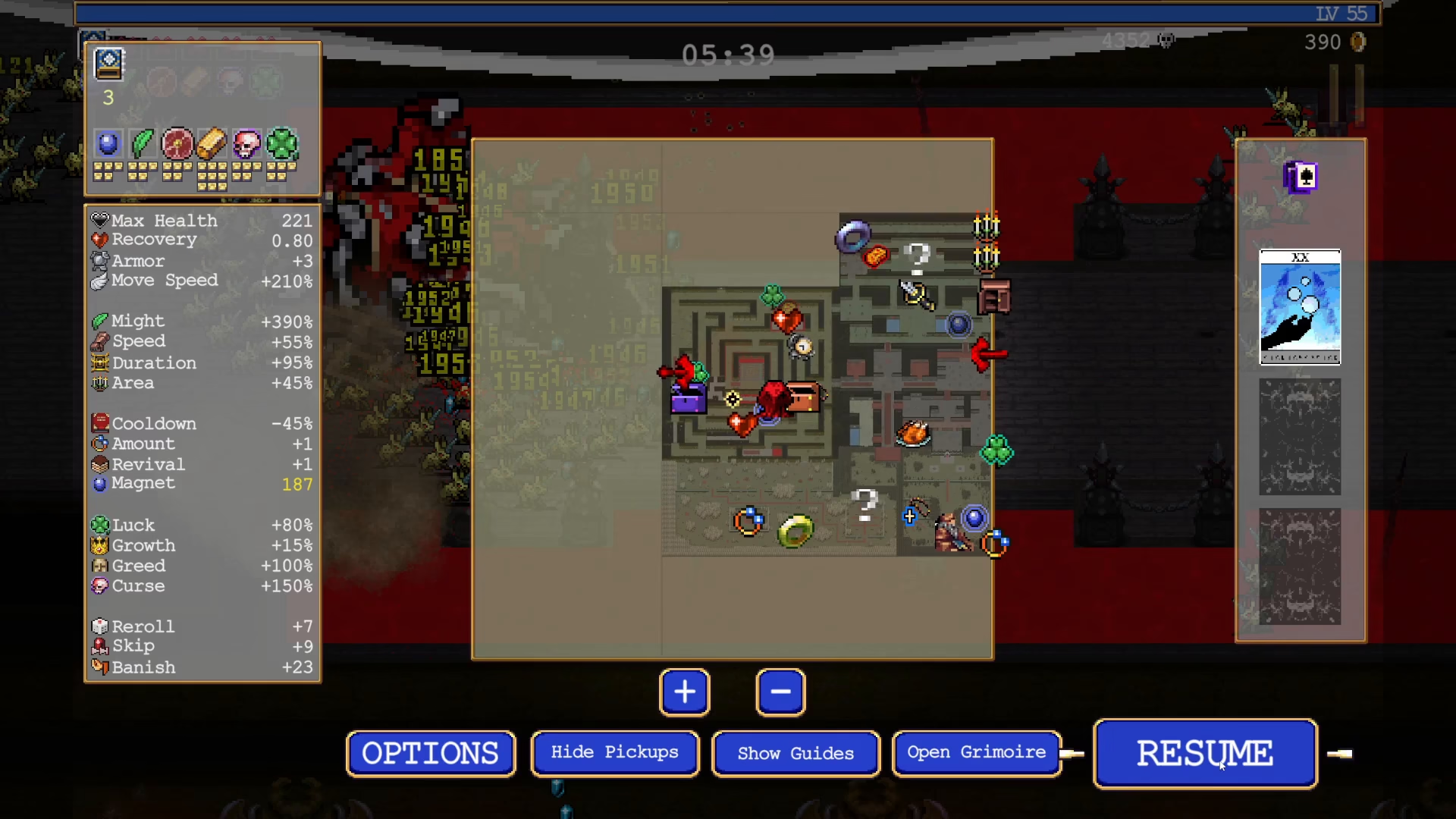
Step 4: Quit and Unlock the Character
Once you’ve transformed into Baal_Thamut, simply quit the current game. This action will register the character unlock in your profile. You can now verify the unlock by checking your character selection menu.
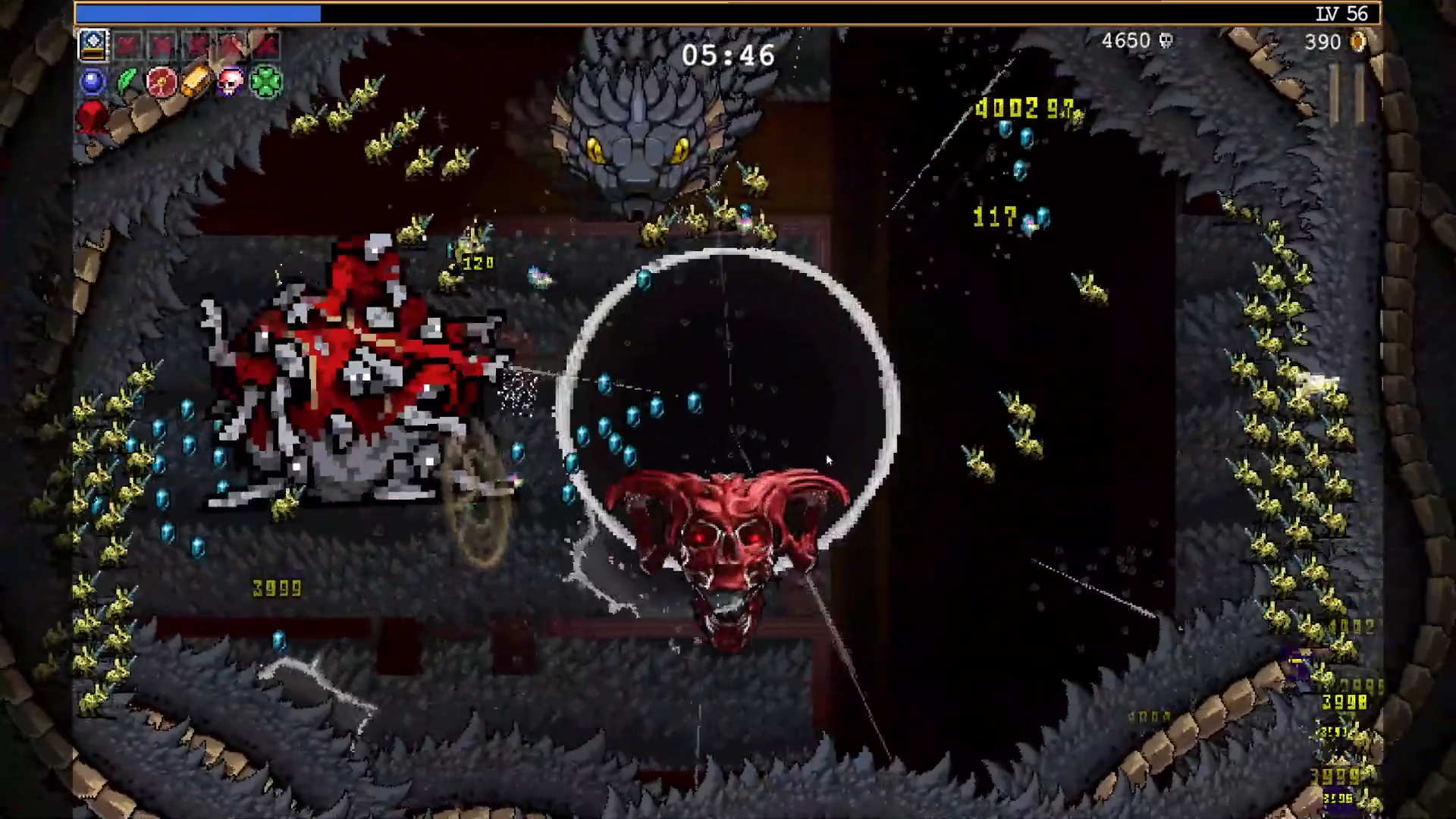
Step 5: Purchase and Confirm Unlock
Head to the character selection screen and locate Baal_Thamut in the roster. Purchase the character to complete the unlock process. Once purchased, Baal_Thamut is now permanently available for you to play whenever you want.
Summary
Unlocking Baal_Thamut in Vampire Survivors involves a multi-step evolution chain: upgrade Toronus Box and its weapon to max level, evolve into Damnation using a Tertugest, collect the Velvet Dota Kihedrin to transform into Baal_Thamut, quit the game to register the unlock, and finally purchase the character from the selection menu. Follow these steps carefully and you’ll have this powerful character ready for your next run.
— Want to Support? —
If you would like to help us continue making these guides – please consider joining our patreon here – https://www.patreon.com/c/JaviHeals
Alternatively – you can join our discord here – https://discord.gg/zD7Gjt6MHF



