





How To Use A Sound Recorder In Phasmophobia
How To Use A Sound Recorder In Phasmophobia
Sound recorders are an essential tool in Phasmophobia for capturing ghost vocalizations and other paranormal audio evidence. This guide will walk you through the complete process of using a voice recorder effectively, from basic operation to reviewing your recorded sounds in the game journal.
Getting Started with the Voice Recorder
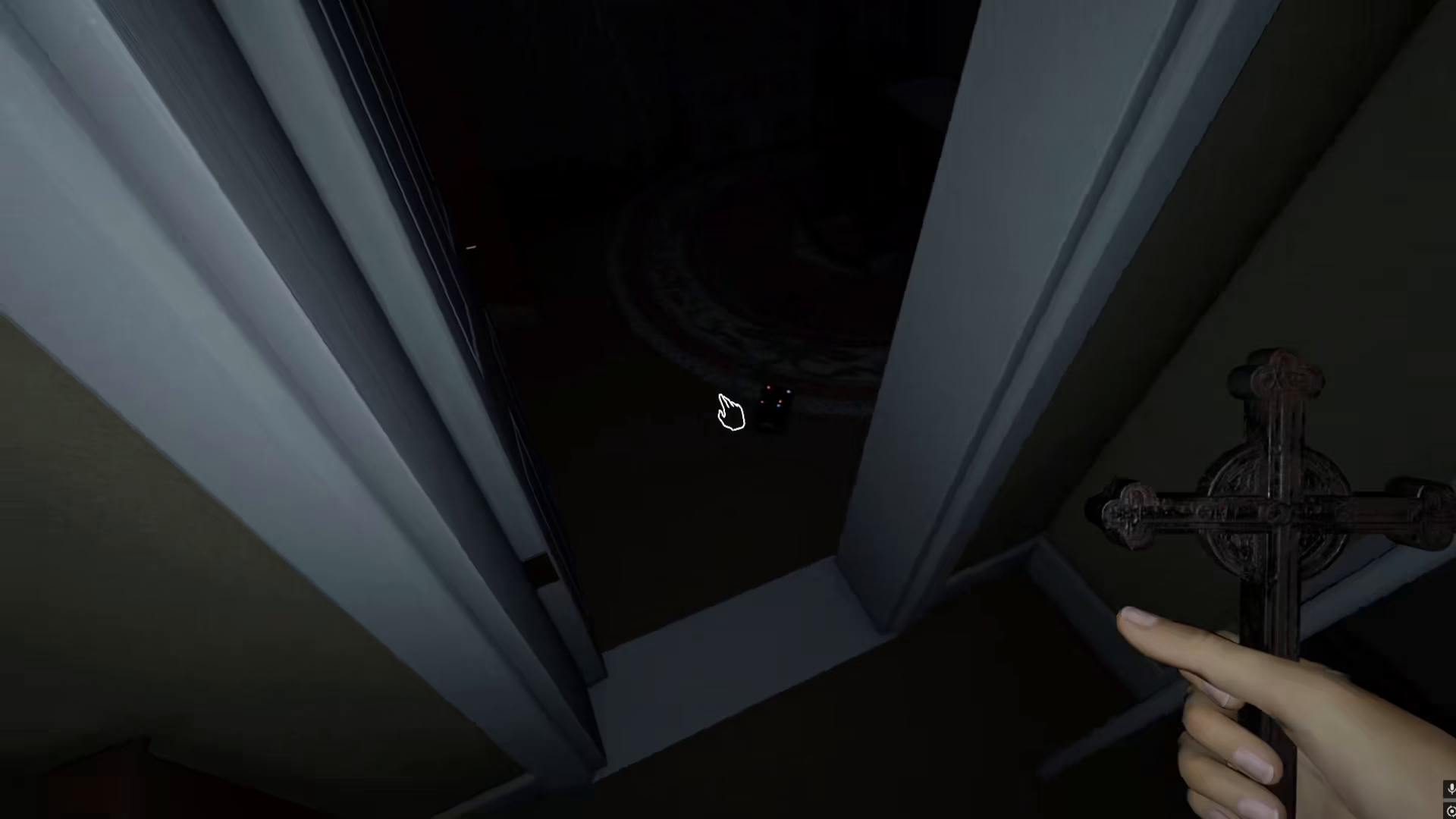
To use a voice recorder in Phasmophobia, you first need to equip it. Hold the voice recorder in your hand before beginning your investigation. The voice recorder functions similarly to other recording devices in the game, capturing audio evidence that you’ll need to identify ghosts and complete your objectives.
Recording Ghost Sounds
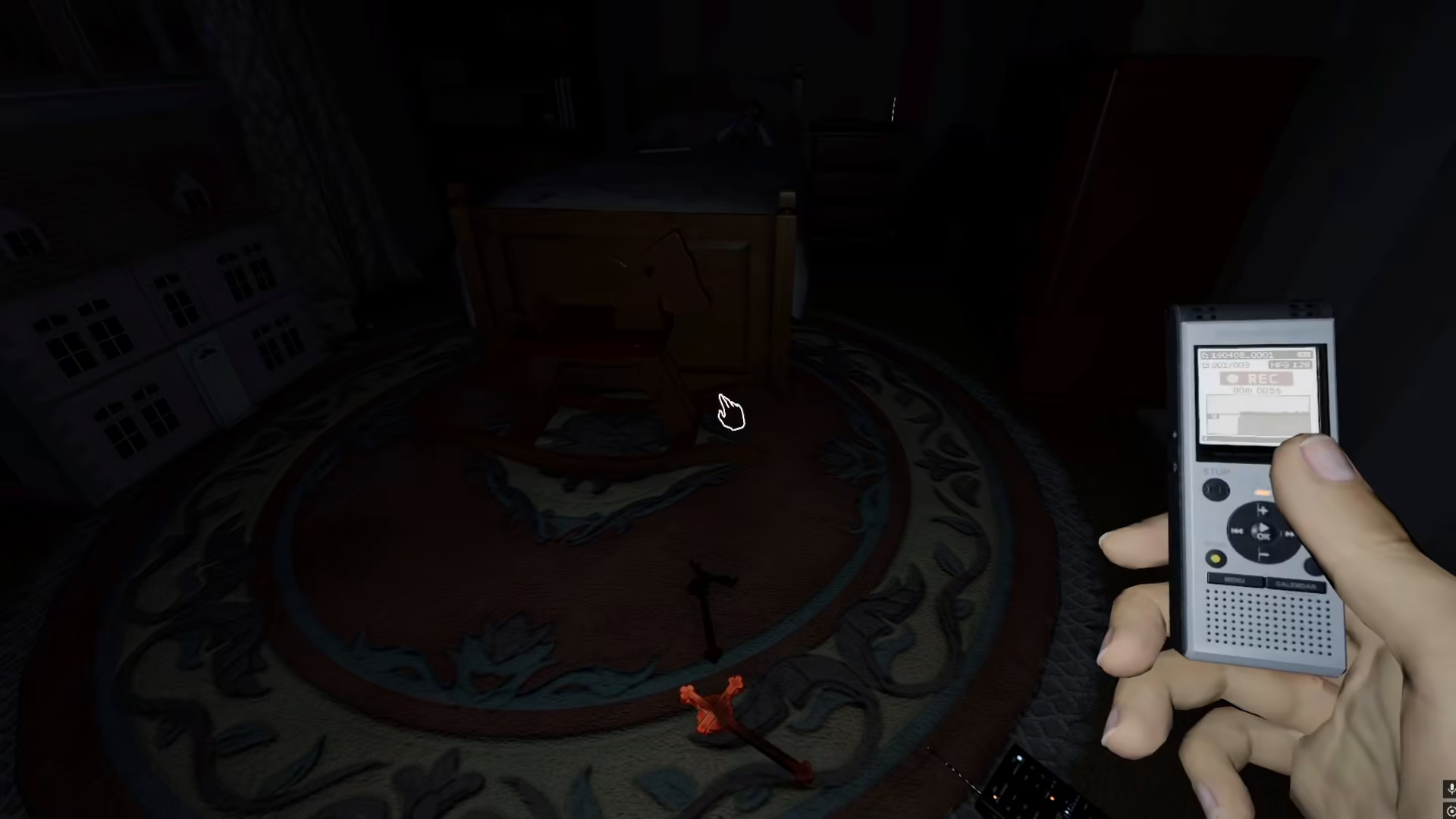
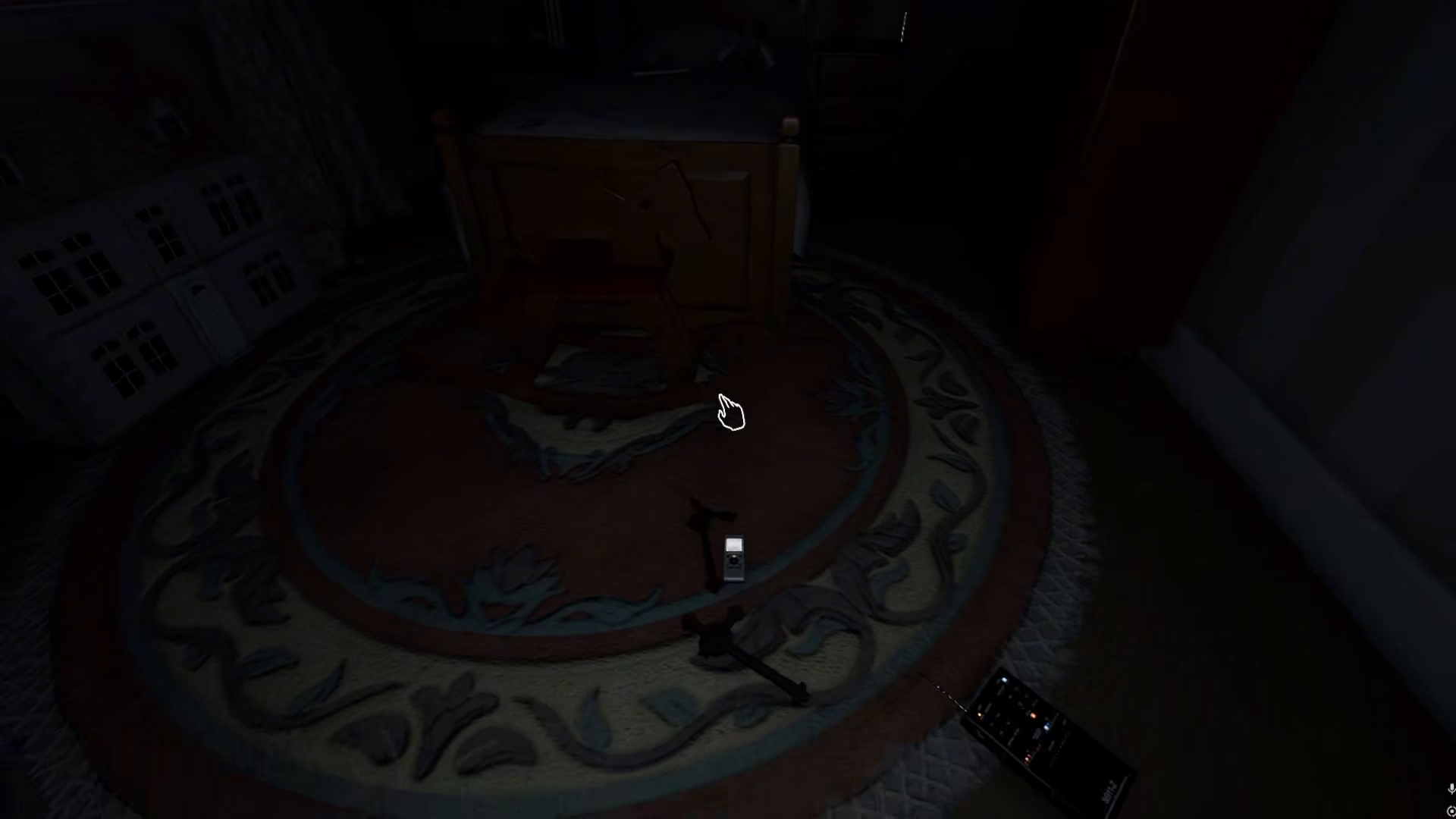
Once you have the voice recorder equipped, listen carefully for any sounds or vocalizations made by the ghost. When you hear a noise, simply press the right arrow key on your keyboard. This action will begin recording the sound, capturing it just as the game would record video footage during your investigation.
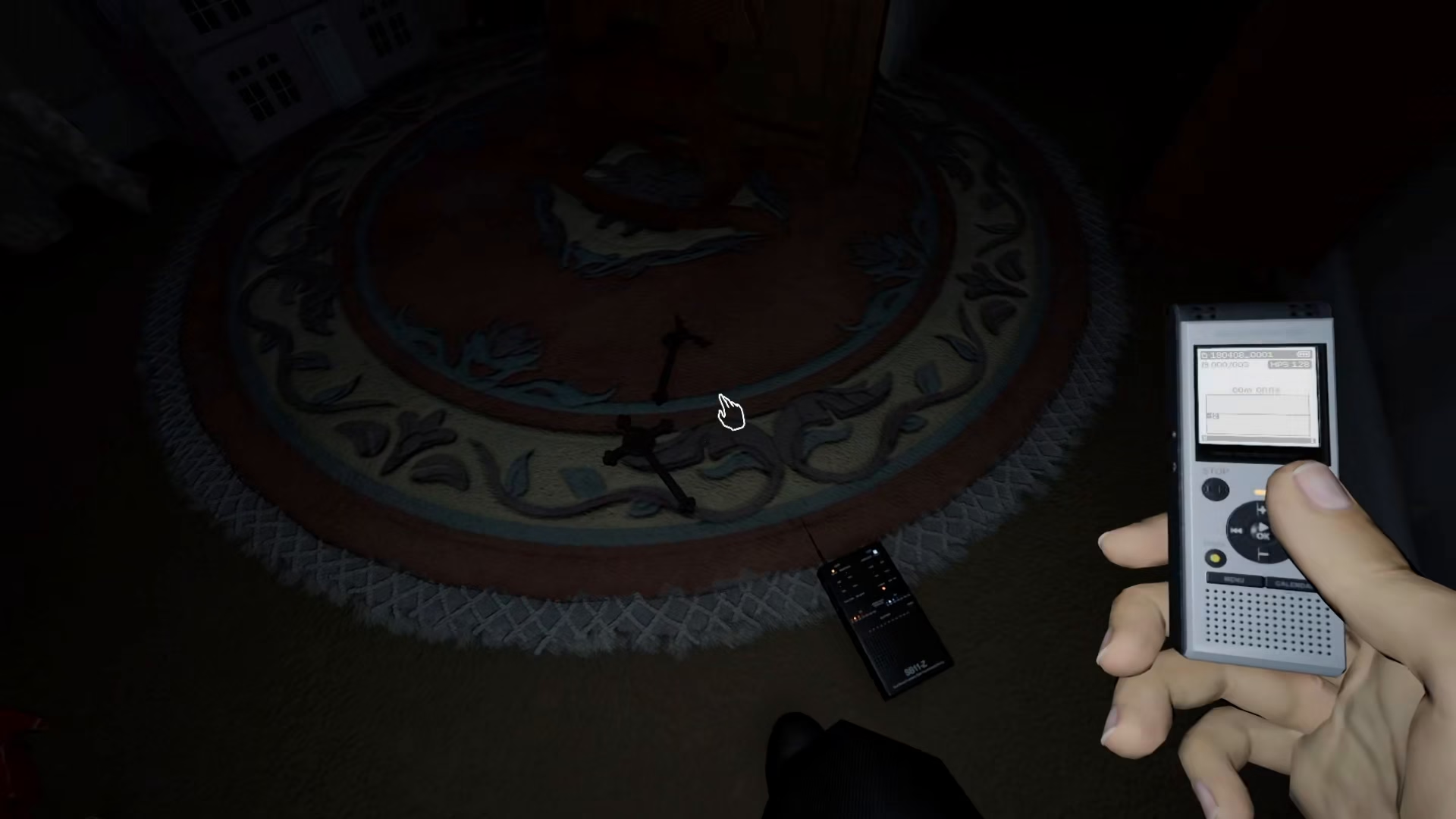
You can record any noises the ghost makes during your time in the haunted location. Keep the voice recorder ready and be patient—ghosts may take some time before making sounds. The more audio evidence you collect, the better your chances of identifying the type of ghost you’re dealing with.
Reviewing Your Sound Recordings
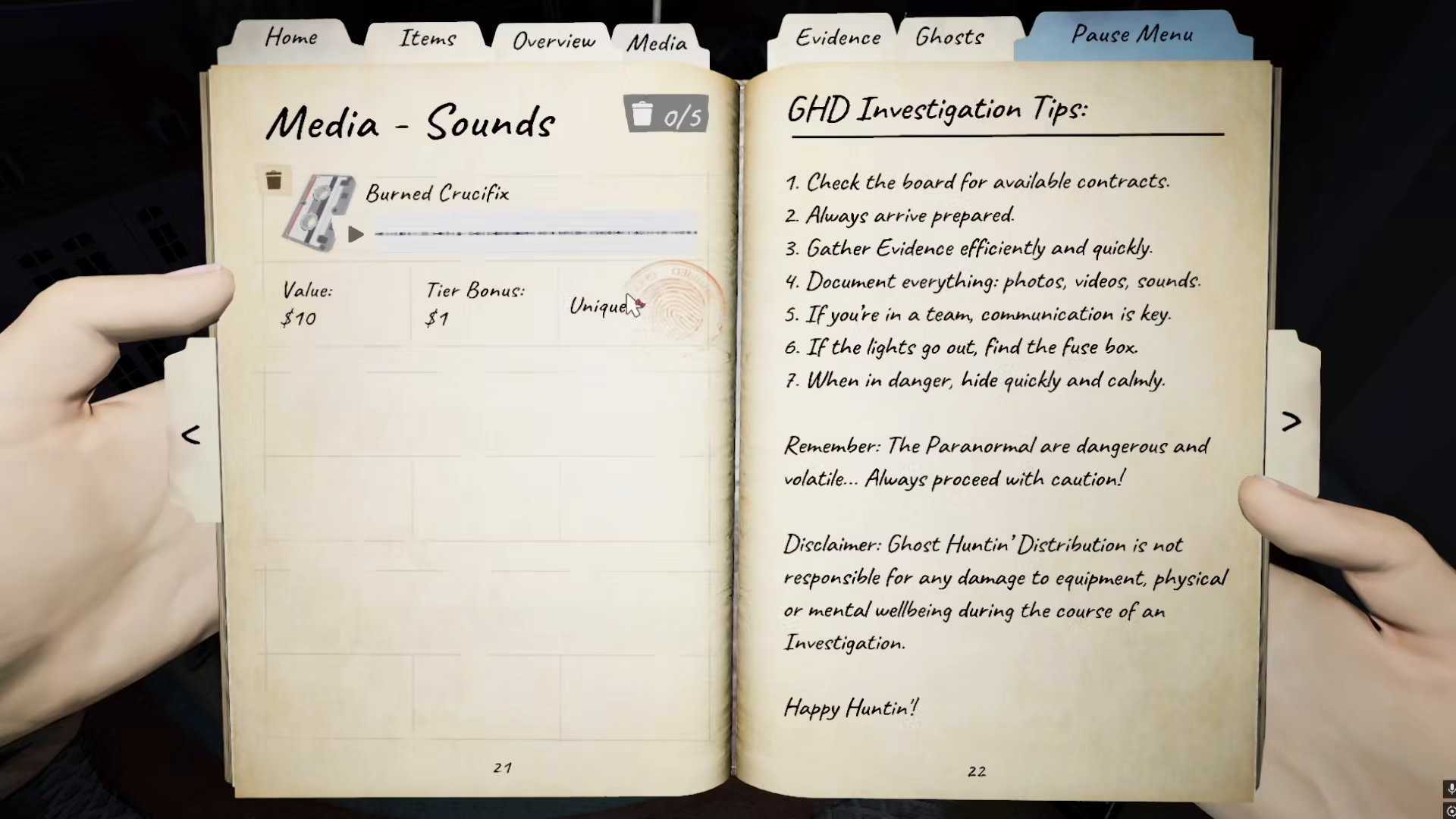
All of your recorded sounds are automatically saved to your game diary. To review your audio evidence, navigate to your journal and select the Evidence section. From there, access the Media subsection where you’ll find all of your sound recordings listed.
In the Media sounds section, you’ll see each recorded audio file displayed. For example, you may see recordings labeled with ghost types or sounds, such as “Bunt Crucifix” or other paranormal audio signatures. These recordings serve as crucial evidence for identifying the ghost and progressing through your investigation.
Summary
Using a sound recorder in Phasmophobia is straightforward: equip the device, press the right arrow key when you hear ghost sounds, and review your recordings in the journal’s Media section. By consistently capturing audio evidence, you’ll build a comprehensive profile of the paranormal activity and successfully complete your investigations.
— Want to Support? —
If you would like to help us continue making these guides – please consider joining our patreon here – https://www.patreon.com/c/JaviHeals
Alternatively – you can join our discord here – https://discord.gg/zD7Gjt6MHF


