





How To Use A Spirit Box In Phasmophobia
How To Use A Spirit Box In Phasmophobia
The Spirit Box is one of the most useful ghost-hunting tools in Phasmophobia. This guide will walk you through the basics of using the Spirit Box effectively to communicate with ghosts and gather evidence during your investigations.
Activating the Spirit Box
To use the Spirit Box, you need to turn it on first. Simply right-click with your mouse to activate the device.
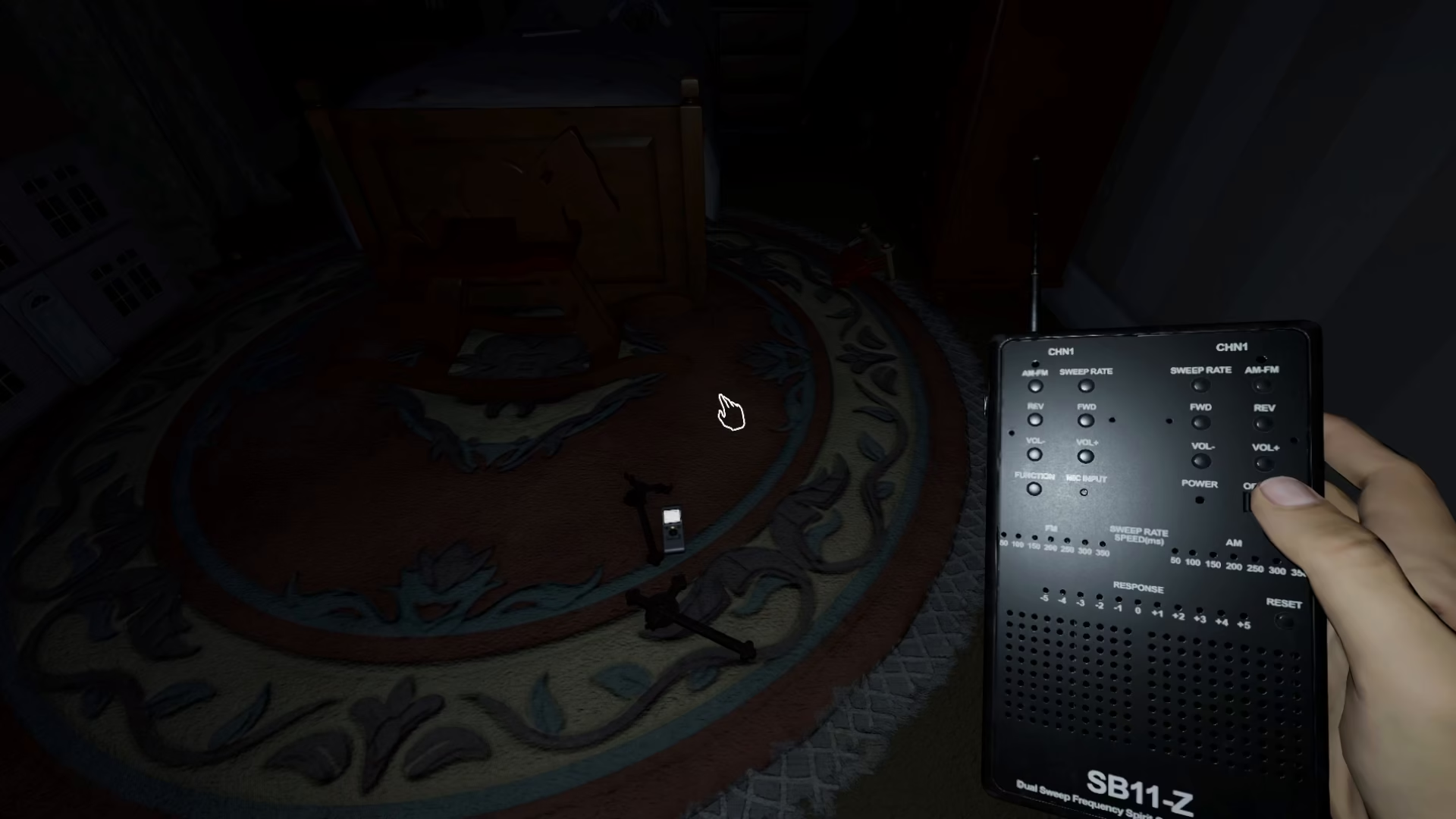
Asking Questions and Listening for Responses
Once the Spirit Box is active, begin asking questions to the ghost. There are two key indicators you need to understand when using the Spirit Box:
Response Menu States
No Response: If the response menu appears arranged or inactive, it means the ghost has not replied to your question yet.
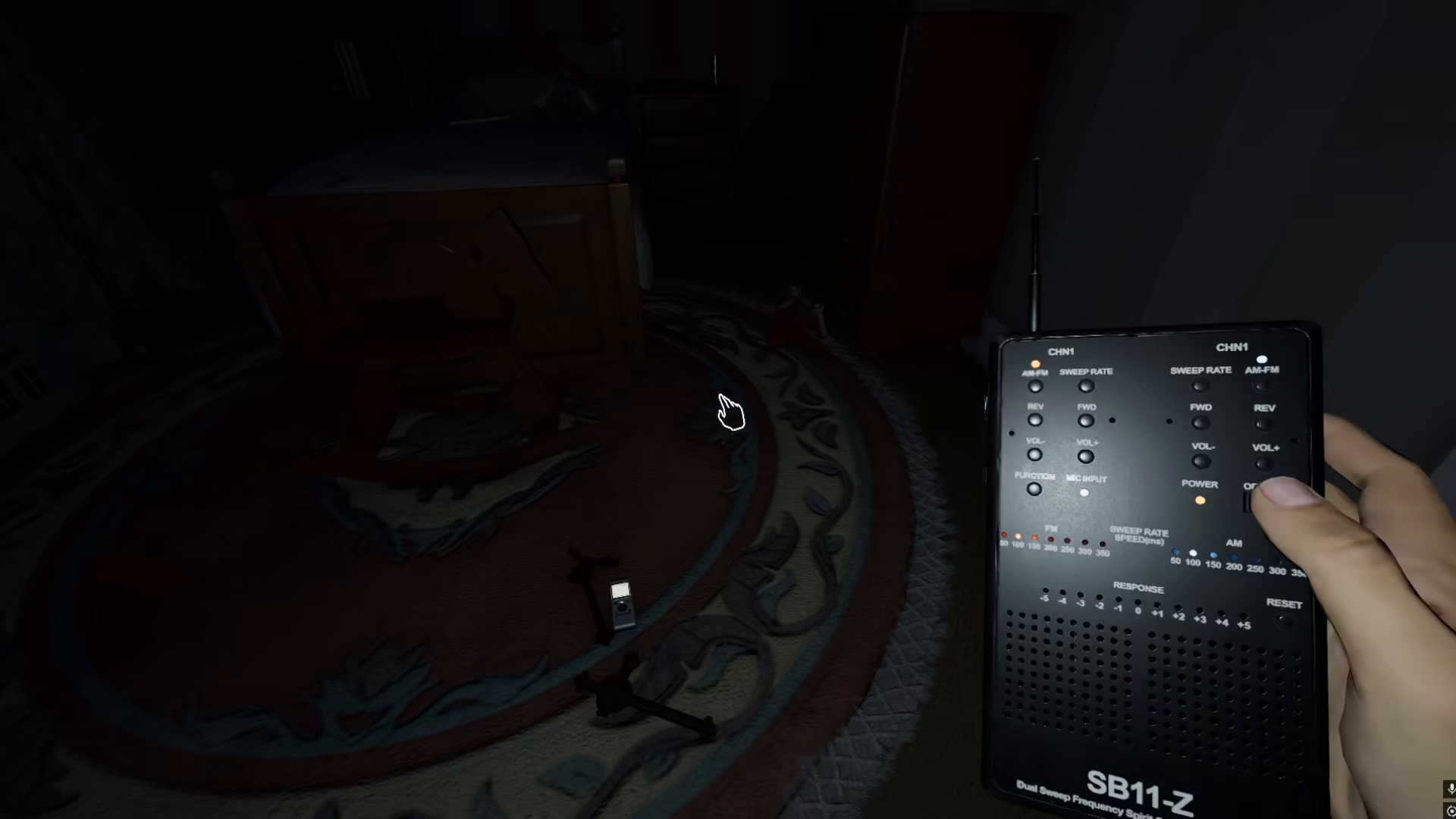
Active Response: If the response menu becomes distorted or “noisy,” this indicates the ghost is attempting to communicate with you. This is how you confirm that you have obtained Spirit Box evidence in Phasmophobia.
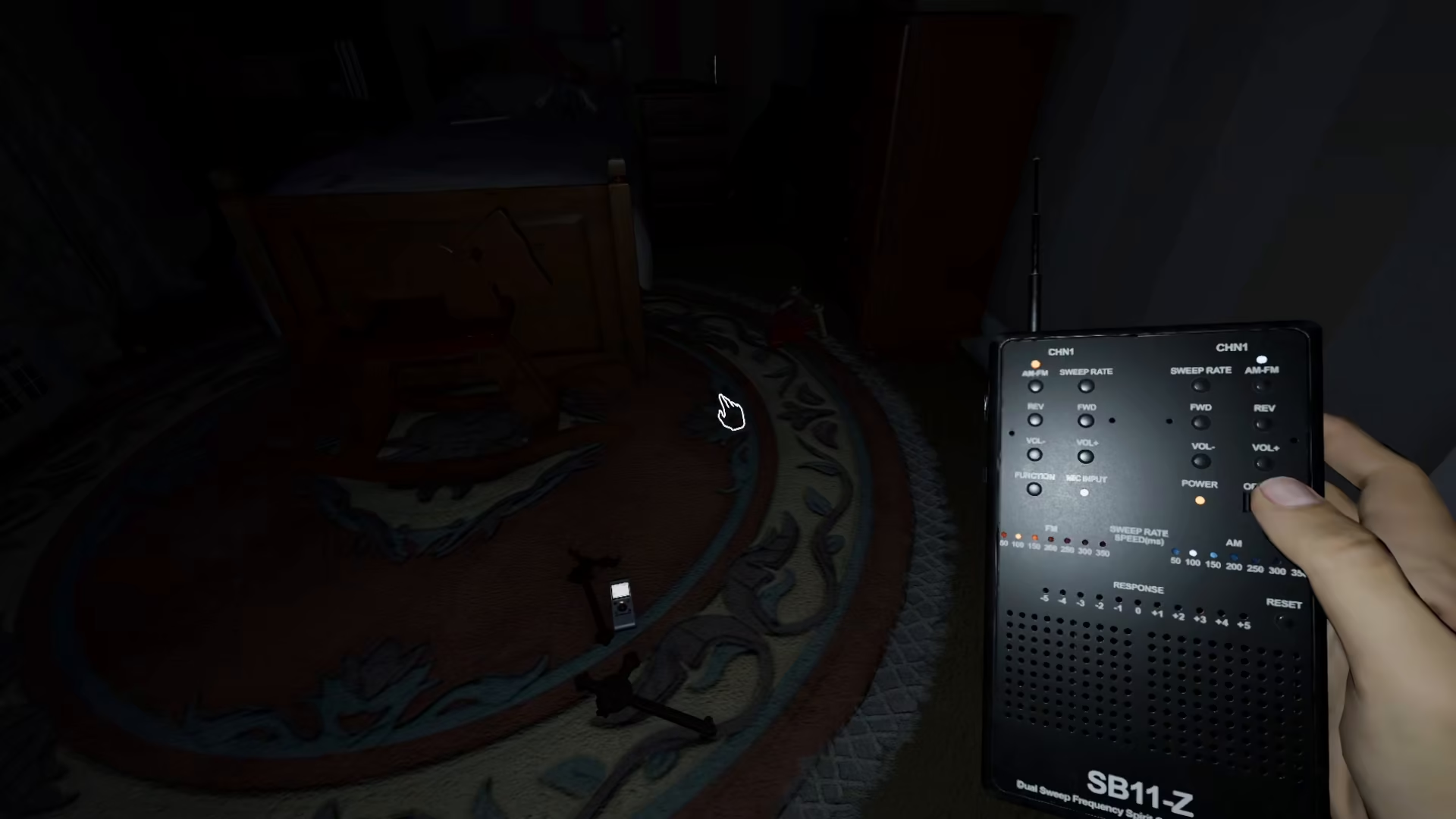
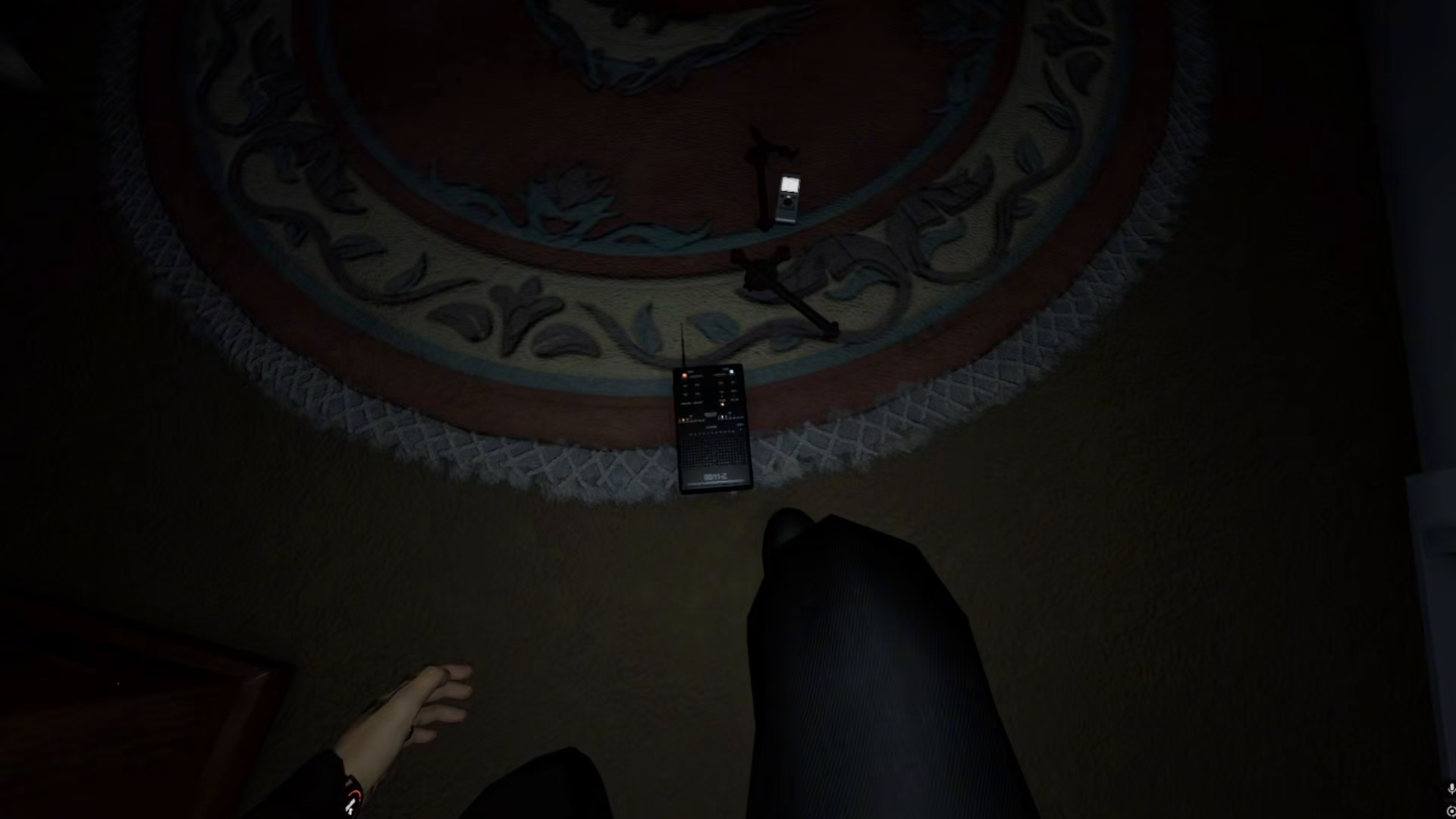
Using the Spirit Box on the Ground
You can also place the Spirit Box on the ground during your investigation. Once positioned, ask your questions directly through your microphone, and the device will pick up ghostly responses through audio detection.
Summary
The Spirit Box is a straightforward but essential tool for ghost hunting in Phasmophobia. Remember to right-click to activate it, ask clear questions, and listen for audio disturbances in the response menu to confirm ghost activity. Whether you hold it or place it on the ground, the Spirit Box will help you gather crucial evidence for your investigations.
— Want to Support? —
If you would like to help us continue making these guides – please consider joining our patreon here – https://www.patreon.com/c/JaviHeals
Alternatively – you can join our discord here – https://discord.gg/zD7Gjt6MHF


