





How To Use Deployment Scheduler In Prison Architect
How To Use Deployment Scheduler In Prison Architect
The Deployment Scheduler is a powerful tool in Prison Architect that allows you to assign guards to specific areas during designated times of the day. By mastering this feature, you can strategically control guard placement to prevent incidents and ensure your prison runs smoothly. This guide will walk you through the basics of setting up and managing your deployment schedules.
Understanding the Deployment Scheduler Interface
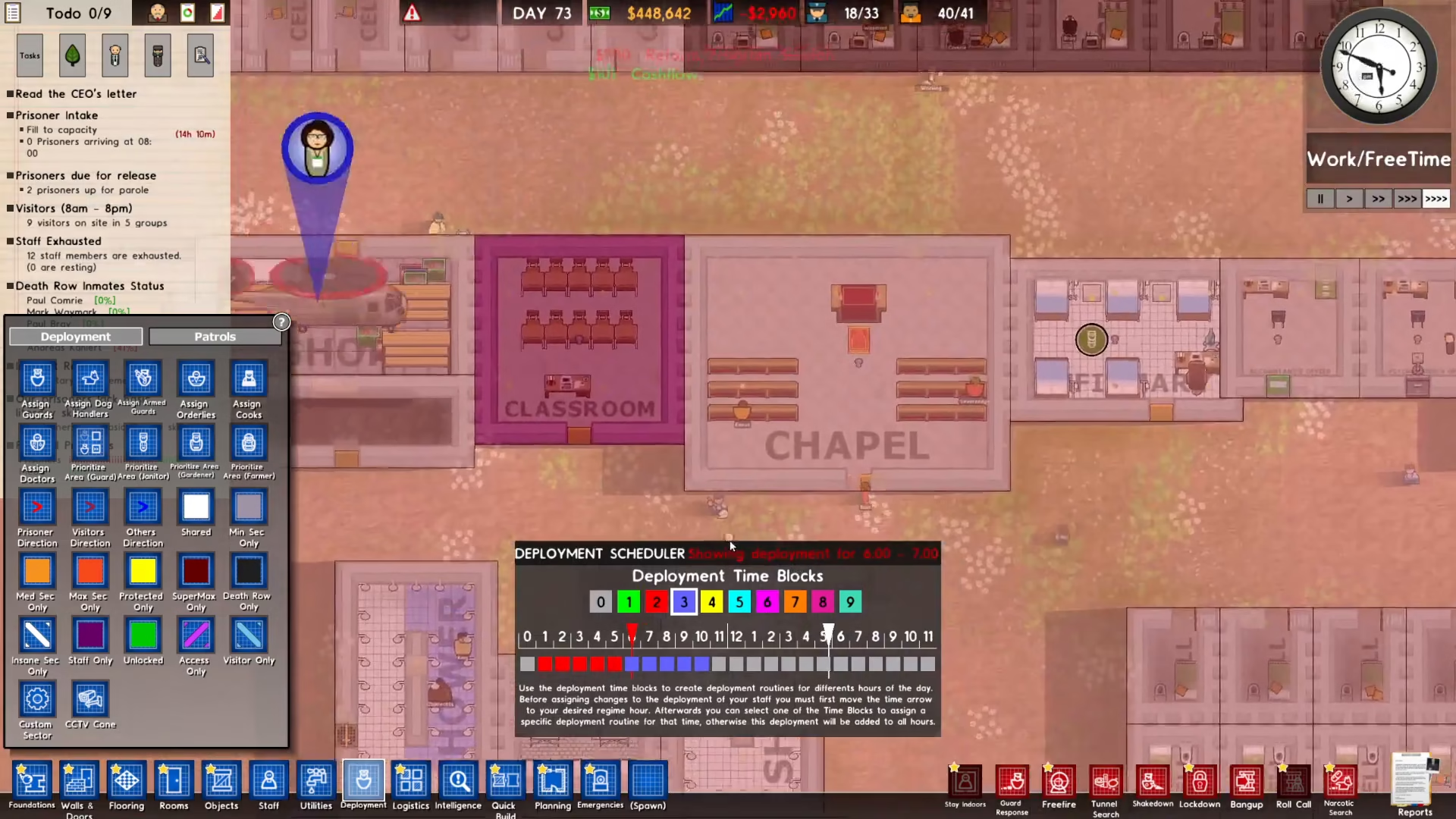
The deployment scheduler uses a simple color-coded system to help you organize your guard deployments. The numbers on the scheduler represent different times of the day, and colors are assigned to different schedule groups. This visual system makes it easy to see at a glance when and where your guards are deployed.
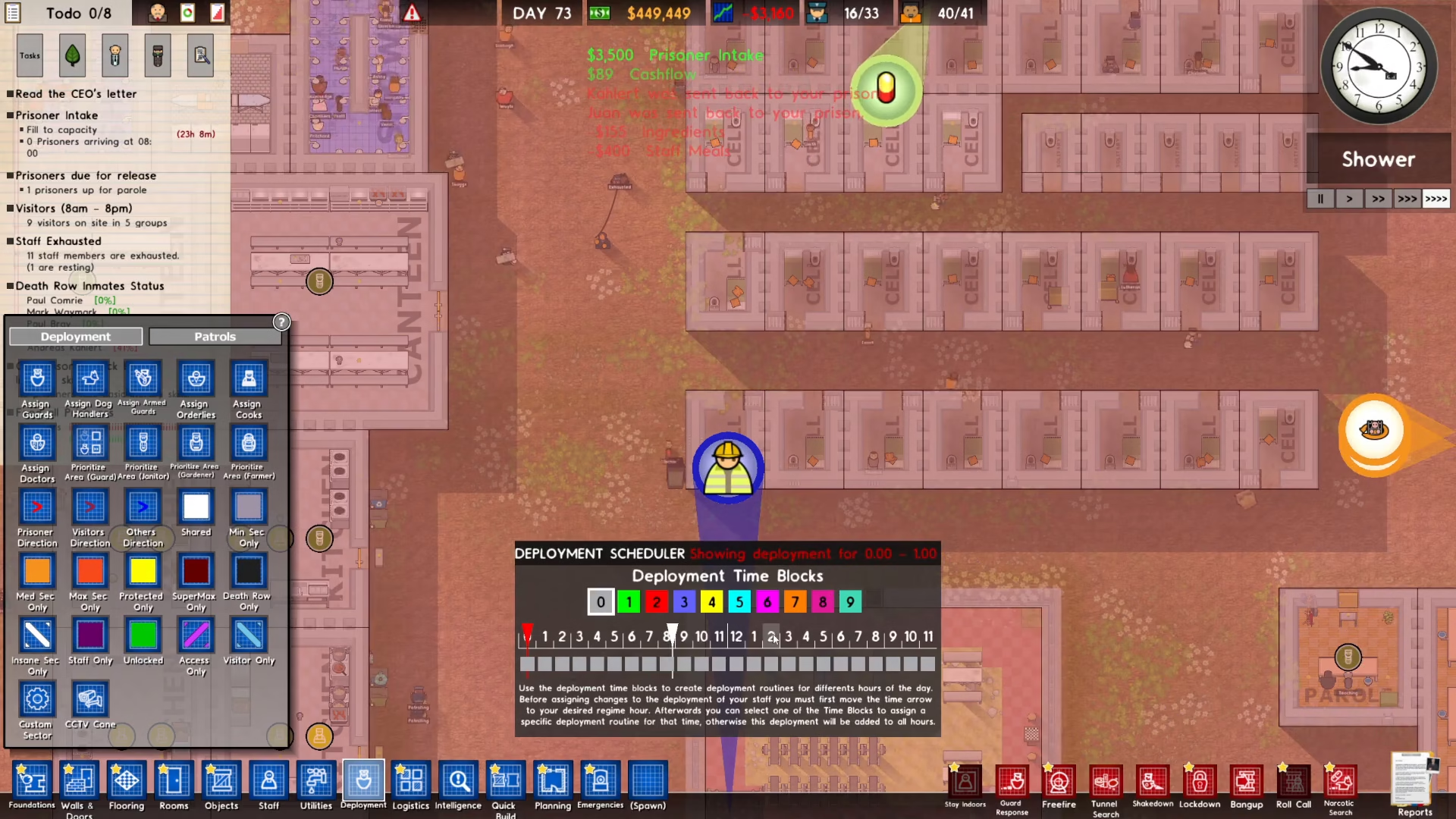
Creating Your First Deployment Schedule
Assigning Guards to Time Blocks
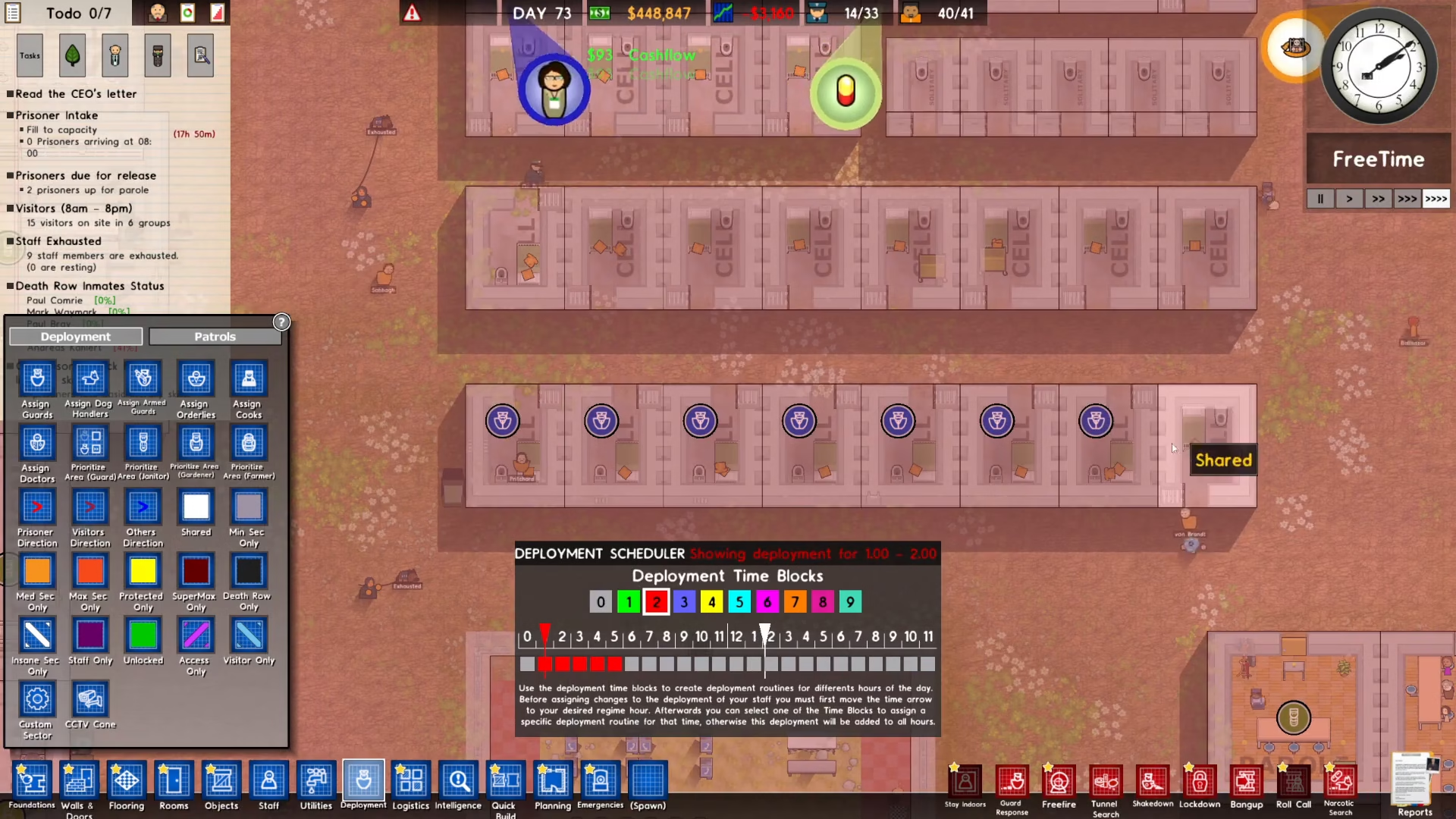
To create a deployment schedule, start by selecting a schedule number and assigning it to a time block. For example, assign schedule number two to cover 1 o’clock to 5 o’clock. When 1 o’clock arrives in the game, the guards assigned to this schedule will deploy to the designated cells.
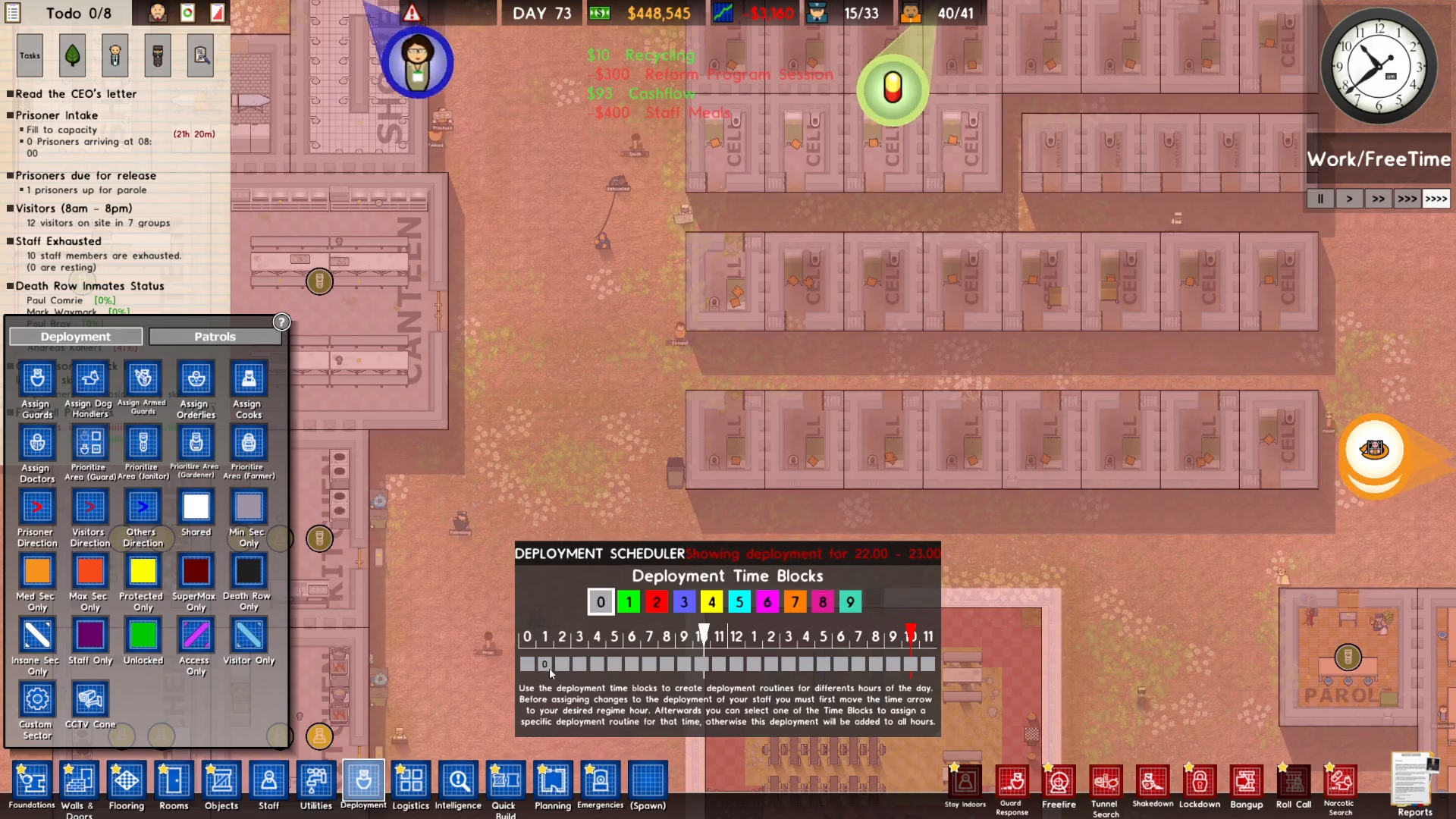
After the time block ends—in this case at 5 o’clock—the guards will automatically leave the area and are free to move wherever they choose within the prison.
Scheduling Different Areas
You can assign different schedule numbers to different times and areas throughout the day. For instance, schedule number three could be set for 6 o’clock to 10 o’clock, with guards prioritizing visits to different rooms like libraries, shops, classrooms, and chapels. These guards will patrol these areas during the designated time and then move freely afterward.
Strategic Scheduling for High-Risk Times
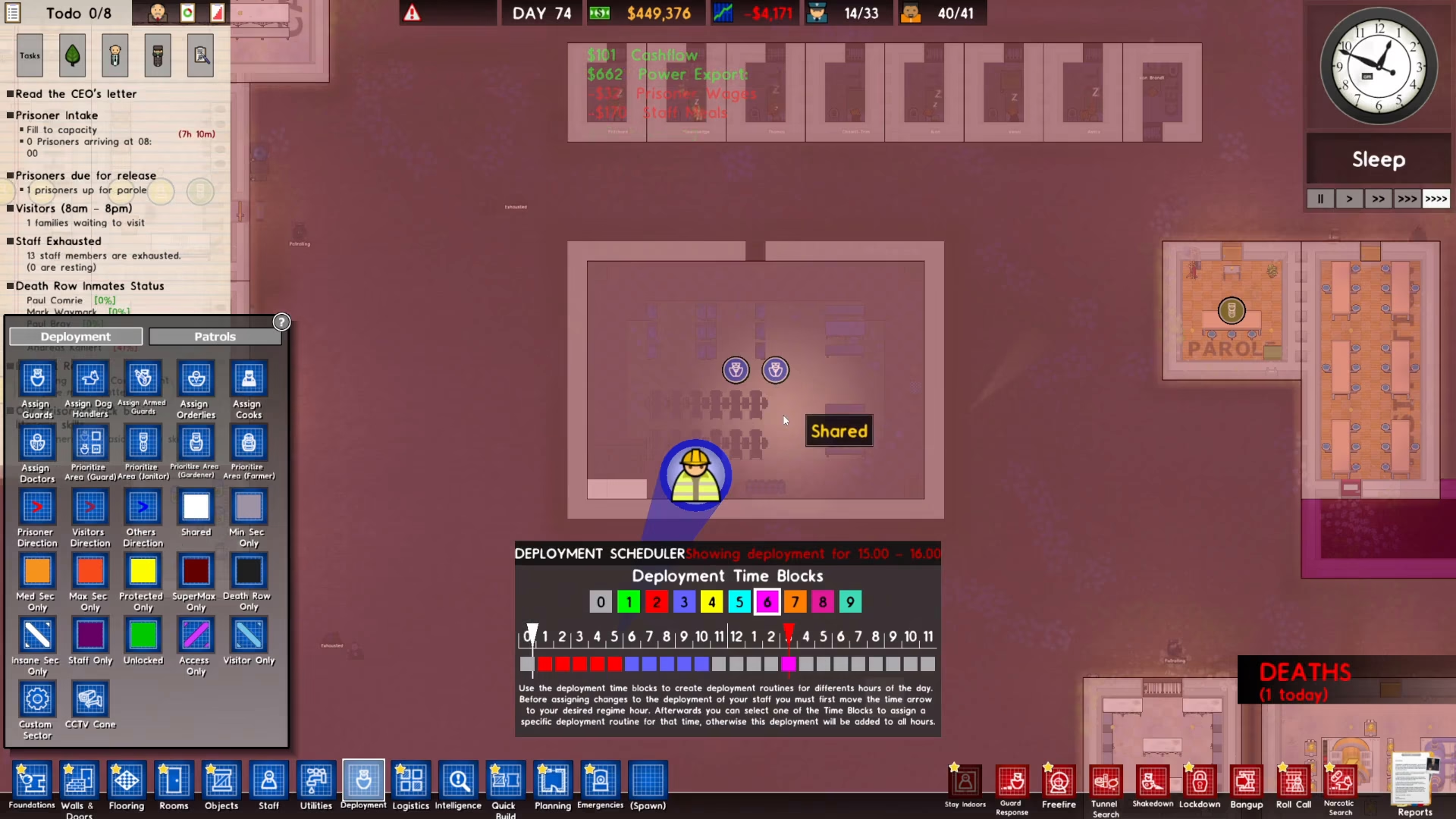
The deployment scheduler is particularly useful during times when prisoners have free access to common areas. For example, if 3 o’clock is a free time period when most prisoners congregate in the yard, you may suspect trouble could occur. Schedule number six can be assigned specifically to that time block to deploy extra guards in the yard during this period.
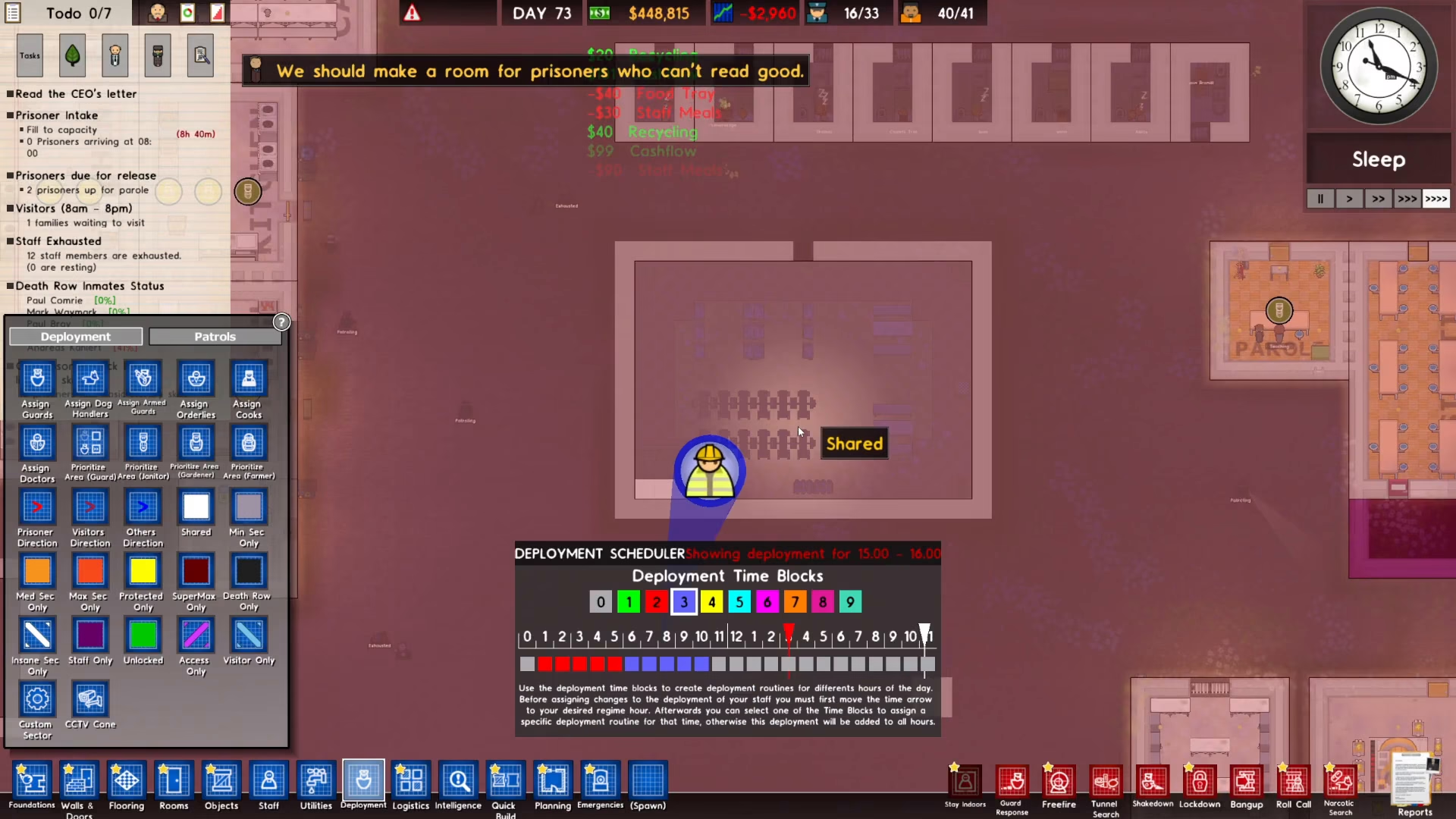
By anticipating problem times and areas, you can prevent incidents before they happen.
Managing Your Schedules
Removing and Clearing Schedules
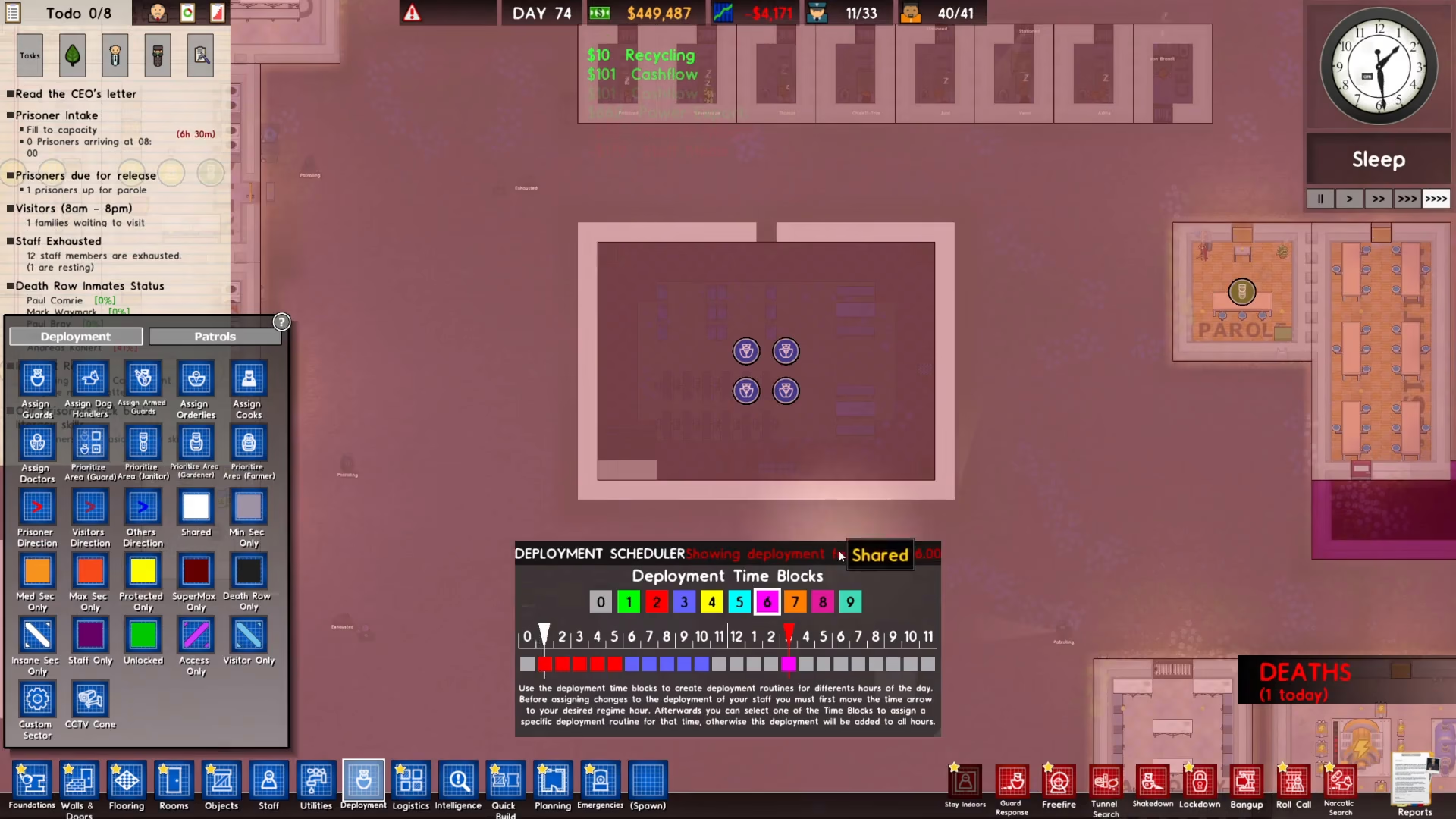
If you need to modify your deployment schedule, you have two options for removal. You can right-click on a scheduled section to remove it quickly, or you can click on zero to clear all scheduled numbers and colors from that time block.
Conclusion
The deployment scheduler in Prison Architect is straightforward once you understand the basics: assign schedule numbers to time blocks, assign guards to those schedule numbers, and watch them automatically deploy and withdraw according to your plan. By strategically placing guards during high-risk times and areas, you’ll maintain better control over your prison and prevent security issues. Start experimenting with different scheduling patterns to find what works best for your facility.
Want to Support?
If you would like to help us continue making these guides – please consider joining our patreon here – https://www.patreon.com/c/JaviHeals
Alternatively – you can join our discord here – https://discord.gg/zD7Gjt6MHF



