





How To Use Door Servo In Prison Architect
How to Use Door Servo in Prison Architect
The door servo is an essential component in Prison Architect that allows you to control remote doors throughout your facility. Whether you’re securing sensitive areas like the psychologist’s office or managing prisoner movement, understanding how to properly install and connect a door servo is crucial for effective prison management. This guide walks you through the complete process step-by-step.
Installing a Remote Door
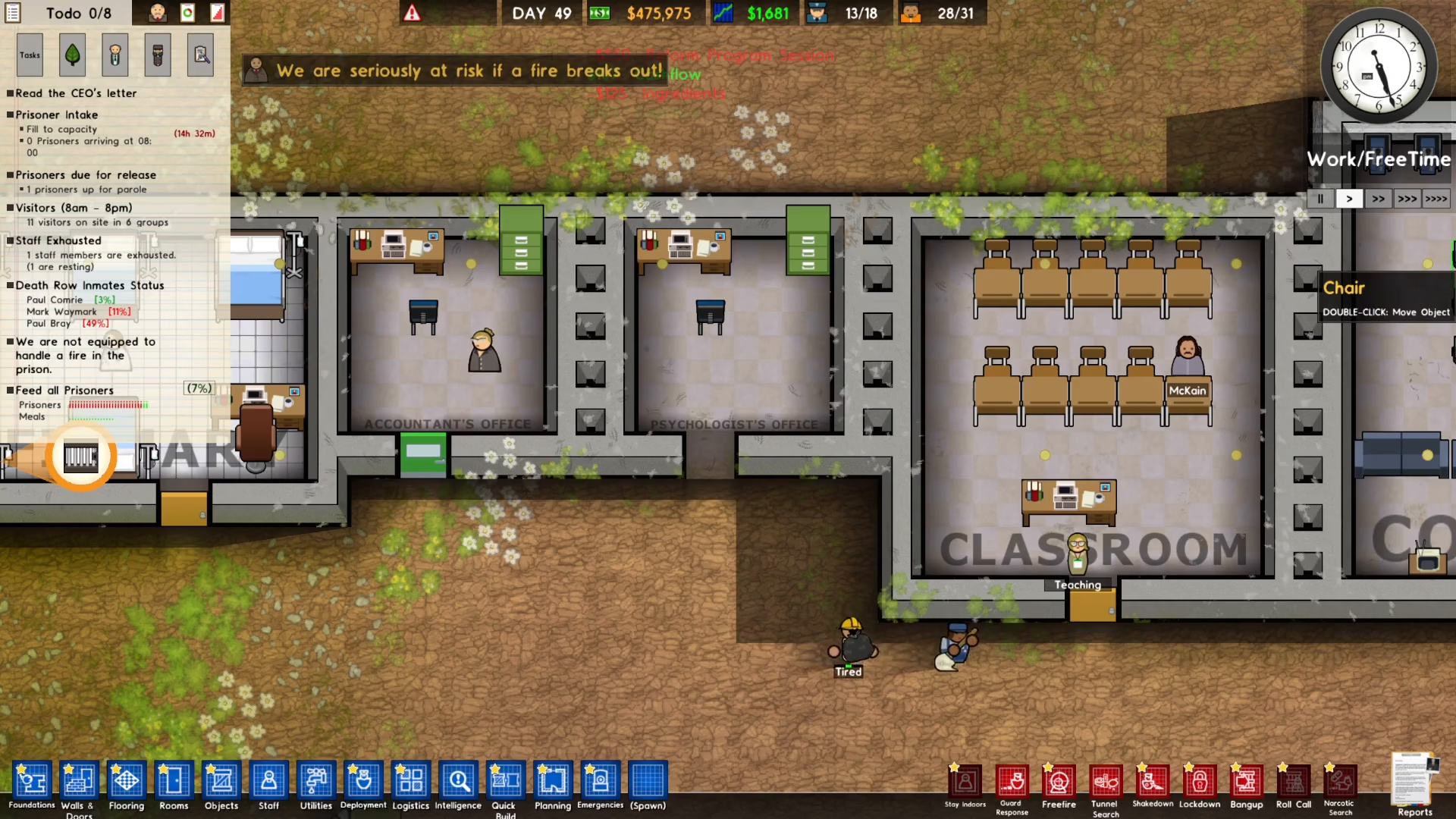
To begin, you’ll need to place a remote door in your desired location. Start by removing any existing door if necessary. Next, navigate to the bottom left menu and select Walls and Doors.
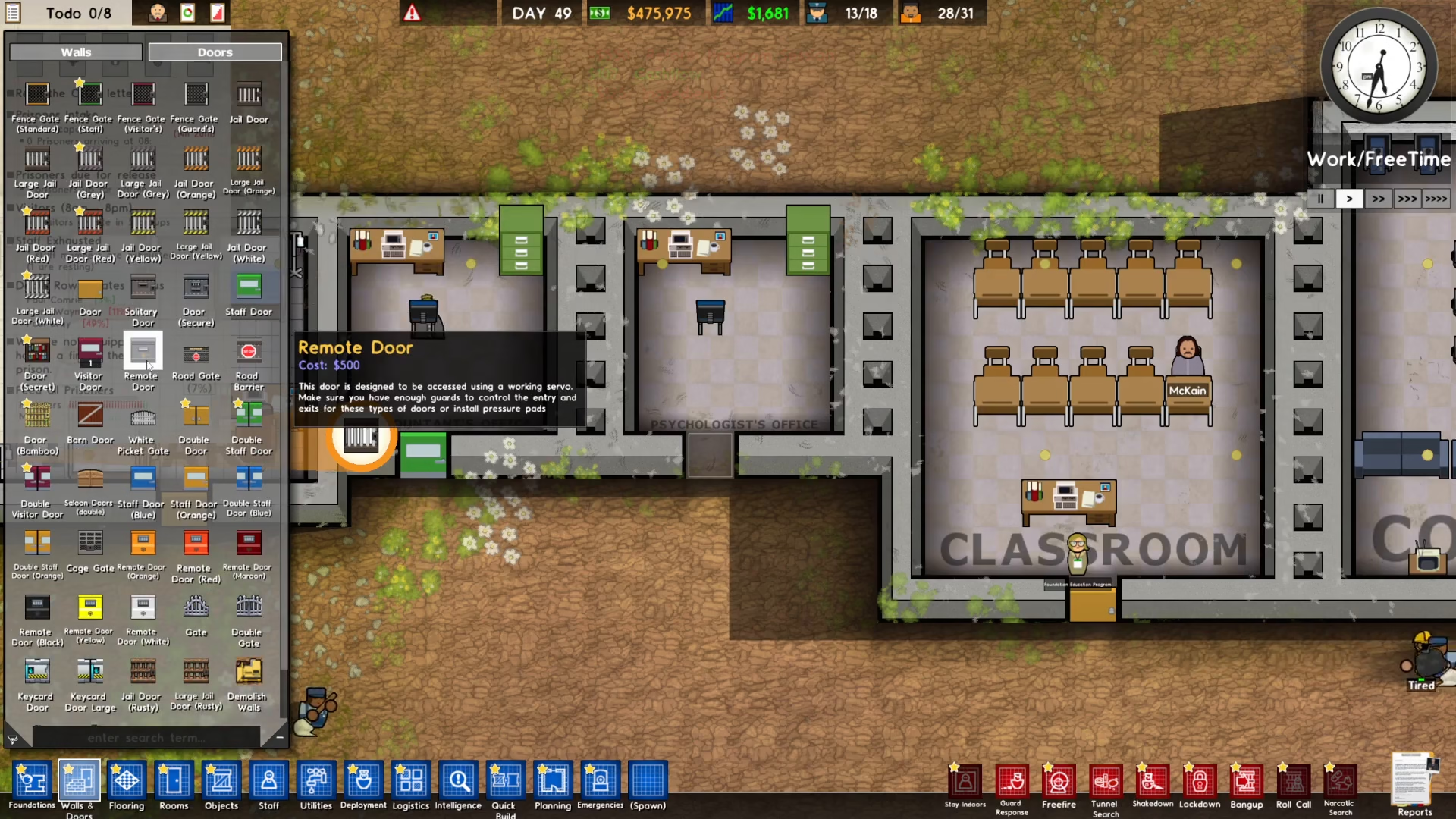
From the dropdown menu, click on Remote Door and place it where needed. You’ll notice that the remote door displays an error message indicating that it requires a door servo to function properly.
Adding the Door Servo
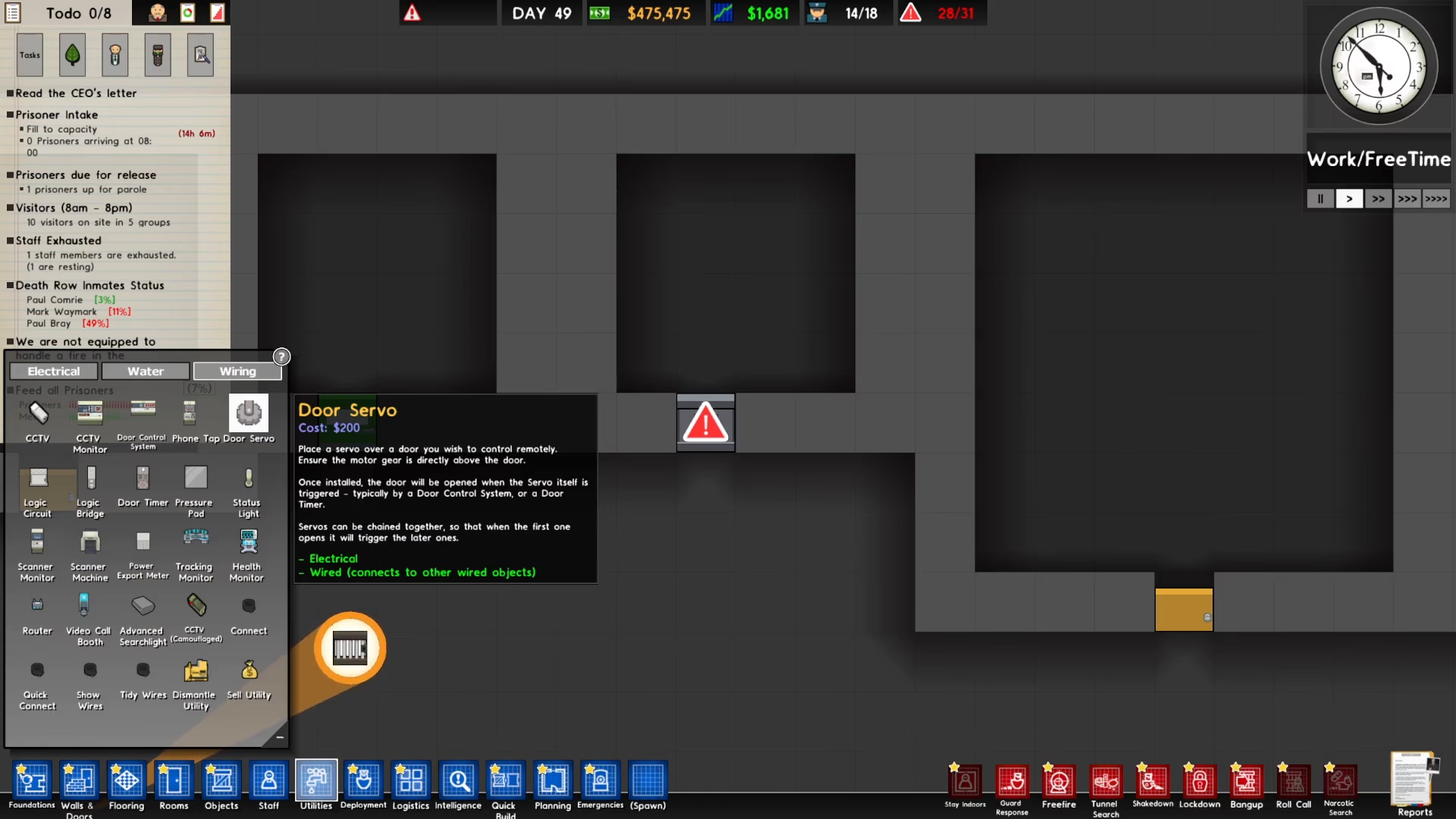
Now that you’ve placed your remote door, it’s time to add the door servo. Go back to the bottom left menu and select Utilities, then click on Wiring. You’ll see the door servo option in this submenu.
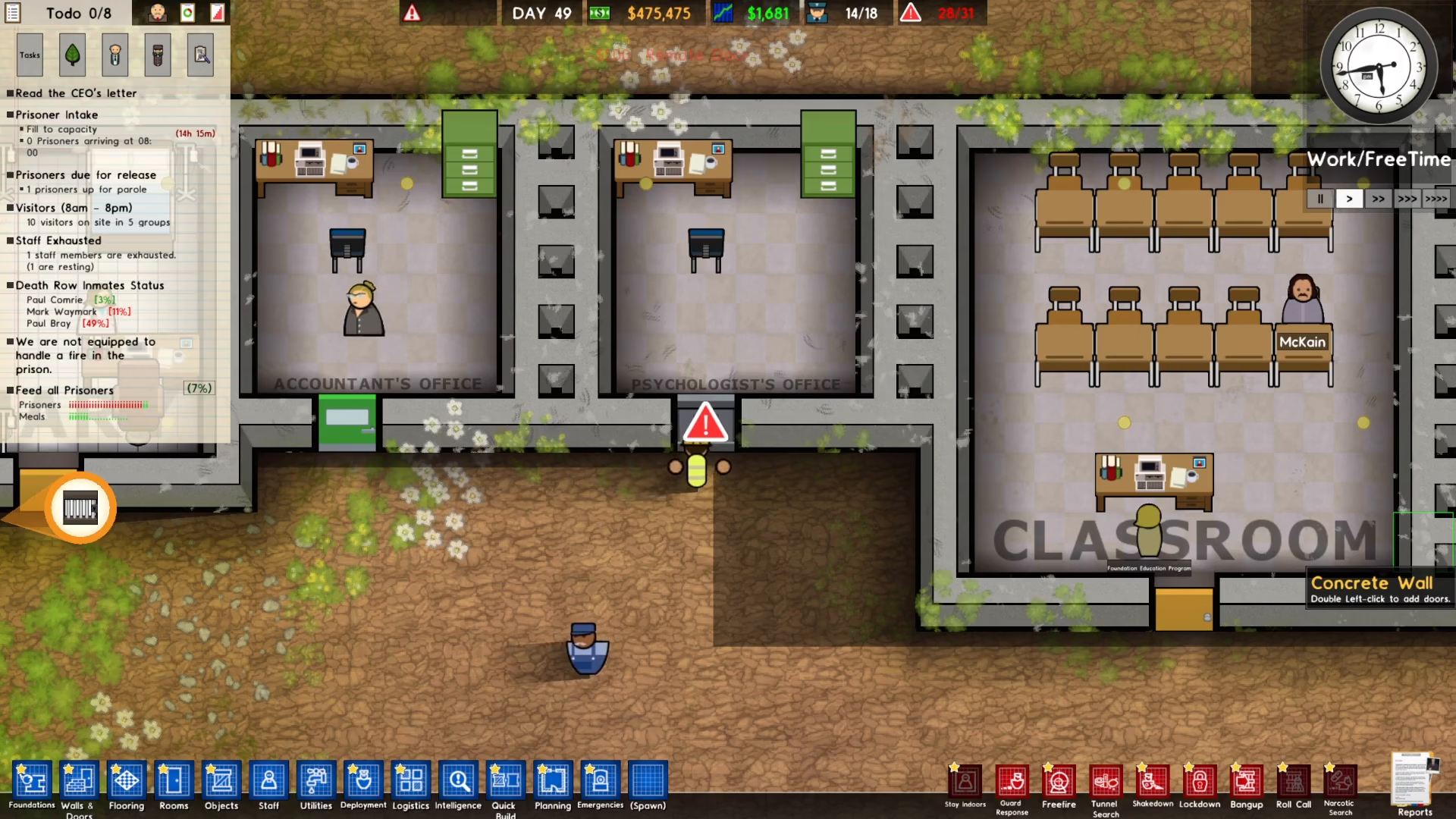
Click on the door servo and place it directly on top of your remote door. The door servo must always be positioned above the door for it to function correctly. Once placed correctly, the error sign will disappear from your remote door, confirming proper installation.
Connecting to the Door Control System
With the door servo installed, you now need to connect it to your facility’s security infrastructure. Navigate to your Security Office and locate the Door Control System.
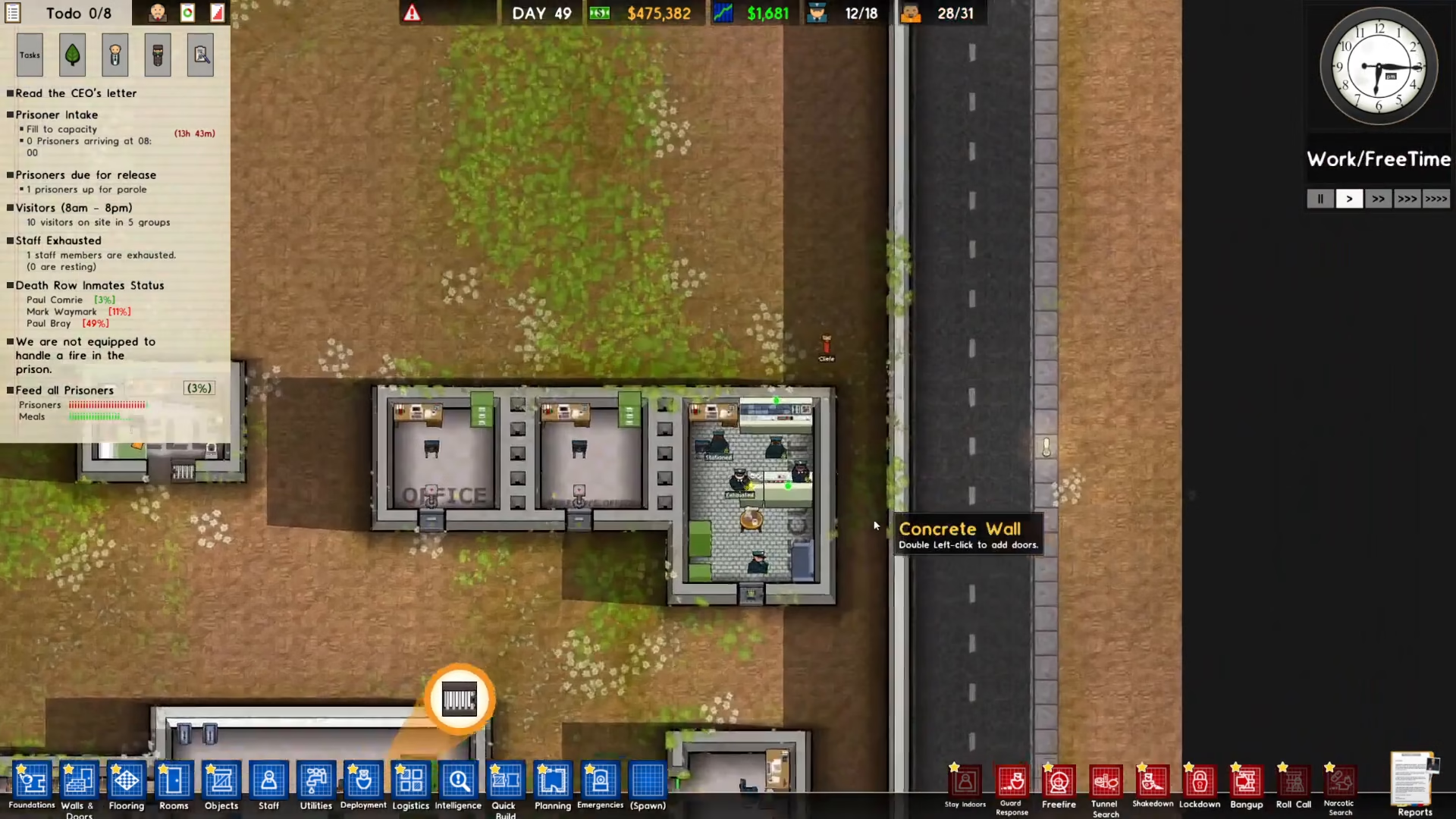
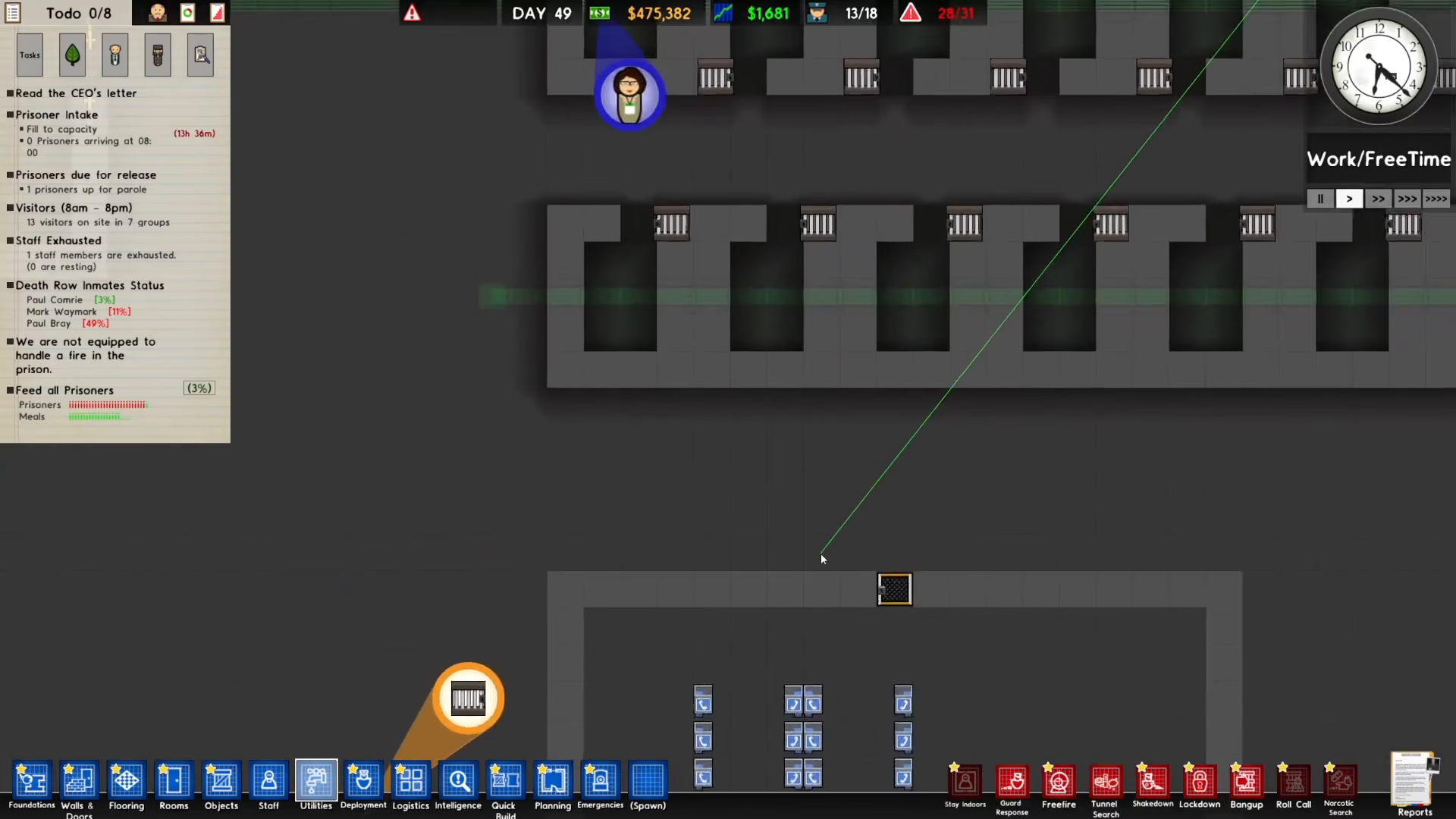
Click on the Door Control System and select the Connect option. Next, select the door servo you just installed to establish the connection. Once you click to confirm the connection, your remote door will become fully operational and will open when controlled through the door control system.
Summary
You’ve now successfully learned how to use the door servo in Prison Architect. The process involves three simple steps: installing a remote door, placing a door servo on top of it, and connecting it to your security office’s door control system. This setup allows you to remotely manage access to critical areas throughout your prison facility, giving you better control over prisoner movement and facility security.
— Want to Support? —
If you would like to help us continue making these guides – please consider joining our patreon here – https://www.patreon.com/c/JaviHeals
Alternatively – you can join our discord here – https://discord.gg/zD7Gjt6MHF



