






How To Use Logging Site To Get Unlimited Wood In Palworld
How To Use Logging Site To Get Unlimited Wood In Palworld
If you’re playing Palworld and want a steady supply of wood without constant manual chopping, the Logging Site is your answer. This guide will walk you through unlocking the Logging Site, assigning the right PAL, and automating your wood production so you never run out of resources again.
Unlocking the Logging Site
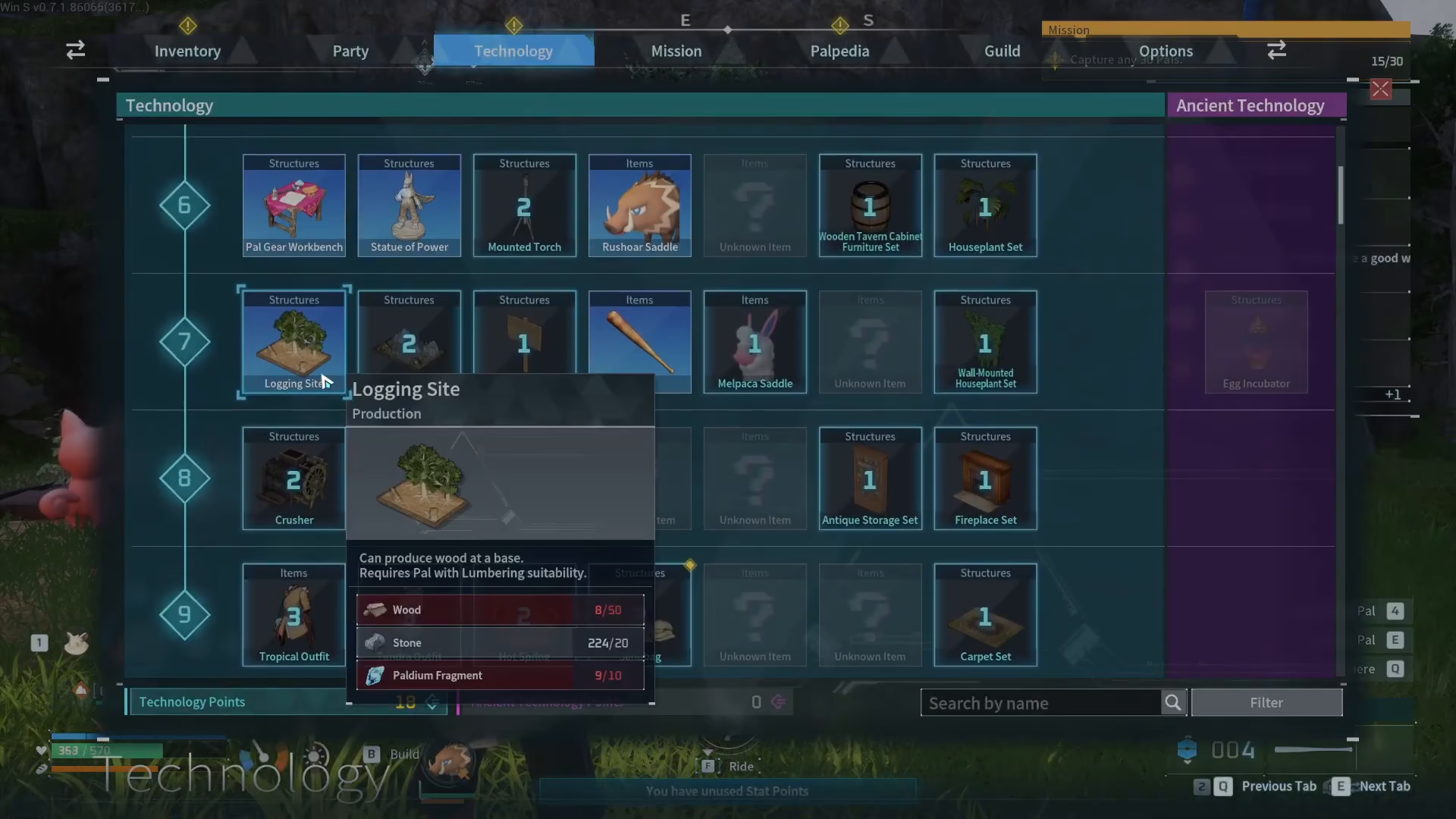
To get started, you’ll need to unlock the Logging Site building. Head to your technology tree and locate the Logging Site, which becomes available at level 7. Once unlocked, you can plop it down in your base and build it just like any other structure.
Choosing the Right PAL: Tanzee
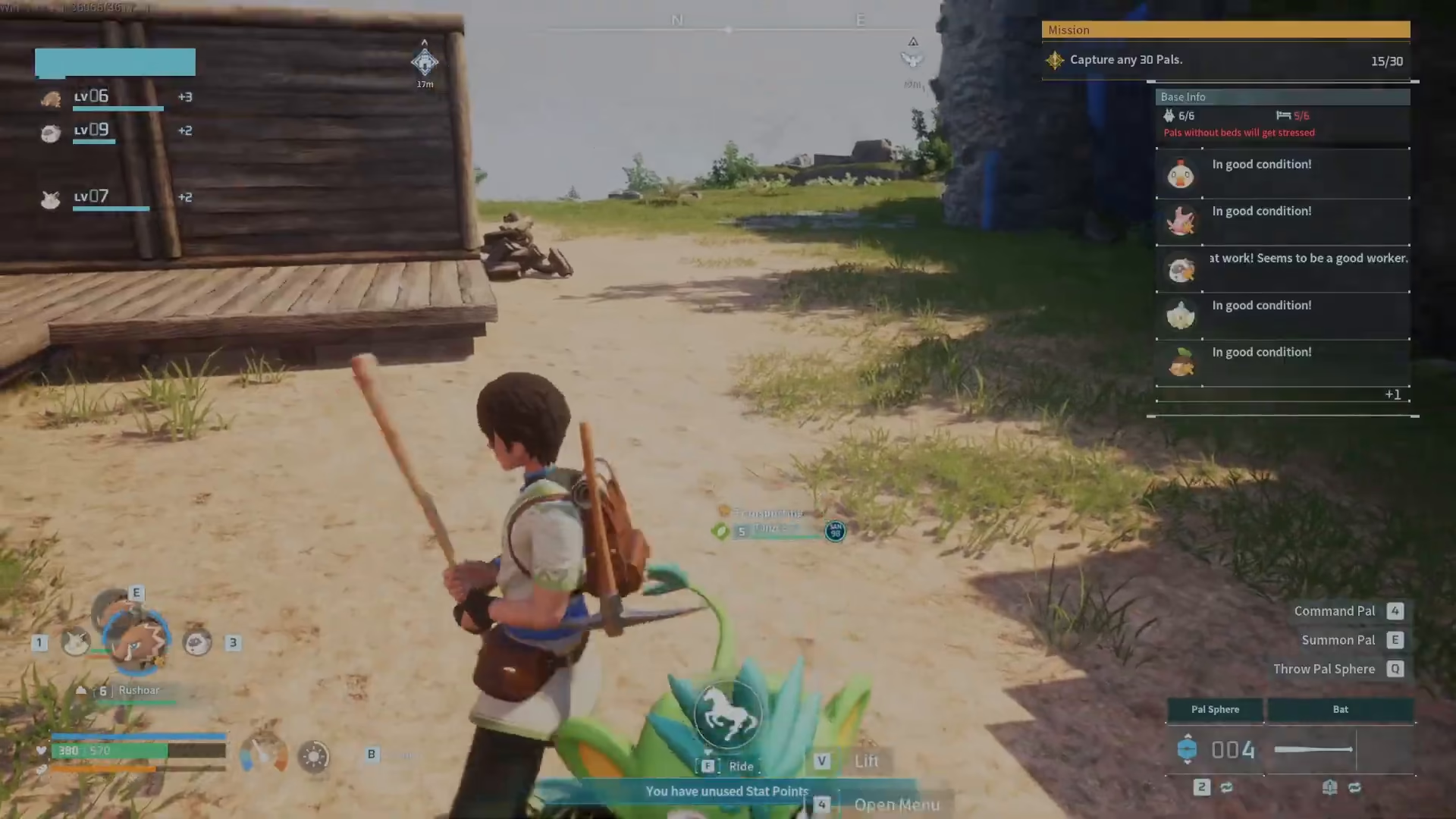
The key to automating your wood production is using the right PAL. We recommend getting Tanzee as early as possible. Tanzee is extremely efficient at chopping wood and will become your primary lumber worker.
Why Tanzee Works Best
Tanzee will automatically chop down trees in the surrounding area when you first assign it. However, it may prioritize nearby trees over the Logging Site itself, which means it won’t exclusively focus on your automated setup. This is fine — Tanzee will still gather wood either way, but to optimize production, you’ll want to lock it to the Logging Site specifically.
Assigning Tanzee to the Logging Site
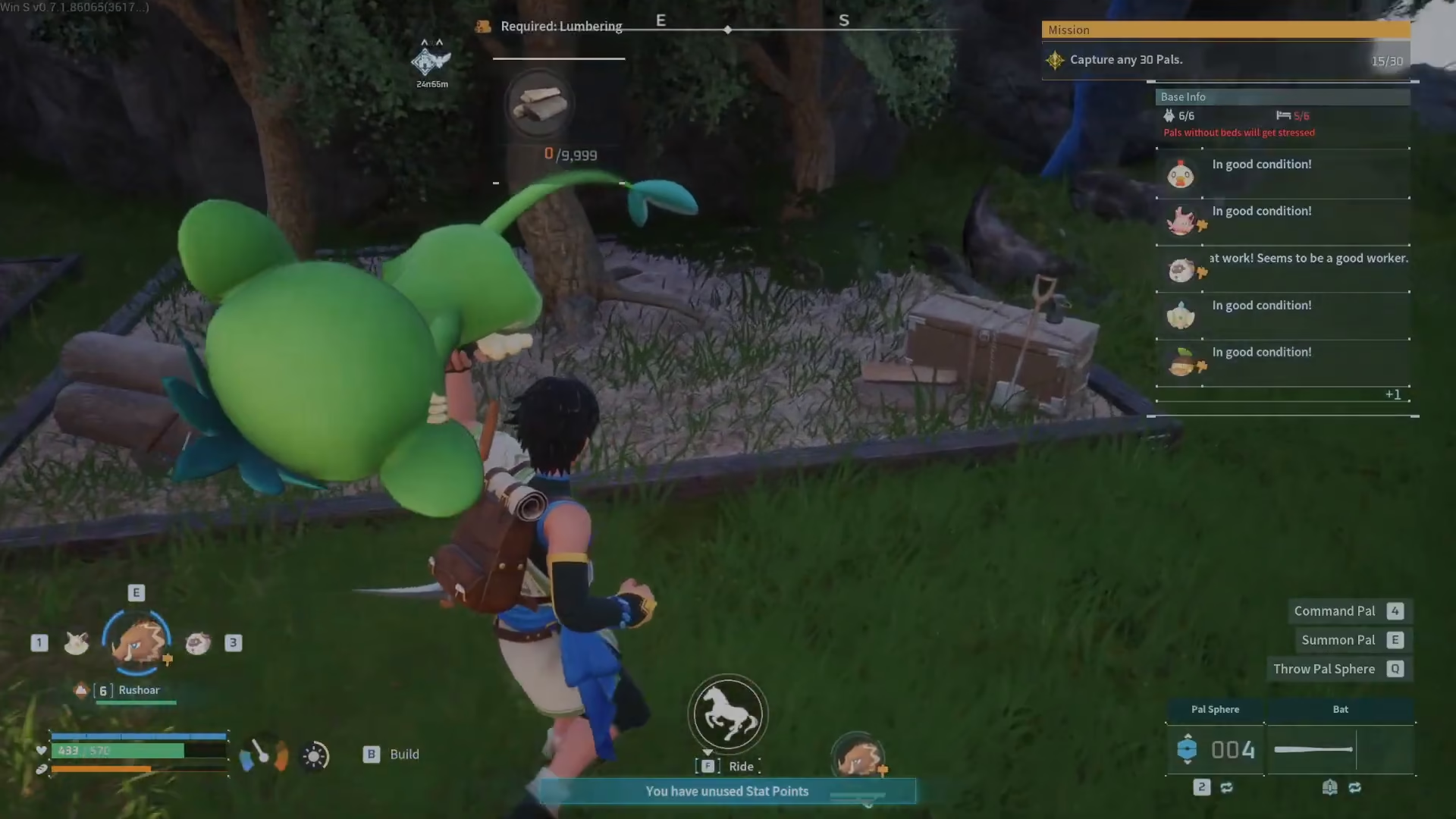
To make Tanzee work exclusively at your Logging Site, follow these steps:
Select Tanzee by approaching it
Press V to pick it up
Throw it down directly onto the Logging Site
Once placed on the Logging Site, Tanzee will have a fixed assignment, meaning it will only work at that location and won’t wander off to chop trees elsewhere.
Watching Your Wood Production
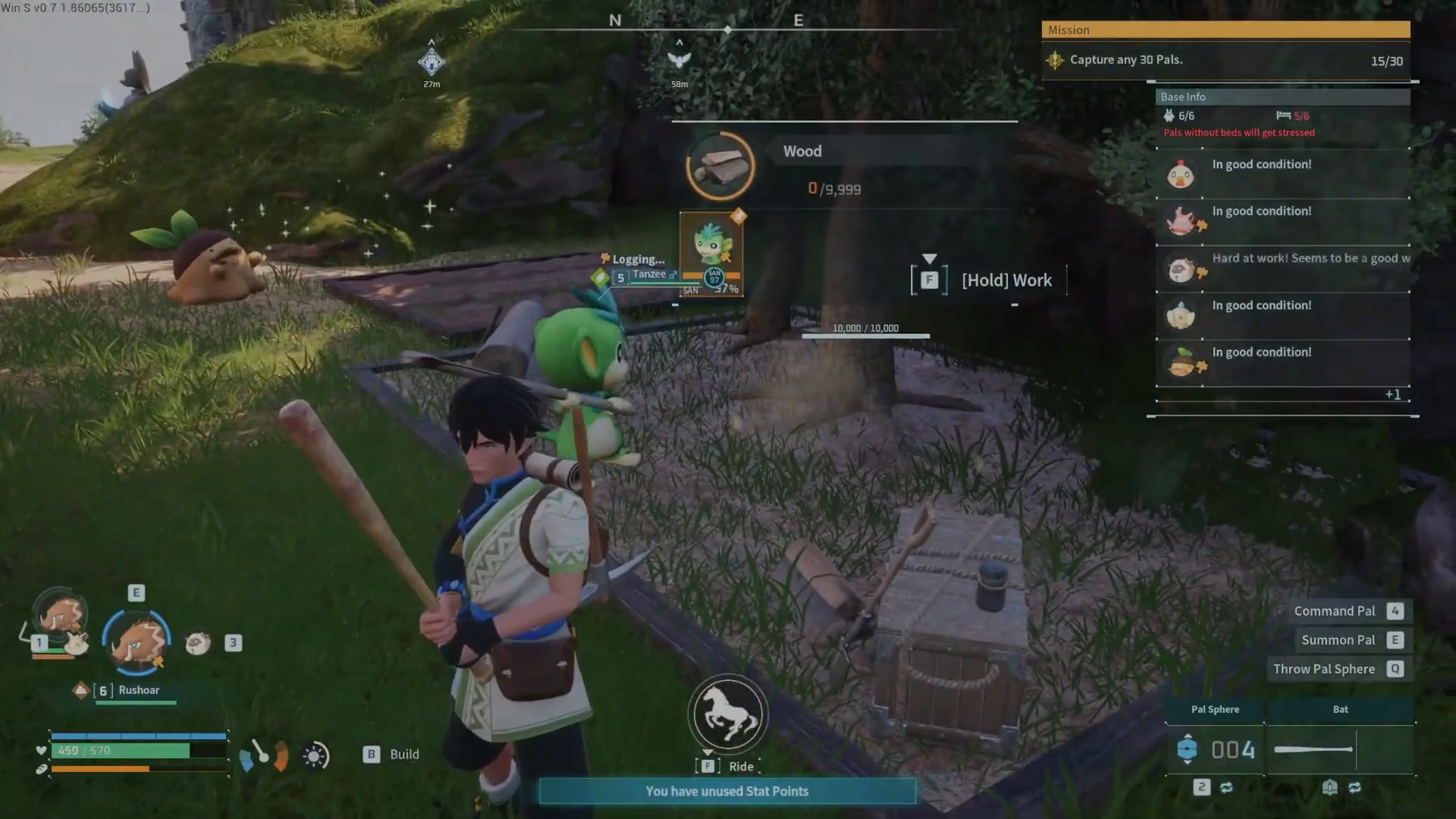
Once Tanzee is assigned, you’ll see it immediately start chopping wood at the Logging Site. The system will continue gathering wood until it reaches the storage capacity of 10,000 wood. This gives you a completely automated, passive wood production system that requires zero manual effort.
Finding Tanzee on the Map
If you don’t already have a Tanzee, you can locate one using your Palpedia. Tanzee is PAL number 8 in the Palpedia. Open your Palpedia, search for Tanzee, and check its habitat information to see where it spawns on the map. Tanzee typically appears in the northern areas of the accessible zones. Once you’ve identified the spawn location, you can head there to capture one.
Summary
Automating your wood production in Palworld is simple: unlock the Logging Site at level 7, assign Tanzee to it as your dedicated worker, and watch the wood pile up automatically. With this setup, you’ll have unlimited wood for all your base-building and crafting needs. No more grinding — just let Tanzee do the work while you focus on other aspects of the game.
— Want to Support? —
If you would like to help us continue making these guides – please consider joining our patreon here – https://www.patreon.com/c/JaviHeals
Alternatively – you can join our discord here – https://discord.gg/zD7Gjt6MHF



