How To Use Mods In Age of Empires 4
How to Use Mods in Age of Empires 4
Mods can greatly enhance your Age of Empires 4 experience by adding custom maps, gameplay tweaks, and new content. This guide will walk you through the simple process of subscribing to mods and using them in your games, from the main menu to launching your first modded skirmish.
Subscribing to a Mod
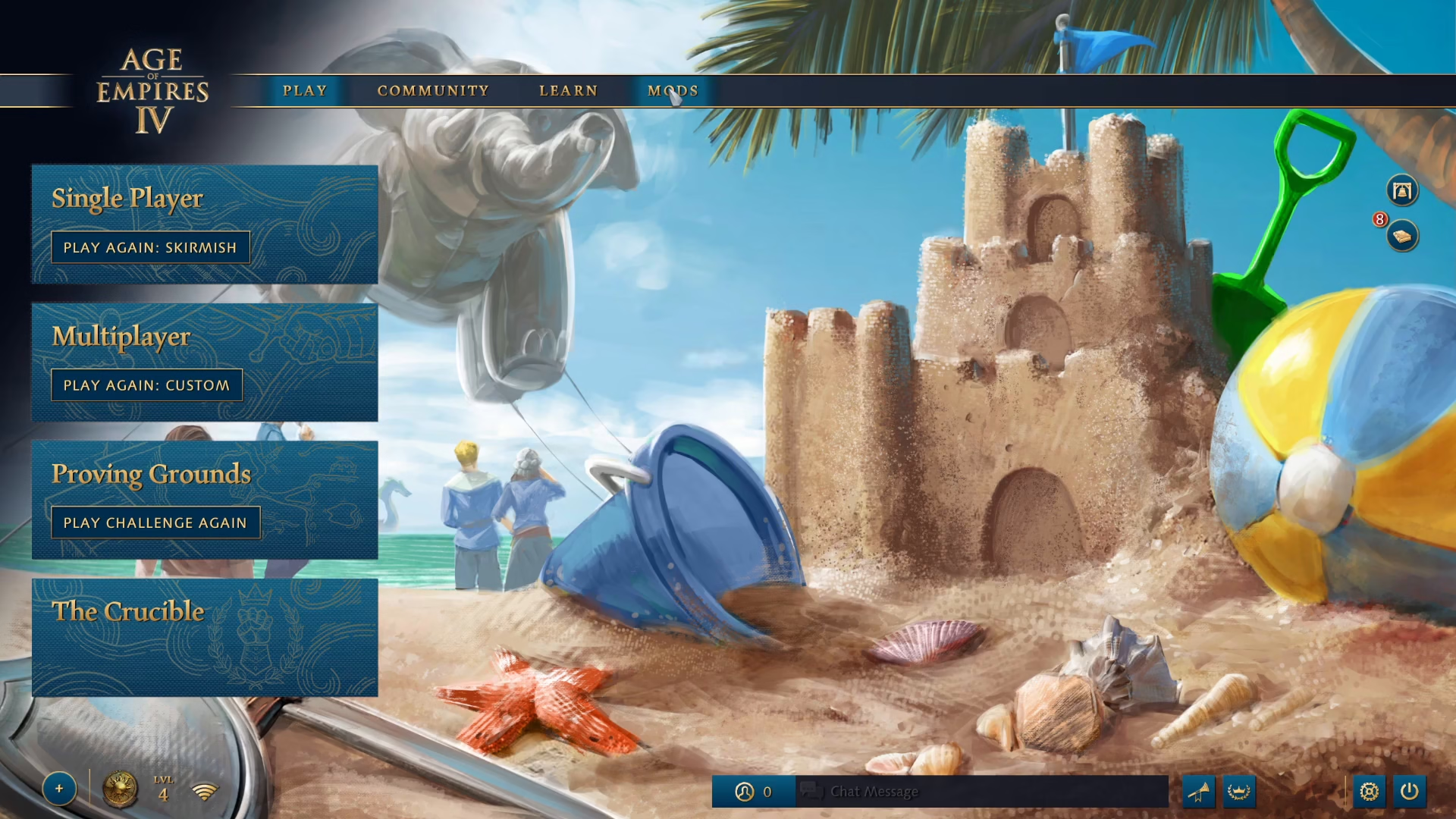
To begin using mods in Age of Empires 4, start by navigating to the Mods section from the main menu.
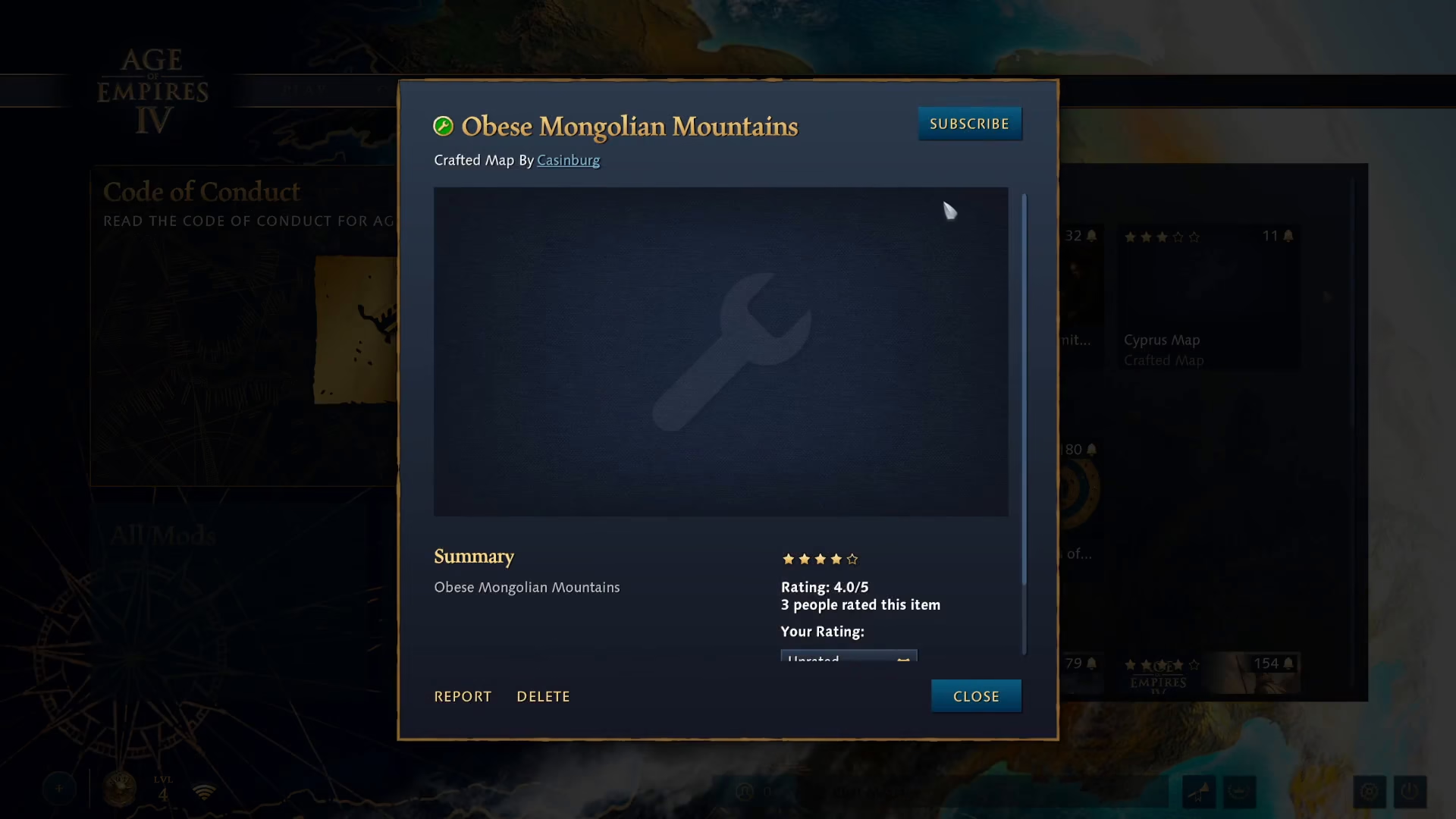
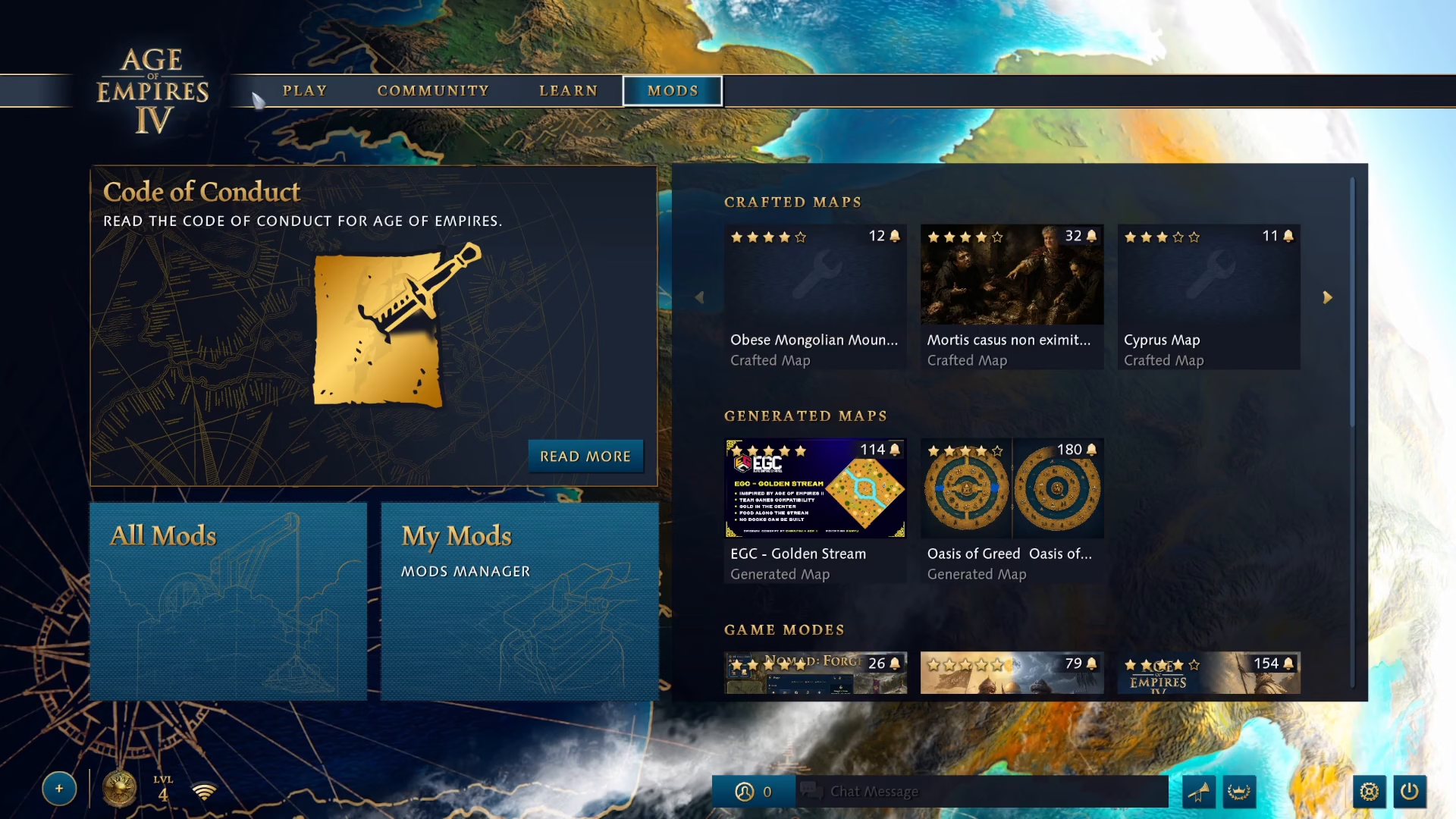
Browse through the available mods and select the one you’d like to use. In this example, we’ll use the “Obies Mongolian Mountains” mod. Once you’ve found your desired mod, click the Subscribe button to add it to your account.
Launching a Game with Your Mod
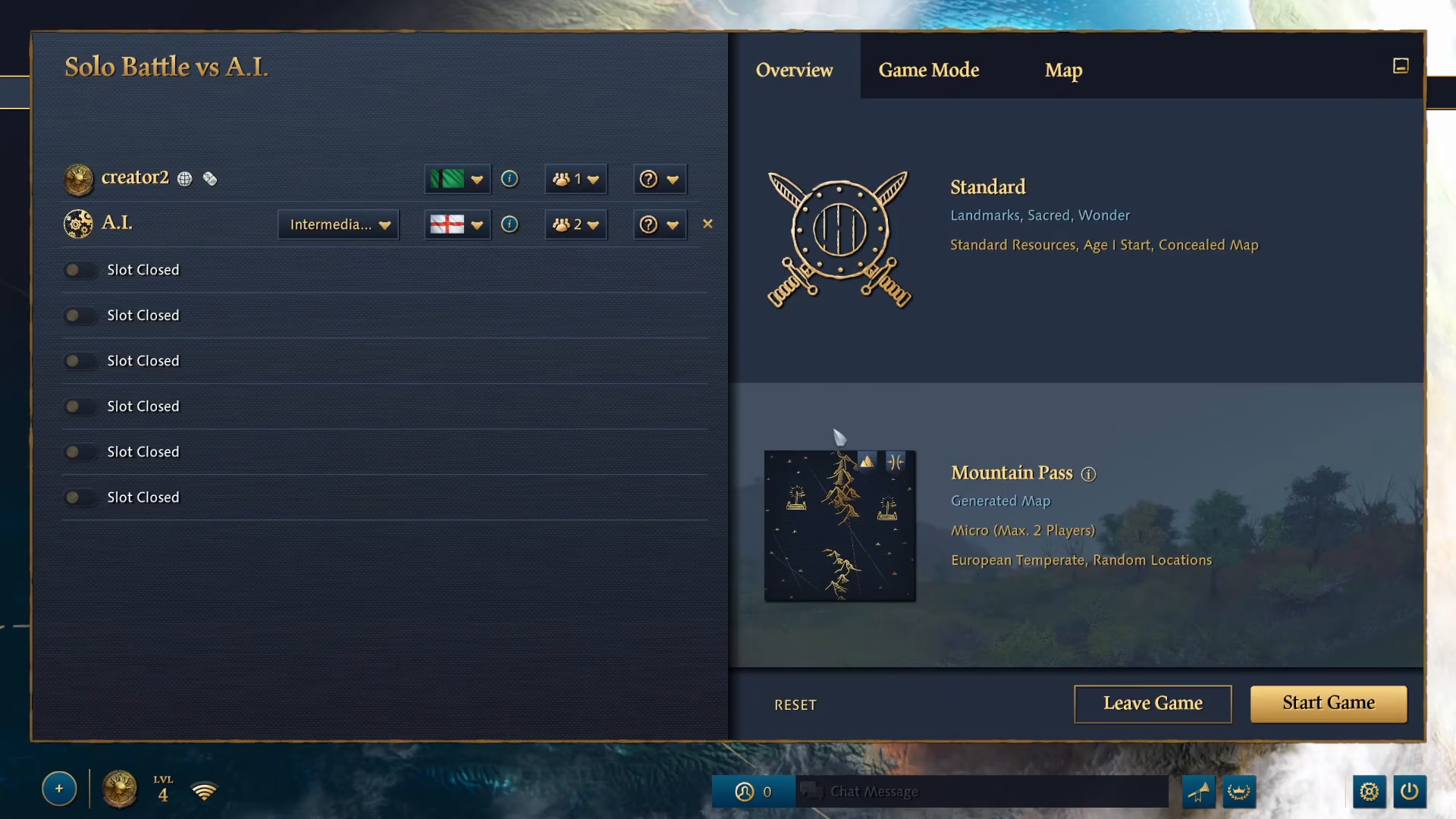
After successfully subscribing to a mod, you’re ready to use it in a game. Navigate to the map selection screen for your chosen game mode—for this example, we’ll start a skirmish against AIs.
Selecting Your Modded Map
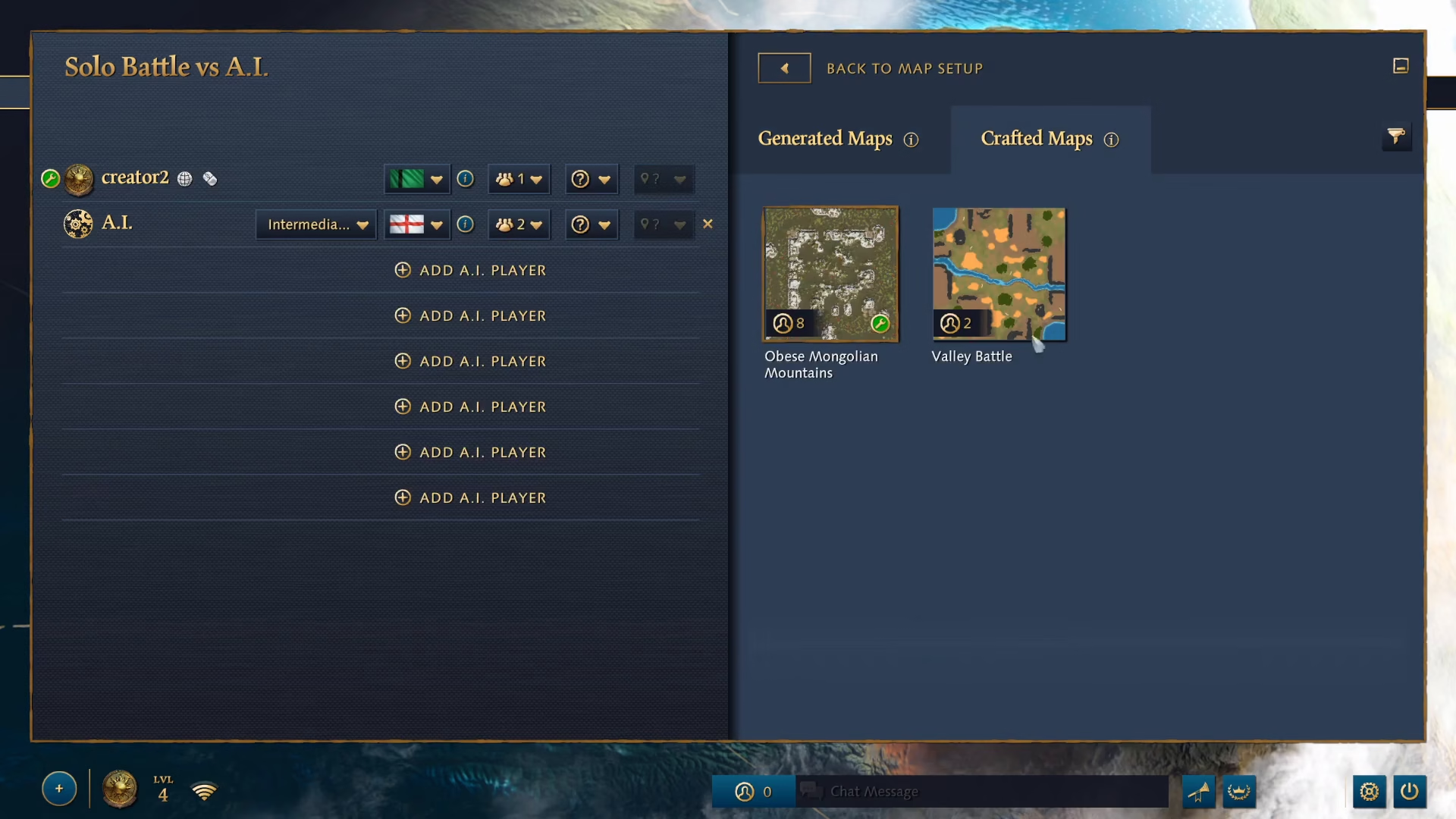
Once in the skirmish setup, look for the maps button and click on it. You’ll see an option for “Crafted Maps,” which is where your subscribed mods will appear.
Navigate to the Crafted Maps section, and you’ll find your subscribed mod listed. In this case, the “Obies Mongolian Mountains” mod is available. Simply click on it to select it as your map.
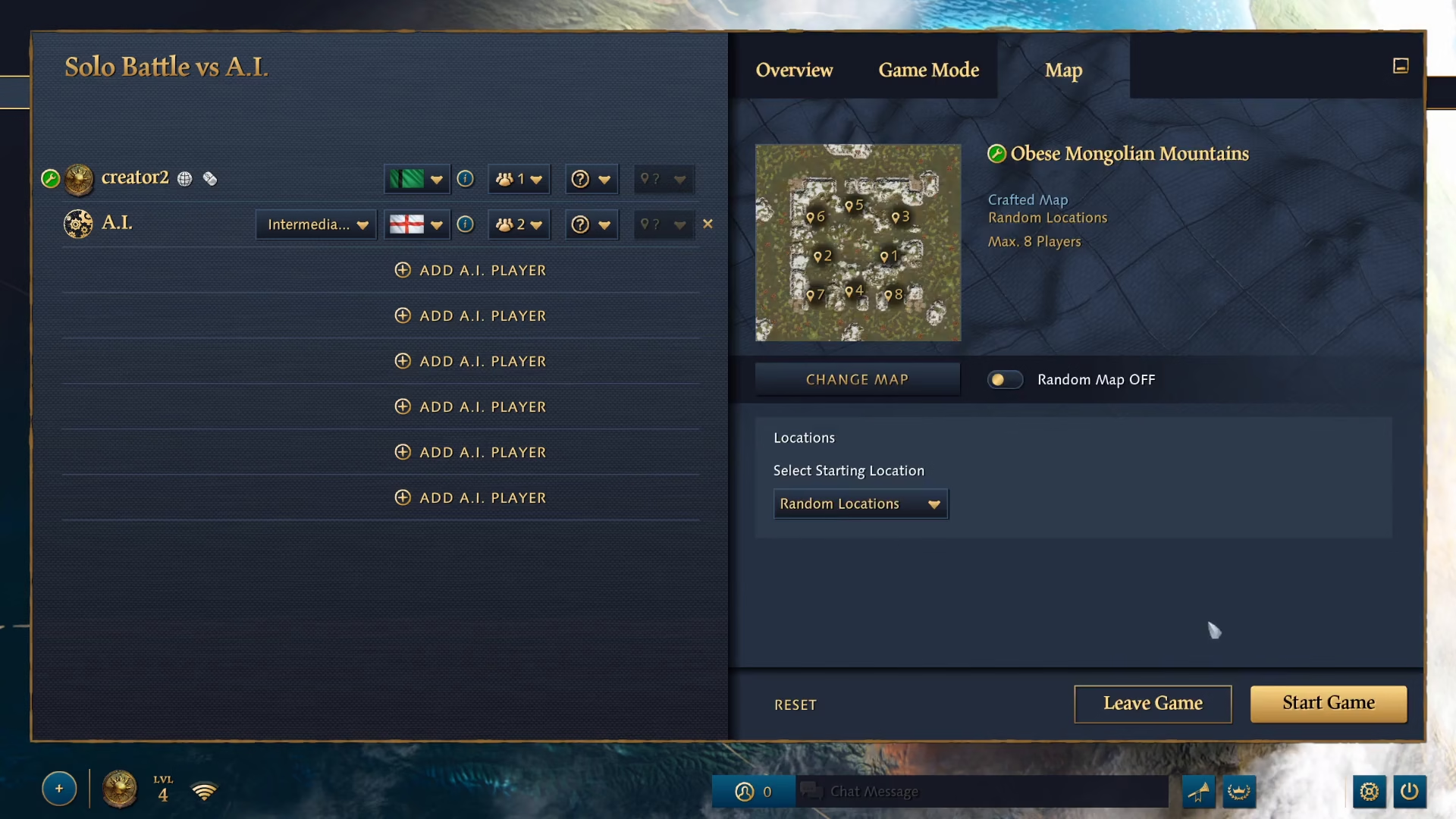
Starting Your Game
With your modded map selected, you can now start your game normally. There are no additional steps or special settings required—just proceed with launching your skirmish as you normally would.
Summary
Using mods in Age of Empires 4 is straightforward and requires only a few clicks. Simply subscribe to a mod from the Mods menu, select it from the Crafted Maps section when setting up your game, and launch. Whether you’re exploring custom maps like Obies Mongolian Mountains or trying other community creations, mods open up endless possibilities for your Age of Empires 4 gameplay.
Want to Support?
If you would like to help us continue making these guides – please consider joining our patreon here – https://www.patreon.com/c/JaviHeals
Alternatively – you can join our discord here – https://discord.gg/zD7Gjt6MHF