





How To Use Tracking Belt In Prison Architect
How To Use Tracking Belt In Prison Architect
The tracking belt system in Prison Architect is a powerful tool for monitoring prisoner locations and maintaining security within your facility. This guide will walk you through the complete setup process, from installing the necessary equipment to assigning tracking belts to specific prisoners. Whether you’re new to Prison Architect or looking to improve your facility’s security measures, follow these step-by-step instructions to get your tracking system up and running.
Required Infrastructure
Before you can use tracking belts, you’ll need to set up the proper infrastructure within your prison. You’ll need an infirmary and a security room to house your tracking equipment.
Installing the Tracking Monitor
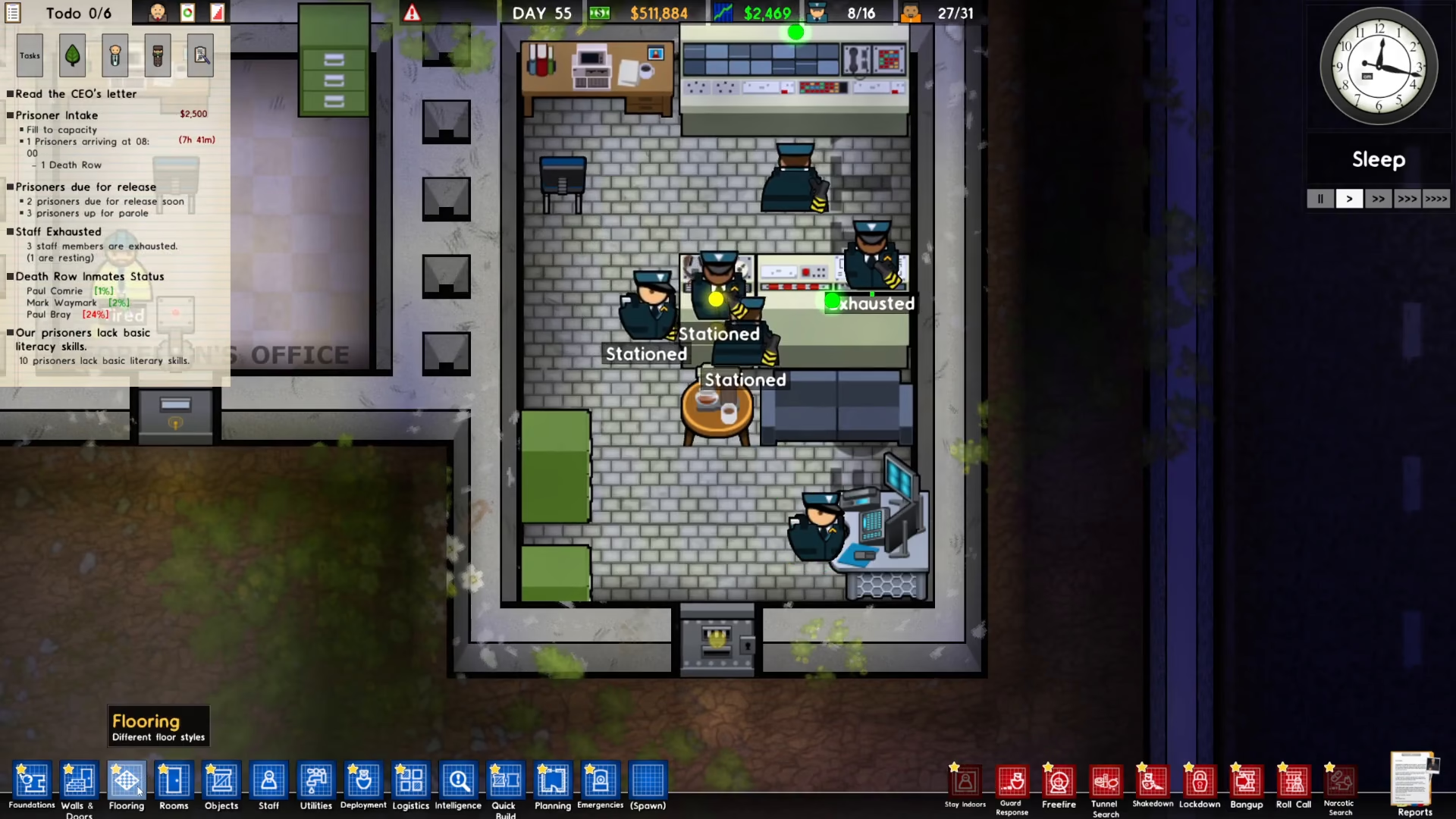
Begin by installing a tracking monitor in your security room. To locate this item, open the objects menu and search for “tracking.” You’ll see the tracking monitor appear in the results. Place it inside the security room and assign a guard to man it.
Setting Up the Infirmary Equipment
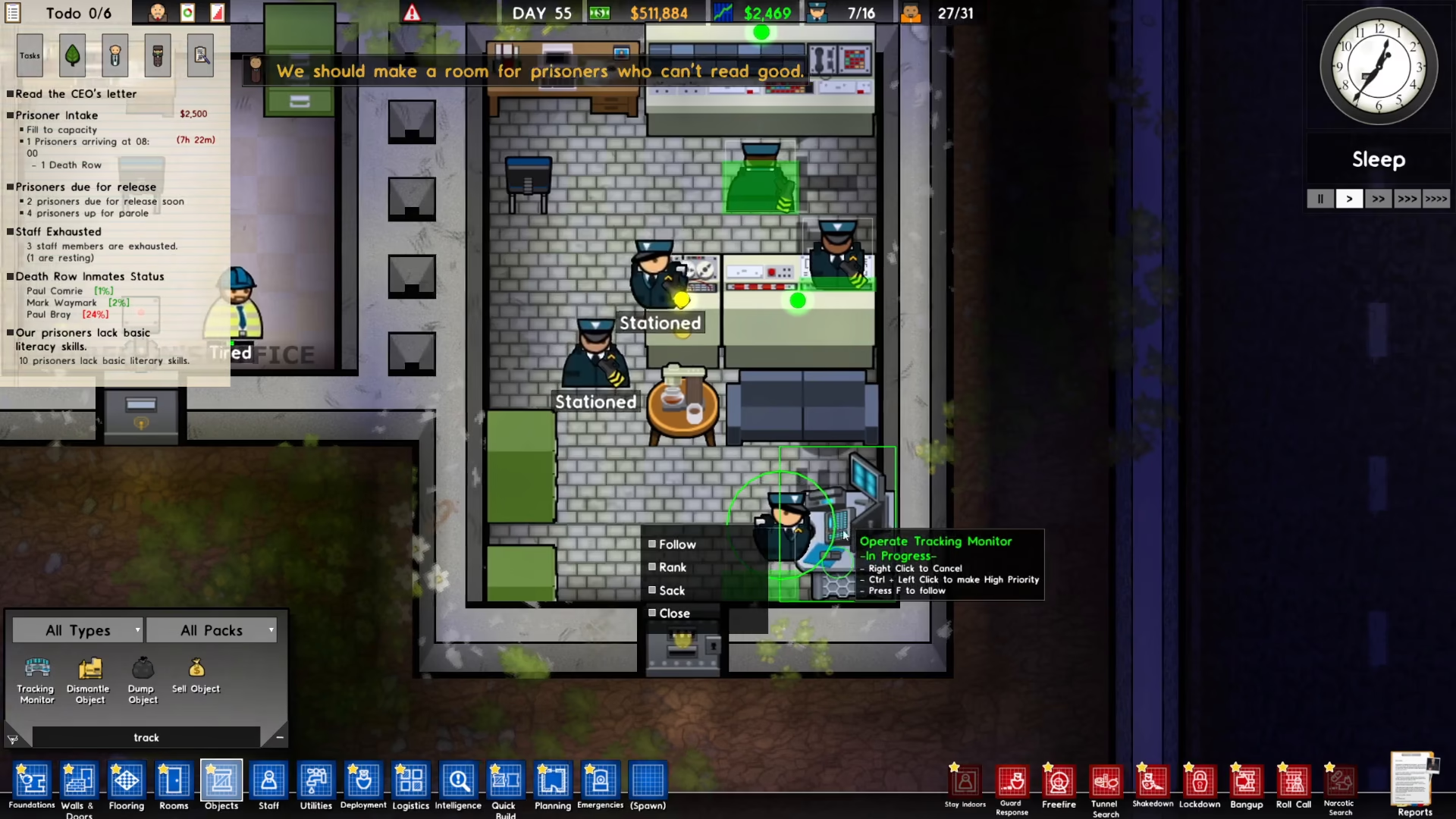
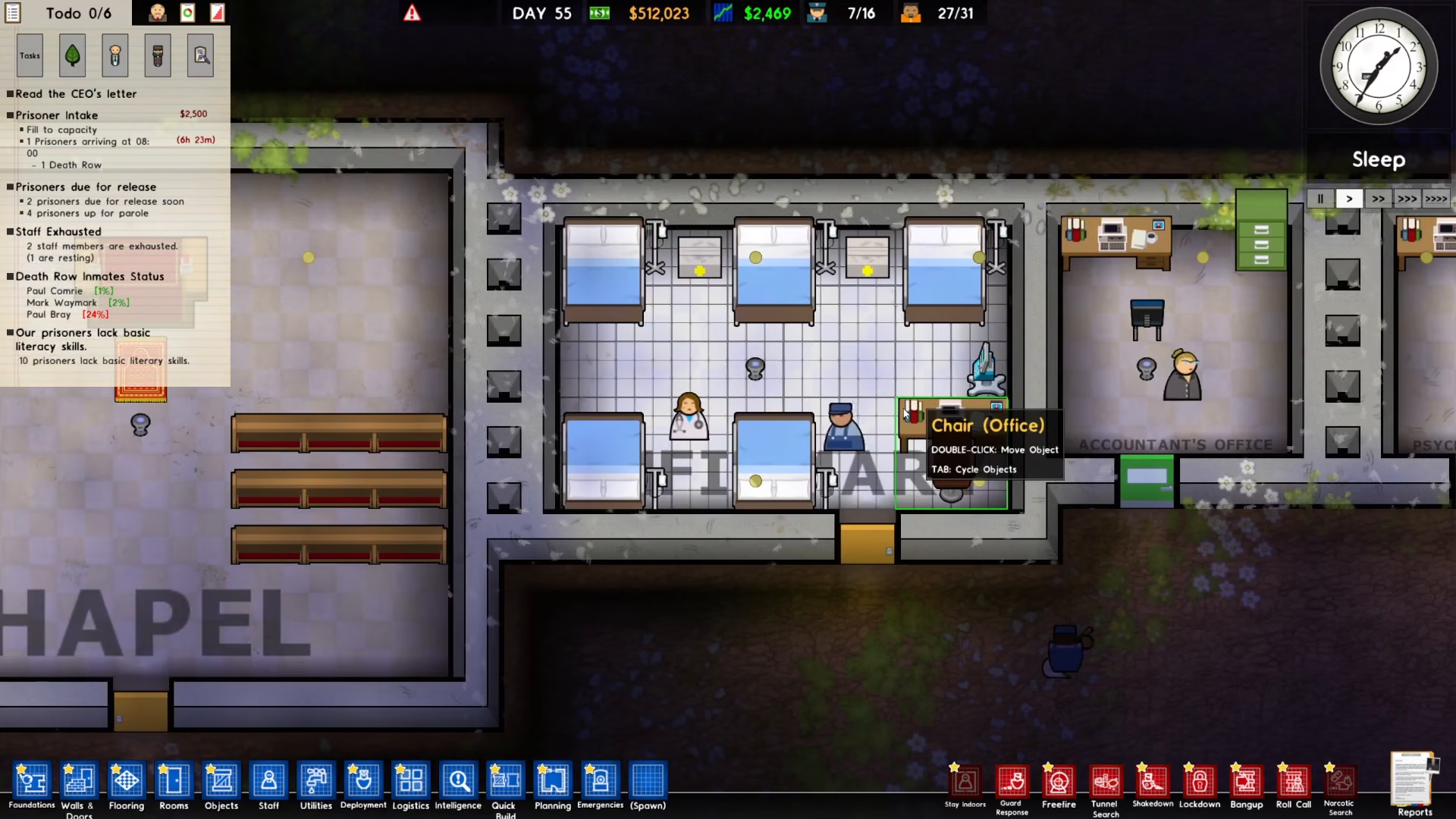
Next, head to your infirmary and install two essential items: a health monitor and a medical box. Both of these can be found in the objects menu. Search for “medical” to locate the medical box and “health” to find the health monitor.
Connecting Your Equipment
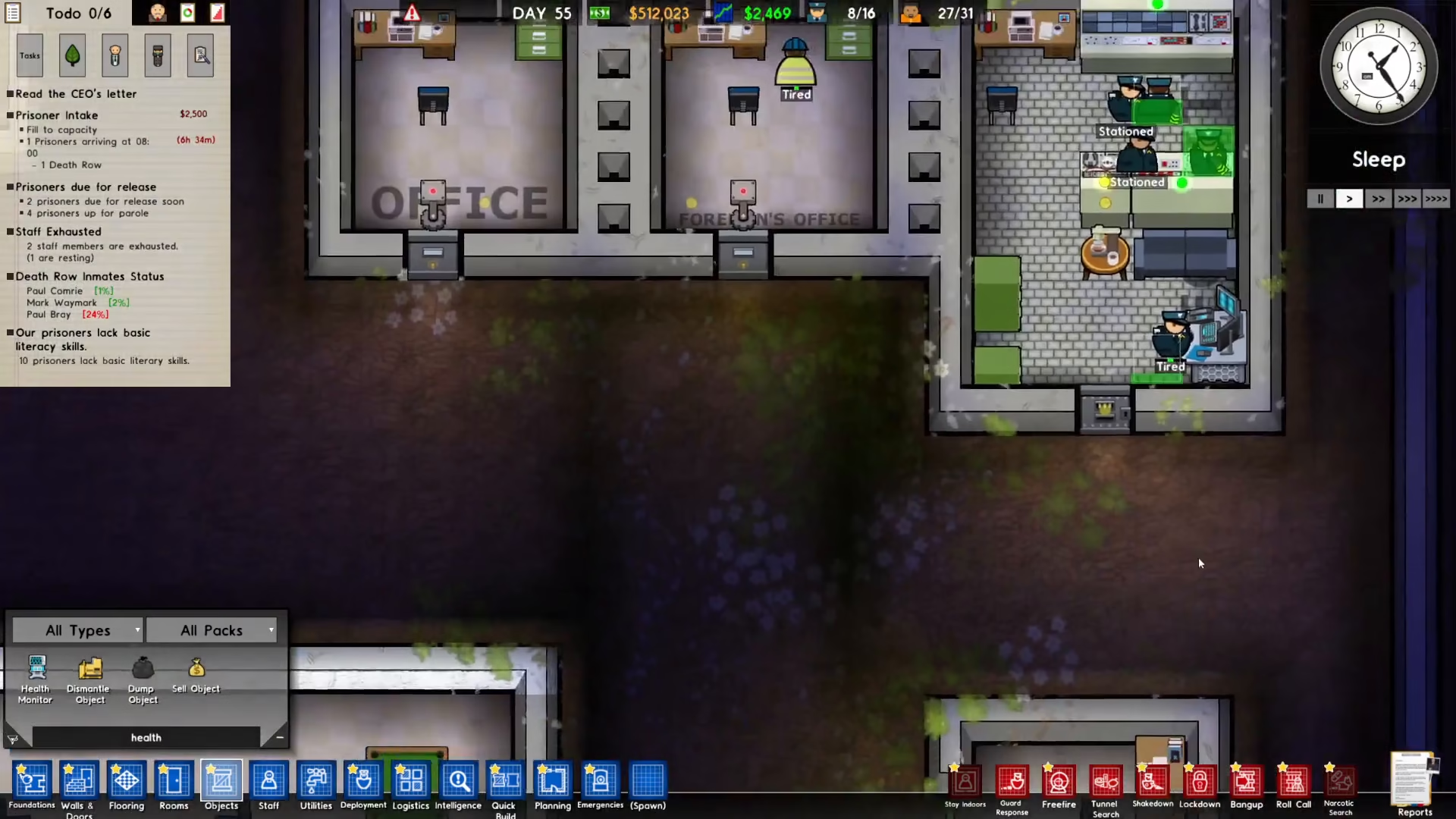
Once all equipment is installed, you need to connect the tracking monitor to the health monitor. Click on the tracking monitor, select the “connect” option, and then click on the health monitor to establish the connection. Your tracking system is now fully set up.
Assigning a Tracking Belt
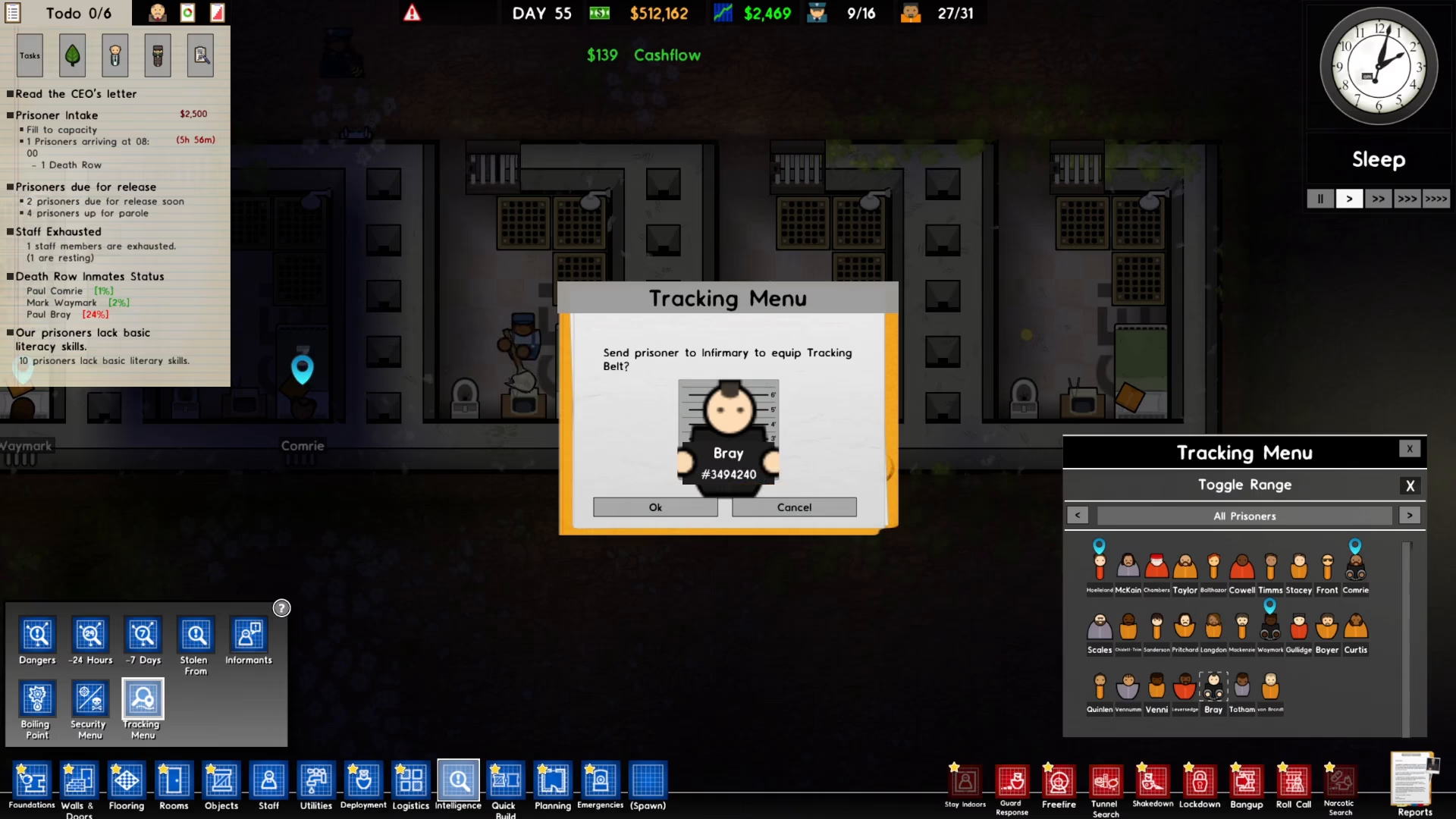
To assign a tracking belt to a prisoner, click on “Intelligence” in the bottom left corner of your screen, then select the “Tracking Menu.” On the right side of your screen, you’ll see the tracking menu interface.
Choose which prisoner you want to equip with a tracking belt. Once you confirm your selection, a guard will automatically escort that prisoner to the infirmary where the tracking belt will be installed.
Monitoring Your Prisoners
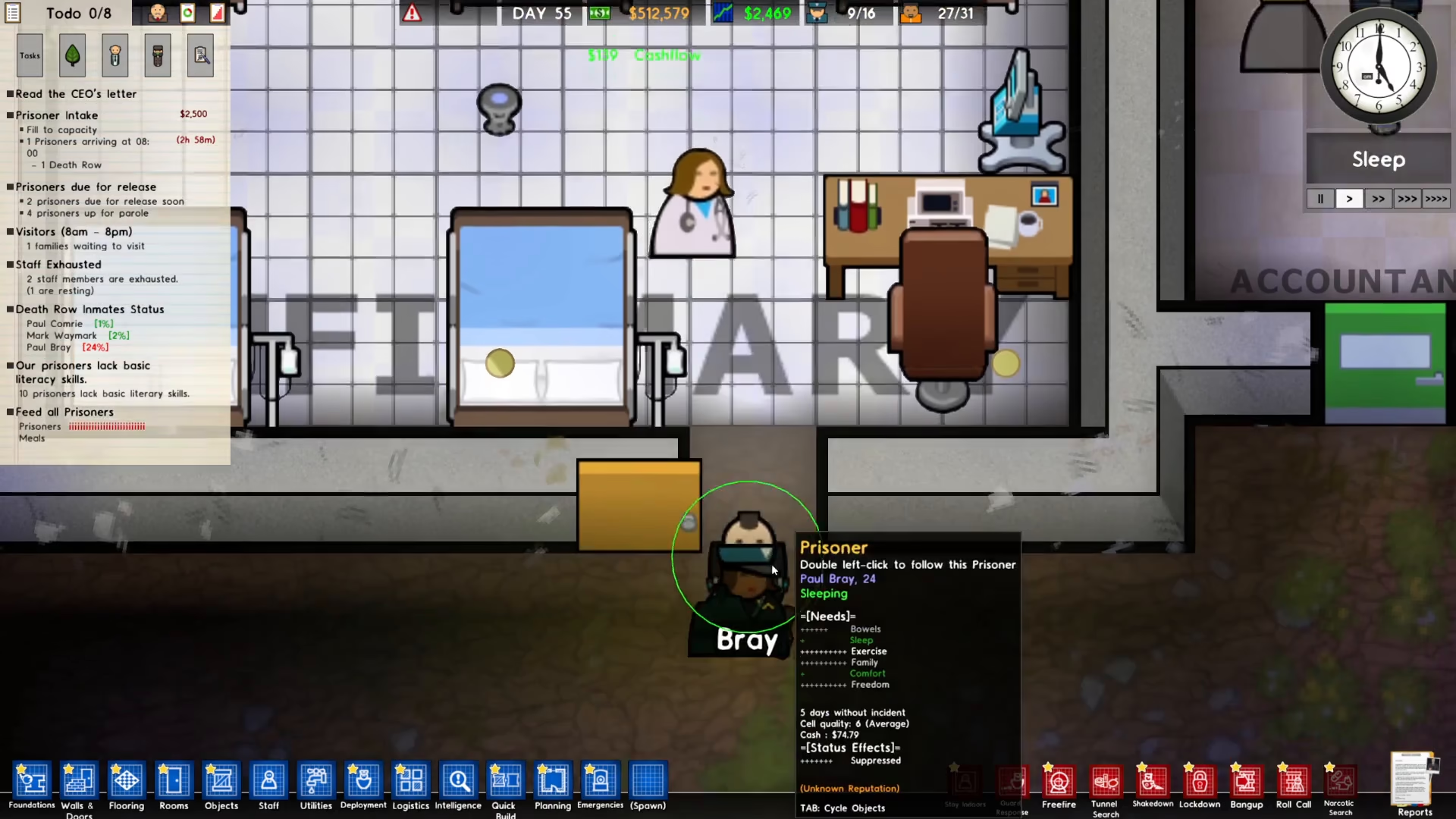
After the tracking belt has been successfully installed, you can open the tracking menu at any time to see the real-time location of the tracked prisoner. This allows you to monitor their movements throughout your facility and ensure they’re following prison protocols.
Summary
Setting up and using the tracking belt system in Prison Architect is straightforward once you understand the basic steps. Install a tracking monitor in your security room and a health monitor with medical box in your infirmary, connect them together, and then assign belts to prisoners through the Intelligence menu. With this system in place, you’ll have complete visibility of your prisoners’ movements and can maintain better control over your facility. Use this powerful tool to enhance your prison’s security and operational efficiency.
— Want to Support? —
If you would like to help us continue making these guides – please consider joining our patreon here – https://www.patreon.com/c/JaviHeals
Alternatively – you can join our discord here – https://discord.gg/zD7Gjt6MHF



